

News
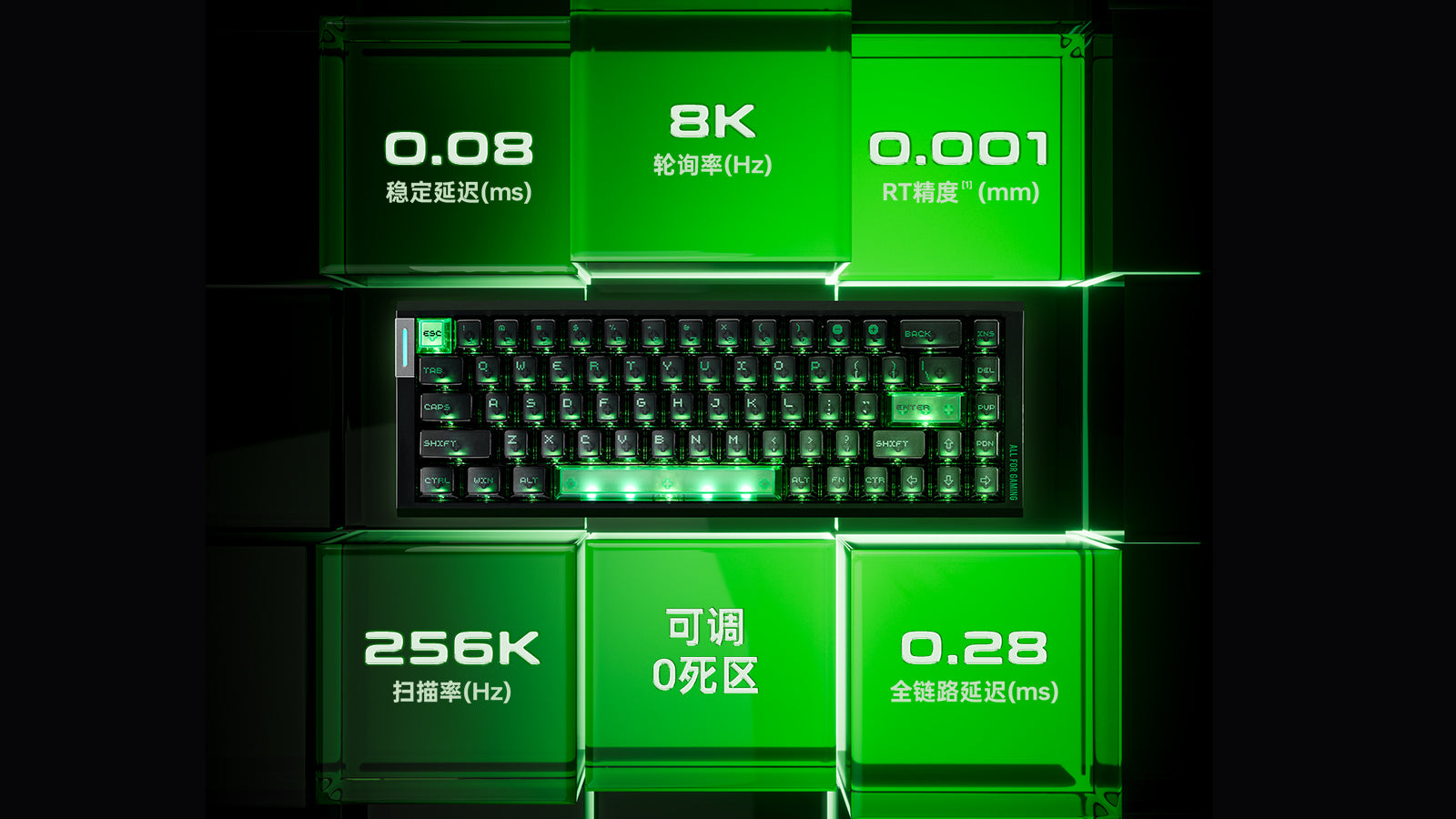
How to Calibrate Your Magnetic Keyboard: Fix Deadzones, Ghosting, and Accidental Inputs
Fix sticky keys and ghosting on magnetic keyboards through proper sensor calibration. Optimize your Rapid Trigger and deadzone settings for fluid gaming.
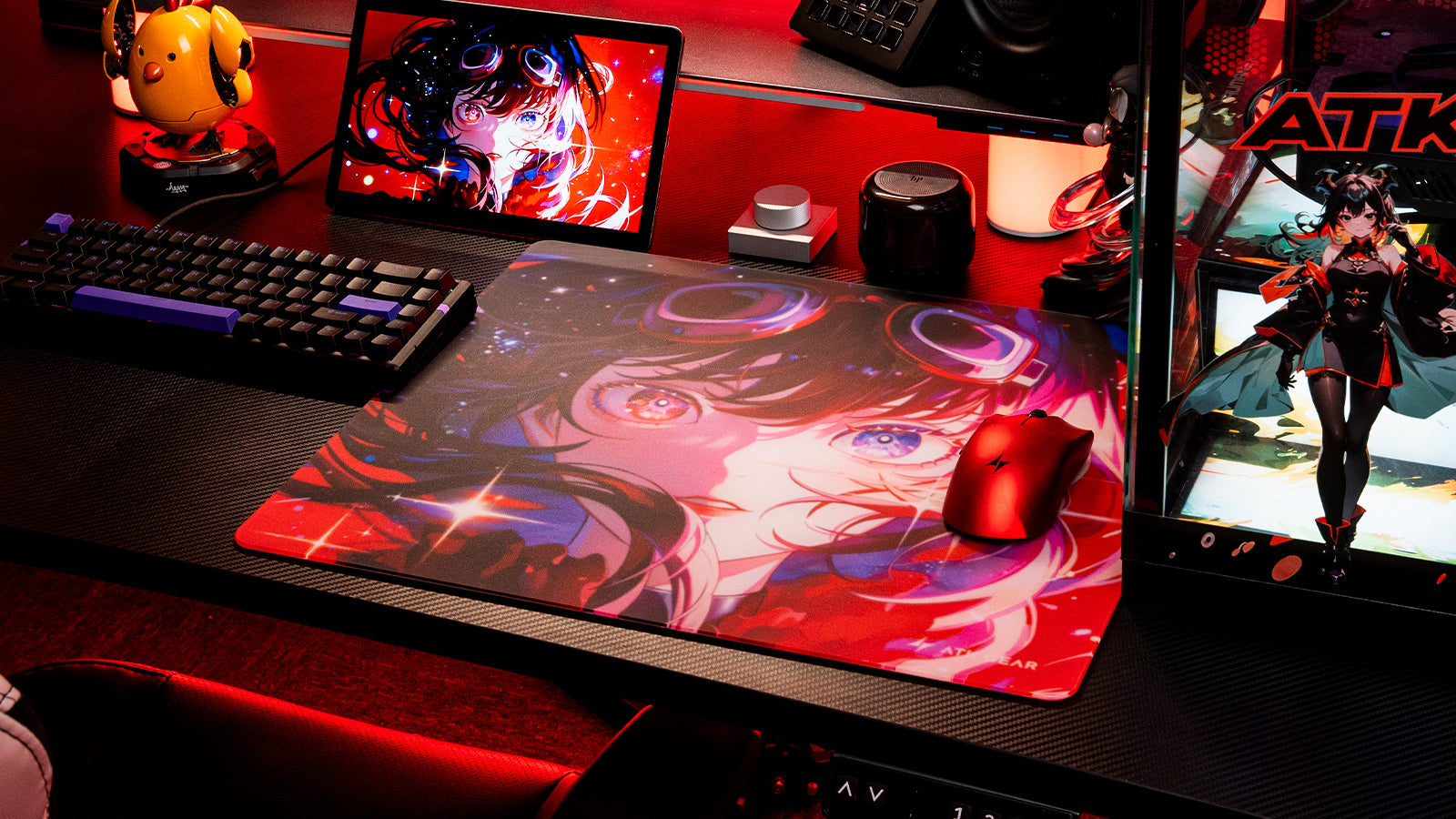
How to Choose the Right Mousepad Surface: Speed Pads vs. Control Pads for Tactical Shooters
Choosing a mousepad depends on your aiming style, as control surfaces provide excellent stopping power while speed pads offer low friction for rapid glide.
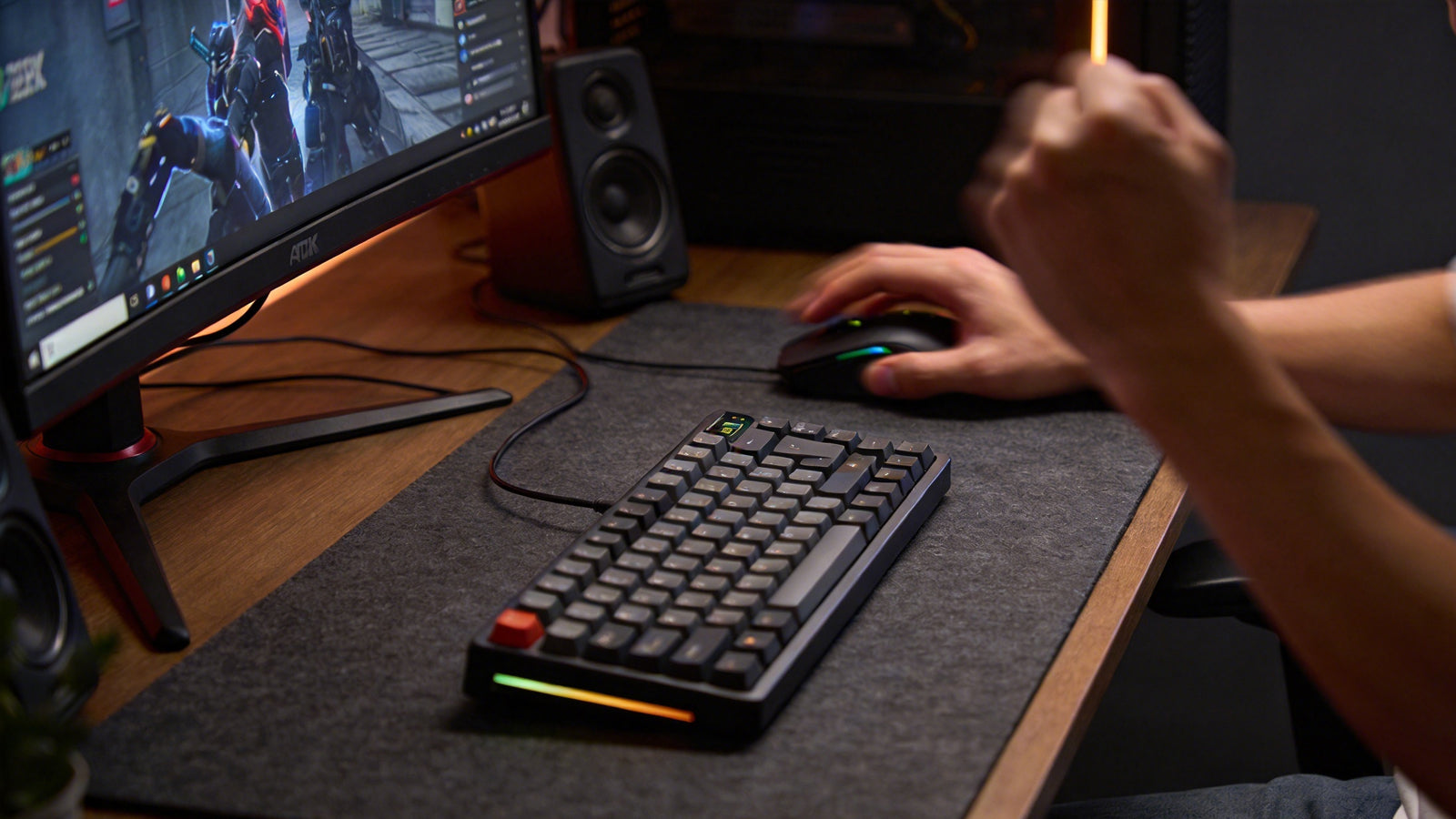
60% vs. 75% vs. TKL Keyboards: Which Compact Layout Saves the Most Desk Space?
Choosing between 60%, 75%, and TKL layouts depends on your needs for mouse space, dedicated function keys, and a familiar typing experience for work.
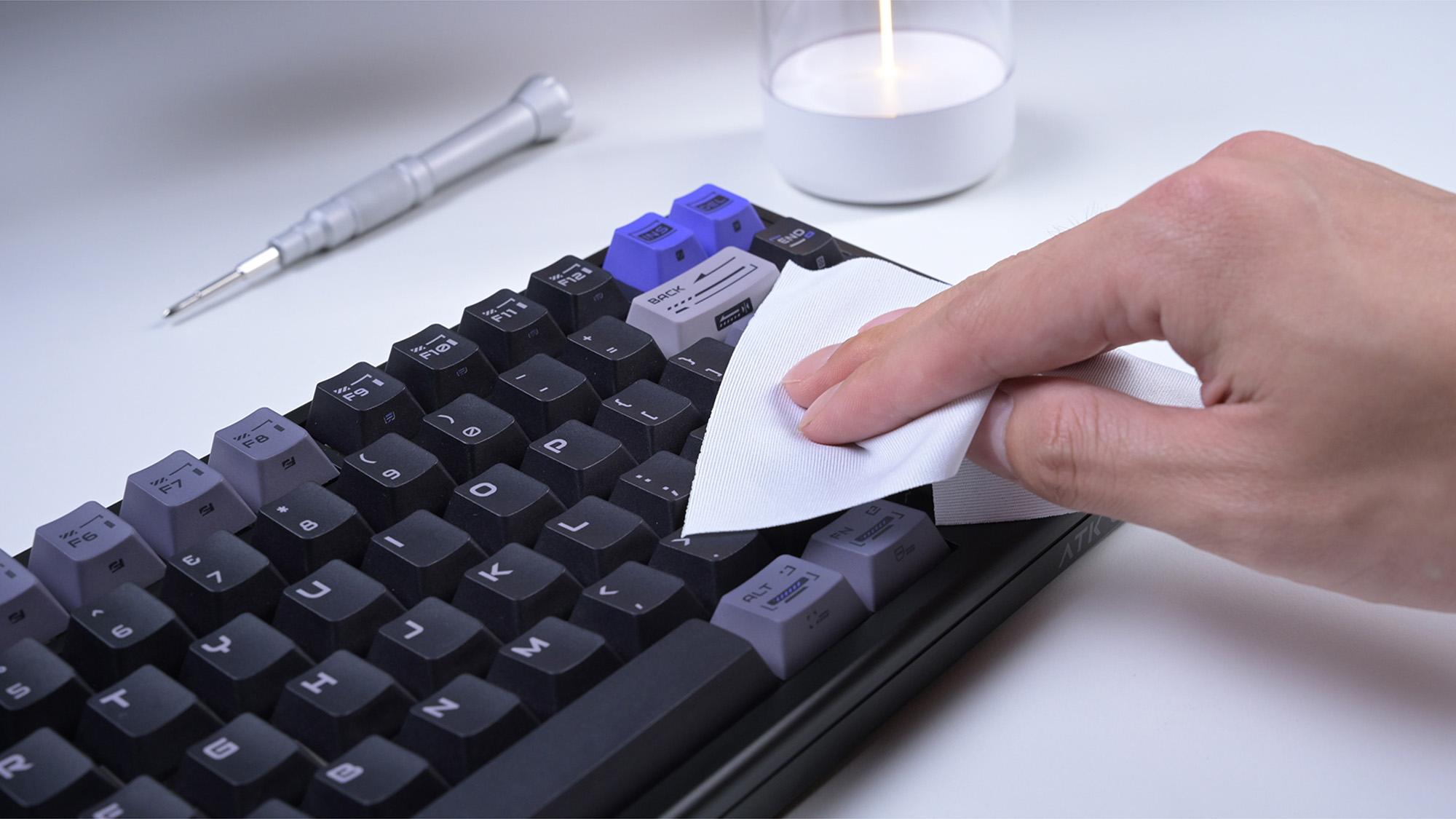
How to Clean and Maintain Your Hot-Swappable Keyboard Without Damaging the PCB
Stop ruining your hot-swappable keyboard with bad cleaning that kills the PCB and sockets. This guide shows safe keyboard maintenance and spill recovery fast.
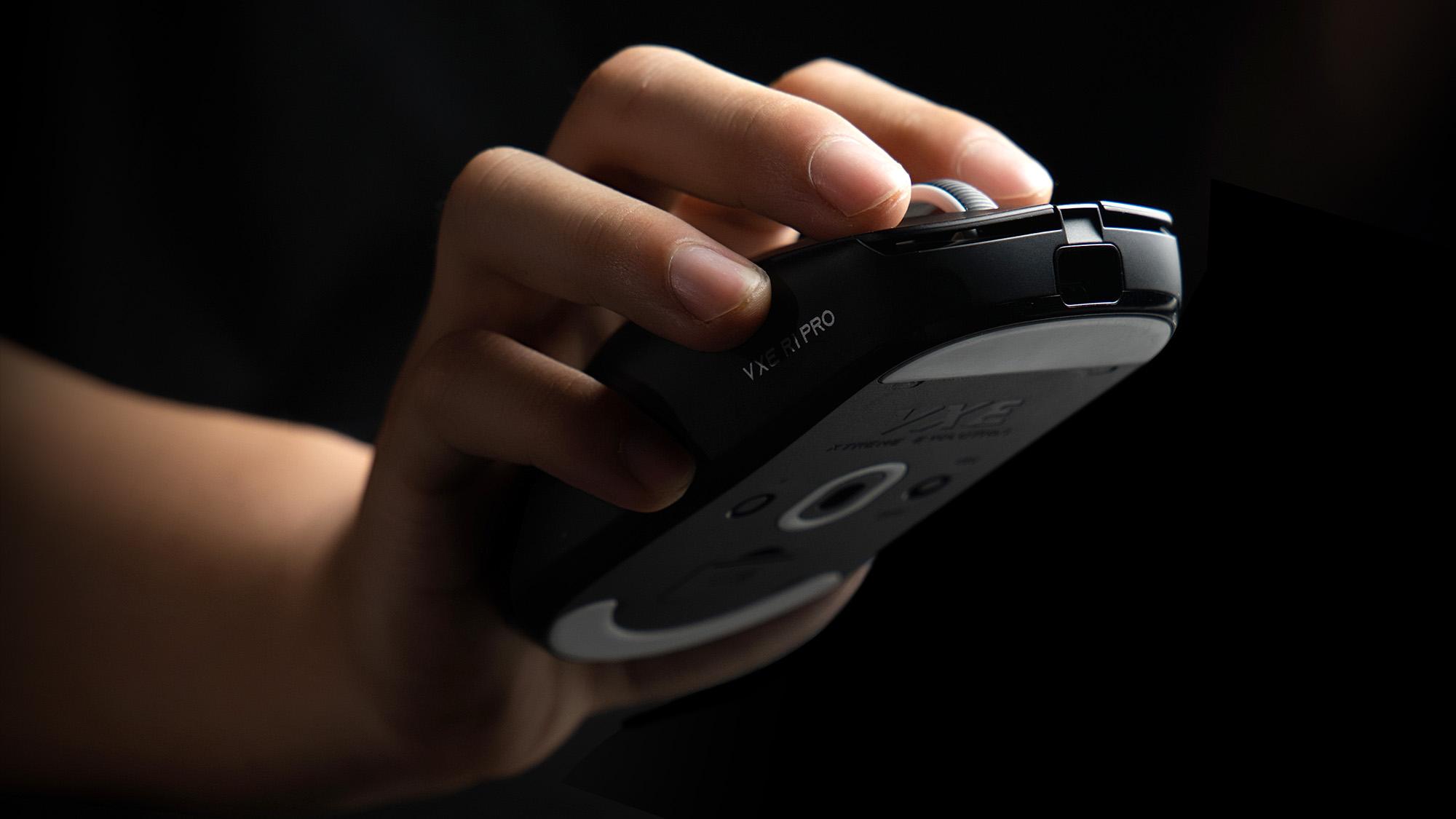
How to Reduce Wireless Interference: Ensuring a Stable 4K Connection for Your Gaming Mouse
Cursor stuttering ruining your 4K gaming mouse performance? Fix wireless interference fast with smart receiver placement, USB 2.0, and 5GHz Wi-Fi.
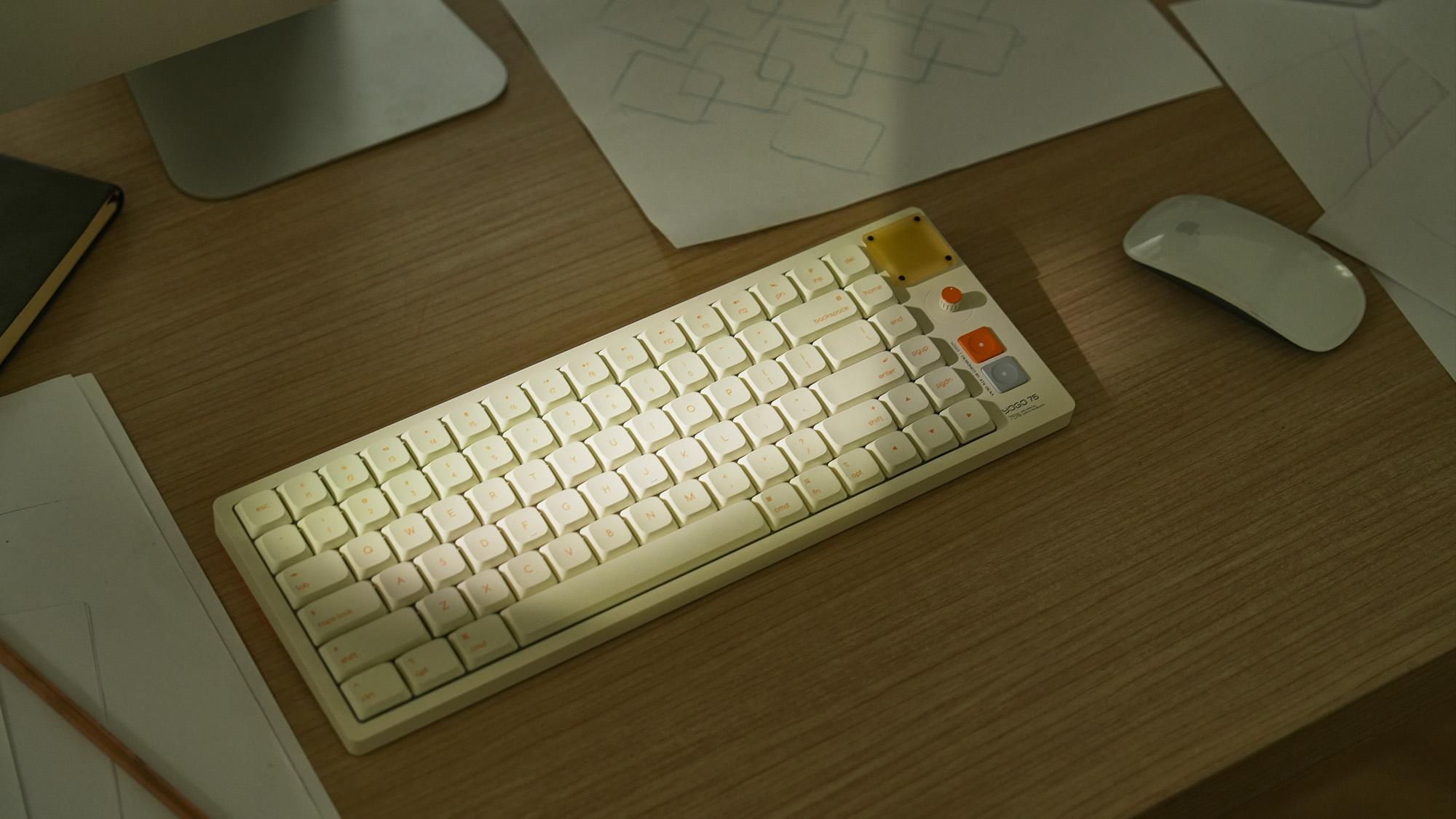
Is a 75% Keyboard Good for Typing?
Bulky keyboards cause painful wrist strain and slow down your daily workflow. This 75% layout saves desk space and provides the ultimate typing comfort.
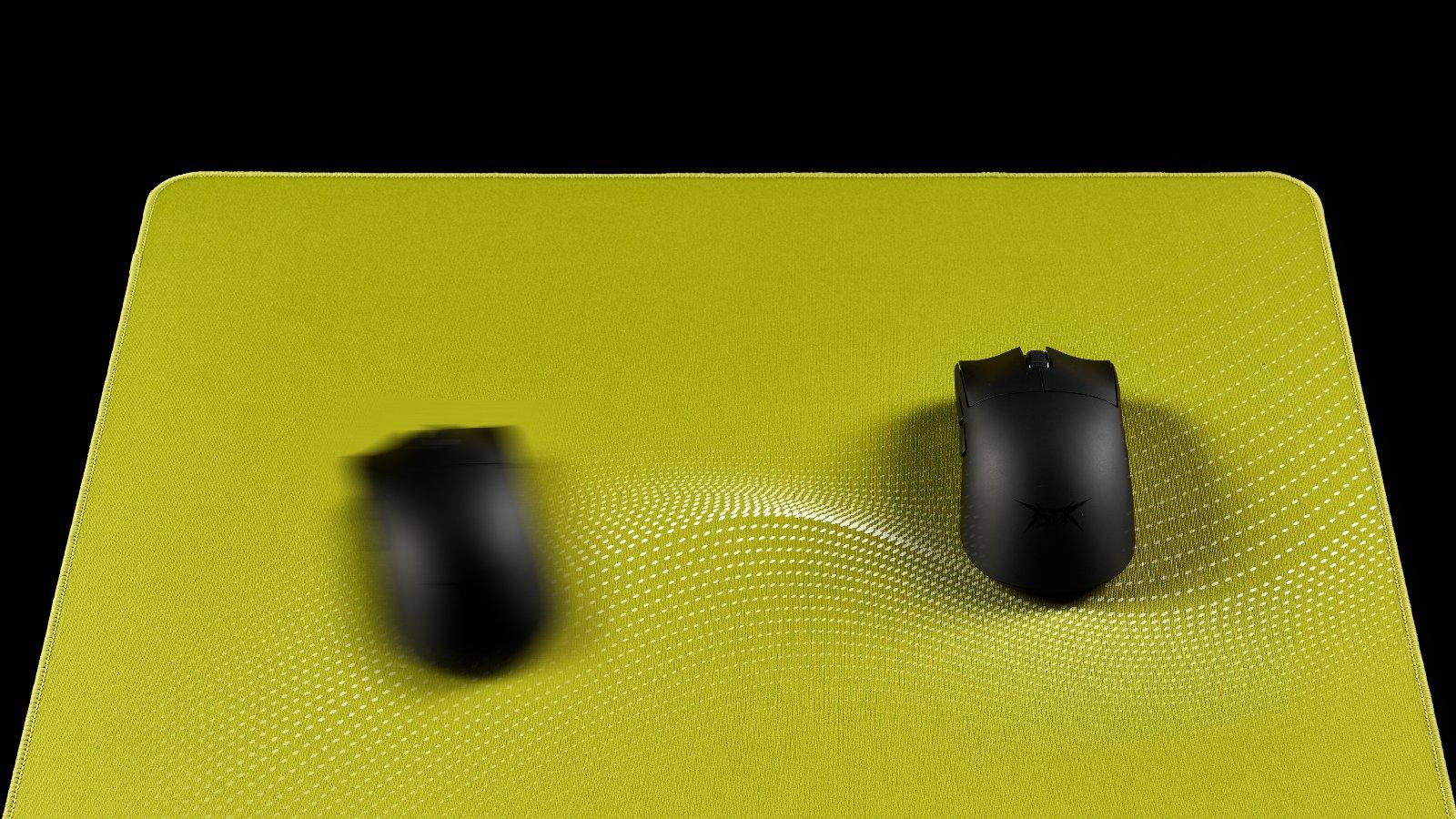
Mousepad Humidity Issues: Why Your Mouse Feels ""Muddy"" and How to Fix It
Stop letting humidity ruin your aim with a slow and muddy mousepad. Switching to a hybrid pad or using a dehumidifier restores flawless glide instantly.
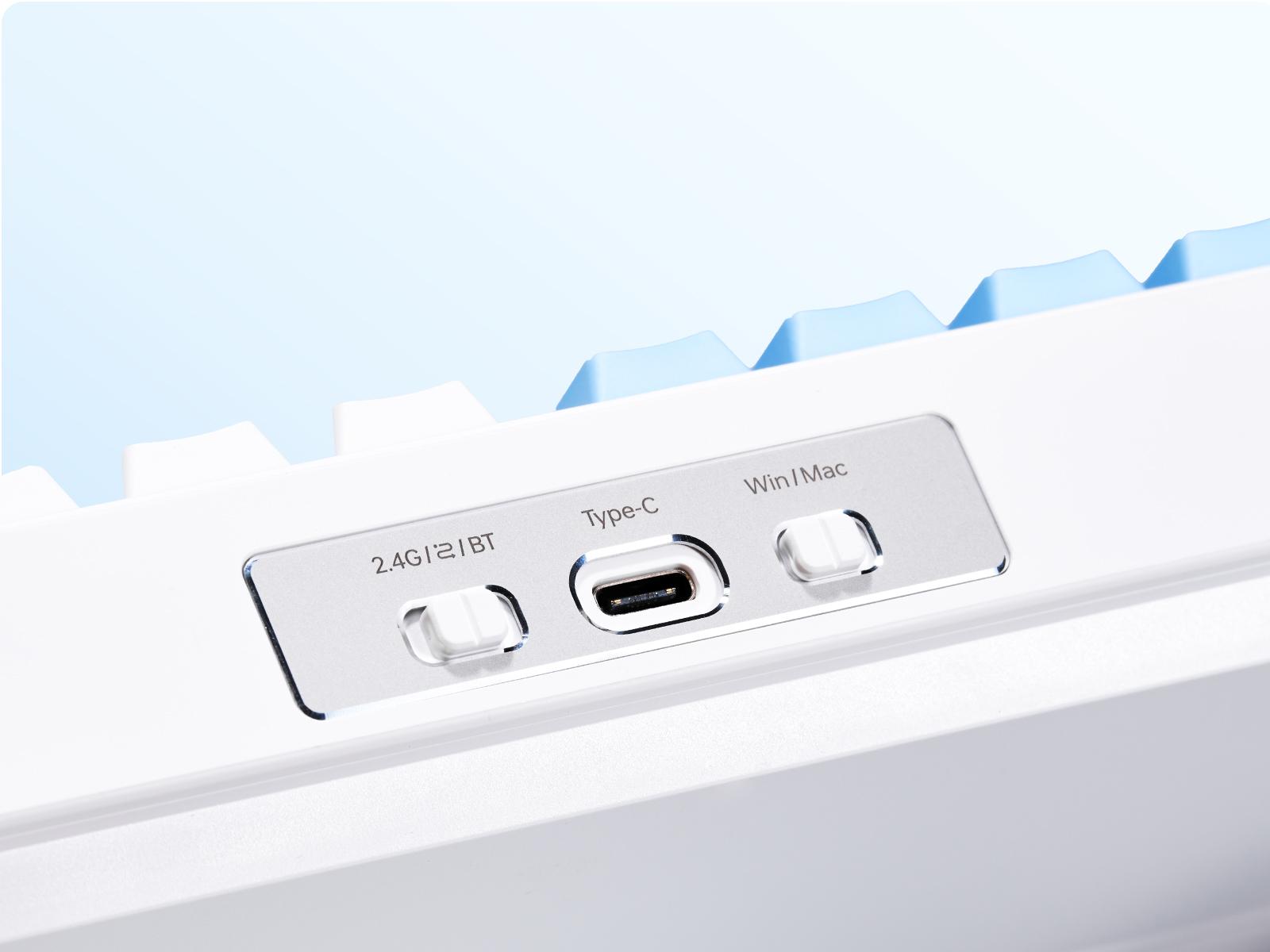
How to Connect a Wireless Keyboard: 2.4GHz vs Bluetooth
Fix frustrating input lag by choosing 2.4GHz or Bluetooth for your wireless keyboard. This guide solves pairing issues for peak gaming performance.
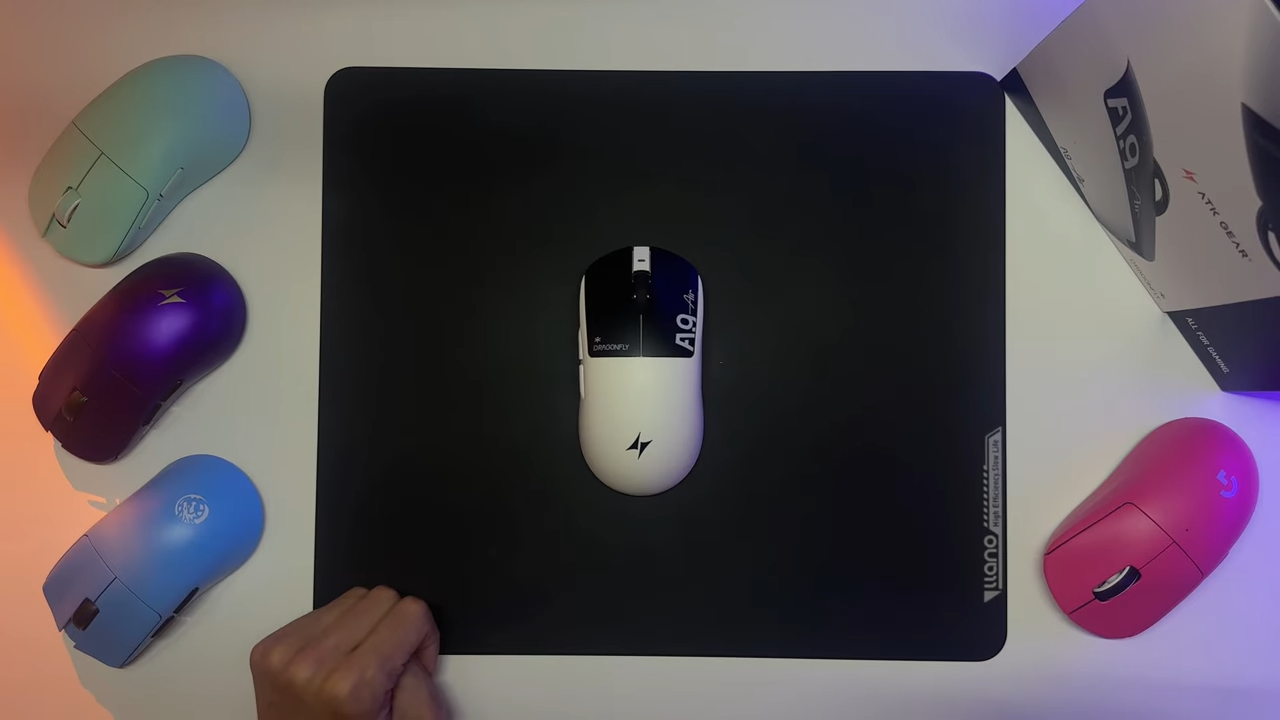
Unmatched Performance: Discover the New ATK A9 Air
At ATK, we are proud to introduce the A9 Air, a gaming mouse designed to disrupt the status quo. Combining a world-class ergonomic shape with industry-leading internal technology, the A9 Ai...