A 75% keyboard is an excellent choice for typing. It keeps all the essential keys you need, including the function row and arrows, while removing the bulky number pad. This layout reduces physical strain, improves desk organization, and helps you type faster. This guide explains why this specific size is the perfect middle ground for professionals who want a reliable, comfortable setup for both daytime work tasks and evening entertainment.

What is a 75% Keyboard?
A 75% keyboard is a compact layout that typically features around 84 keys. It retains the core functionality of a full-sized board—including dedicated arrow keys, the top Function row (F1-F12), and essential navigation keys like Page Up and Delete—but physically compresses them together to eliminate empty gaps. By removing the number pad on the right side, a 75% keyboard is approximately 75% the width of a standard 104-key board, offering a highly efficient, space-saving design.

Why Size Matters for Your Wrists
When you sit at a desk, your body should remain in a relaxed, natural position. When you type on a full-sized keyboard, the number pad on the right side pushes your mouse far away from the center of your body. This forces your right arm to reach outward all day. Over an eight-hour shift, this unnatural outward angle—medically known as ulnar deviation—causes shoulder tension and wrist pain. A 75% layout solves this physical problem.
Reduce Shoulder Strain
A standard 104-key board is usually 17 to 18 inches wide, while a 75% board is only about 12 to 13 inches wide. By cutting off that extra five inches of width, you bring your hands closer together. Your arms can rest directly in front of you in a straight, neutral position. This alignment prevents your shoulder muscles from staying contracted while you work. This is highly important if you also use your setup for keyboard and mouse gaming after your workday ends, as it prevents long-term physical fatigue.
Keep Your Mouse Closer
When you switch from typing emails to using software, keeping the mouse close to the keyboard reduces the physical travel distance for your hands. Many physical therapists and office workers consider a compact board paired with a responsive mouse to be the best gaming keyboard and mouse configuration for preventing repetitive strain injuries. You get to keep your body aligned properly without giving up the keys you actually use on a daily basis.
75% vs. TKL vs. 60%: How to Find the Sweet Spot for
Productivity
To understand why the 75% layout is so good for typing, you have to compare it to the other popular compact sizes on the market. Standardizing your layout is the key to maintaining a fast typing speed.
Keyboard Layout Comparison Table
| Layout Size | Key Count | Dedicated Arrow Keys | Function Row (F1-F12) | Number Pad | Best For |
| 60% | ~61 Keys | No | No | No | Minimalist setups, pure gaming |
| 75% | ~84 Keys | Yes | Yes | No | Typing, coding, hybrid work/play |
| TKL (80%) | ~87 Keys | Yes | Yes | No | Traditional office work, large desks |
| 100% (Full) | ~104 Keys | Yes | Yes | Yes | Heavy data entry, accounting |
The Limitations of 60% Boards
A 60% keyboard removes the arrow keys, the navigation block, and the entire top function row (F1 to F12). While it looks very clean on a desk, typing on it for work is very frustrating. You have to press and hold a "Function" key along with a number key just to refresh a webpage or hit Delete. This extra physical step breaks your focus and slows down your daily typing speed significantly.
The Bulkiness of TKL Layouts
A Tenkeyless (TKL) board keeps the arrows and function keys but leaves empty plastic gaps between the key clusters. It is essentially a full-sized board with just the number pad chopped off. While it is smaller than a standard board, it still takes up more room than you actually need. If you want a good gaming keyboard and mouse setup that truly saves desk space, a TKL layout can still feel too wide for smaller home office desks.
Why 75% is the Perfect Middle Ground
The 75% layout compresses all the keys together into one solid block. It keeps the F-row at the top and the arrow keys at the bottom right, but it eliminates the empty plastic gaps found on a TKL. Keys like Page Up, Page Down, and Delete are usually stacked vertically on the far right edge of the board. You get the full functionality of a larger board in a size that is almost as small as a 60% board. This makes it highly efficient for managing a gaming keyboard and gaming mouse setup on a smaller desk while keeping your typing speed fast and accurate.
The Number Pad Debate
Many people worry about losing the number pad. However, unless your job requires constant, heavy data entry into accounting software, you rarely need a dedicated number pad. The standard number row at the top of the 75% keyboard is more than enough for typing phone numbers, dates, and passwords.
The Advantage of Dedicated Arrow Keys for Document Editing
The biggest advantage a 75% board has over smaller layouts is the inclusion of physical arrow keys. Arrow keys are absolutely necessary for fast typing and editing.
Navigating Text Efficiently
If you type long reports, write code, or enter data into Excel, you use arrow keys constantly. Moving the cursor back a few spaces to fix a typing error is much faster with a dedicated physical arrow key than grabbing your mouse to click on the exact spot. On smaller boards, you must hold a secondary key and press letters to navigate text, which interrupts your typing flow. With a 75% board, you simply move your pinky finger down to the corner and make your edits instantly.
Avoiding Complex Shortcuts
A 75% layout places the arrow keys exactly where you expect them to be. You do not have to memorize new shortcuts or change the typing habits you have built over the years. You can use the Shift key plus the arrow keys to highlight entire sentences of text quickly.
Whether you are writing a document or switching to keyboard and mouse gaming, having physical arrow keys provides immediate, tactile control. This is why many remote workers who use a gaming keyboard and mouse wireless setup for their home office prefer the 75% size. It supports fast, accurate document editing without forcing you to learn a new way to type.

Pair the Right Feel with the 75% Form Factor
The physical size of the layout is only half the equation. The physical feedback of the keys determines your accuracy and typing speed. Because a 75% board has all the keys positioned very close together, choosing the correct mechanical switches prevents accidental typos.
Choosing the Right Mechanical Switches
For heavy daily typing, tactile switches are usually the best choice. They provide a small physical bump when you press them down, letting your fingers know the keystroke was registered before you even push the key all the way to the bottom. Linear switches are smooth from top to bottom, making them very fast and quiet.
Understanding Actuation Force
Actuation force is how hard you have to press a key for it to register. If you type for many hours, choosing a switch with a lighter actuation force (around 45 grams) will prevent your fingers from getting tired. If the keys are too heavy, your hand muscles will fatigue quickly. Finding the best gaming keyboard and mouse combination means matching a compact board with switches and keycaps that feel comfortable under your specific finger pressure.

Save Space Without Sacrificing Functionality
A cluttered desk creates a stressful work environment. The primary physical benefit of a 75% layout is how much desk space it frees up for other important items you use daily.
More Room for Your Mouse Movements
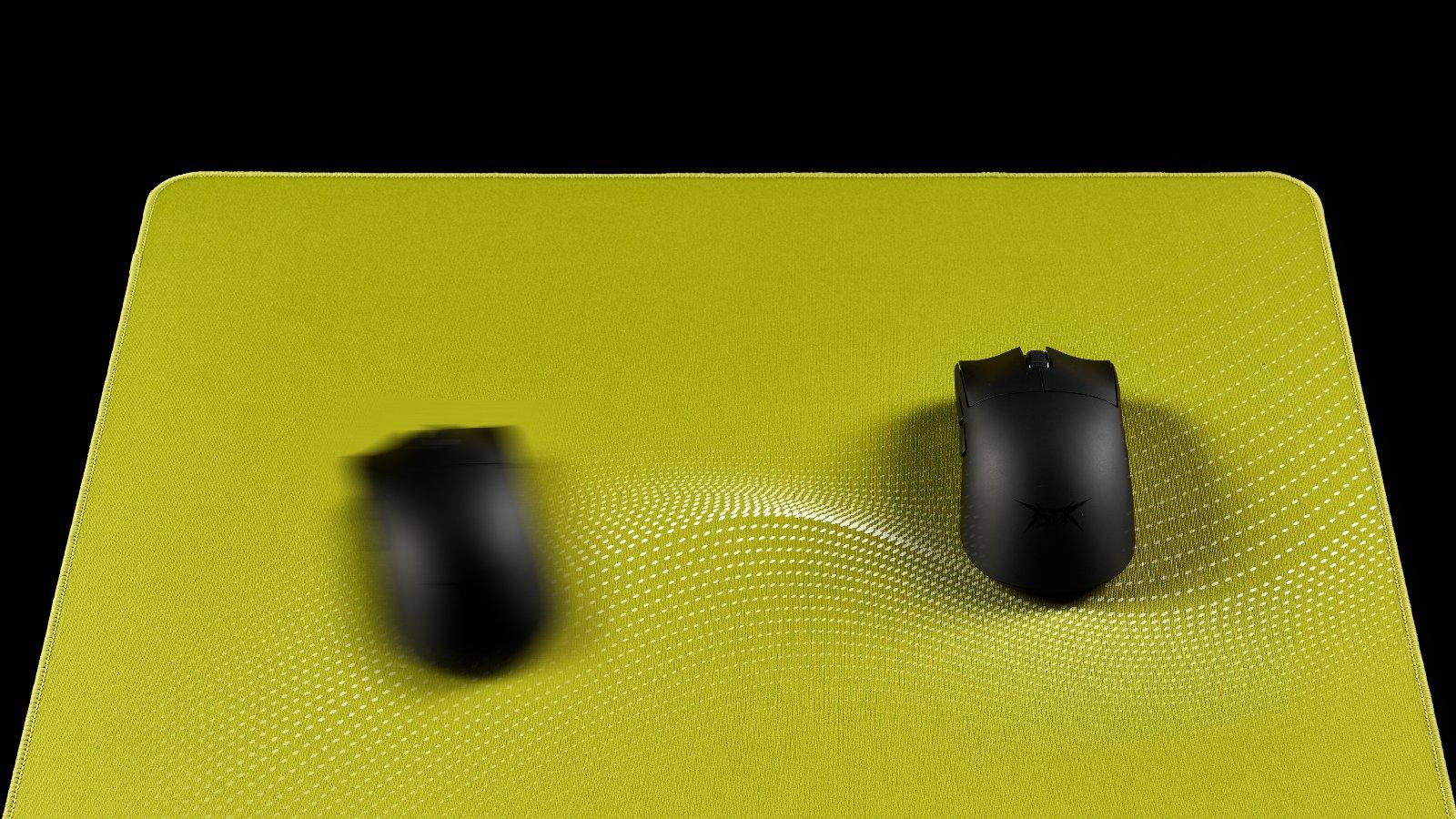
By removing the number pad and compressing the navigation keys, you gain several inches of free space on the right side of your desk. This is highly beneficial if you use a large mouse pad or like to keep paper notebooks open on your desk while you type. A compact gaming keyboard and gaming mouse setup allows you to position your mouse closer to the center of your body. This improves your posture and gives you more room to move the mouse freely without hitting the side of the keyboard.
A Cleaner Desk Aesthetic
Modern home offices prioritize clean, organized designs. A 75% board looks neat and intentional on a computer desk. If you want to eliminate cable clutter completely, upgrading to a gaming keyboard and mouse wireless combination makes your workspace look highly professional. Wireless 75% boards have excellent battery life, meaning you only need to charge them a few times a month. You maintain all the keys you need for daily productivity without a massive, outdated piece of plastic dominating your work area.
Upgrade Your Daily Typing Experience Now
A 75% keyboard is an outstanding choice for daily typing. It provides a perfect balance by retaining the function row and arrow keys while eliminating the ergonomic strain of a full-sized board. This compact layout improves your physical posture, frees up valuable desk space, and prevents the frustration of missing keys. By choosing the right mechanical switches, you can create a highly efficient workstation that supports fast, accurate typing and seamless daily productivity.
FAQ about 75% Keyboards
Does "75% keyboard" mean 75 keys?
No. A 75% keyboard typically features between 82 and 84 keys. The "75%" refers to its physical width compared to a standard 100% full-sized keyboard.
Is a 75% keyboard better than 100%?
For most users, yes. A 75% keyboard is better because it allows for a more ergonomic desk setup by bringing your mouse closer to your body, reducing shoulder strain. A 100% keyboard is only "better" if your daily tasks require constant use of a dedicated number pad for data entry.
Does a 75 percent keyboard have a print screen button?
This depends on the specific model, but most 75% keyboards do include a Print Screen function. It is usually either a dedicated key located near the Delete button or accessible by pressing the "Fn" (Function) key combined with another designated key.
Is a 75% keyboard too small?
No, a 75% keyboard is not too small for general use. The actual size of the letter keys and the spacing between them remains identical to a full-sized keyboard. It only feels smaller because the empty plastic borders and the number pad have been removed.
Why do gamers prefer smaller keyboards?
Gamers prefer smaller keyboards because they provide more physical desk space for large mouse sweeps. Lowering your mouse sensitivity requires more arm movement, and a smaller keyboard prevents your mouse from crashing into the side of the board during intense gaming moments.