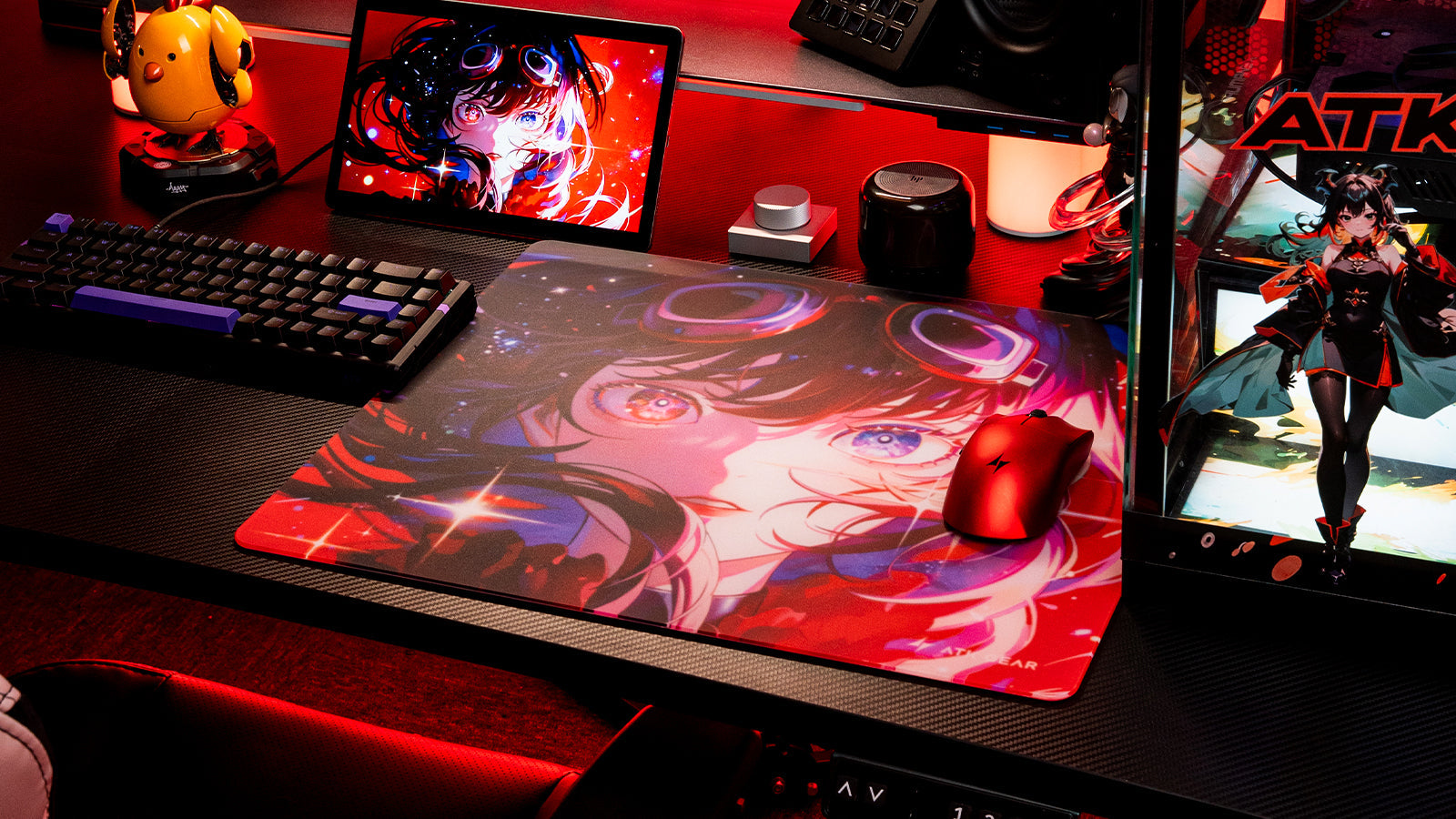
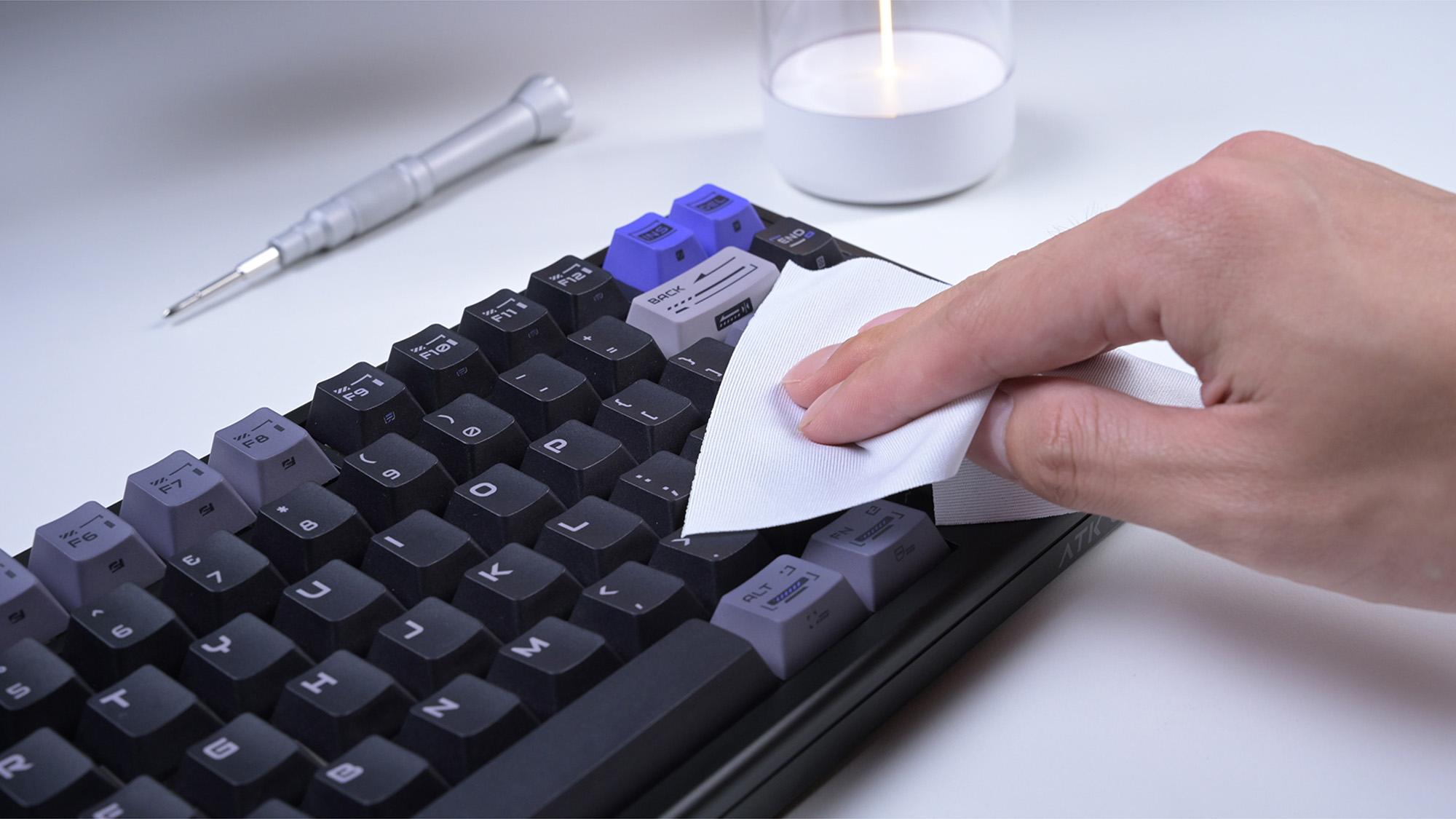
Reclaiming desk space is essential for PC users who need wide mouse movements, especially gamers using low-DPI settings. Among compact keyboard layouts, a 60% keyboard saves the most space, a 75% keyboard offers the best balance between size and functionality, and a TKL keyboard provides the most familiar typing experience without the number pad.
Quick Answer: If your main goal is maximum mouse space, choose a 60% keyboard. If you need arrow keys and function keys for daily productivity, choose a 75% keyboard. If you want traditional spacing and dedicated navigation keys, choose a TKL keyboard.
This guide compares the physical dimensions, pros, cons, and best use cases of 60%, 75%, and TKL keyboards so you can choose the compact layout that fits your gaming and typing needs.
Quick Comparison: 60% vs. 75% vs. TKL Keyboard Layouts
|
Keyboard Layout |
Approx. Width |
Main Keys Included |
Best For |
Main Drawback |
|
60% Keyboard |
11.5 in / 29 cm |
Alphanumeric keys and modifiers |
FPS gaming, travel, small desks |
No dedicated arrow keys, F-row, or navigation cluster |
|
75% Keyboard |
12.5 in / 32 cm |
Alphanumeric keys, F-row, arrows, selected navigation keys |
Gaming and productivity balance |
Compressed key spacing and some non-standard keycap sizes |
|
TKL / 80% Keyboard |
14.1 in / 36 cm |
Standard layout without the number pad |
Typing comfort, productivity, competitive gaming |
Wider than 60% and 75% layouts |
What is a 60% Keyboard Layout?
A 60% keyboard layout removes the number pad, the top function row, the arrow keys, and the navigation cluster to create the smallest widely used mechanical keyboard layout. It keeps only the alphanumeric keys and standard modifiers such as Shift, Ctrl, and Alt.
Because it removes so many dedicated keys, a 60% keyboard is best for users who prioritize mouse space and portability over one-key access to arrows, F-keys, or navigation controls.
Pros of the 60% Layout

The primary advantage of a 60% mini gaming keyboard is maximum space conservation. Because it lacks a navigation cluster, it sits incredibly close to your mouse hand. This narrow footprint can help keep your arms in a more natural position and may reduce shoulder strain during long sessions. For travelers, LAN players, and tournament users, a 60% mechanical gaming keyboard is also easier to carry than larger layouts. Its compact width makes it simple to fit into most backpacks or keyboard cases.
Cons of the 60% Layout
The severe lack of physical keys introduces a steep learning curve. To use arrow keys or the F-row on a 60% board, you must rely on secondary layers. This means holding down a dedicated "FN" (Function) key while pressing a secondary key (often WASD or IJKL for arrows). This software-based layering slows down navigation when typing documents, editing videos, or scrolling through code. If your daily workflow relies heavily on dedicated arrow keys, Home, End, Delete, or the F-row, a 60% keyboard can feel restrictive. It is usually better for pure gaming setups than for programming, spreadsheet work, or long-form document editing.
What is a 75% Keyboard Layout?
A 75% keyboard layout keeps most of the important keys from a larger keyboard, including the alphanumeric section, function row, arrow keys, and a small navigation column. To save space, these keys are compressed into a tighter block with little or no empty space between clusters.
This makes the 75% layout one of the most practical compact keyboard options for users who want more mouse room without giving up dedicated arrows or F-keys.
Pros of the 75% Layout
A 75% board offers one of the strongest compromises between compact size and everyday usability. It retains about 80 to 84 physical keys, giving you dedicated arrow keys and function keys without relying heavily on FN layers. Despite offering this utility, it is only about one inch wider than a 60% board.
In short, a 75% keyboard is often the best compact layout for users who switch between gaming, typing, coding, and general productivity.
Cons of the 75% Layout

Because many 75% keyboards place the keys close together, there may be little physical separation between the arrow cluster, right Shift, and nearby navigation keys. This lack of physical separation can lead to accidental misclicks until you build muscle memory. Furthermore, to make everything fit in a perfect rectangle, manufacturers use non-standard keycap sizes. For example, the right Shift key on a 75% board is usually 1.75u (shorter than standard), and the bottom row modifier keys are often 1u. This makes buying custom aftermarket keycaps more difficult.
What is a TKL / 80% Keyboard Layout?

A Tenkeyless keyboard, also called a TKL or 80% keyboard, keeps the standard keyboard layout but removes the right-side number pad. Most TKL keyboards include around 87 keys, including the function row, arrow keys, and navigation cluster.
Compared with 60% and 75% keyboards, TKL keyboards take up more desk space but provide the most familiar typing experience for users coming from a full-size keyboard.
Pros of the TKL Layout
The standard TKL layout requires zero learning curve. It maintains the standard physical gaps between the alphanumeric block, the arrow keys, and the F-row. If you rely on muscle memory to quickly strike the Delete or Escape key without looking, a TKL mechanical gaming keyboard feels instantly familiar. Additionally, most TKL keyboards use standard keycap sizes, making aftermarket keycap compatibility much easier than on many compact 75% layouts.
Cons of the TKL Layout
The TKL is the widest option in the "compact" category. While it saves about three to four inches compared to a full-sized board, it still takes up significantly more space than a 60% or 75% layout. If you have a narrow desk or use a large mousepad for low-sensitivity aiming, the right edge of a TKL board may still interfere with mouse movement. In that case, a 60% or 75% layout may be a better fit.
Keyboard Dimensions: Which Layout Saves the Most Desk Space?
To understand which keyboard layout saves the most desk space, compare the approximate width of each layout. Exact dimensions vary by case design, bezel size, and manufacturer, but the following measurements reflect common market averages.
- Full-Size Keyboard (100%): Approximately 17.5 inches / 44 cm wide. This is the largest common keyboard layout and includes the number pad.
- Tenkeyless Keyboard (TKL / 80%): Approximately 14.1 inches / 36 cm wide. Removing the number pad saves about 3.4 inches / 8.6 cm compared with a full-size keyboard.
- 75% Keyboard: Approximately 12.5 inches / 32 cm wide. Compressing the function row, arrows, and navigation keys saves about 1.6 inches / 4 cm compared with a TKL keyboard.
- 60% Keyboard: Approximately 11.5 inches / 29 cm wide. Removing the F-row, arrows, navigation cluster, and number pad saves about 6 inches / 15 cm compared with a full-size keyboard.
For gaming setups, especially FPS setups, switching from a full-size keyboard to a 60% keyboard can provide roughly half a foot of extra horizontal mouse space.
Best Keyboard Layout by Use Case
- Most desk space saved: 60% keyboard
- Best for FPS gaming: 60% keyboard
- Best balance for gaming and productivity: 75% keyboard
- Best for typing comfort: TKL keyboard
- Best for programming: 75% or TKL keyboard
- Best for custom keycaps: TKL keyboard
- Best for travel: 60% keyboard
- Best for users switching from full-size keyboards: TKL keyboard
Which Layout Fits Your Gaming and Typing Needs?

Your decision should not be based solely on aesthetics. You must match the physical layout to the specific software and games you run daily.
First-Person Shooters (FPS)
If you exclusively play competitive tactical shooters like Valorant, Counter-Strike 2, or Overwatch, desk space is your highest priority. FPS players utilize low DPI (Dots Per Inch) mouse settings, requiring large, sweeping arm movements to aim. A 60% mini gaming keyboard is usually the best choice for this scenario because it provides the most horizontal mouse space. It pushes the left side of the keyboard further away from the mouse, reducing the chance of hitting the keyboard during fast flick shots. Because many FPS games rely mainly on the alphanumeric section, losing dedicated F-keys or arrow keys usually has little impact during gameplay.
MMOs and MOBAs
Massively Multiplayer Online (MMO) games like World of Warcraft and MOBAs like League of Legends require complex keybinds and heavy macro usage. Players frequently bind spells, targeting mechanics, and inventory slots to the F1 through F12 keys. Playing an MMO on a 60% board is highly frustrating because pressing an F-key requires a two-button combination. Therefore, 75% and TKL layouts are usually better choices for MMOs and MOBAs because they provide direct access to the function row, arrow keys, and more physical keybind options.
Daily Typing and Productivity
If your computer is used for both work and gaming, you need a compact layout that still supports efficient navigation. Spreadsheet work, document editing, and coding often require dedicated arrow keys, Delete, Home, End, and function keys.
A 75% keyboard is a strong choice if you want to save desk space while keeping most productivity keys. A TKL keyboard is better if you prefer standard spacing, easier touch typing, and a layout that feels closer to a full-size keyboard.
Conclusion
Choosing the right compact keyboard layout depends on how much desk space you need and which keys you use every day.
A 60% keyboard saves the most space and is best for FPS gamers, travelers, and users with very small desks. A 75% keyboard is the best balance for users who want a compact layout but still need dedicated arrow keys and function keys. A TKL keyboard is the best option for users who want a familiar typing experience, standard key spacing, and easier keycap compatibility without using a full-size keyboard.
If desk space is your top priority, choose 60%. If you want one keyboard for both gaming and productivity, choose 75%. If comfort and familiarity matter most, choose TKL.
FAQs
Which keyboard layout saves the most desk space?
A 60% keyboard saves the most desk space because it removes the number pad, function row, arrow keys, and navigation cluster. It is usually around 11.5 inches / 29 cm wide, making it smaller than both 75% and TKL keyboards.
Is a 75% keyboard better than a TKL keyboard?
A 75% keyboard is better if you want a smaller footprint while keeping dedicated arrow keys and function keys. A TKL keyboard is better if you prefer standard spacing, a familiar layout, and easier keycap compatibility.
What is the main difference between 60%, 75%, and TKL keyboards?
The main difference is how many dedicated keys each layout keeps. A 60% keyboard removes the most keys to save space. A 75% keyboard keeps arrows and function keys in a compressed layout. A TKL keyboard removes only the number pad and keeps the most traditional spacing.
Can I change the keycaps easily on compact keyboards?
Keycap compatibility depends on the keyboard layout and the manufacturer’s design. Most TKL keyboards use standard keycap sizes, which makes aftermarket keycap replacement easier. Many 60% keyboards also use common keycap sizes, although you should still check the bottom row before buying a set.
75% keyboards are often more complicated because they may use a shorter right Shift key, smaller modifiers, or non-standard navigation keys. Before buying aftermarket keycaps for a 75% keyboard, check whether the set includes the exact sizes required by your board.
Is a 60% keyboard good for programming or data entry?
A 60% keyboard can work for programming if you are comfortable using function layers, but it is not the most convenient choice for most programmers. Coding often requires arrow keys, Home, End, Page Up, Page Down, Delete, and function keys.
For programming, a 75% keyboard or TKL keyboard is usually more efficient because both layouts provide easier access to navigation keys while still saving space compared with a full-size keyboard.
Why do pro gamers tilt their keyboards?
Pro gamers often tilt their keyboards to create more room for mouse movement, especially when using low-DPI settings. Tilting the keyboard can move the right edge farther away from the mouse hand and make large flicks easier.
Smaller layouts such as 60% keyboards are easier to tilt because they take up less horizontal and vertical desk space. TKL keyboards can also be tilted, but they require more room because they are wider.