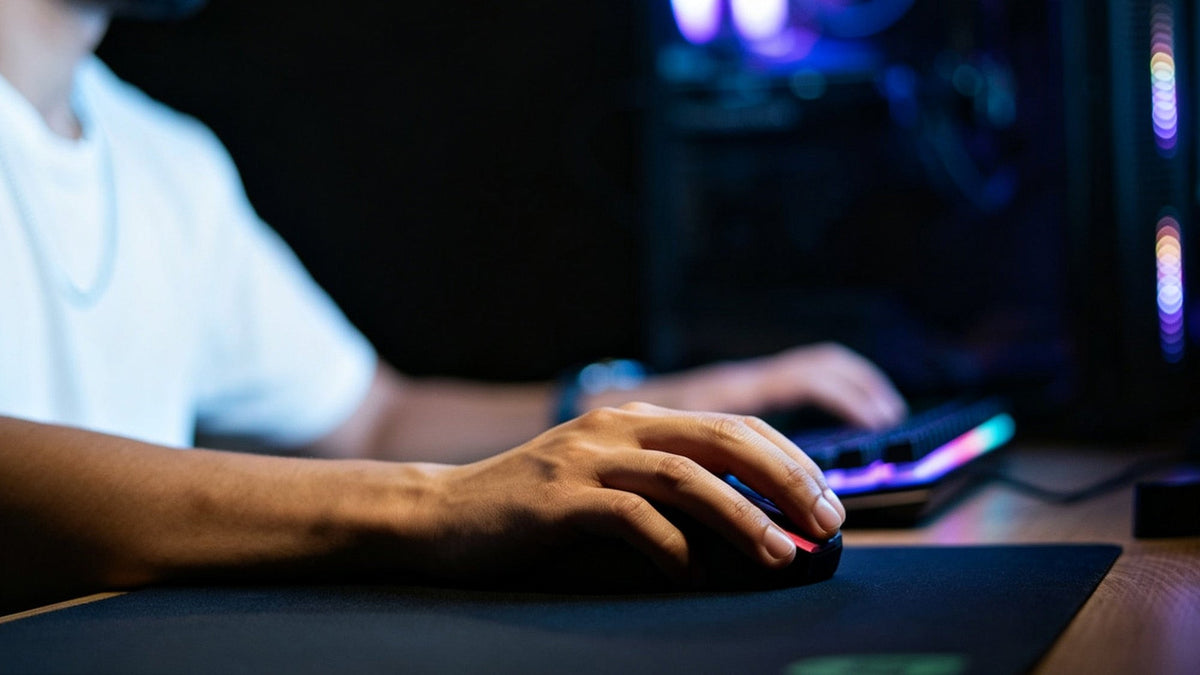
In fast FPS games, a clean shot is not only about aim. Your click must travel through the mouse, PC, game engine, and display before it becomes an action on screen. Understanding click latency helps you choose the right gaming mouse, adjust key settings, and test whether your setup is holding you back.
What Is Click Latency on a Gaming Mouse?
Click latency is the delay between pressing a mouse button and the computer receiving that click. In a shooter, this delay can affect how quickly your weapon fires after you decide to shoot.
What Does Click Latency Include?
Click latency starts when your finger presses the button. The switch must actuate, the mouse firmware must confirm the input, and the signal must reach your PC. After that, the game still needs to process the input and your monitor needs to show the result.
This means mouse click latency is only one part of total system latency. A fast mouse cannot fix a slow monitor, unstable frame rate, or overloaded PC. However, it can remove one avoidable delay from the chain.
Why Do Milliseconds Matter in FPS Games?
A few milliseconds may not matter in casual browsing, but competitive games are different. When two players peek the same corner, shoot at nearly the same time, or trade bullets in close range, lower input delay can help your action reach the game faster.
This does not mean a gaming mouse will make bad aim good. It means the mouse should not slow down a good decision. Low latency gives your hand, game, and screen a tighter connection.
Is Click Latency the Same as Polling Rate?
No. Polling rate tells you how often the mouse reports data to the computer. Click latency is the actual delay of a click signal. A higher polling rate can reduce waiting time between reports, but switch design, debounce behavior, firmware, wireless connection, and PC performance also matter.
Why Does a Mechanical Switch Cause Delay?
Most mouse buttons use either mechanical, optical, magnetic, or hybrid switch designs. Mechanical switches are common, tactile, and affordable, but they create one important technical issue: contact bounce.
What Is Switch Bounce?
Inside a mechanical switch, small metal contacts touch when you click. The contact may vibrate for a very short time before settling. This can create several tiny electrical signals instead of one clean click.
The mouse firmware must decide whether those signals are one valid click or multiple accidental clicks. That checking process is called debouncing.
 Why Does Debouncing Add Delay?
Debouncing helps prevent double-click errors. The firmware waits briefly to confirm that the click is stable. That wait can add latency, especially if the debounce window is set too high.
A mouse with a very conservative debounce setting may feel stable but less responsive. A mouse with an extremely low debounce setting may feel faster but could produce unwanted double-clicks if the switch is worn or sensitive.
Do Optical Switches Avoid This Problem?
Optical switches detect the click using a light-based signal instead of metal contact bounce. This can reduce the need for traditional debounce delay. However, the final result still depends on firmware, click design, and the full hardware implementation.
For buyers, the switch type matters, but measured click performance matters more. A well-designed mechanical mouse can perform well, while a poorly tuned optical mouse may not feel as fast as expected.
How to Adjust Your Mouse Debounce Time Setting
Some mice allow users to change debounce time in software. This is useful for players who want a faster click response while keeping the mouse stable enough for daily use.
Where Can You Find the Setting?
The mouse debounce time setting is usually found in the brand’s desktop software. It may appear under performance, button response, advanced settings, or switch settings. Not every mouse offers this control.
If your software has no debounce option, you may still improve latency by using the highest stable polling rate, disabling power-saving modes, and using the correct connection mode.
What Debounce Time Should You Use?
Start with the default value. Then lower the setting one step at a time. After each change, test normal clicking, rapid tapping, and in-game shooting. If you notice accidental double-clicks, return to the previous stable value.
For competitive FPS players, a lower mouse debounce time setting can help reduce click delay. For work, browsing, and general use, stability may matter more than the lowest possible number.
Can a Low Debounce Setting Damage the Mouse?
No, lowering debounce time normally does not physically damage the mouse. The risk is input reliability. If the setting is too low, the mouse may register one press as two clicks, especially when the switch ages.
The best setting is not always the lowest setting. The best setting is the lowest value that remains reliable for your specific mouse.
Perform a Gaming Mouse Click Latency Test
Testing helps you separate real performance from marketing claims. A mouse may advertise fast response, but actual performance can vary by connection mode, polling rate, firmware, and software settings.
What Is the Most Accurate Test Method?
The most accurate testing uses dedicated latency tools that measure the time between a click and a measurable system response. Professional reviewers may use specialized equipment, high-speed capture, or click-to-photon setups.
For normal users, a gaming mouse click latency test at home will be less precise, but it can still reveal obvious problems. The key is to compare settings under the same conditions.
How Can You Test at Home?
You can record clicks with a high-frame-rate camera while using an on-screen response tool or game action. This method is approximate because the display, software, and camera timing affect the result. Still, it can show whether one setting feels clearly slower than another.
Test these conditions separately:
- Cable connection if available
- 2.4GHz wireless mode
- Bluetooth mode if supported
- Different polling rates
- Different debounce settings
- Battery-saving mode on and off
Do not rely on one click. Record many clicks and look for consistent differences.
What Should You Avoid When Testing?
Do not use human reaction tests as proof of mouse latency. Human reaction time changes too much from click to click. Also avoid comparing two mice while changing multiple variables at once.
A useful gaming mouse click latency test should keep the same PC, same game, same monitor, same frame rate, and same USB port or dongle position whenever possible.
Compare the Wired Gaming Mouse vs. Wireless Models
The old rule was simple: wired was faster, wireless was convenient. Today, the difference is more complicated. High-end 2.4GHz wireless models can be extremely responsive, while poor wireless setups can still add delay.
Is Wired Always Lower Latency?
Not always. A good wired model removes battery and radio concerns, but that does not automatically make it faster than every wireless option. Firmware, switch design, debounce behavior, and polling rate all still matter.
The best wired gaming mouse should offer low click latency, a reliable sensor, a flexible cable, solid buttons, and a shape that fits your grip. A low-latency cable connection is useful, but comfort and control still decide how well you play.
When Does Wired Make More Sense?
Wired makes sense if you want consistent performance without charging, battery modes, dongle placement, or wireless interference. It is also practical for players who keep their setup at one desk and do not mind cable management.
If you compete in long sessions or dislike battery monitoring, the best wired gaming mouse may be the safer choice. Use a flexible cable and a mouse bungee if cable drag affects your aim.
When Does Wireless Make More Sense?
Wireless makes sense if cable drag bothers you, you use low-sensitivity aiming, or you want a cleaner desk. A quality wireless gaming mouse can feel more natural for large arm movements because there is no cable pulling against the mouse.
For competitive use, avoid Bluetooth unless the mouse is specifically designed for low-latency gaming through another mode. Dedicated 2.4GHz wireless is usually the better choice for FPS play.
Choose the Lowest Latency Wireless Gaming Mouse
Choosing a wireless model should not be based on one number from the product page. You need to look at connection type, polling rate, firmware, battery behavior, and real testing.
What Specs Matter Most?
Look for a dedicated 2.4GHz dongle, stable high polling rate, performance mode, low click latency measurements, and reliable sensor tracking. Battery life is important, but aggressive power saving can increase delay or reduce consistency.
A lowest latency wireless gaming mouse should also keep stable performance when the battery level drops. Some devices reduce performance to save power, so check software settings carefully.
How Should You Set Up the Dongle?
Place the wireless receiver close to the mouse. Many gaming mice include a dongle extender for this reason. A receiver placed behind a PC case, under a desk, or near other crowded wireless devices may perform worse.
Keep the dongle away from USB hubs with unstable power if possible. If your mouse software offers a wireless performance mode, enable it for gaming and use power-saving modes only when latency does not matter.
Should You Choose 4K or 8K Polling?
Higher polling rates can reduce report intervals, but they can also use more CPU resources and battery. The benefit depends on your frame rate, monitor refresh rate, game engine, and PC stability.
For many players, 1000Hz is already responsive. Higher rates may help high-refresh competitive setups, but only if they remain stable. A lowest latency wireless gaming mouse is not just the one with the biggest polling number. It is the one that stays fast, consistent, and comfortable during real matches.
How to Reduce Mouse Click Latency in Real Matches
Mouse click latency will not replace aim, positioning, or game sense, but it can affect how quickly your shots register. Choose reliable hardware, test settings carefully, and keep the full system in mind. A responsive setup helps your decisions reach the game faster, especially in close gunfights where timing is tight.
Common Questions About Click Latency and Debounce
Does Mouse Click Latency Really Matter for Casual Players?
Yes, but it matters less than comfort and control for casual players. Low latency is most useful in FPS games, rhythm games, and competitive titles. For office work, browsing, or slower games, a comfortable shape and reliable buttons are usually more important.
Is a Wireless Gaming Mouse Bad for Competitive FPS Games?
No. A quality wireless gaming mouse with a dedicated 2.4GHz connection can be suitable for competitive FPS games. Avoid judging wireless performance by Bluetooth alone. The connection mode, polling rate, firmware, and battery settings all affect real click response.
What Is a Good Click Latency for a Gaming Mouse?
A good result is low enough that the mouse does not feel delayed compared with the rest of your setup. Exact numbers depend on the test method. For competitive players, look for independent measurements and compare mice tested under the same conditions.
Can the Best Wired Gaming Mouse Still Have High Latency?
Yes. A cable does not guarantee fast click response. The best wired gaming mouse should combine a stable USB connection with good switches, efficient firmware, low debounce delay, and strong sensor performance. Always check testing data when latency is a key buying factor.
Should I Always Set Debounce Time to the Lowest Value?
No. The lowest value can cause double-clicks on some mice. Lower the setting gradually, then test rapid clicks and normal use. The right mouse debounce time setting is the lowest stable option, not necessarily the smallest number in the software.