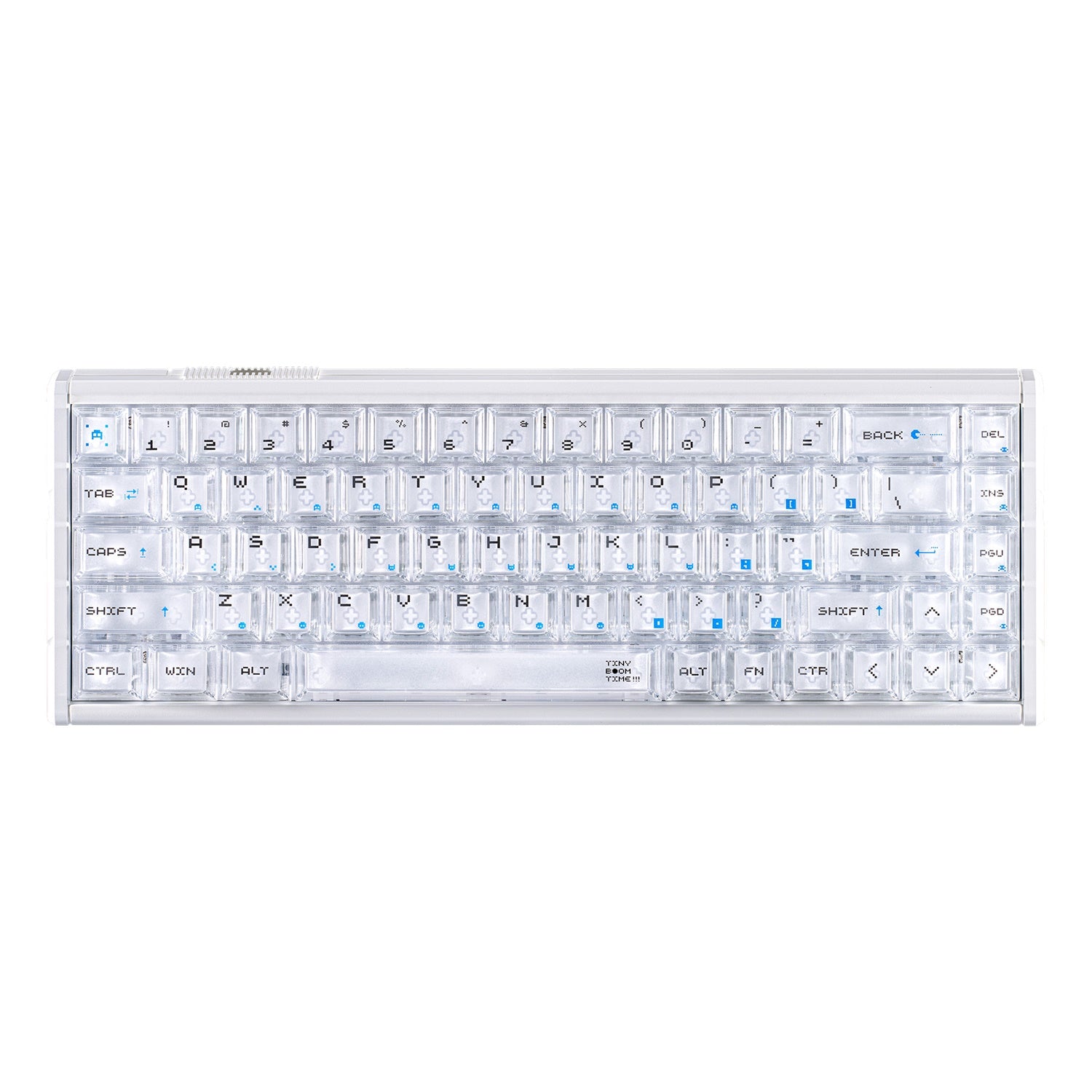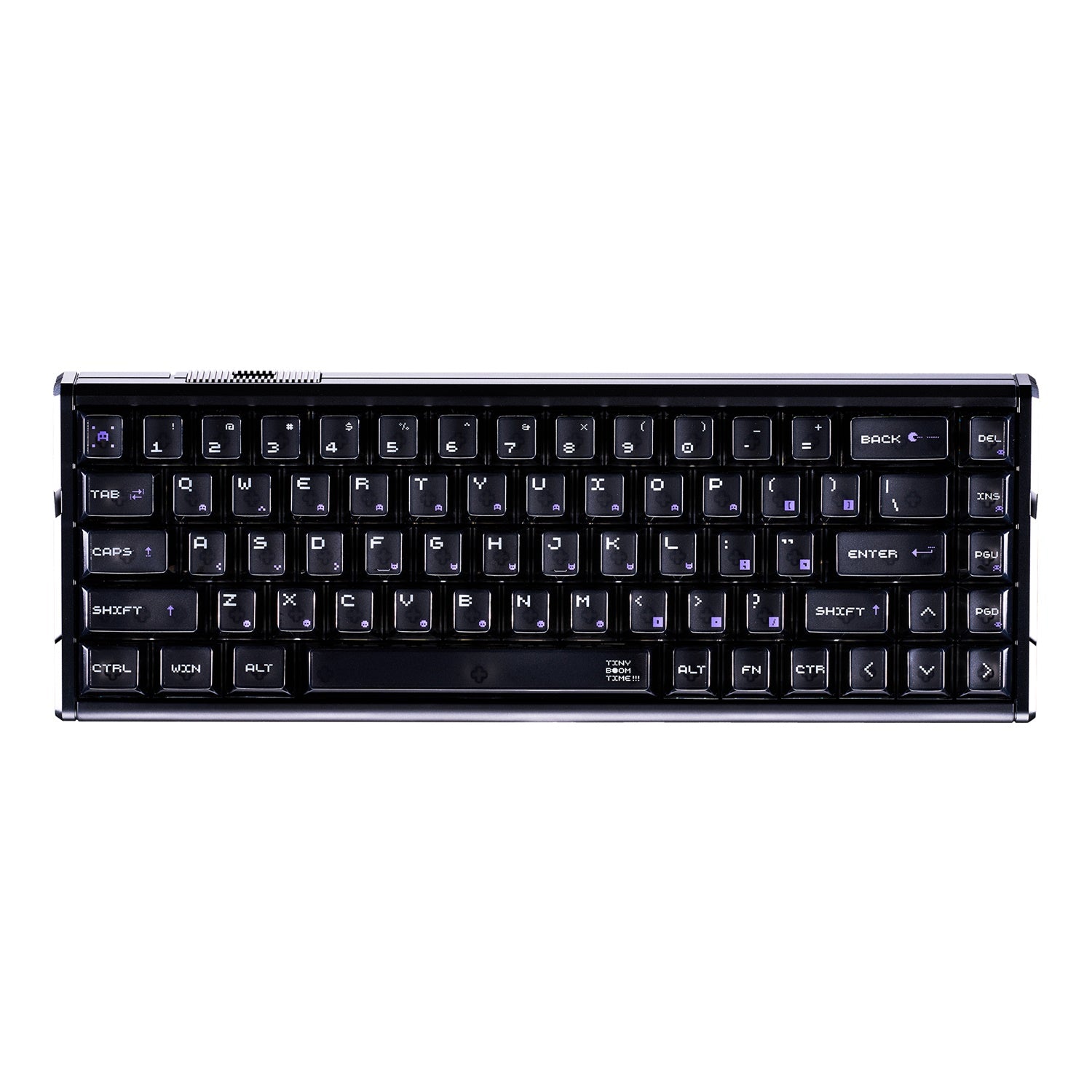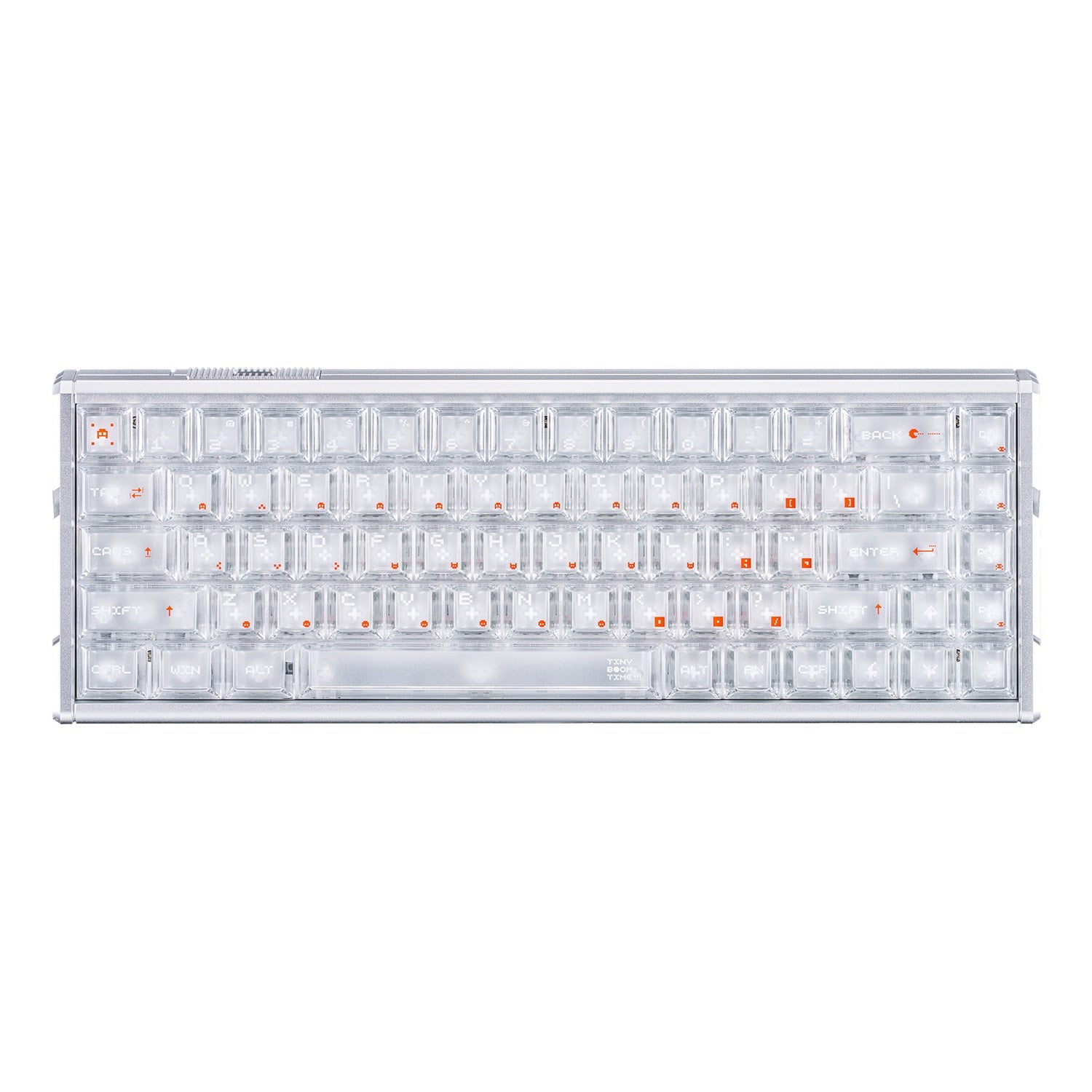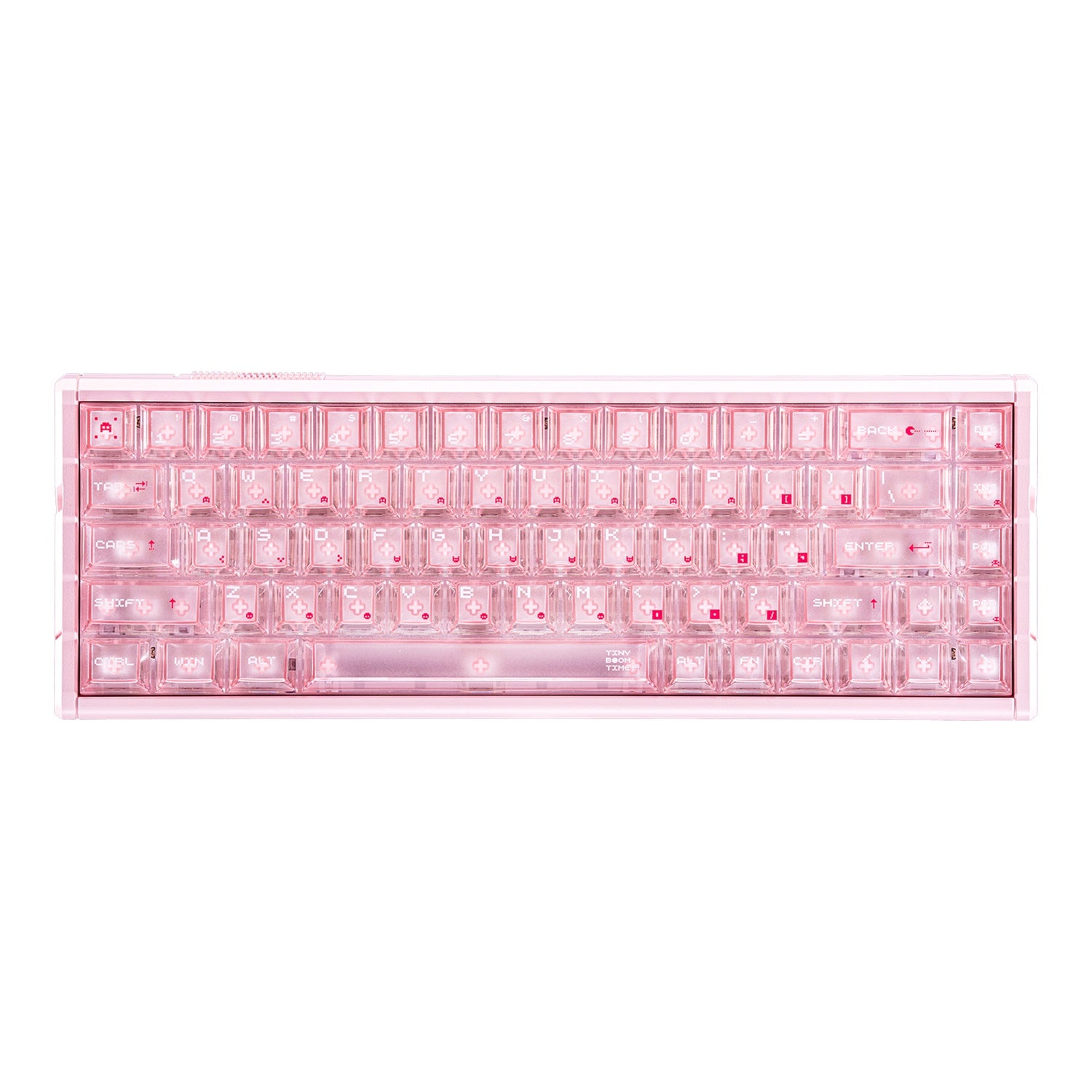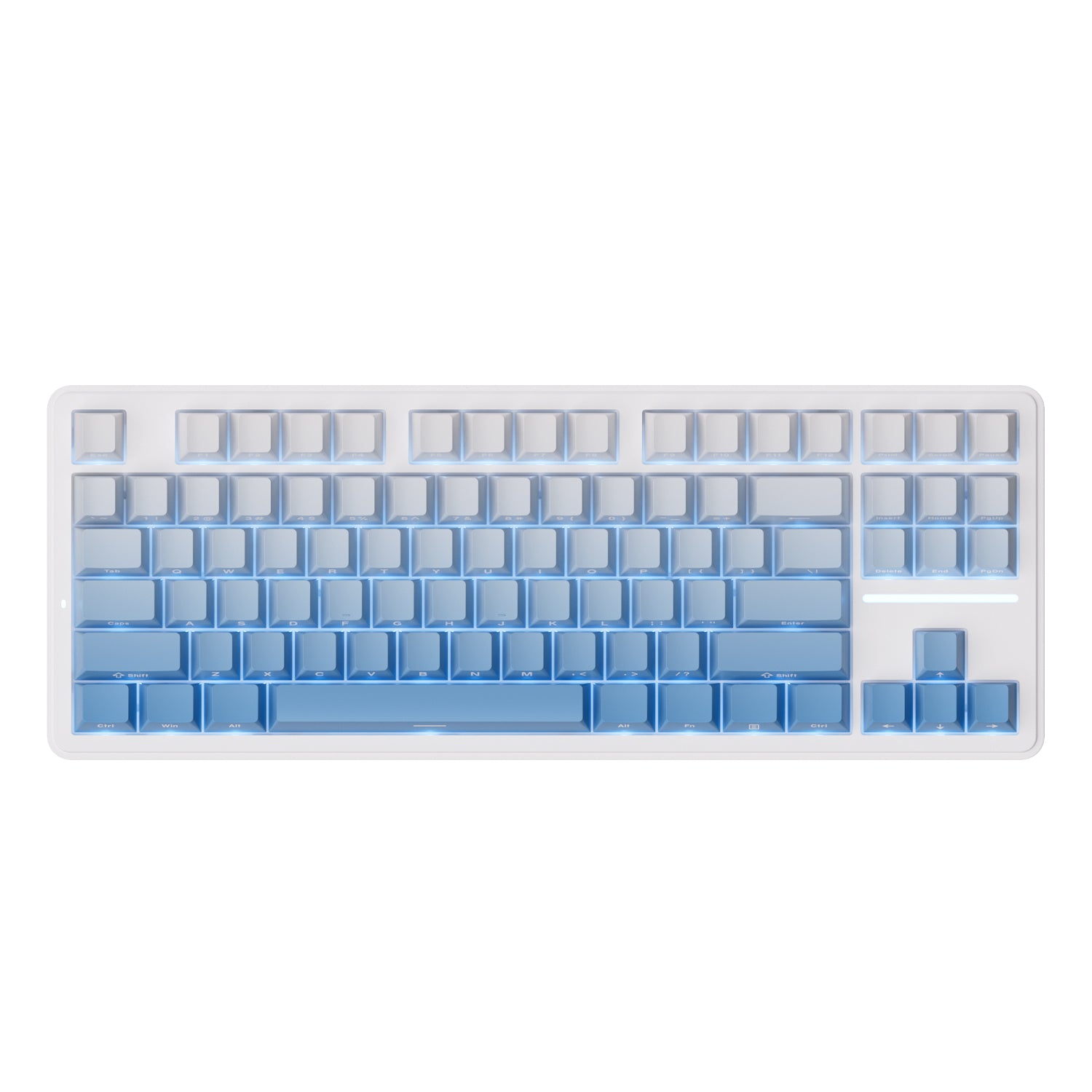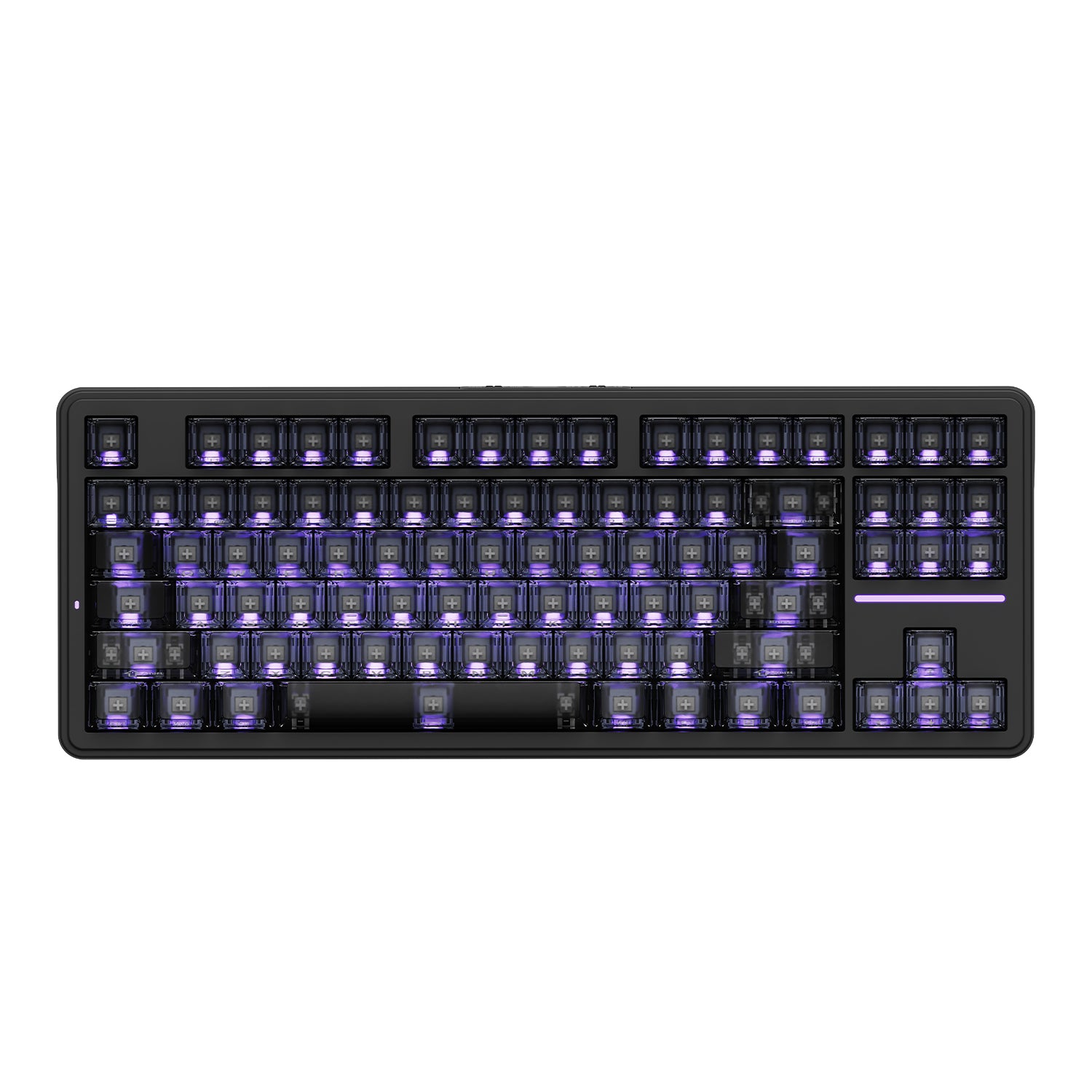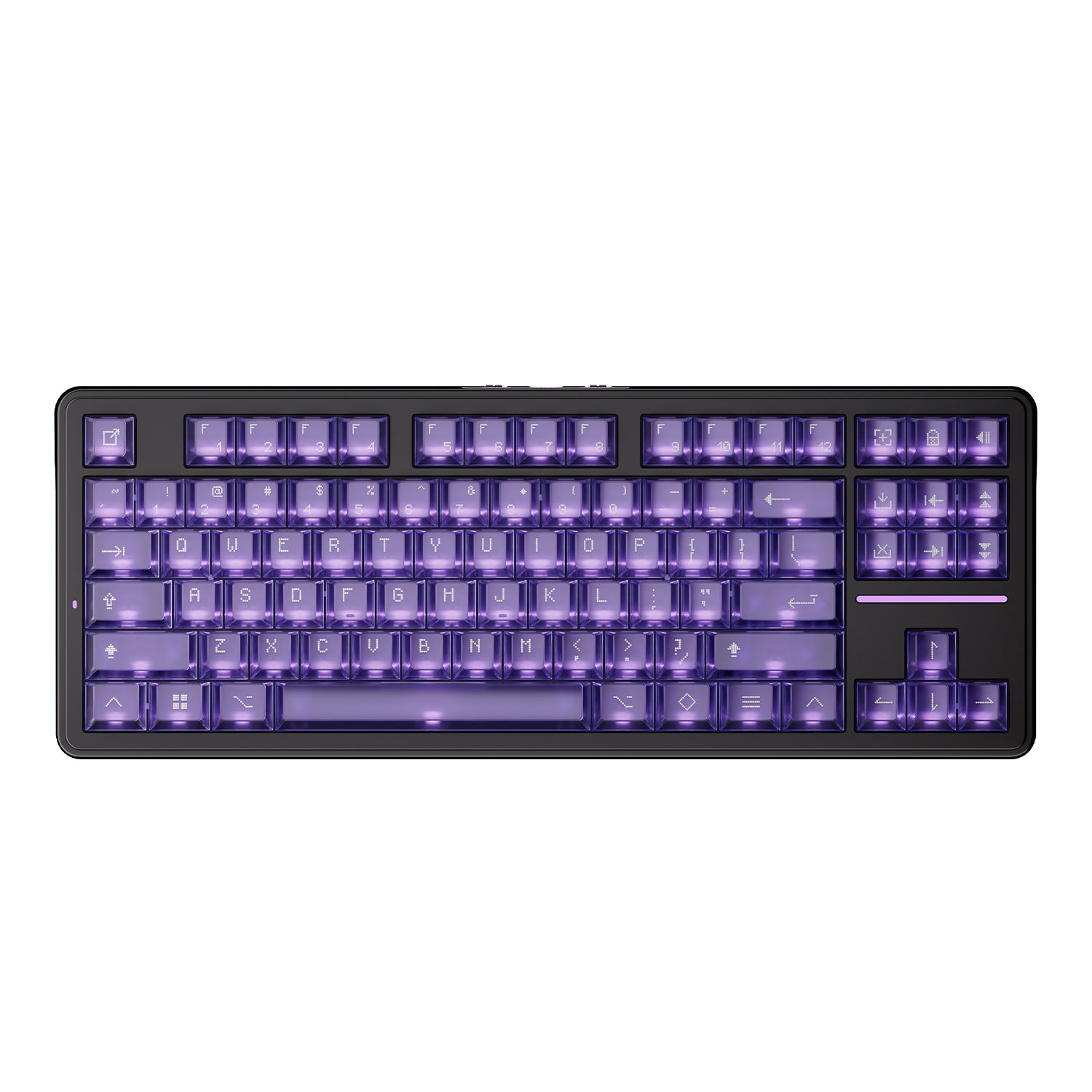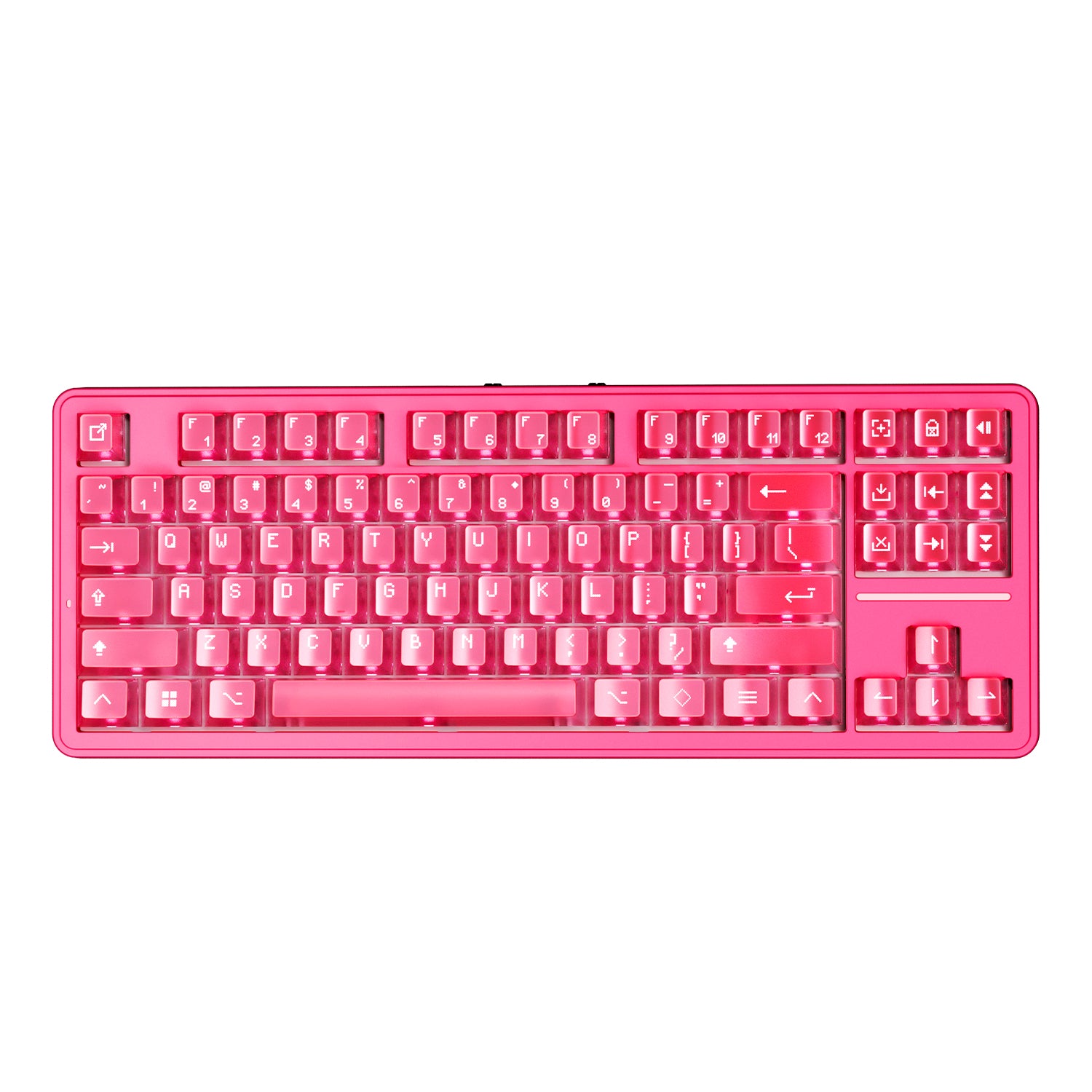
ATK Gaming Keyboards
The keyboard you use for gaming shapes more than just comfort — it shapes how quickly you can react, how precisely you can execute, and how long you can play without fatigue. This collection covers ATK's keyboard lineup, from Hall Effect magnetic switch keyboards built for competitive play to low-profile and wireless mechanical options designed for broader use. Whether you're optimizing for response time, desk space, or daily versatility, the right starting point is understanding what actually matters for your setup.
What Makes Hall Effect Keyboards Different
Hall Effect keyboards use magnets and sensors instead of physical contact points to register keypresses. This matters for two practical reasons.
Adjustable actuation lets you set exactly how far a key needs to travel before it registers — useful if you want a hair-trigger feel for fast-paced games, or a deeper press to avoid accidental inputs during longer sessions.
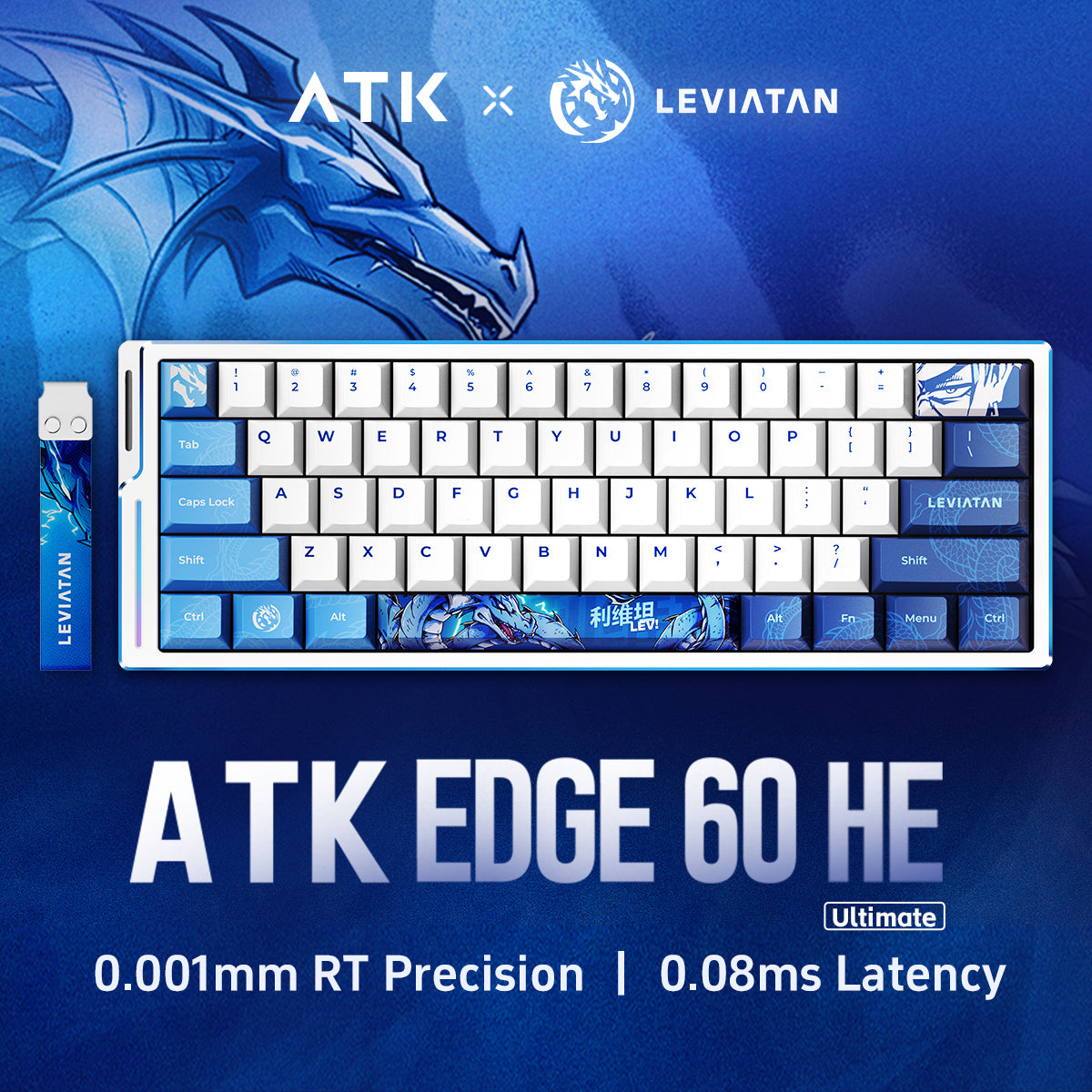
Rapid Trigger takes this further: the key reactivates the moment you begin pressing again after releasing, rather than waiting for it to return to a fixed reset point. For competitive games where repeated quick inputs matter — strafing, ability spam, counter-strafing — this can meaningfully reduce input delay.
That said, Hall Effect isn't automatically the right choice for everyone. If you primarily type, play slower-paced games, or don't use software customization features, a well-built mechanical keyboard may suit you just as well.
Choosing a Layout
Layout size affects both desk footprint and day-to-day usability. ATK's keyboard range covers several common layout sizes, from ultra-compact 60% boards to 80%, 95%, and 98% options, and the right choice depends on how you use your keyboard beyond gaming.
60% keyboards remove the function row, arrow cluster, and navigation keys for the smallest practical footprint, making them suitable for users who prioritize maximum desk space and rely on function layers.
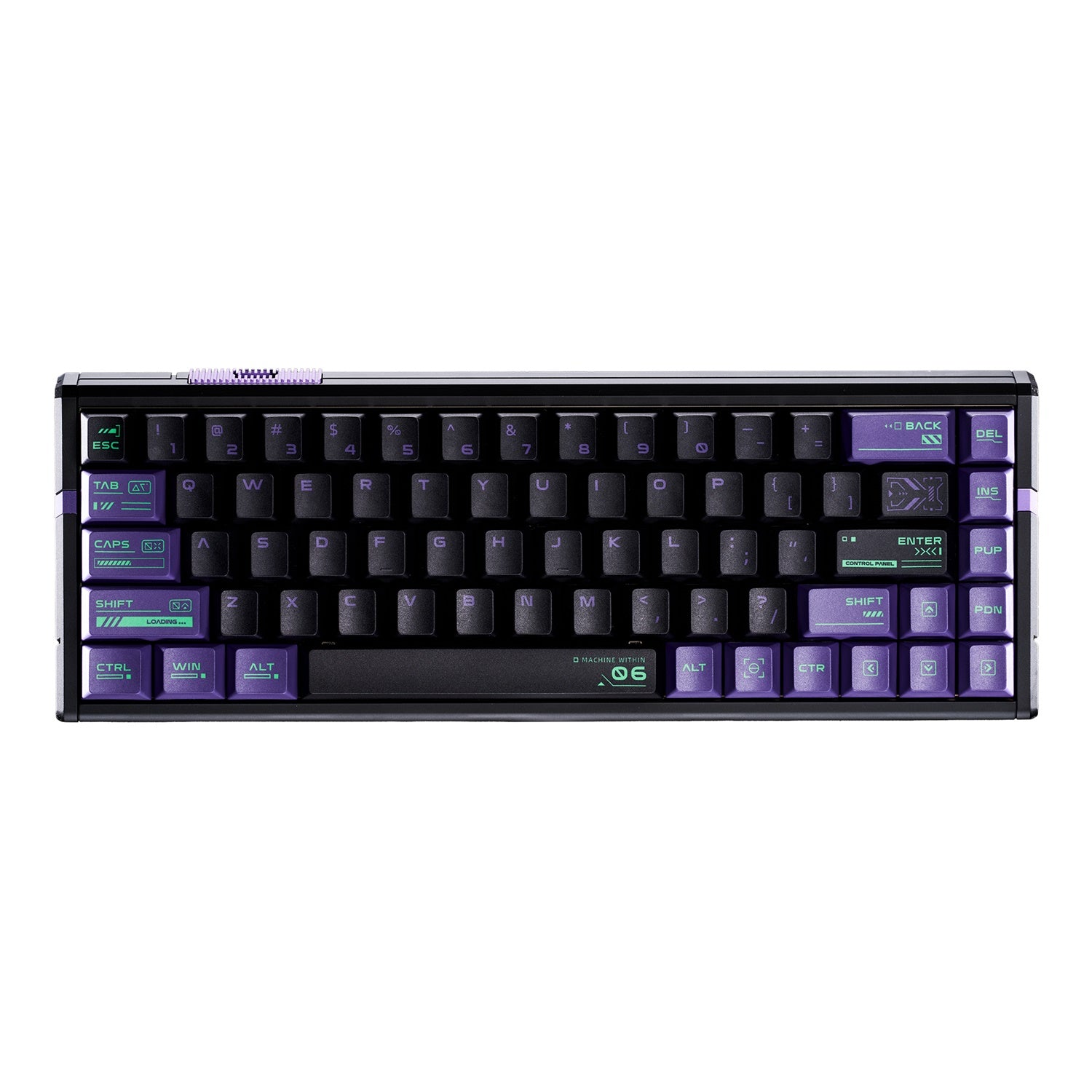
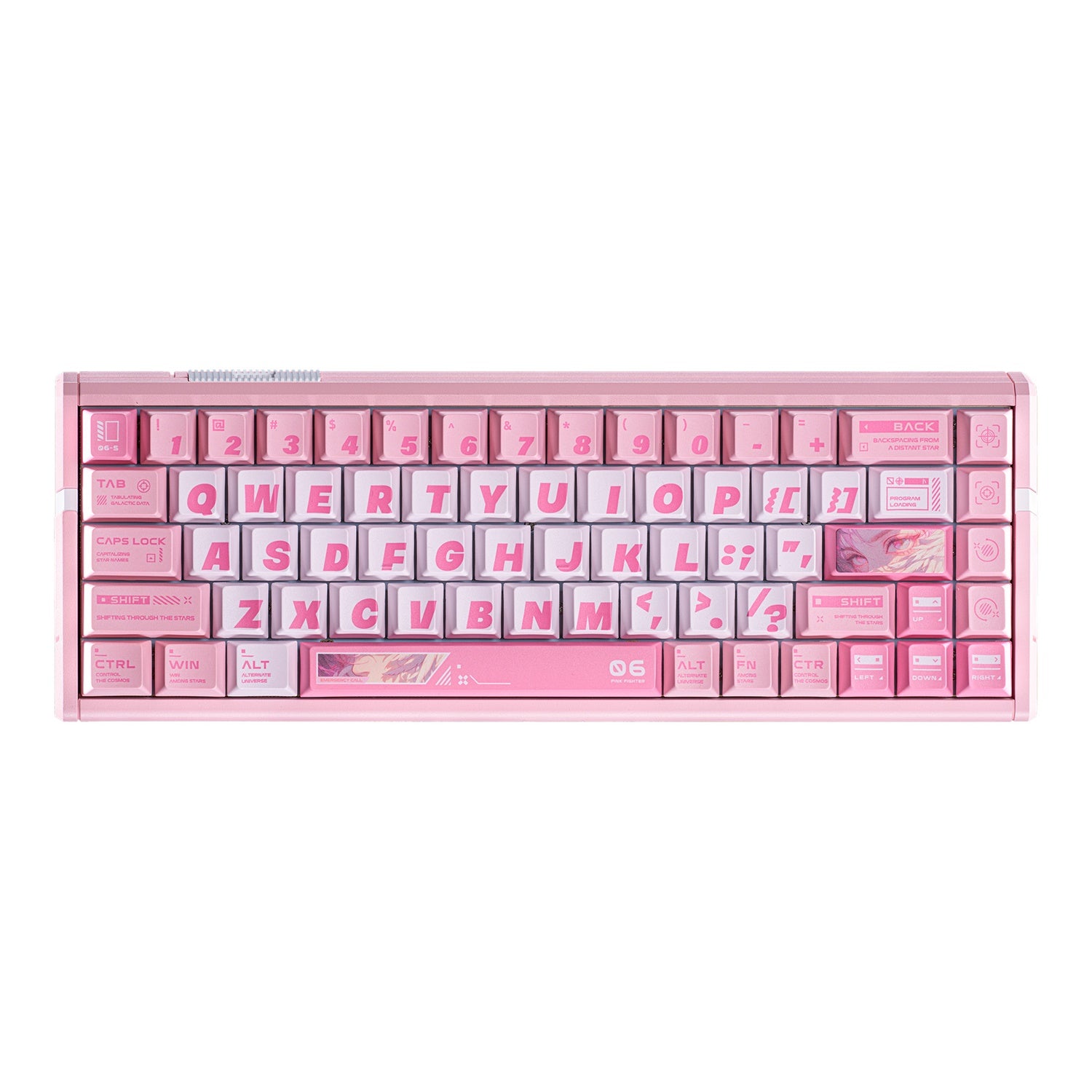
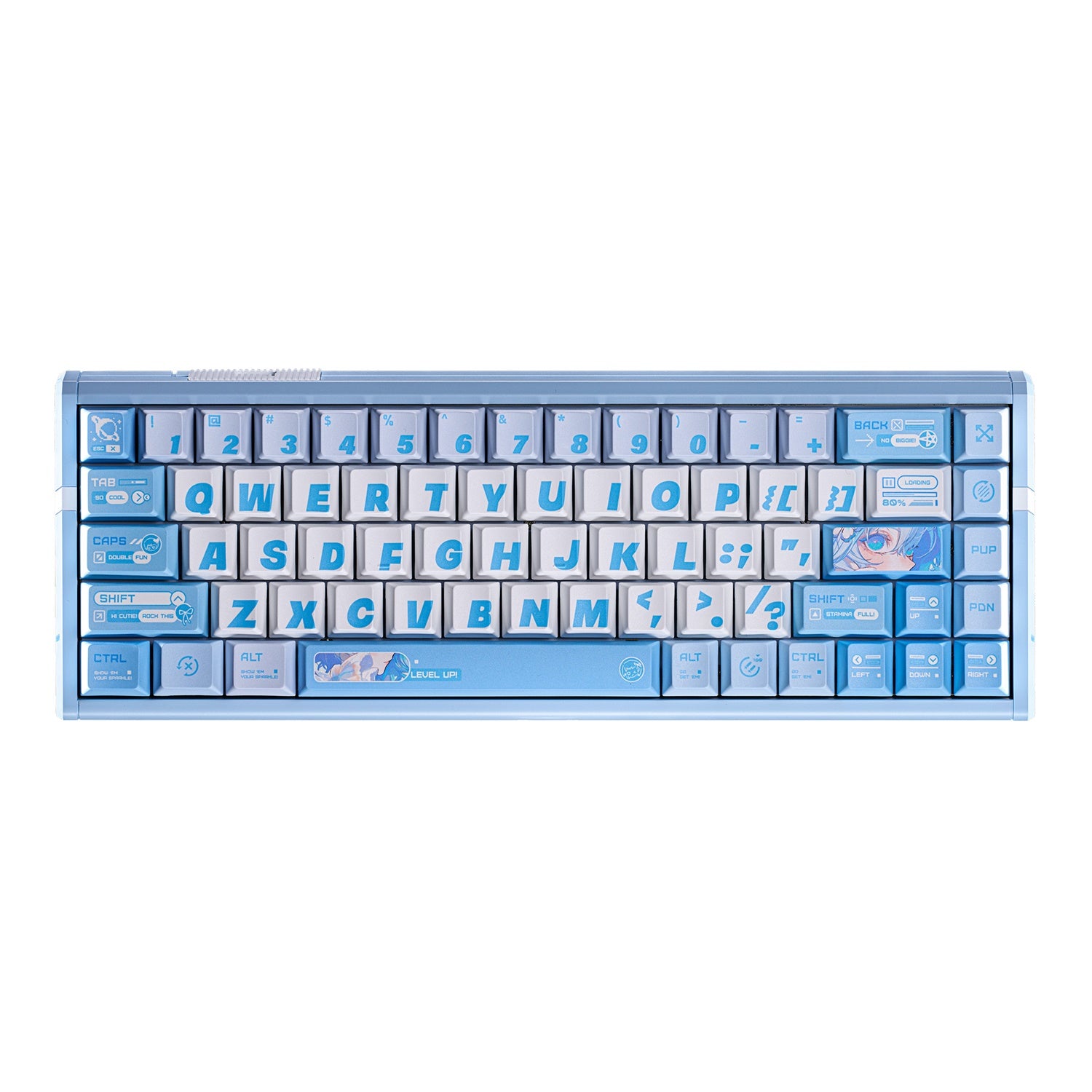
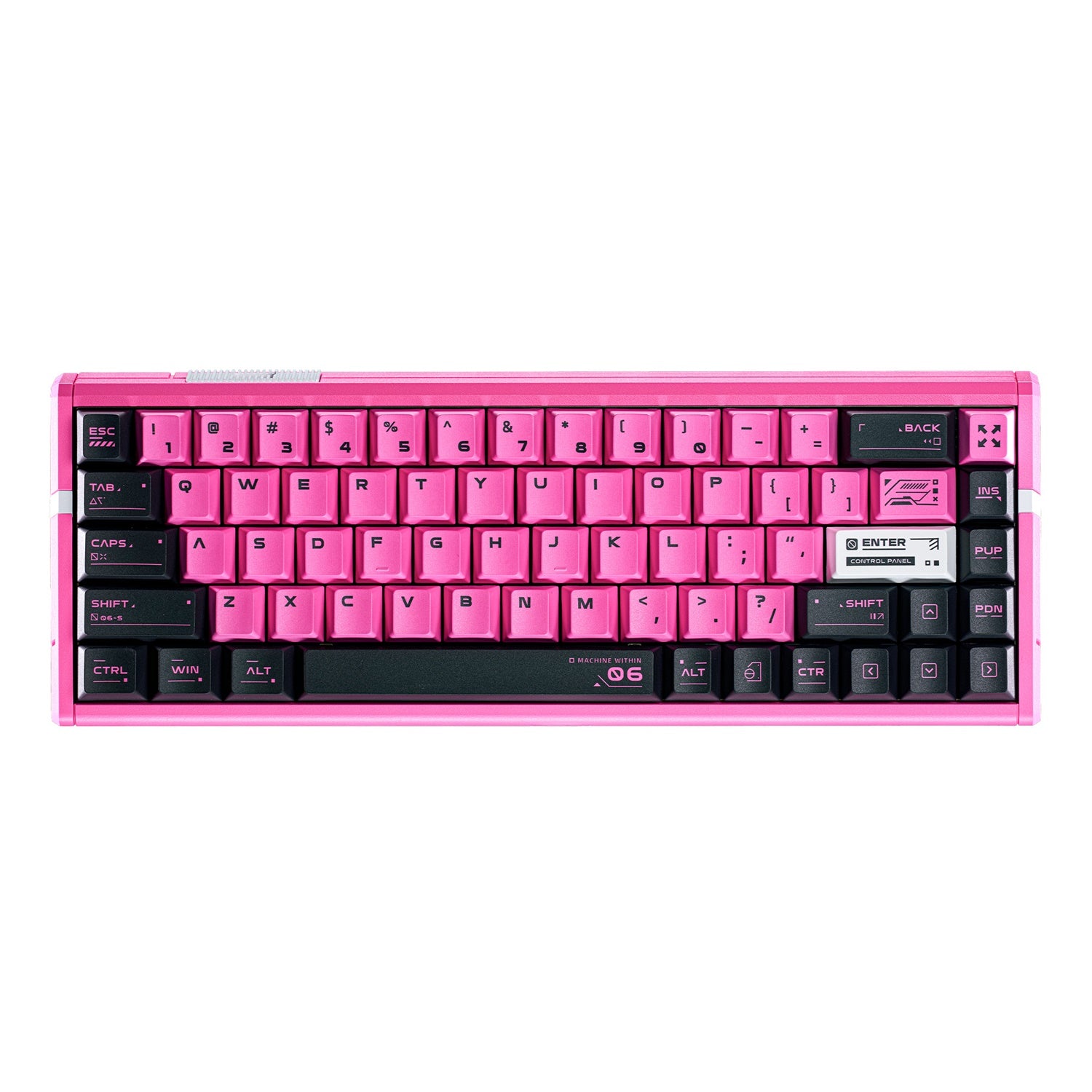
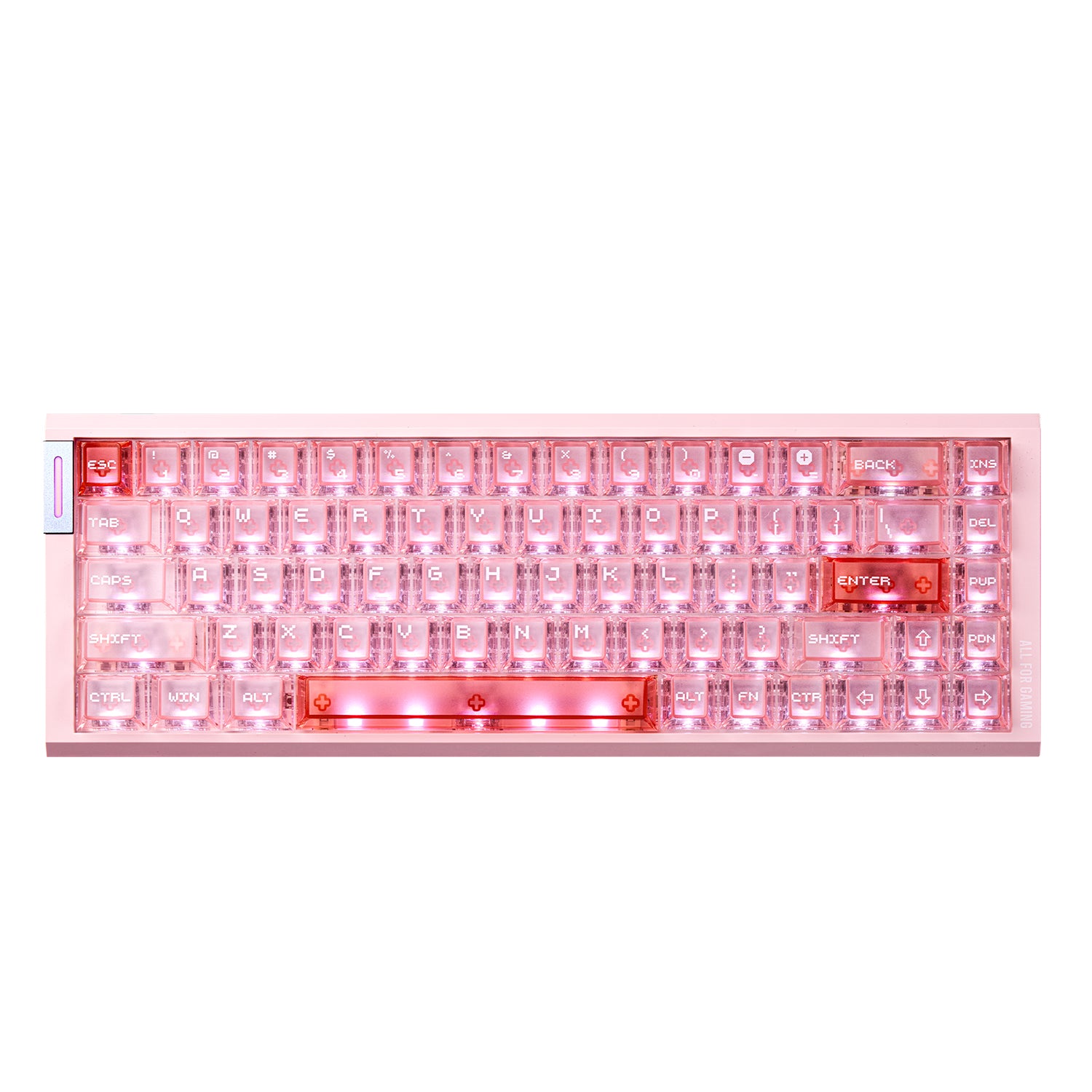
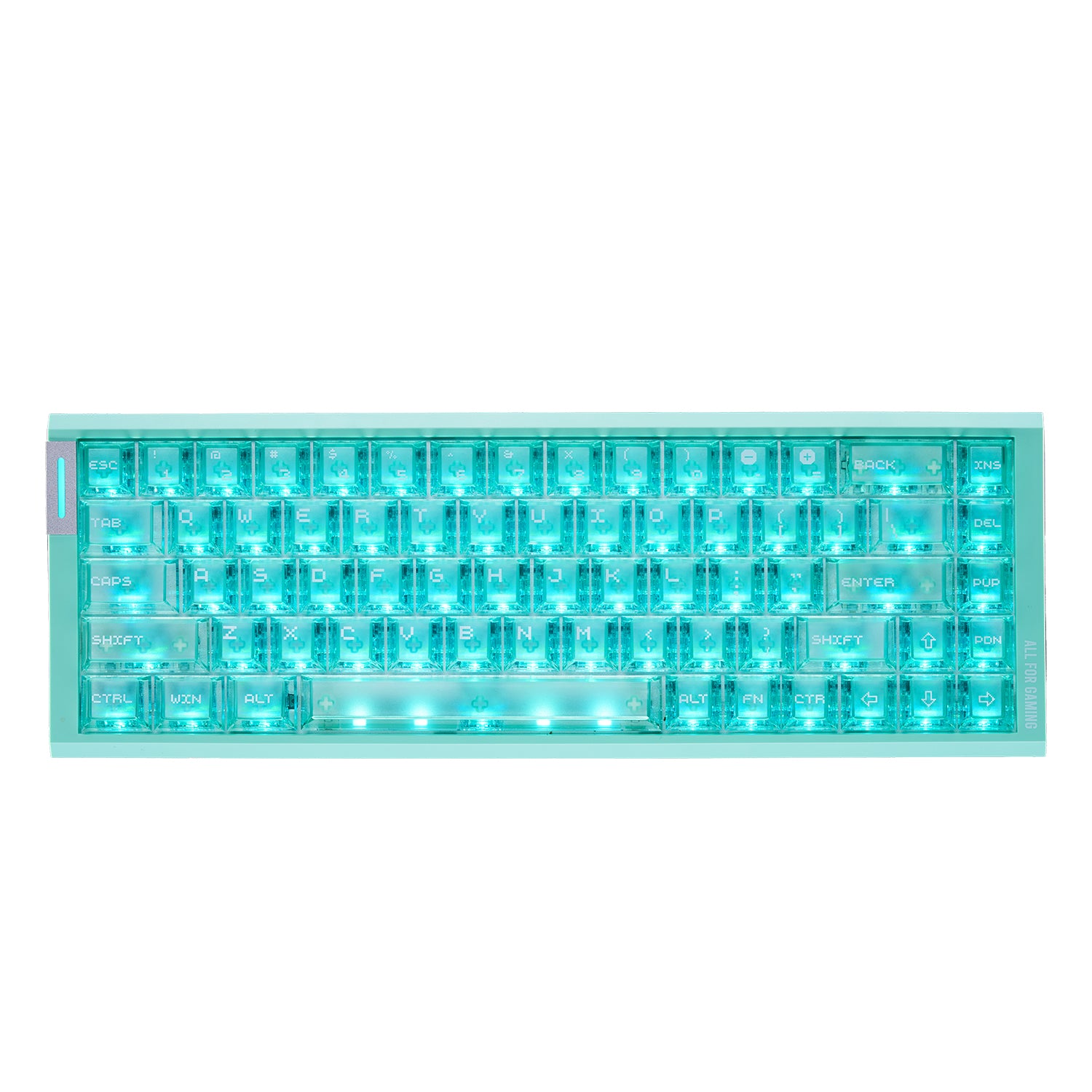
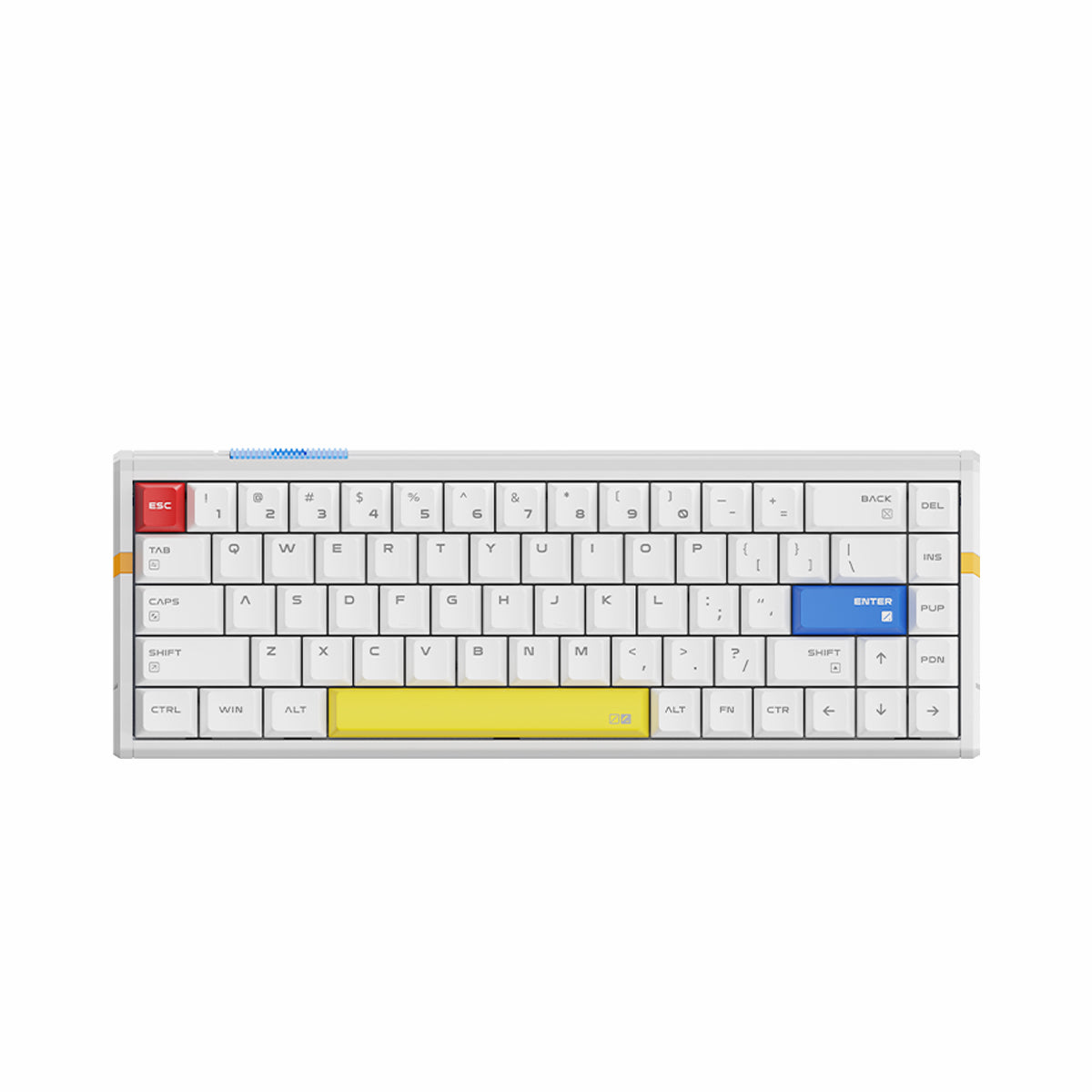
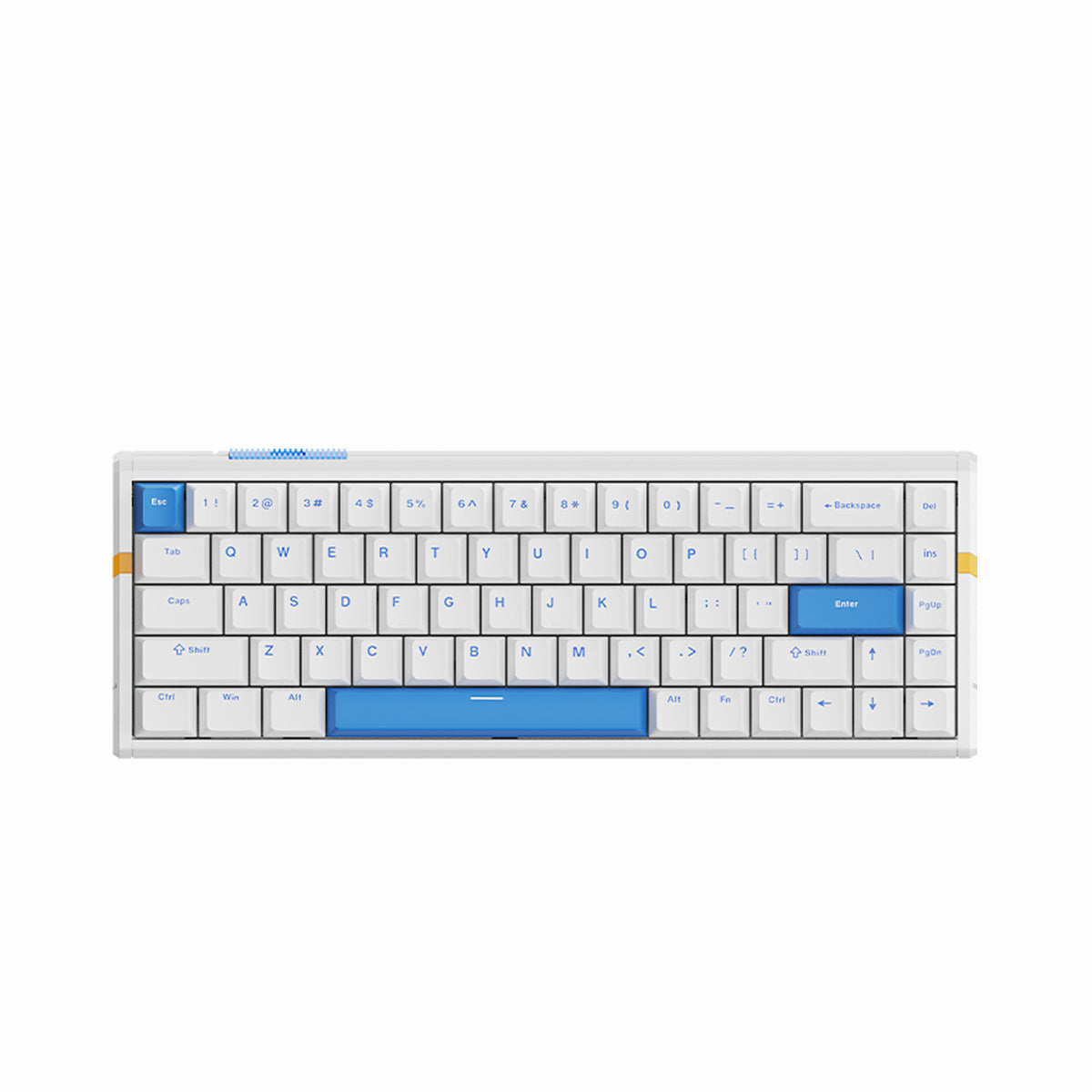
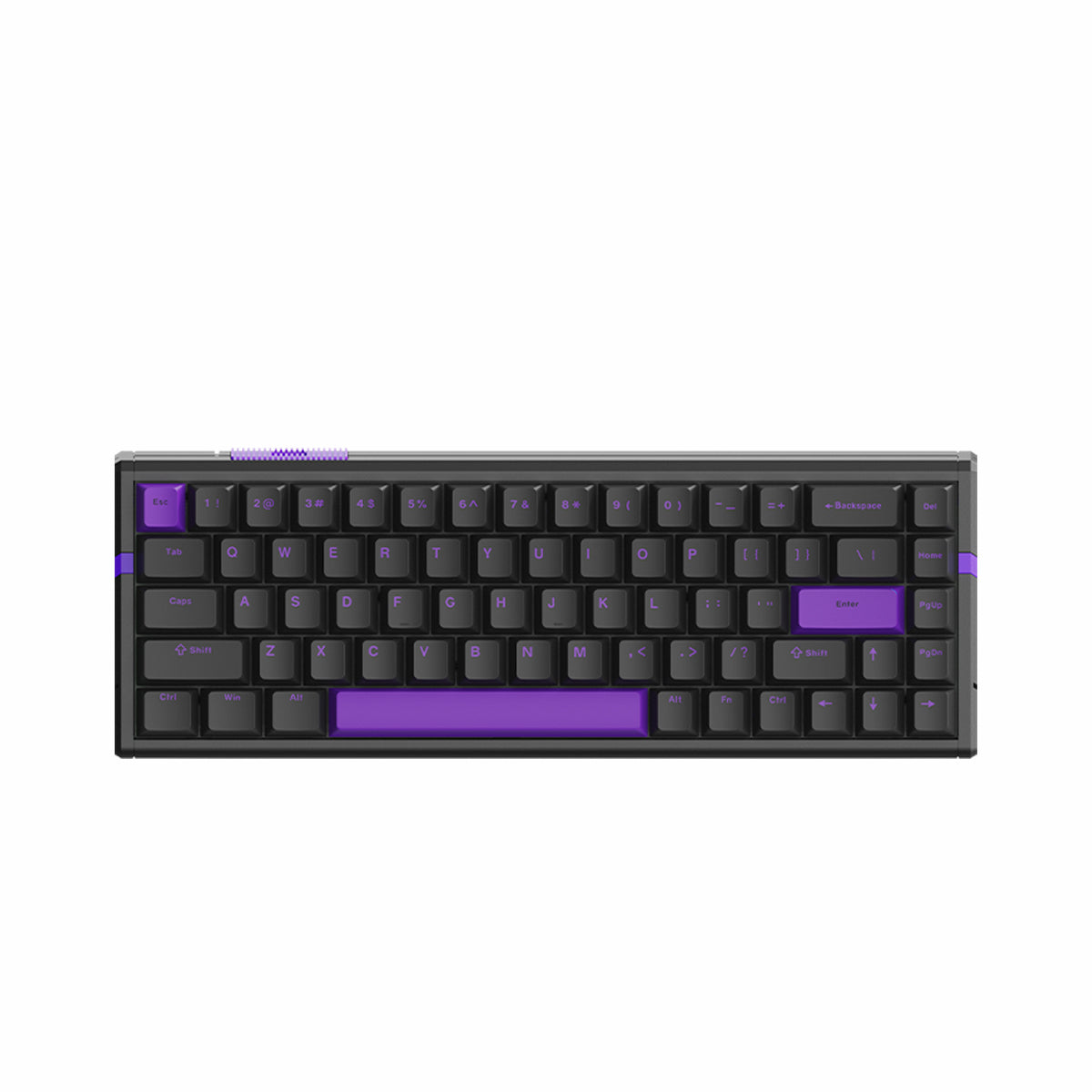
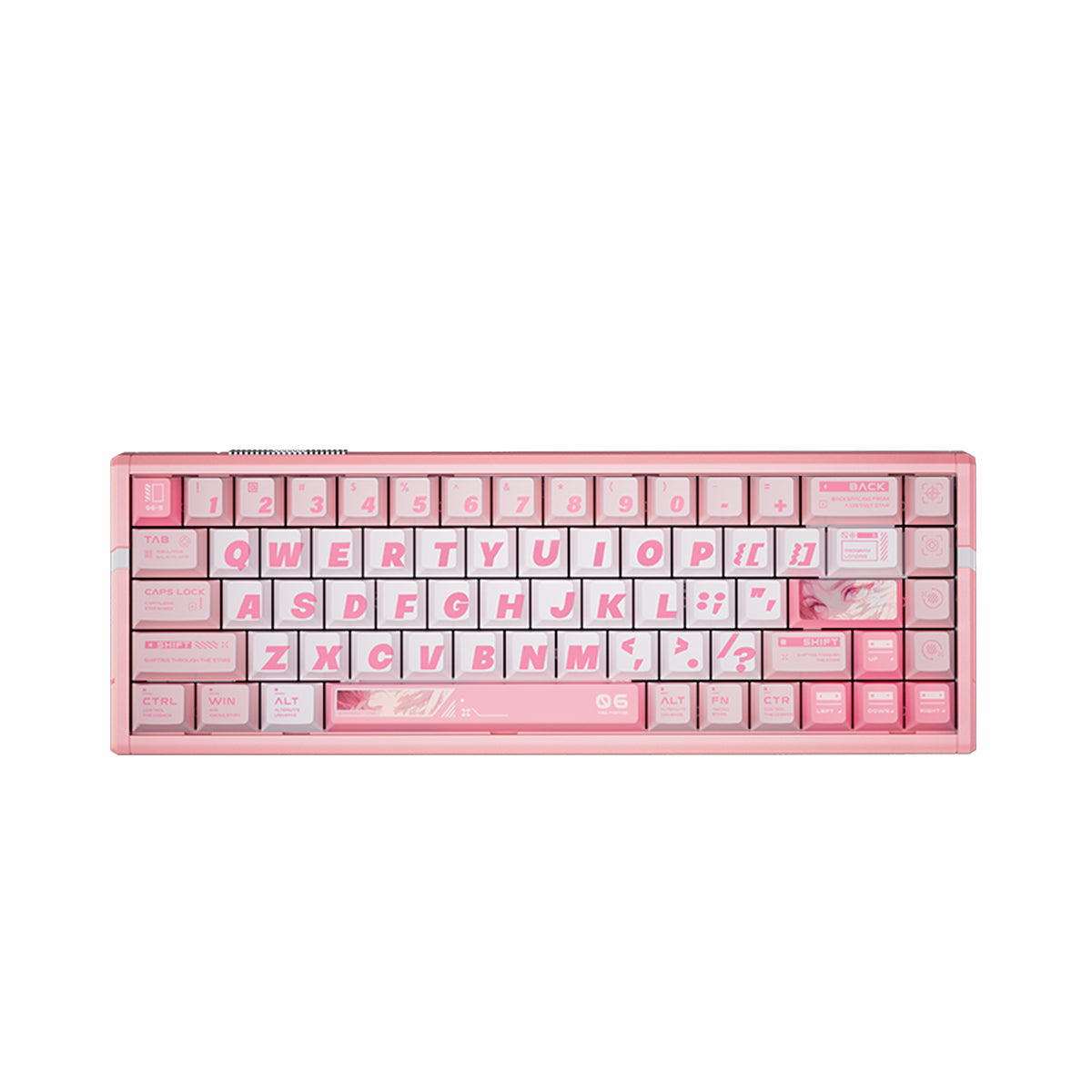
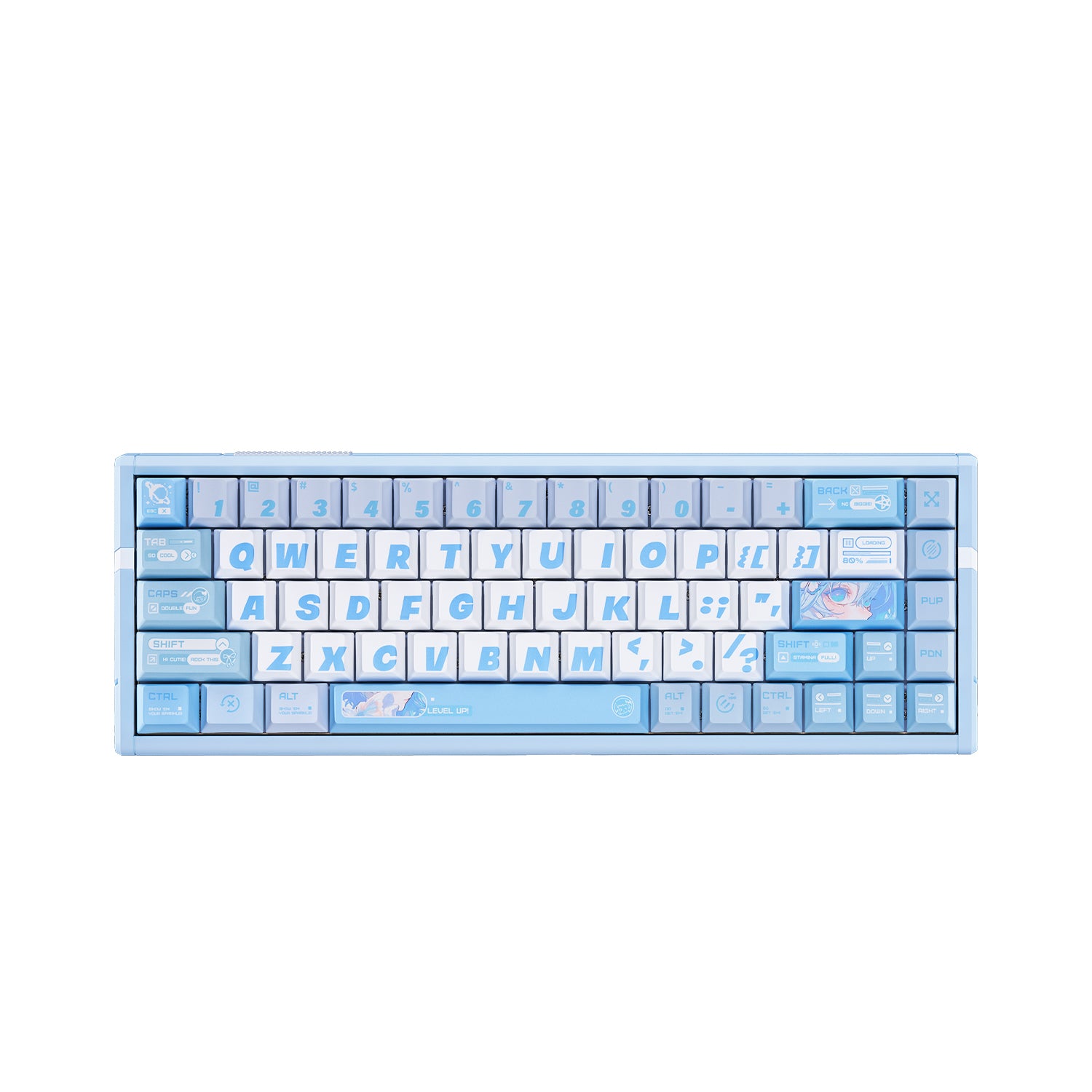
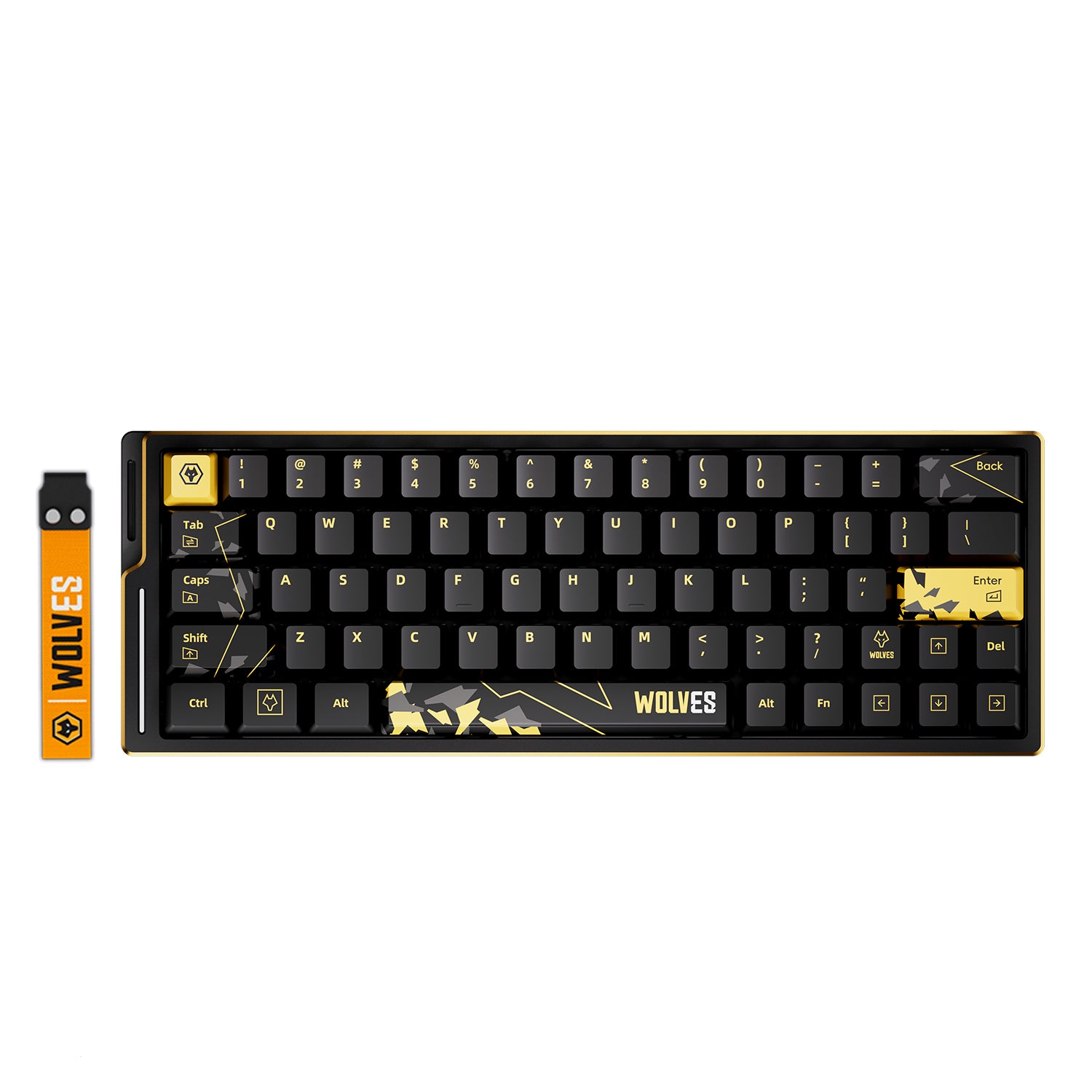
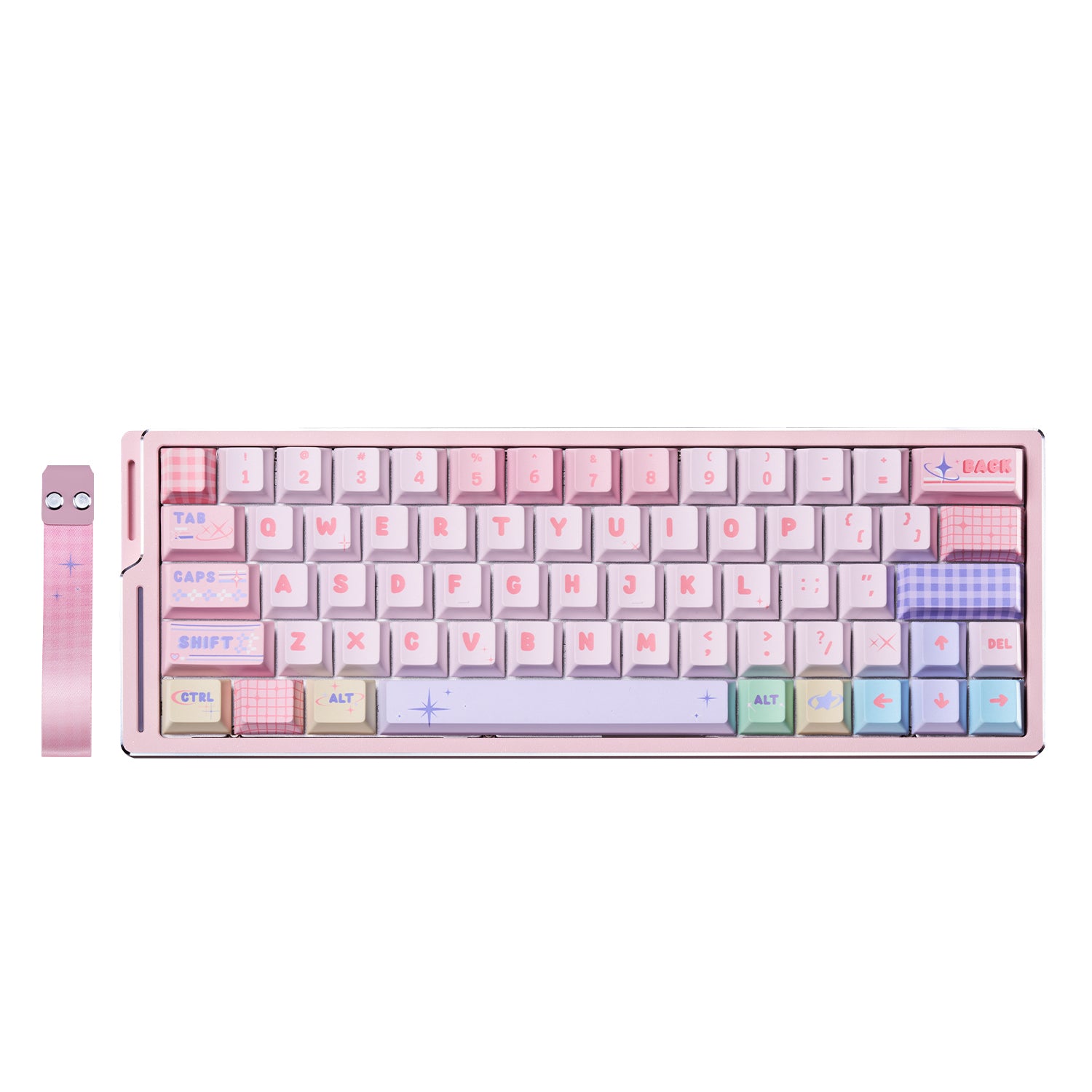
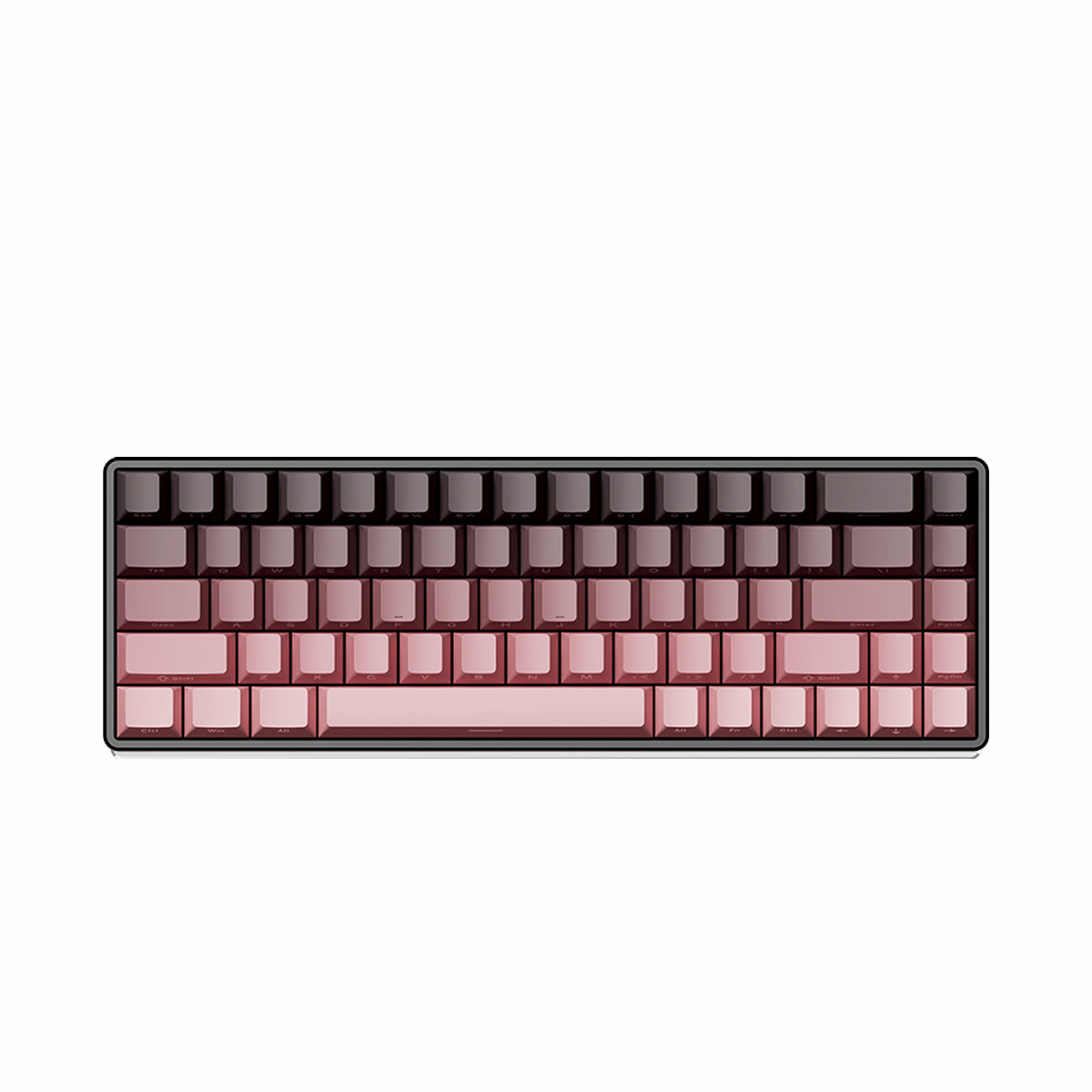
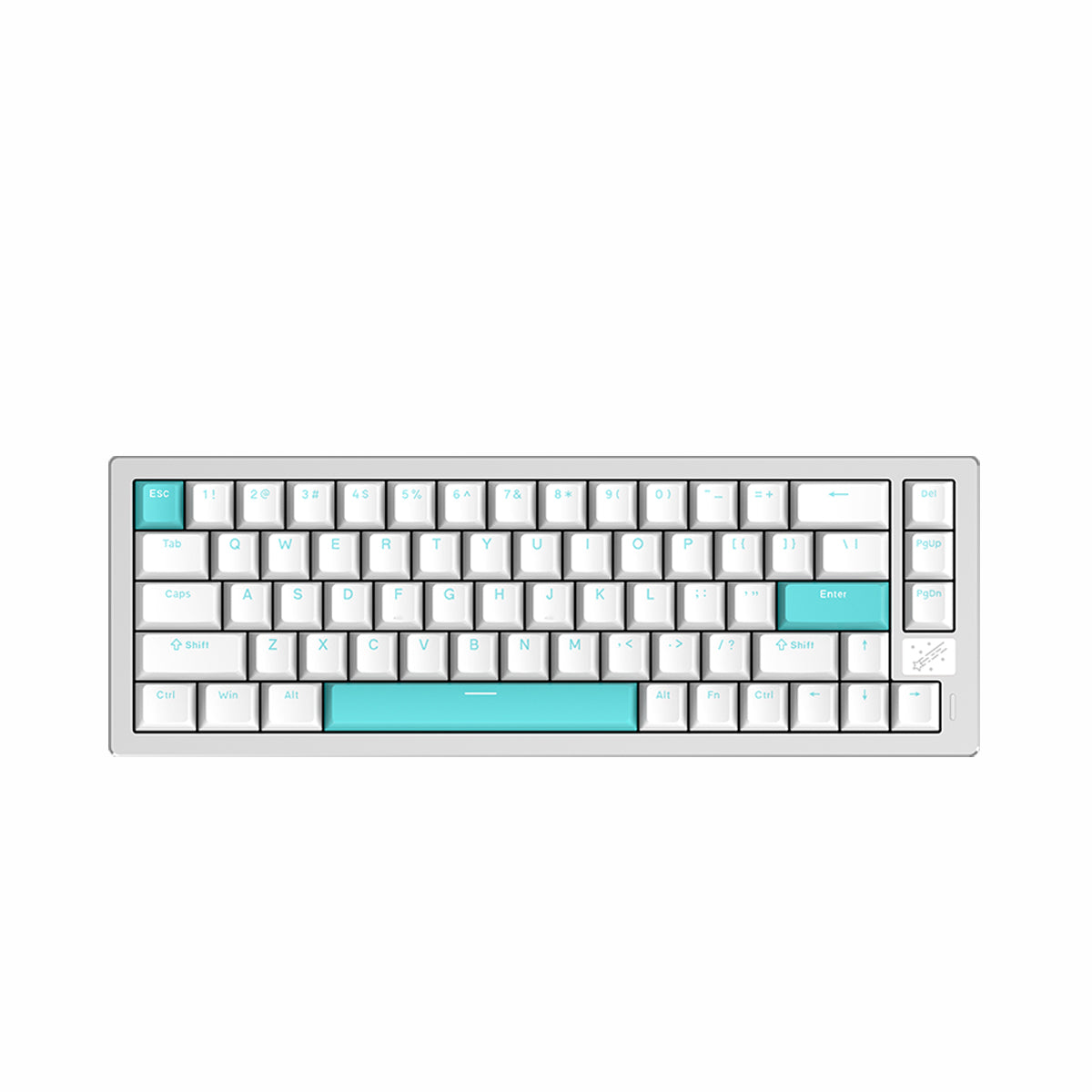
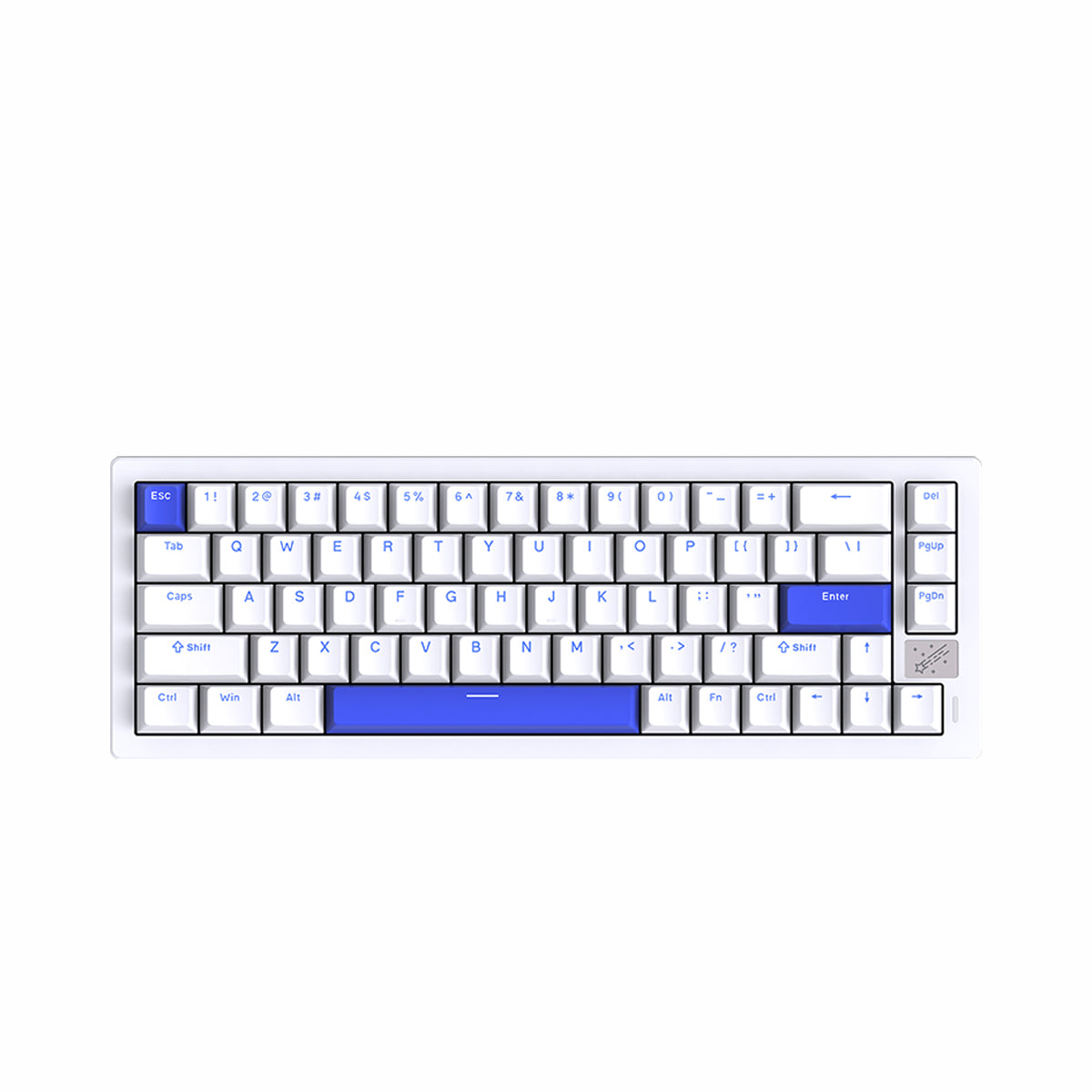
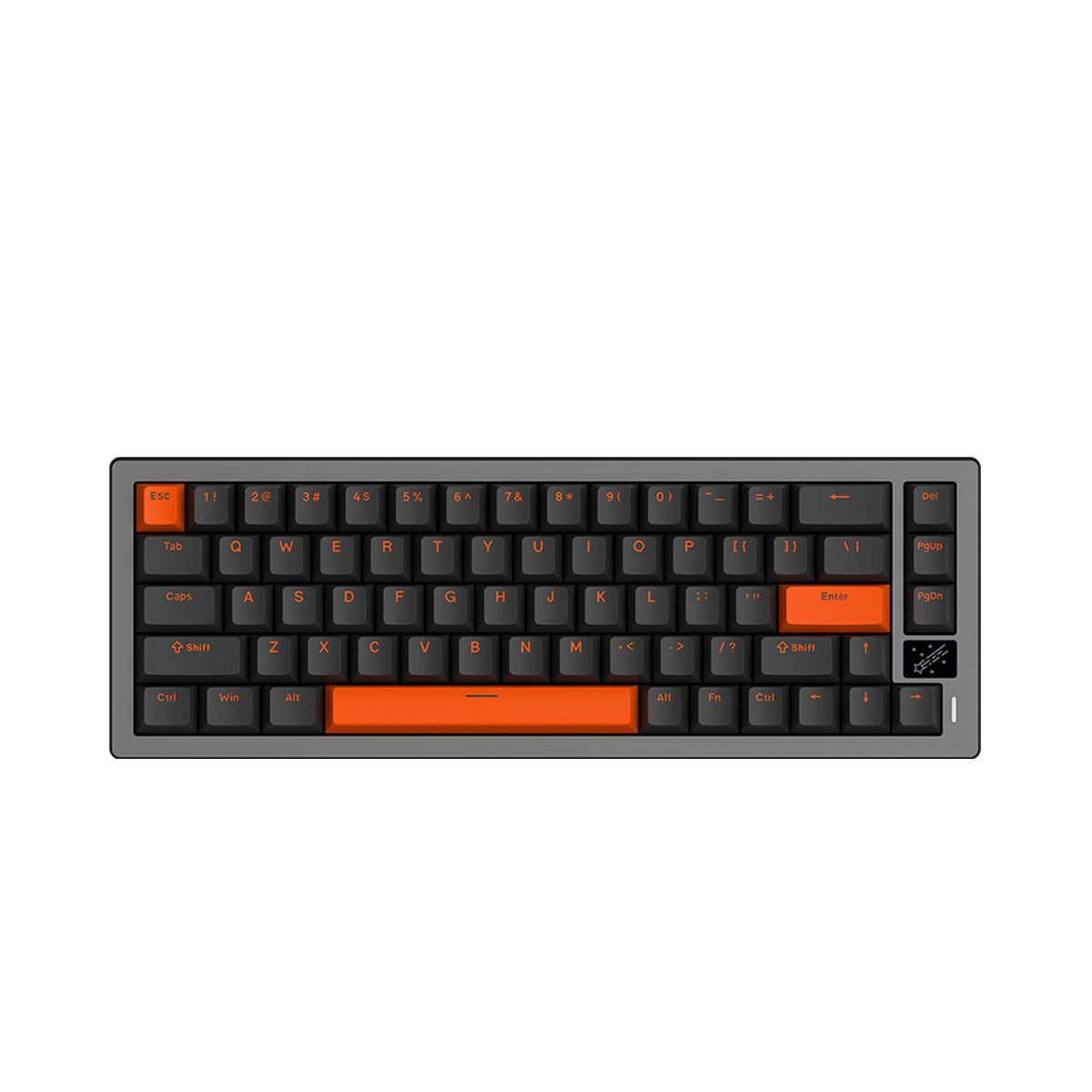
65% keyboards drop the function row but keep arrow keys. They're compact without sacrificing directional navigation — a common choice for gamers who want a smaller footprint without losing arrow key access.
75% keyboards add the function row back in a compressed form, giving you more key access without the full width of a tenkeyless board.
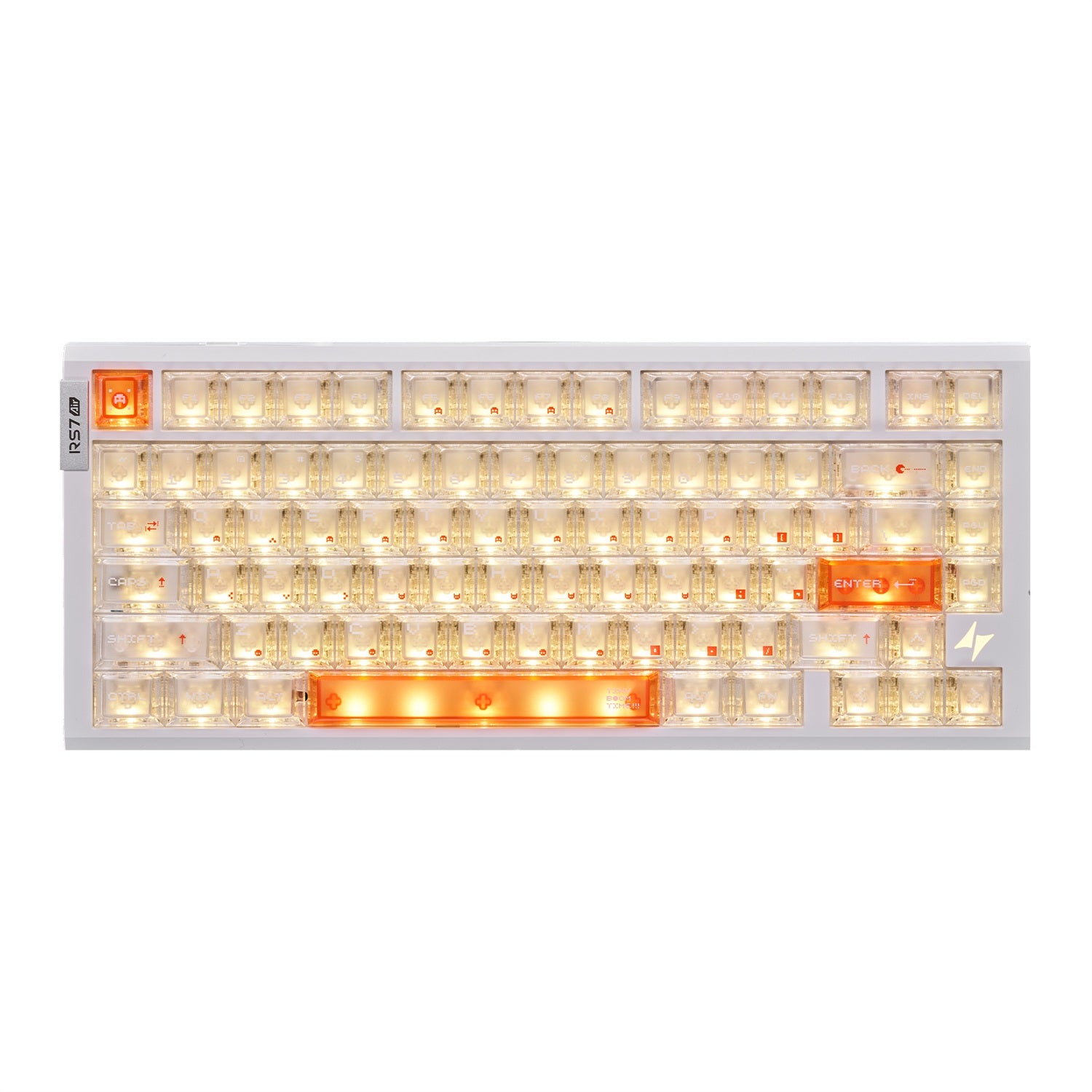
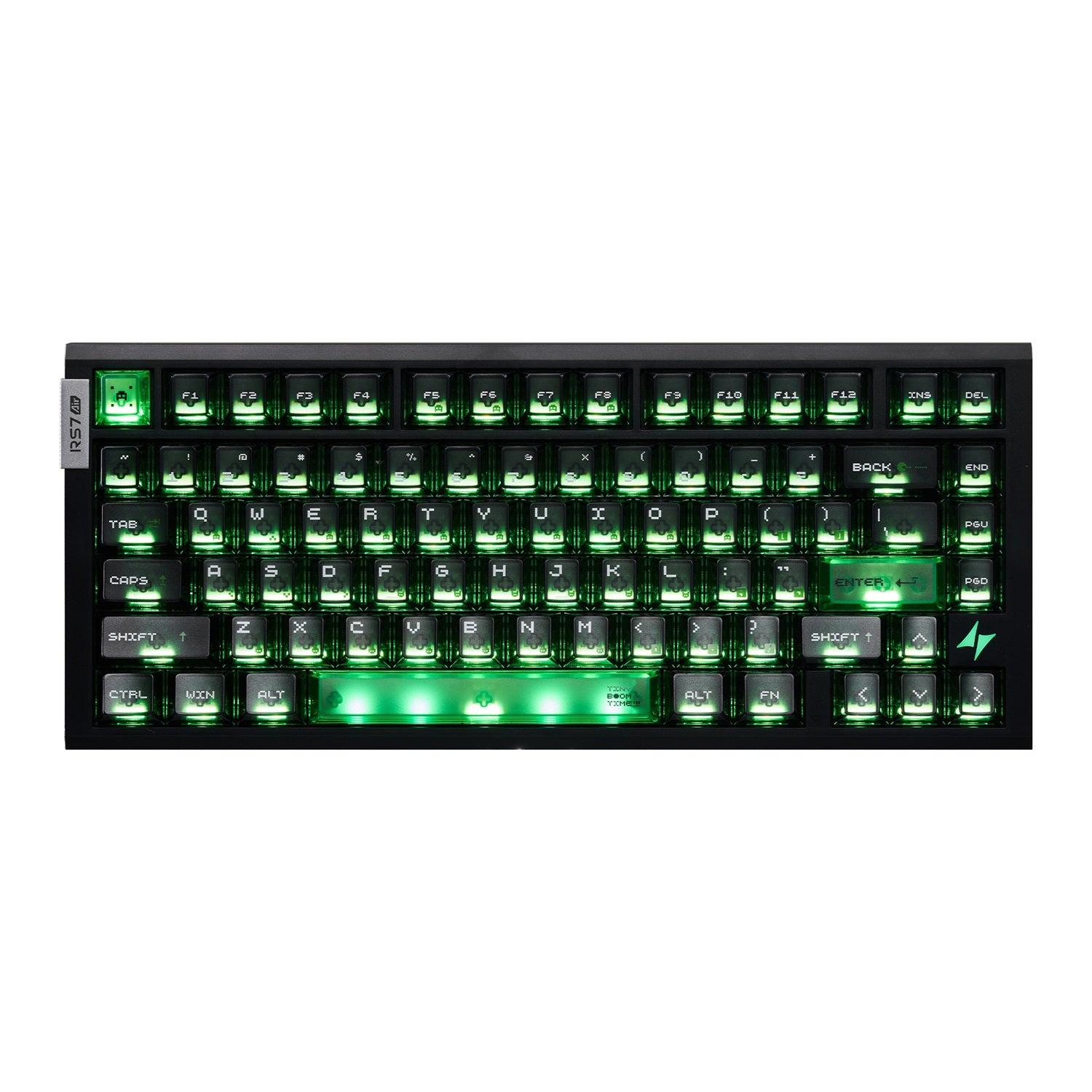
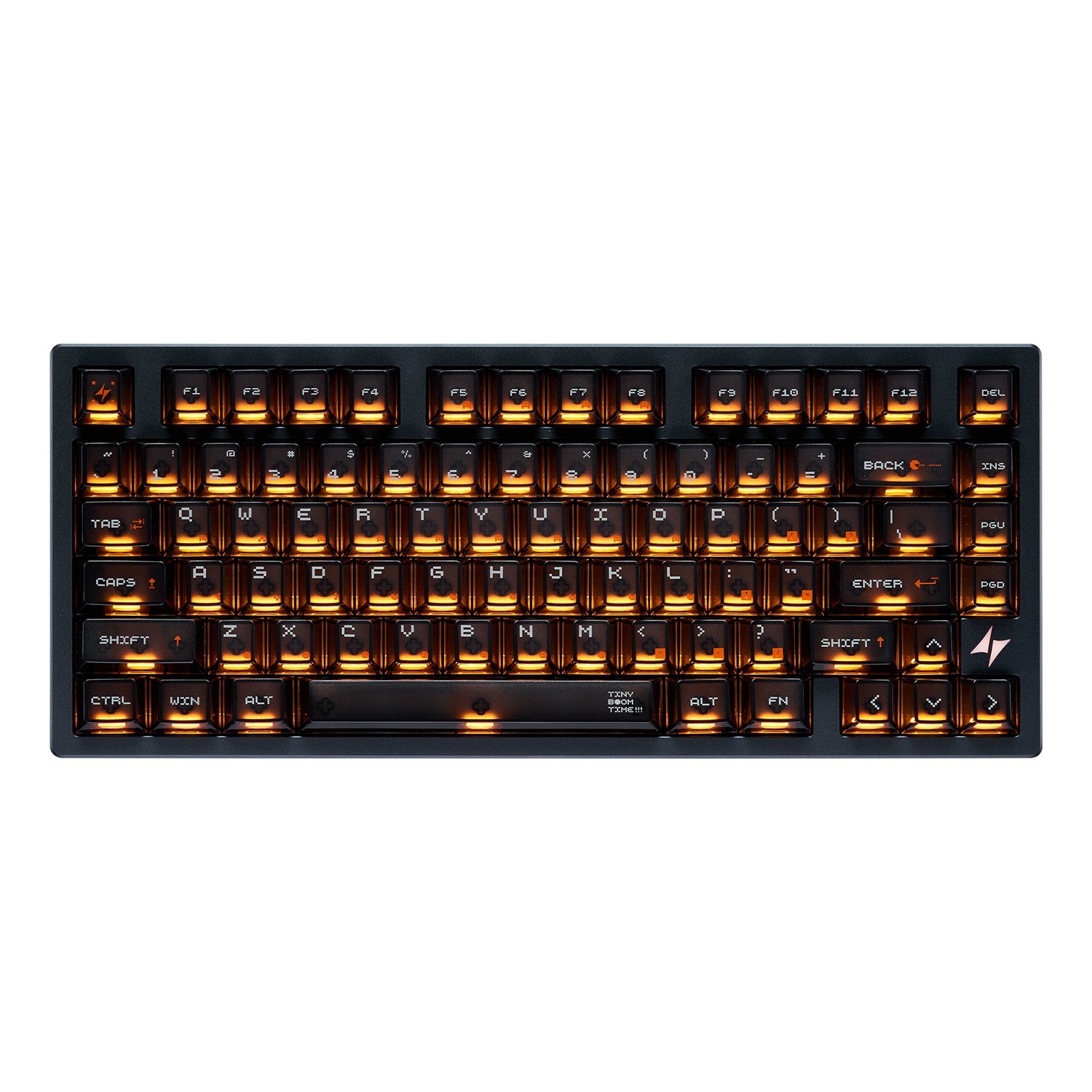
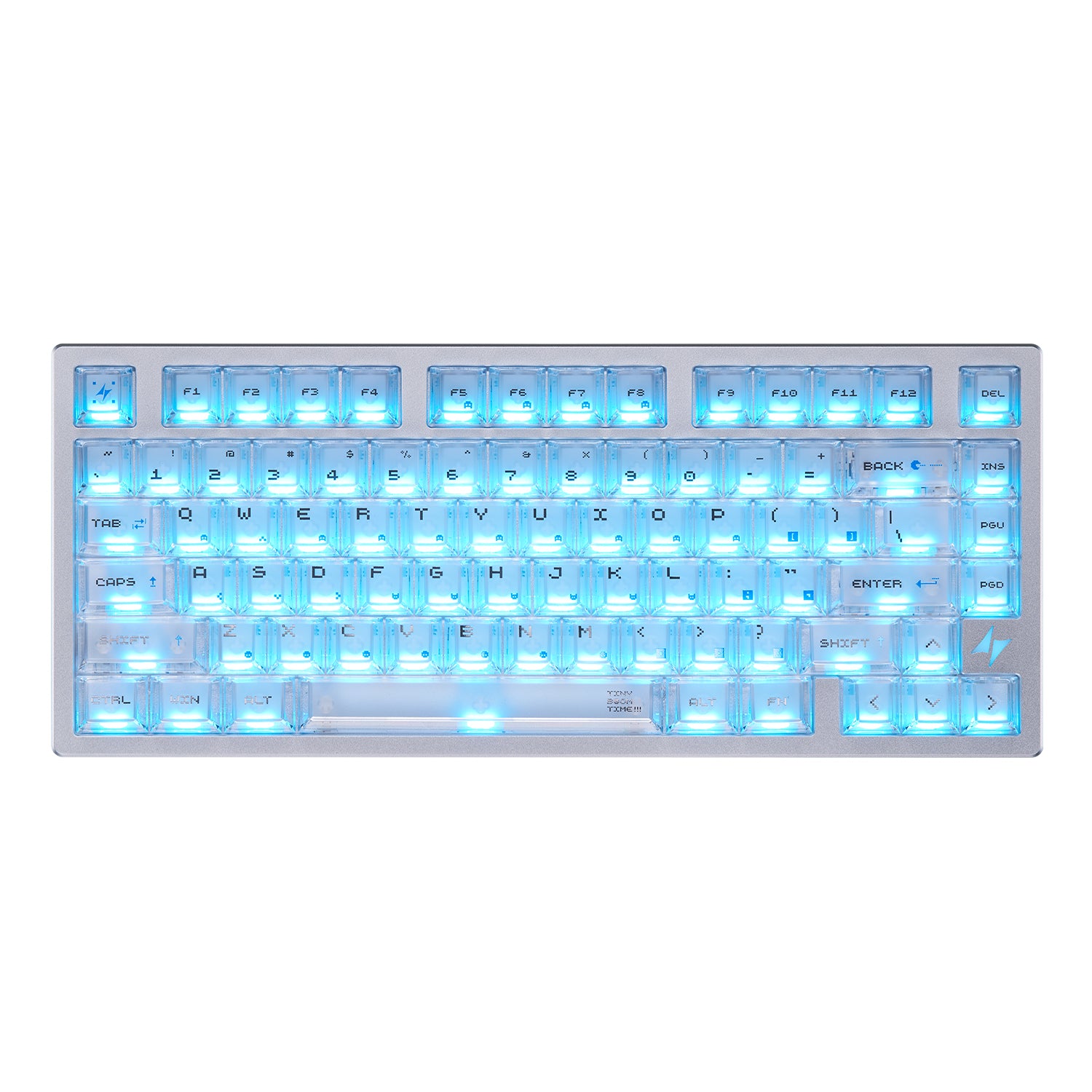
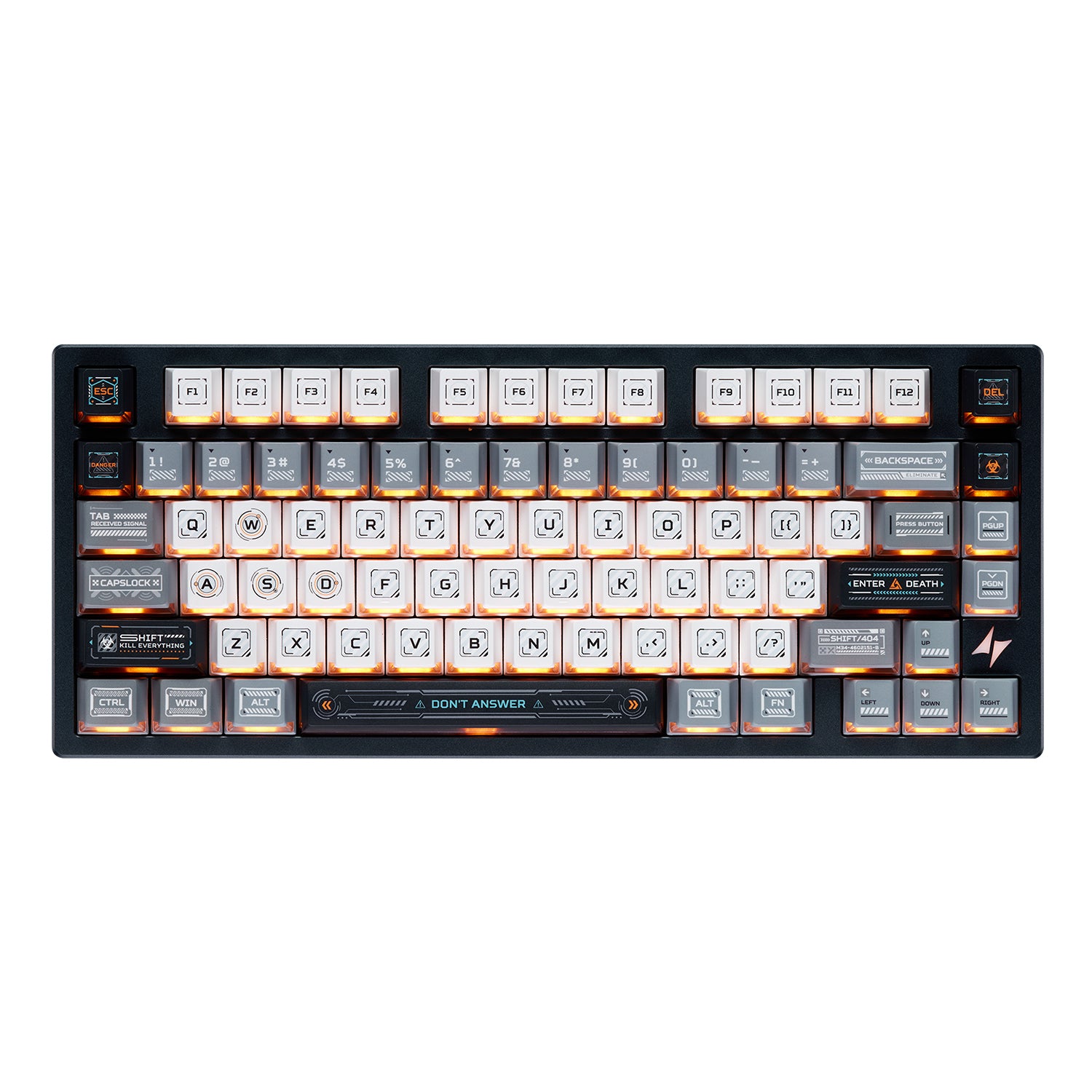
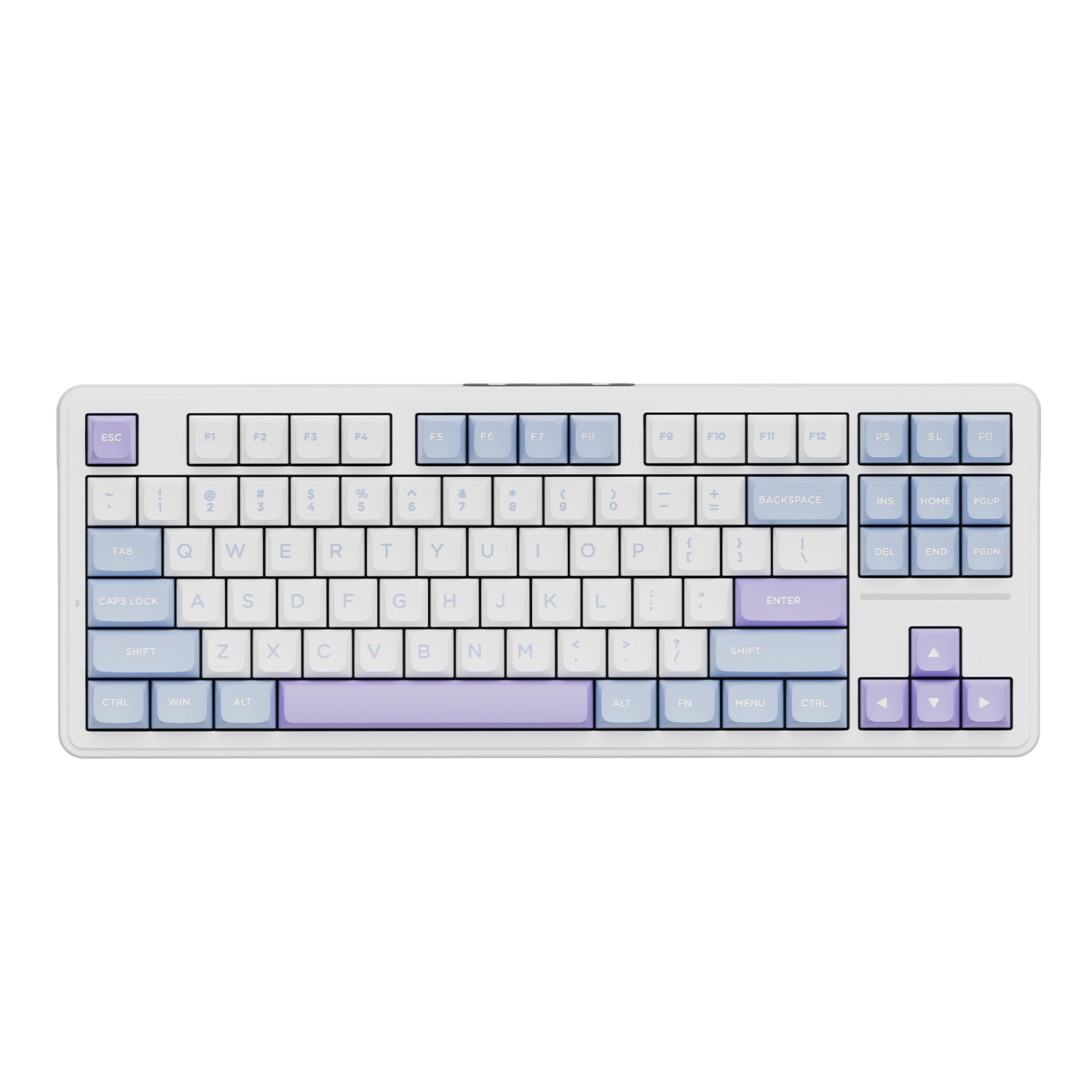
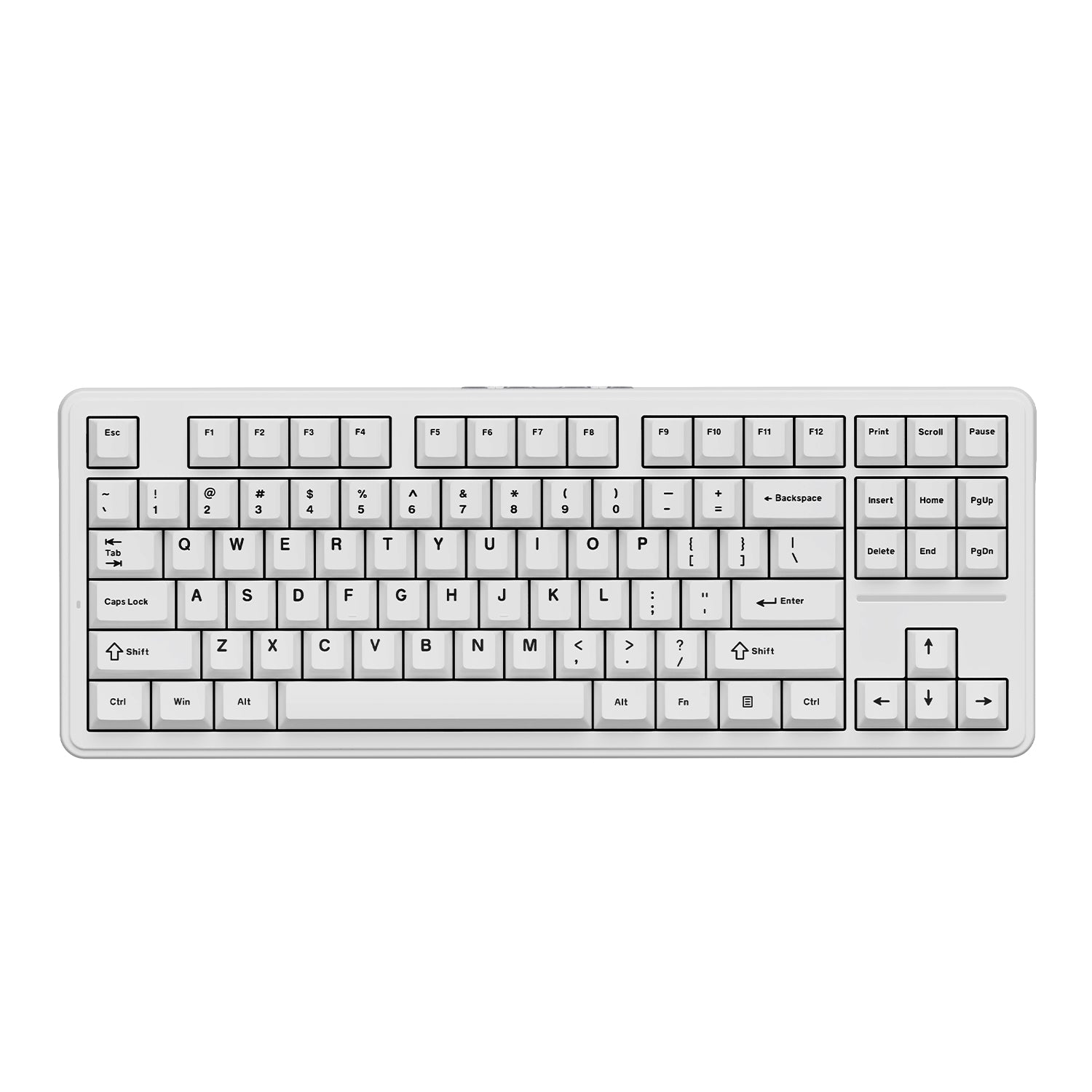
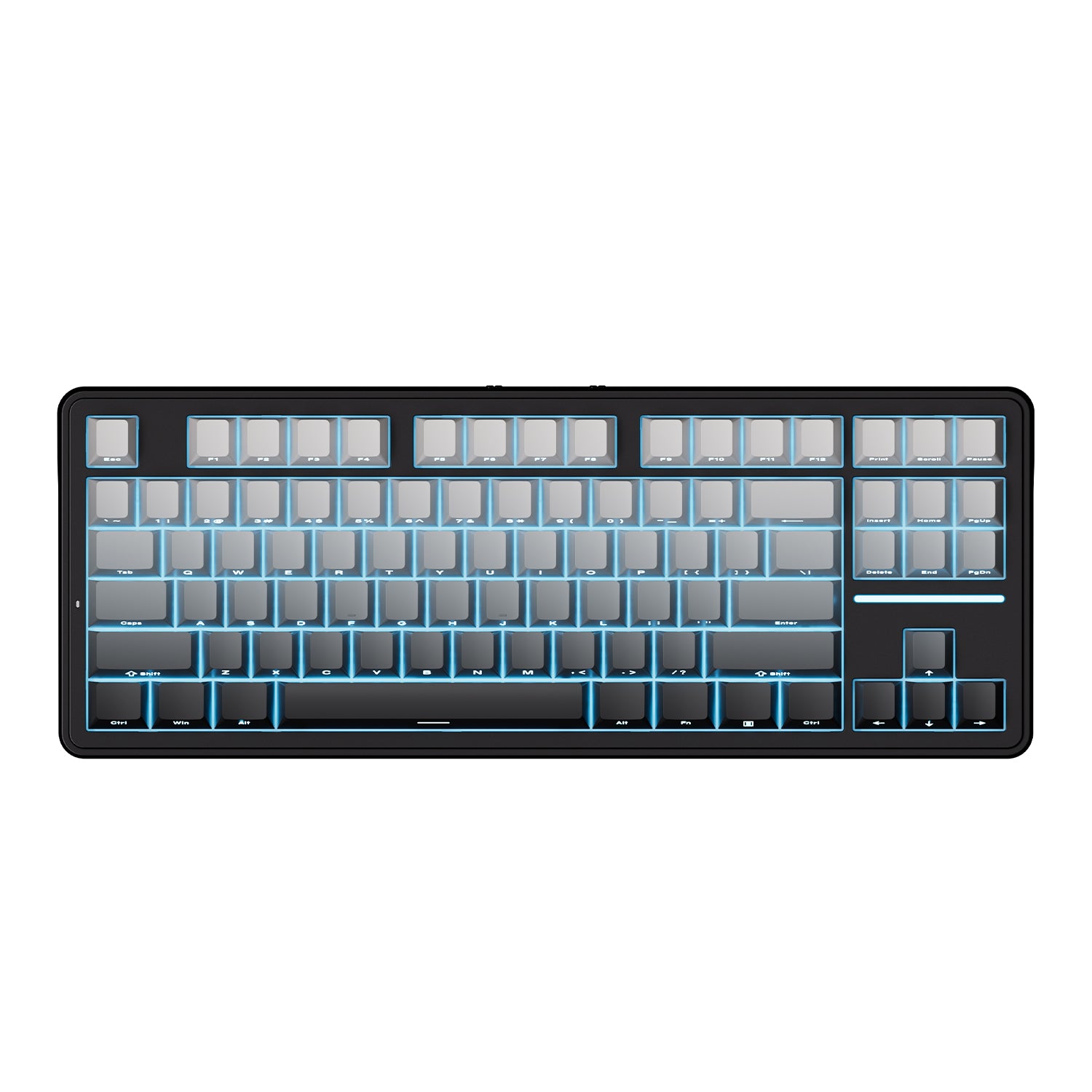
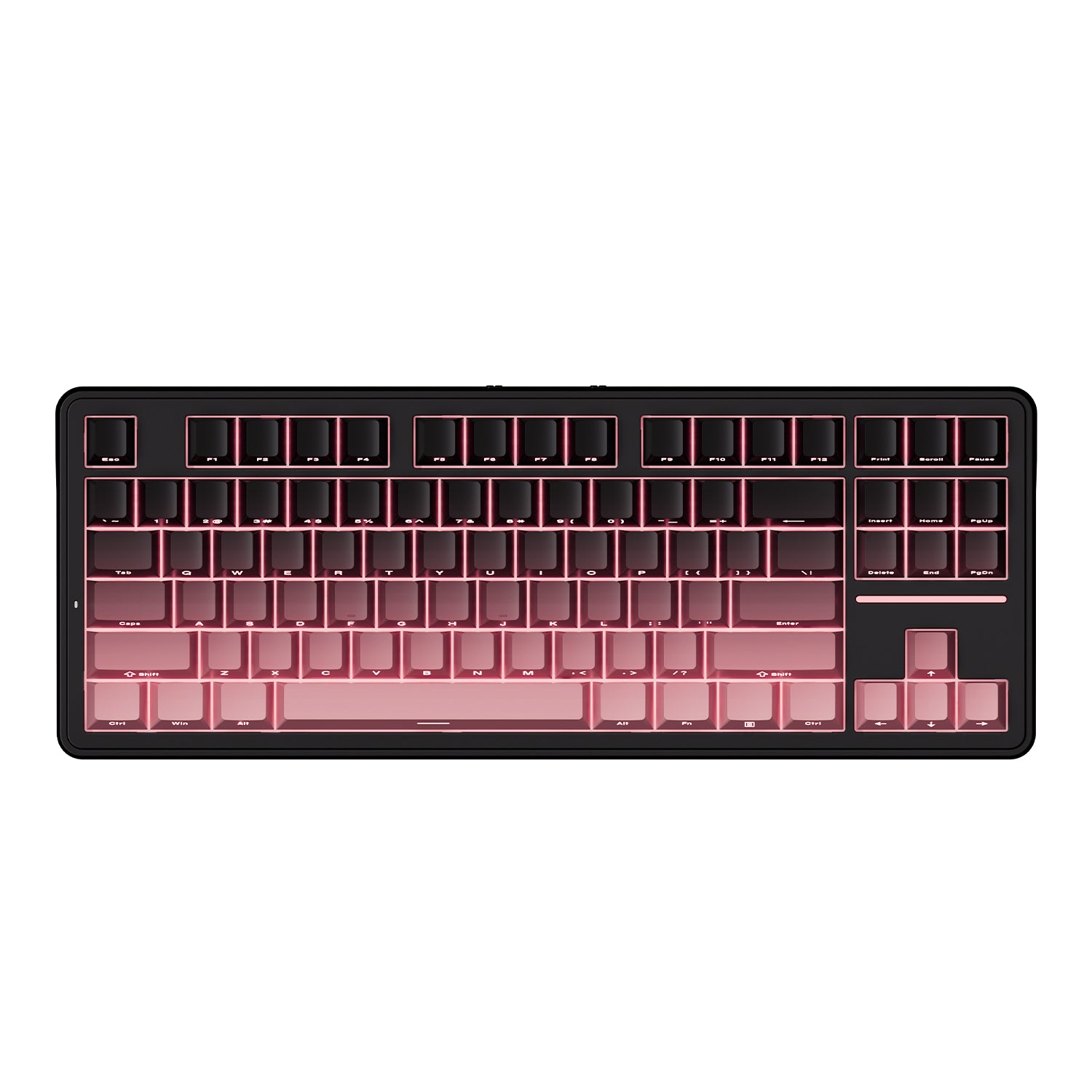
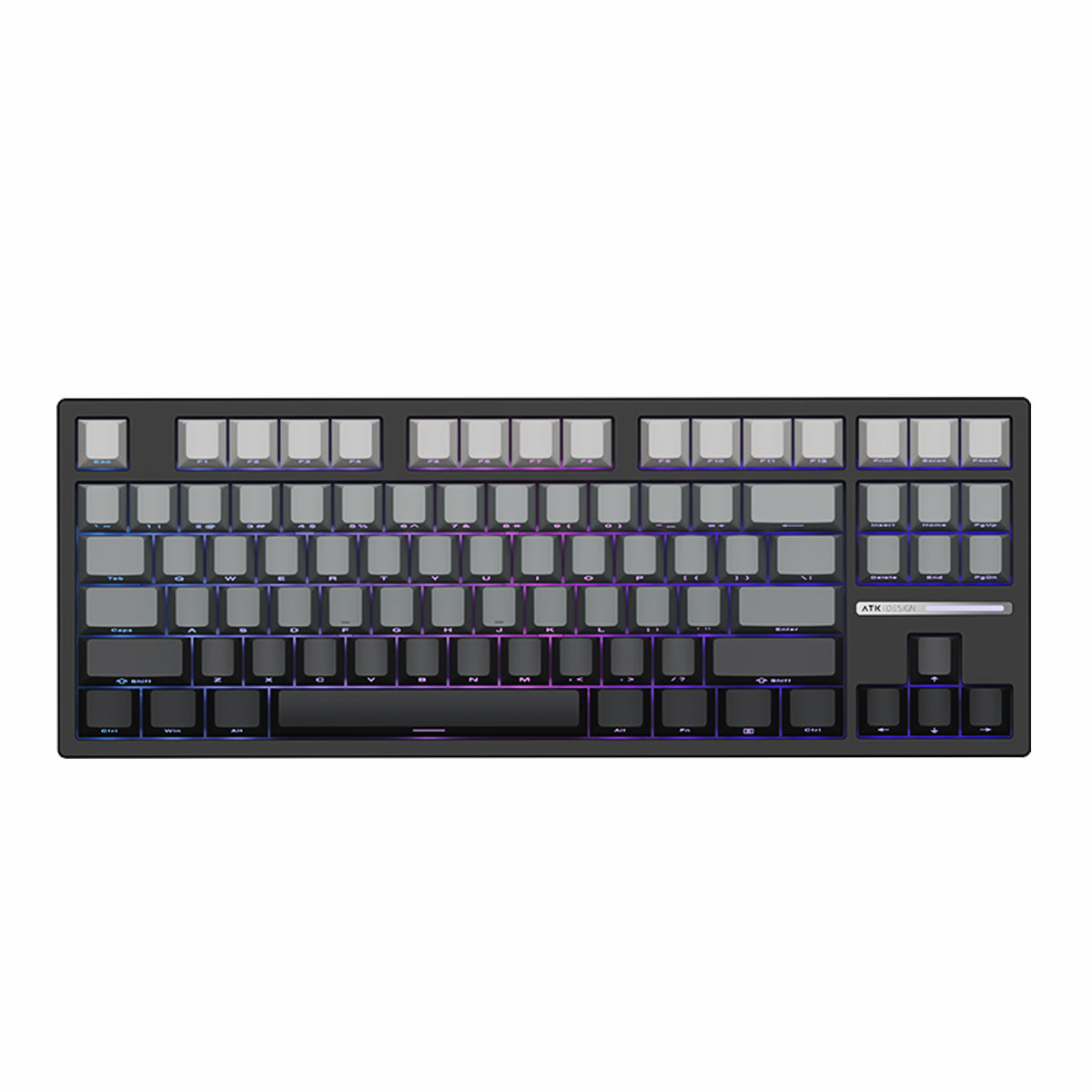
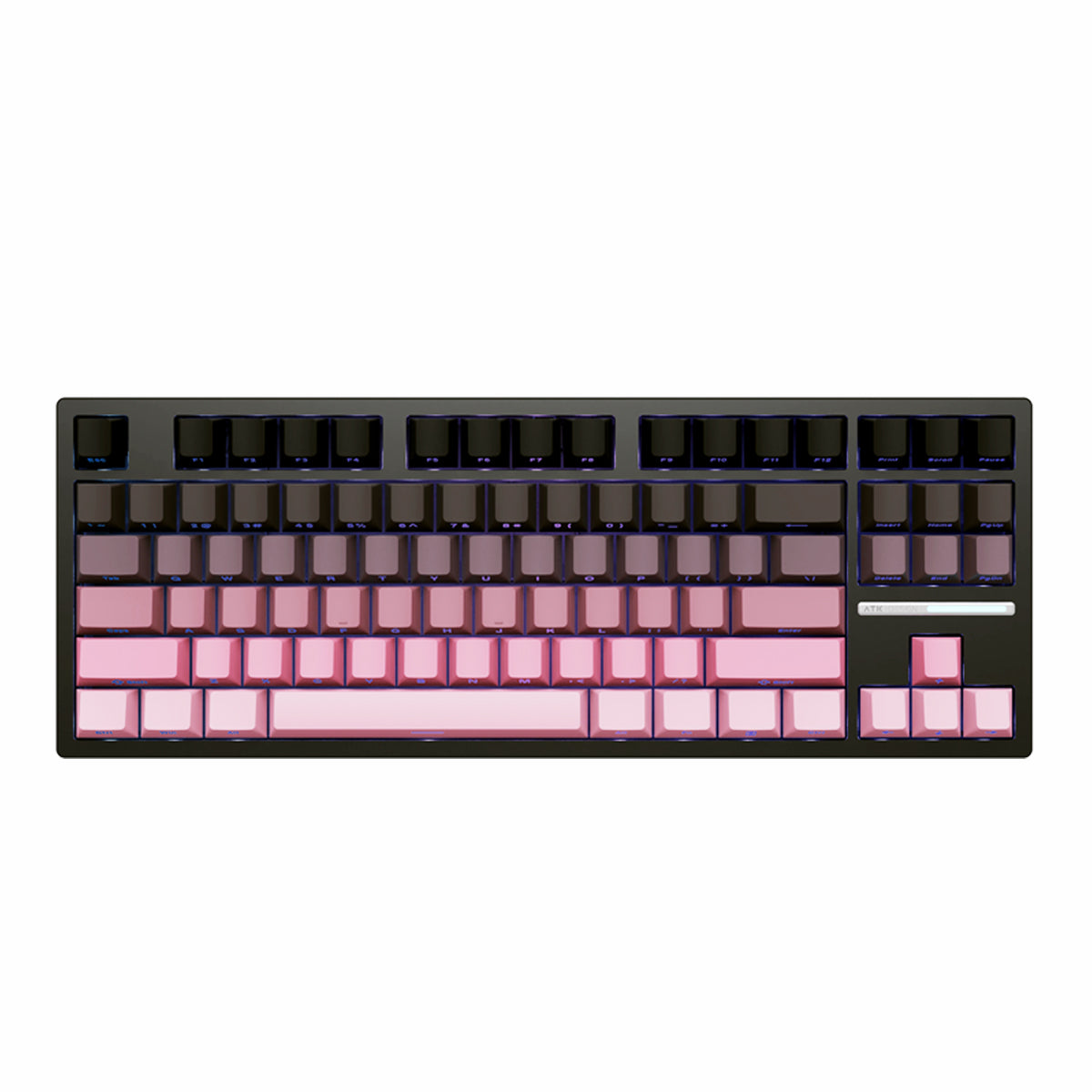
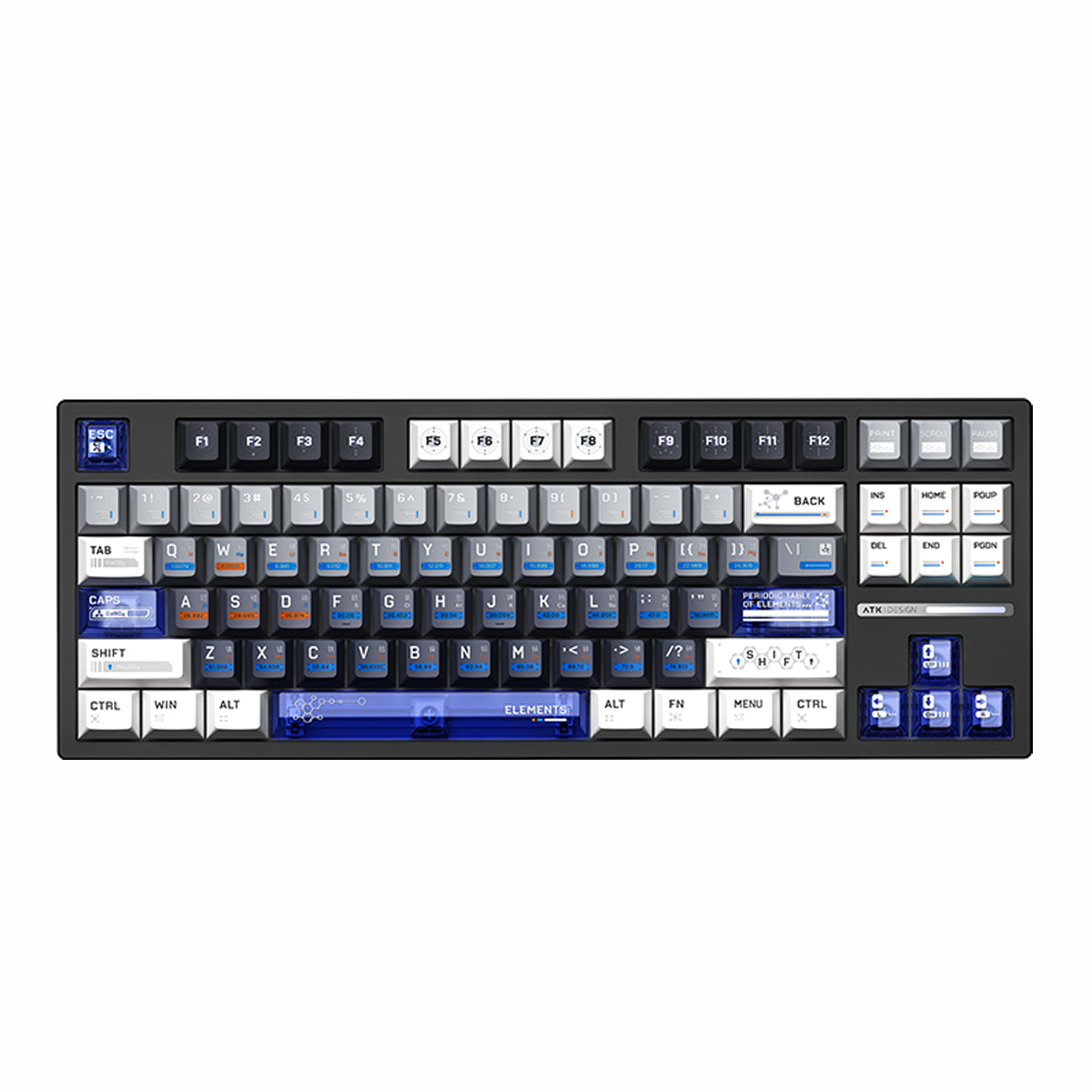
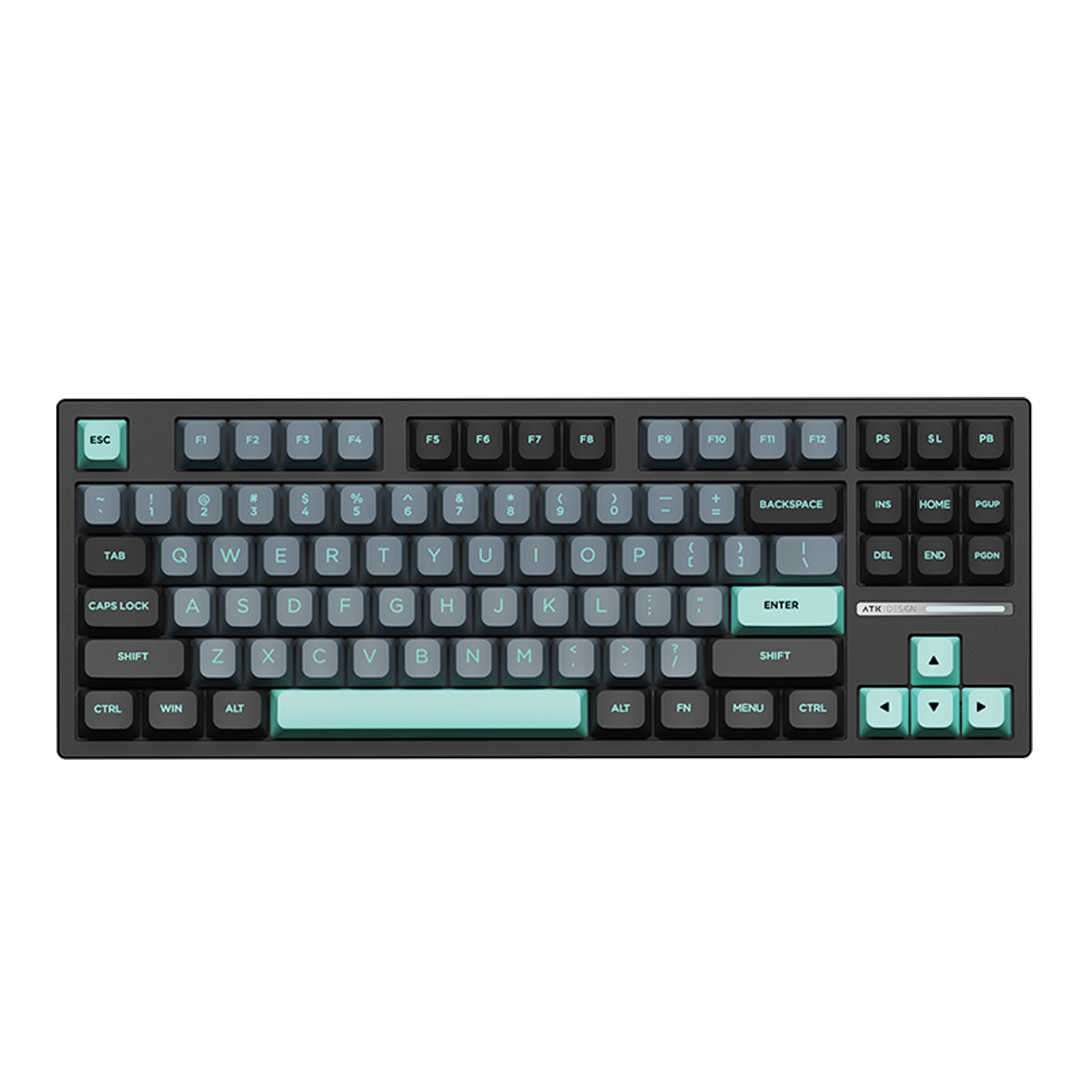
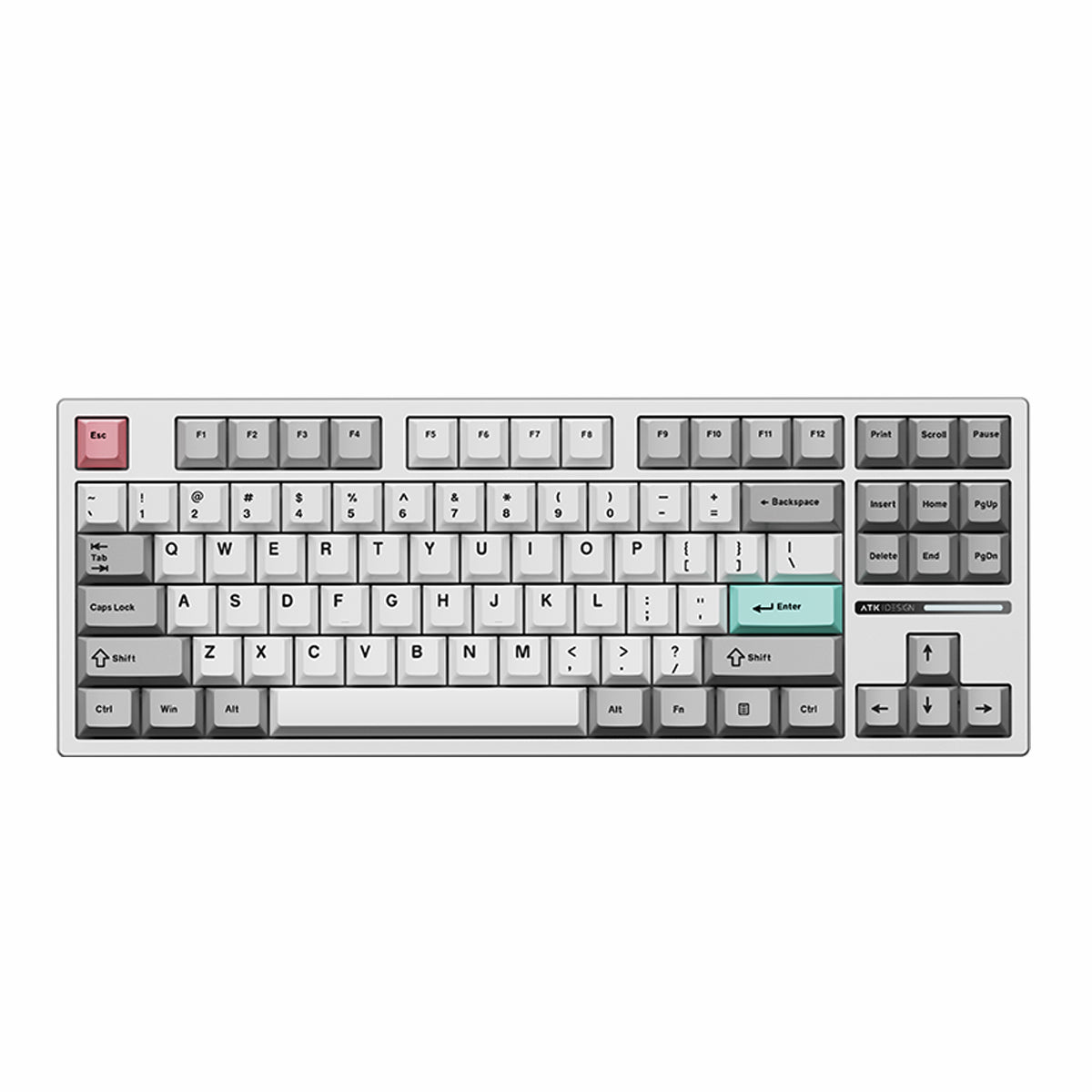
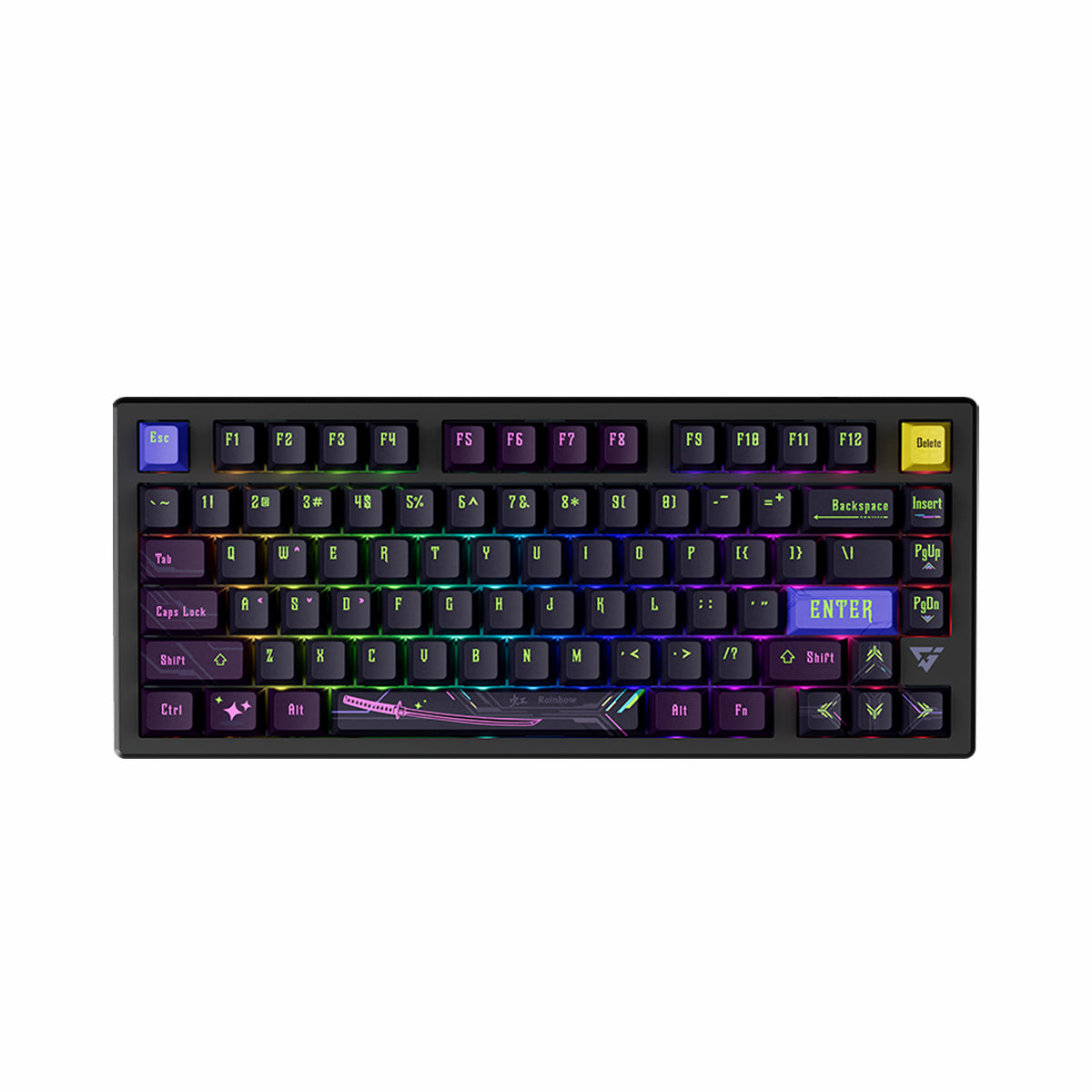
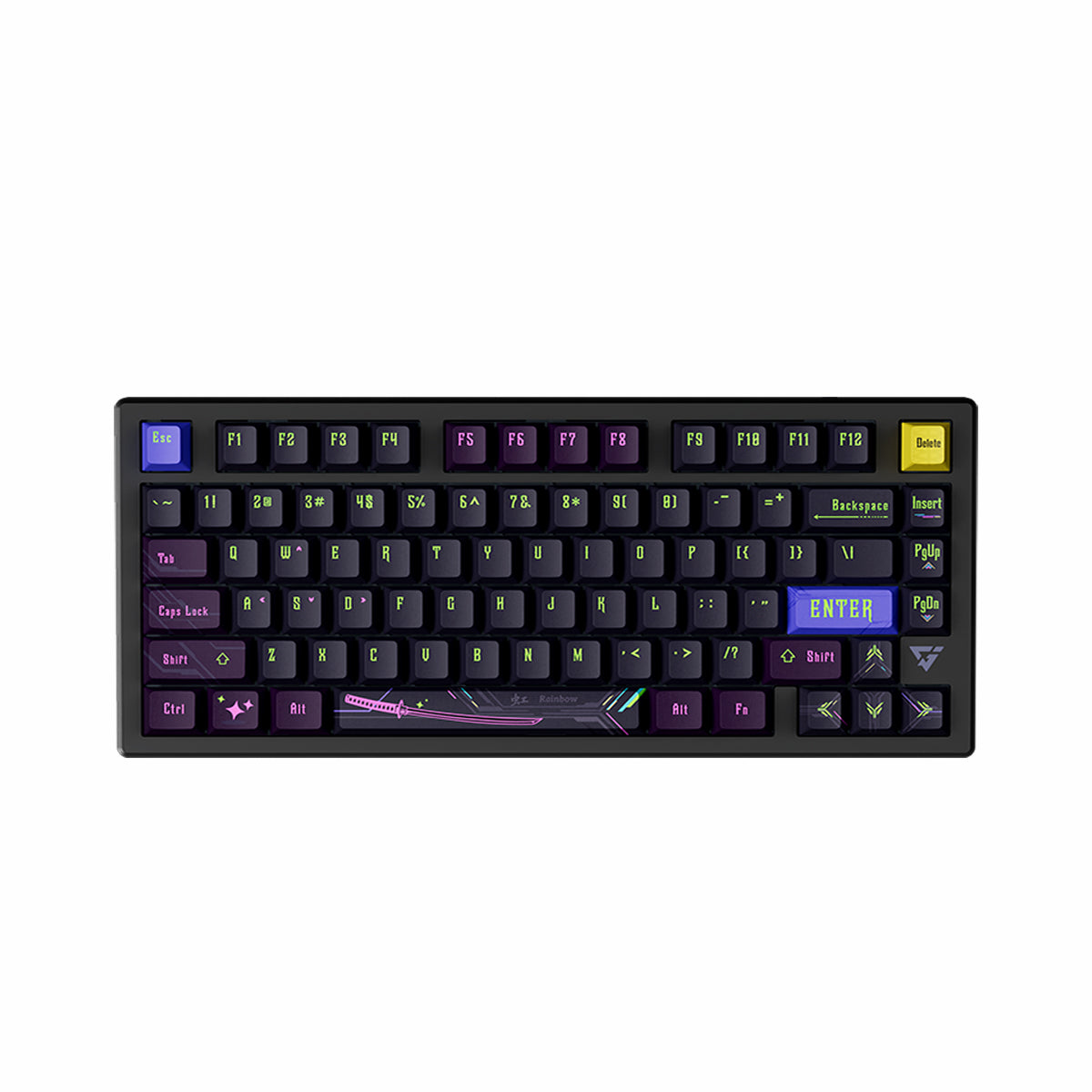
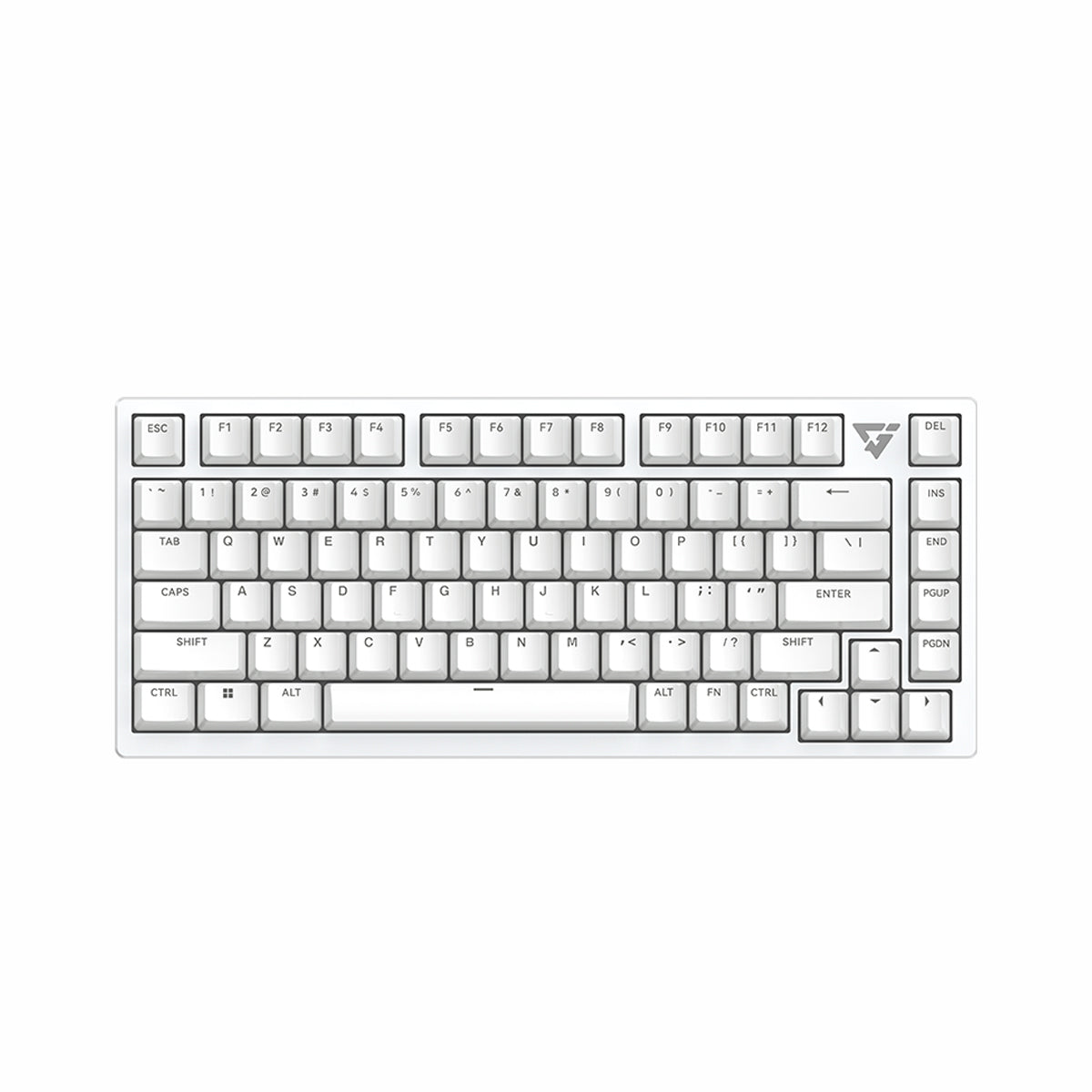
80% keyboards, often referred to as tenkeyless layouts, keep the function row, arrow keys, and navigation cluster while removing the numpad. For users who switch between gaming and productivity, 75% or 80% tends to be more practical.
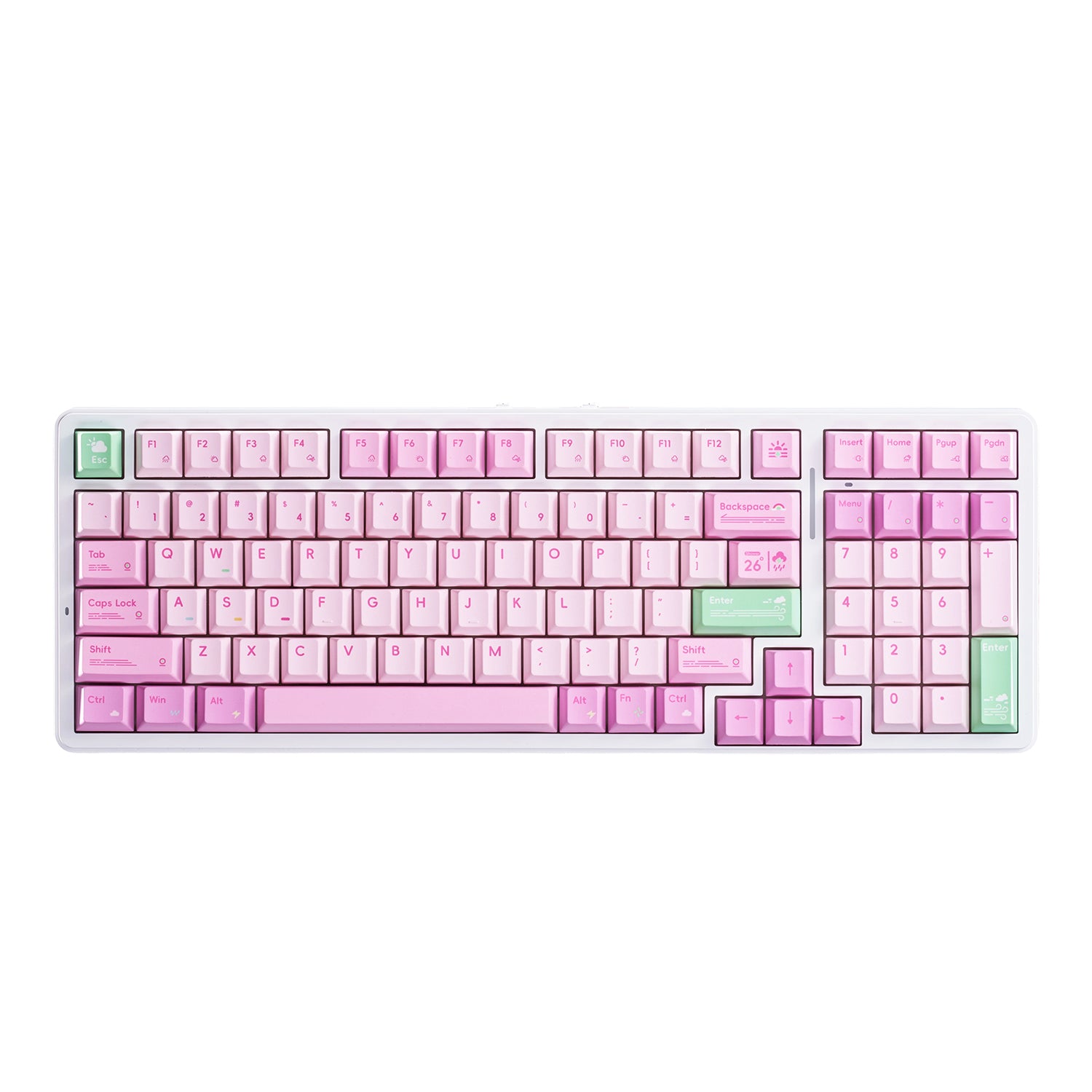
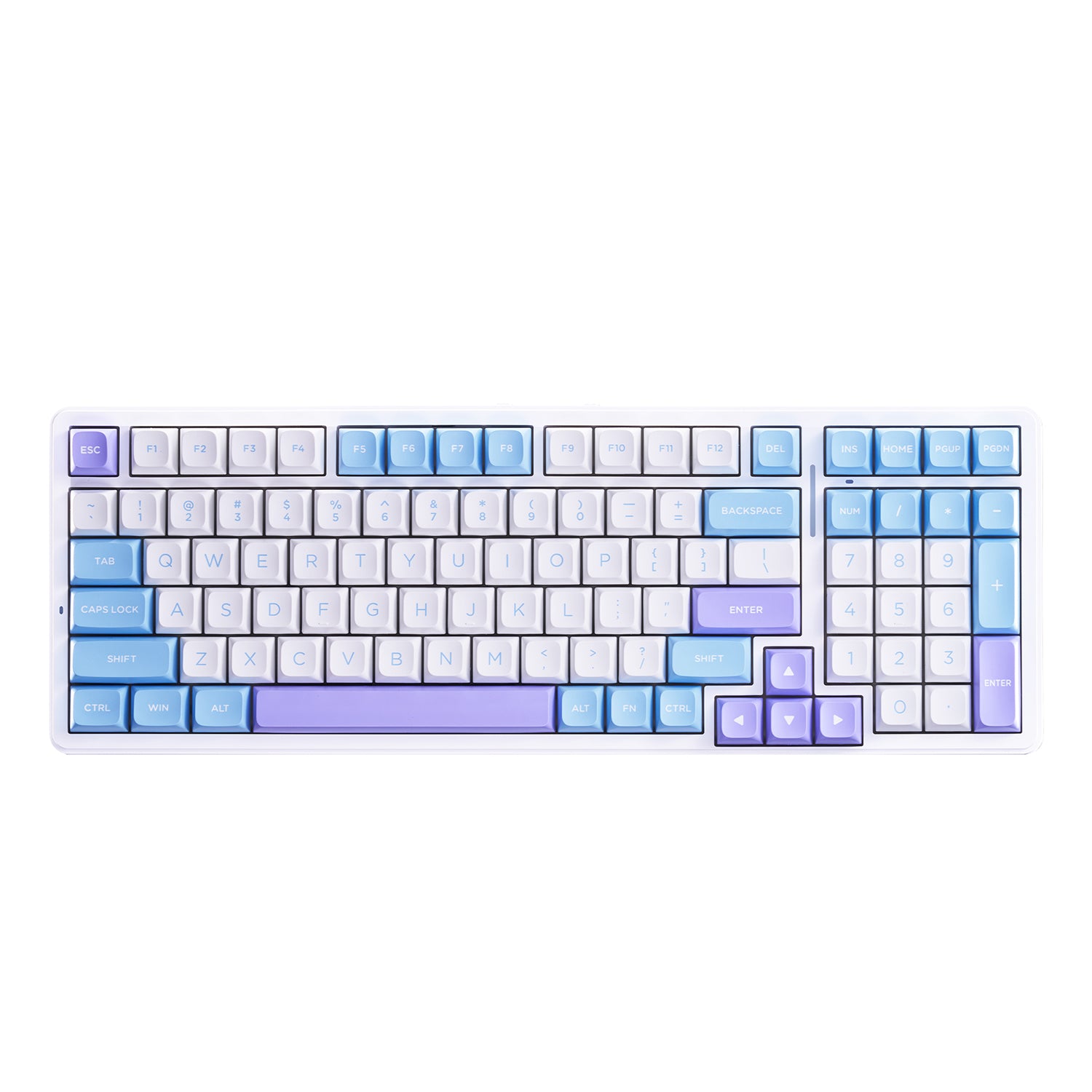
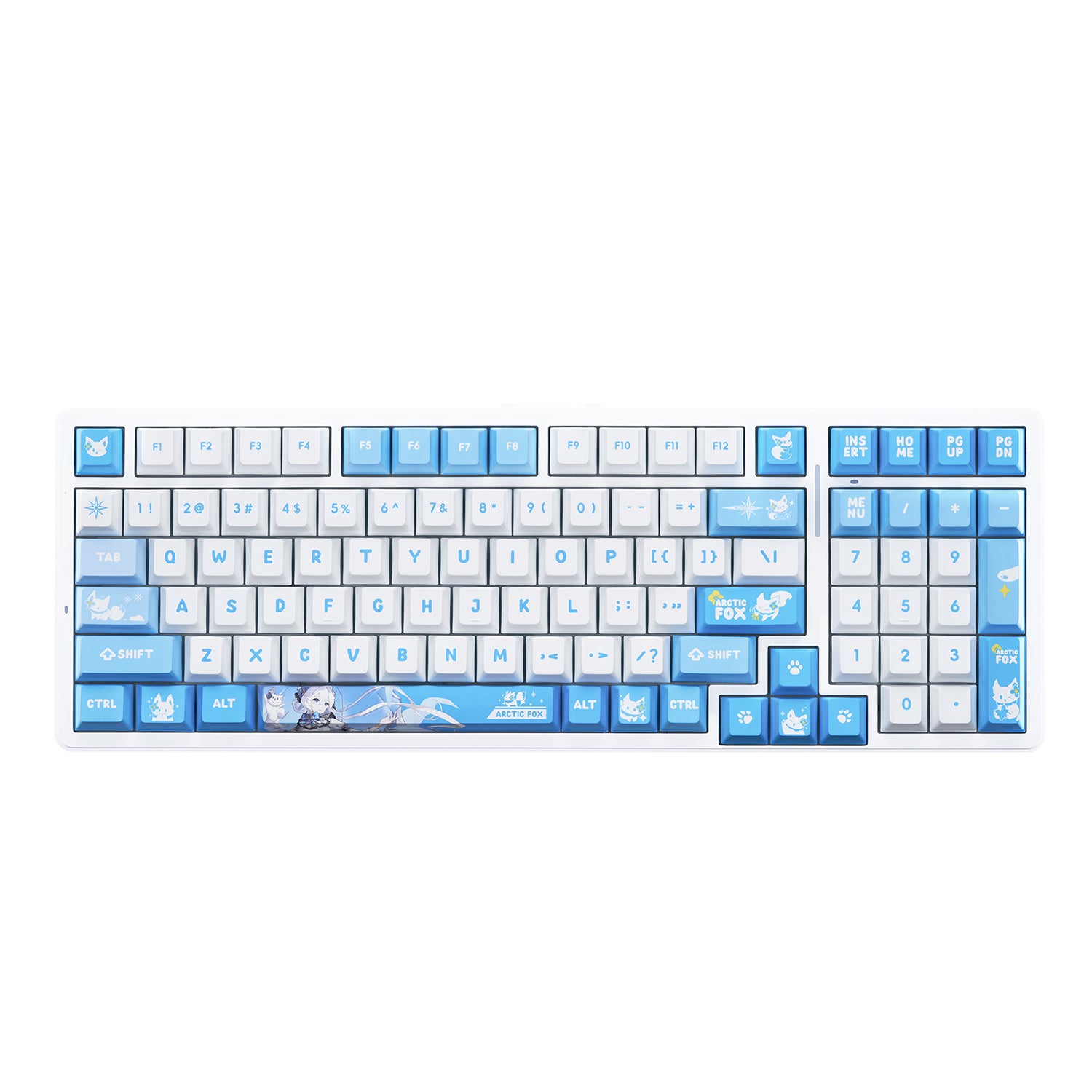
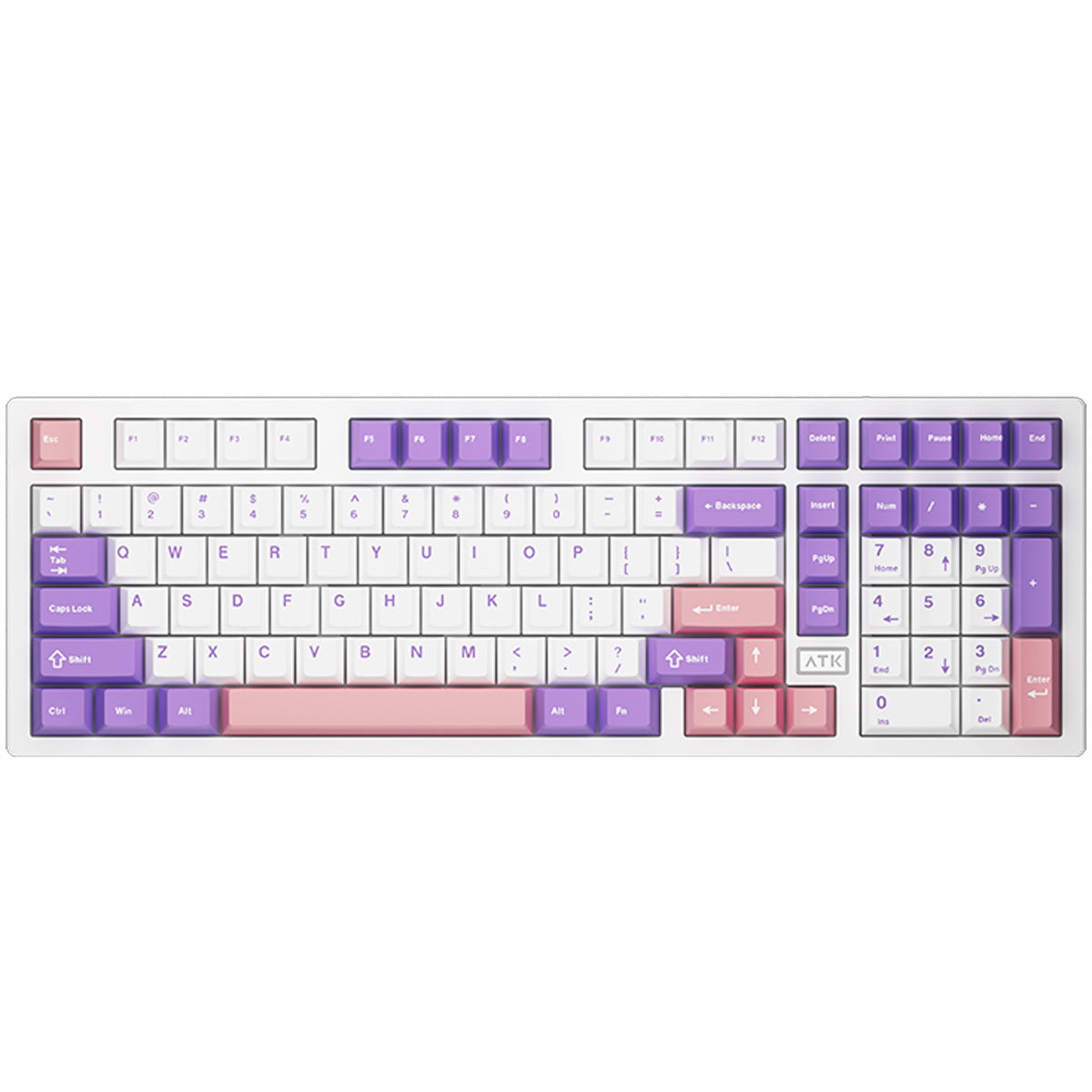
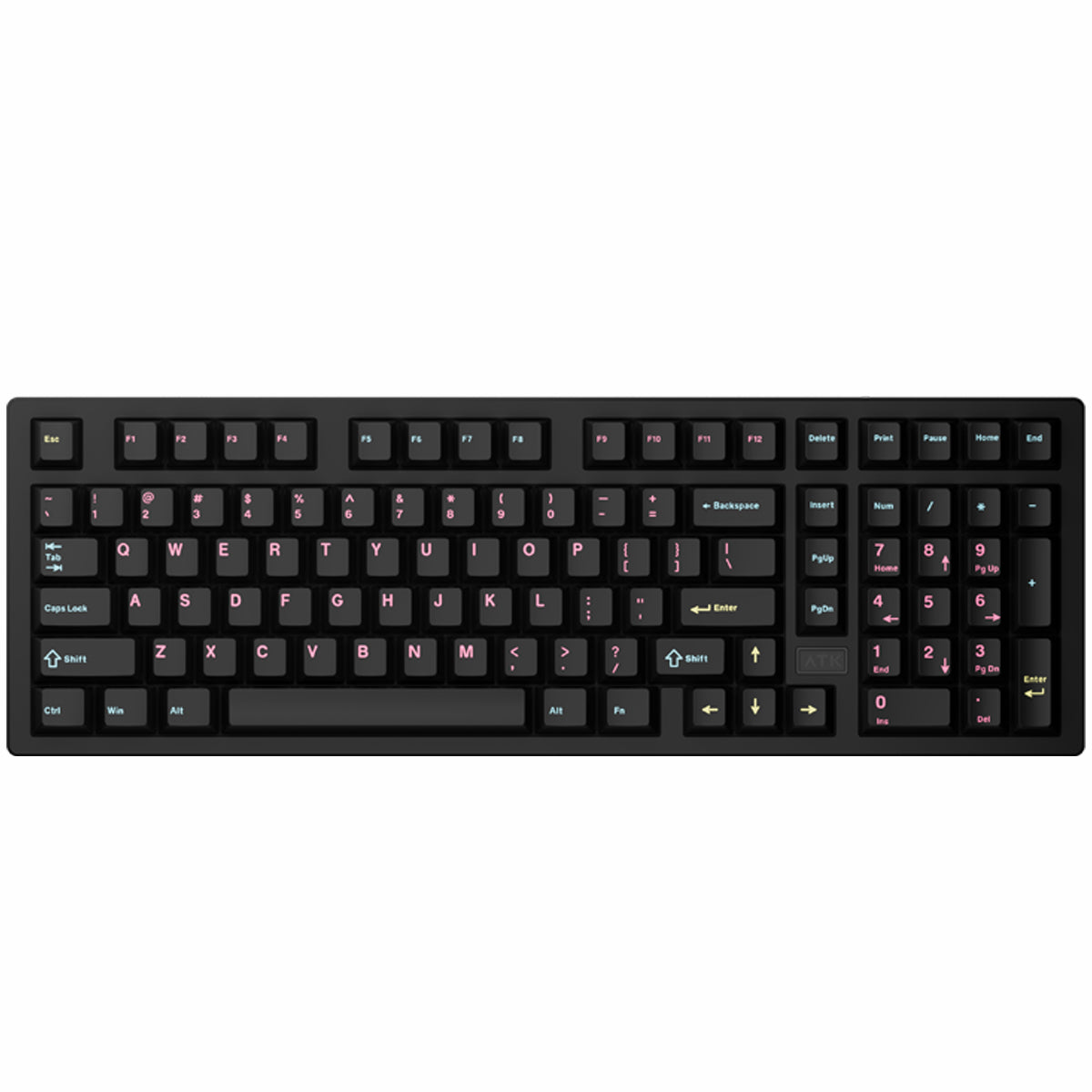
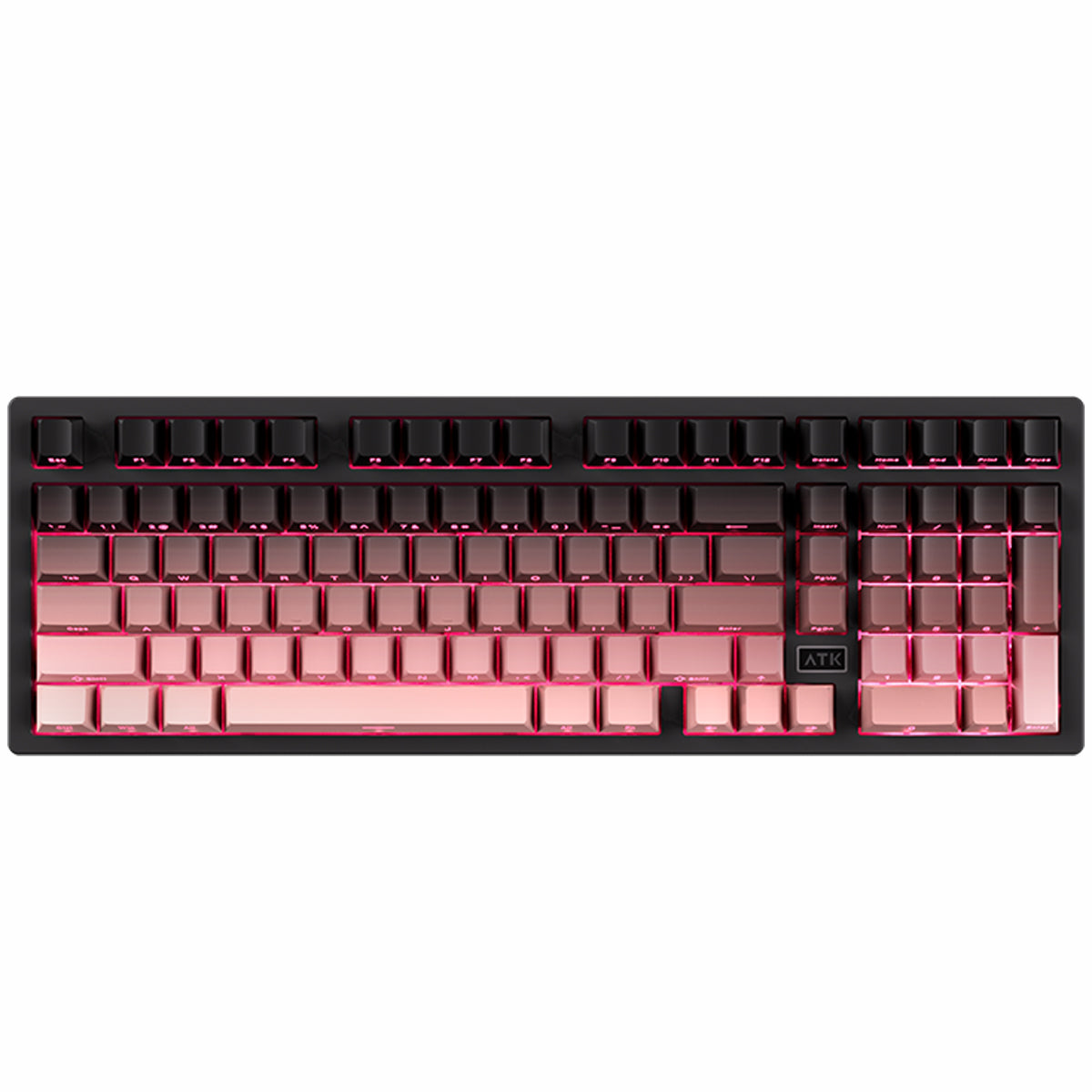
95%–98% keyboards sit closer to a full layout, retaining most keys including a compressed numpad area. They're better suited to users who need broader key access for work, frequent number entry, or prefer not to reach for function layers.
Build Material and Typing Feel
The case and plate material affect both sound and how a keypress feels under your fingers.
Full-aluminum builds tend to produce a firmer, more solid typing feel with a denser sound profile. They're heavier and more rigid, which some users prefer for stability on a desk.
Semi-aluminum builds — aluminum top case with a different bottom — offer a middle ground: some of the structural feel of aluminum without the full weight.
Low-profile mechanical keyboards sit closer to the desk surface, reducing finger travel distance. This can feel more natural for users coming from laptop keyboards, though it's a noticeably different experience from standard-height switches.
Matching Your Setup to the Right Direction
If you prioritize… | Consider this direction | Why |
Competitive reaction speed | Hall Effect keyboard | Adjustable actuation + Rapid Trigger for fast inputs |
Minimal desk footprint | 60% or 65% layout | 60% saves the most space; 65% stays compact while keeping arrow keys |
Gaming + productivity balance | 75% or 80% layout | 75% is more compact; 80% keeps a fuller navigation cluster without the numpad |
Broader key access | 95%–98% layout | More keys available without layers |
Wireless flexibility | Wireless mechanical | Freedom from cable management |
Low-profile typing feel | Low-profile mechanical | Shorter travel, closer to laptop-style feel |
Aluminum build quality | Full-aluminum options | Rigid feel, denser sound, heavier |
Keyboards to Explore
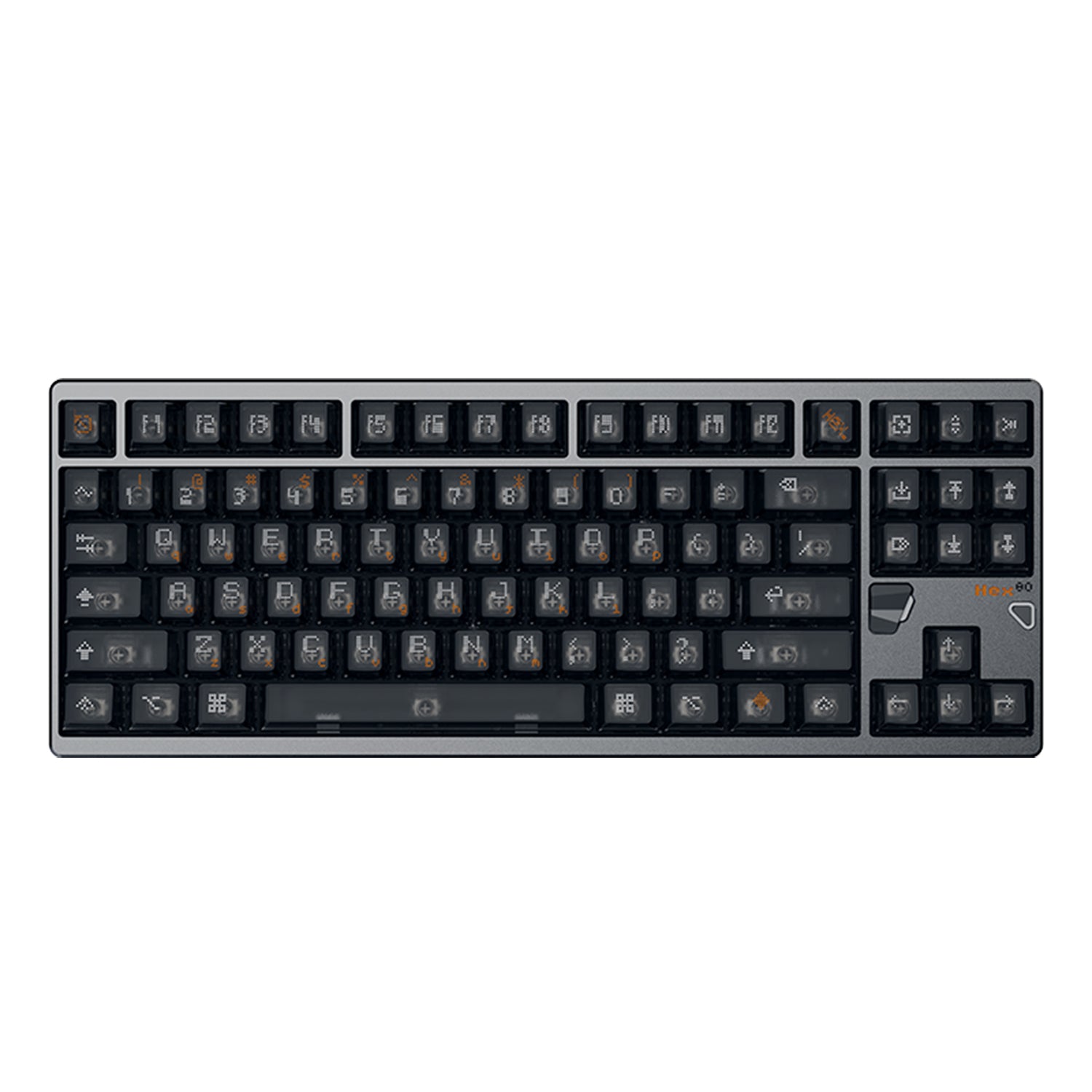
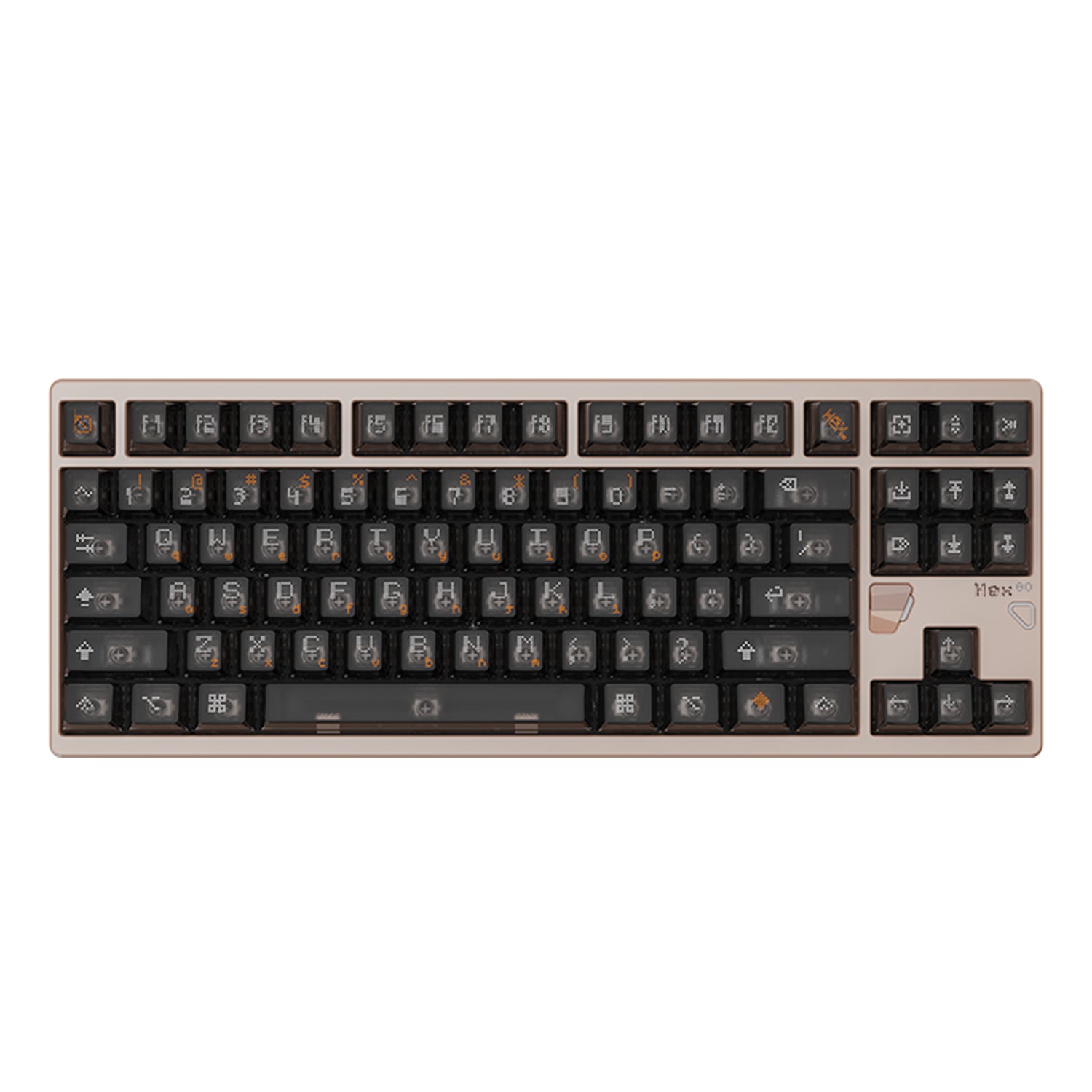
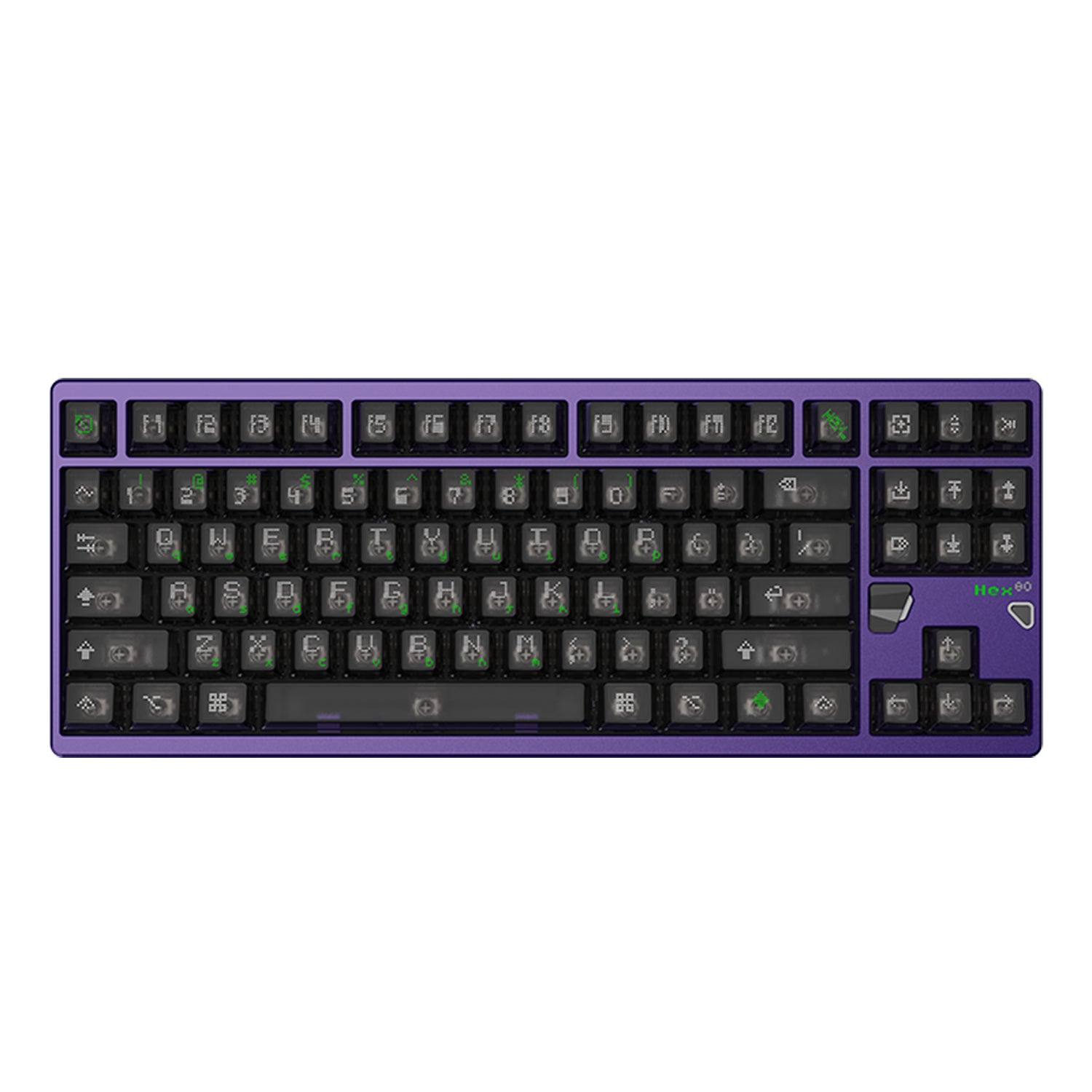
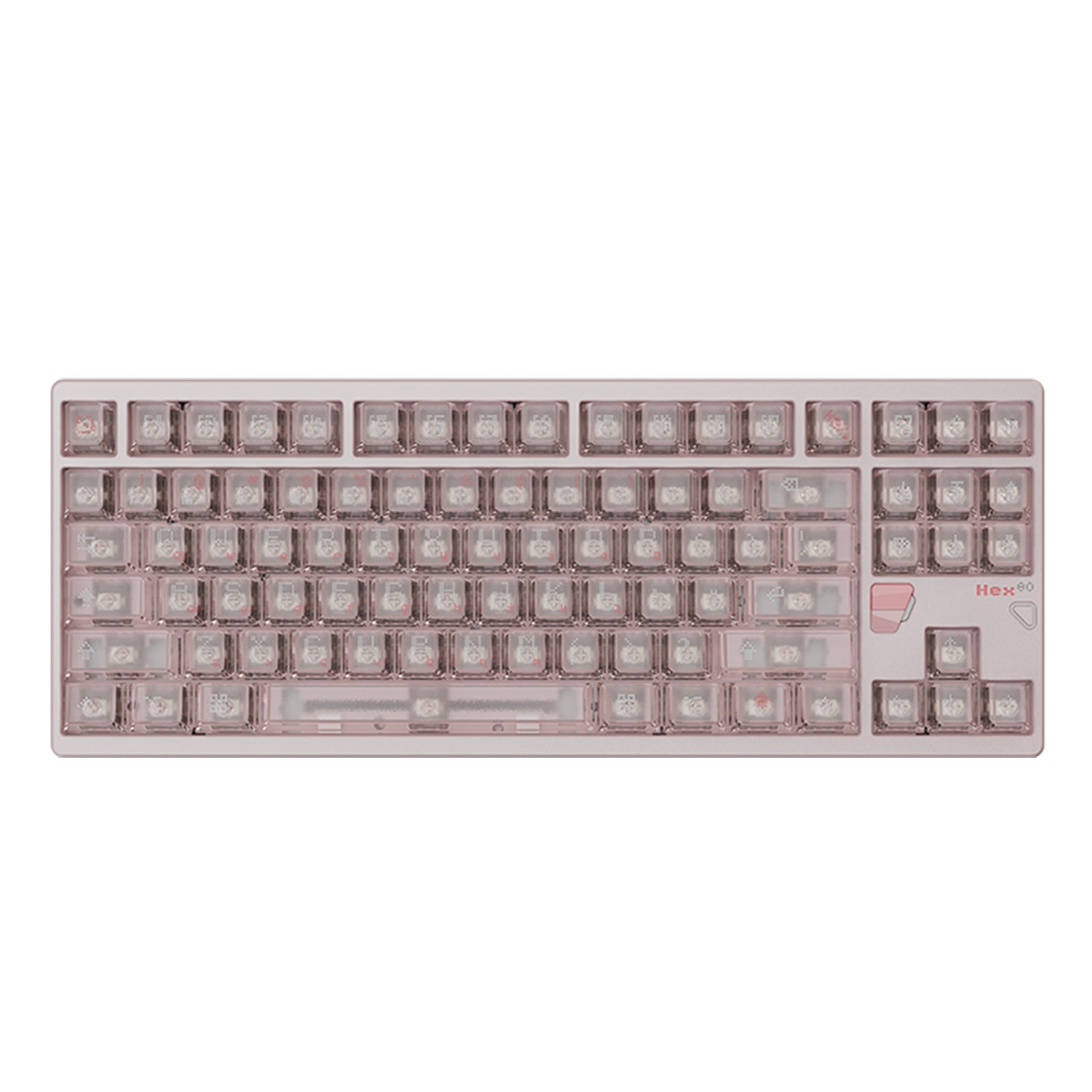
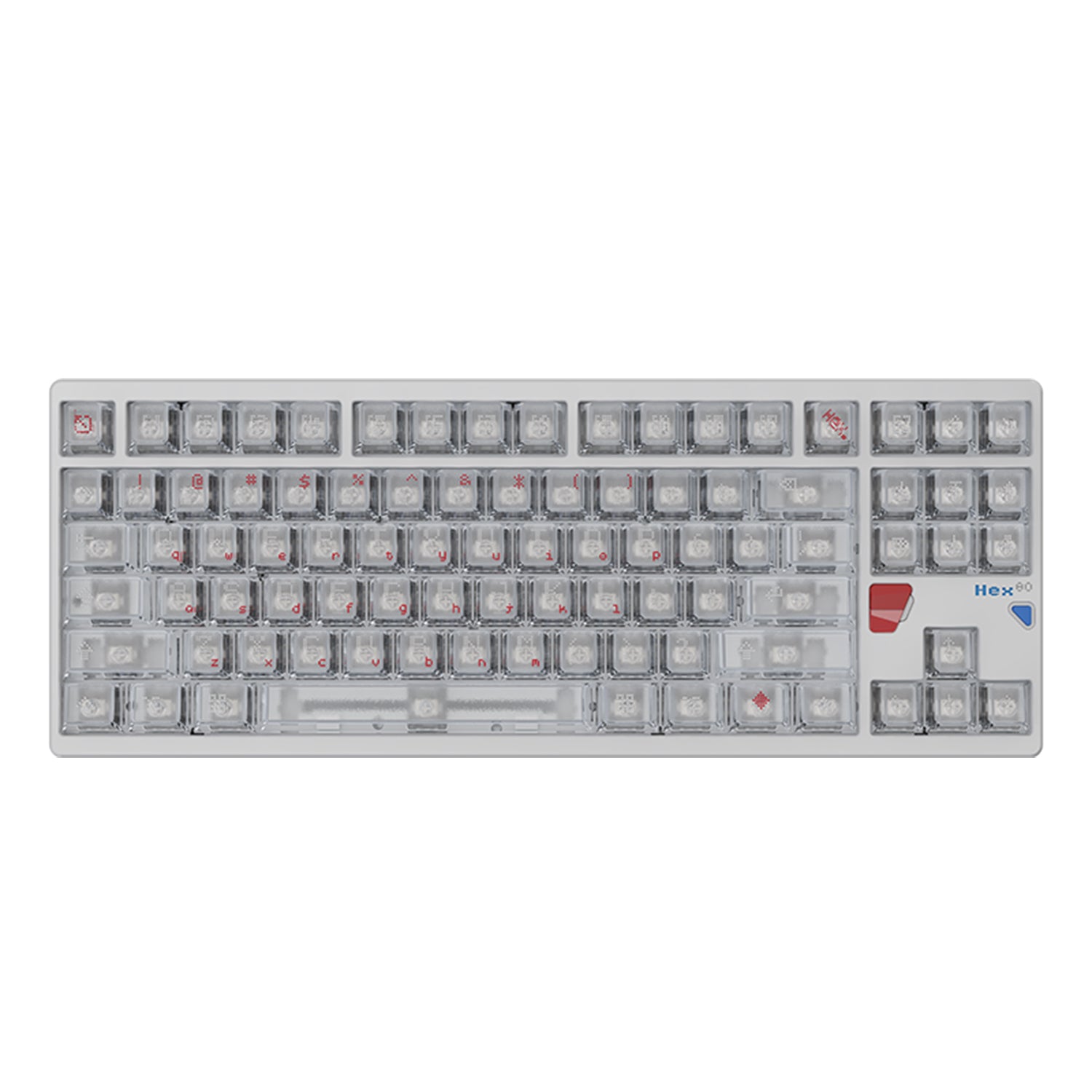
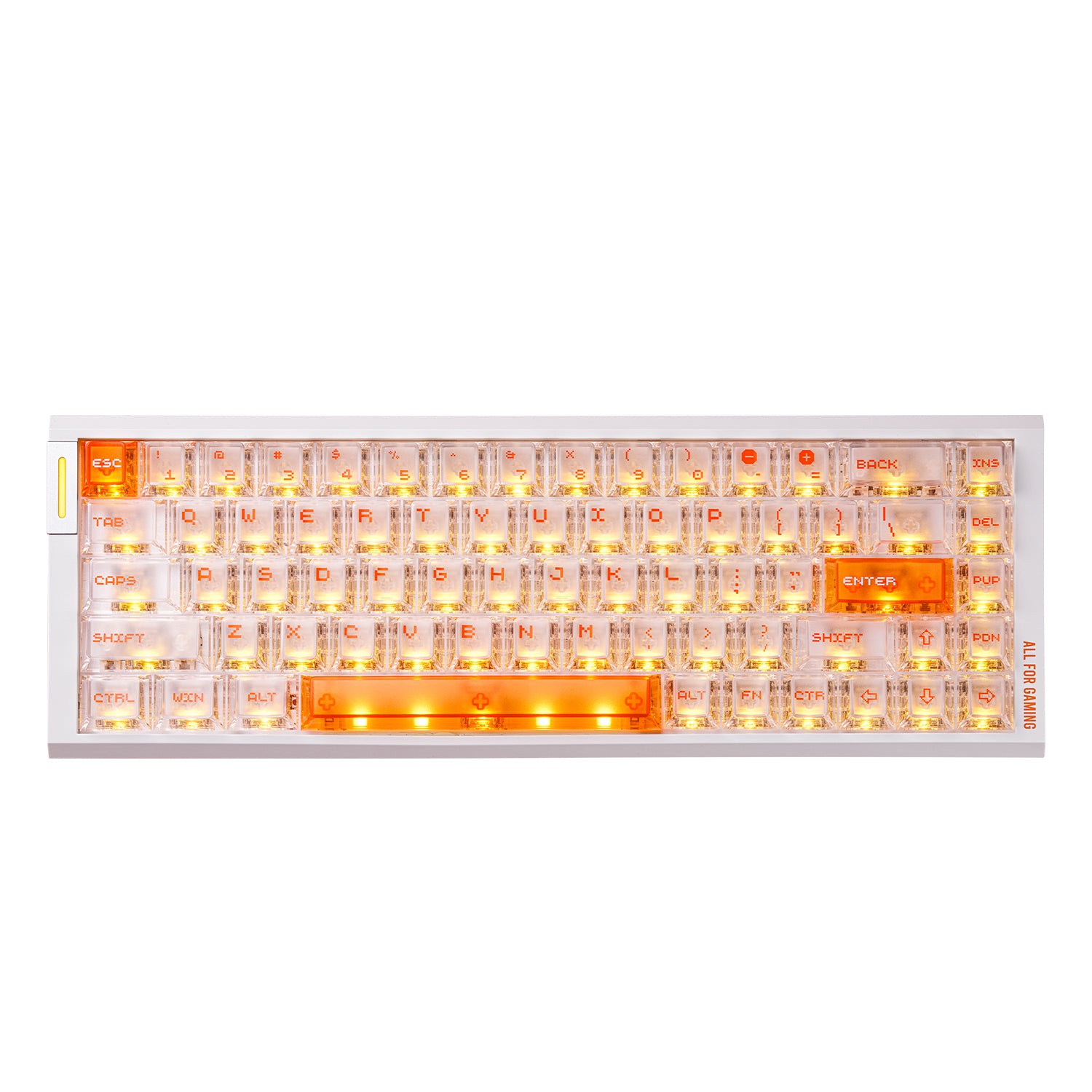
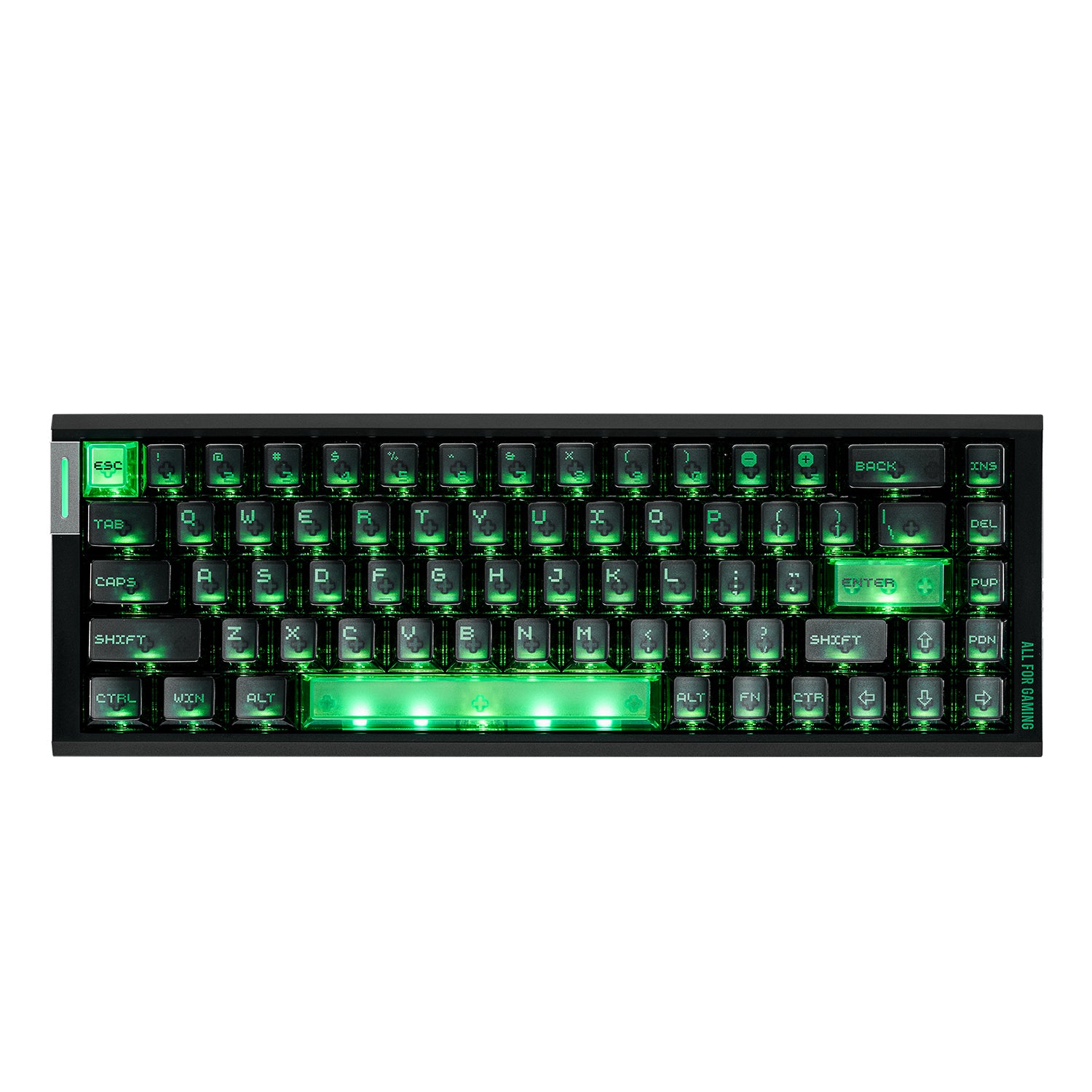
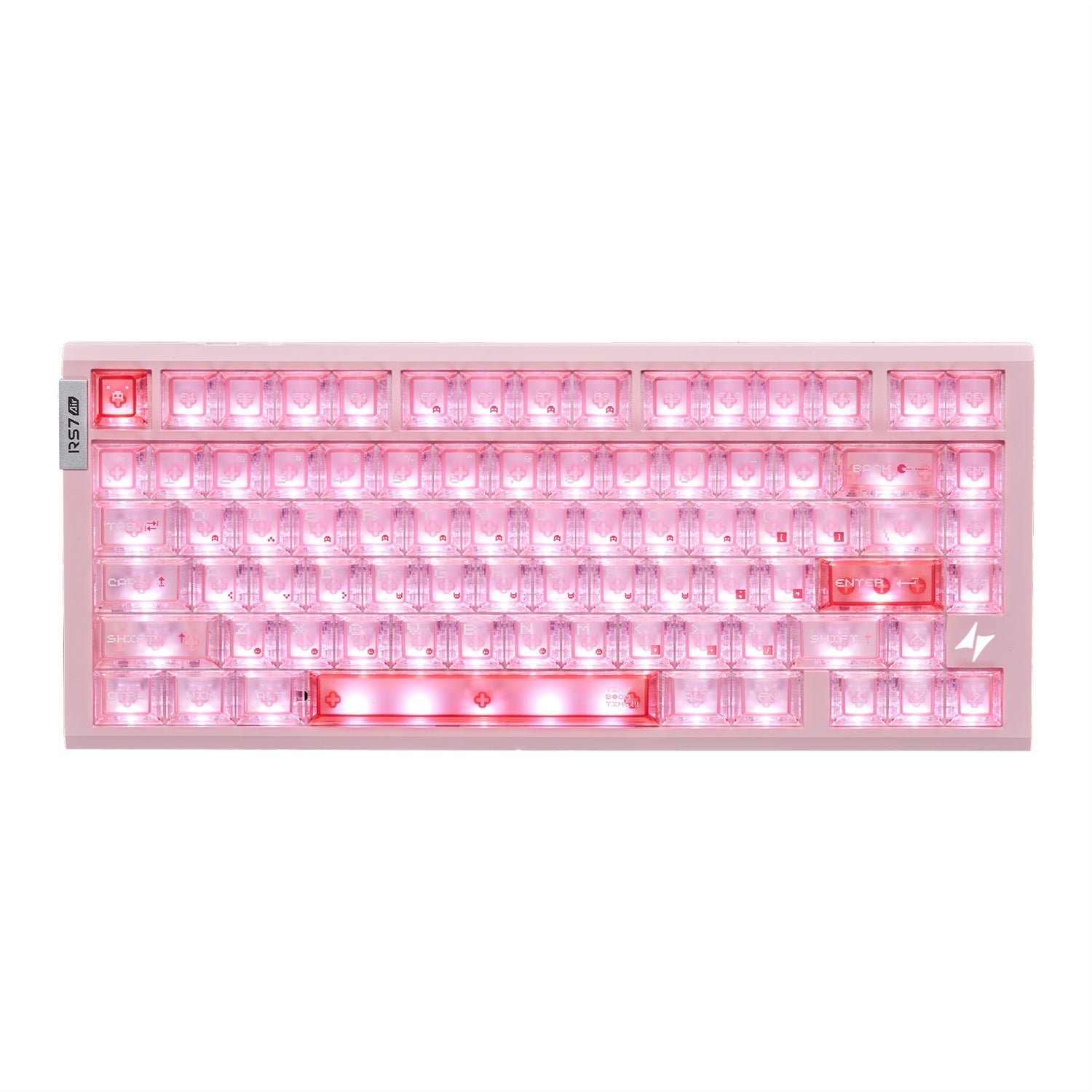
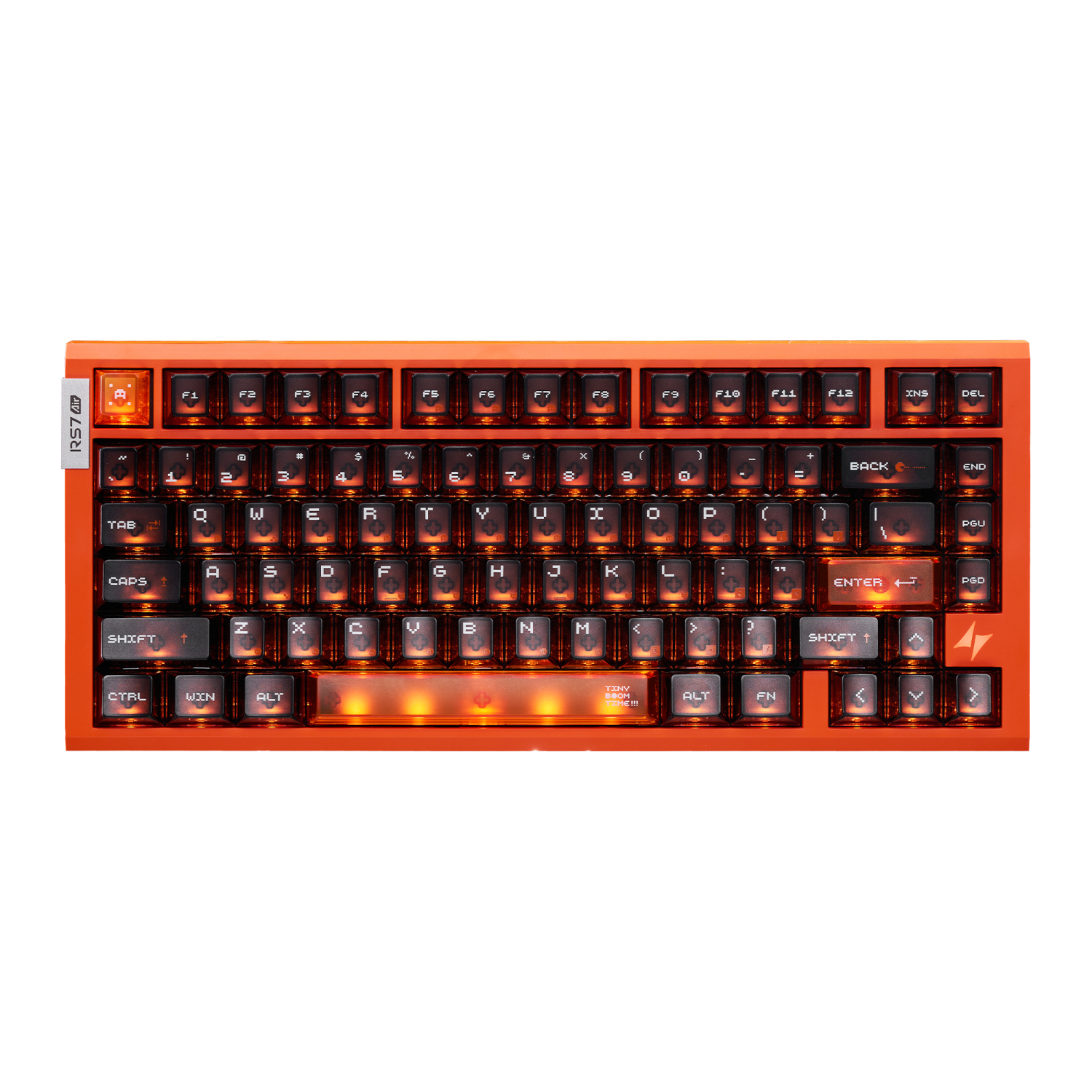
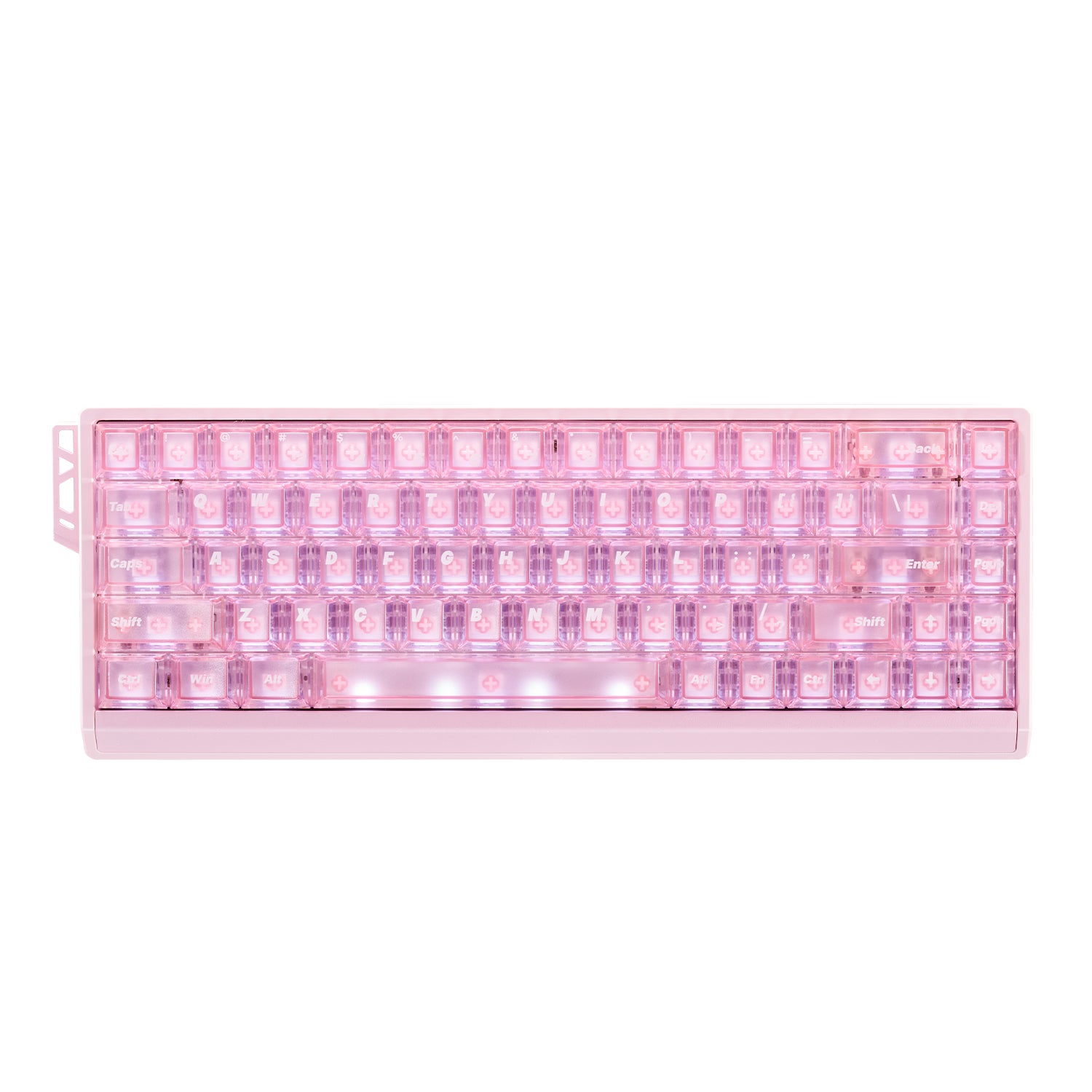
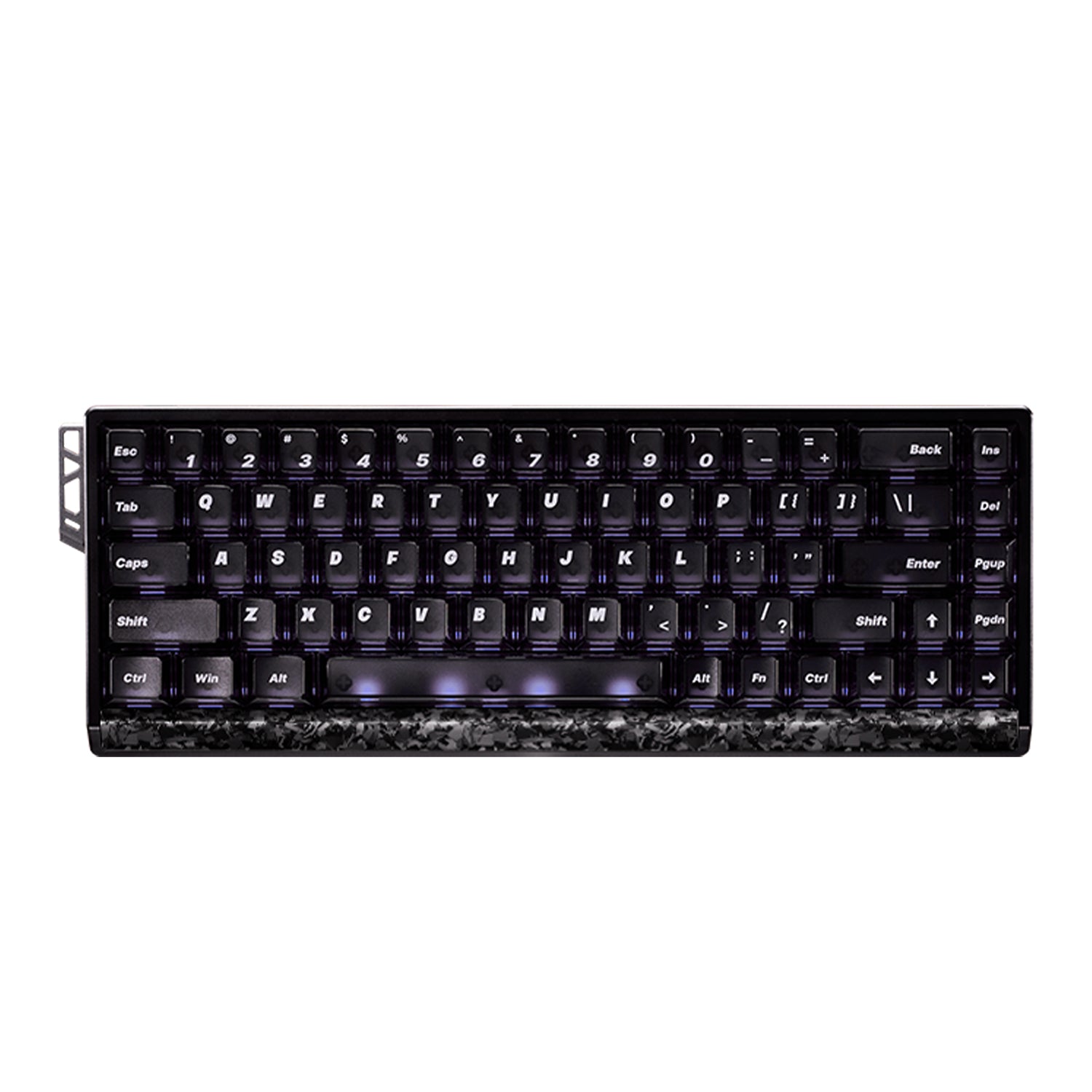
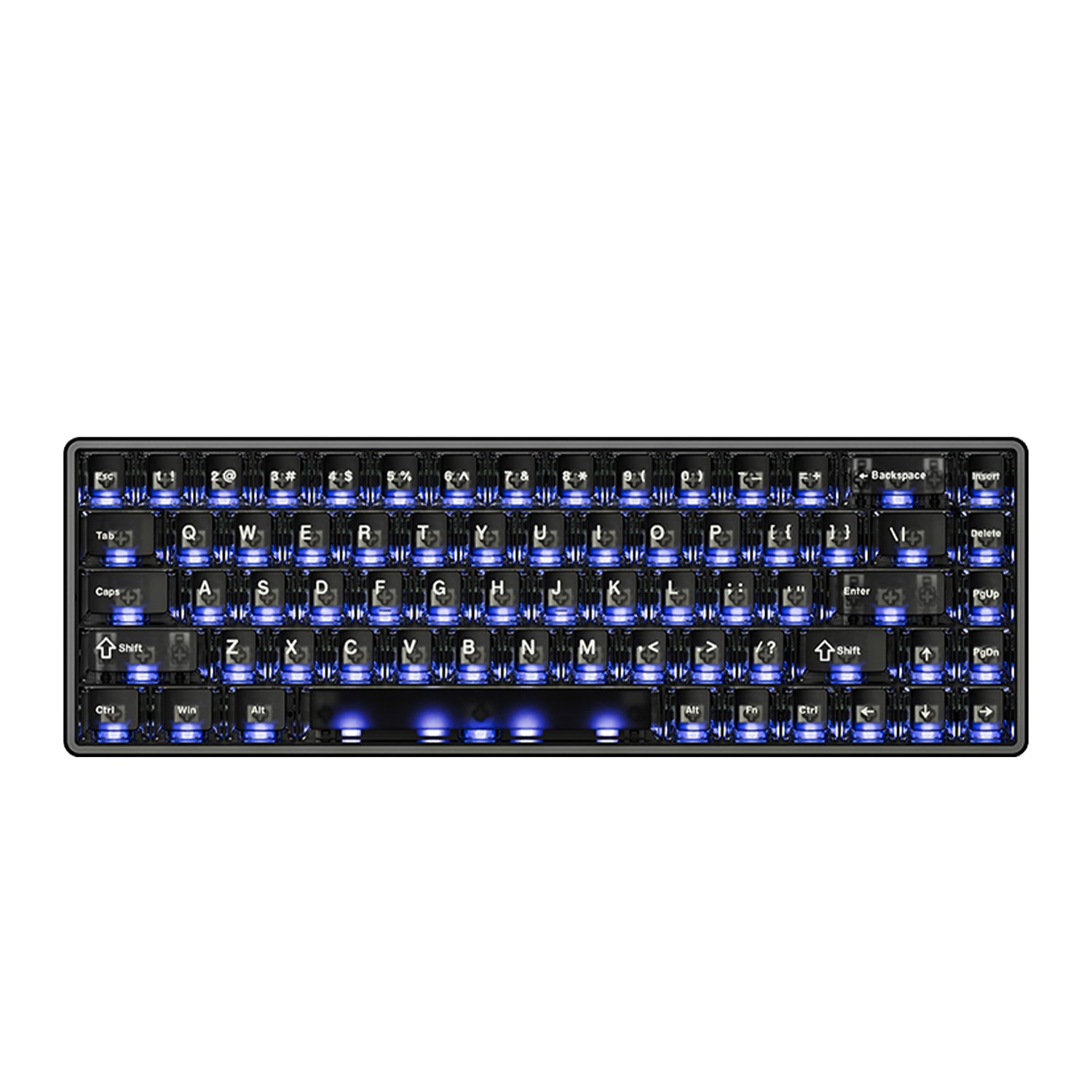
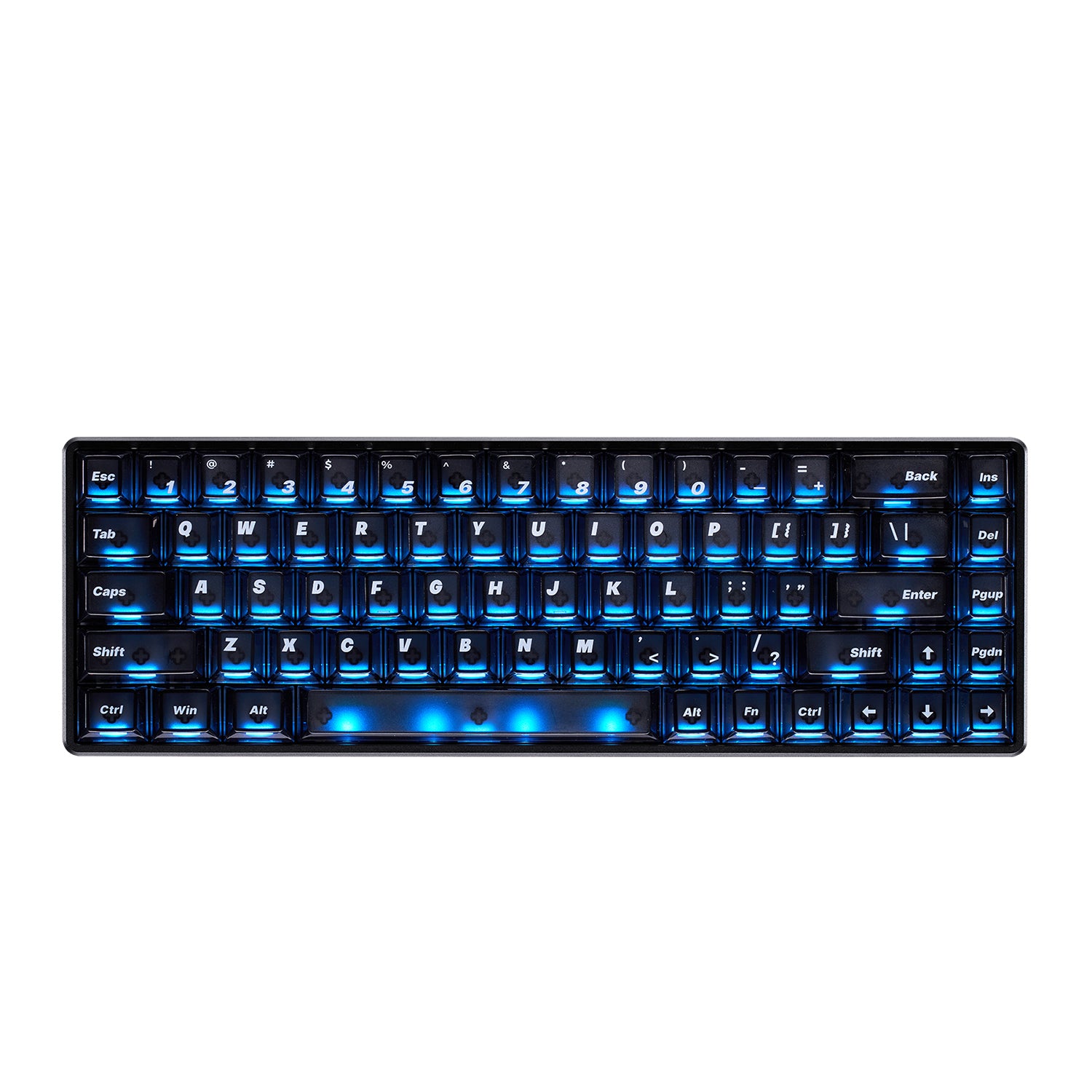
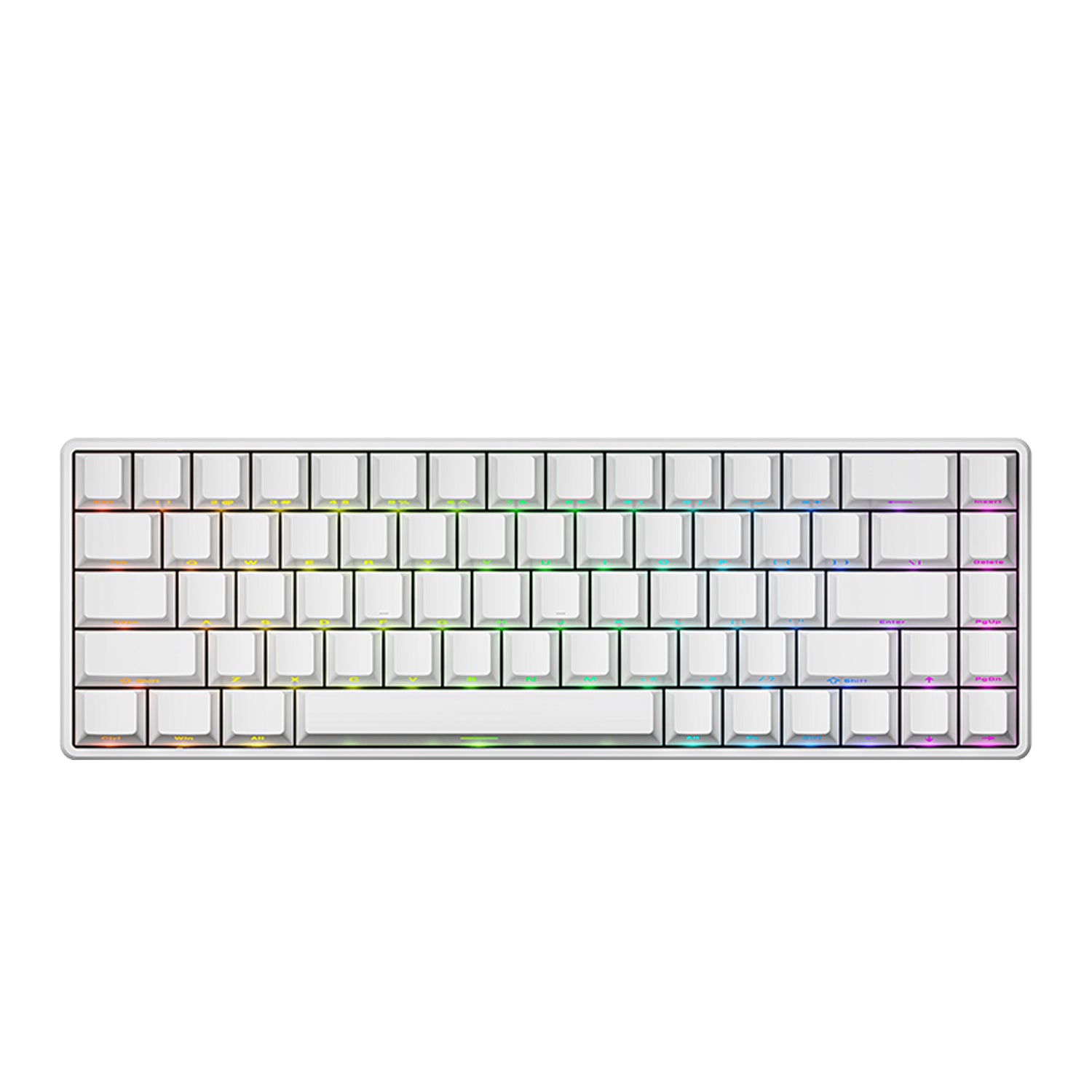
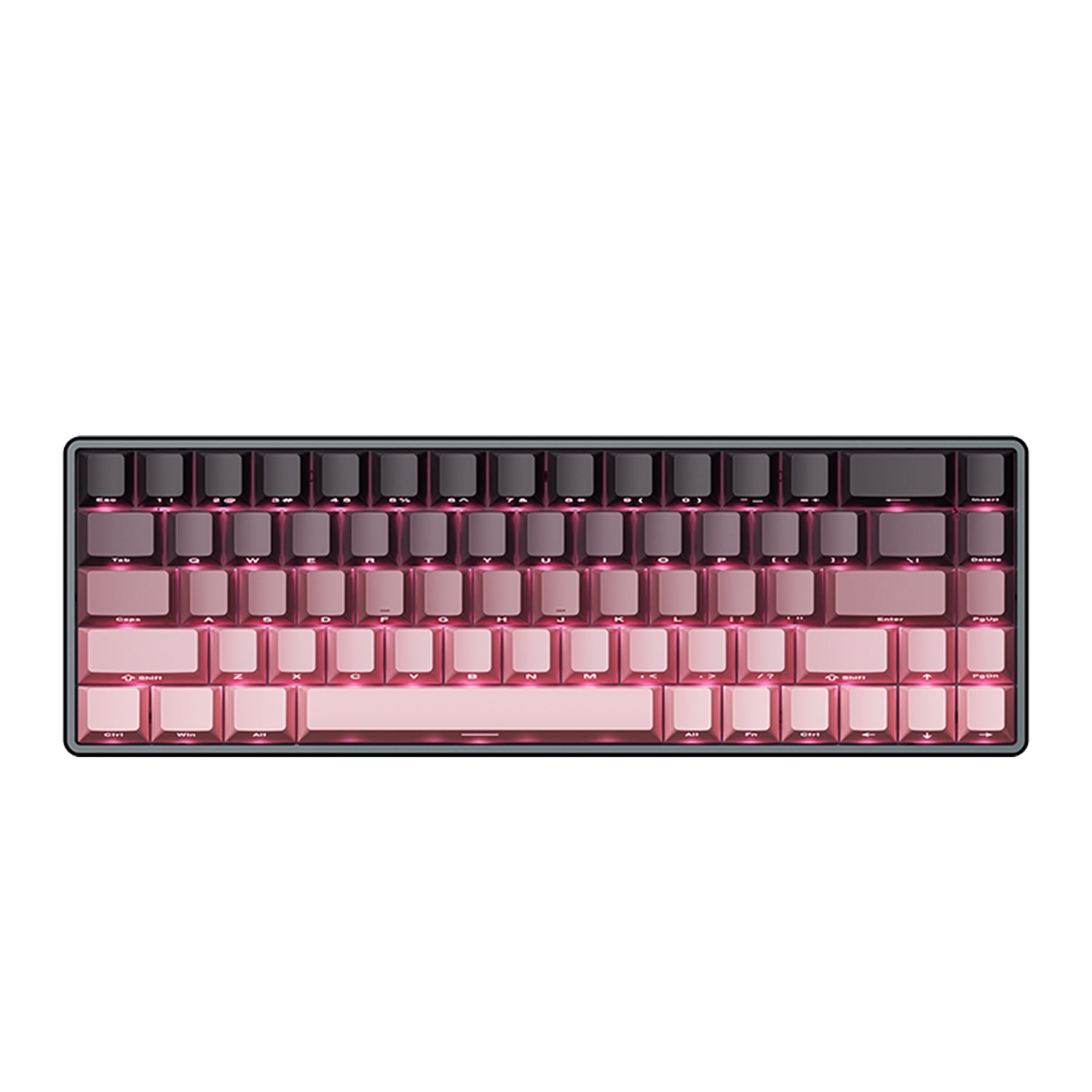
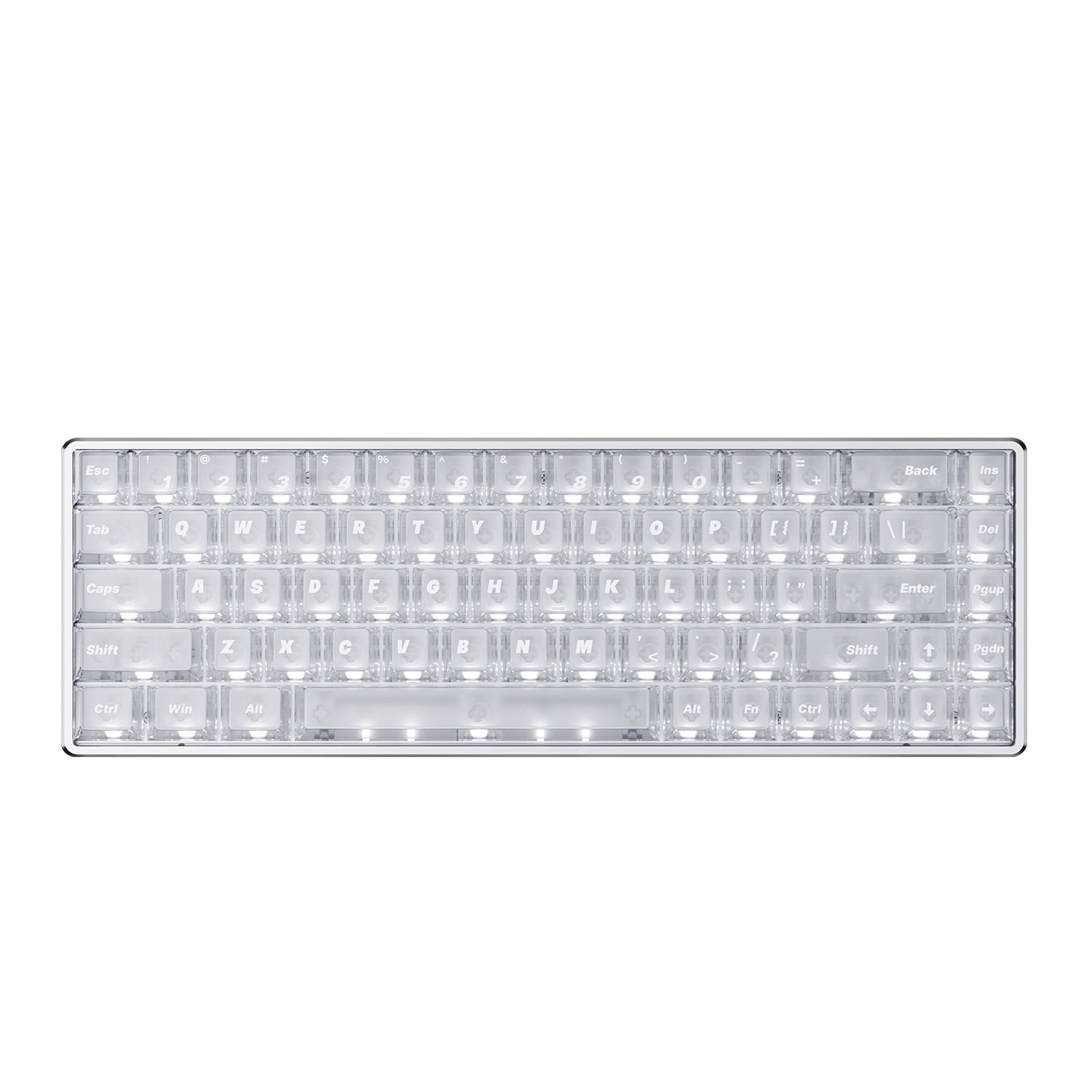
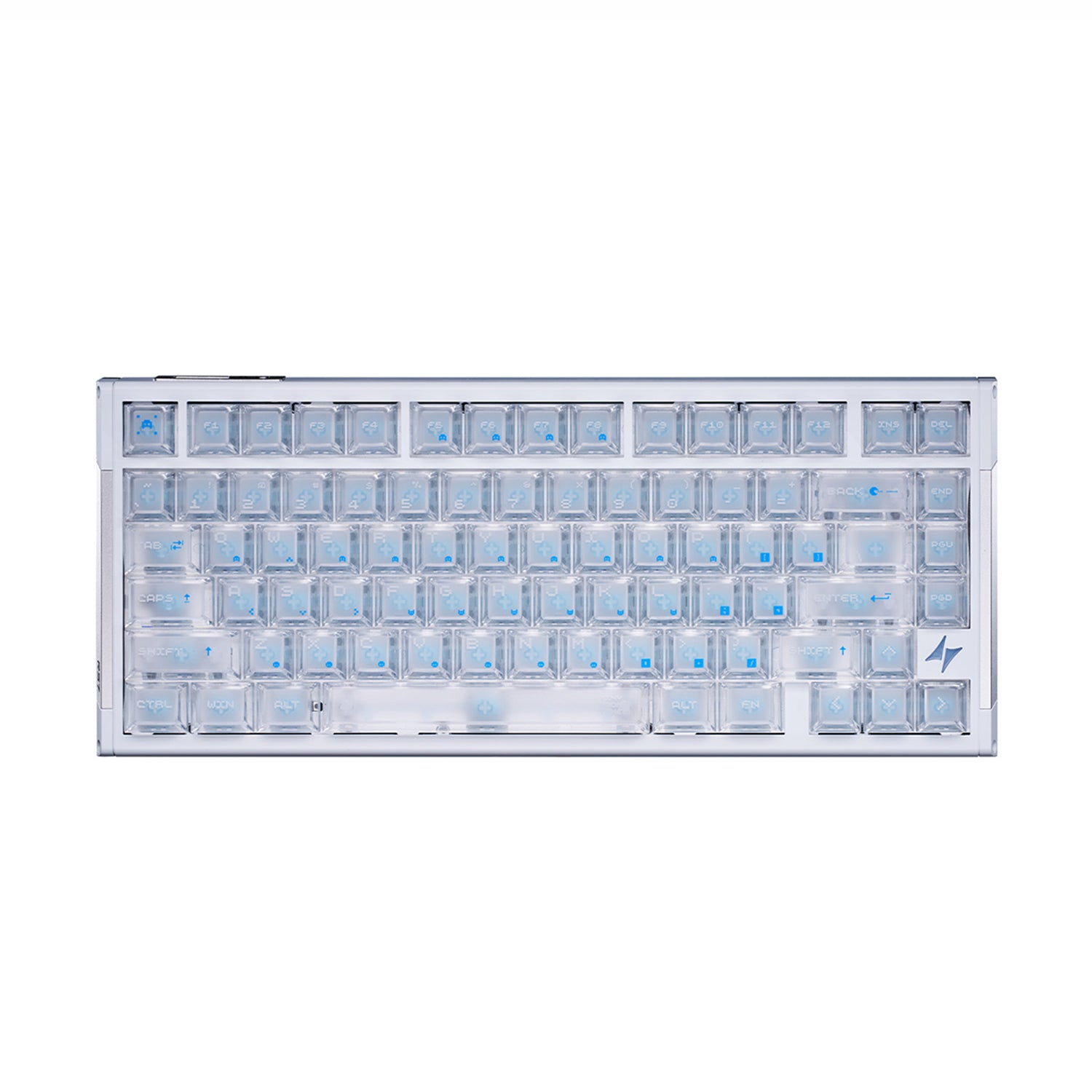
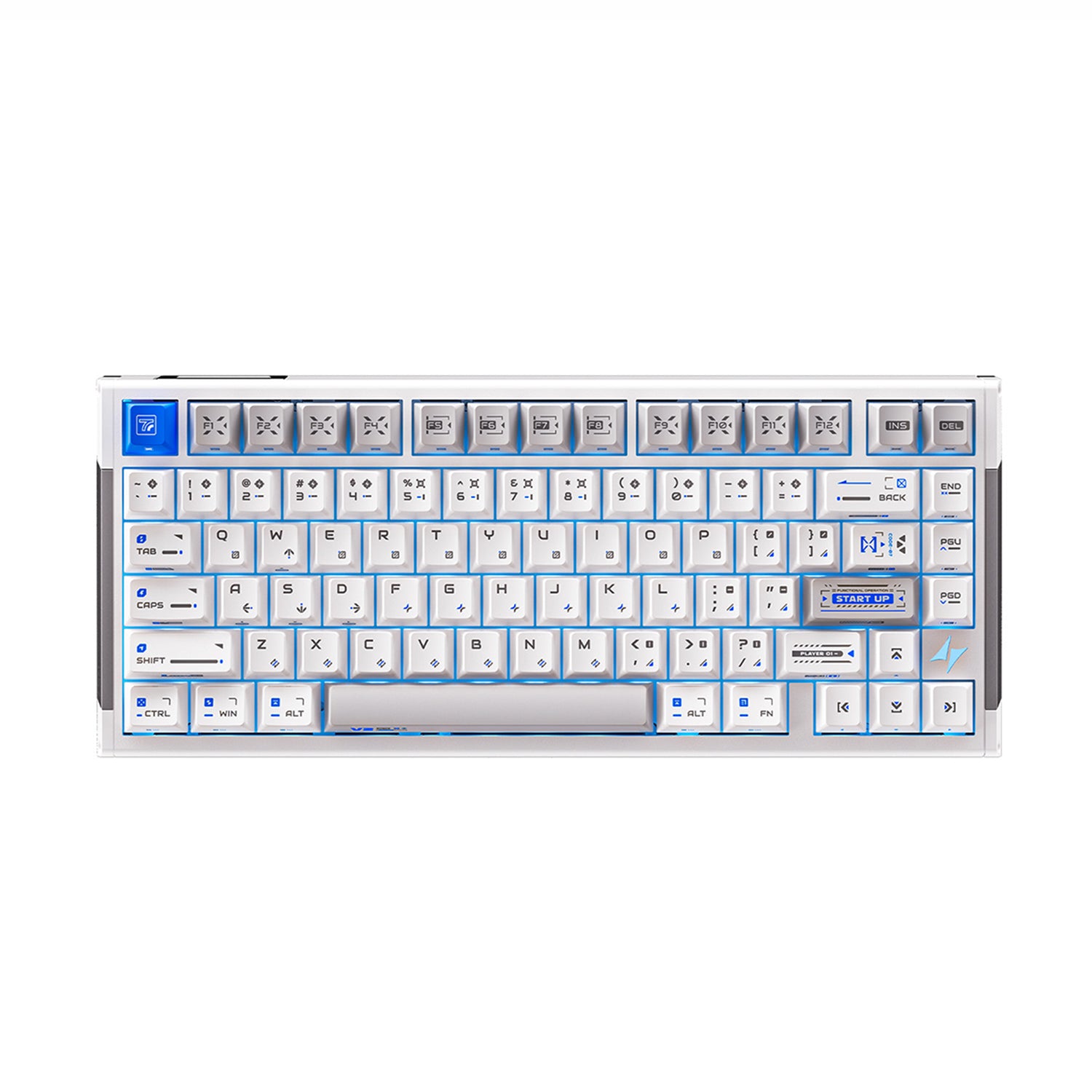
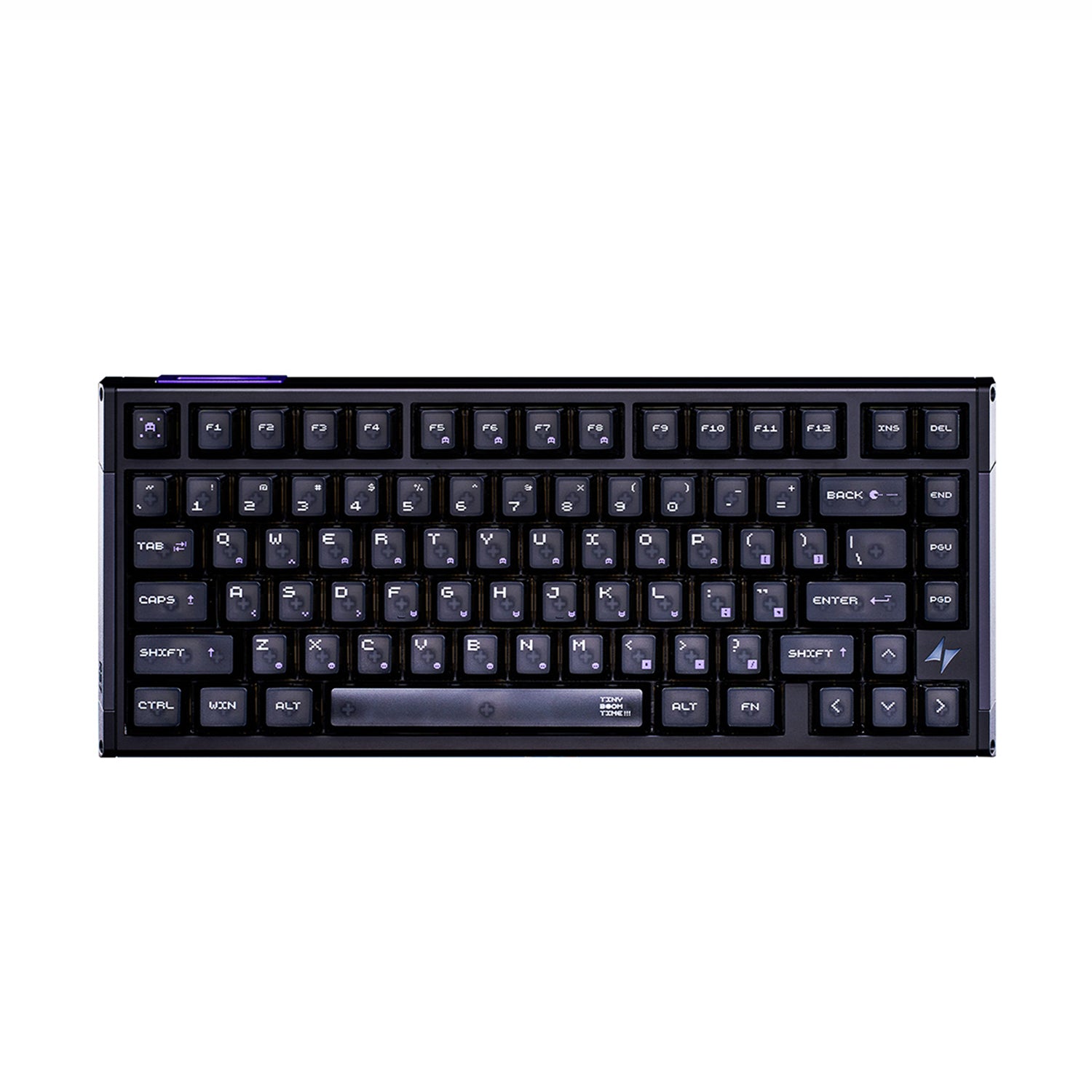
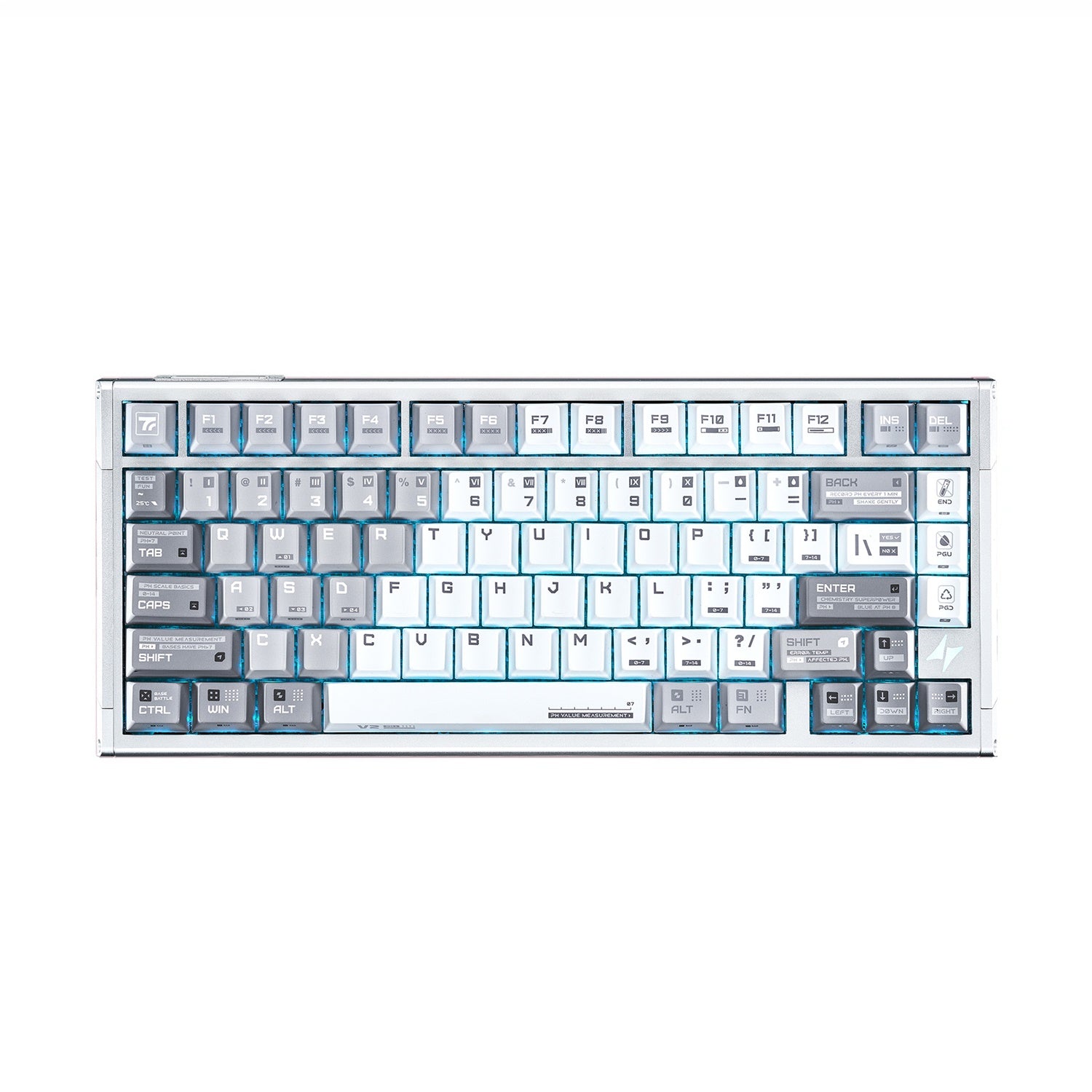
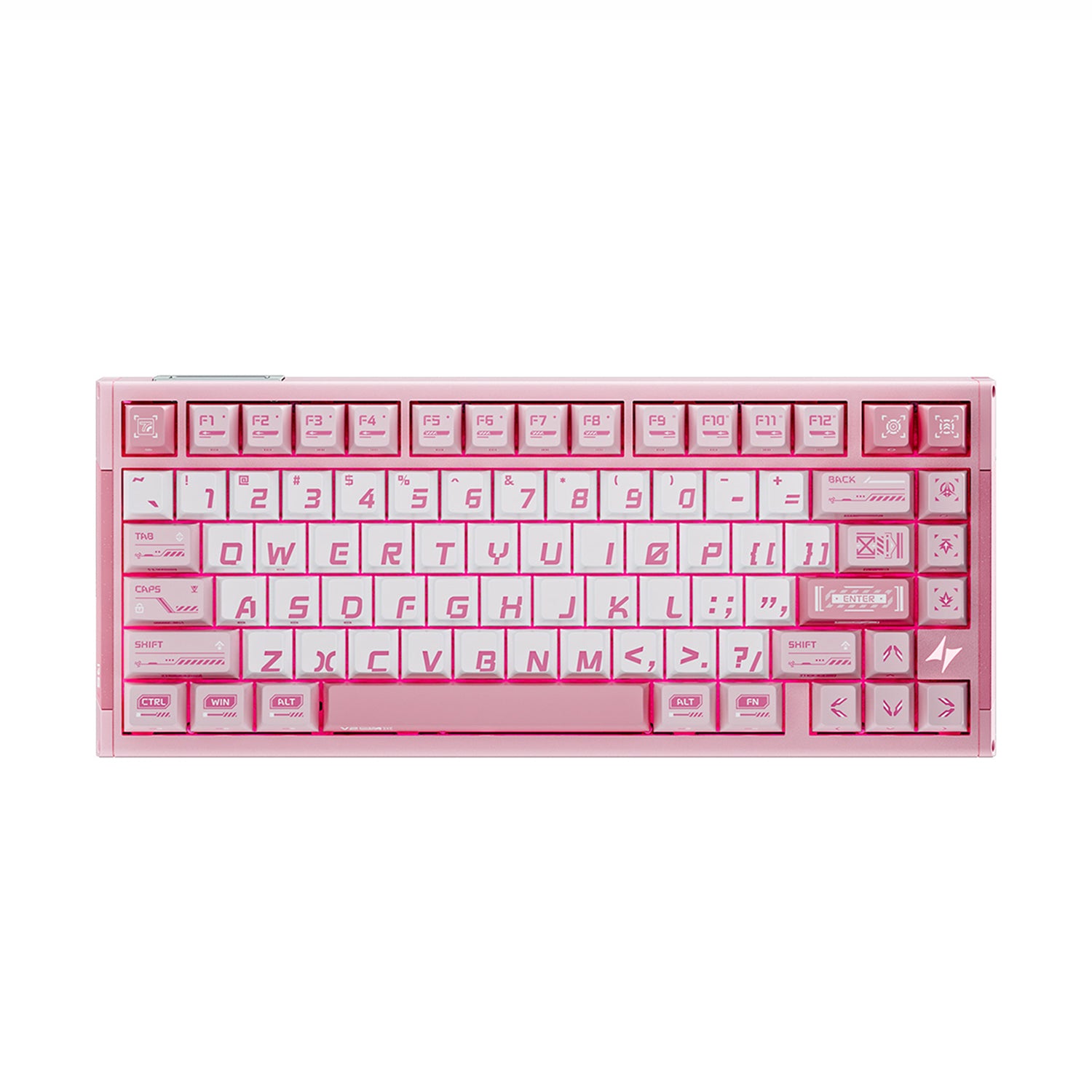
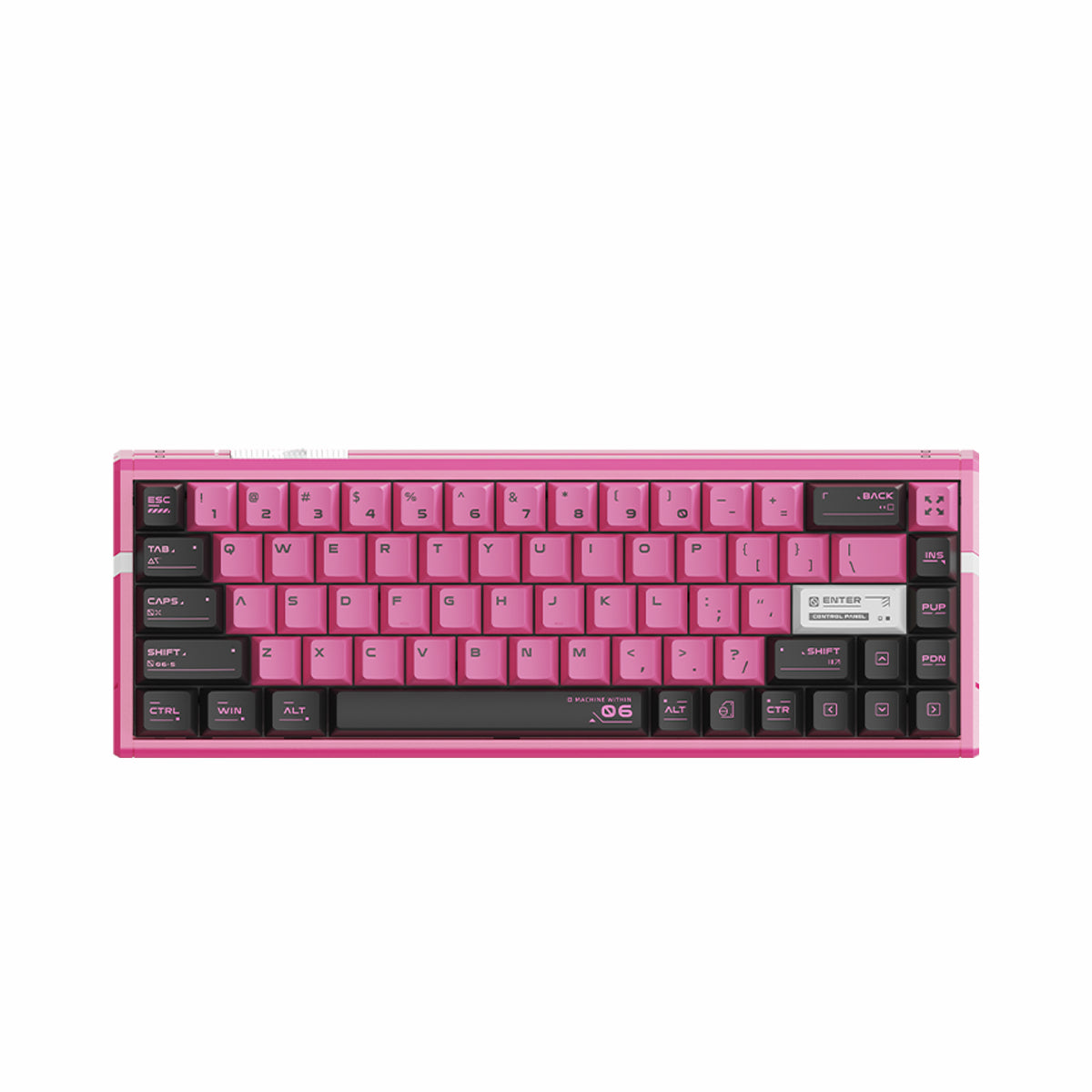
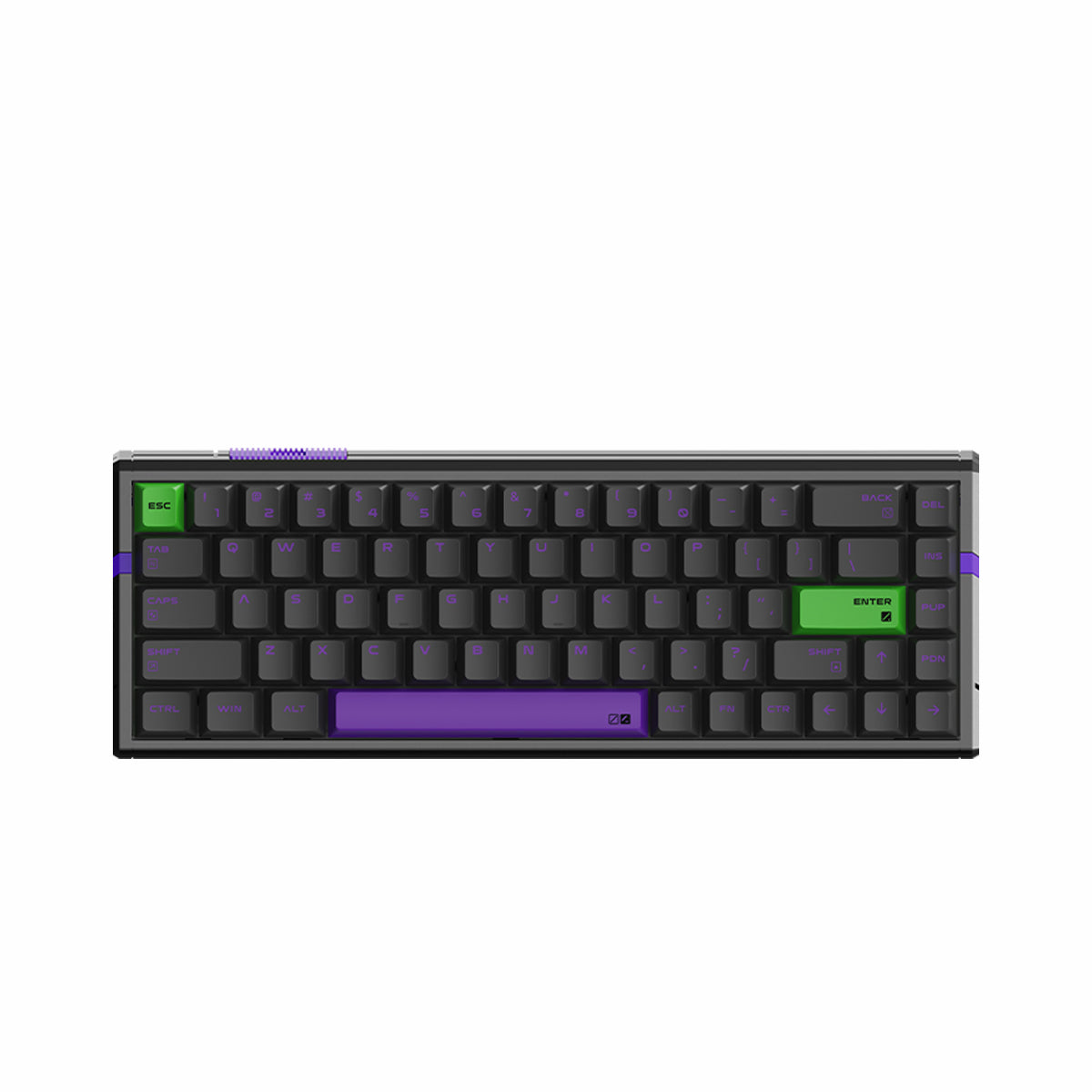
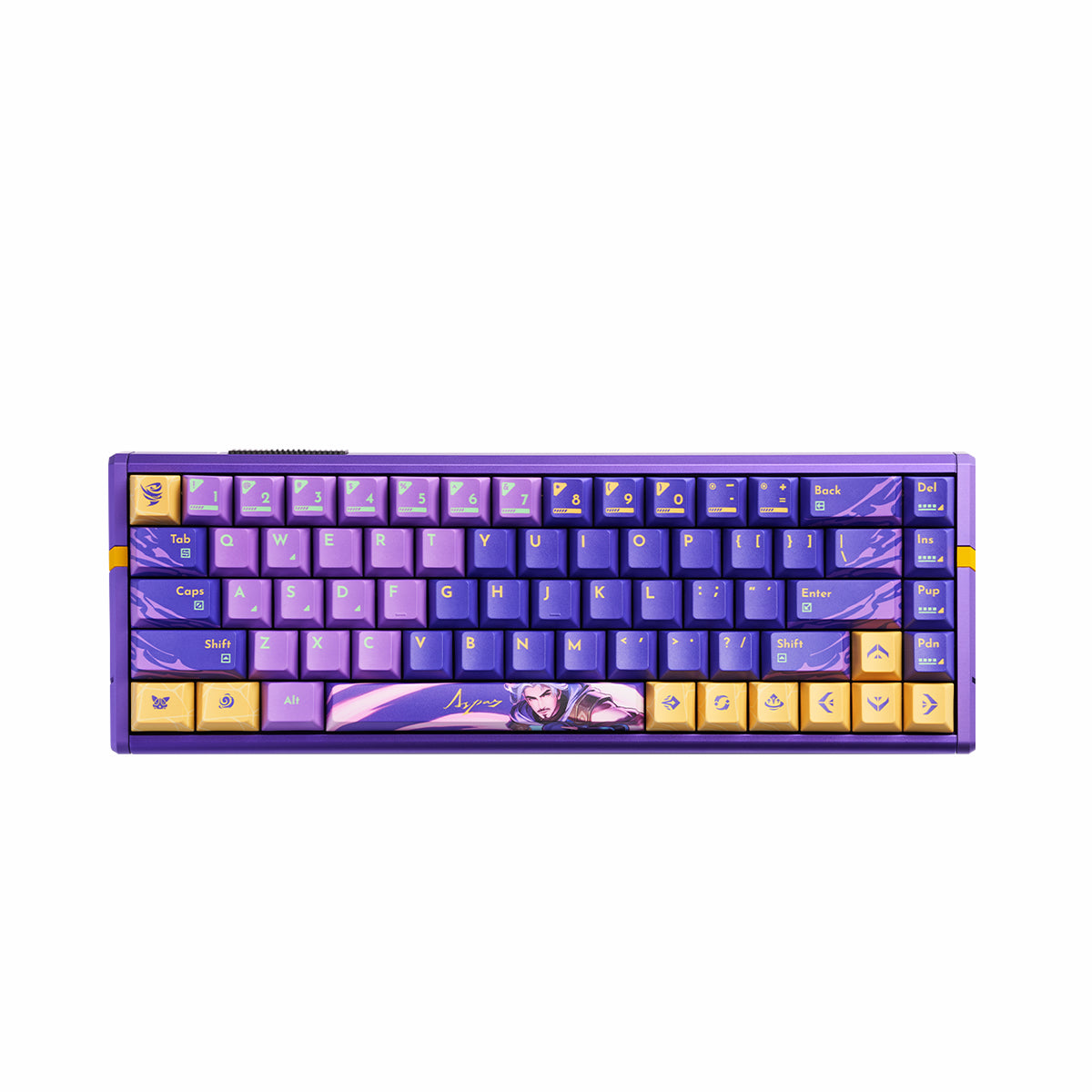
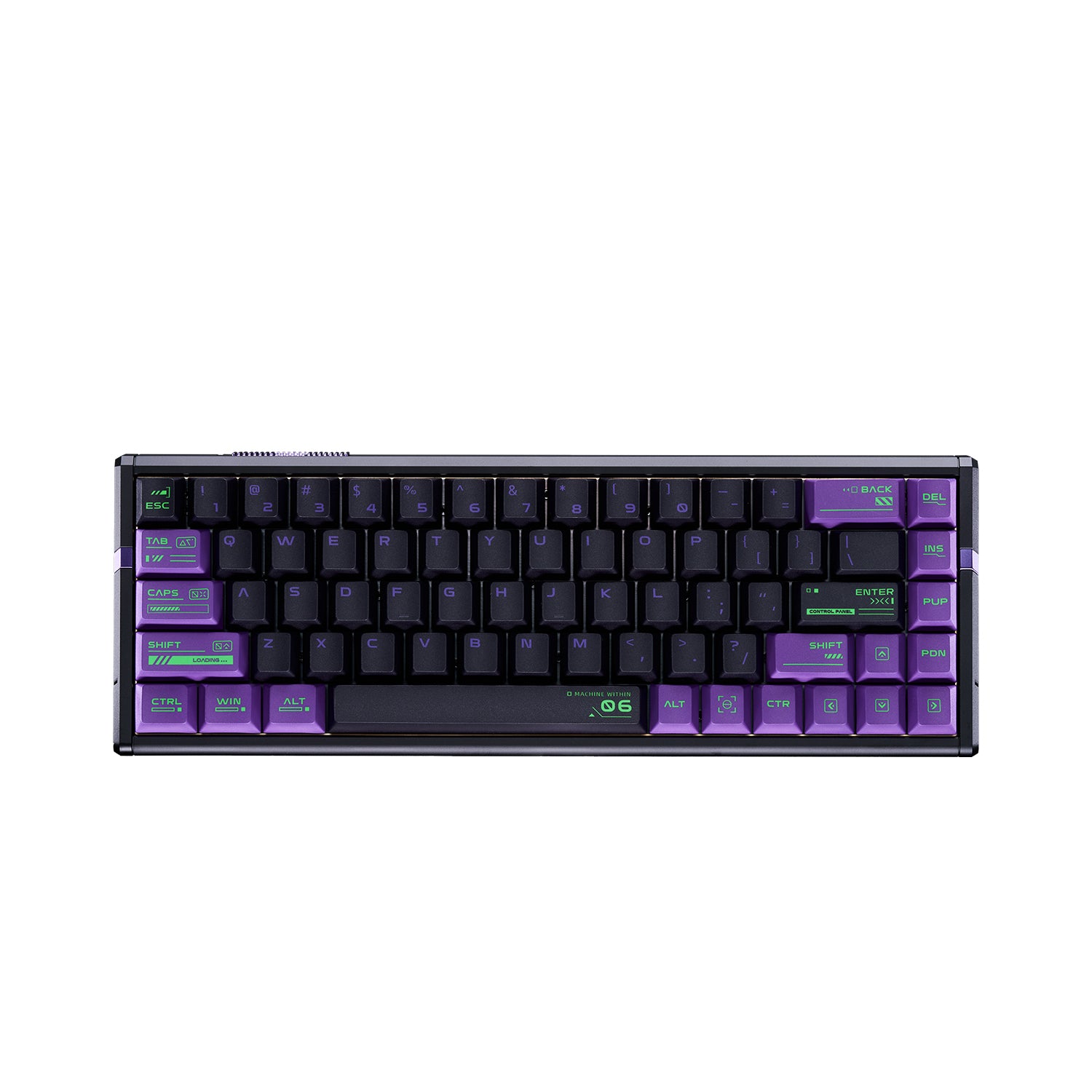
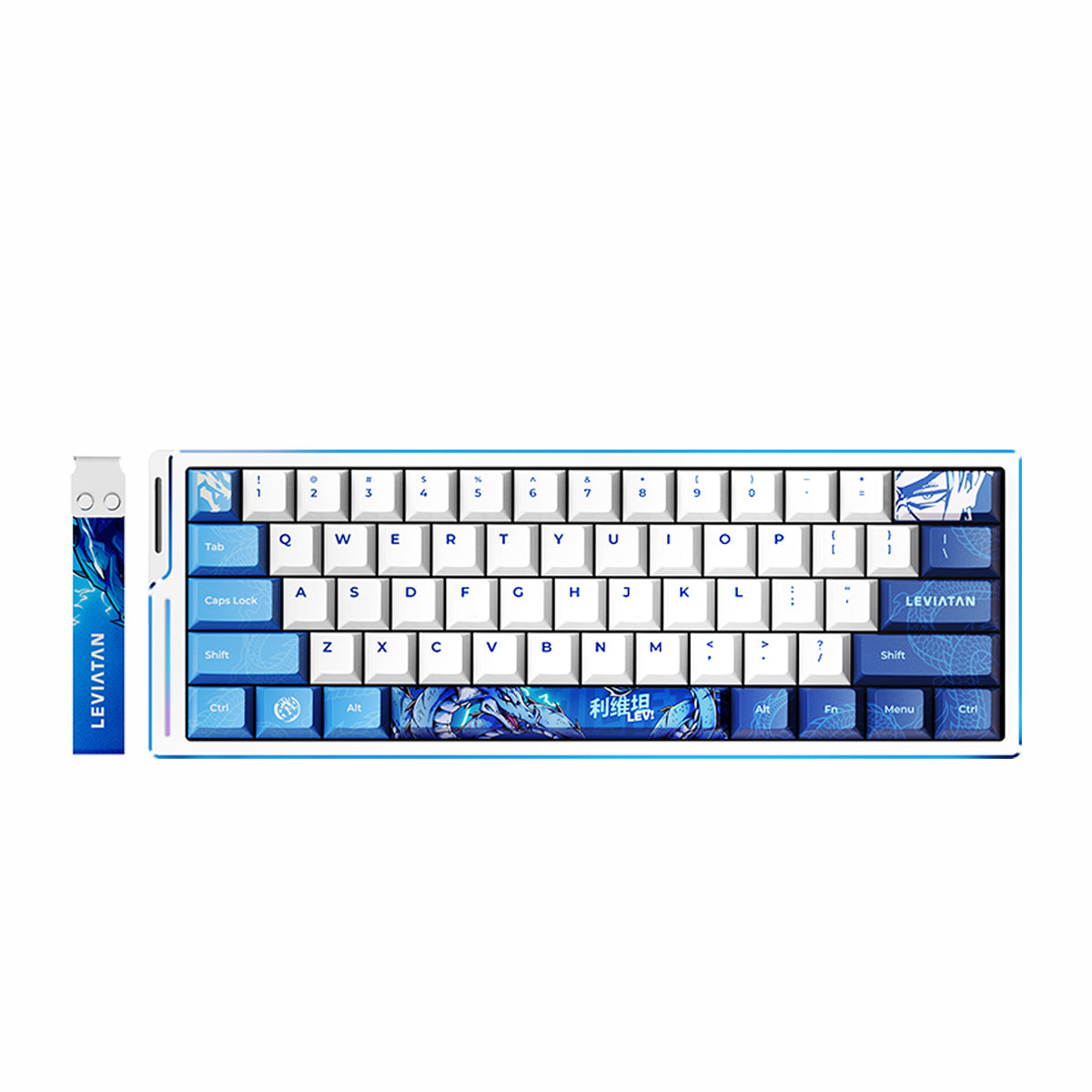
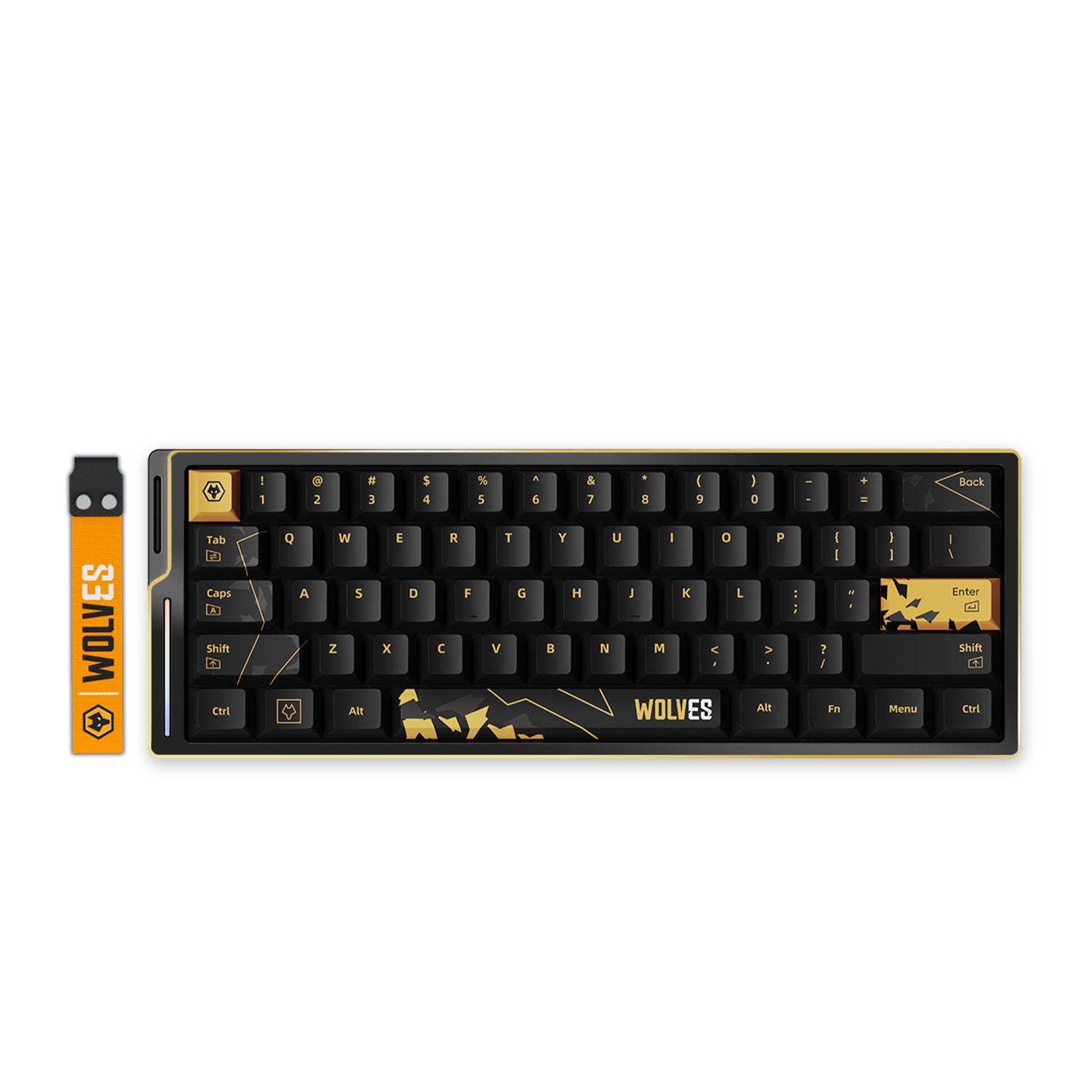
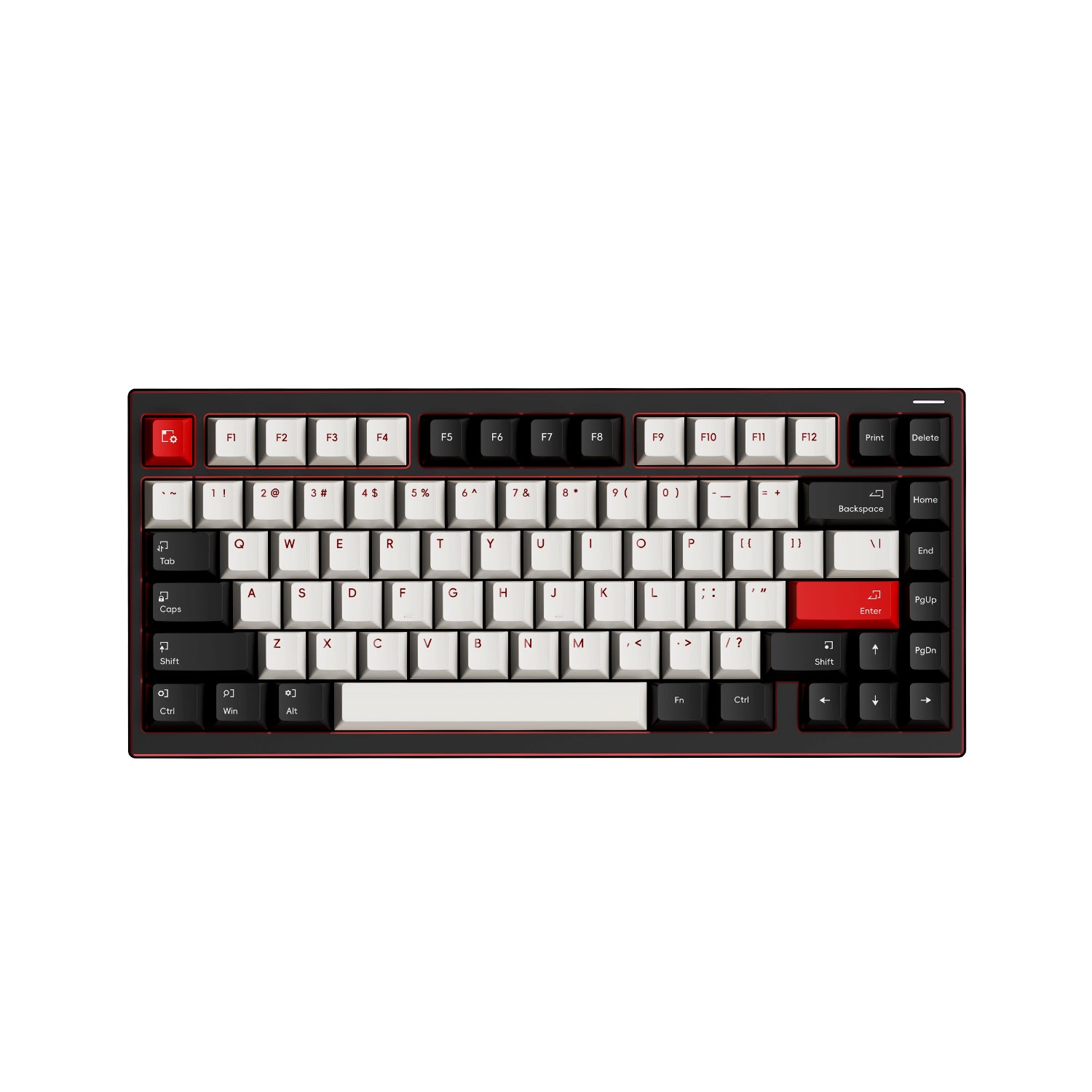
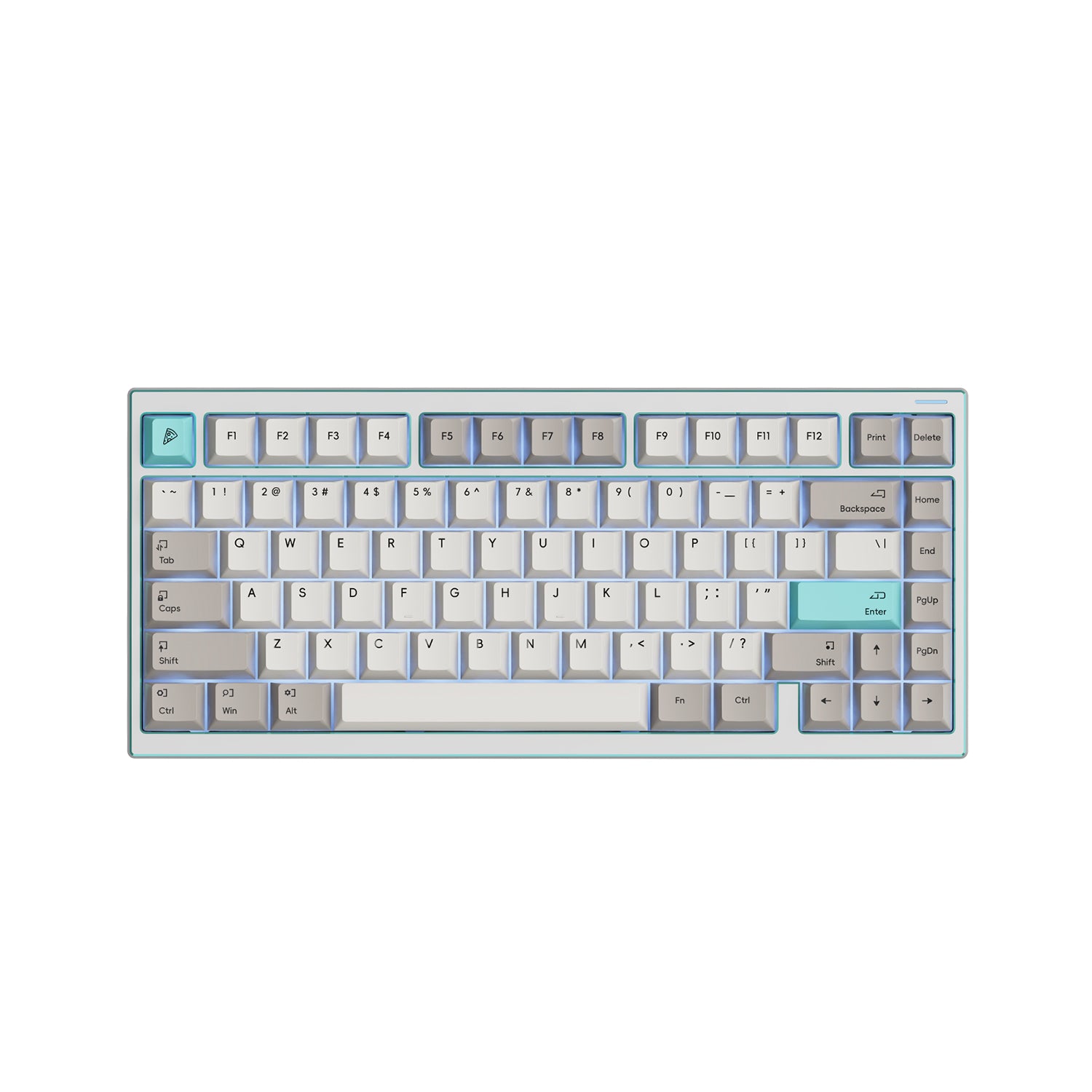
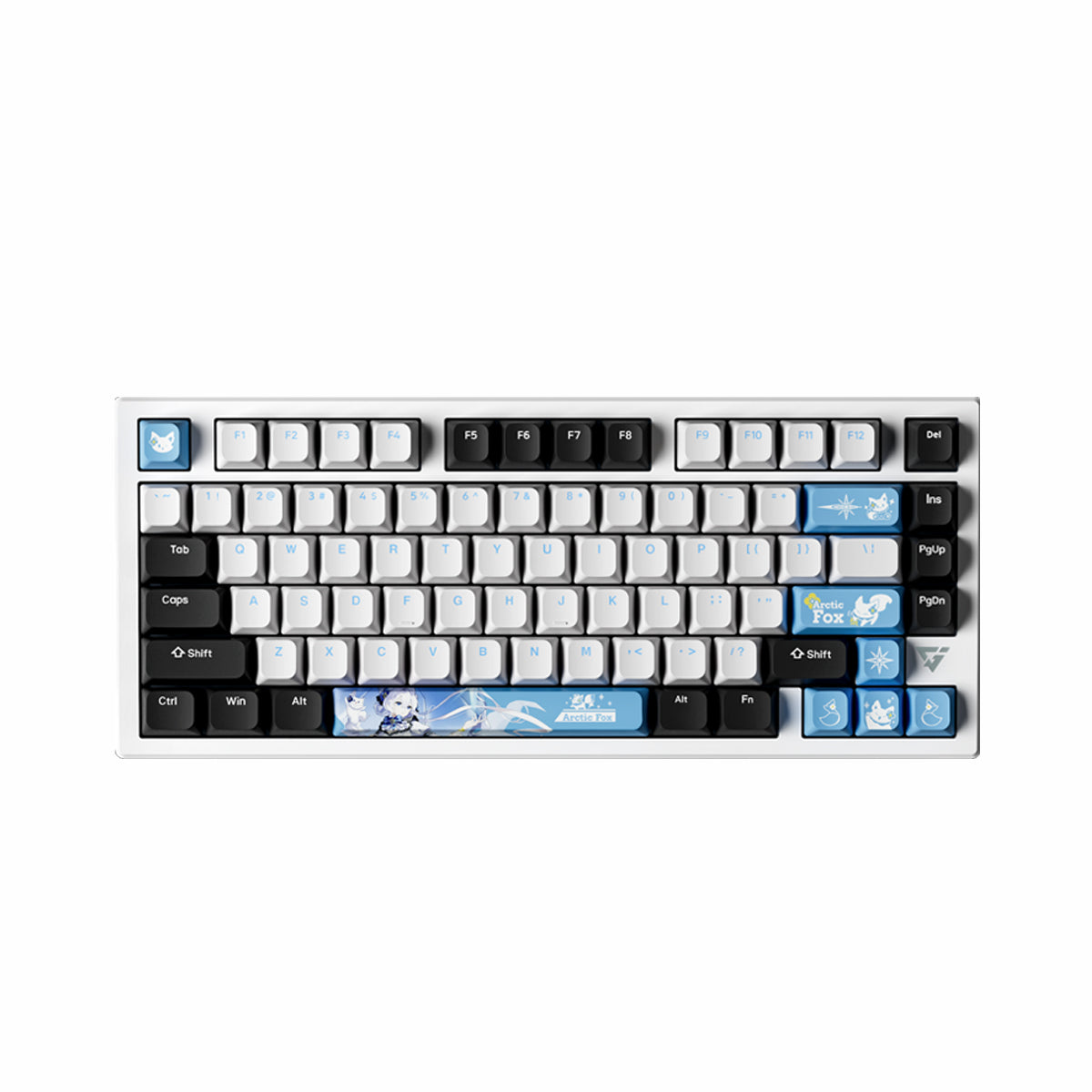
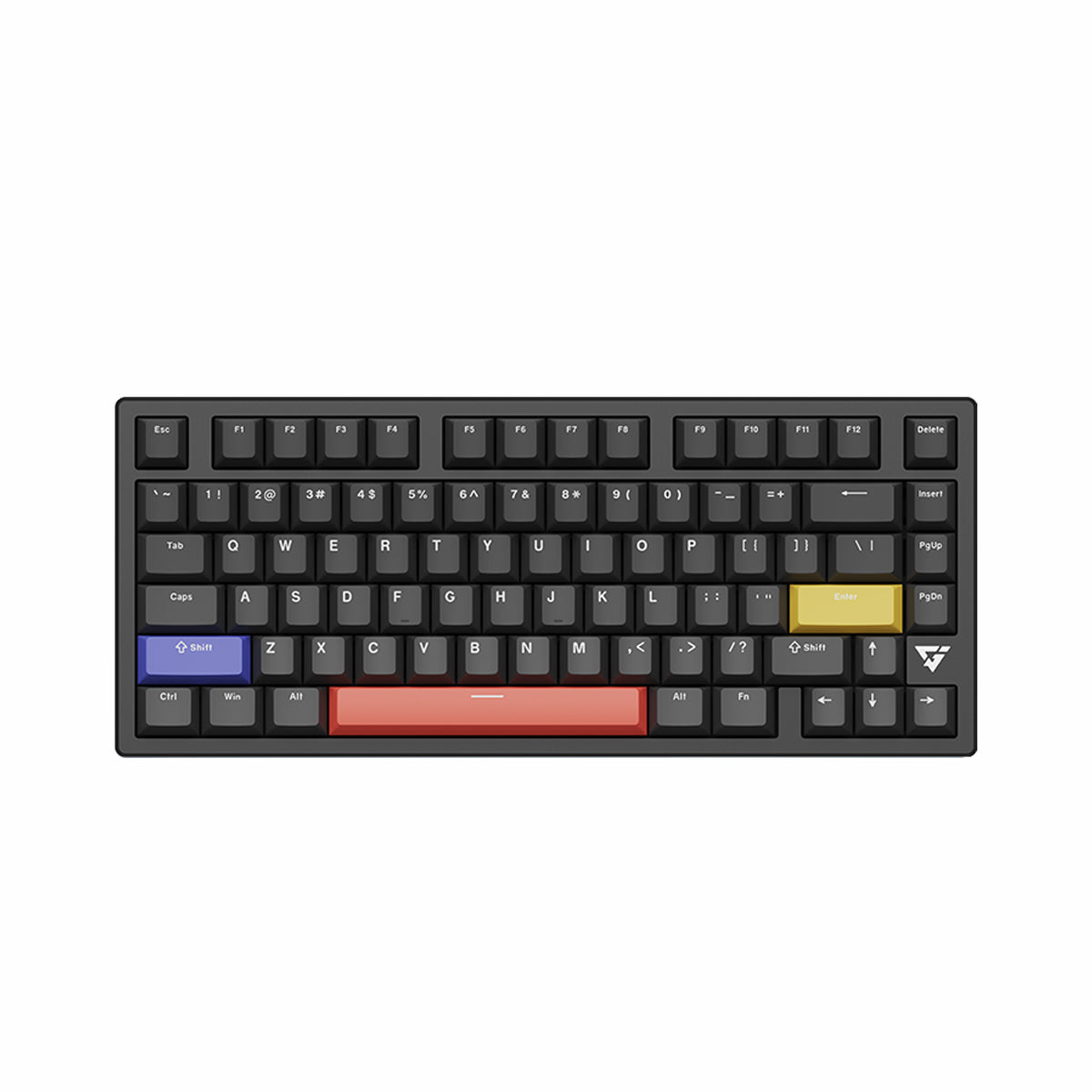
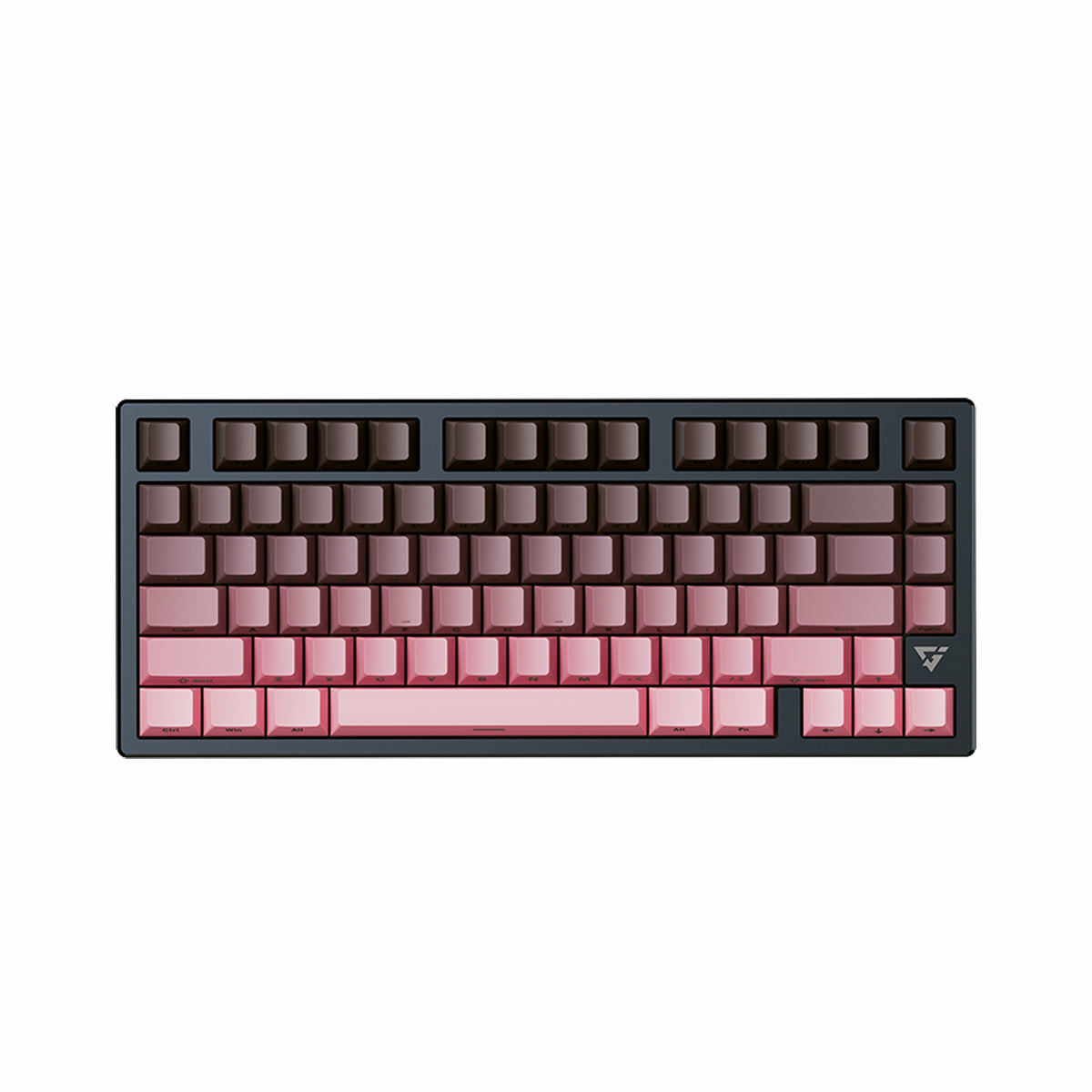
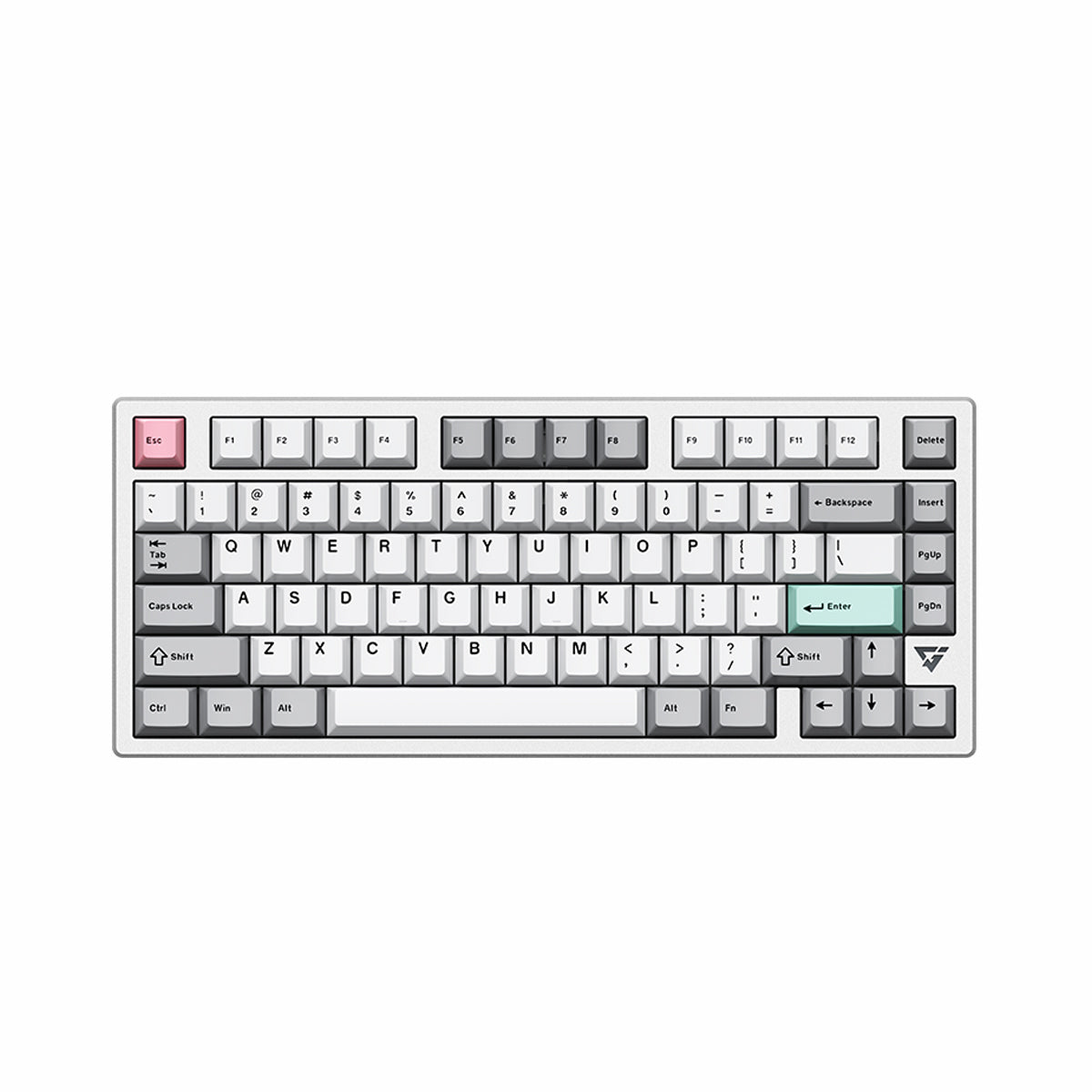
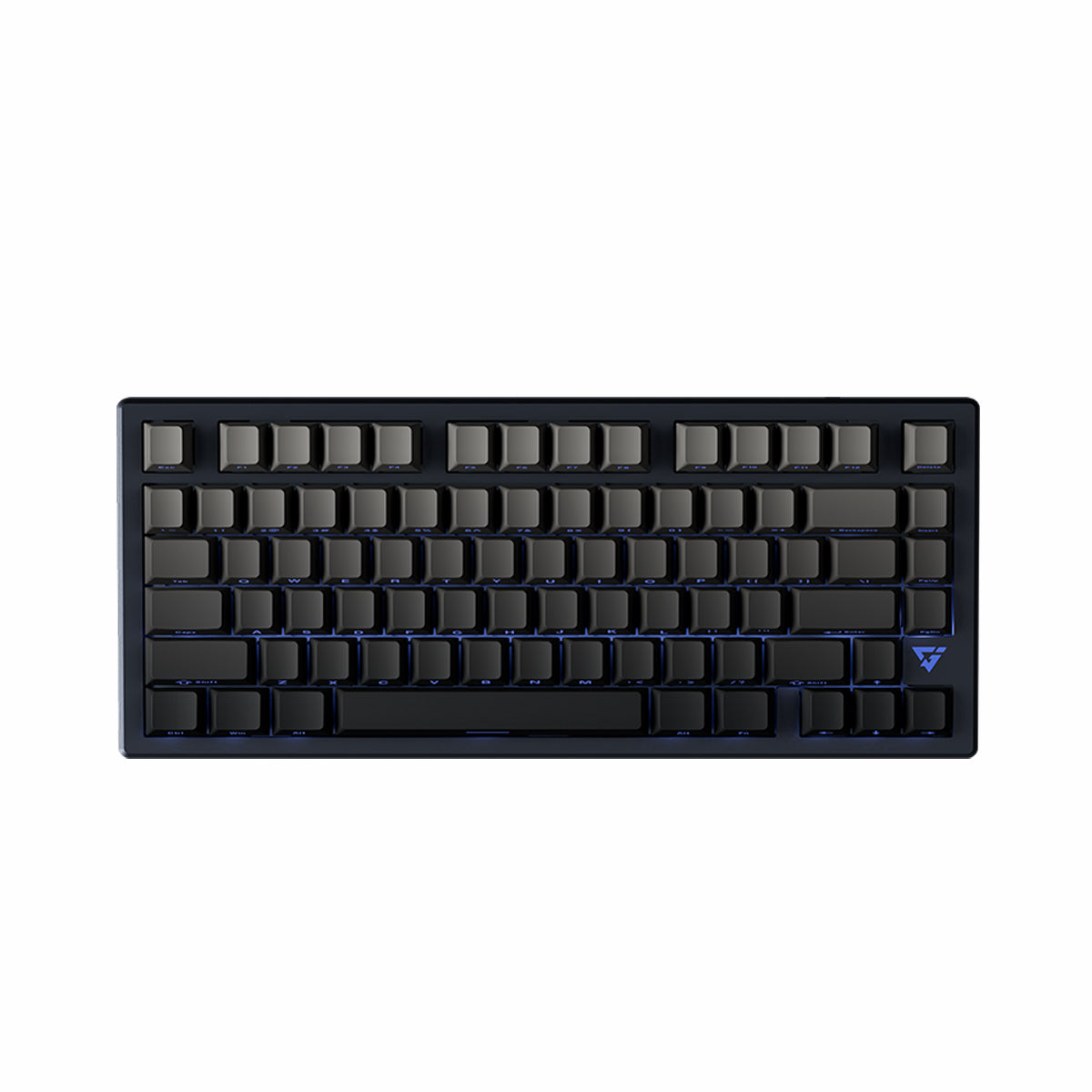
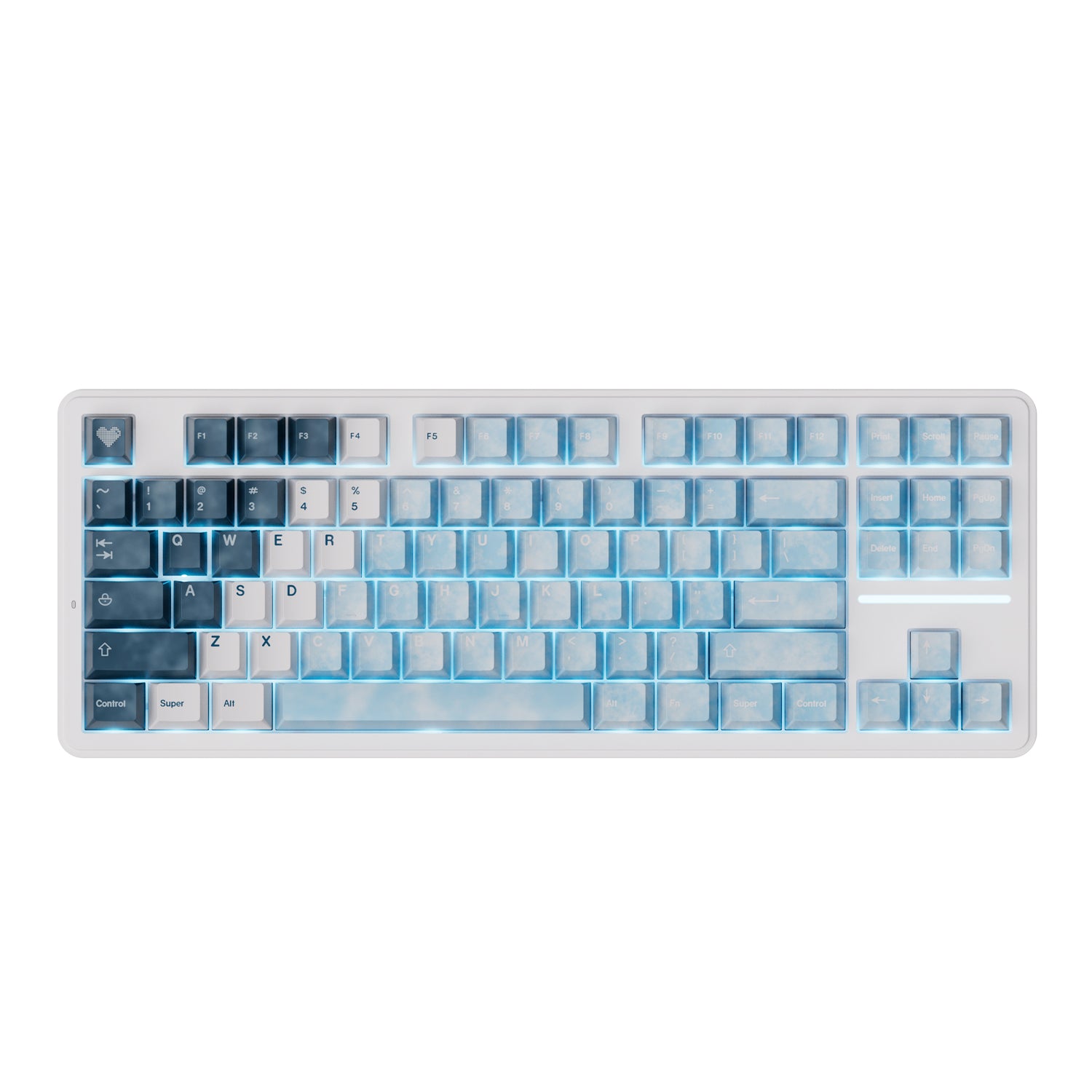
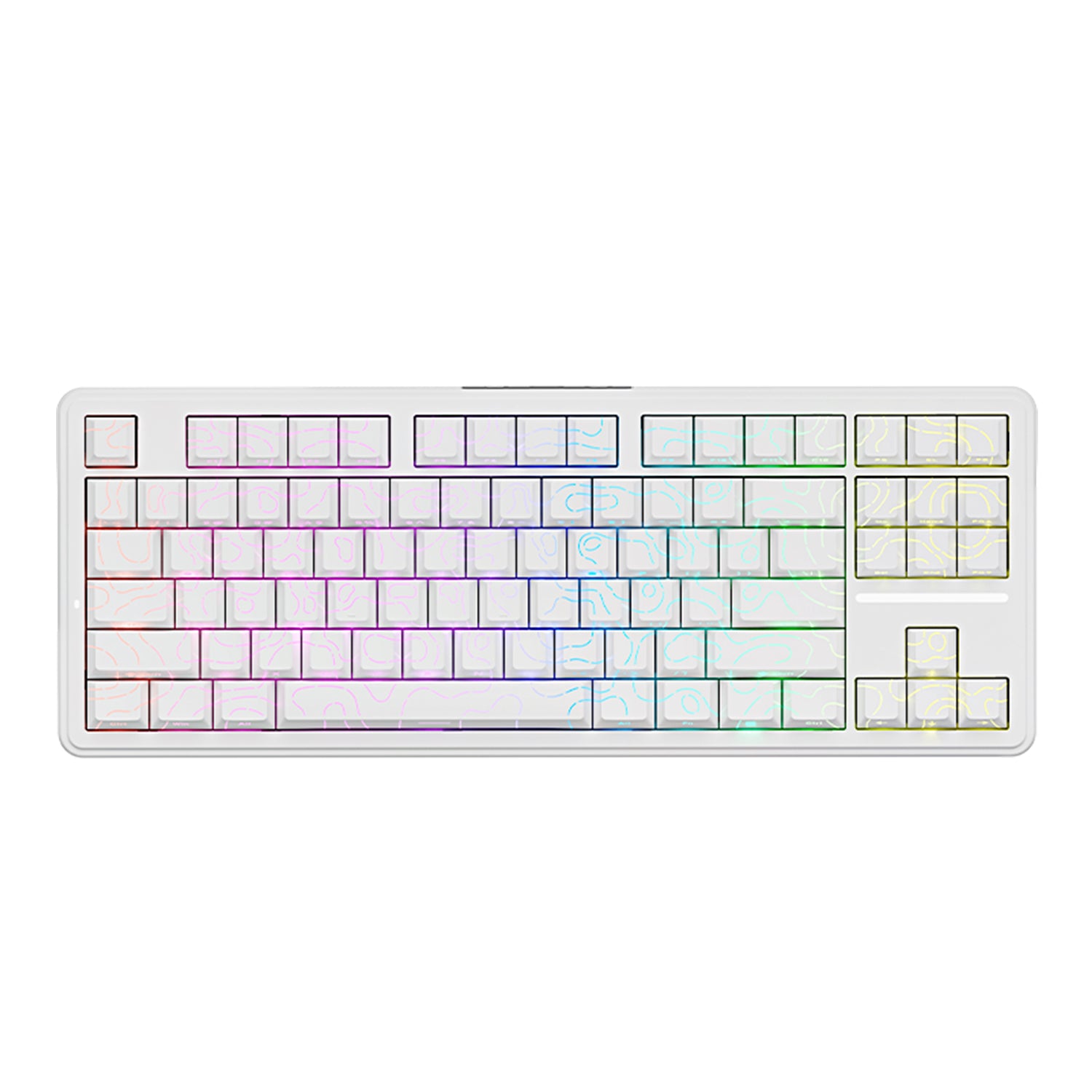
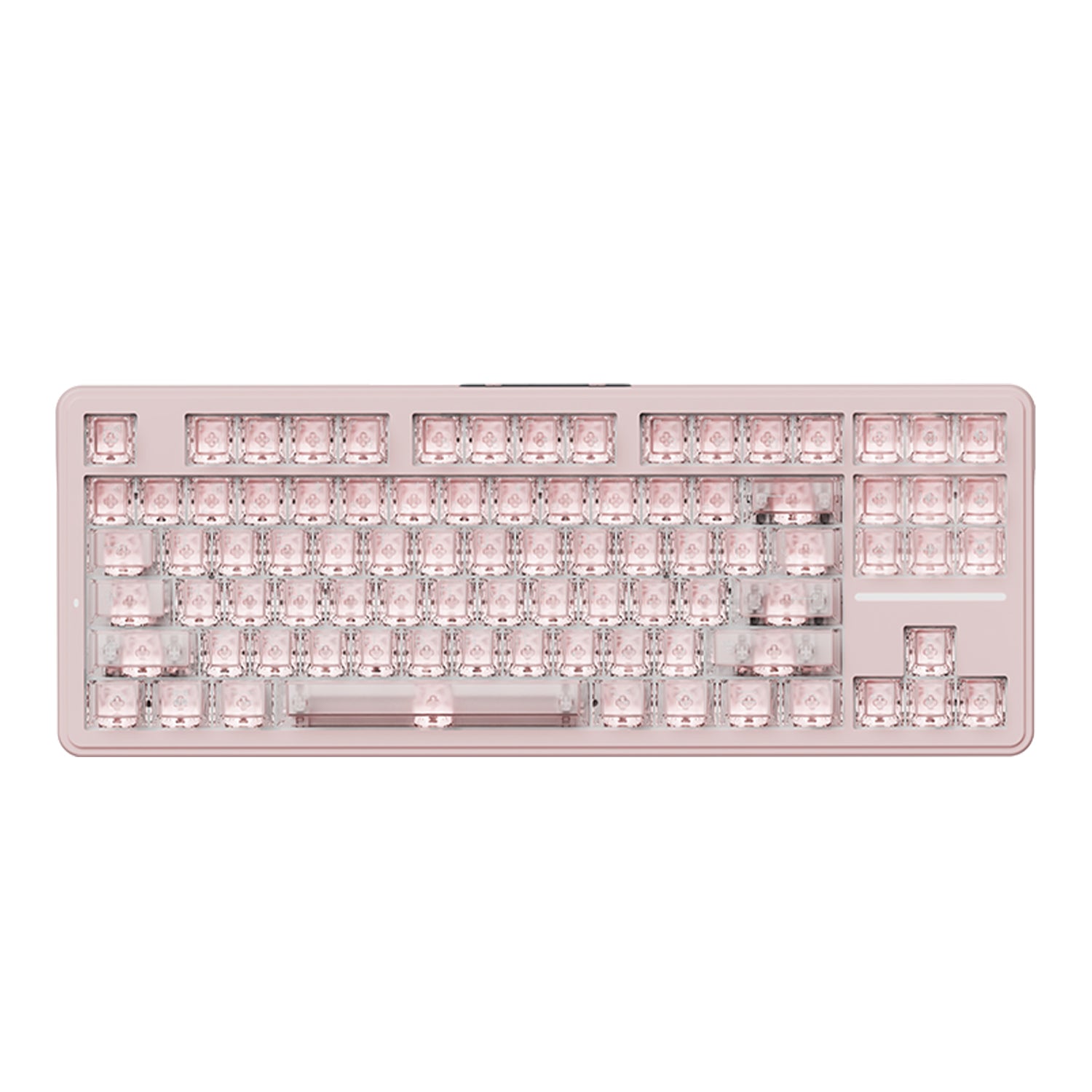
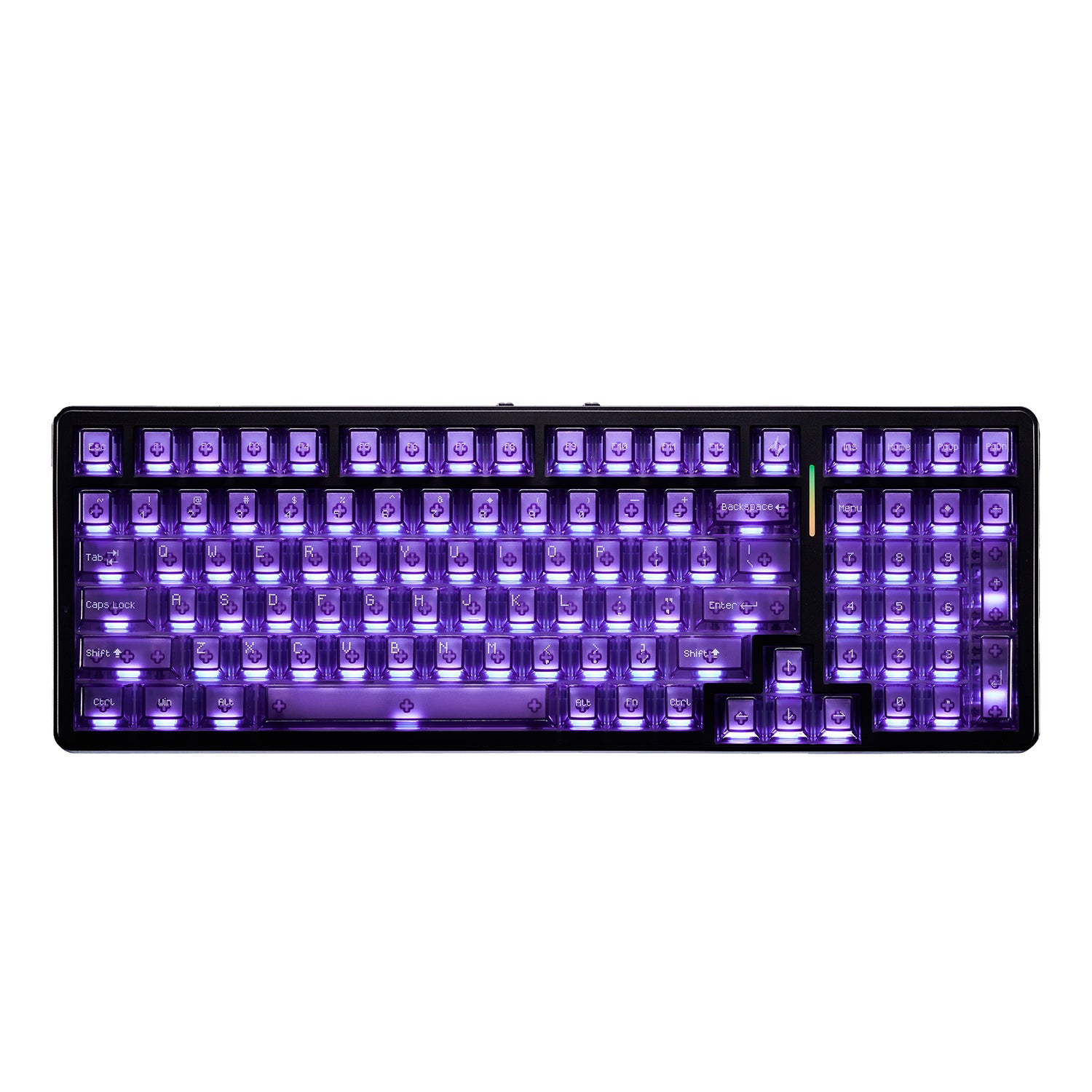
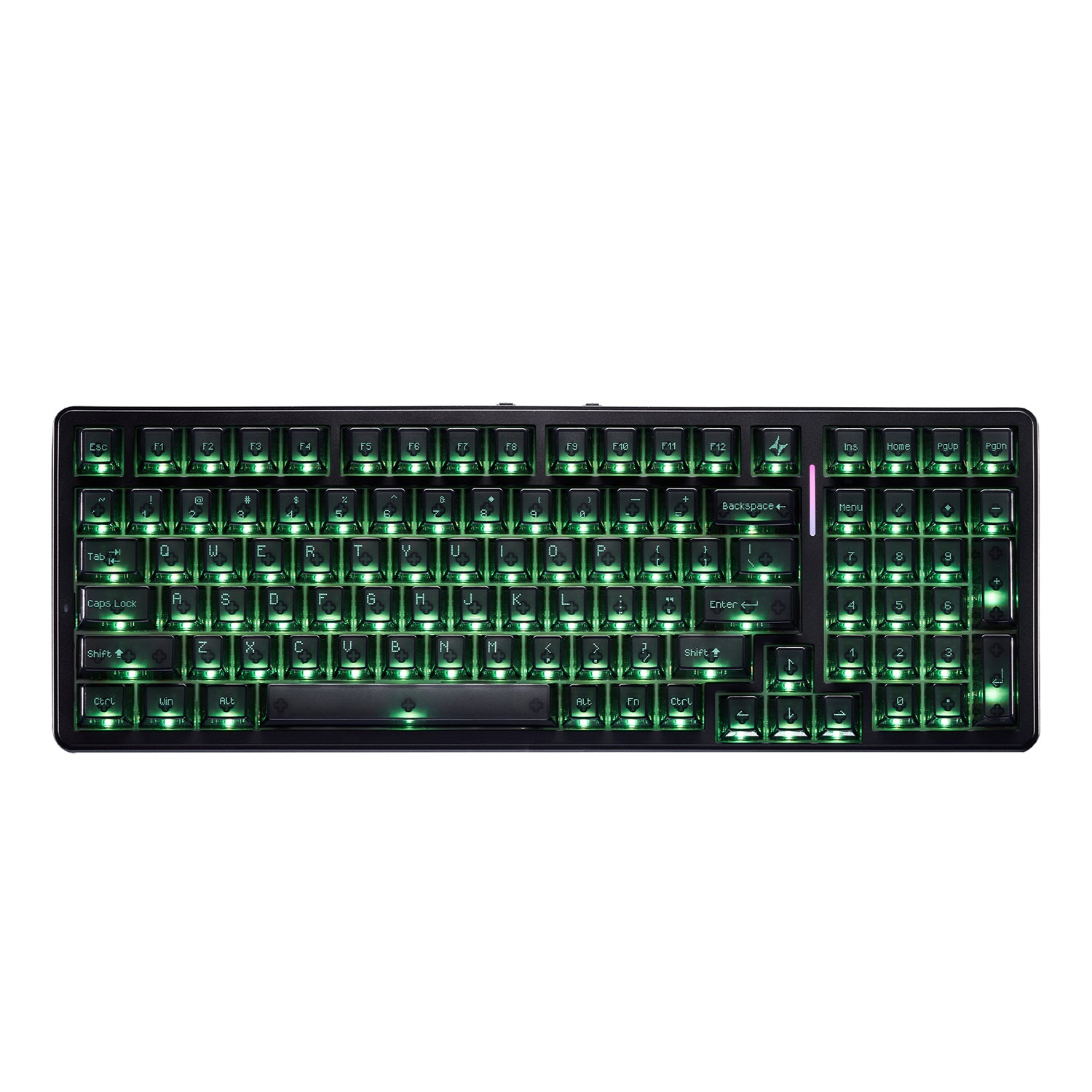
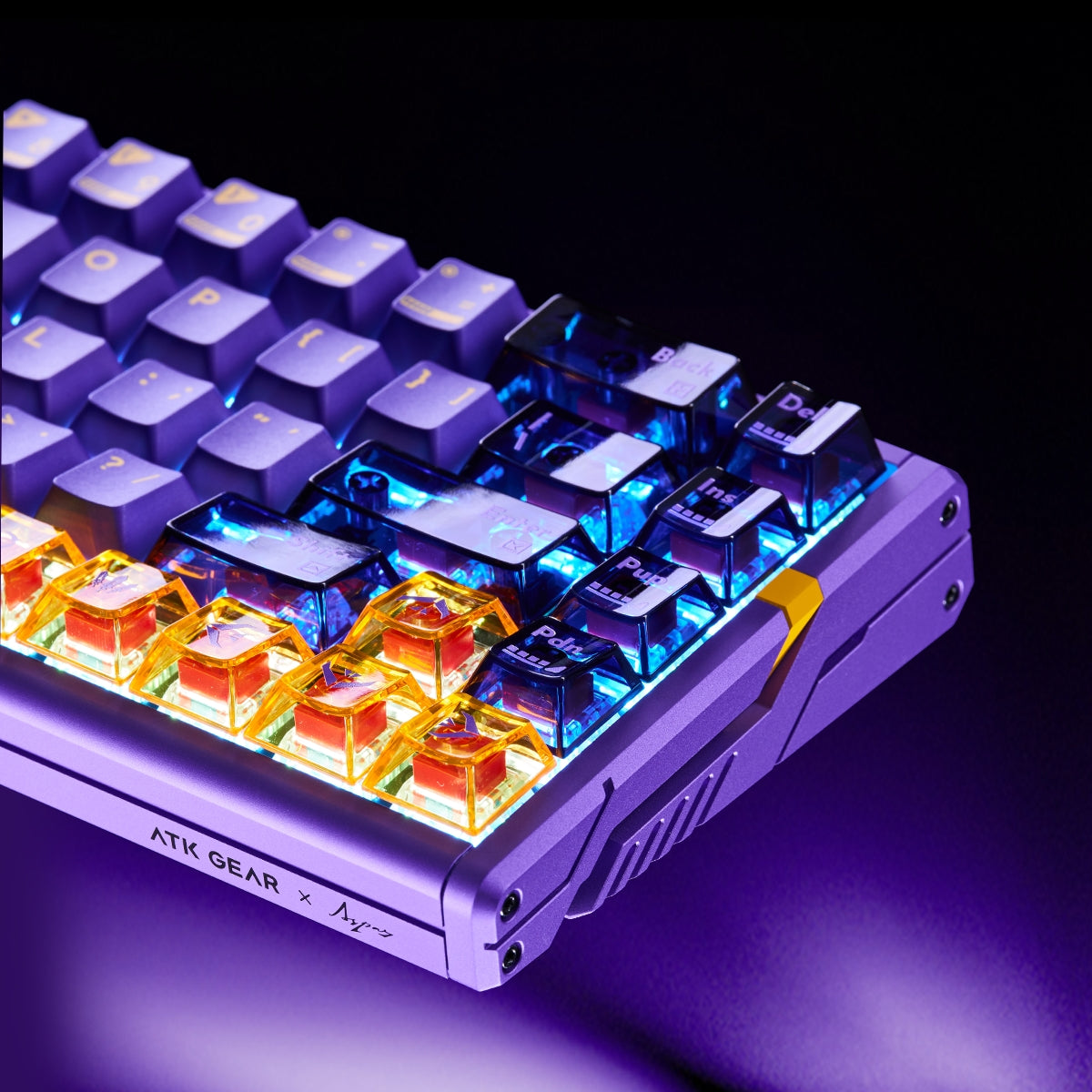
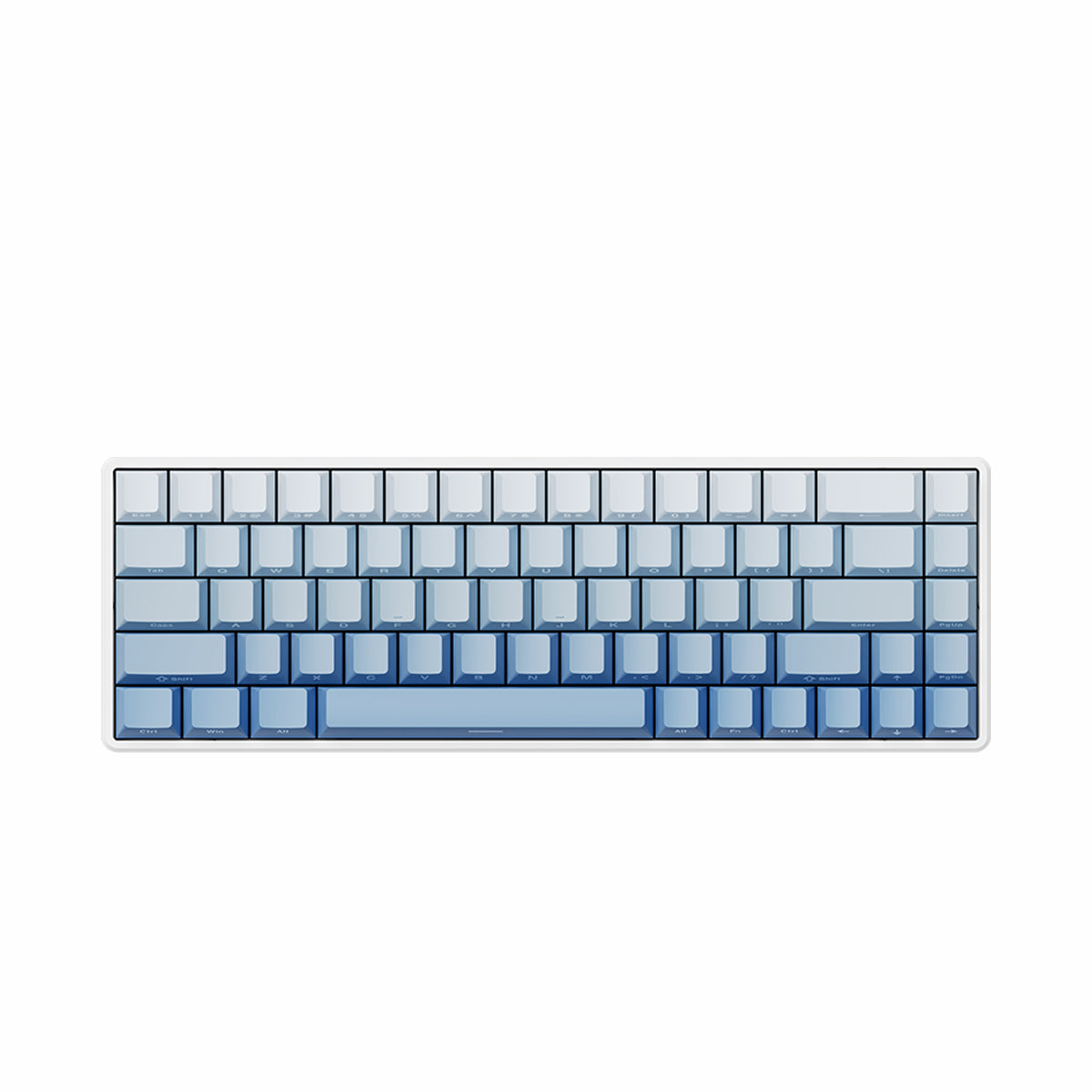
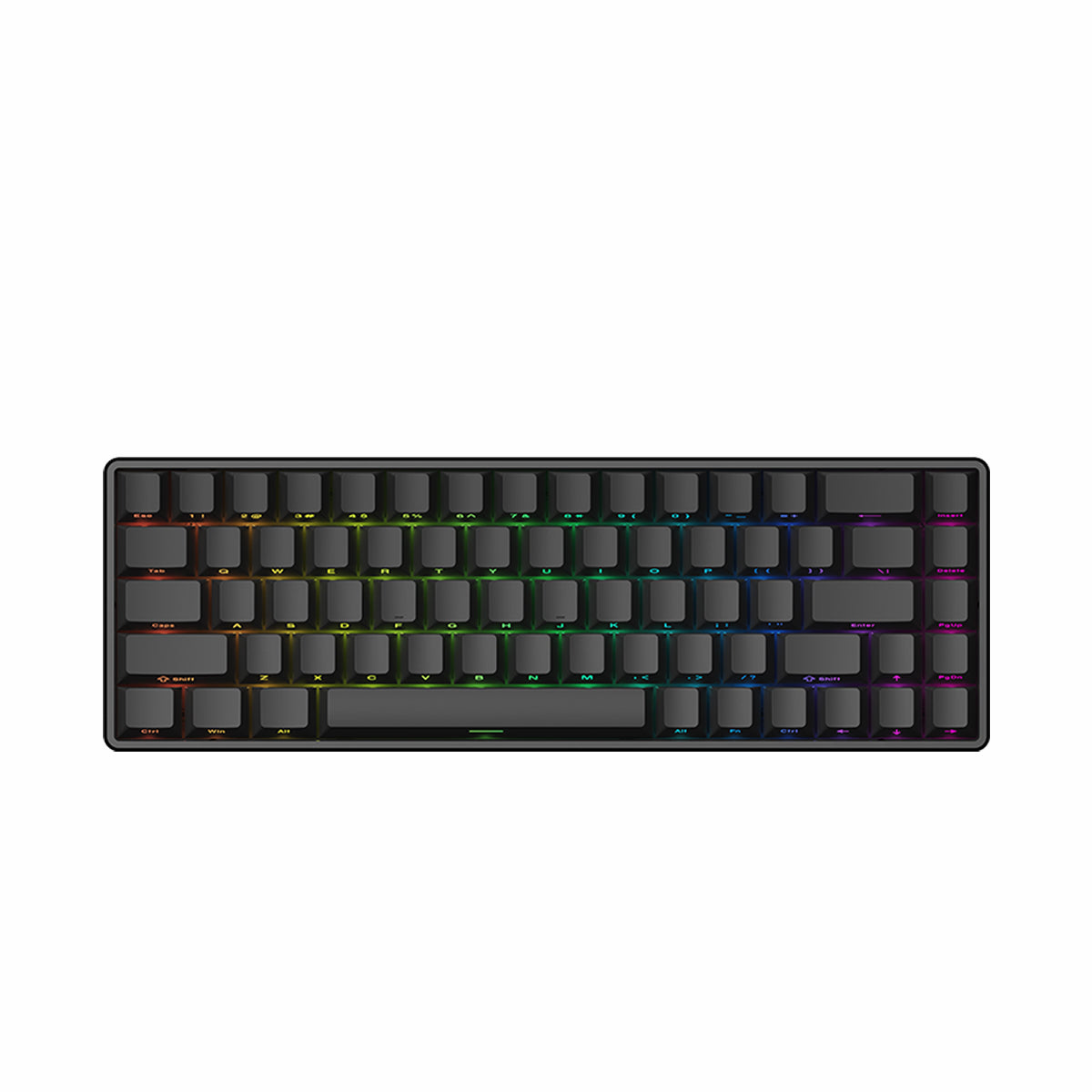
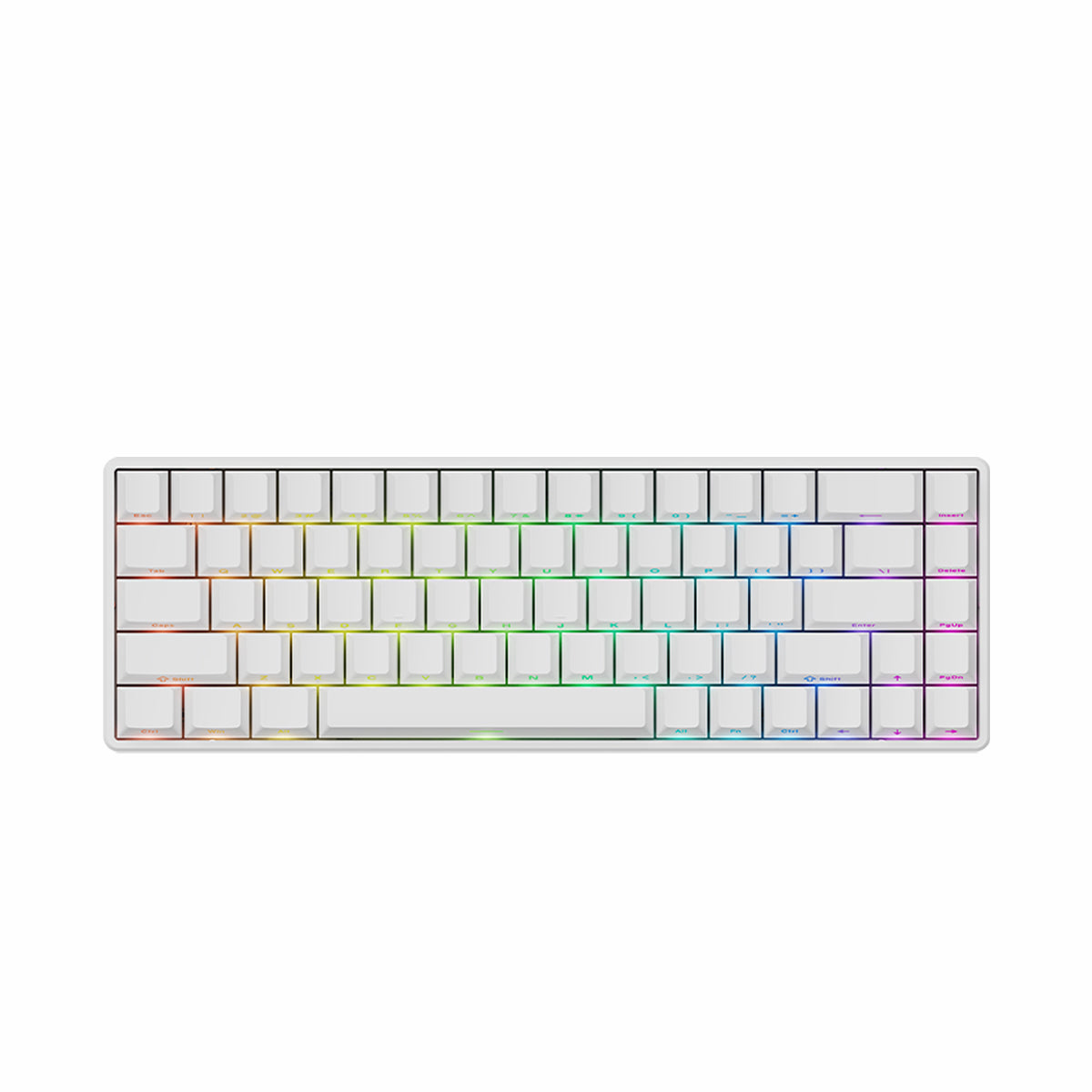
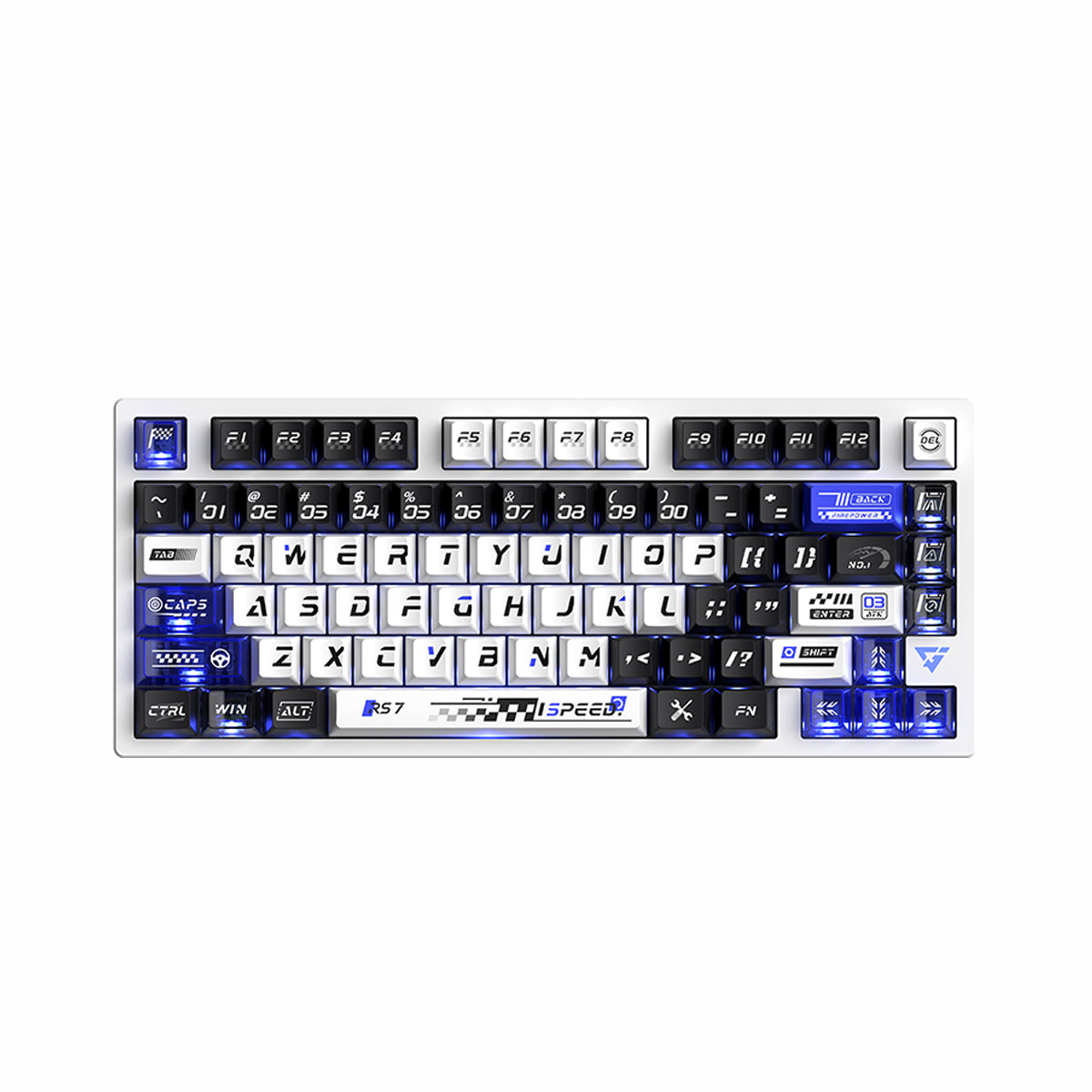
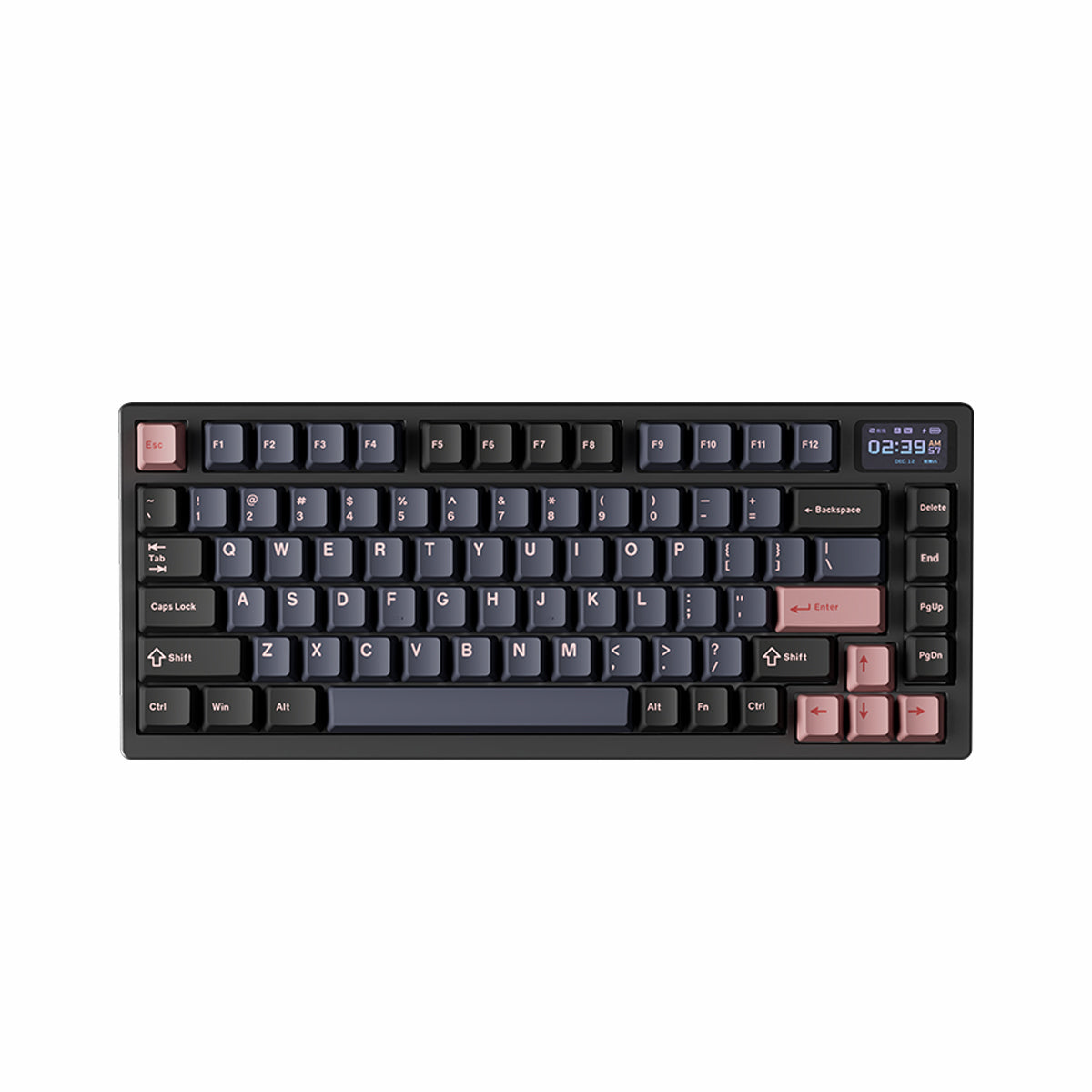
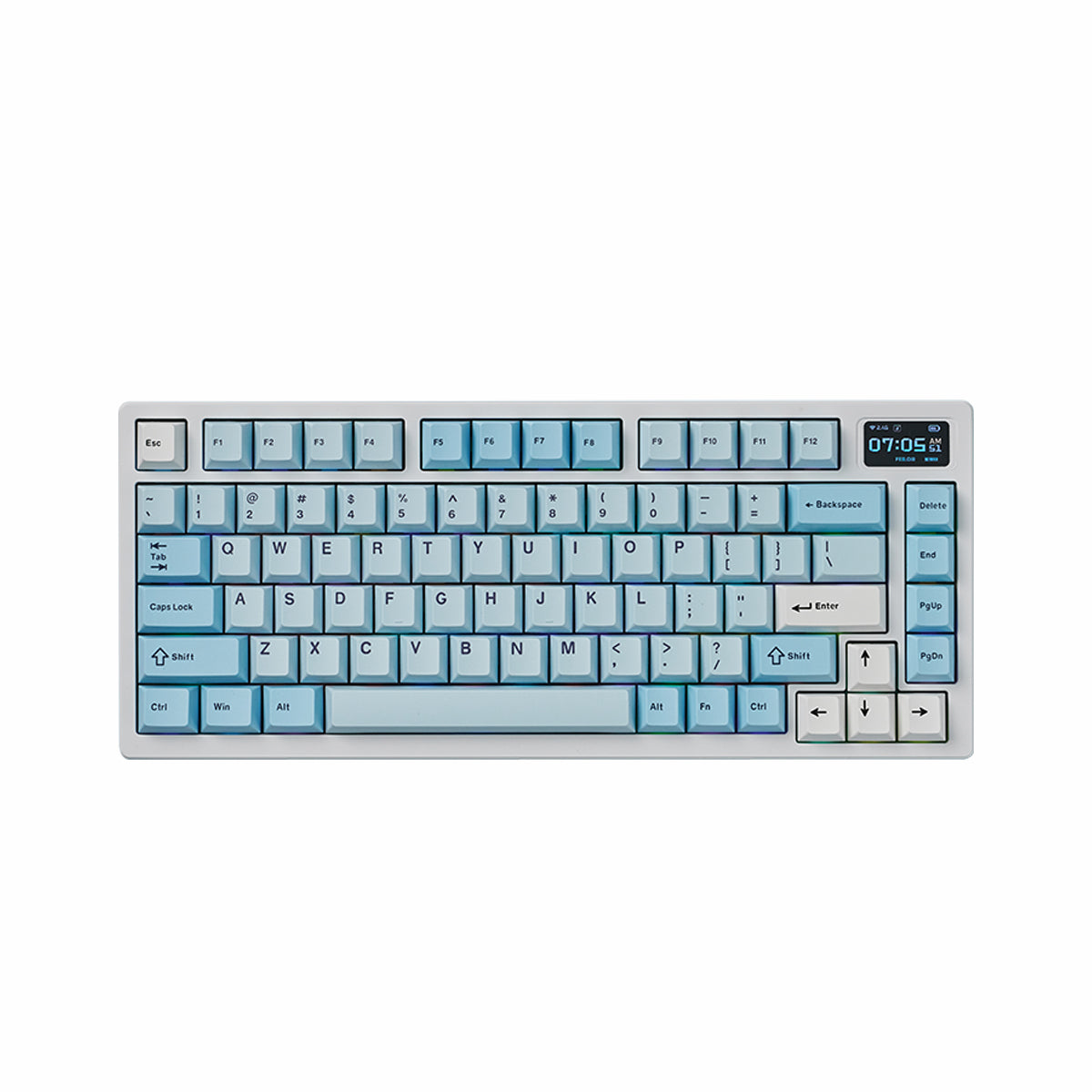
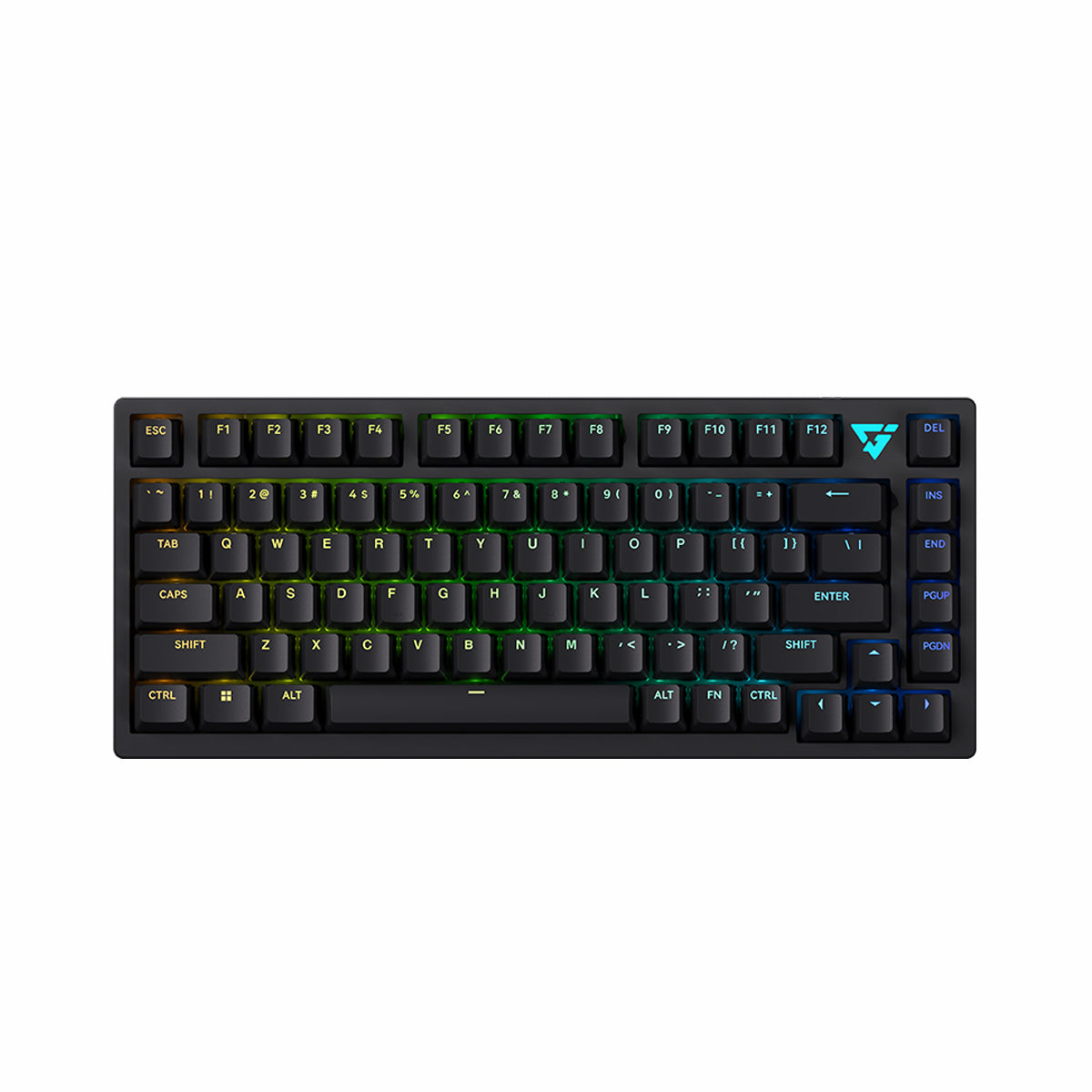
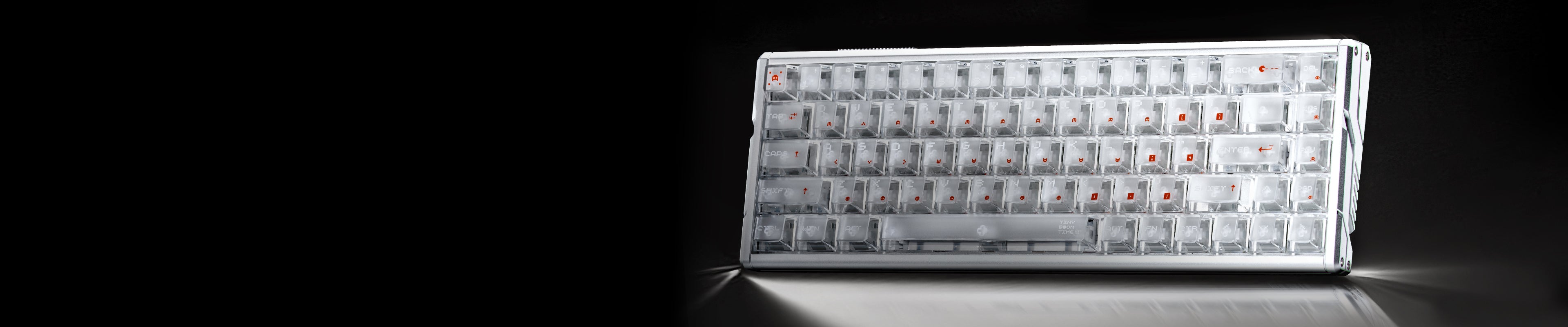
ATK's lineup includes Hall Effect options across compact and mid-size layouts, with models covering directions such as 60%, 65%, 75%, and 80% depending on the specific configuration. Builds range from frosted translucent designs to full-aluminum constructions. The RS6 Air and RS7 Air represent the more accessible end of the Hall Effect range, with translucent frosted keycaps and RGB lighting. The RS7 Turbo steps up with a semi-aluminum build and aluminum plate. The RS7 V2 and RS6+ offer full-aluminum construction for users who want a more premium feel.
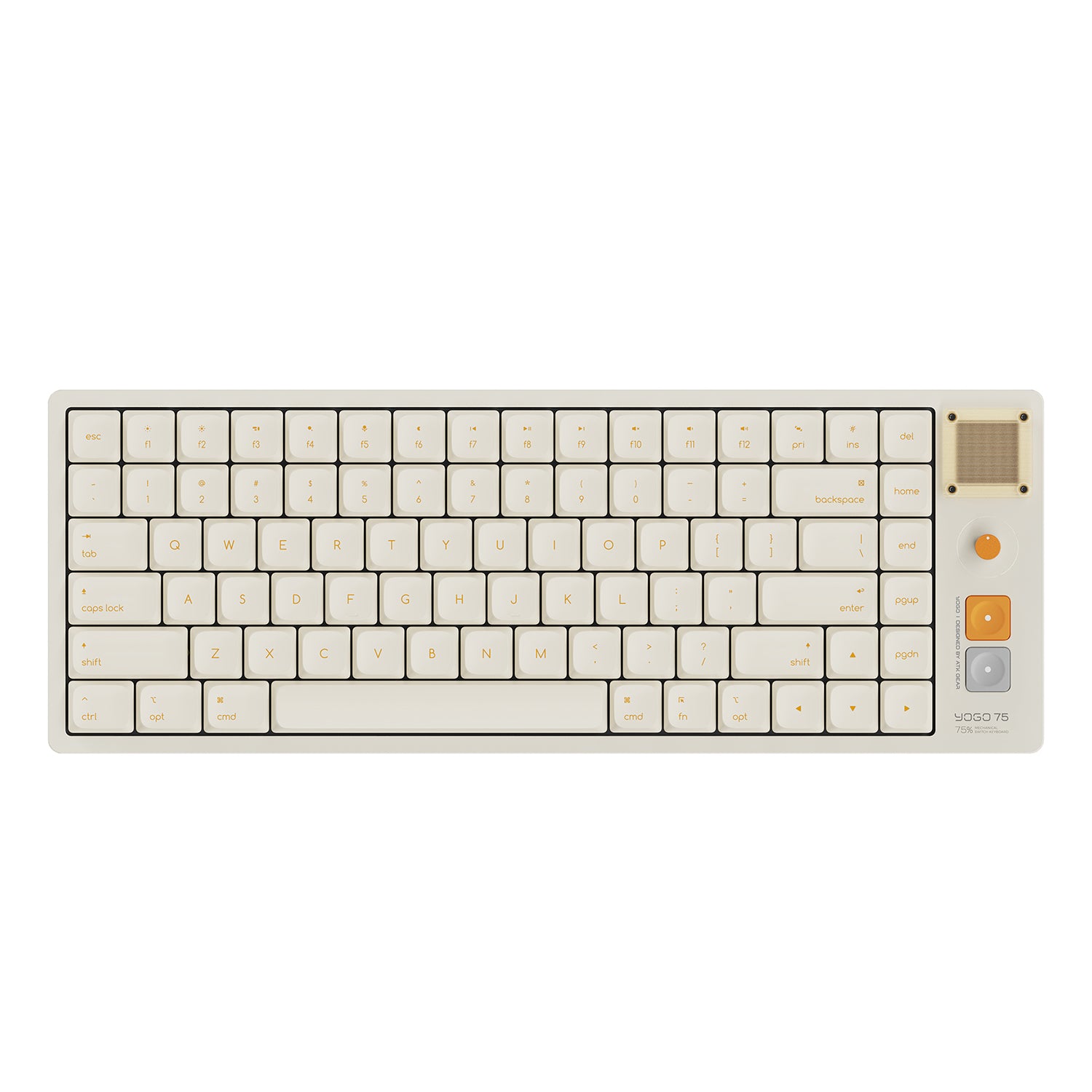
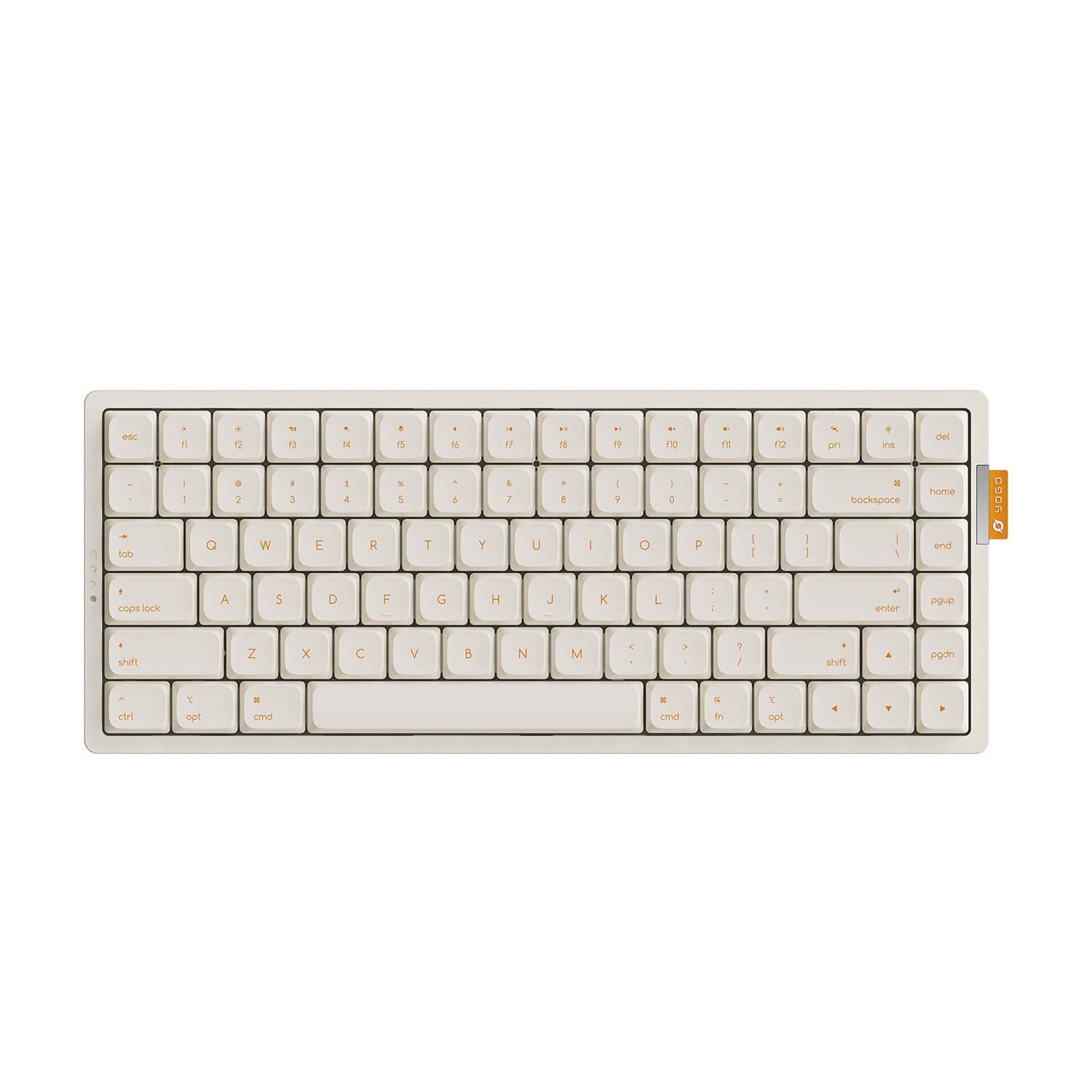
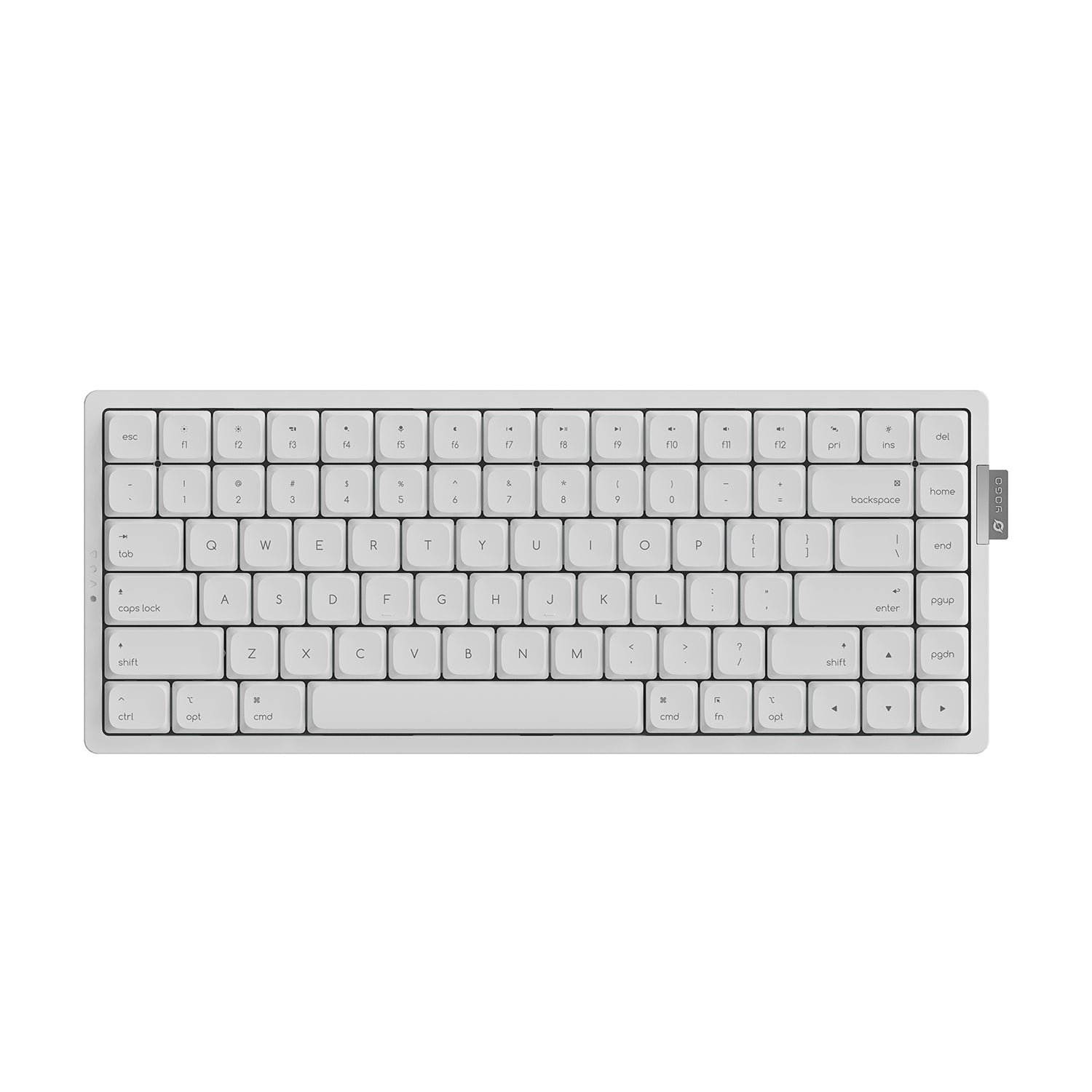
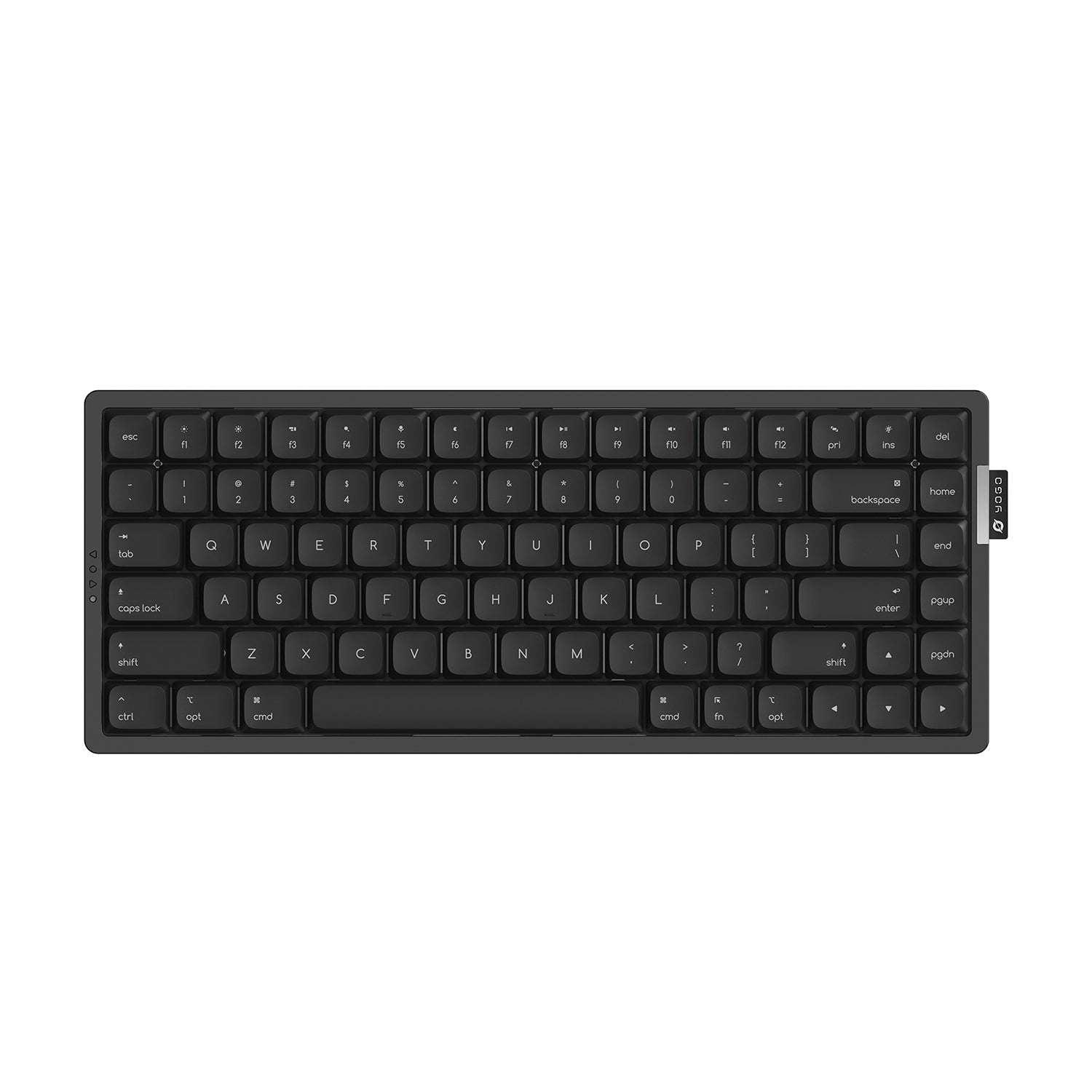
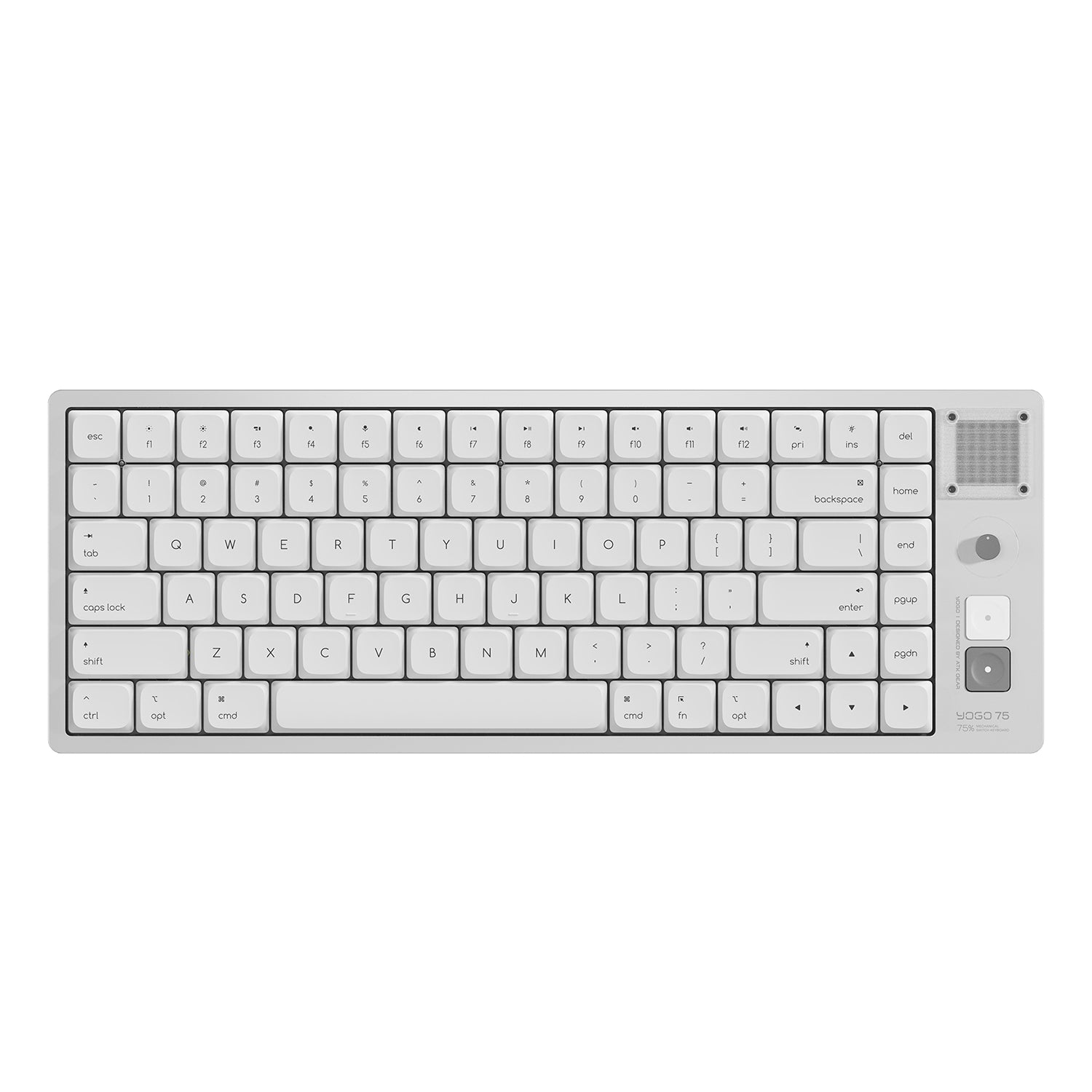
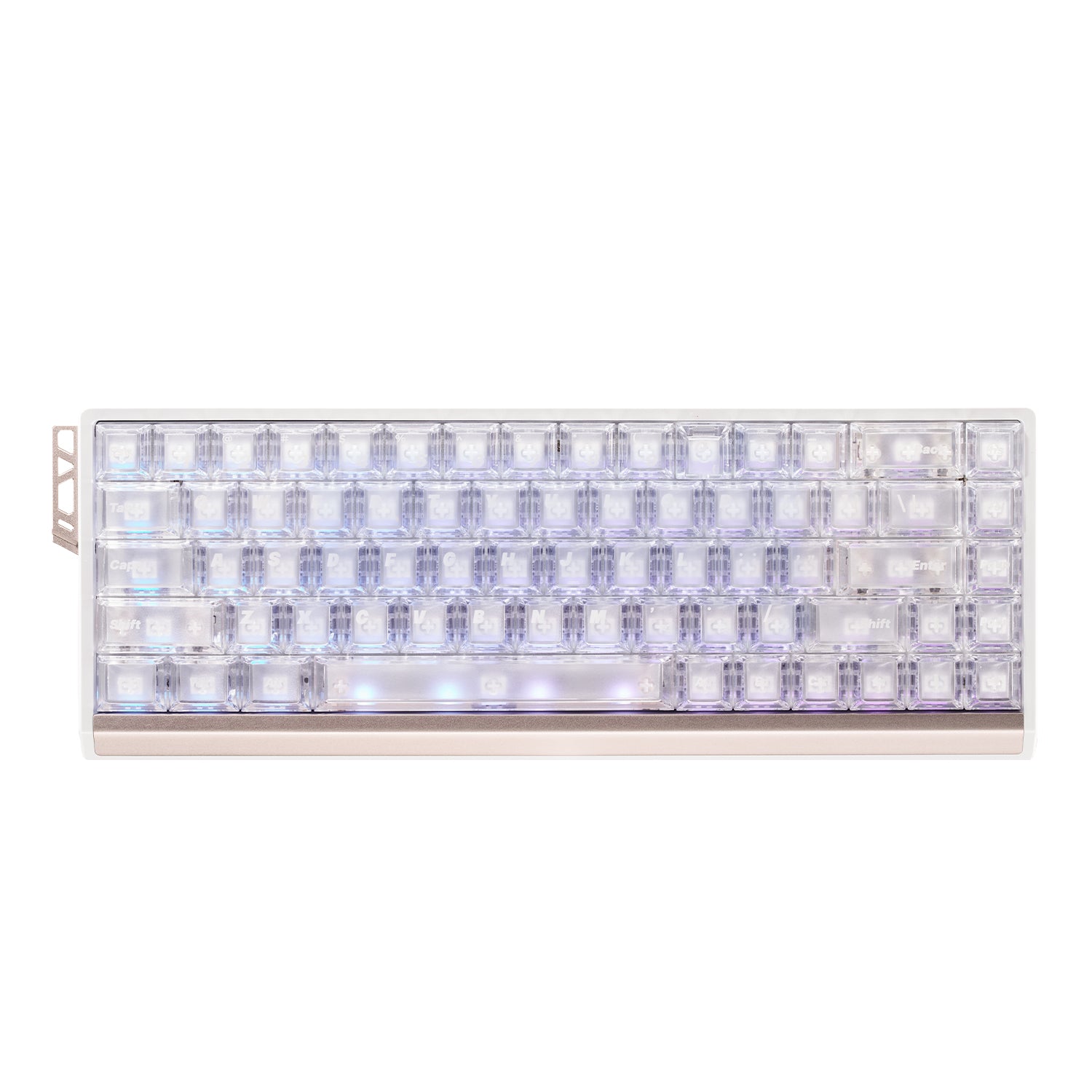
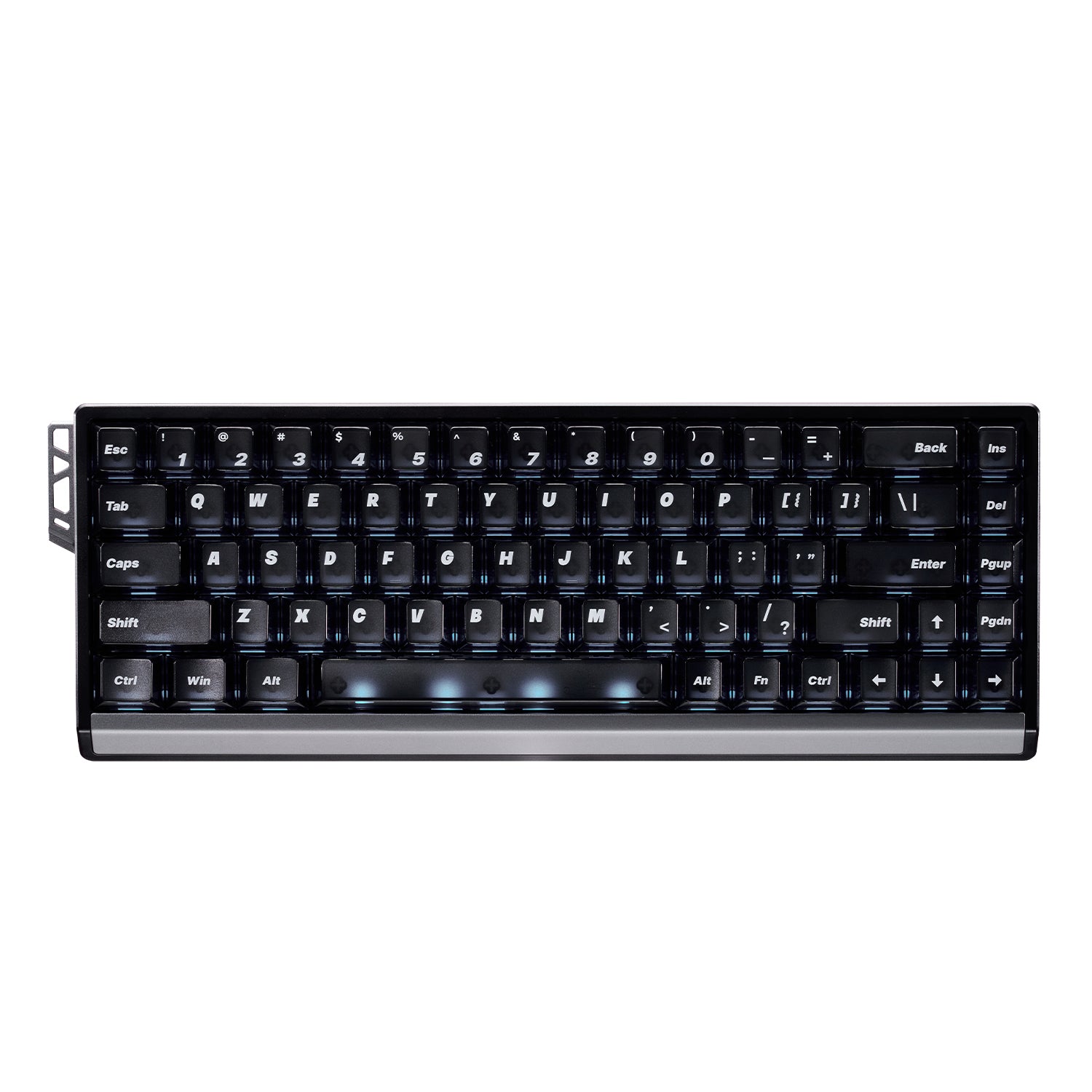
On the mechanical side, the A98 Pro is a wireless 95% keyboard with ARGB lighting — a practical option if you want wireless freedom and don't need Hall Effect-specific features. The Yogo 75 is a low-profile 75% mechanical keyboard with a rotary knob, suited to users who prefer shorter key travel, a lower desk profile, and a more compact typing experience.
This page includes additional models beyond those listed above. Filters on the left let you narrow by switch type, availability, and price.
Hall Effect keyboards in this collection are compatible with ATK's V HUB, a web-based tool for adjusting actuation points, remapping keys, and configuring lighting — no desktop app required.