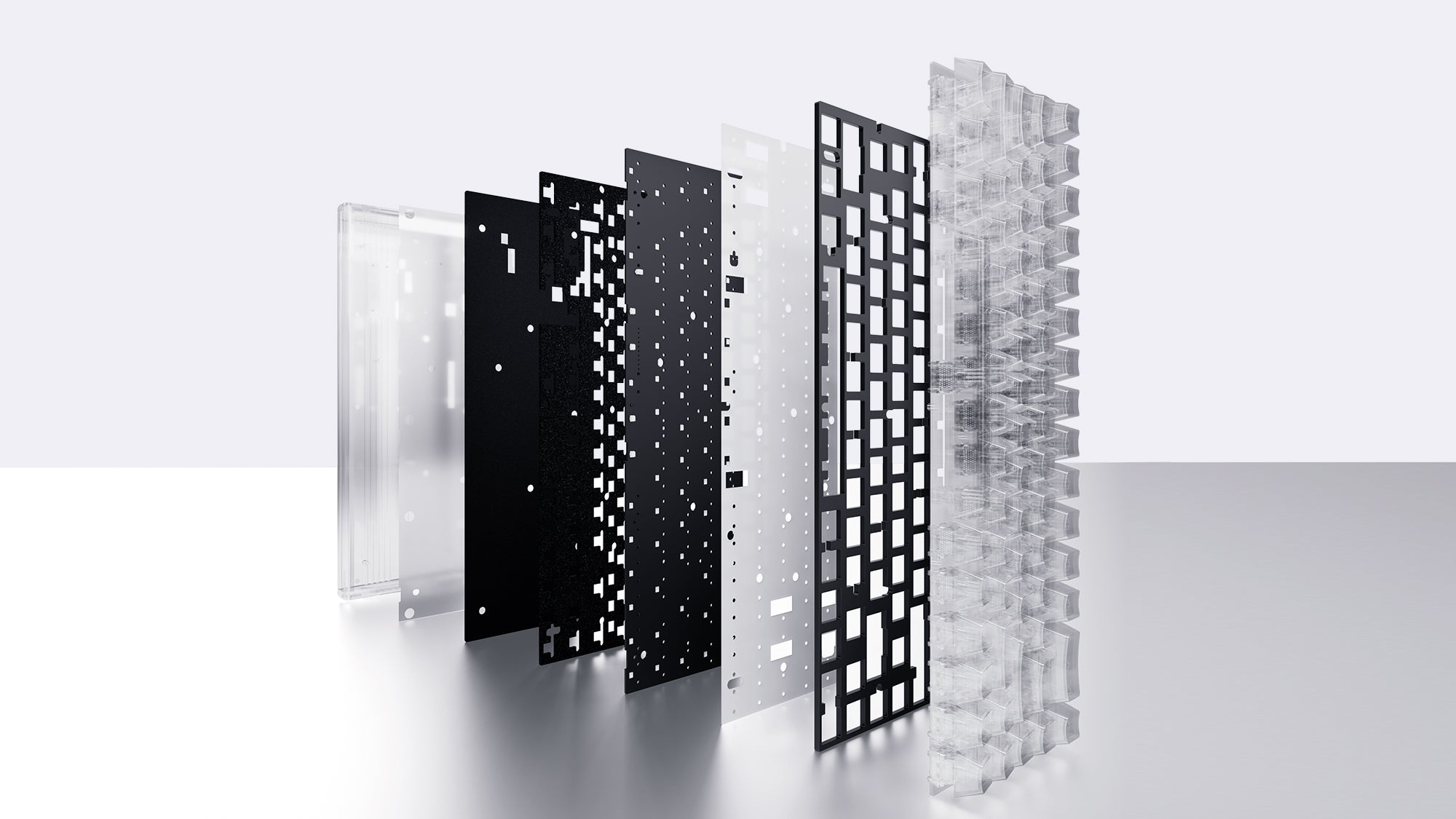
Choosing the right mechanical peripheral transforms your daily typing and computer experience. As manufacturers innovate with new switch designs, buyers face a major decision regarding board height and chassis layout. Understanding the physical differences between traditional and slim models is crucial for both physical comfort and long-term performance. This guide explores switch mechanics, typing feedback, and workspace ergonomics to help you decide which hardware setup perfectly matches your desk environment and daily computer tasks.
What Is A Low Profile Mechanical Keyboard?
A low profile mechanical keyboard features a significantly thinner chassis, shorter keycaps, and specially designed slim internal switches. Unlike traditional models, these boards sit very close to the desk surface, highly resembling the flat layout of a modern premium laptop.
The internal mechanical switches inside these boards have a reduced travel distance. Standard switches usually travel 4.0mm to bottom out, while low-profile switches often bottom out at 3.0mm or less. The actuation point—the exact moment the computer registers the keystroke—is also much shorter. This means the key registers your press much faster with less physical effort.
The keycaps on a low profile mechanical keyboard are flat or slightly sculpted. They do not have the steep, curved profiles found on classic peripherals. This flat design reduces the overall vertical height of the peripheral, allowing users to move their fingers across the board horizontally rather than lifting their fingers up and over each row of keys.
What Is A Standard Mechanical Keyboard?
A standard mechanical keyboard utilizes traditional, full-height mechanical switches inside a thicker, deeper plastic or aluminum case. These are the classic, bulky designs that have dominated the computer peripheral market for decades.
Standard switches, originally popularized by the Cherry MX design, have a long travel distance. They provide a deep, distinct keystroke that many heavy typists prefer. The taller switches allow for a wider variety of internal mechanisms, meaning users can choose between smooth linear feels, sharp tactile bumps, or loud clicky feedback with high precision.
Because standard boards have existed for so long, they offer an enormous aftermarket ecosystem. Users can easily swap keycaps to different sculpts (like OEM, Cherry, or SA profiles), modify the switches with lubricants, and change the internal acoustic dampening foam. If deep hardware customization is your goal, standard height boards offer limitless possibilities.

Compare Standard Vs Low Profile Keyboard Feel
When you compare a standard vs low profile keyboard, the most immediate and noticeable difference is the physical typing sensation and the distance your fingers must travel.
Travel Distance And Typing Speed
Low-profile switches actuate faster because they have less physical space to move. This creates a snappy, highly responsive typing experience. Users transitioning directly from a laptop often find their words-per-minute (WPM) speed increases on slim boards. Standard switches require a deeper, more deliberate press, which provides more satisfying tactile feedback but requires more finger movement.
Bottoming Out Sensation
Because slim switches have shorter travel, users tend to "bottom out" (press the key all the way down to the plastic base) much faster and harder. This can feel abrupt to typists used to the deep cushioning of traditional switches. Standard switches provide more vertical travel room, allowing skilled typists to actuate the key without slamming it against the chassis.
Acoustic Sound Profile
Standard keyboards typically produce a louder, deeper sound. The empty space inside the tall keycaps and the thick case creates an acoustic resonance chamber. A low profile mechanical keyboard generally produces a quieter, higher-pitched click because there is less plastic mass and minimal empty space for the sound to reverberate.
Which Keyboard Works Better For Gaming?
Gamers require speed, precision, and reliable inputs during intense competitive matches. When evaluating gaming keyboards, both chassis heights offer distinct hardware advantages depending on the genre of games you play.
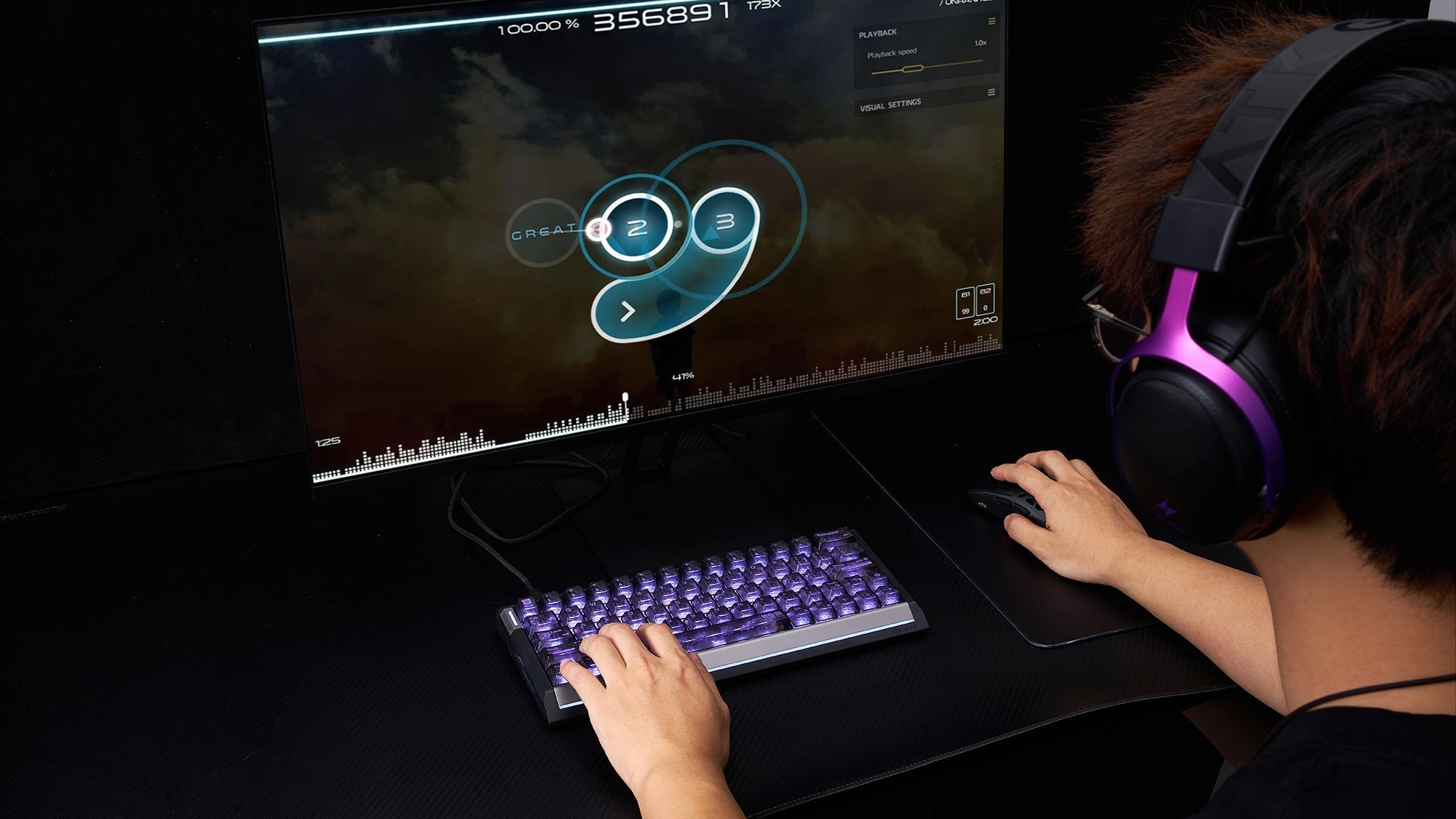
Competitive players often look for the best keyboards for gaming that offer rapid actuation. Low-profile boards excel in fast-paced environments like first-person shooters or rhythm games. The shorter key travel allows for faster double-tapping. Because the key resets to its neutral position faster, players can input rapid movement commands with milliseconds of advantage.
Conversely, standard gaming keyboards prevent accidental keystrokes. In complex strategy games or MMOs, pressing the wrong key can ruin a match. The longer travel distance of standard switches requires a deliberate, intentional press, heavily reducing the chance of hitting the wrong skill key during a chaotic moment. Many professional esports players still prefer standard gaming keyboards for their undeniable tactile reliability and heavy, stable chassis weight.
Which Keyboard Works Better As An Office Keyboard?
For professional office environments, daily typing productivity, minimal noise levels, and clean desk space dictate hardware choices.
Reducing Typing Fatigue
A low profile mechanical keyboard often serves as an excellent office keyboard. The laptop-like flat keys allow for fast touch-typing with minimal finger lifting. For data entry specialists, writers, or programmers, this flat gliding motion reduces finger joint fatigue during eight-hour workdays.
Noise Considerations In Shared Workspaces
Standard boards, especially those equipped with clicky blue switches, can easily distract coworkers in an open-plan office. Slimmer models naturally dampen the typing sound due to their compact internal structure. They provide the mechanical reliability workers need without the disruptive acoustic echo.
Desk Aesthetics And Portability
Modern office spaces favor clean, minimalist setups. A sleek, wireless slim board fits professional aesthetics much better than bulky, aggressive hardware. Therefore, when selecting an office keyboard for daily emails, coding, and spreadsheet management, slim designs visually complement business environments perfectly.

Do Low-Profile Keyboards Help With Ergonomics?
Wrist pain and repetitive strain injuries are major concerns for heavy computer users. The physical vertical height of your peripheral directly impacts the angle of your wrists, elbows, and shoulders.
Understanding Wrist Extension
Standard boards sit high off the desk surface. This forces your hands to bend upward—a posture known as wrist extension—to reach the top row of keys. Holding this unnatural, bent angle for hours compresses the median nerve in the carpal tunnel, causing long-term strain, numbness, and joint pain unless you use a thick palm rest to elevate your wrists.
Promoting A Neutral Posture
When evaluating a standard vs low profile keyboard, the slim model promotes a much healthier, flat wrist posture. Because the board rests incredibly close to the desk, your wrists remain straight and parallel to the work surface. You do not need to buy an external wrist rest to maintain a safe, neutral typing angle.
Everyday Ergonomic Benefits
While a completely split, tented design is the ultimate ergonomic solution, choosing a slim board acts as an effective, accessible ergonomic mechanical keyboard for typing. It significantly reduces forearm tension, eliminates awkward wrist bending, and allows your hands to glide over the keys in a relaxed physical state.
Choose The Best Keyboard For Your Setup
Your final hardware decision depends entirely on your daily computing tasks, workspace size, and personal tactile preferences. There is no single correct answer, only the right tool for your specific environment.
For The Dedicated Gamer And Tinkerer
If you play games competitively and love modifying your hardware, a standard high-profile board remains one of the best keyboards for gaming. It offers the traditional mechanical feel, distinct keystrokes, and unlimited aftermarket upgrade paths. You can change everything from the internal springs to the external keycap colors.
For The Hybrid Professional
If you split your time between working from home, coding, and playing casual games, consider the slim option. It functions as a highly comfortable ergonomic mechanical keyboard for typing during your workday, preventing wrist strain, while still providing the rapid mechanical inputs needed for gaming at night.
Final Setup Considerations
Review your physical desk space. If you travel frequently, work from cafes, or maintain a minimalist setup, the portability of a slim board is unmatched. Make sure you compare standard vs low profile keyboard physical dimensions carefully before purchasing to ensure the device physically fits your desk tray or travel bag.
Conclusion
Choosing between a high-profile and a slim board ultimately comes down to physical comfort and daily intended use. Standard boards provide unmatched tactile feedback, deep key travel, and massive aftermarket customization. Meanwhile, slim designs offer sleek modern aesthetics, faster actuation, and much healthier wrist posture. Assess your daily typing habits, workspace ergonomics, and gaming routines objectively. By prioritizing your personal physical comfort, you will easily find the perfect mechanical setup to enhance your digital life.
FAQs
Are low-profile keyboards good for programming?
Yes. Many programmers prefer them because the shorter key travel reduces finger joint fatigue during long coding sessions. The flat design allows for rapid touch-typing, making it a highly efficient office keyboard for software development.
Can I change keycaps on a low-profile keyboard?
Yes, but the aftermarket options are very limited compared to standard boards. Because the switches are shorter, you must ensure the replacement keycaps match the specific slim switch stems used by that exact hardware manufacturer.
Do I need a wrist rest for a standard mechanical keyboard?
Yes. Because standard boards sit significantly higher off the desk surface, using a padded wrist rest is highly recommended. A wrist rest elevates your arms to match the height of the keys, preventing severe wrist extension and protecting your joints from repetitive strain injuries.