Building a high-performance gaming desk is not just about aesthetics; it is about creating an environment that maximizes your reaction time, minimizes physical fatigue, and keeps your equipment organized. A disorganized space directly impacts your aim and focus, especially during long competitive sessions. This guide details the practical steps required to construct the ultimate gaming setup, focusing on the physical foundation of the desk, the precise selection of your gaming computer mouse, and the technical strategies needed to manage your workspace efficiently.
1. Select the Right Desk and Chair Height
The physical foundation of your setup dictates your overall health and performance. If your desk and chair are not aligned correctly, you will quickly develop neck, shoulder, and wrist pain, which degrades your in-game mechanics.
Find the Ergonomic "Sweet Spot"
The height of your desk must allow your arms to rest comfortably. When you sit in your chair, your feet should be flat on the floor, and your knees should be bent at a 90-degree angle. In this position, slide your chair under the desk. Your elbows should also bend at approximately 90 degrees, allowing your forearms to rest parallel to the desk surface. If the desk is too high, you will naturally shrug your shoulders upward, creating severe tension in your trapezius muscles. If the desk is too low, you will lean forward, compromising the natural curve of your spine.
Desk Depth and Surface Area
Many standard office desks are only 24 inches deep. For a high-performance setup, you need a minimum depth of 30 inches. A deeper desk allows you to place your monitor further back (typically an arm's length away), reducing digital eye strain. Crucially, a deep desk provides enough physical space to push your keyboard forward, allowing you to rest your entire forearm on the desk rather than balancing your wrist on the sharp edge. This full-arm support is mandatory for low-sensitivity players who need massive sweeping motions to control their pc gaming mouse.

2. Choose Your Primary Gaming Mouse
The mouse is your direct connection to the game. It is the most critical piece of hardware on your desk, translating your physical movements into digital actions. Selecting the right pc gaming mouse requires understanding the technical specifications that separate a standard office tool from a professional instrument.
Sensor Accuracy and Polling Rate
A high-performance gaming computer mouse utilizes a flawless optical sensor. These sensors track movement without artificial acceleration, angle snapping, or spin-outs, ensuring that if you move your hand exactly two inches, your crosshair moves the exact same distance every time. You should also look for a high polling rate. A standard mouse reports its position to the computer 125 times per second (125Hz). The best gaming mice report at 1,000Hz, 4,000Hz, or even 8,000Hz, reducing input latency to fractions of a millisecond and ensuring the smoothest cursor movement possible on high-refresh-rate monitors.
Weight and Shape Compatibility
The physical design of the mouse dictates your fatigue levels. Modern competitive players overwhelmingly prefer lightweight designs. A gaming computer mouse that weighs under 60 grams requires significantly less physical force to start and stop its movement. This lack of inertia prevents forearm fatigue and allows for faster micro-adjustments.
Additionally, the shape must match your specific grip style (palm, claw, or fingertip). An asymmetrical, ergonomic gaming mouse for pc supports the natural tilt of a palm grip, while a symmetrical shape is generally preferred for the aggressive, fast-twitch movements of a claw or fingertip grip.
3. Why Your Mouse Pad is the Foundation of Aim
Even the most expensive sensor in the world will track poorly if the surface beneath it is inconsistent. The mouse pad is the canvas for your aim, and choosing the right texture is just as important as choosing the mouse itself.
Speed vs. Control Surfaces
Mouse pads are generally categorized into two types: speed and control.
- Speed Pads: Made from hard plastic, glass, or tightly woven synthetic fabrics. They offer very low static friction, meaning it takes almost no effort to start moving the mouse. These are ideal for tracking-heavy games like Apex Legends or Overwatch.
- Control Pads: Made from softer, thicker cloth. They provide more stopping power. When you quickly flick your gaming mouse for pc toward a target, the friction of the cloth helps you stop the mouse exactly where you want it. This stability is critical for tactical shooters like Valorant or CS2, where precision headshots are required.
The Importance of Size and Thickness
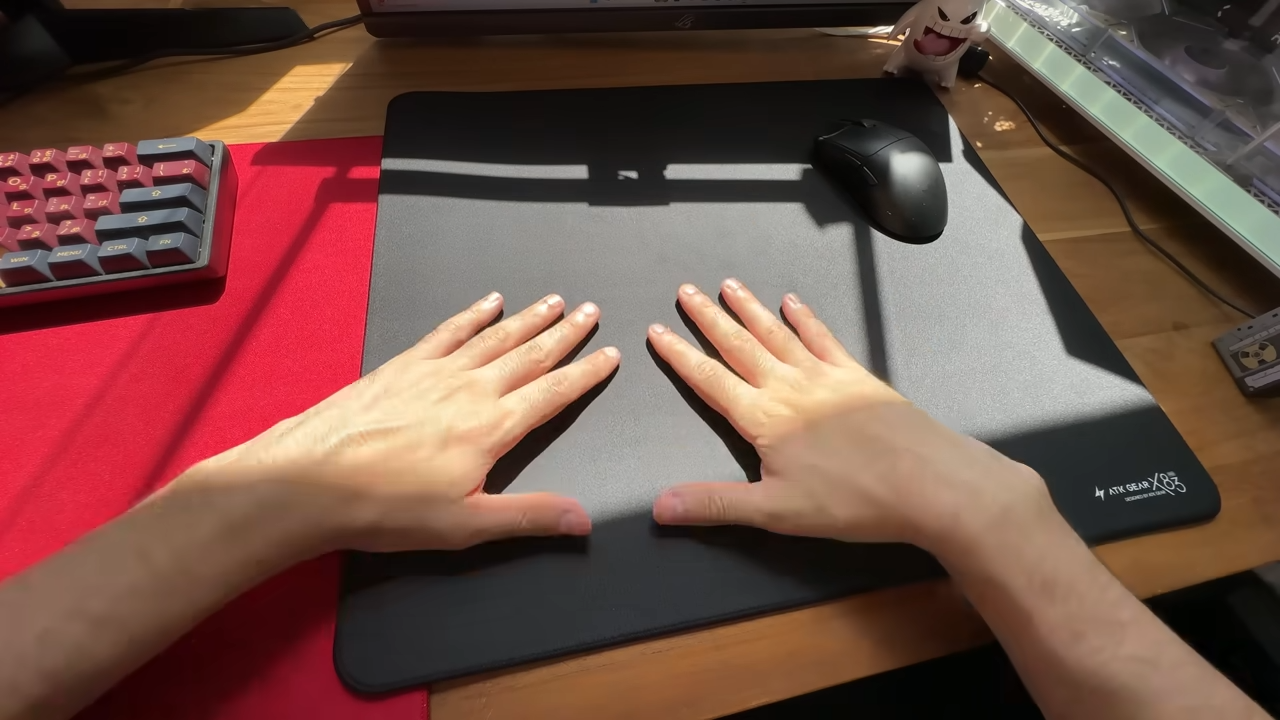
To prevent your mouse from running off the edge of the pad during a chaotic fight, you need a large surface area. A standard "XL" pad (roughly 18 x 15 inches) is the minimum requirement for a low-sensitivity player. Desk mats, which cover the entire desk surface and sit under your keyboard as well, are highly popular because they create a uniform aesthetic and prevent the keyboard from sliding.
The thickness of the pad also affects performance. A thicker pad (4mm to 6mm) can hide imperfections or bumps on the surface of your wooden desk. Furthermore, pressing your hand into a thicker, softer pad slightly increases friction, giving you dynamic control over your stopping power. The synergy between your mouse feet and the pad is crucial; finding the best gaming mouse and mouse pad combination guarantees a consistent glide that builds reliable muscle memory over time.

4. Cable Management Strategies for a Clean and Drag-Free Setup
A cluttered desk distracts the eye and physically interferes with your hardware. Poor cable management can ruin the feel of a high-end setup by introducing "cable drag," which ruins your aim.
Eliminating Cable Drag
If you use a wired pc gaming mouse, the weight and friction of the cable dragging across the desk or falling off the back edge will constantly pull against your hand. You must eliminate this tension.
- Mouse Bungees: A mouse bungee is a small, weighted device with a flexible spring arm that suspends the mouse cable in the air. By keeping the cable off the desk, it makes a wired mouse feel virtually wireless.
- Wireless Technology: The ultimate solution to cable drag is upgrading to a high-end wireless gaming mouse for pc. Modern 2.4GHz wireless technology has zero perceptible latency compared to wired connections, providing total freedom of movement.
Routing Monitor and Power Cables
To keep the rest of your desk clean, use cable routing channels or a cable management tray mounted underneath the rear edge of the desk. Route all thick monitor power cables, HDMI/DisplayPort cables, and PC power cords through this tray so they drop straight down to the wall outlet in one bundled sleeve. Use Velcro straps or zip ties to bind cables together behind the monitor stand. When your desk is clear of wires, you have more physical room for your best gaming mouse and mouse pad, and you create a much more professional, distraction-free environment.

5. Use RGB to Enhance Focus and Atmosphere
RGB lighting is often viewed purely as a cosmetic addition, but when utilized correctly, it can actually enhance your focus and reduce eye strain in a dark room.
Bias Lighting for Eye Health
Playing games in a pitch-black room with a bright monitor causes severe digital eye strain. The extreme contrast between the bright screen and the dark background forces your pupils to constantly dilate and constrict. To prevent this, you should install "bias lighting." Bias lighting involves placing a strip of soft LED lights on the back of your monitor, casting a gentle glow against the wall behind the screen. This ambient light reduces the harsh contrast, making the screen much more comfortable to look at for long periods.
Synchronizing Your Hardware
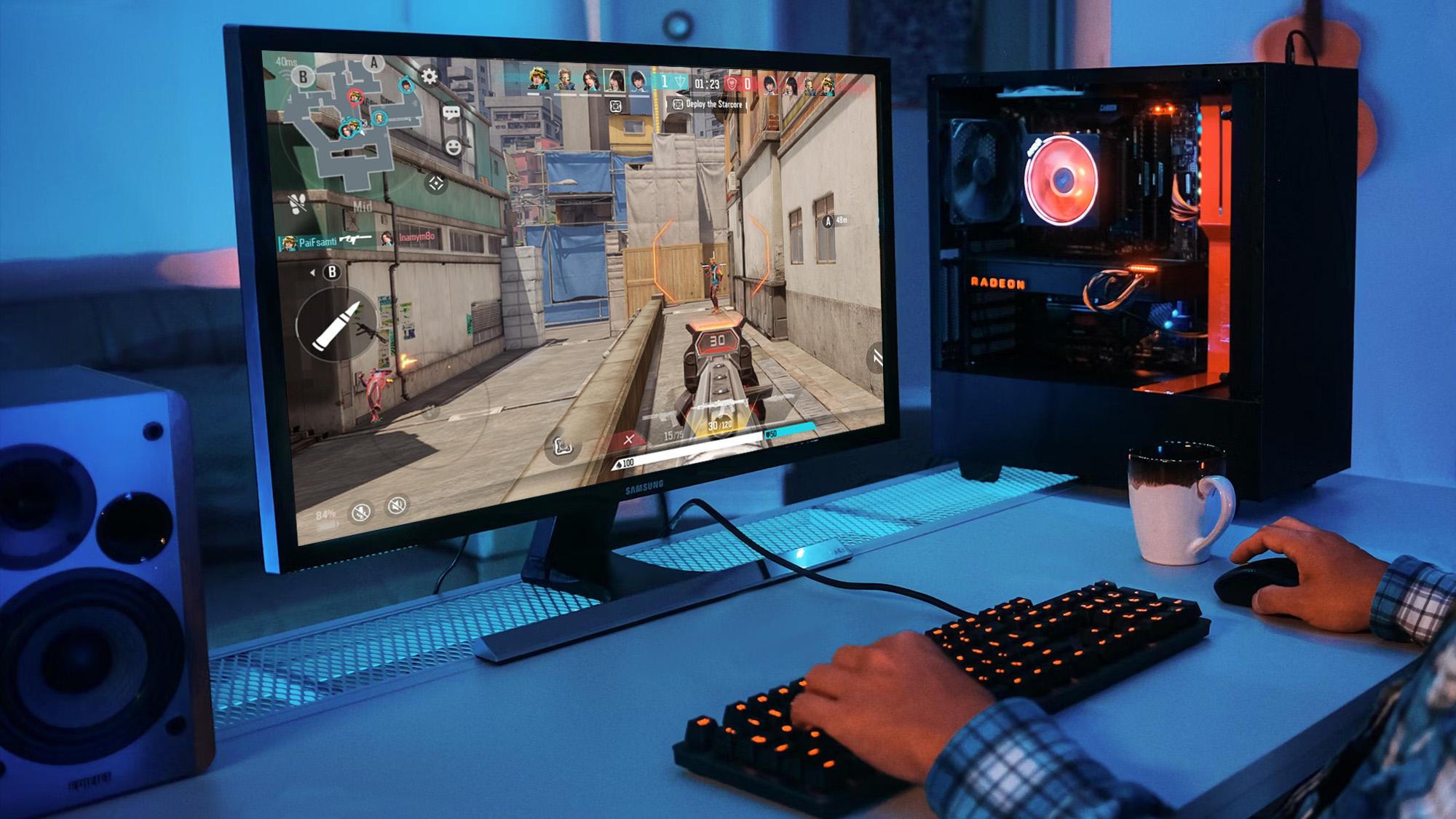
For maximum focus, avoid erratic, fast-flashing "rainbow" effects on your keyboard and PC case. Rapidly flashing lights in your peripheral vision act as a constant distraction. Instead, synchronize your RGB software to display a static, calming color, such as a dim blue, warm orange, or soft white.
You can also use lighting to identify your active profiles. For example, you can set the RGB on the best gaming mice to glow red when your DPI is set to 400 for a shooter, and switch it to blue when your DPI is set to 800 for general desktop browsing. When the lighting on your PC, keyboard, and mouse is unified and purposeful, it creates a cohesive, immersive atmosphere that mentally prepares you for high-level gameplay.
Build Your Ultimate Gaming Desk Now
Constructing a high-performance gaming desk requires careful attention to physical ergonomics and technical hardware. By ensuring your desk and chair support a neutral posture, you prevent long-term fatigue. Selecting a precise, lightweight mouse and pairing it with the correct surface friction guarantees that your aim remains consistent and reliable. When you combine these physical foundations with strict cable management and purposeful ambient lighting, you create a professional-grade environment that allows you to perform at your absolute best every time you sit down to play.
FAQs about Gaming Desk and Peripherals
Do I need a monitor arm, or is the standard monitor stand enough?
Upgrading to a high-quality monitor arm is highly recommended for a high-performance setup. Factory monitor stands often have large, bulky bases that eat up valuable desk depth. A desk-mounted monitor arm frees up massive amounts of space, allowing you to push your keyboard forward and fit an XL mouse pad without interference. Furthermore, it offers infinite height and tilt adjustments, ensuring your screen is perfectly at eye level to prevent "gamer neck."
Are wireless gaming mice actually fast enough for competitive esports?
Absolutely. In the past, gamers avoided wireless mice due to input lag, but modern 2.4GHz wireless technology has completely eliminated this issue. Today’s top-tier wireless gaming mice offer 1ms (or even lower) response times, matching or outperforming wired mice. The vast majority of professional esports players have now switched to wireless to eliminate cable drag entirely. Just ensure you are using the 2.4GHz USB dongle and not Bluetooth, as Bluetooth will introduce noticeable latency.
What is the best material for a gaming desk surface?
Solid wood (like butcher block) or high-quality, thick MDF (Medium-Density Fiberboard) are the best choices. They are sturdy, absorb vibrations from aggressive mouse movements, and can safely support the heavy clamping force of monitor arms. Avoid glass desks at all costs; they are prone to shattering under the weight of PC equipment, show every fingerprint, and optical mouse sensors cannot track on them if your mouse accidentally slides off the pad.
How often should I clean my cloth mouse pad, and how do I do it?
You should clean your cloth pad every 3 to 4 months, or whenever you notice white streaks or "muddy" (slow) spots. Dead skin cells, sweat, and dust inevitably get trapped in the fabric, creating inconsistent friction that ruins your aim. To clean it, submerge the pad in a bathtub with warm water and mild dish soap. Gently scrub the surface with a soft microfiber cloth or sponge, rinse it thoroughly until the water runs clear, and lay it flat to air dry completely for 24 hours.
Is a standing desk worth the investment for gaming?
Yes, particularly if you spend long hours at your PC. While you may prefer to sit down during intense ranked matches for maximum stability, raising the desk to a standing position during queue times, casual gaming, or general web browsing is excellent for your health. It relieves lower back pressure, improves blood circulation, and prevents the stiffness associated with prolonged sitting.