



Nieuws
Technical Guide
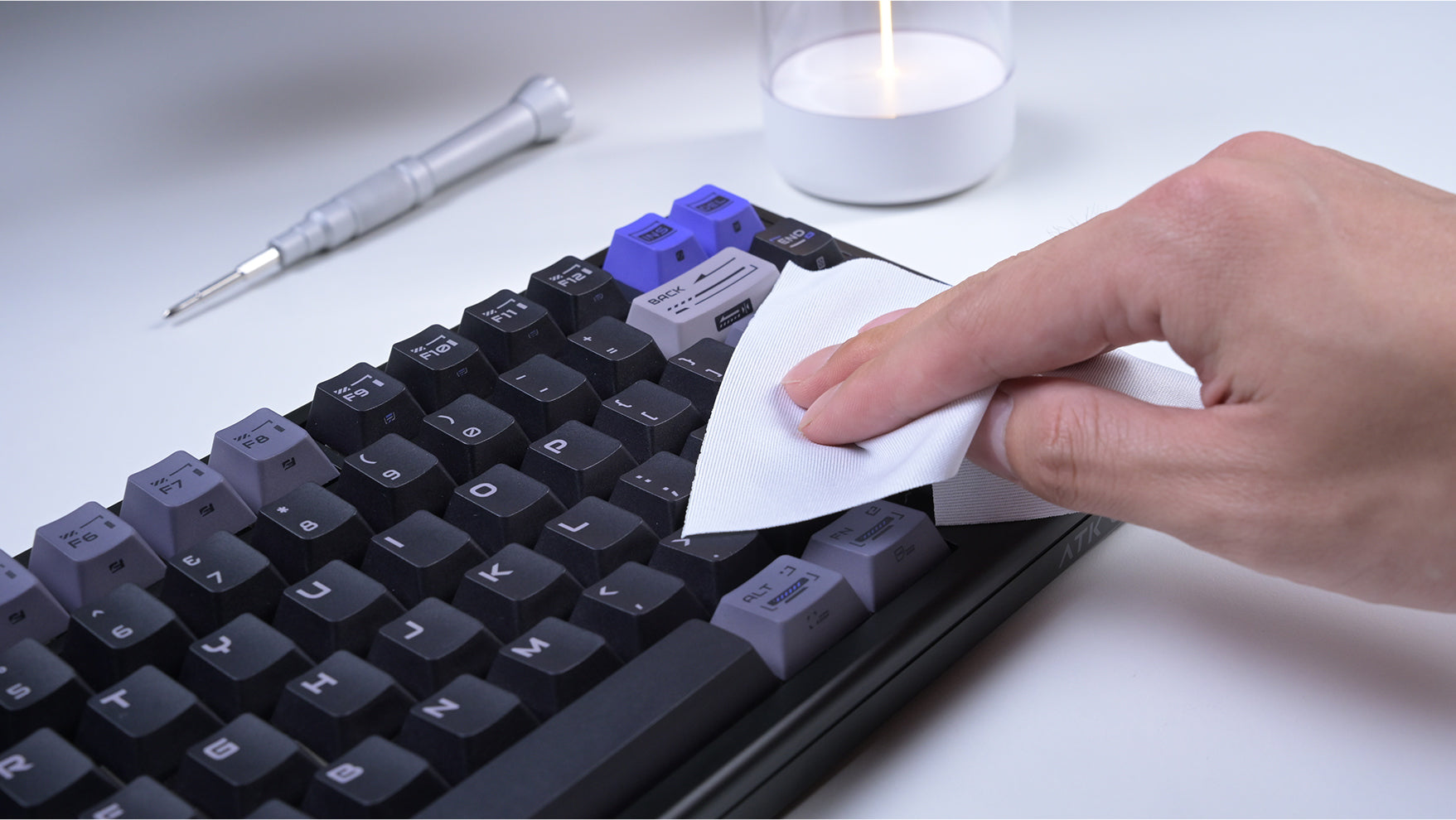
Het Onzichtbare Voordeel: Hoe Onderhoud van Randapparatuur Je Competitieve Voorsprong Vergroot
Proactief en regelmatig onderhoud van je computerperipherals, van grondige reiniging tot firmware-updates, is cruciaal voor optimale prestaties, een lange levensduur en een competitief voordeel.
Technical Guide
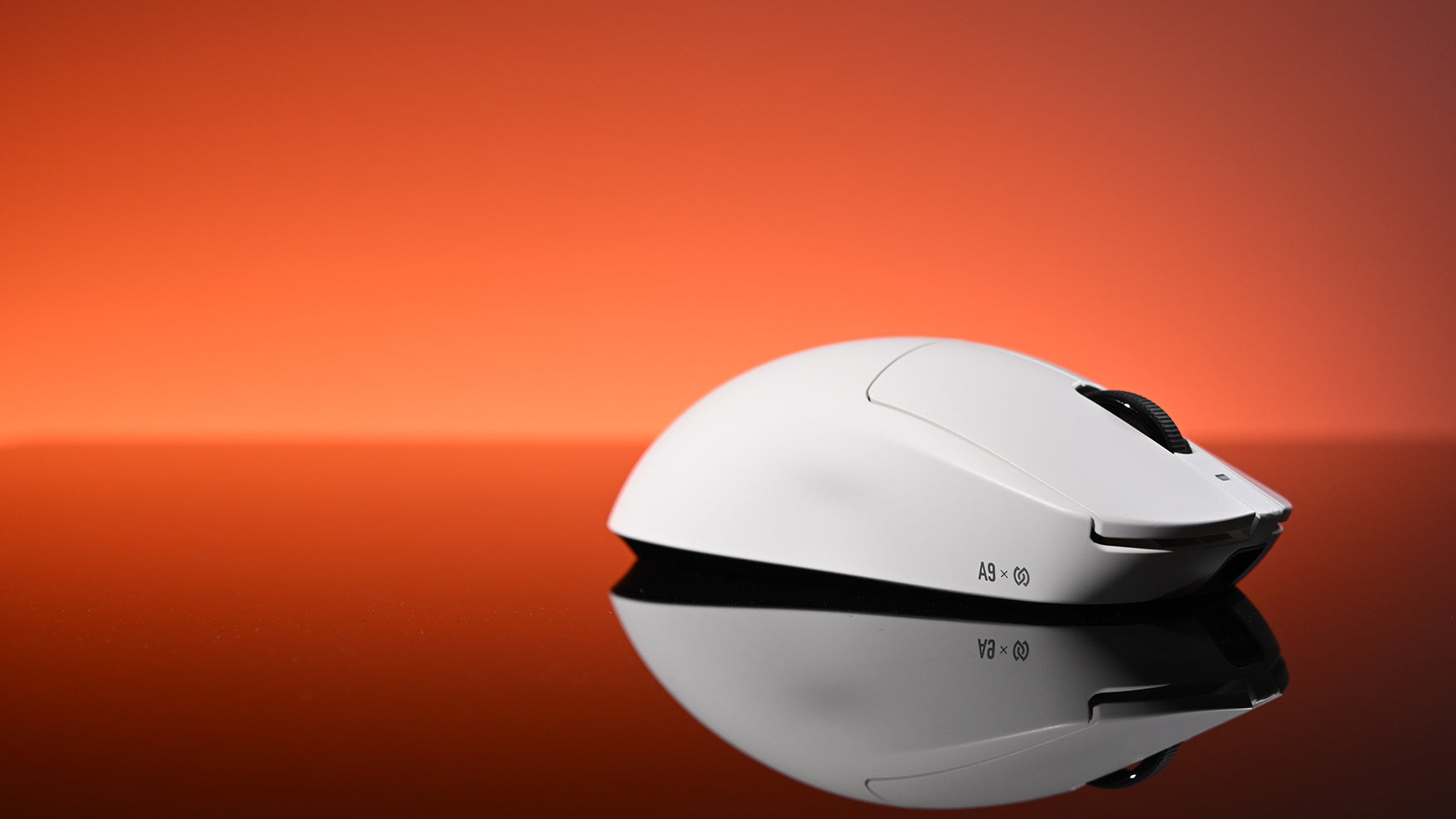
De perfecte klik vinden: een gids voor gamers over muisswitches
Inzicht in de technologie achter de klik van een gamingmuis, van het type microswitch (mechanisch, optisch of magnetisch) tot de fysieke feedback, is essentieel voor gamers om een muis te kiezen me...
Technical Guide
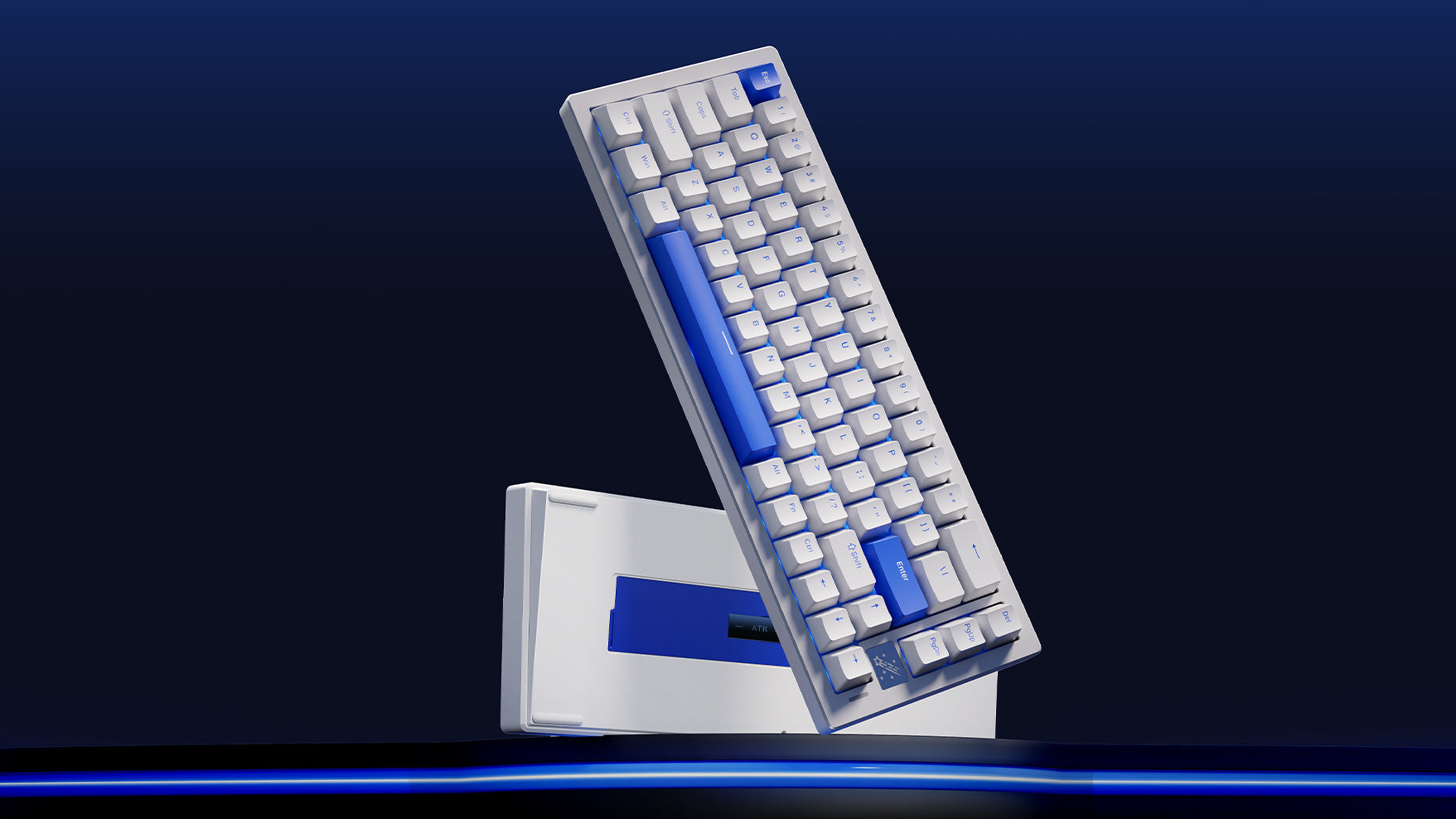
Witte vs. zwarte gamingtoetsenborden: welke kies jij?
Twijfel je over de kleur van je keyboard? Deze gids zet de echte voor- en nadelen van witte versus zwarte keyboards op een rij, van uitstraling en schoonmaken tot RGB-effecten.
Technical Guide
Hot-swappable toetsenborden: wat ze zijn en waarom ze belangrijk zijn
Met een hot-swappable keyboard kun je oude switches in enkele minuten verwijderen en nieuwe plaatsen. Het is de eenvoudigste manier om kapotte toetsen te vervangen of nieuwe typegevoelens uit te pr...
Review
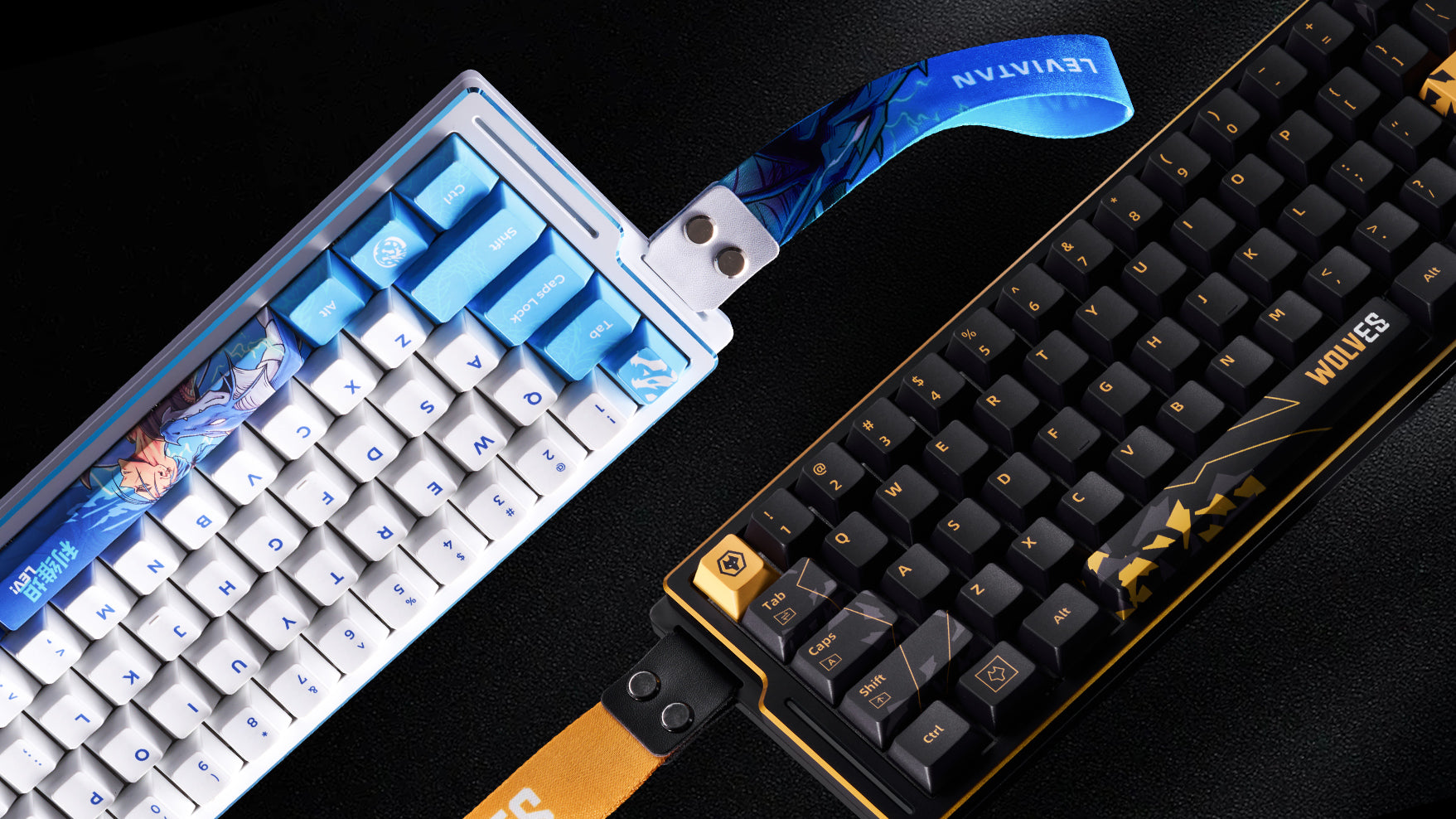
Maximale prestaties, minimalistische vorm: is een toetsenbord van 60% iets voor jou?
Overweeg je een 60% toetsenbord? Deze gids laat zien wat je wint en verliest. Ontdek of het compacte formaat past bij je gaming-, type- of minimalistische setup.
Product Introduction
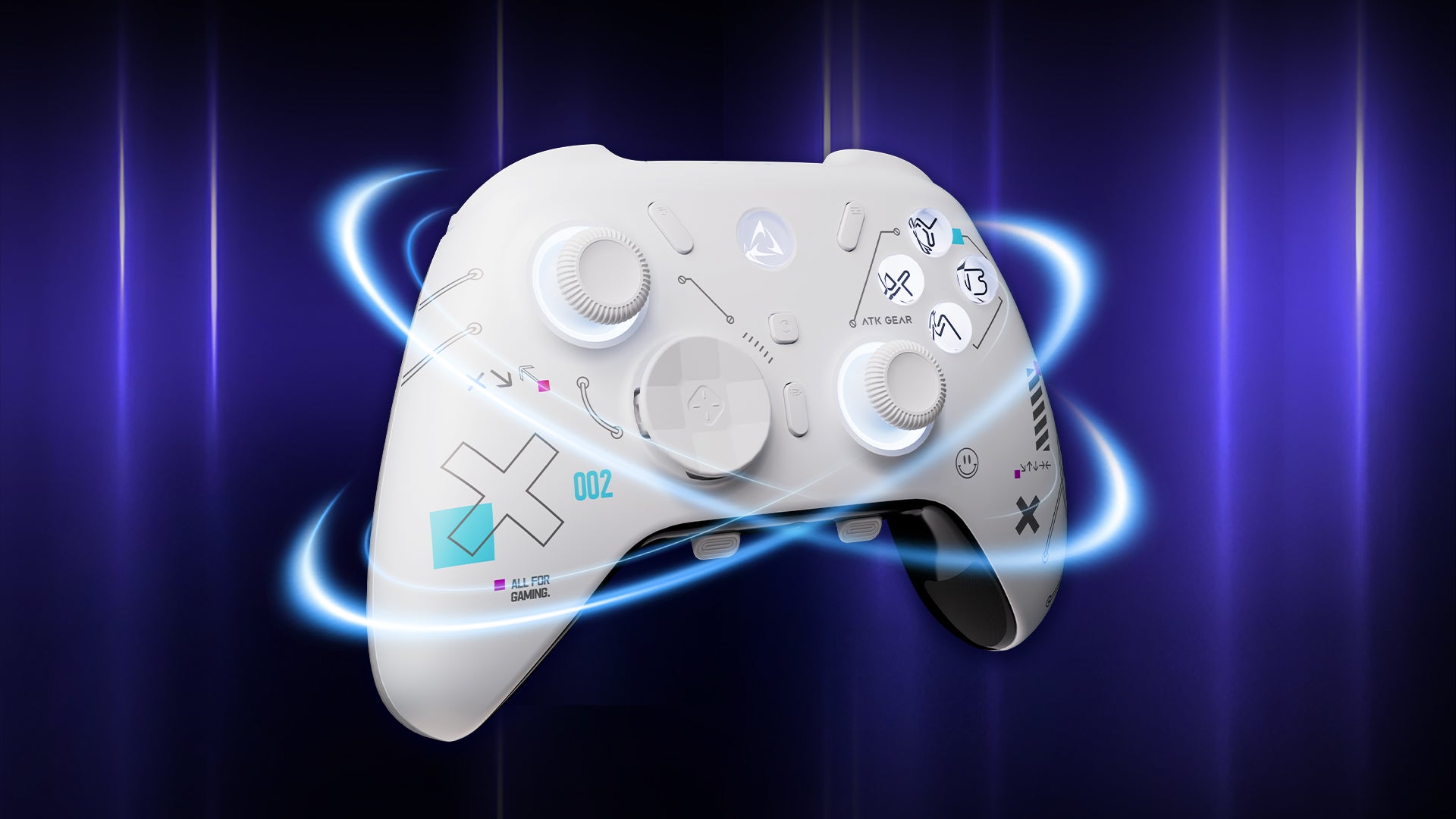
ATK Axe: de slimme gaminginvestering
De ATK Axe biedt premium functies zonder de hoge prijs. Ontdek nu driftvrije Hall Effect-sticks, mechanische knoppen en volledige personalisatie.
Technical Guide
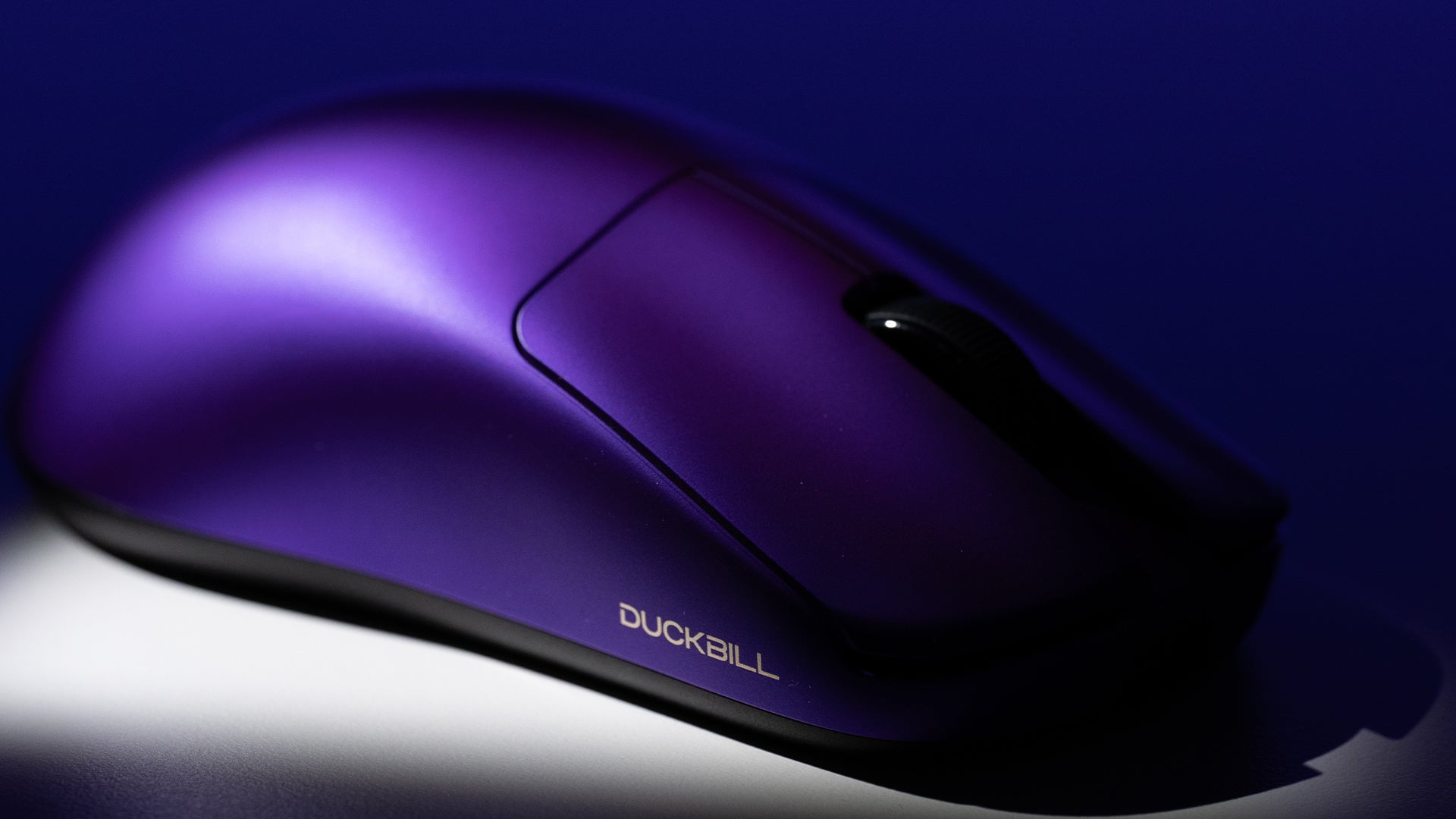
Hoe je voorkomt dat je muis pijn aan je pols veroorzaakt
Om polspijn door langdurig computergebruik te voorkomen, stel je je bureau-opstelling en houding af, gebruik ergonomische hulpmiddelen, houd je polsen recht en neem regelmatig pauzes.
Technical Guide
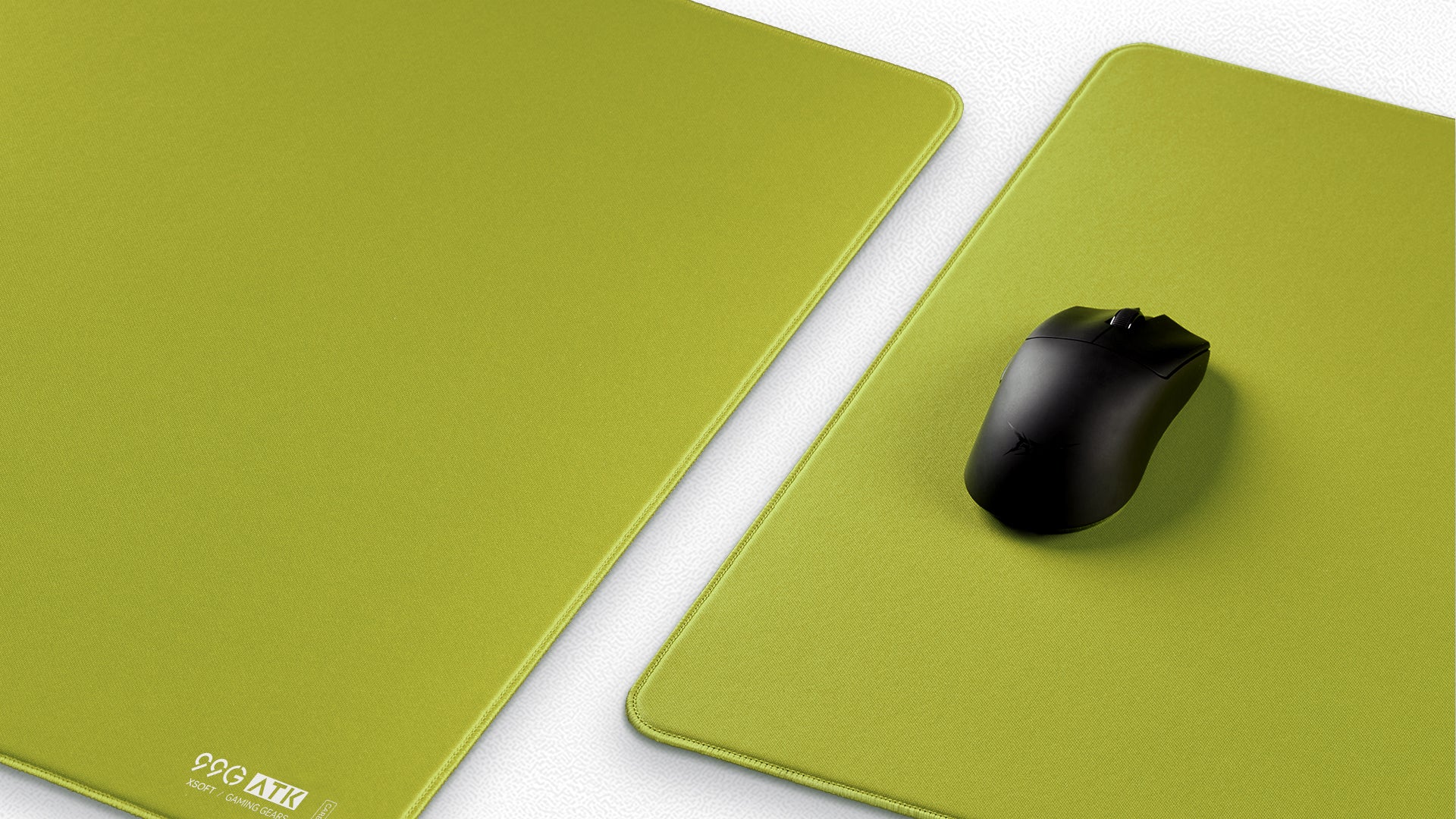
De ultieme koopgids voor pro gaming-muismatten voor 2025
Een professionele gaming muismat verbetert je aim, comfort en consistentie door het juiste materiaal, formaat en de juiste features af te stemmen op je speelstijl en omgeving.

Review
Bedrade vs. draadloze gamingmuis: welke past bij jou?
Moderne draadloze gamingmuizen hebben de prestatiekloof met bedrade muizen vrijwel gedicht, met bijna geen vertraging en zonder kabelweerstand, waardoor ze ideaal zijn voor vloeiende bewegingen en ...