




When you receive your mouse or keyboard, it is recommended to first download the ATK V HUB to update the device’s firmware to the latest version for the best experience.
ATK V HUB Firmware Update Instructions
1.Connect the Device: Start by connecting your device to the computer. Open ATK V HUB, which will automatically detect your device.
2.Select Your Device: Click on the device you want to update. For example, if you are updating the ATK68 keyboard, enter the device management interface.

3.Check Firmware Version: Navigate to the "Other Set." section. Here, you can see the current firmware version and status of your device. If the firmware is not up to date, a prompt will appear to update the firmware.

Manual Firmware Update via Official Website
In some cases, your keyboard or mouse might not be recognized by the computer or ATK V HUB. In such situations, you will need to manually download and update the firmware from the official website.
For example, if the ATK68 keyboard management page only shows a loading icon or displays a connection timeout error

Follow these steps:
1.Go to the firmware download page:https://desktop.vxe.com/download.

2.Select your device and open the firmware list to download the latest firmware.

Note:For ATK68 and ATK75 models, ensure you download the correct version. If your device is a G version, download the latest G version firmware. For L or LK versions, download the latest LK version firmware.
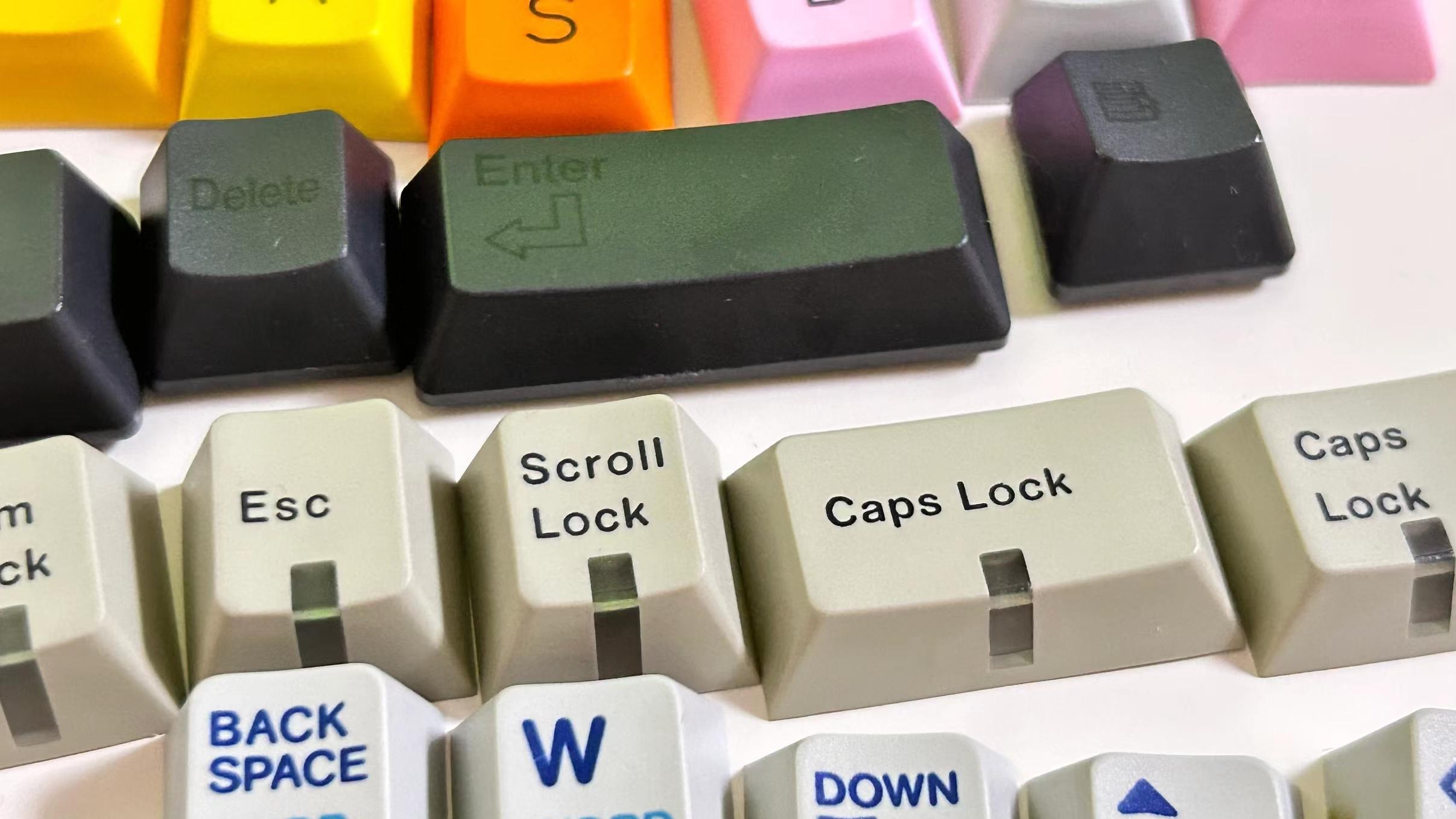
(Identifying Your Keyboard Version:If your keyboard uses a Gateron magnetic switch (purple), it is the G version. If it uses an ATK red magnetic switch (red), it is the L version. LK versions have green switches.)
3.Install the Firmware:After downloading, unzip the firmware file. Run the update.bat file and wait for the process to complete.A prompt stating "Update success!" indicates that the firmware update is complete.

If the prompt shows "step 1 error code: 6 step 2 error code: 3," the update has failed.

You will need to follow the additional step:
Open the files folder and Run the update.bat files in MCU1 and MCU2 in sequence
If the prompt shows "echo 0," the update is successful.

After the firmware update, unplug and replug the keyboard's connection, then open ATK V HUB and refresh the device.
*If you are still unable to update the firmware using the methods above, please contact the retailer for after-sales support.
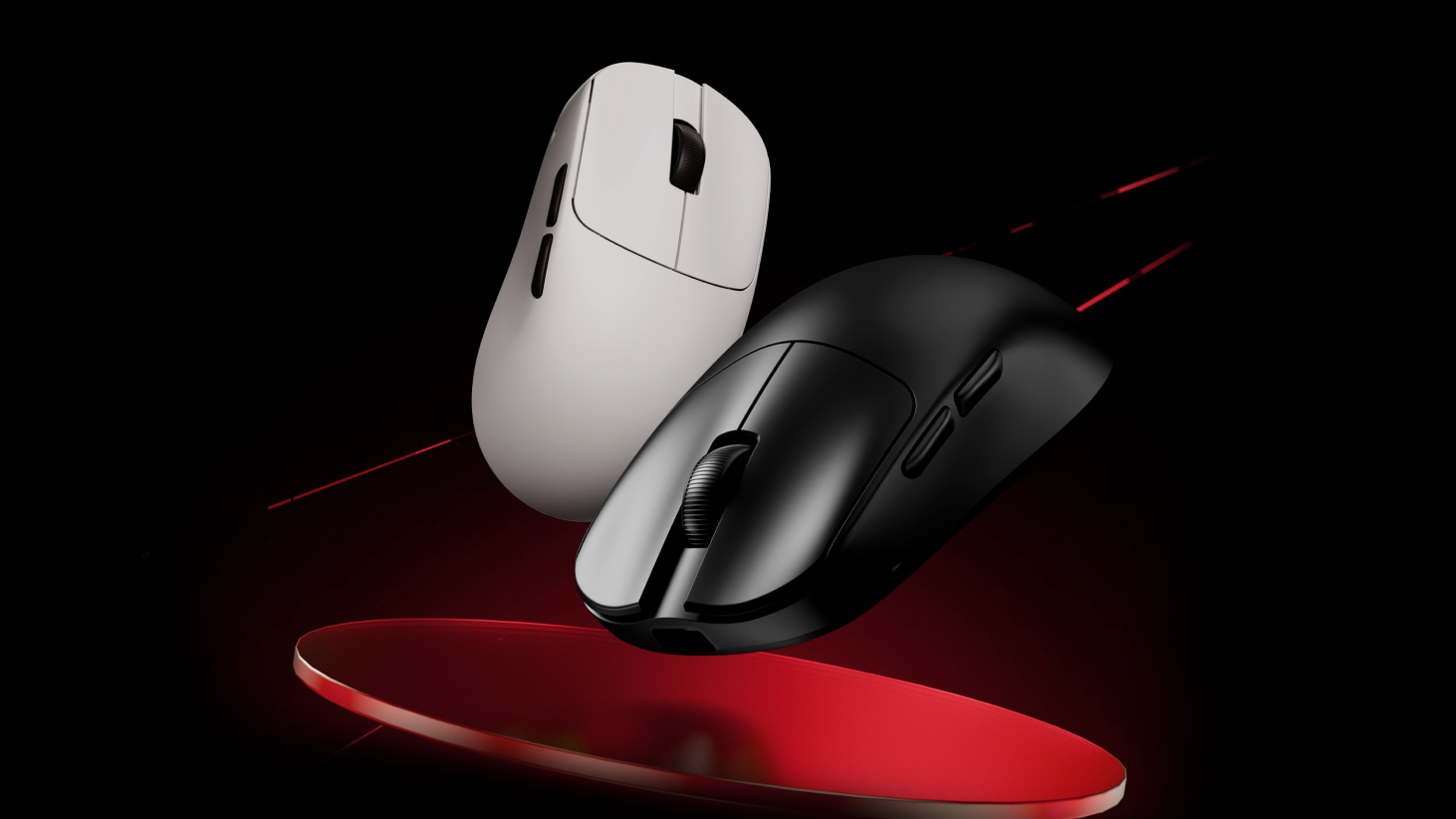
Note for Wireless Mice: If your wireless mouse cannot be recognized by the computer or ATK V HUB, ensure that the 2.4G receiver or 4K/8K receiver is updated to the latest version as well.
9 kommentarer
Jacques
Hi,
I have an issue with my atk68, I am unable to access VHUB, an error message appear that tell me to go to official website to update the frimware.
The serial number is : SN;A128086PA
The switch are purple so i try to use the lastest frimware ATK68 G版 专用固件V0043125, it was not working error 6.
The 31_117 was working but I still cannot acces VHUB.
What should I do ?
Hi,
I have an issue with my atk68, I am unable to access VHUB, an error message appear that tell me to go to official website to update the frimware.
The serial number is : SN;A128086PA
The switch are purple so i try to use the lastest frimware ATK68 G版 专用固件V0043125, it was not working error 6.
The 31_117 was working but I still cannot acces VHUB.
What should I do ?