

ニュース
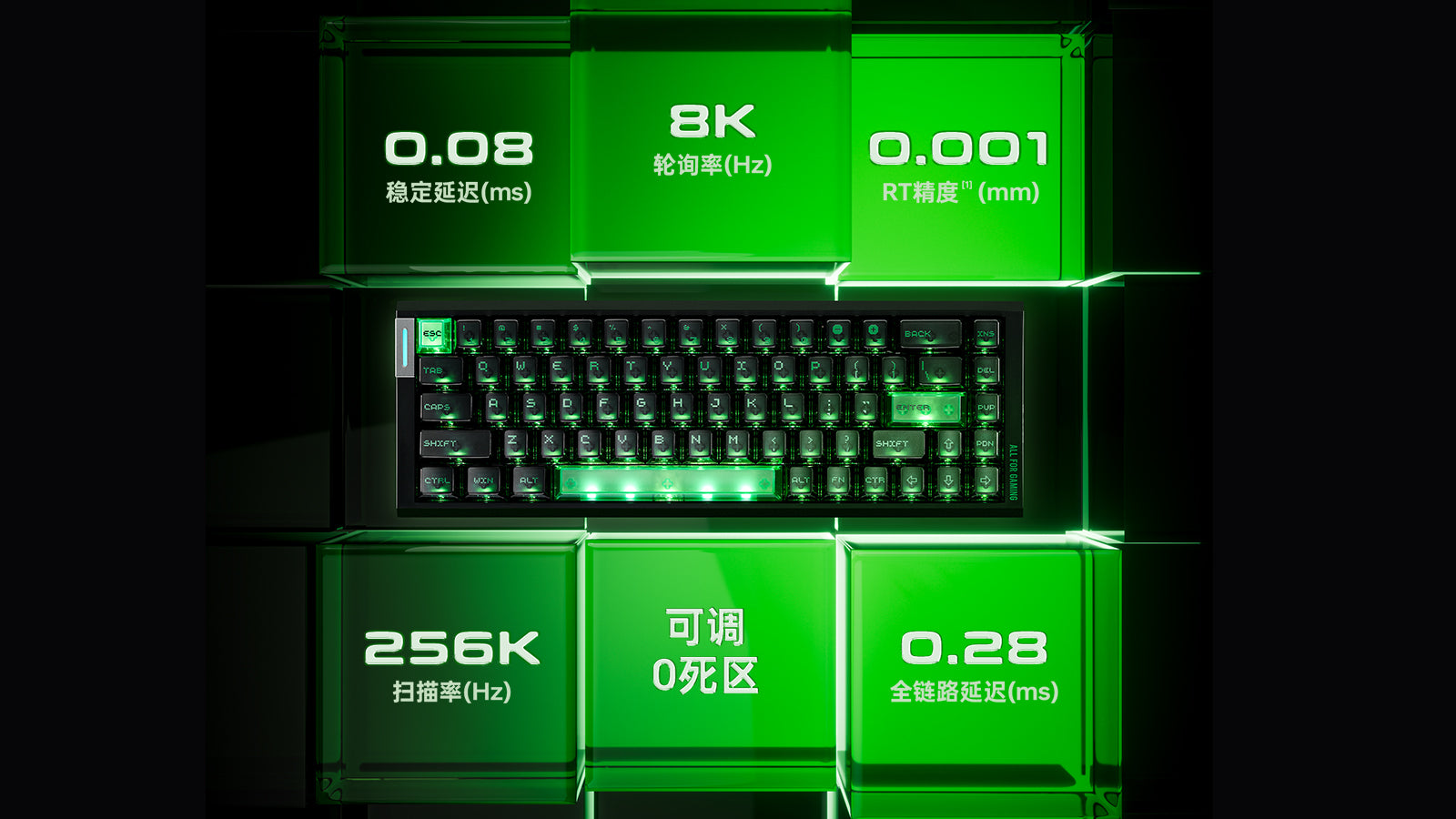
How to Calibrate Your Magnetic Keyboard: Fix Deadzones, Ghosting, and Accidental Inputs
Fix sticky keys and ghosting on magnetic keyboards through proper sensor calibration. Optimize your Rapid Trigger and deadzone settings for fluid gaming.
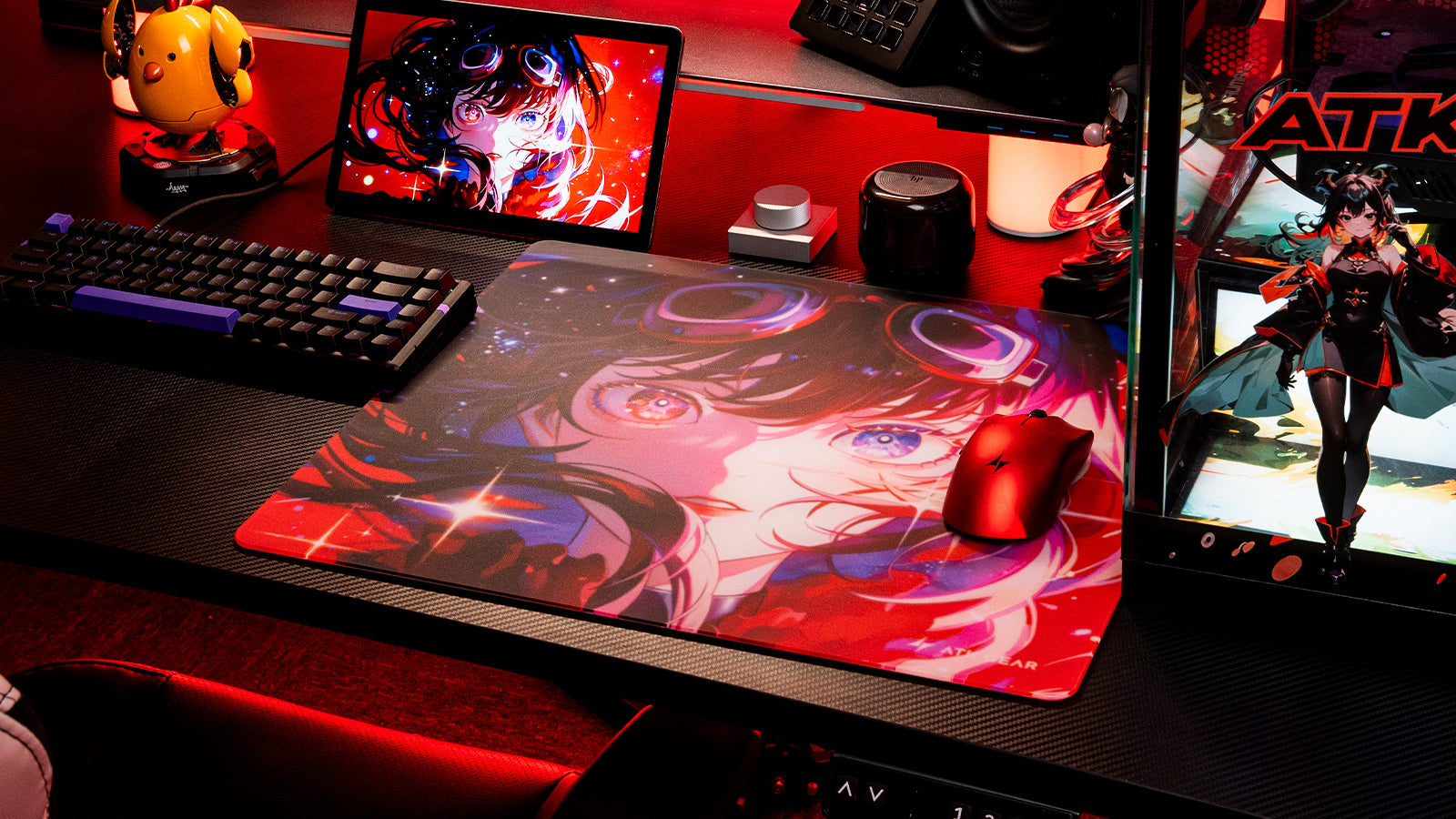
タクティカルシューター向けの最適なマウスパッド表面の選び方: スピード系とコントロール系の比較
Choosing a mousepad depends on your aiming style, as control surfaces provide excellent stopping power while speed pads offer low friction for rapid glide.
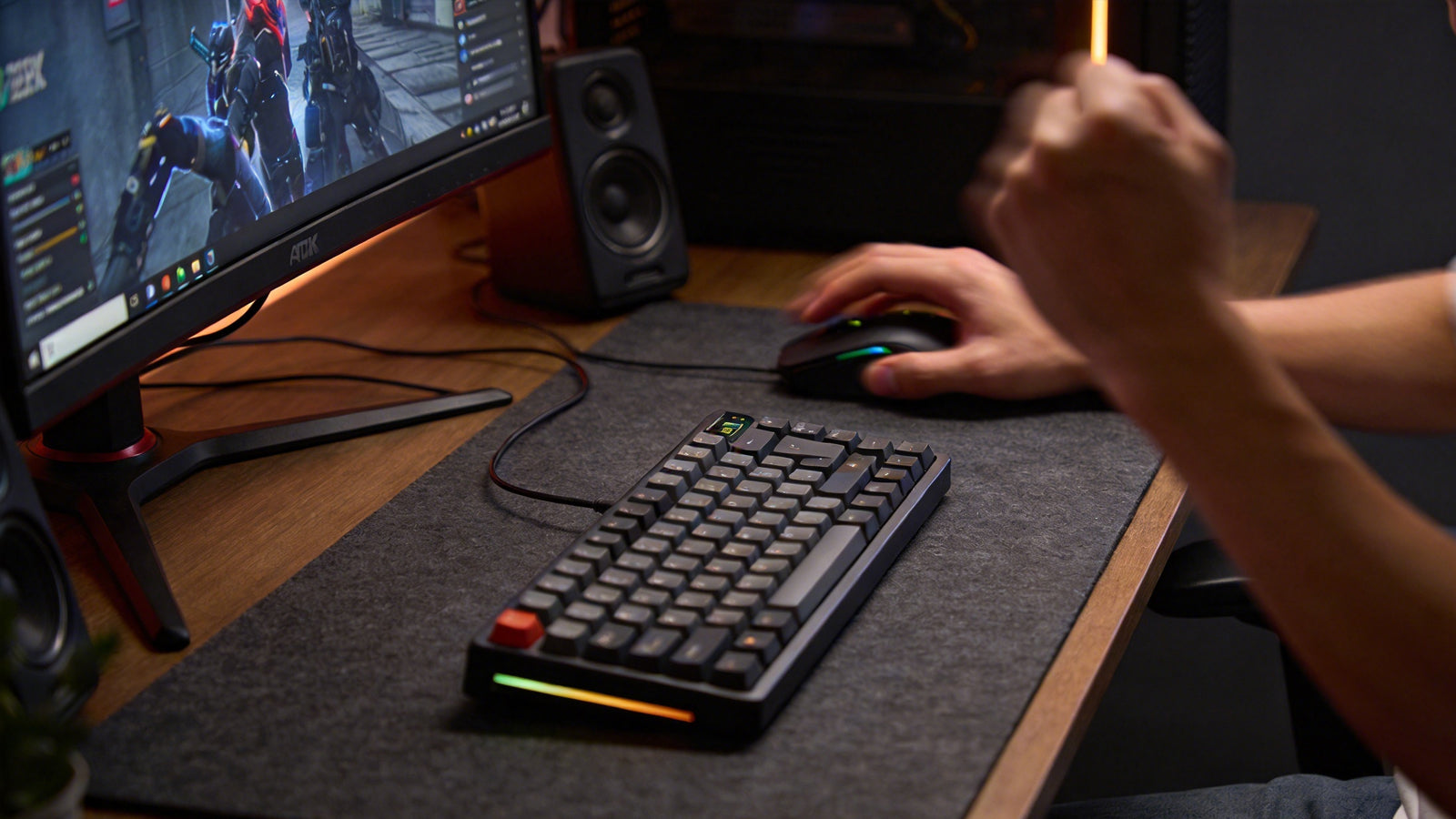
60% vs. 75% vs. TKLキーボード:最もデスクスペースを節約できるコンパクト配列はどれ?
Choosing between 60%, 75%, and TKL layouts depends on your needs for mouse space, dedicated function keys, and a familiar typing experience for work.
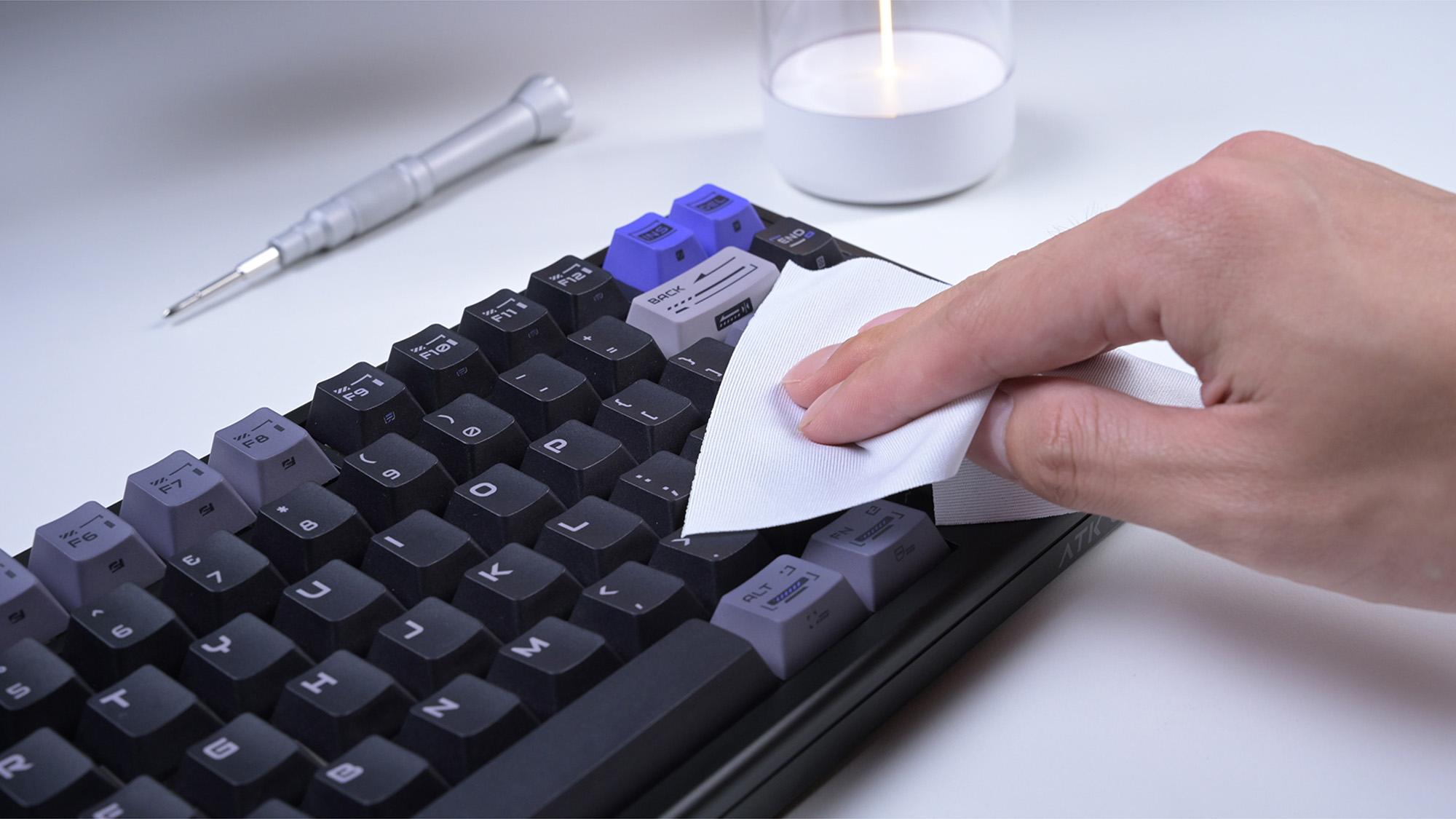
ホットスワップ対応キーボードをPCBを傷めずに掃除・メンテナンスする方法
Stop ruining your hot-swappable keyboard with bad cleaning that kills the PCB and sockets. This guide shows safe keyboard maintenance and spill recovery fast.
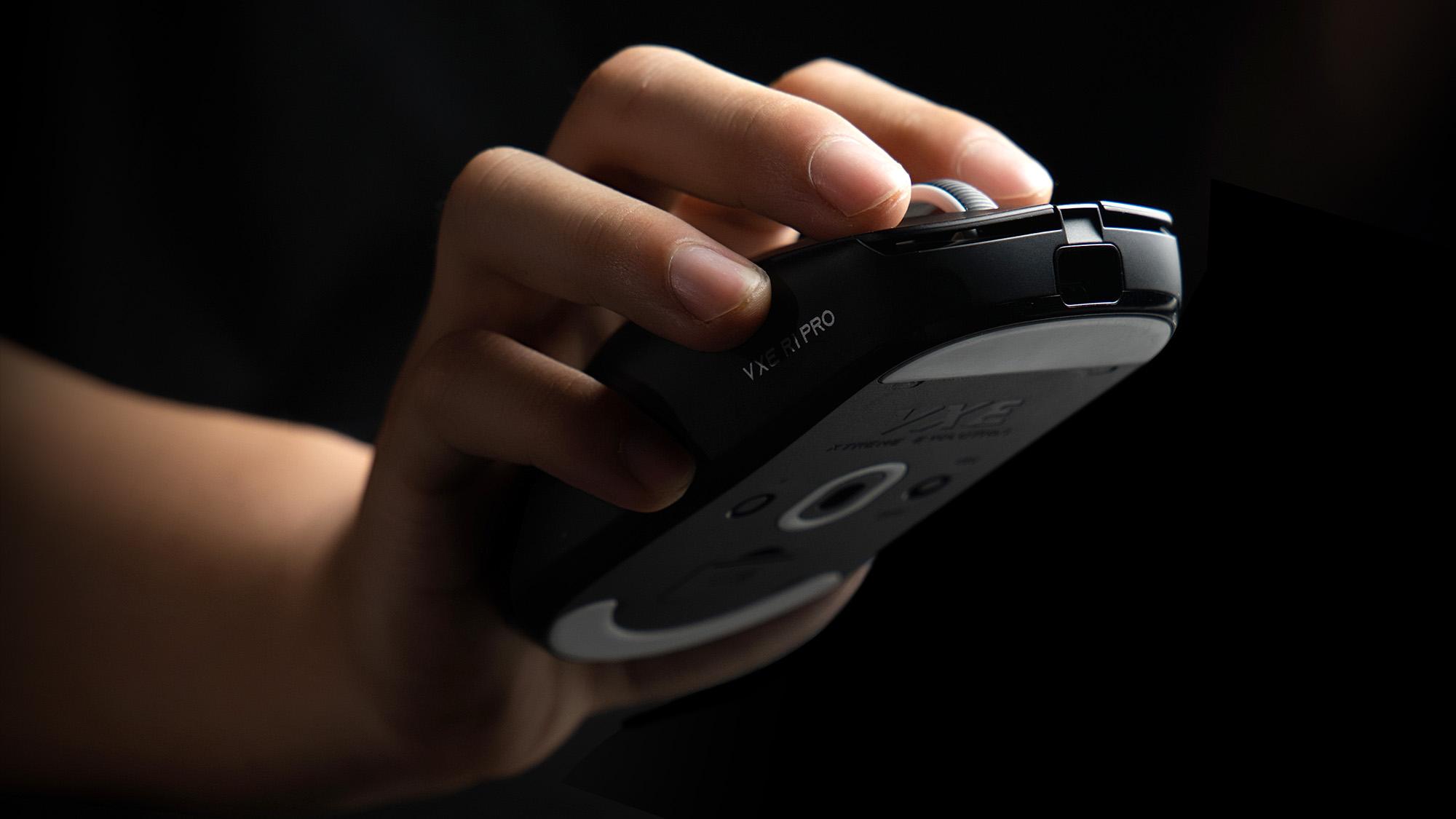
ワイヤレス干渉を減らす方法:ゲーミングマウスの安定した 4K 接続を維持するには
Cursor stuttering ruining your 4K gaming mouse performance? Fix wireless interference fast with smart receiver placement, USB 2.0, and 5GHz Wi-Fi.
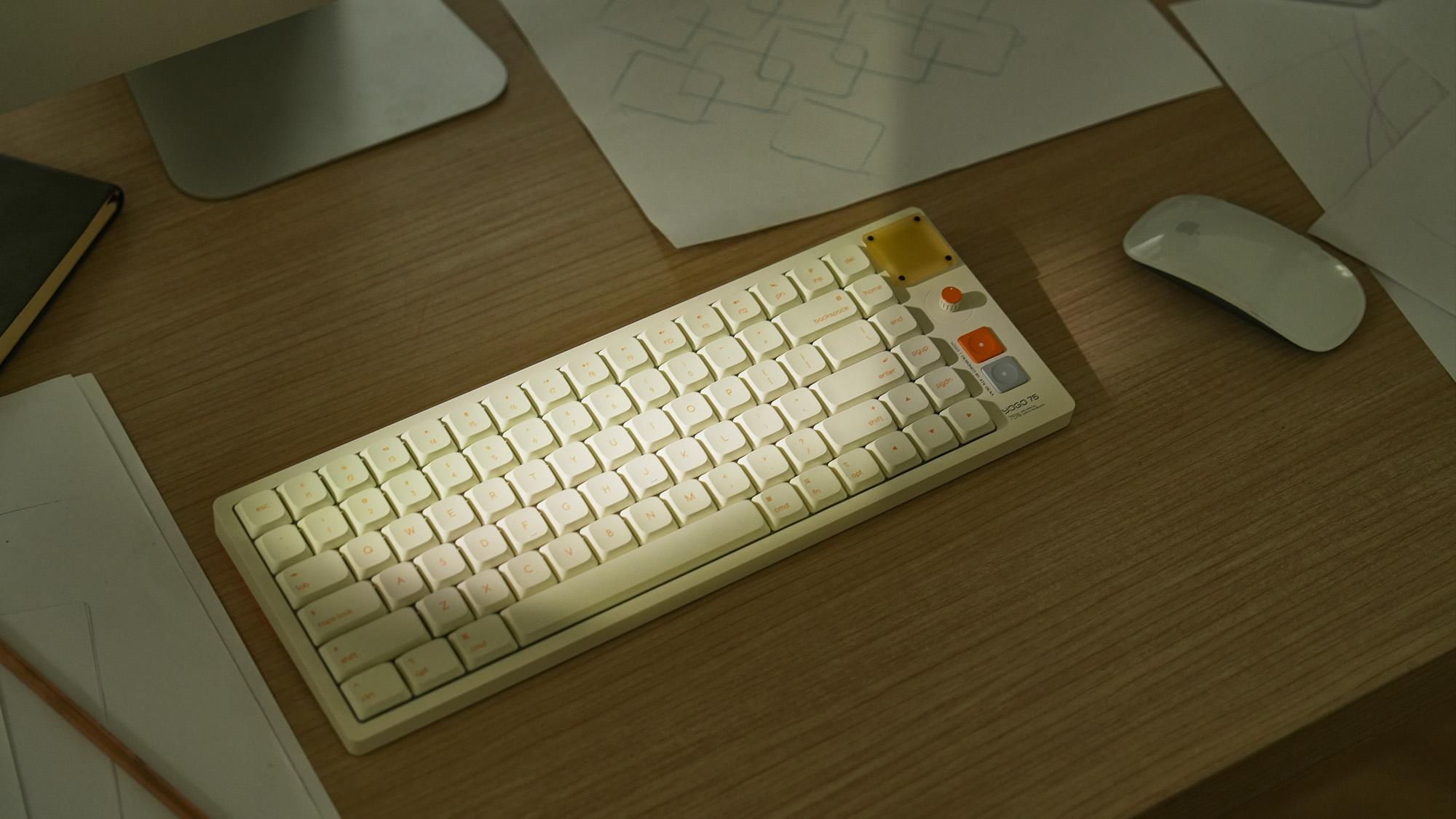
75% キーボードはタイピングに向いている?
Bulky keyboards cause painful wrist strain and slow down your daily workflow. This 75% layout saves desk space and provides the ultimate typing comfort.
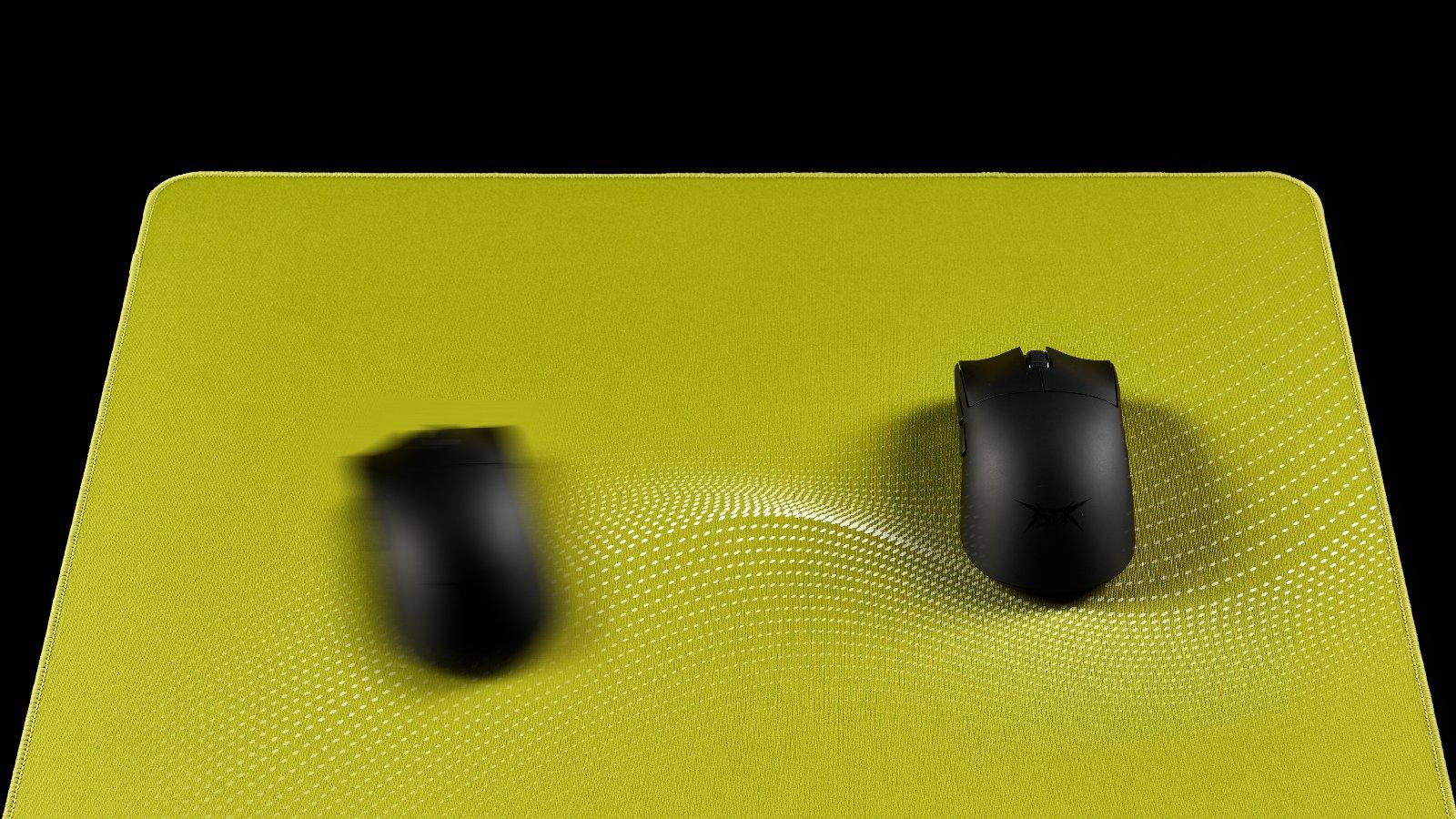
マウスパッドの湿気の問題: マウスが「濁った」ように感じる理由とその解決方法
遅くて泥だらけのマウスパッドで湿気によって狙いを台無しにするのはやめましょう。ハイブリッドパッドに切り替えるか、除湿器を使用すると、完璧な滑りが即座に回復します。
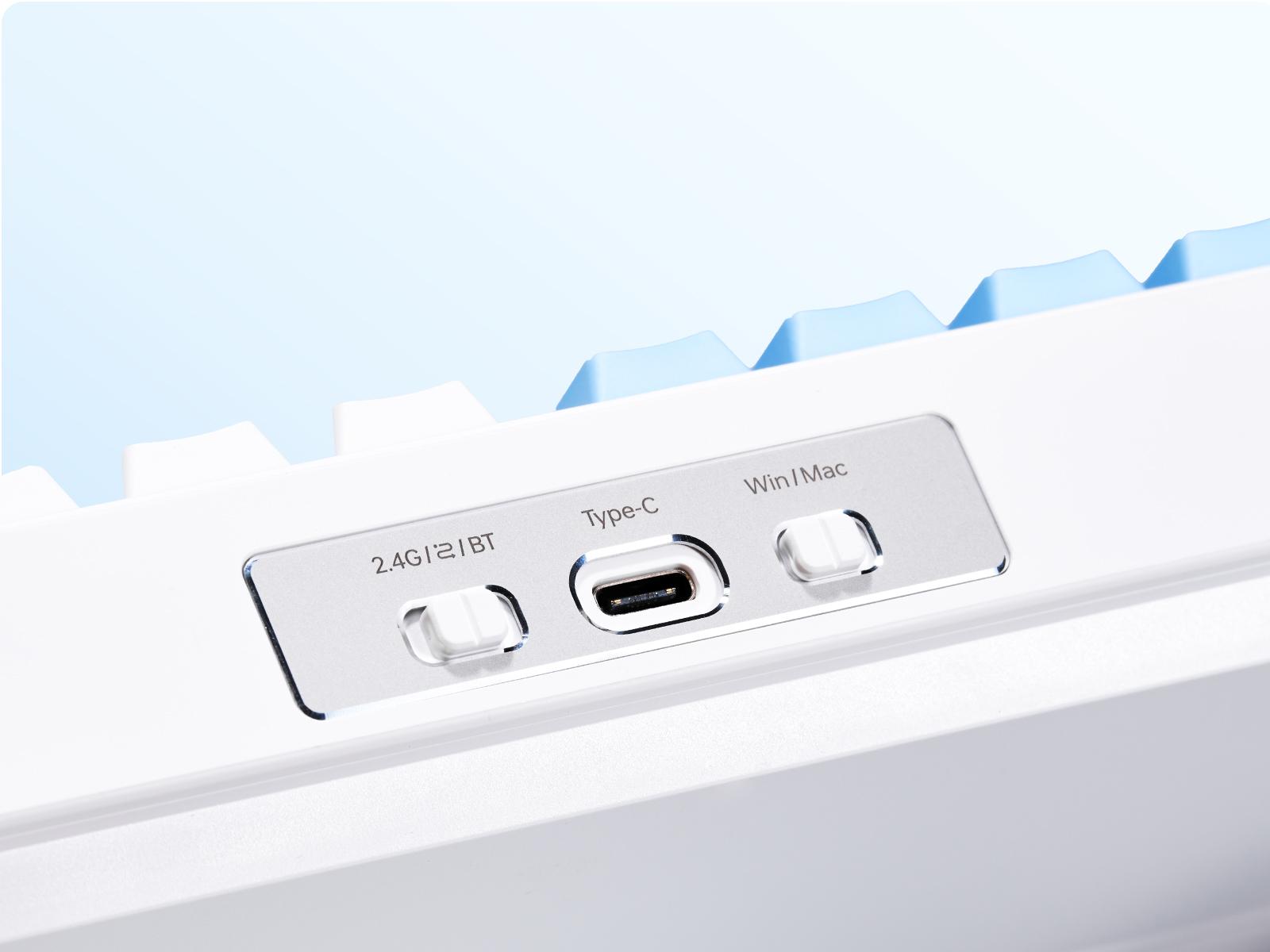
ワイヤレスキーボードの接続方法: 2.4GHz と Bluetooth
ワイヤレス キーボードに 2.4GHz または Bluetooth を選択して、イライラする入力遅延を解決します。このガイドでは、最高のゲーム パフォーマンスを実現するためのペアリングの問題を解決します。
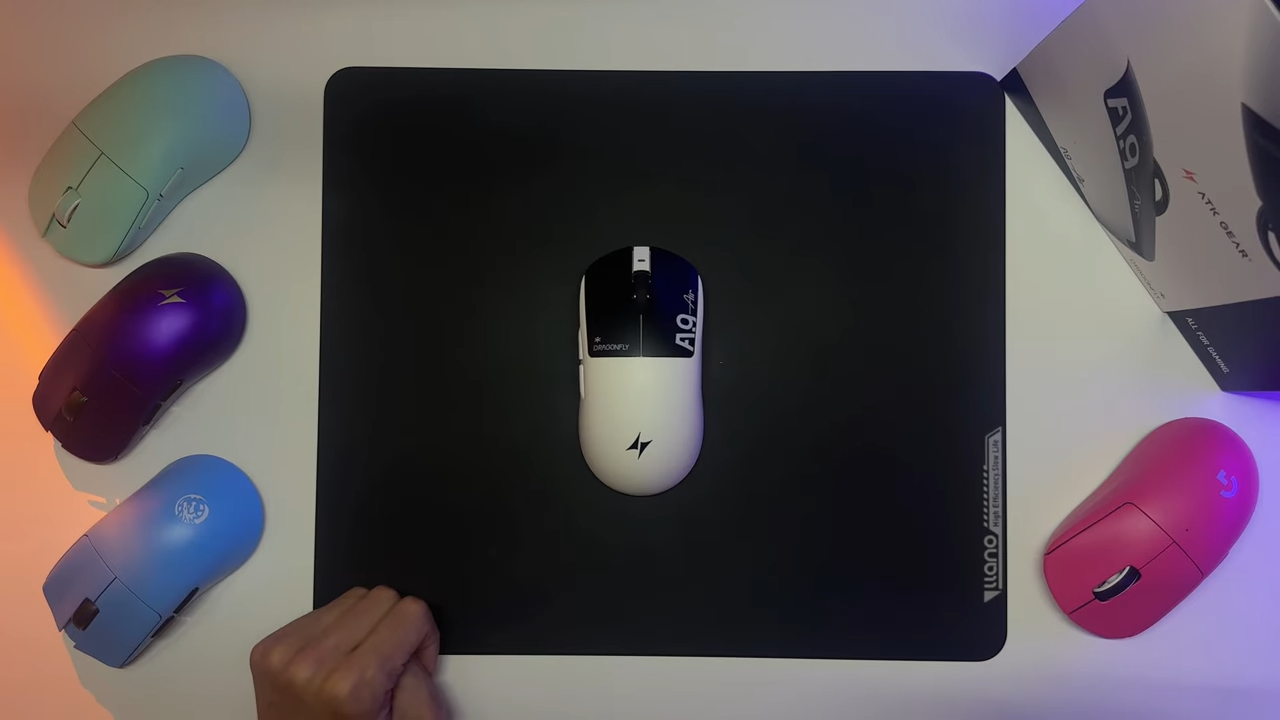
比類なきパフォーマンス:新しい ATK A9エア
で ATK私たちは、 A9エア, 現状を打破するために設計されたゲーミングマウス。世界最高水準の人間工学に基づいた形状と業界最先端の内部技術を融合させたA9 Airは、競合製品のわずかな価格でプロ仕様の体験を提供します。これは単なるマウスではなく、勝利のために作られた精密なツールです。 象徴的な人間工学に基づいた洗練されたデザイン A9 Airは、使い慣れ...