


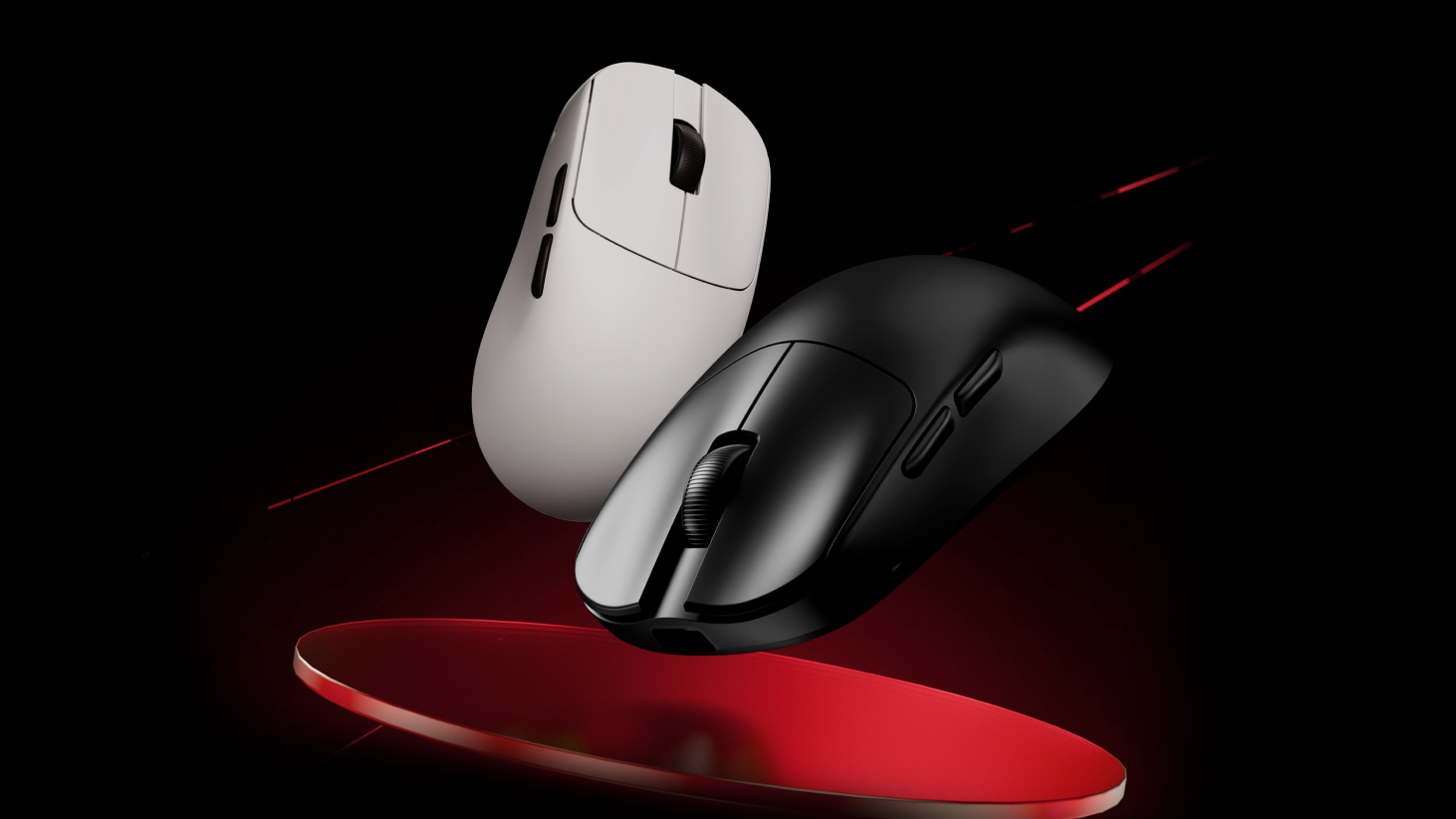
マウスまたはキーボードを受け取ったら、まずダウンロードすることをお勧めします。
1.デバイスを接続する: まず、デバイスをコンピュータに接続します。
2.デバイスを選択してください: 更新したいデバイスをクリックしてください。たとえば、

3.ファームウェアのバージョンを確認する: 「その他の設定」セクションに移動してください。ここでは、デバイスの現在のファームウェアバージョンとステータスを確認できます。ファームウェアが最新でない場合は、ファームウェアのアップデートを促すメッセージが表示されます。

公式ウェブサイト経由でのファームウェアの手動アップデート
私場合によっては、キーボードやマウスがコンピューターに認識されないことがあります。
例えば、

以下の手順に従ってください。
1.ファームウェアのダウンロードページにアクセスしてください。https://desktop.vxe.com/download.

2.お使いのデバイスを選択し、ファームウェア一覧を開いて最新のファームウェアをダウンロードしてください。

注記:のために
(キーボードのバージョンを確認する:キーボードにGateron磁気スイッチ(紫色)が使用されている場合は、Gバージョンです。
3.ファームウェアのインストール:ダウンロード後、ファームウェアファイルを解凍します。 update.bat ファイルを作成し、処理が完了するまで待機します。 complete.A 「アップデート成功!」というメッセージが表示されたら、ファームウェアのアップデートが完了したことを示します。

プロンプトが表示された場合 「ステップ1のエラーコード:6 ステップ2エラーコード:3、「 アップデートに失敗しました。

以下の追加手順に従う必要があります。
ファイルフォルダを開いて、 update.bat MCU1とMCU2のファイルを順番に
プロンプトに「echo 0」と表示されれば、アップデートは成功です。

ファームウェアのアップデート後、キーボードの接続を抜き差ししてから、
上記の方法でファームウェアのアップデートができない場合は、販売店にお問い合わせの上、アフターサービスを受けてください。
ワイヤレスマウスに関する注意事項: ワイヤレスマウスがコンピューターに認識されない場合、または
9 コメント
Danila
MCU1已经通过bat mcu2单独安装了一个错误,并且通常没有任何反应。 如何更新这些参数的驱动程序以使其工作?
MCU1已经通过bat mcu2单独安装了一个错误,并且通常没有任何反应。 如何更新这些参数的驱动程序以使其工作?
den muñoz
LEO
Nicolas
Hello, my Blazing Sky Z1 Ultra after an update that I don’t know what it is, my back and forward buttons simply stopped working. The mouse is about 2 months old and already has this problem… what can I do?
Hello, my Blazing Sky Z1 Ultra after an update that I don’t know what it is, my back and forward buttons simply stopped working. The mouse is about 2 months old and already has this problem… what can I do?
CALVIN
Im trying to re-install my firmware for my atk edge 60he due to it not connecting to my pc. i have unzipped the firmware file but dont know how to get the unzipped file to the update.bat file/dont know what a update.bat file is.Any help?
Im trying to re-install my firmware for my atk edge 60he due to it not connecting to my pc. i have unzipped the firmware file but dont know how to get the unzipped file to the update.bat file/dont know what a update.bat file is.Any help?
kap
i follow the informetion but it still unable to update the firmware what im gonna do (the prompt already show echo 0)
i follow the informetion but it still unable to update the firmware what im gonna do (the prompt already show echo 0)
Christopher
Is the ATK VXE V75 PRO supported by the web application? One of the reasons I got the keyboard was for the ability to adjust it through the web app and not need to download an application.
Is the ATK VXE V75 PRO supported by the web application? One of the reasons I got the keyboard was for the ability to adjust it through the web app and not need to download an application.
samet
The first error I received was an update error when opening the v hub. and I updated it, but when I try to log in, it continues to give the same error and I cannot log in from the website.
The first error I received was an update error when opening the v hub. and I updated it, but when I try to log in, it continues to give the same error and I cannot log in from the website.