



Novità
Technical Guide
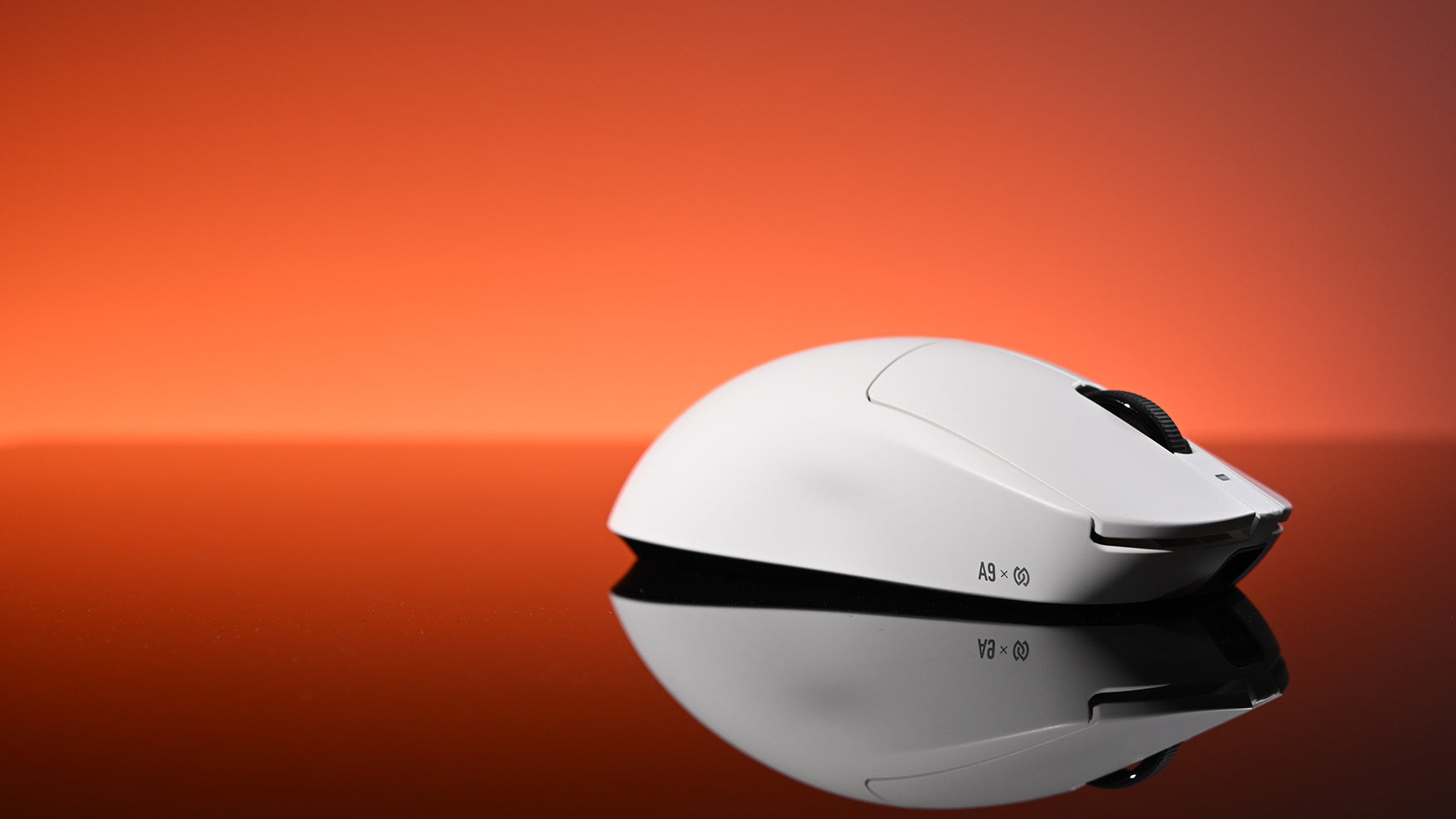
Il click perfetto: guida per gamer agli switch del mouse
Capire la tecnologia dietro il click di un mouse da gaming, dal tipo di microswitch (meccanico, ottico o magnetico) al feedback fisico, è essenziale per scegliere un mouse con la sensazione e le pr...
Technical Guide
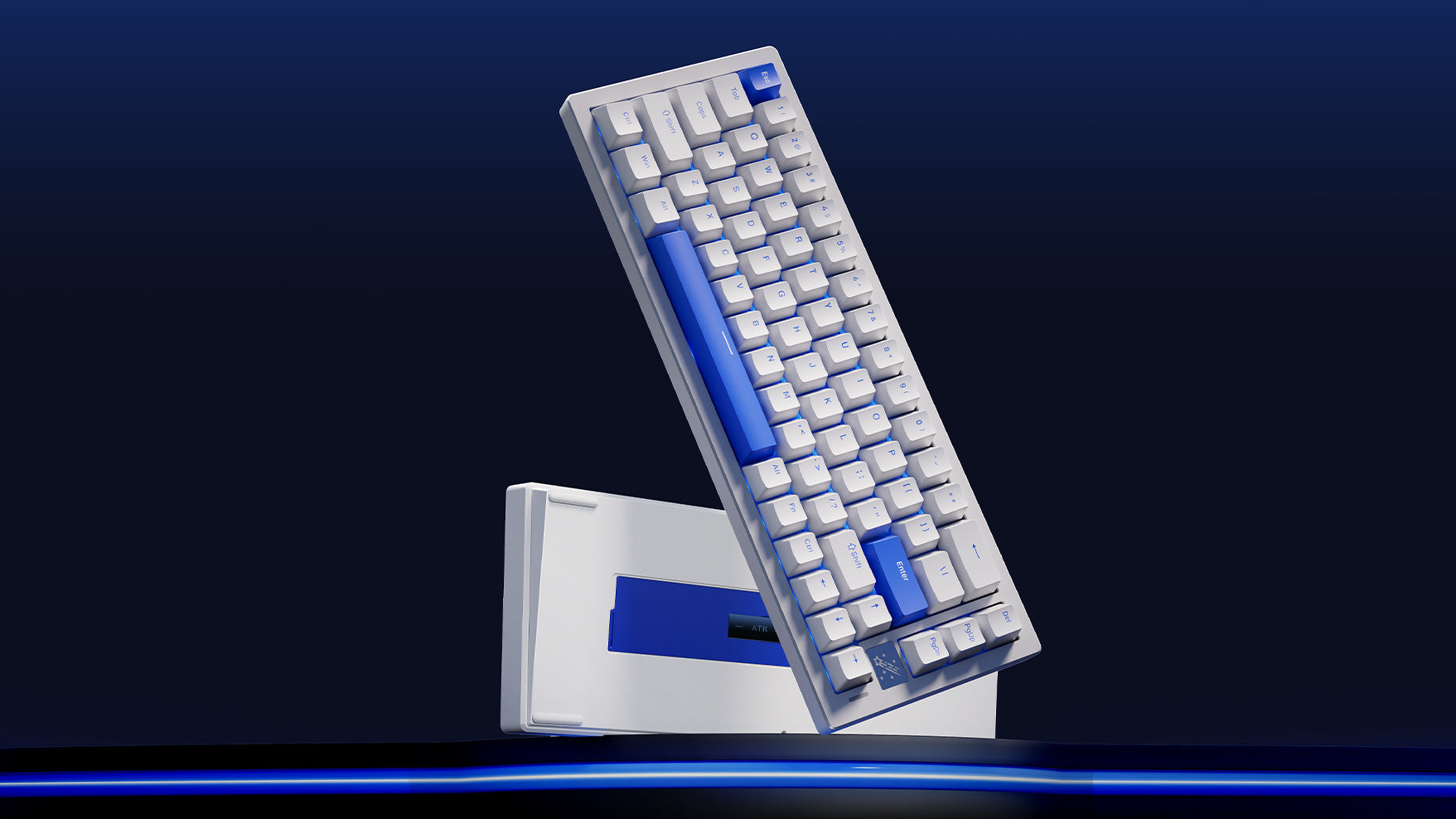
Tastiere gaming bianche vs nere: quale scegliere?
Hai difficoltà a scegliere il colore della tastiera? Questa guida analizza i veri pro e contro delle tastiere bianche e nere, dall’estetica alla pulizia fino agli effetti RGB.
Technical Guide
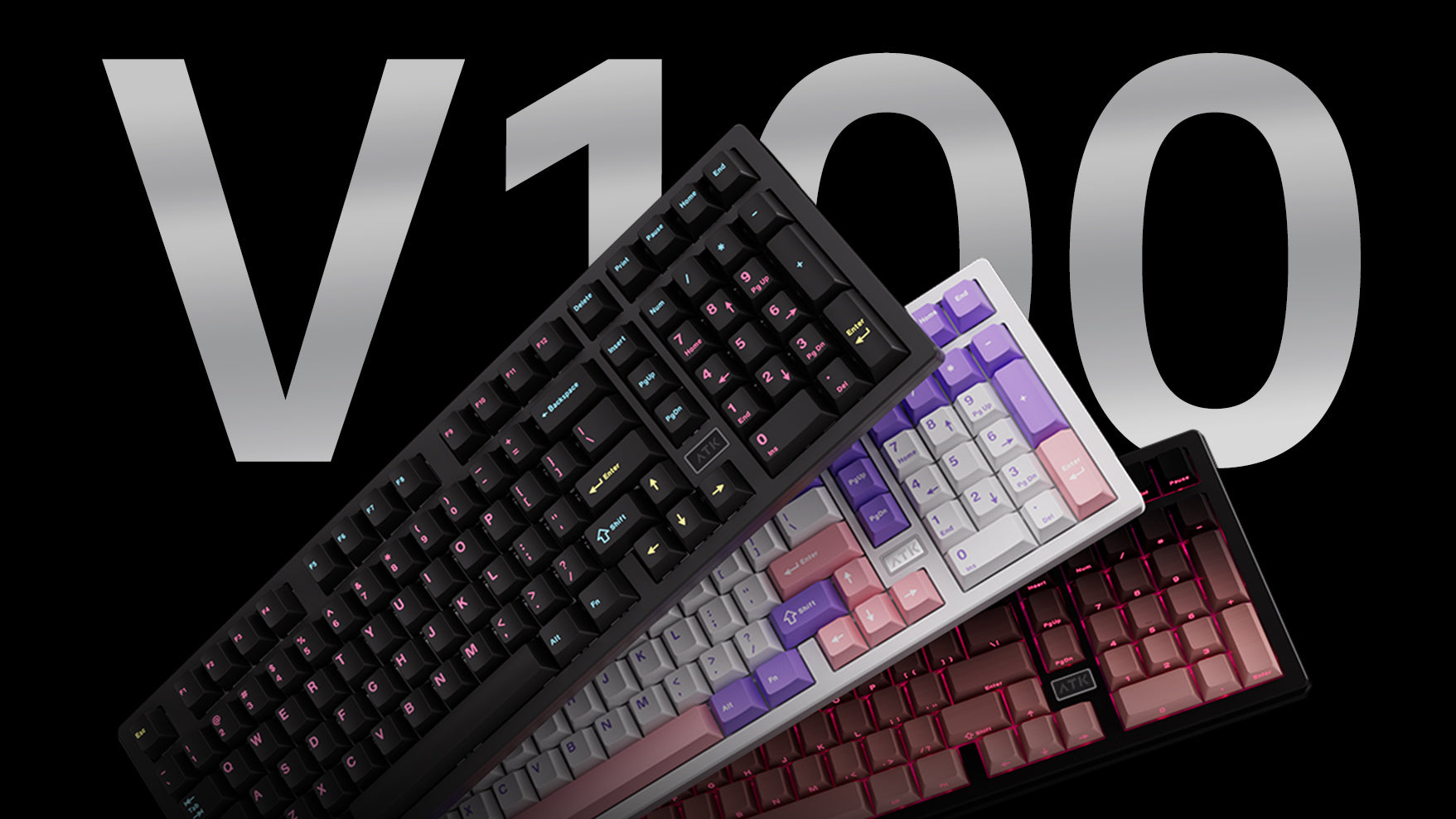
Tastiere hot-swap: cosa sono e perché contano
Una tastiera hot-swappable ti permette di rimuovere i vecchi switch e installarne di nuovi in pochi minuti. È il modo più semplice per sistemare tasti difettosi o provare nuove sensazioni di digita...
Review
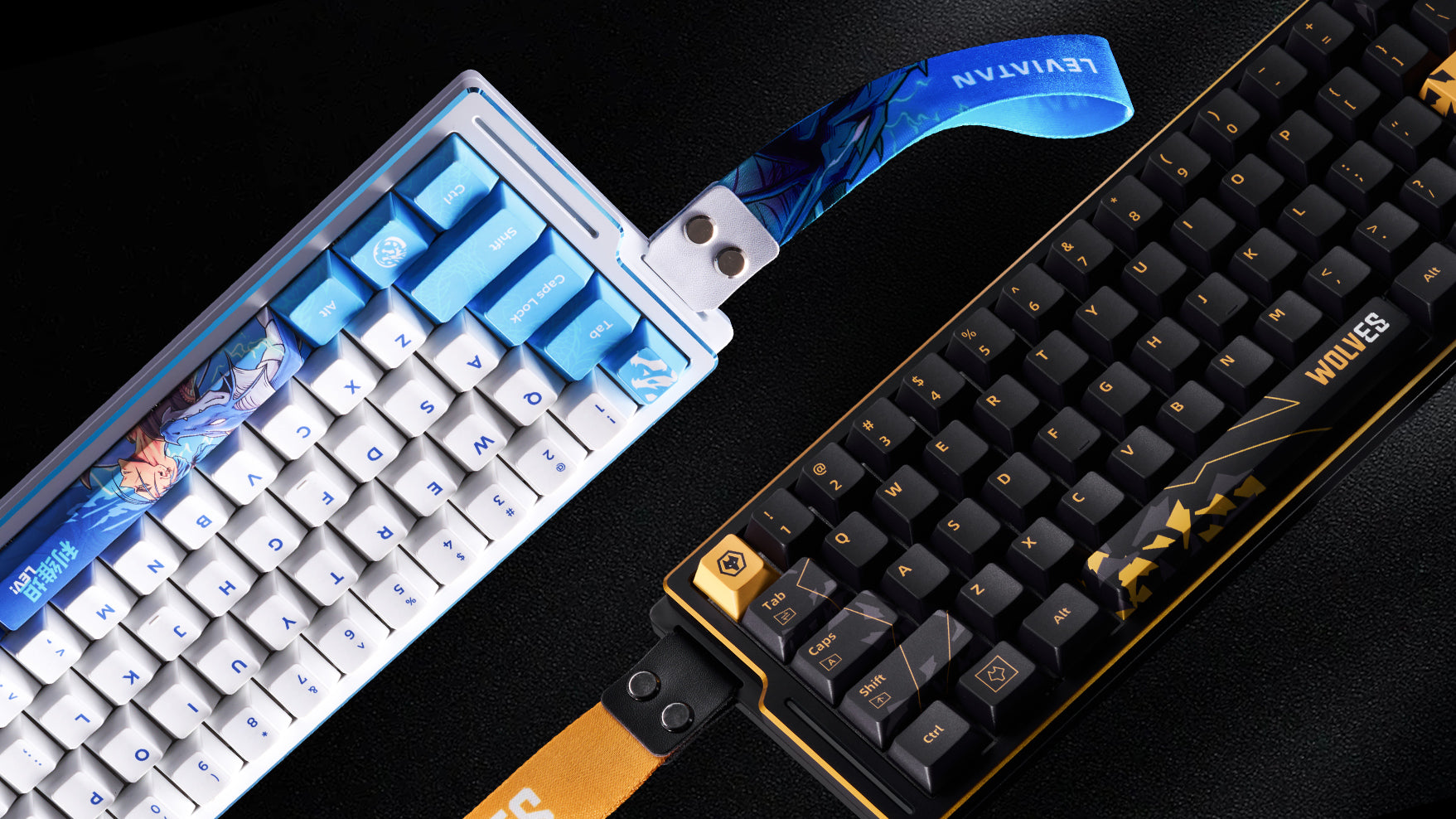
Massime prestazioni, forma minimalista: una tastiera 60% è quella giusta per te?
Stai pensando a una tastiera al 60%? Questa guida mostra cosa si perde e cosa si guadagna. Scopri se il suo formato compatto si adatta alle tue esigenze di gaming, scrittura o setup minimalista.
Product Introduction
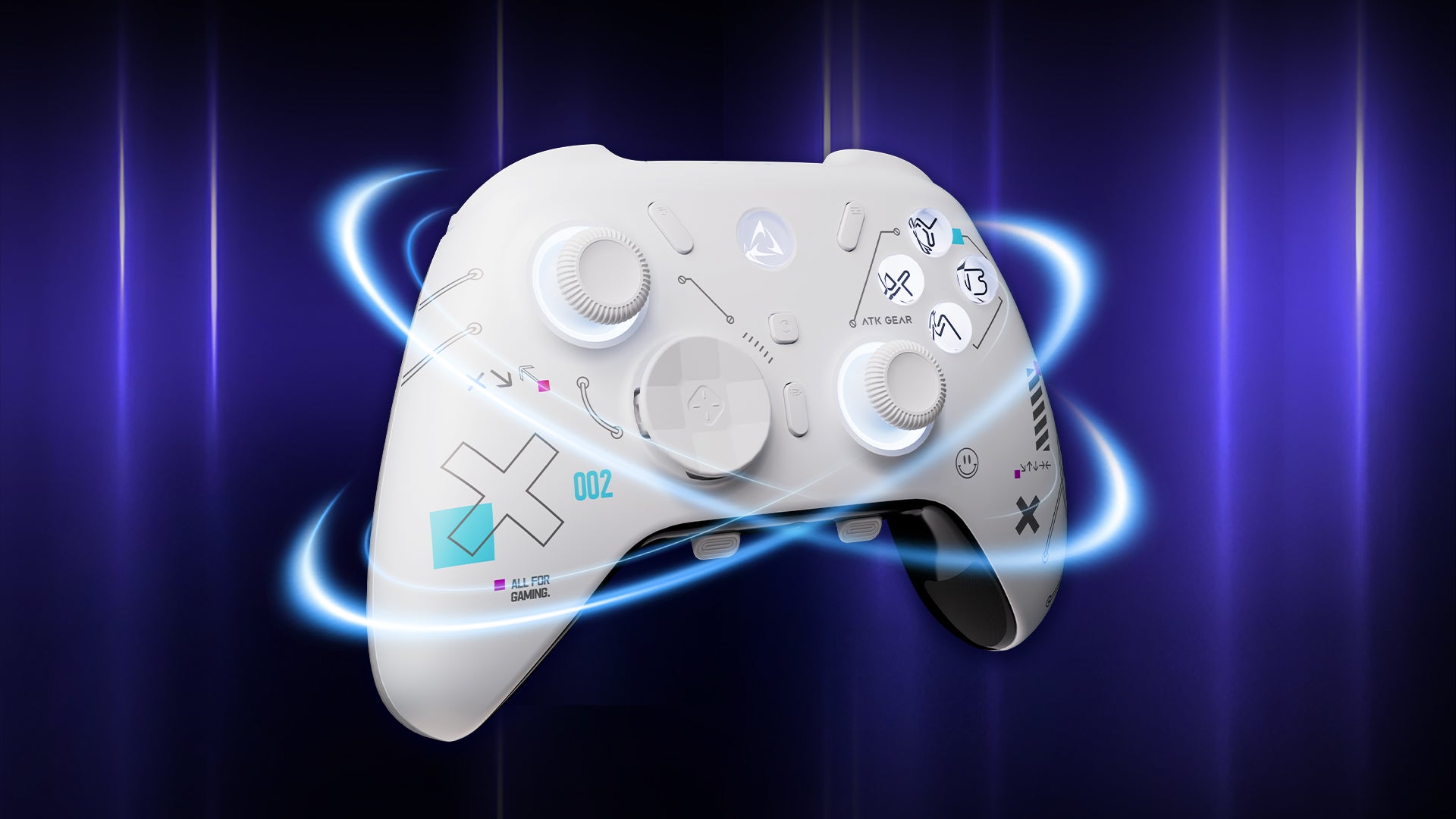
ATK Axe: l'investimento smart per il gaming
La ATK Axe offre funzionalità premium senza il prezzo elevato. Scopri subito stick Hall Effect anti-drift, pulsanti meccanici e personalizzazione totale.
Technical Guide
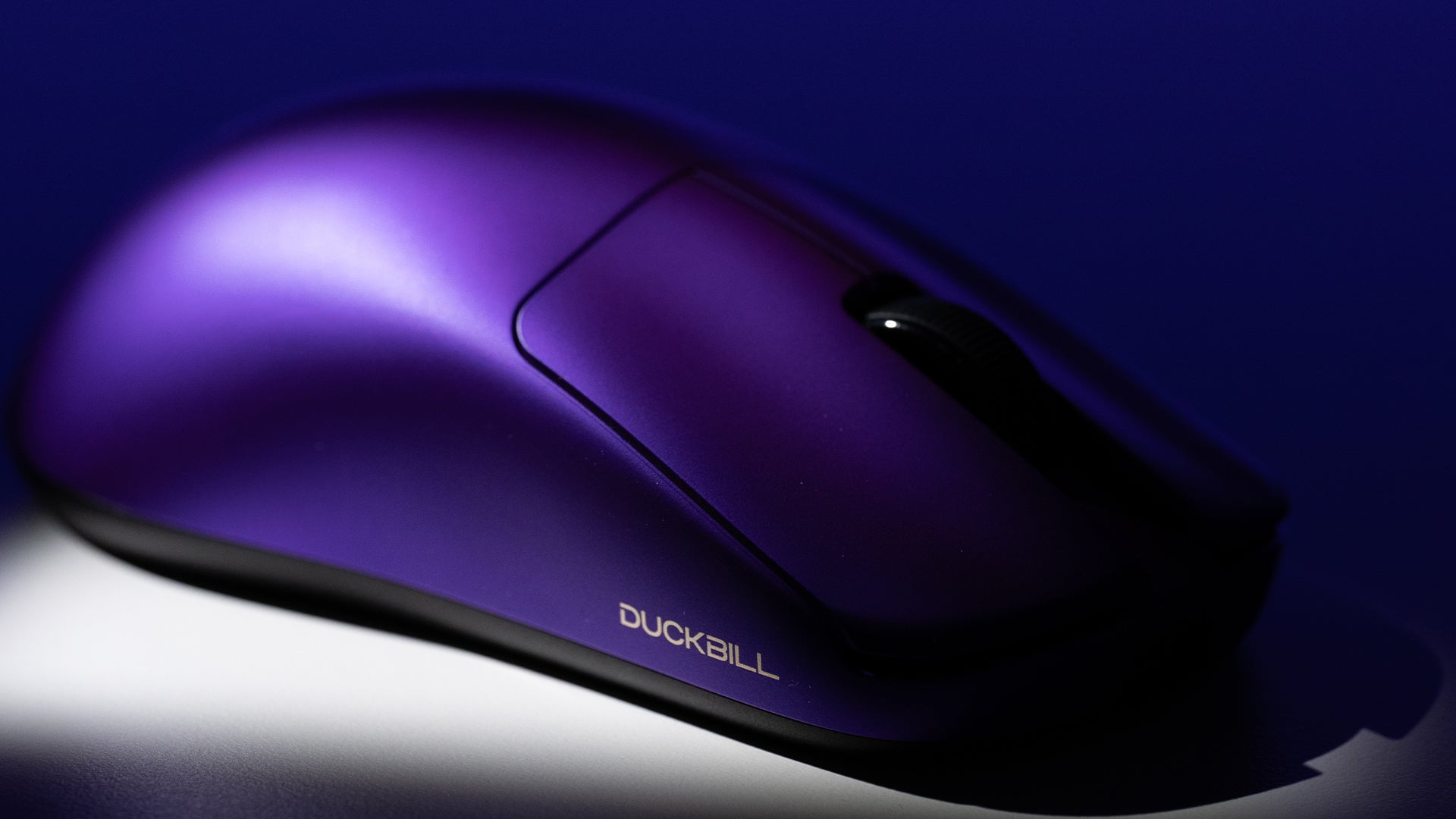
Come smettere di far male al polso usando il mouse
Per prevenire il dolore al polso dovuto all’uso prolungato del computer, regola la postazione e la postura, utilizza strumenti ergonomici, mantieni i polsi dritti e fai pause regolari.
Technical Guide
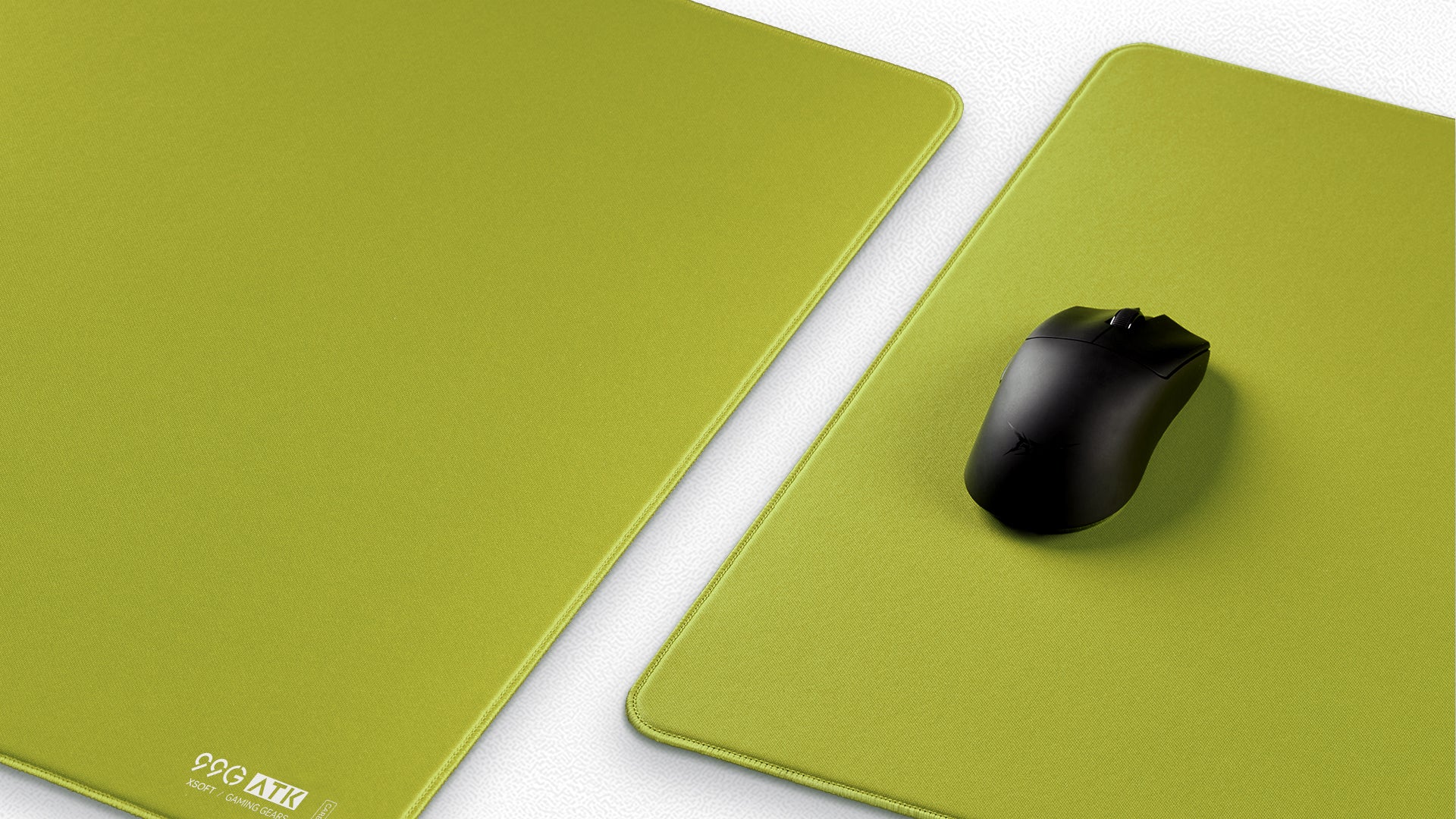
La guida definitiva all'acquisto del mouse pad gaming pro per 2025
Un mousepad gaming professionale migliora mira, comfort e costanza abbinando il materiale, le dimensioni e le funzioni giuste al tuo stile di gioco e al tuo ambiente.

Review
Mouse da gaming con cavo o wireless: qual è quello giusto per te?
I moderni mouse gaming wireless hanno colmato il divario prestazionale con i modelli cablati, offrendo una latenza quasi zero e la libertà dall’attrito del cavo, rendendoli ideali per movimenti flu...
Technical Guide
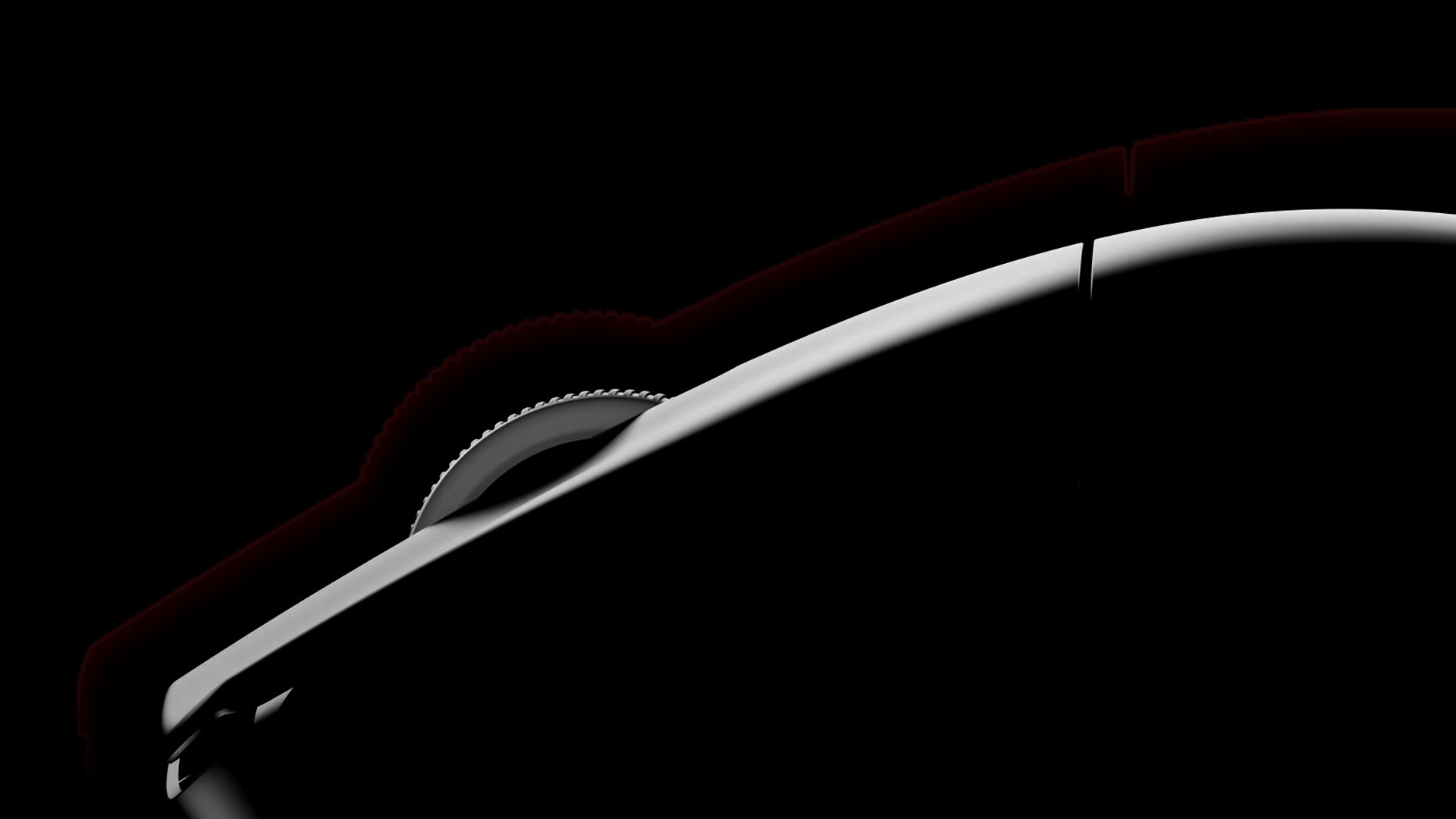
Oltre il point-and-click: le differenze tra mouse standard per PC e mouse da gaming
I mouse gaming si differenziano dai mouse PC standard offrendo sensori superiori per un tracciamento preciso, polling rate più elevati per una risposta più rapida, design ergonomici studiati per un...