



Nachricht

PAW3955 Master vs. PAW3950 Ultra: What Is the Difference?
PAW3955 Master or PAW3950 Ultra? We break down DPI, tracking speed, scan rate, and Motion Sync so you can pick the right flagship gaming mouse sensor.

Lift-off Distance (LOD) Tuning: Why High-Sens vs. Low-Sens Players Need Different Settings
LOD tuning differs for high-sens and low-sens players. See how sensitivity, mouse pad material, and grip shape your ideal lift-off distance setting.
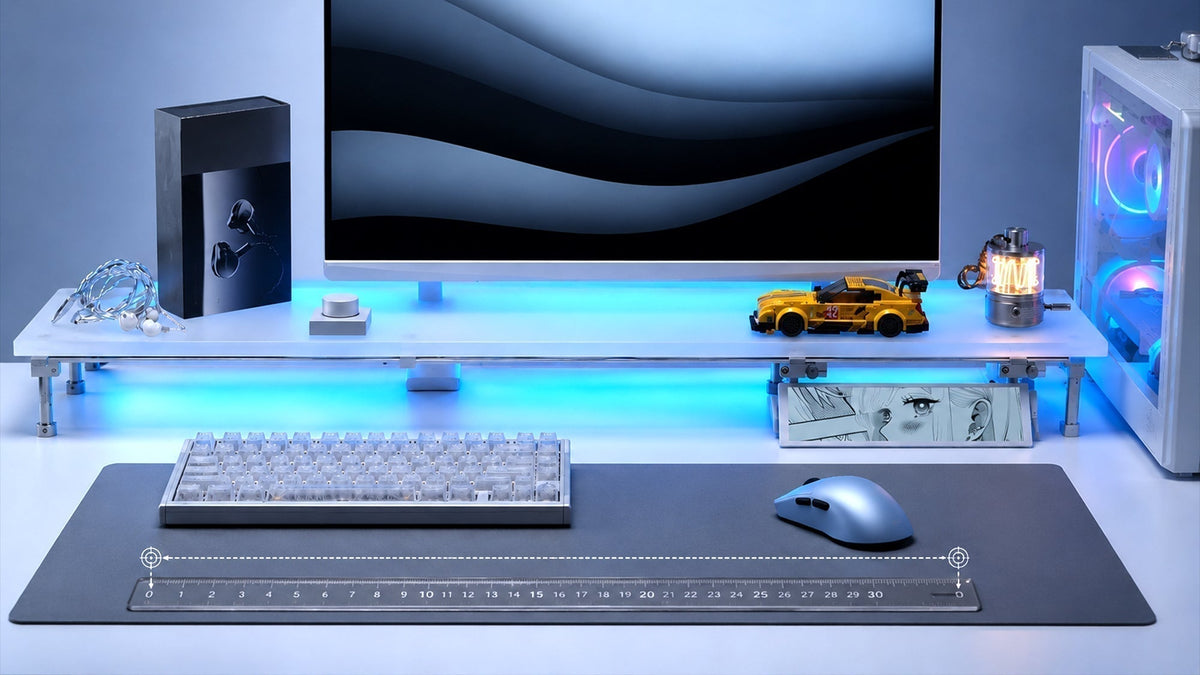
How to Measure Effective Mouse DPI and Calibrate Your Sensitivity
Measure your mouse’s real DPI with a physical test, correct for sensor deviation, and calibrate sensitivity to keep your aim consistent across mice.
How to Test Your Mouse and Keyboard Online: A Complete Guide
Test your mouse and keyboard online to spot double-clicks, ghosting, and polling problems. Check every button, key, and scroll step without extra software.
How to Test Mouse Polling Rate: 125Hz, 500Hz, 1000Hz, 4000Hz and 8000Hz
A practical guide to testing mouse polling rates from 125Hz up to 8000Hz. Verify your gaming mouse performance with the right tools and techniques.
ATK Gear Becomes an Official Partner of StarLadder StarSeries Fall 2026
ATK Gear is an official partner of StarLadder StarSeries Fall 2026, the 20th-anniversary Tier 1 CS2 event with a $500,000 prize pool and 8 elite teams.
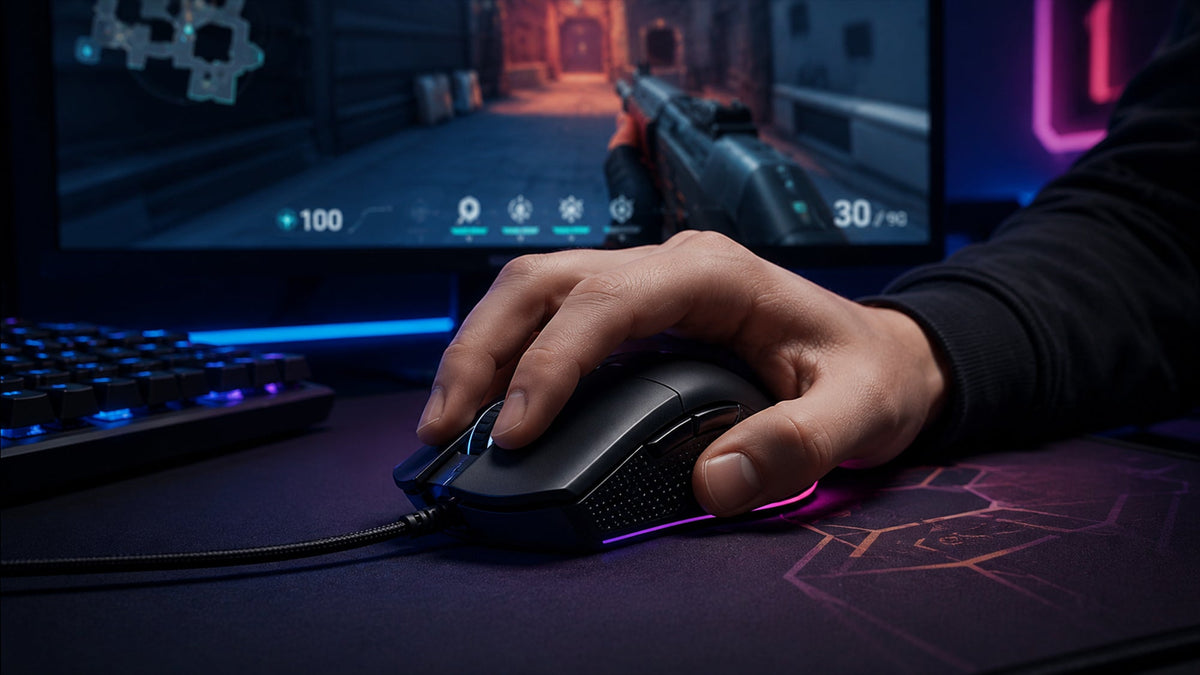
Understanding Mouse Click Latency: How Milliseconds Decide Your Gunfights
Click latency decides how fast your shots register. See what causes mouse click delay, how to test it at home, and how to reduce it for competitive FPS play.

Motion Sync in Gaming Mice: Do You Really Need It for Pixel-Perfect Aim?
Motion Sync aligns sensor data with USB polling for smoother, more consistent tracking. See how it affects latency and battery, and when you need it.
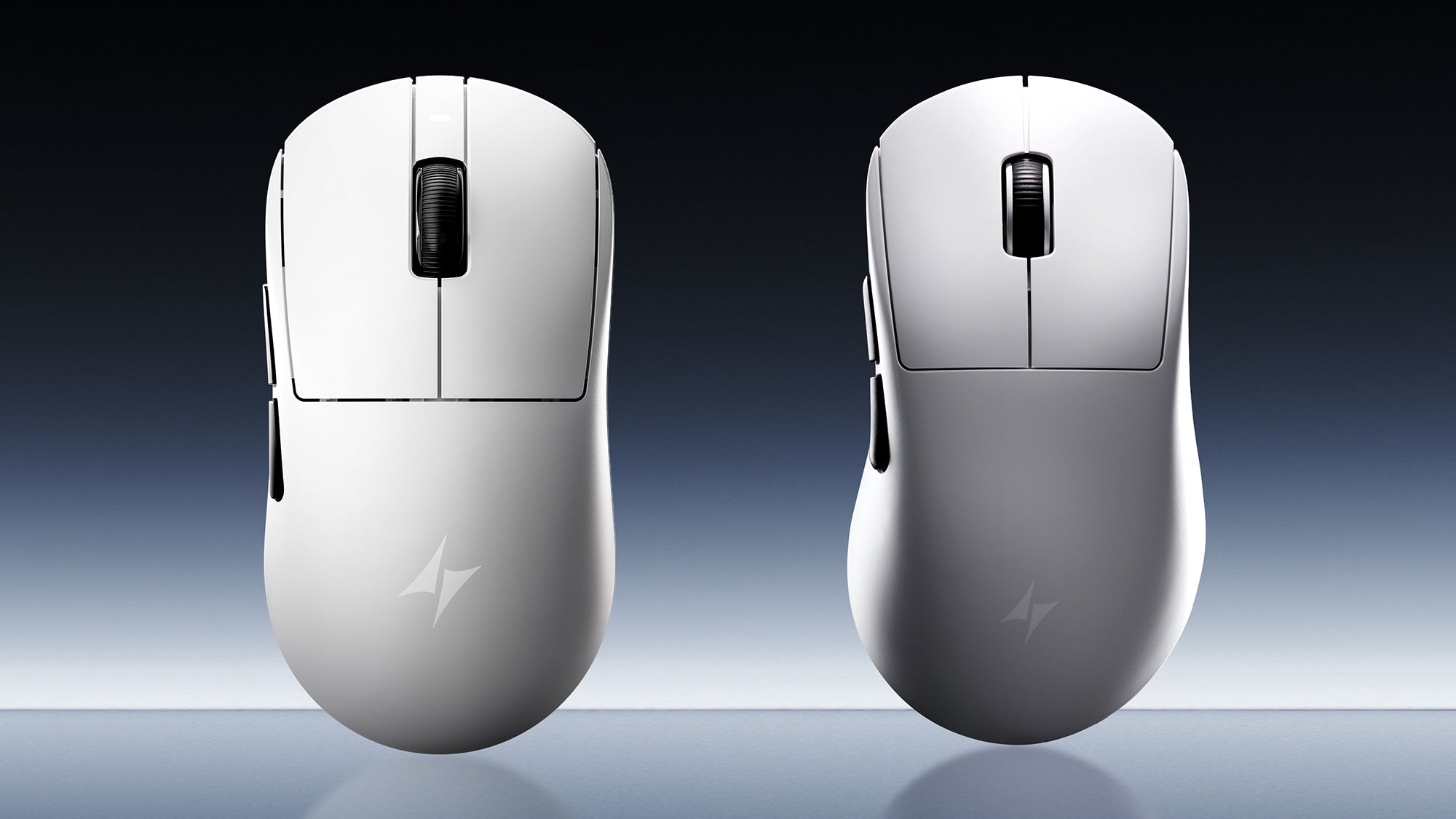
Symmetrical Mice for MOBA vs. FPS: Does Game Genre Dictate Your Mouse Shape?
Game genre shapes mouse design, but your grip often matters more. Compare symmetrical and ergonomic options for MOBA speed, FPS stability, and lasting comfort.