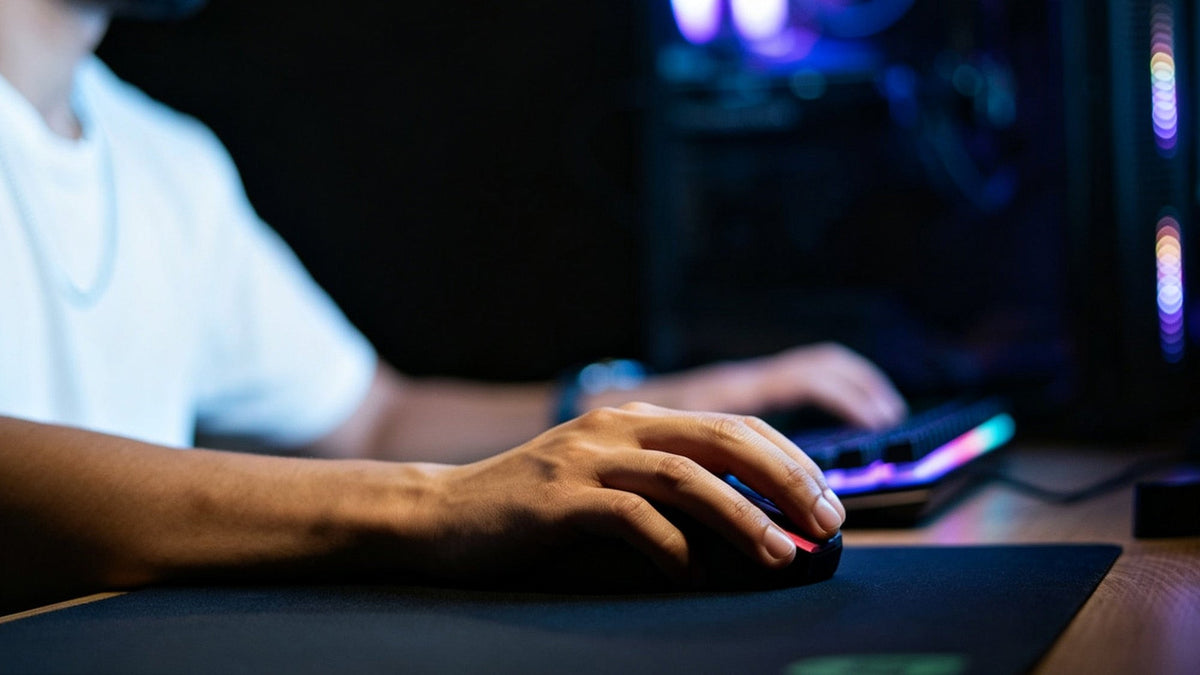
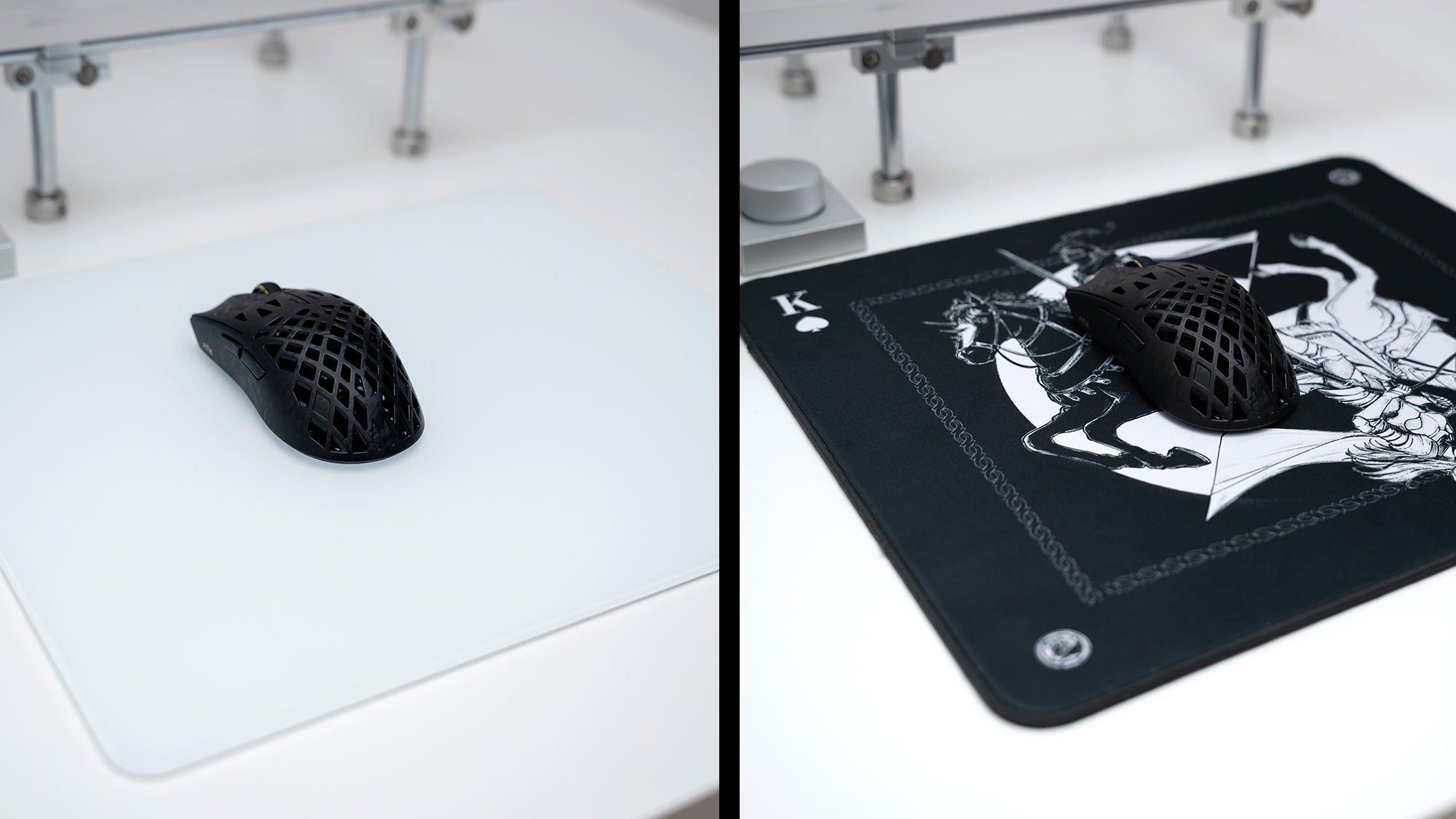
Upgrading your PC setup will not improve your rank if your hardware fights your natural hand movement. Gamers constantly debate whether the genre they play should dictate their peripheral geometry. If you want to find the best mouse shape for MOBA games or secure a precise tracker for shooters, understanding physical dimensions is critical. This guide breaks down core hardware differences to help you decide if a symmetrical shell or an ergonomic gaming mouse fits your needs perfectly.
Symmetrical vs. Ergonomic Mouse For Gaming: What Is The Difference?
The design of the outer plastic shell directly dictates how your fingers and palm rest on the device.
Symmetrical Shell Geometry
A symmetrical mouse, frequently referred to as an ambidextrous mouse, features identical left and right sides. If you draw a straight line down the exact center of the device, both halves mirror each other perfectly. These mice typically feature a centered top hump and relatively flat side grips. Because they do not force the user's hand into a specific tilted angle, symmetrical shells accommodate a wide variety of hand sizes and gripping techniques.
Asymmetrical Ergonomic Geometry
An asymmetrical shape is sculpted specifically for right-handed users. The chassis features a steep physical slope. The left side sits much higher to accommodate the placement of the thumb, while the right side slopes aggressively downward to provide a resting ledge for the ring and pinky fingers. The left side also includes a deep, curved groove for the thumb to lock into securely. This physical design forces the hand into a slight outward tilt, which mimics the natural resting angle of the human wrist.
The Core Hardware Debate
When evaluating a symmetrical vs ergonomic mouse for gaming, the decision comes down to a trade-off between finger flexibility and palm stability. Symmetrical mice leave extra space inside the hand, allowing the fingers to manipulate the mouse vertically. Ergonomic mice fill the entire palm cavity, locking the hand in a static position to provide maximum control during fast horizontal movements.

Find The Best Mouse Shape For MOBA Games
Multiplayer Online Battle Arenas (MOBAs) like League of Legends and Dota 2 require intense, rapid clicking rather than wide, sweeping arm movements across a mousepad. Your hardware choice must prioritize raw finger agility.
The Mechanical Demands Of MOBAs
In a standard MOBA match, players navigate the map, target enemies, and issue movement commands by clicking the right mouse button hundreds of times per minute. The cursor movements are usually very short, staying within a tight physical radius on the monitor screen. Players need extreme finger dexterity to spam clicks and execute rapid micro-adjustments to dodge incoming spells.
Why Symmetrical Shells Dominate
Because of these specific mechanical requirements, the best mouse shape for MOBA games is almost always a smaller, symmetrical design. Symmetrical shapes feature a lower vertical profile and a narrower overall grip width. This geometry allows players to utilize a "fingertip grip," where only the extreme tips of the fingers touch the plastic buttons, leaving the palm completely elevated off the shell.
Avoiding Hand Fatigue During Long Matches
This specific grip style combined with a symmetrical shell provides maximum vertical agility. Players can twitch the mouse up, down, left, and right using only their finger joints without moving their wrist or forearm. Using a bulky, heavy ergonomic shape for MOBAs forces the player to move their entire wrist for small cursor adjustments, leading to severe joint fatigue during forty-minute matches.
Choose The Best FPS Gaming Mouse Shape
First-Person Shooters (FPS) like Valorant, Counter-Strike 2, and Apex Legends demand a completely different set of physical mechanics. Consistency, stability, and pixel-perfect stopping power are the top priorities for competitive players.
Crosshair Placement And Arm Aiming
Competitive FPS players utilize extremely low in-game sensitivities combined with massive desktop mousepads. Instead of twitching their fingers, they move their entire forearm across the desk to track targets and execute fast flick shots. During these fast physical swipes, the hand must remain completely locked onto the hardware. If the mouse shifts slightly inside the hand during a 180-degree turn, the player will miss their target and lose the gunfight immediately.
The Stability Of Ergonomic Shells
Because absolute physical stability is paramount, many professional tactical shooter players consider an ergonomic gaming mouse to be the best fps gaming mouse available. The asymmetrical shape physically fills the entire palm cavity. The deep thumb groove provides a solid plastic ledge, allowing the user to lift the mouse off the pad and slam it back down without losing their grip position.
Selecting The Right FPS Profile
When your palm makes full contact with an ergonomic shell, the device moves in perfect synchronization with your forearm. This ensures absolute crosshair stability during intense weapon recoil control. While symmetrical mice are also highly popular in fast-paced tracking shooters like Overwatch, ergonomic shapes offer unmatched physical comfort for tactical shooter players who rely on full palm contact to anchor their aim.
How Does A Lightweight Gaming Mouse Affect Shape Choice?
The hardware industry has undergone a massive shift toward weight reduction in recent years. Manufacturers obsess over shedding grams to improve physical reaction times, and this specific trend heavily influences the shell shapes available on the market today.
The Sub-60 Gram Hardware Trend
To build a true lightweight gaming mouse, engineers must reduce the physical mass of the outer plastic shell and shrink the internal printed circuit board (PCB). A lower weight reduces the physical inertia required to start and stop the mouse, which directly improves aiming speed and reduces wrist strain. Currently, the competitive standard for a lightweight gaming mouse sits between 40 and 60 grams.
Structural Challenges In Mouse Design
Because symmetrical mice possess a simpler geometry and require less structural plastic bracing than highly sculpted ergonomic mice, manufacturers find it much easier to make them lighter. As a result, the vast majority of ultra-lightweight mice on the market utilize symmetrical shells.
Finding Ultra-Light Ergonomic Options
If your primary goal is raw physical speed, you will likely have to adapt to a symmetrical shape. While manufacturers are beginning to release lightweight ergonomic options, the absolute lowest weights are consistently achieved through symmetrical design. Players often find that the extreme physical speed gained from a 45-gram symmetrical mouse outweighs the palm support they sacrifice by giving up their traditional ergonomic shells.
Does Your Grip Style Override Your Game Genre?
While MOBA games favor finger agility and FPS games favor locked-in arm stability, human biological mechanics ultimately dictate which hardware performs best. Your specific physical grip style serves as the ultimate deciding factor.

Analyzing The Three Main Grip Styles
There are three fundamental methods for holding a computer mouse:
- Palm Grip: The entire hand and fingers lay completely flat against the plastic shell. This provides maximum aiming stability but eliminates vertical finger agility.
- Claw Grip: The back of the palm rests on the rear of the mouse, but the fingers arch sharply, pressing the primary buttons with only the fingertips. This balances stability and speed.
- Fingertip Grip: Only the extreme fingertips touch the mouse. The palm hovers completely in the air. This provides maximum speed but zero palm support.
When Grip Dictates Your Purchase
If you naturally use a palm grip, you require an ergonomic shape to support your hand, even if you play games that traditionally favor smaller mice. Forcing a palm grip onto a small, flat symmetrical mouse will cause severe hand cramps. Conversely, if you naturally use a fingertip grip, you will find ergonomic mice impossible to use because the large left-side plastic hump will physically block your palm from hovering freely.
Resolving The Shape And Genre Conflict
When evaluating a symmetrical vs ergonomic mouse for gaming, you must identify your natural hand posture first. You should only consider the specific video game genre after you understand how your fingers naturally rest on the device. Buying a mouse for the genre rather than your hand structure will result in poor aim and physical discomfort.
Let Grip Style Guide Your Mouse Shape
Game mechanics influence hardware design, but your physical grip style remains the ultimate deciding factor. When evaluating a symmetrical vs ergonomic mouse for gaming, prioritize physical contact points over esports trends. Whether you require the best fps gaming mouse for tactical shooters or a lightweight gaming mouse for fast arena battles, choosing the correct shell prevents joint fatigue. Test both structural designs carefully to ensure your hardware matches your exact hand size and competitive playstyle.
Mouse Shape and Grip Questions
Can left-handed players use an ergonomic gaming mouse?
No. An ergonomic gaming mouse is explicitly sculpted with a thumb groove on the left side and a downward slope on the right side, making it functional only for right-handed users. Left-handed players must purchase a symmetrical mouse or search for rare "left-handed edition" ergonomic mice manufactured by specific peripheral brands.
Are symmetrical mice bad for your wrist?
Symmetrical mice are not inherently harmful, but they force the forearm into a completely flat, pronated position. Over long gaming sessions, this flat physical posture can cause muscle strain. Ergonomic shapes tilt the hand outward slightly, which aligns the forearm bones into a more natural resting position and reduces the risk of repetitive strain injuries.
What is the best mouse shape for MOBA games if I have large hands?
If you have large hands but want the best mouse shape for MOBA games, you should look for a large symmetrical mouse or a medium-sized ergonomic mouse. You still need finger agility for rapid clicking, so you must avoid massive, heavy mice that lock your palm completely in place.
Do pro FPS players use the best fps gaming mouse in symmetrical or ergonomic shapes?
Professional players use both shapes extensively. The choice comes down entirely to physical grip style. Tactical shooter professionals who use a palm grip typically choose an ergonomic shape for stability, while professionals who use a claw or fingertip grip choose symmetrical shapes to maximize their physical aiming speed.