


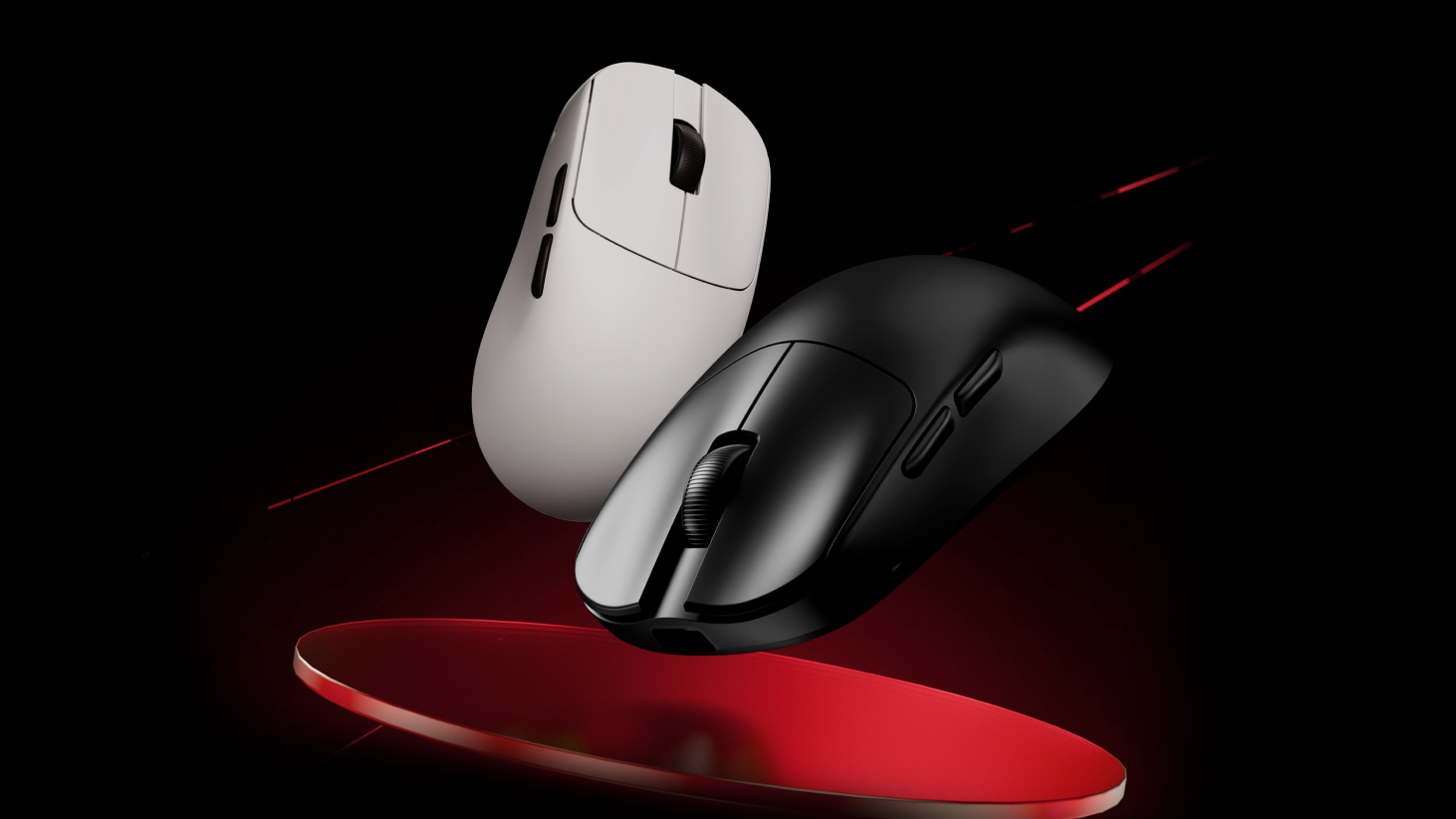
عند استلامك للماوس أو لوحة المفاتيح، يُنصح أولاً بتنزيل برنامج ATK V HUB لتحديث البرامج الثابتة للجهاز إلى أحدث إصدار للحصول على أفضل تجربة.
تعليمات تحديث البرامج الثابتة لجهاز ATK V HUB
1.قم بتوصيل الجهاز: ابدأ بتوصيل جهازك بالكمبيوتر. افتح برنامج ATK V HUB، والذي سيكتشف جهازك تلقائيًا.
2.اختر جهازك: انقر على الجهاز الذي تريد تحديثه. على سبيل المثال، إذا كنت تقوم بتحديث لوحة مفاتيح ATK68، فادخل إلى واجهة إدارة الجهاز.

3.تحقق من إصدار البرنامج الثابت: انتقل إلى قسم "مجموعة أخرى". هنا، يمكنك الاطلاع على إصدار البرنامج الثابت الحالي وحالة جهازك. إذا لم يكن البرنامج الثابت محدّثًا، فستظهر لك رسالة تطلب منك تحديثه.

تحديث البرامج الثابتة يدويًا عبر الموقع الرسمي
أنافي بعض الحالات، قد لا يتعرف الكمبيوتر أو جهاز ATK V HUB على لوحة المفاتيح أو الفأرة. في هذه الحالة، ستحتاج إلى تنزيل وتحديث البرنامج الثابت يدويًا من الموقع الرسمي.
على سبيل المثال، إذا كانت صفحة إدارة لوحة المفاتيح ATK68 تعرض فقط رمز التحميل أو تعرض خطأ انقطاع الاتصال

اتبع هذه الخطوات:
1. انتقل إلى صفحة تنزيل البرامج الثابتة:https://desktop.vxe.com/download.

2. حدد جهازك وافتح قائمة البرامج الثابتة لتنزيل أحدث البرامج الثابتة.

ملحوظة":"بالنسبة لطرازَي ATK68 وATK75، تأكد من تنزيل الإصدار الصحيح. إذا كان جهازك من الإصدار G، فقم بتنزيل أحدث إصدار من البرنامج الثابت الخاص بالإصدار G. أما بالنسبة للإصدارين L أو LK، فقم بتنزيل أحدث إصدار من البرنامج الثابت الخاص بالإصدار LK.
(تحديد إصدار لوحة المفاتيح الخاصة بك":"إذا كانت لوحة مفاتيحك تستخدم مفتاح Gateron المغناطيسي (بنفسجي)، فهي من إصدار G. أما إذا كانت تستخدم مفتاح ATK المغناطيسي الأحمر (أحمر)، فهي من إصدار L. بينما تحتوي إصدارات LK على مفاتيح خضراء.)
3.تثبيت البرنامج الثابت: بعد التنزيل، قم بفك ضغط ملف البرنامج الثابت. ثم قم بتشغيل update.bat قم بتقديم الملف وانتظر حتى تتم العملية. complete.A يشير ظهور رسالة "تم التحديث بنجاح!" إلى اكتمال تحديث البرنامج الثابت.

إذا ظهرت الرسالة "رمز الخطأ في الخطوة 1: 6 رمز الخطأ في الخطوة الثانية: 3" فشل التحديث.

ستحتاج إلى اتباع الخطوة الإضافية التالية:
افتح مجلد الملفات وقم بتشغيل update.bat الملفات في MCU1 و MCU2 بالتسلسل
إذا ظهرت عبارة "echo 0" في موجه الأوامر، فهذا يعني أن التحديث قد تم بنجاح.

بعد تحديث البرنامج الثابت، افصل وأعد توصيل لوحة المفاتيح، ثم افتح برنامج ATK V HUB وقم بتحديث الجهاز.
*إذا كنت لا تزال غير قادر على تحديث البرامج الثابتة باستخدام الطرق المذكورة أعلاه، فيرجى الاتصال بالبائع للحصول على دعم ما بعد البيع.
ملاحظة خاصة بالفأرات اللاسلكية: إذا لم يتمكن الكمبيوتر أو جهاز ATK V HUB من التعرف على الماوس اللاسلكي الخاص بك، فتأكد من تحديث جهاز الاستقبال 2.4G أو جهاز الاستقبال 4K/8K إلى أحدث إصدار أيضًا.
9 تعليقات
Danila
MCU1已经通过bat mcu2单独安装了一个错误,并且通常没有任何反应。 如何更新这些参数的驱动程序以使其工作?
MCU1已经通过bat mcu2单独安装了一个错误,并且通常没有任何反应。 如何更新这些参数的驱动程序以使其工作?
den muñoz
LEO
Nicolas
Hello, my Blazing Sky Z1 Ultra after an update that I don’t know what it is, my back and forward buttons simply stopped working. The mouse is about 2 months old and already has this problem… what can I do?
Hello, my Blazing Sky Z1 Ultra after an update that I don’t know what it is, my back and forward buttons simply stopped working. The mouse is about 2 months old and already has this problem… what can I do?
CALVIN
Im trying to re-install my firmware for my atk edge 60he due to it not connecting to my pc. i have unzipped the firmware file but dont know how to get the unzipped file to the update.bat file/dont know what a update.bat file is.Any help?
Im trying to re-install my firmware for my atk edge 60he due to it not connecting to my pc. i have unzipped the firmware file but dont know how to get the unzipped file to the update.bat file/dont know what a update.bat file is.Any help?
kap
i follow the informetion but it still unable to update the firmware what im gonna do (the prompt already show echo 0)
i follow the informetion but it still unable to update the firmware what im gonna do (the prompt already show echo 0)
Christopher
Is the ATK VXE V75 PRO supported by the web application? One of the reasons I got the keyboard was for the ability to adjust it through the web app and not need to download an application.
Is the ATK VXE V75 PRO supported by the web application? One of the reasons I got the keyboard was for the ability to adjust it through the web app and not need to download an application.
samet
The first error I received was an update error when opening the v hub. and I updated it, but when I try to log in, it continues to give the same error and I cannot log in from the website.
The first error I received was an update error when opening the v hub. and I updated it, but when I try to log in, it continues to give the same error and I cannot log in from the website.