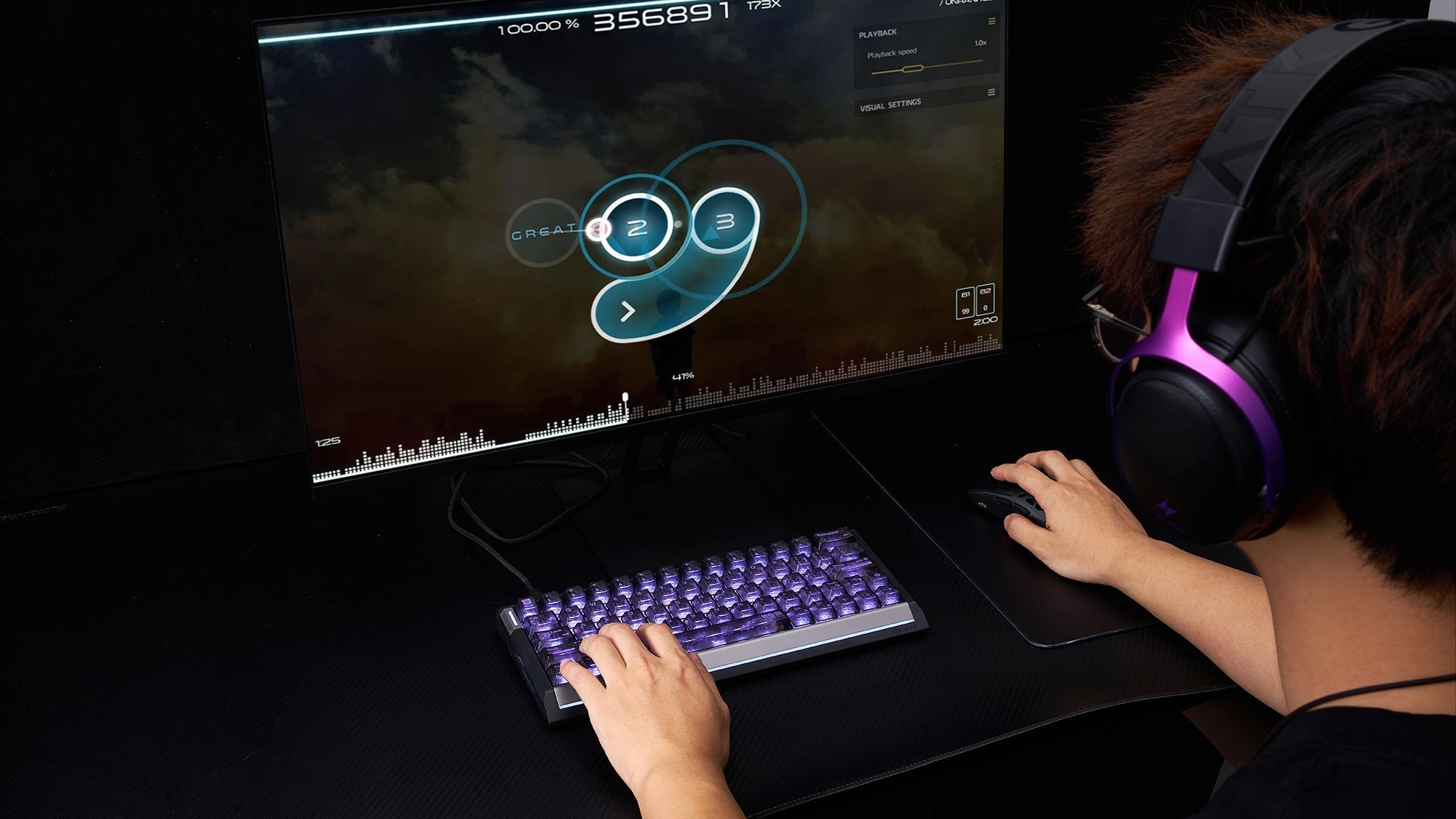
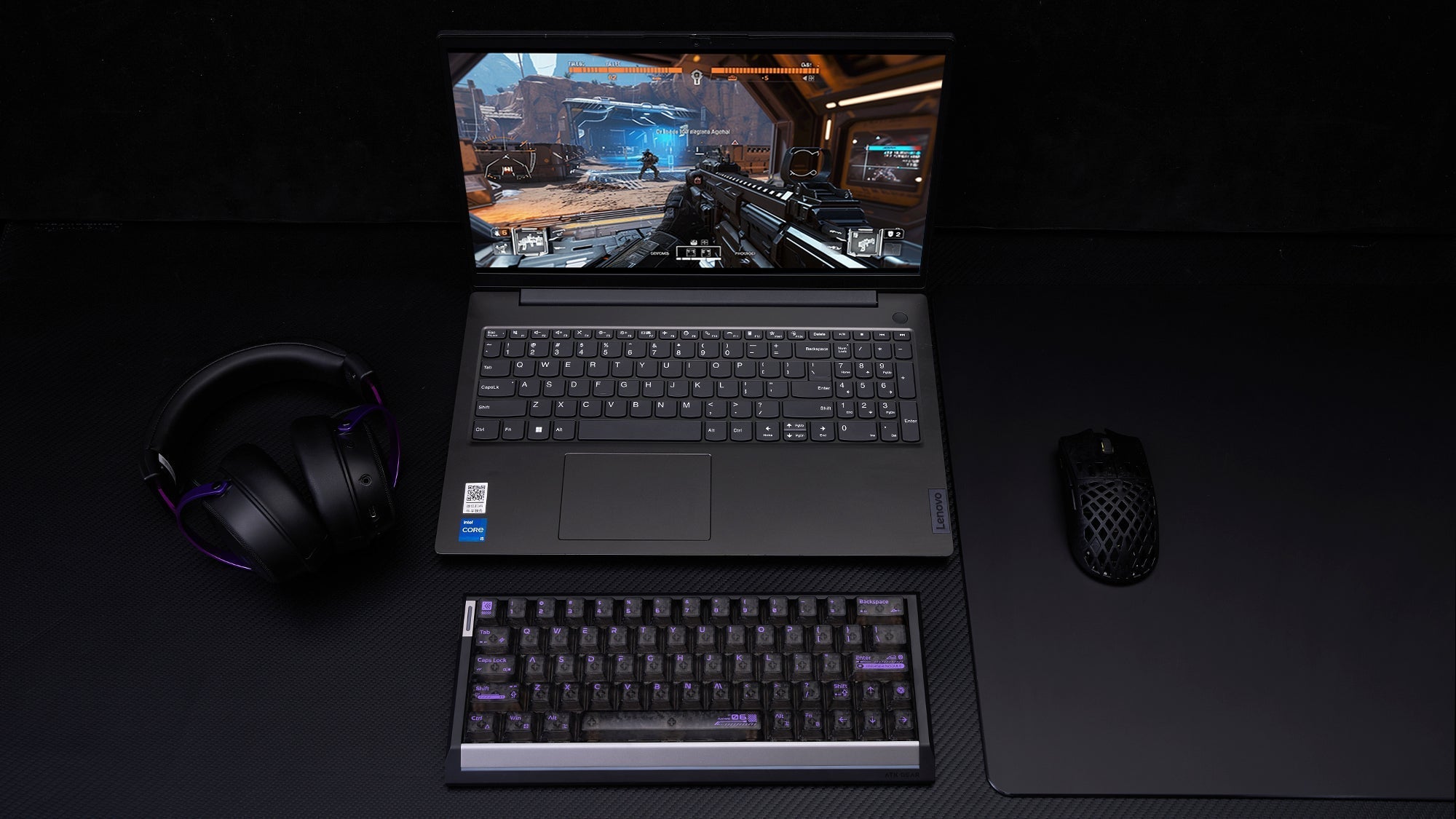
To hit perfect flicks in Counter-Strike 2, you need the right hardware. While a lightweight mouse is essential for fast reactions and reducing wrist fatigue, finding the perfect shape for your specific hand grip is what truly unlocks your aim. This guide explains how to match your grip style with the best gaming mouse to elevate your CS2 gameplay.
Why Low Weight Matters: Reducing Inertia For Micro-Adjustments
Counter-Strike 2 is a tactical shooter where precise crosshair placement dictates the outcome of a gunfight. Players often use low sensitivity settings to maintain accuracy. This means you must move your hand across large distances on your desk very quickly to turn your character.
The Physics Of Mouse Movement
When you perform a fast flick shot with a heavy peripheral, the physical mass of the device creates inertia. Once a heavy object is in motion, it requires more physical force from your hand to stop it on an exact pixel. A lightweight mouse, typically weighing under 60 grams, generates significantly less inertia. You can start and stop the sensor’s movement instantly. This directly translates to better micro-adjustments when trying to aim directly at a moving target. If your crosshair moves past the target, correcting that error is much faster without heavy plastic sliding against your mousepad.
Preventing Wrist Fatigue
Competitive CS2 matches frequently last for over an hour. When engaging in long sessions of mouse gaming, moving a 100-gram object repeatedly puts stress on your wrist and forearm tendons. Reducing the weight to 50 or 60 grams minimizes this physical strain. You maintain peak aiming performance in the final rounds of a match because your hand does not experience fatigue. Lower weight allows for raw, unfiltered input from your arm to the game, ensuring your physical movements are accurately read by the computer without resistance.

Palm Grip: The Need For Ergonomic Support And Stability
Choosing a device based on weight alone is insufficient. You must select a shell shape that supports how your hand naturally holds the device.
Understanding The Palm Grip Style
The palm grip is the most common way players hold their hardware. In this style, the entire surface of your palm and the entire length of your fingers rest flat against the plastic shell. This provides maximum contact area between your hand and the device. Palm grip players use their forearm and elbow to make large lateral movements, making this style highly stable for tracking enemies smoothly across the screen.
The Importance Of Ergonomic Shapes
Because your entire hand rests on the device, the shape must conform to the natural curve of the human hand. Symmetrical shapes often cause discomfort for palm grip users because they lack the necessary arch on the left side to support the thumb and base of the index finger. To achieve comfort, you need a dedicated ergonomic gaming mouse. These models feature an asymmetrical design. They slope downward from the left to the right side, matching the natural resting angle of your wrist and hand.
When researching a top gaming mouse for palm grip, look for models with a higher profile and a wider base. The device needs to fill the hollow space in the center of your palm. If the shell is too flat, your fingers will drag on the mousepad, causing unwanted friction during fast swipes. An ergonomic gaming mouse ensures your hand remains fully supported, allowing your forearm to control the crosshair without your fingers cramping during long CS2 competitive matches.
Claw Grip: The Need For A Pronounced Hump And Symmetrical Design
Different grip styles require entirely different shell geometries to achieve optimal aiming performance in Counter-Strike 2.
Understanding The Claw Grip Style
The claw grip is highly popular among professional CS2 players. In this style, only the base of the palm touches the back edge of the mouse. The fingers are arched upward, with only the very tips pressing down on the main left and right click buttons. This grip provides a hybrid level of control. The palm contact offers stability for large arm swipes, while the arched fingers allow for fast, precise vertical micro-adjustments using just the fingertips.
Why The Back Hump Matters
When you hold your hand in a claw position, an ergonomic gaming mouse can sometimes feel too bulky on the right side and restrict your ring and pinky finger movement. Instead, claw grip players generally perform better with a symmetrical shape. The most critical feature for a claw grip is a pronounced back hump. The highest point of the mouse shell needs to be located near the rear, rather than in the exact middle.
This rear hump functions as a physical stop. It rests securely against the base of your palm, holding the device strictly in place while you aim. If the back of the shell is too low, the device will slip out of your palm during fast horizontal flicks. When shopping for the best computer mouse for gaming specifically for claw grip, prioritize symmetrical models with a high rear profile. Any top gaming mouse designed for this style will ensure the back slope provides firm contact with your palm base, giving you the necessary leverage to pull down quickly when controlling weapon recoil.
Fingertip Grip: The Demand For Ultra-Light, Small-Profile Mice
The most extreme grip style requires the most specific type of hardware to function correctly without restricting the player's physical movements.
Understanding The Fingertip Grip Style
The fingertip grip relies solely on the tips of your fingers making contact with the left click, right click, and side grips. No part of the palm touches the plastic shell at any time. This grip style offers the maximum range of vertical and horizontal motion. Because the palm is completely detached, players can pull the device up, down, left, and right using only their finger joints. This results in the fastest possible reaction times and the highest level of micro-correction accuracy.
The Need For A Small Profile
Because you are moving the device using only your finger strength, a heavy object will severely hinder your aim and cause immediate strain. For fingertip players, using a lightweight mouse is an absolute requirement. Ideally, the weight should be strictly under 50 grams. Additionally, the physical dimensions of the shell must be very small.
If the device is too long or features a high back hump, the rear plastic will bump into your palm when you try to pull it downward using your fingers. This restricts your vertical aiming range. When engaging in high-level mouse gaming, this physical restriction prevents you from pulling down fast enough to control your weapon's spray pattern. Fingertip players must seek out flat, low-profile, and short symmetrical shapes. This provides maximum clearance between the back of the device and your palm, ensuring your fingers have the physical space required to make pixel-perfect adjustments during intense gunfights.

Sensor Placement And Lift-Off Distance (LOD)
Choosing the correct shape and weight is critical, but the internal hardware specifications directly impact how your physical hand movements translate to the computer screen.
The Impact Of Sensor Placement
The optical sensor should ideally be placed in the dead center on the bottom of the device. If the sensor is positioned too far forward near the main buttons, your wrist movements will result in larger, faster crosshair arcs in the game. If the sensor is placed too far back near the palm, wrist movements will feel sluggish and require more physical effort to move the crosshair. Central sensor placement ensures a consistent translation of your hand movement, which is critical for physical habit formation and aiming consistency in CS2.
Setting The Lift-Off Distance
Lift-Off Distance (LOD) refers to how high you must lift the device off the mousepad before the sensor stops tracking movement. In tactical shooters, players using low sensitivities frequently run out of mousepad space during large 180-degree turns. When this happens, you must lift the device, return it to the center of the pad, and place it back down quickly.
If the LOD is too high, the sensor will continue reading the mousepad while it is hovering in the air. This causes your in-game crosshair to jitter rapidly or aim at the floor. The best computer mouse for gaming will allow you to adjust the LOD through its software driver. For competitive mouse gaming, setting the LOD to the lowest possible value, typically 1 millimeter, ensures the sensor stops tracking the exact millisecond it leaves the pad, keeping your crosshair perfectly level during aggressive repositioning.
Conclusion
Selecting the right hardware requires analyzing how you physically hold the device. Whether you require the full hand support of a top gaming mouse or a small shell for fingertip aiming, matching the shape to your grip prevents physical fatigue. By combining the correct ergonomic or symmetrical design with low weight and a low lift-off distance, you gain the precise control required to consistently execute accurate flicks and tracking in Counter-Strike 2.
FAQs
Are wireless mice fast enough for competitive CS2?
Yes. Modern 2.4GHz wireless technology has virtually zero input lag, easily matching or even outperforming older wired models. Most professional Counter-Strike 2 players have completely transitioned to wireless hardware because eliminating cable drag provides unrestricted physical movement, which is crucial for low-sensitivity flick shots.
Do I need a 4000Hz (4K) polling rate to improve my aim?
A standard 1000Hz polling rate is more than sufficient for the vast majority of players. Upgrading to a 4000Hz or 8000Hz polling rate provides slightly smoother tracking, but this difference is usually only noticeable if you are using a 240Hz or 360Hz gaming monitor. Keep in mind that higher polling rates consume significantly more battery life and require a powerful CPU to prevent in-game frame rate stutters.
How do mouse skates (feet) affect stopping power?
The material on the bottom of your mouse dictates how much friction you feel against the mousepad. Pure PTFE (Teflon) skates are the industry standard for CS2 because they offer a smooth glide while maintaining enough friction to stop your crosshair exactly where you want it. Glass skates provide an incredibly fast, frictionless glide, which is excellent for tracking-heavy games but can make precise stopping much more difficult in tactical shooters.
Does my actual hand size dictate the mouse I should buy?
Absolutely. Even if you find the perfect shape for your grip style, buying a shell that is disproportionate to your hand will cause cramping. Measure your hand from the base of your palm to the tip of your middle finger. As a general rule, the length of the mouse should be roughly 60% of your hand's total length. If your hands measure larger than 20 centimeters, you should generally avoid "mini" variants unless you strictly use a fingertip grip.