





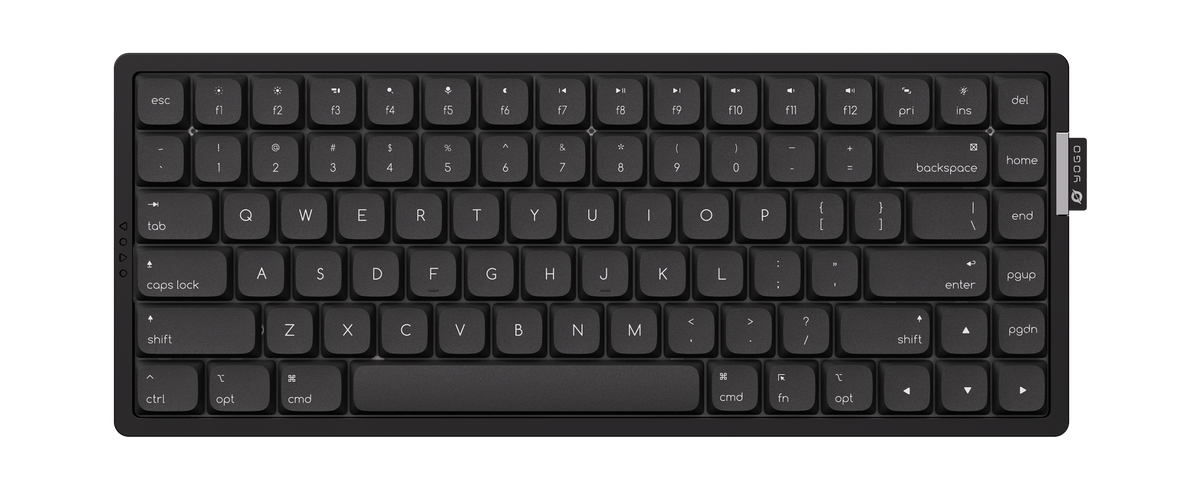
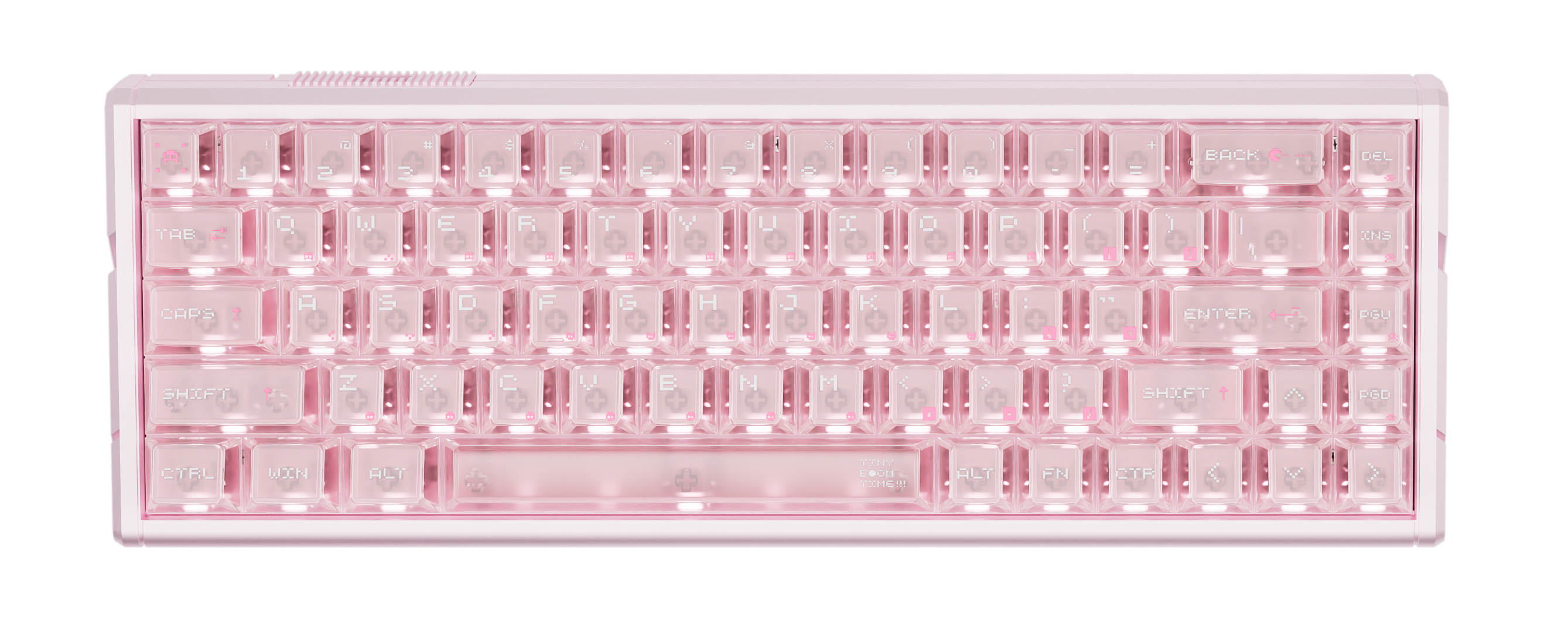
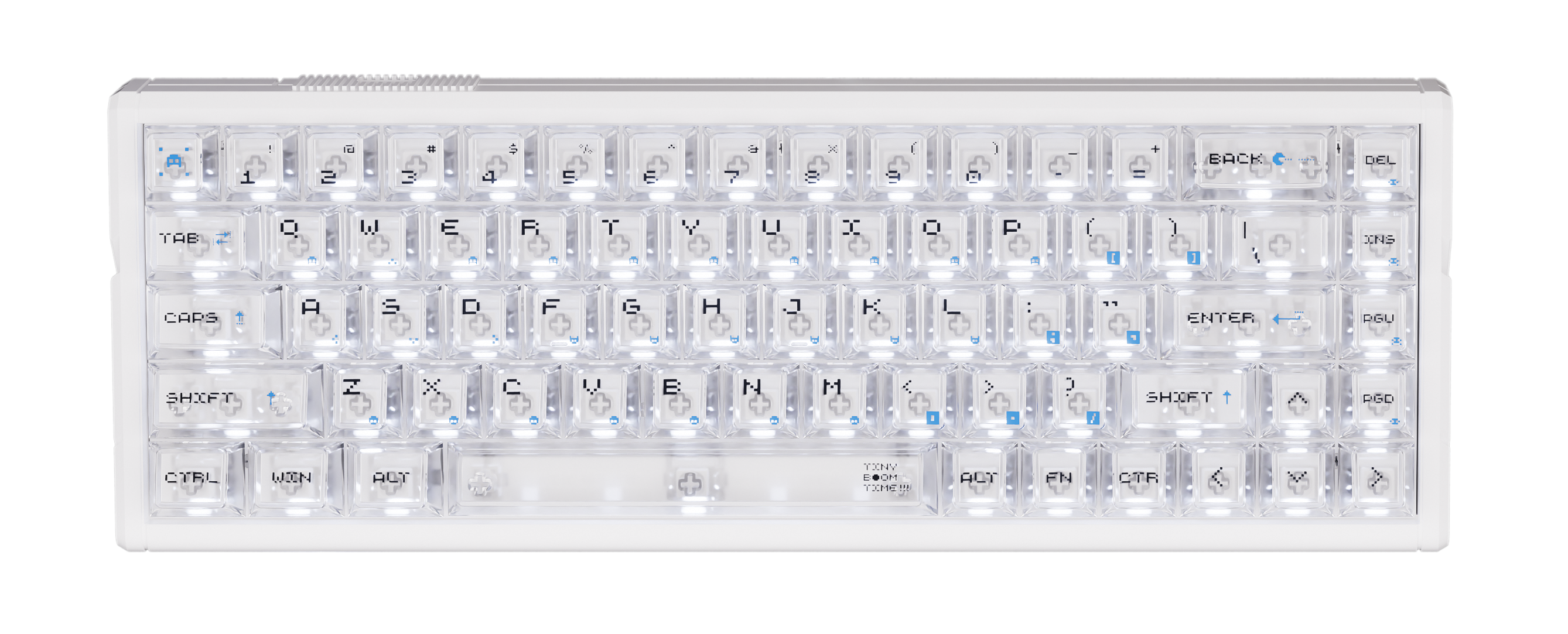
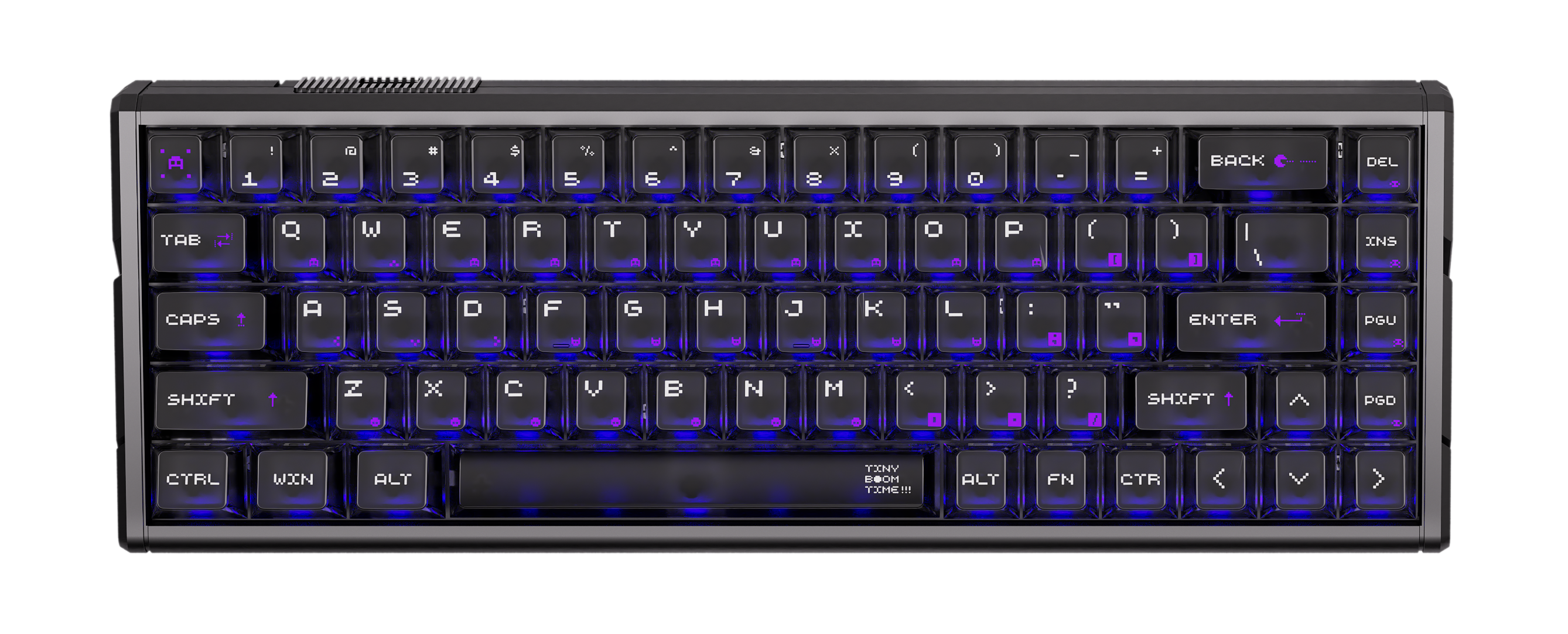
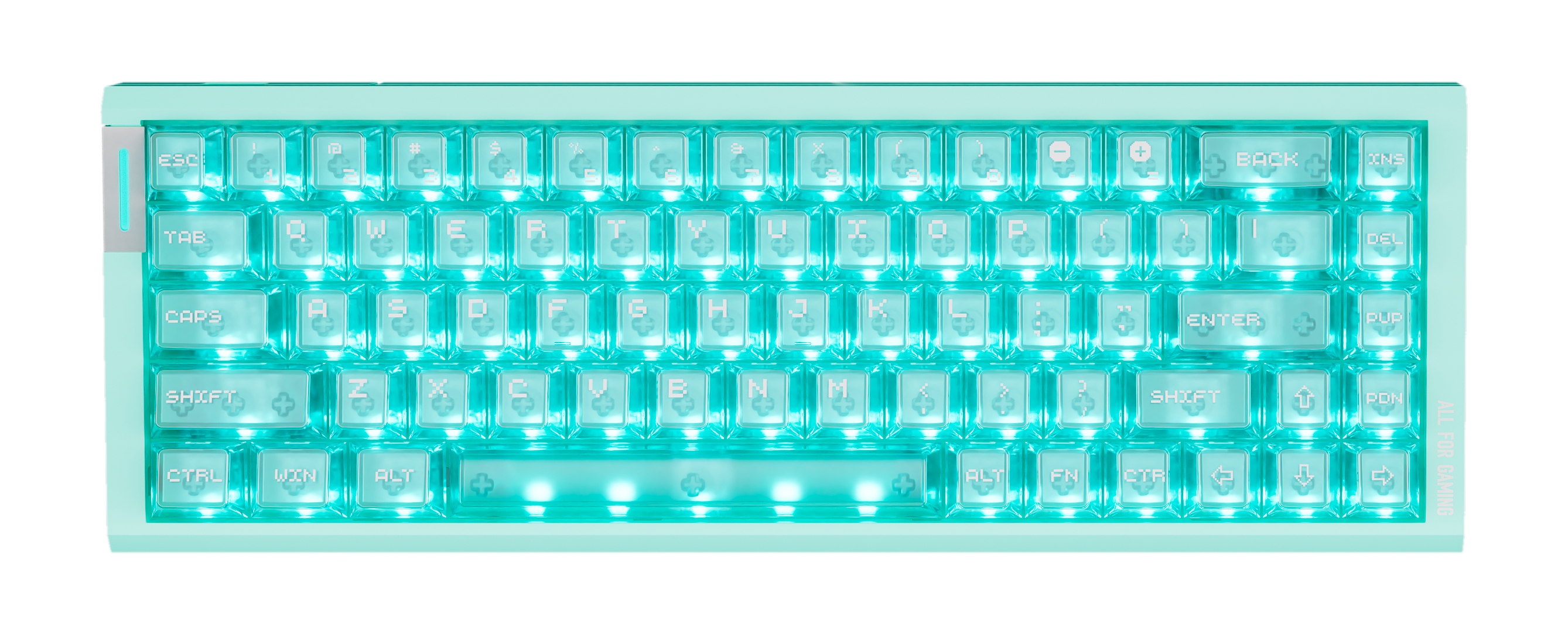
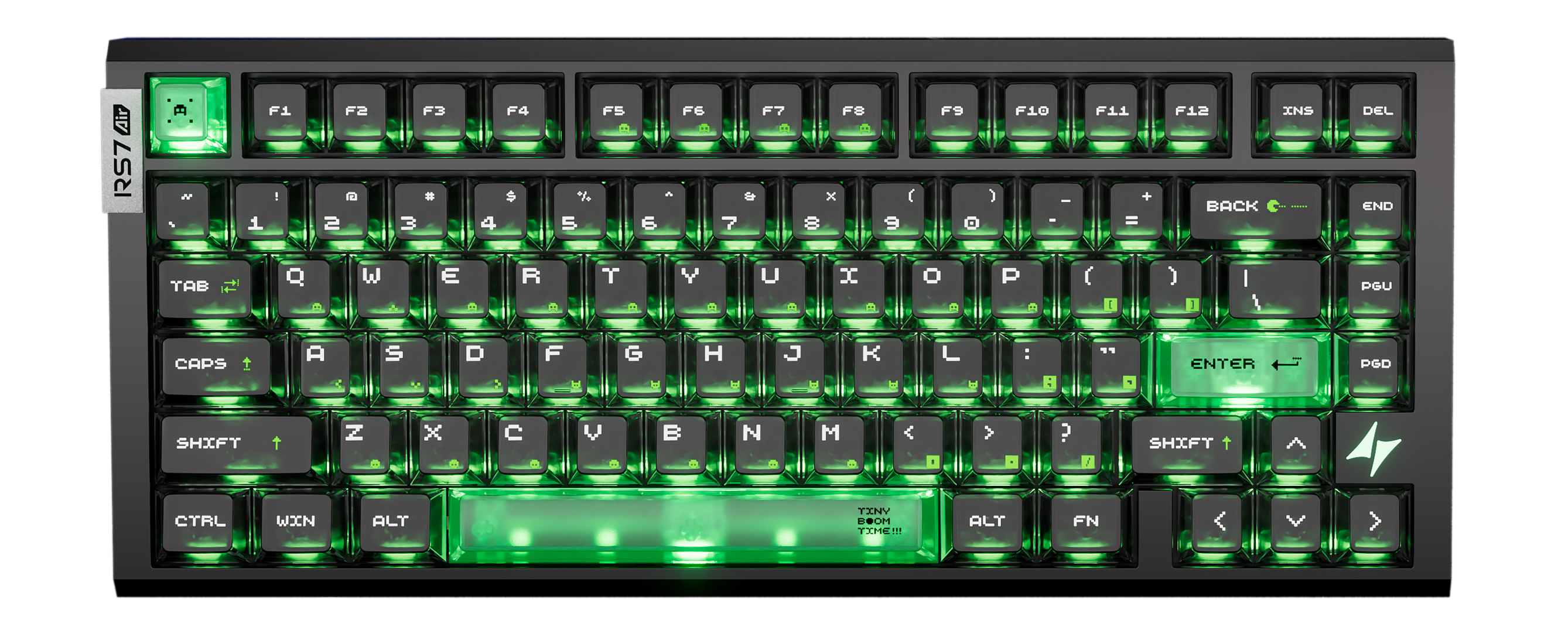
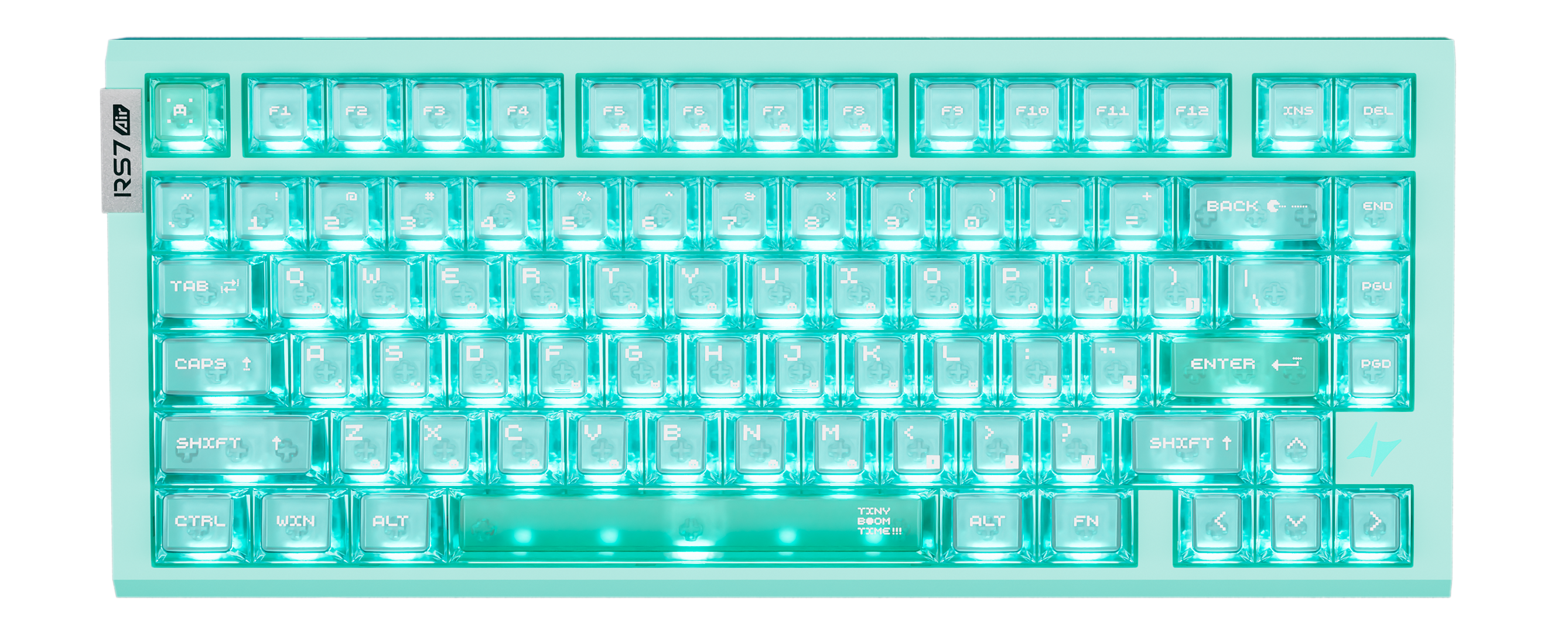
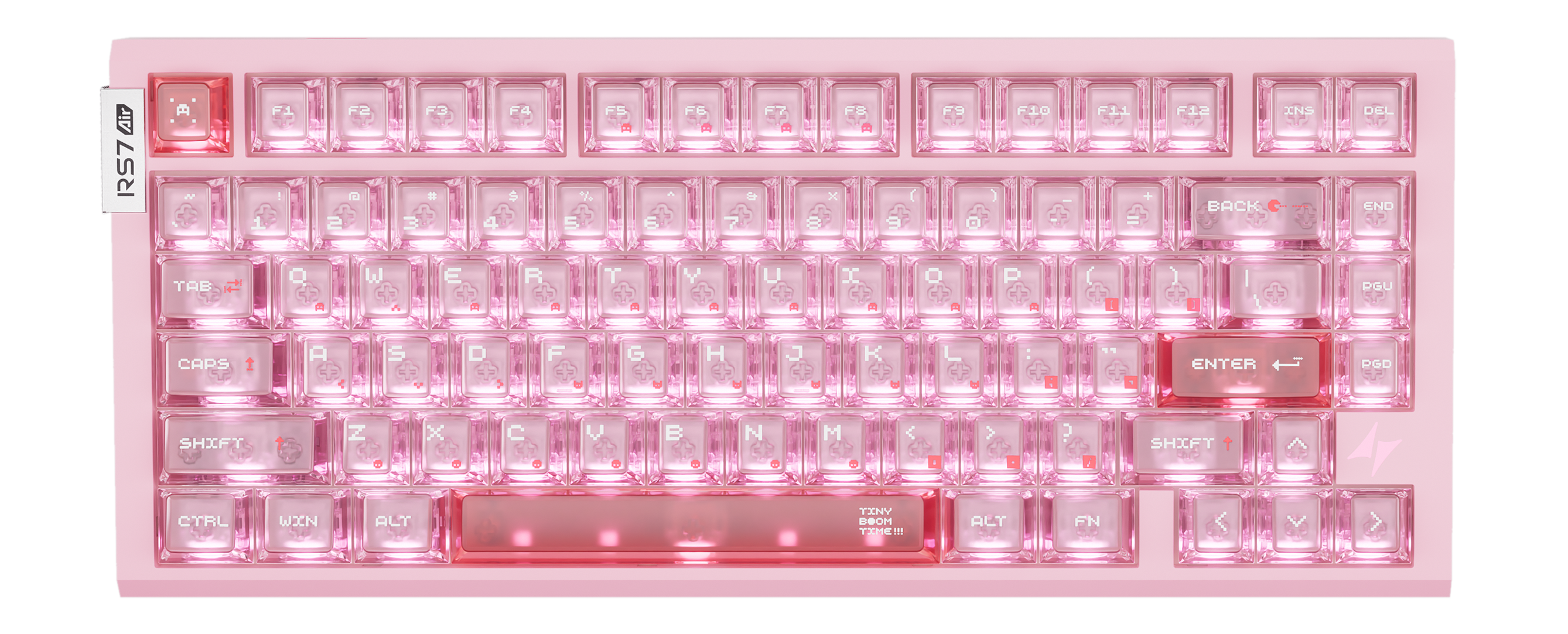
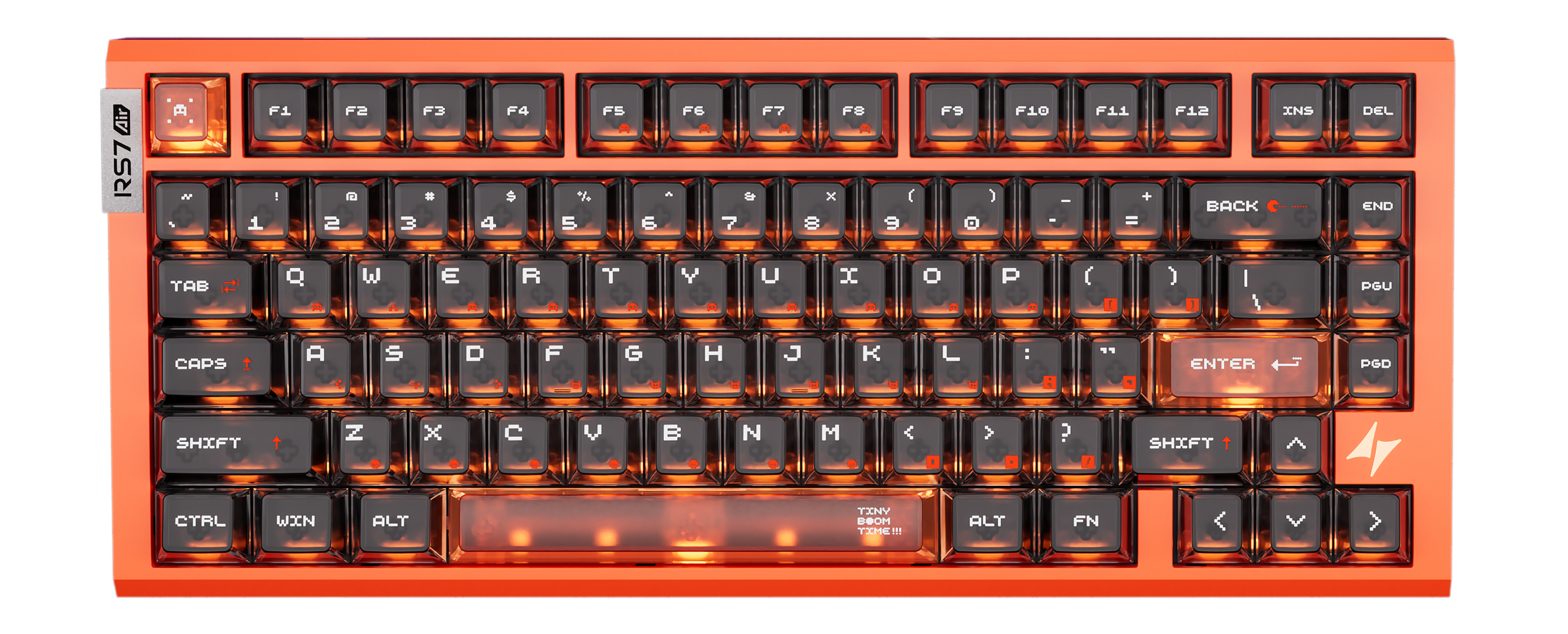
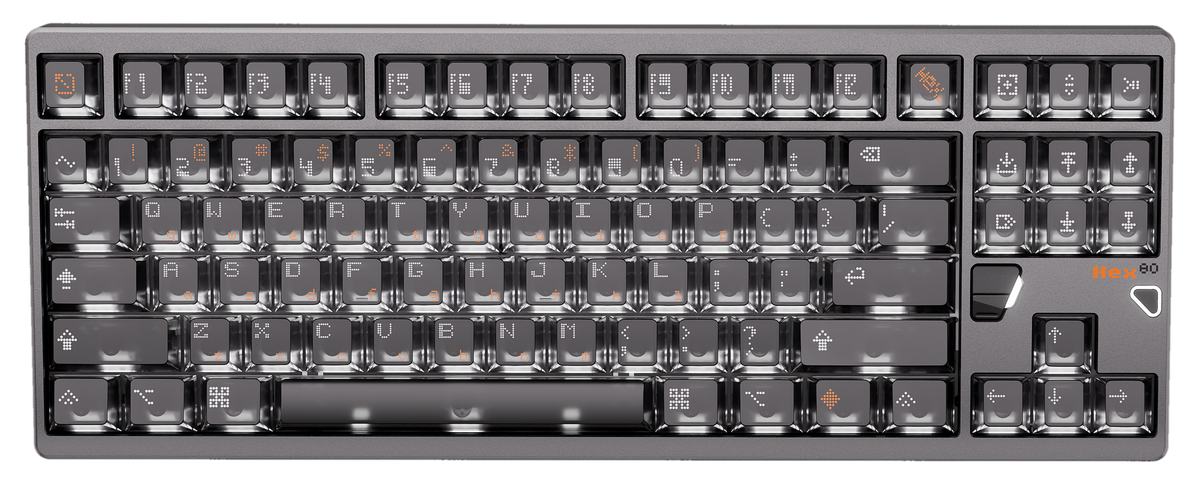
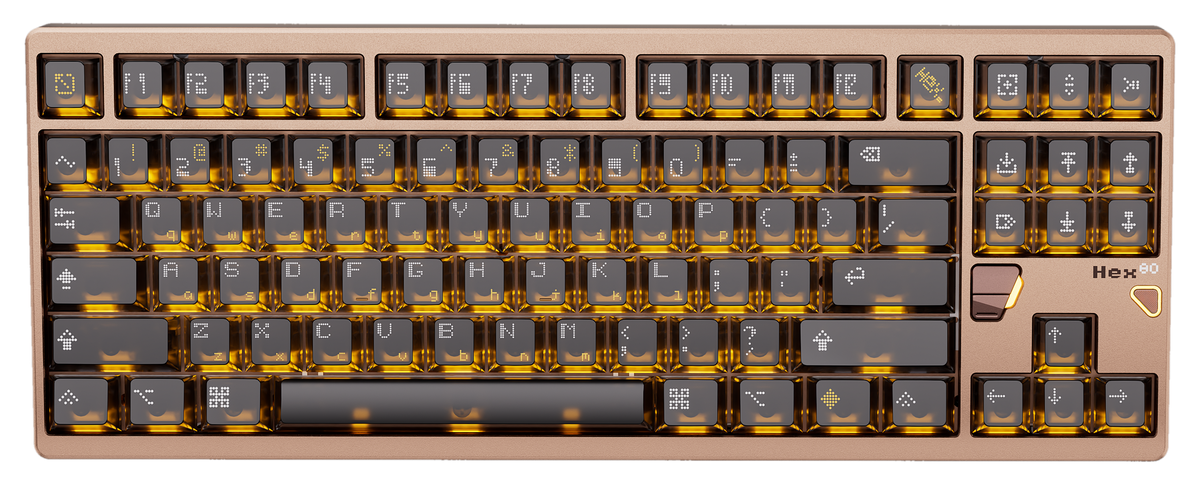
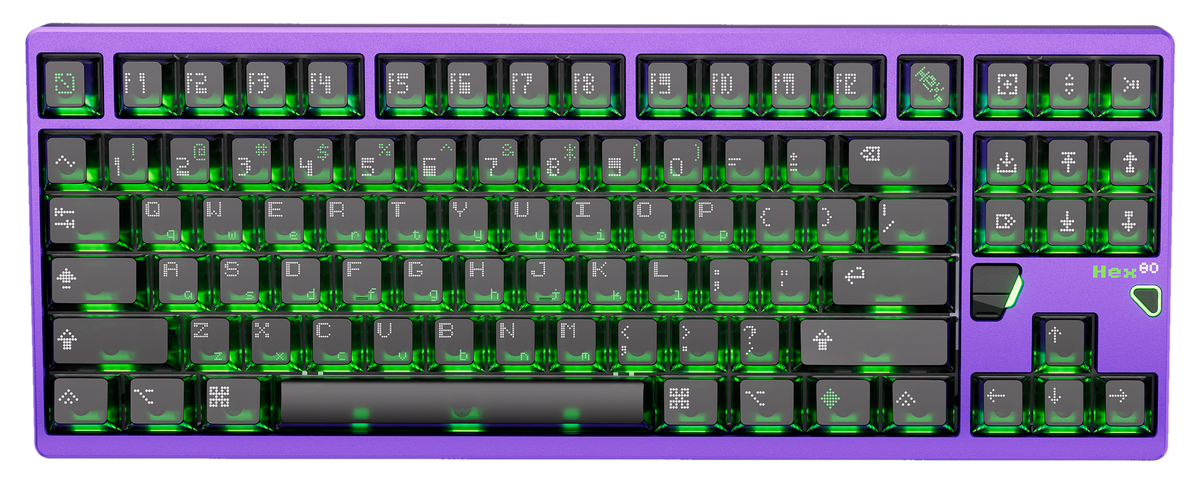
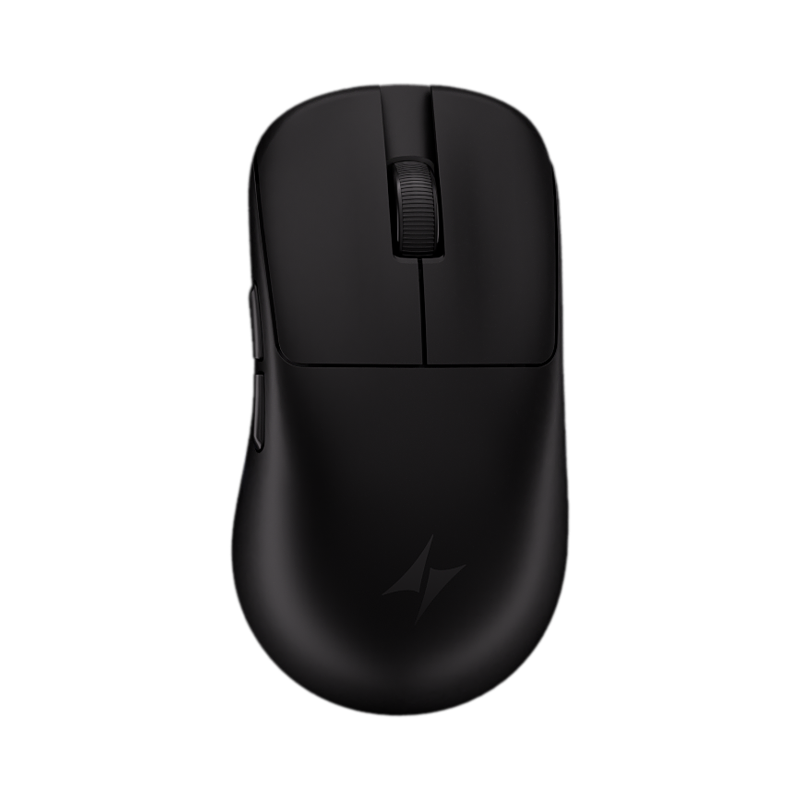
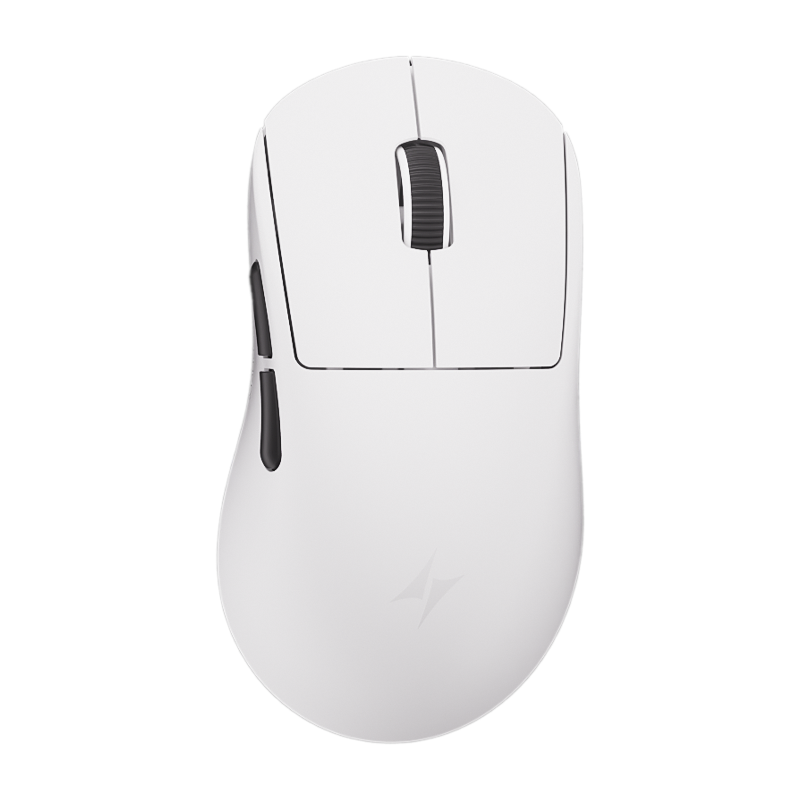
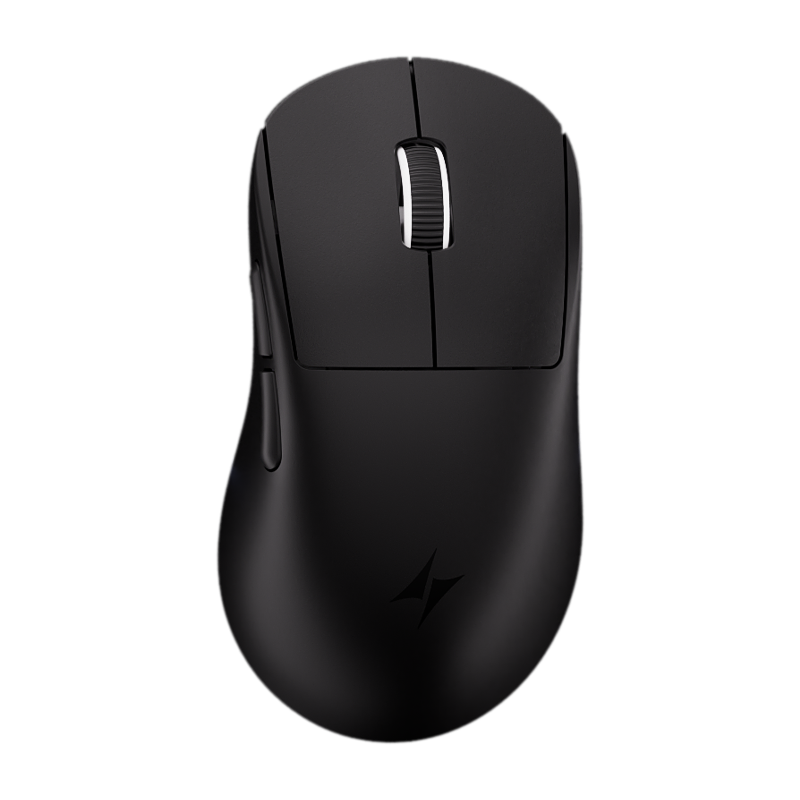
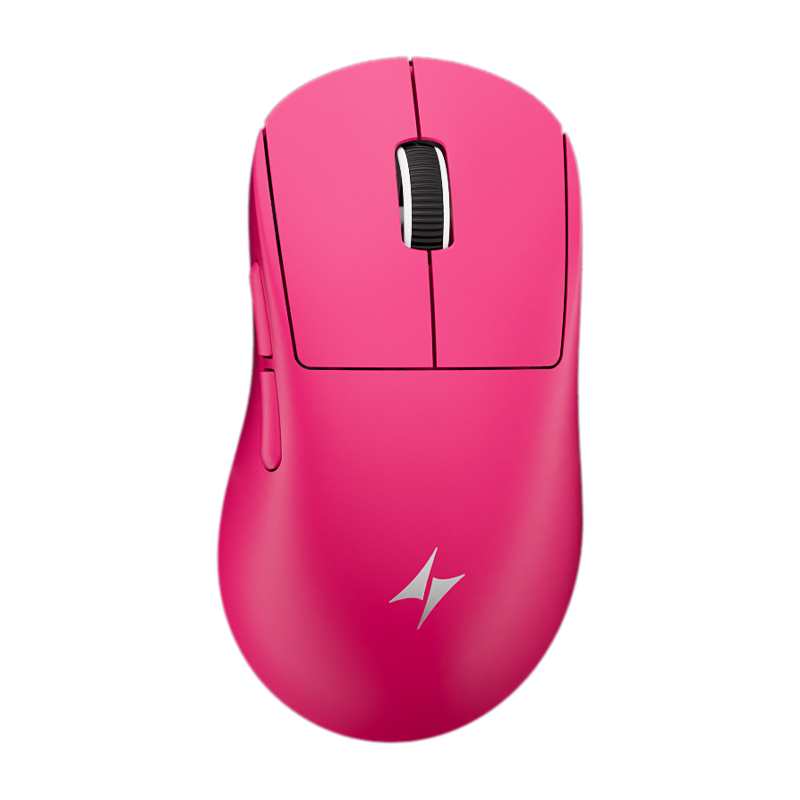
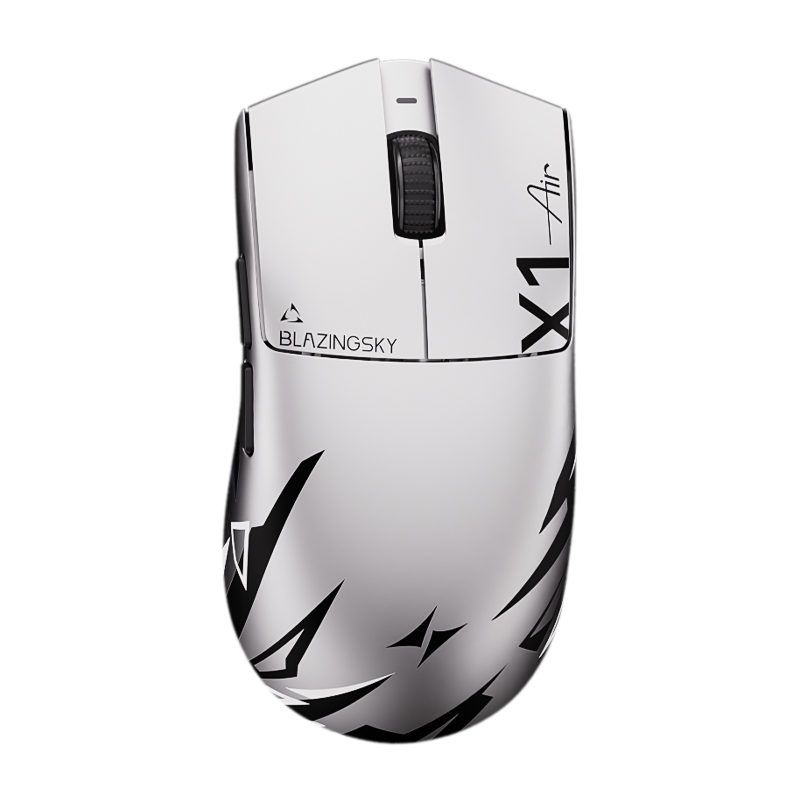
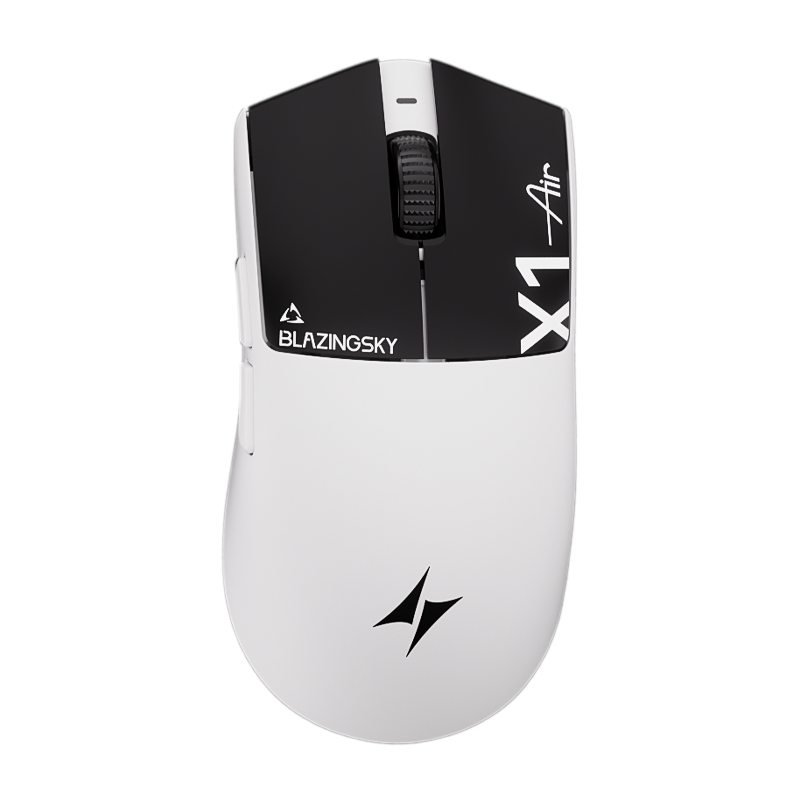
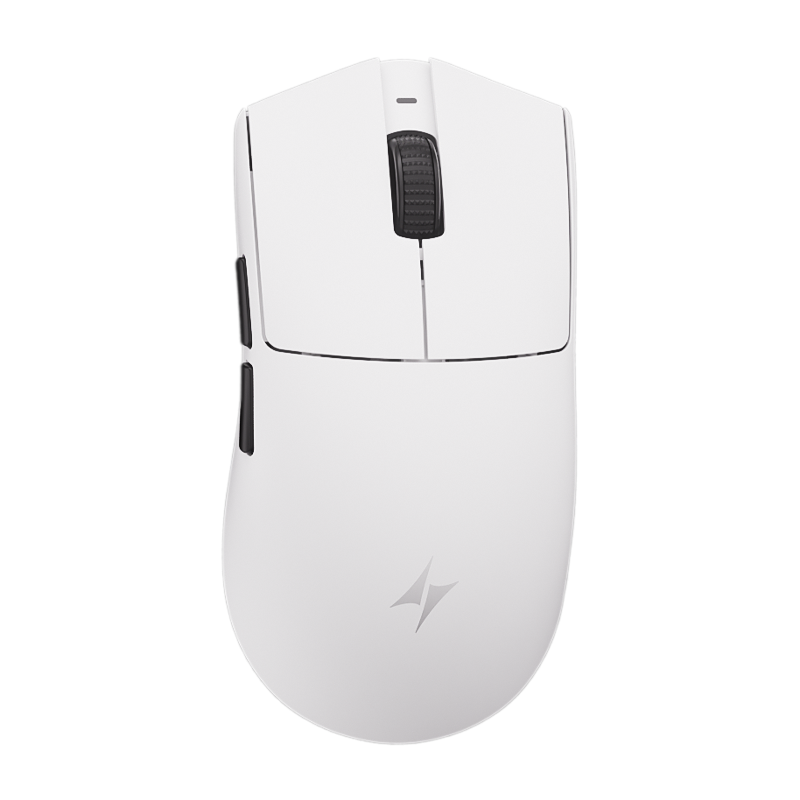
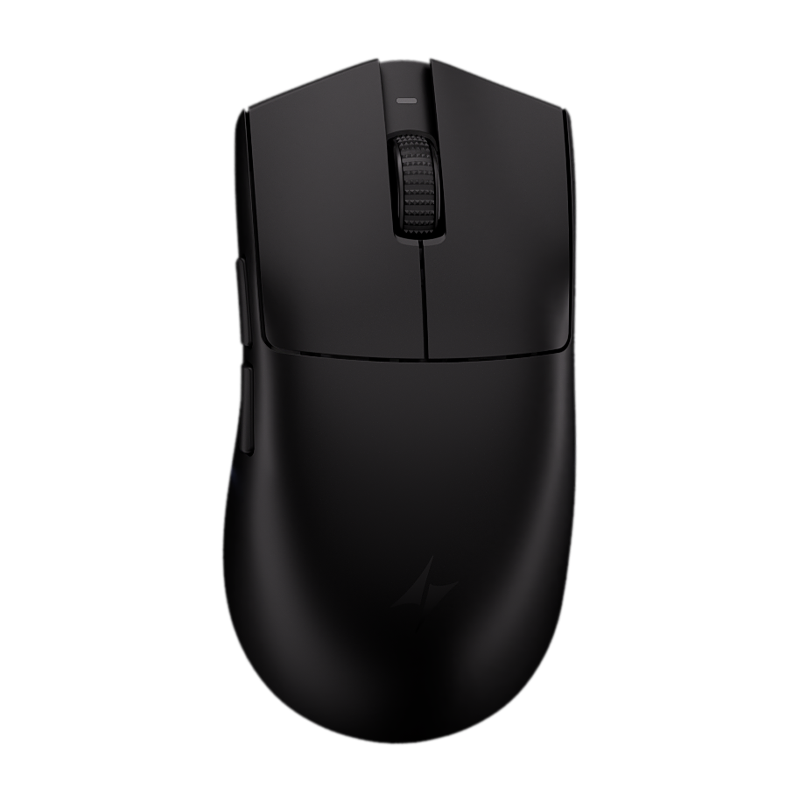
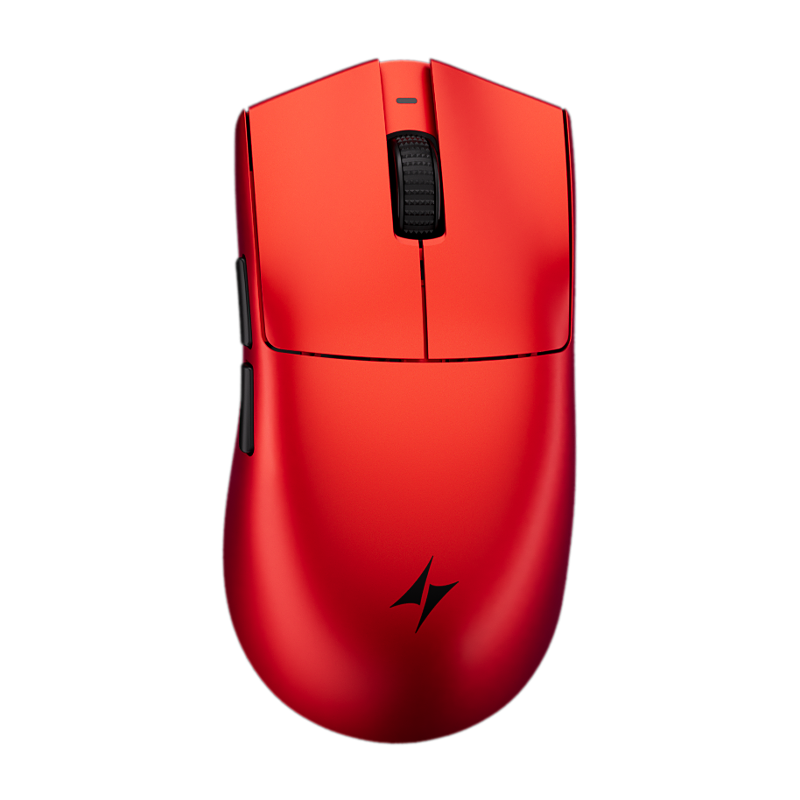
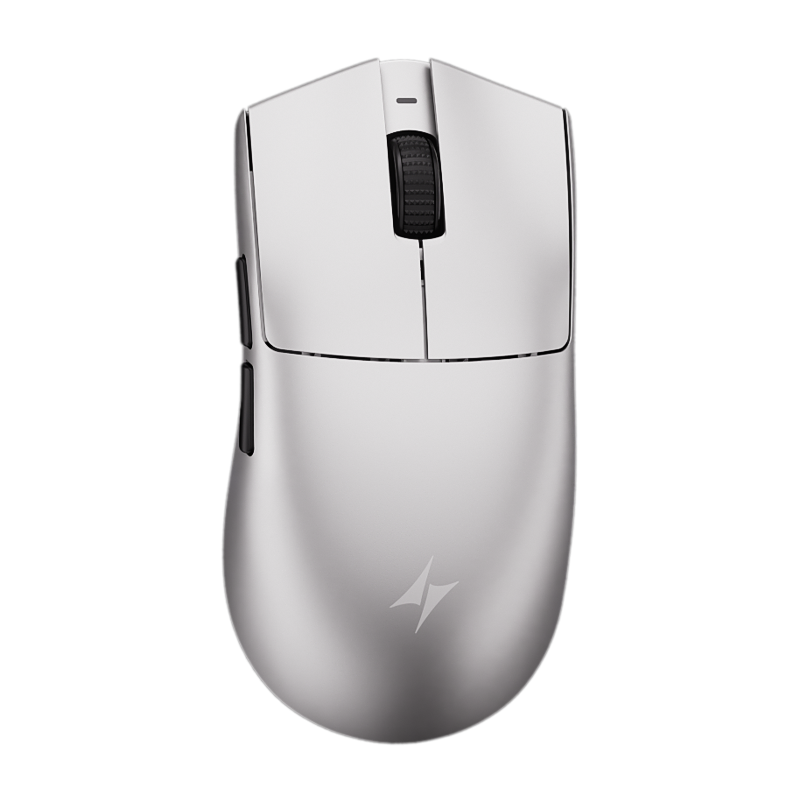
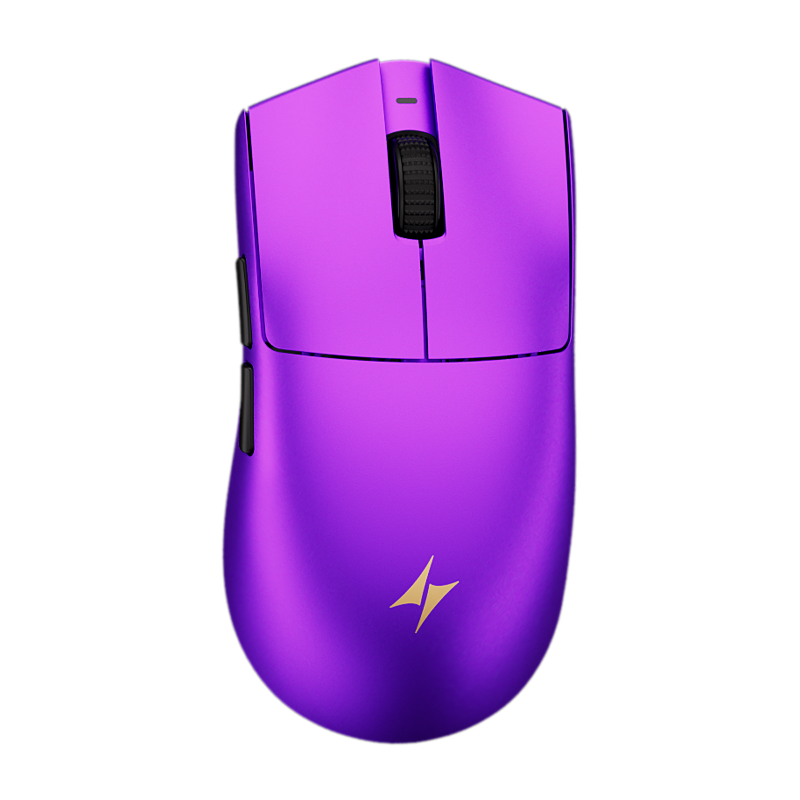
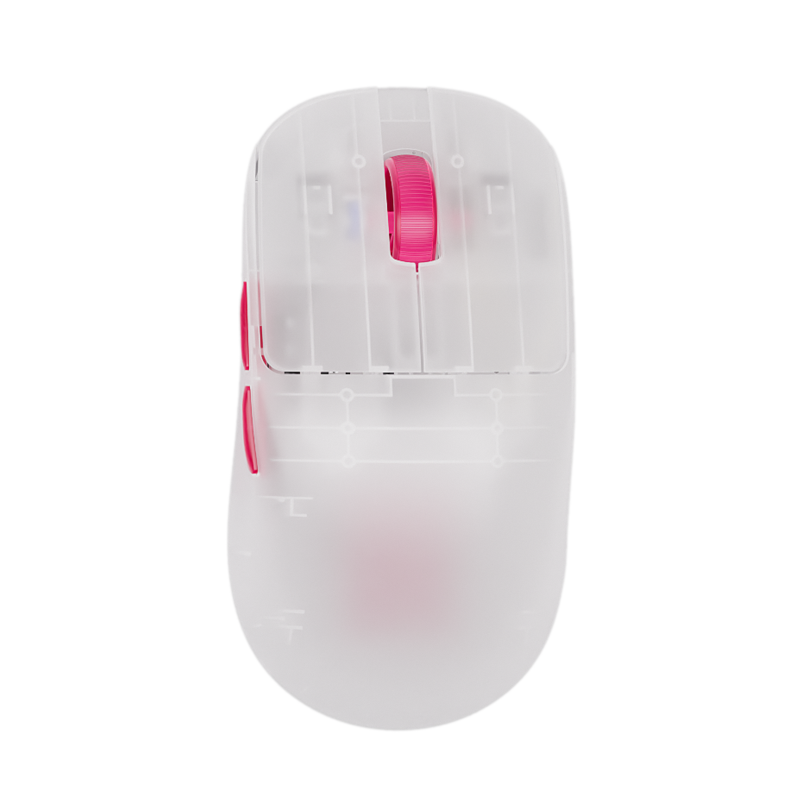
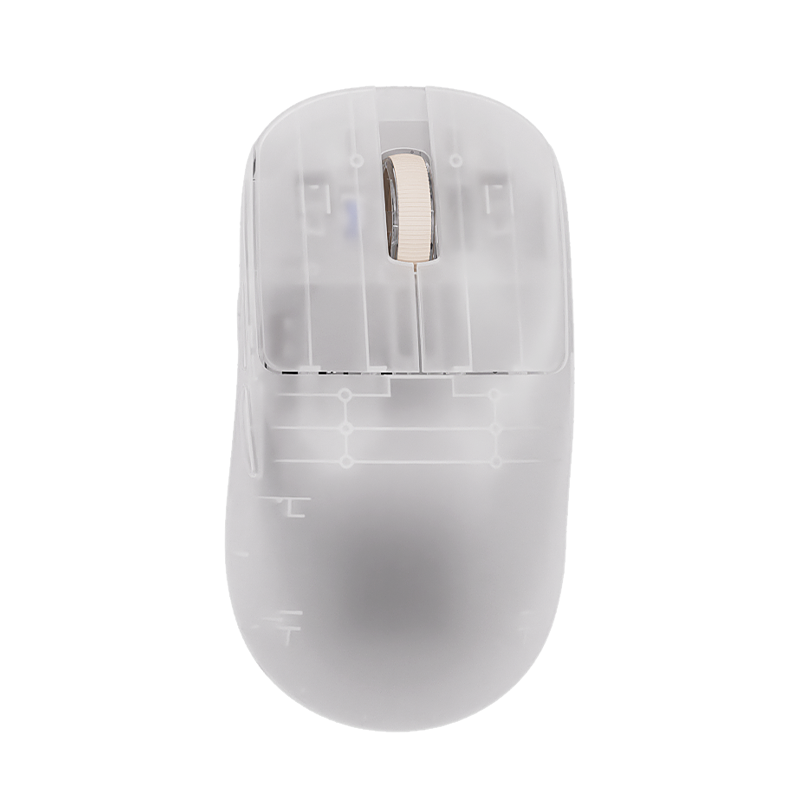
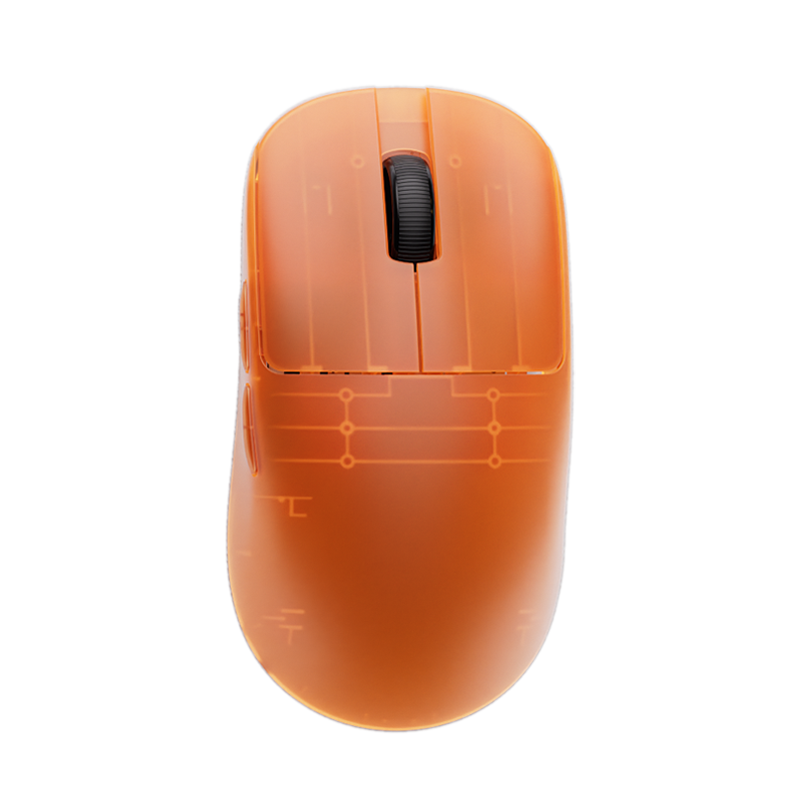
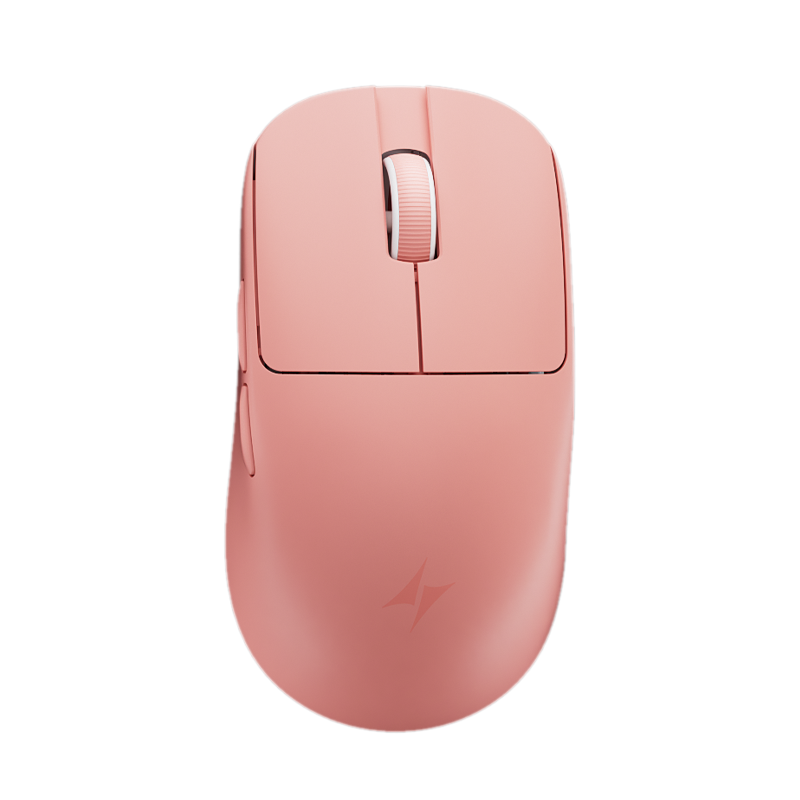
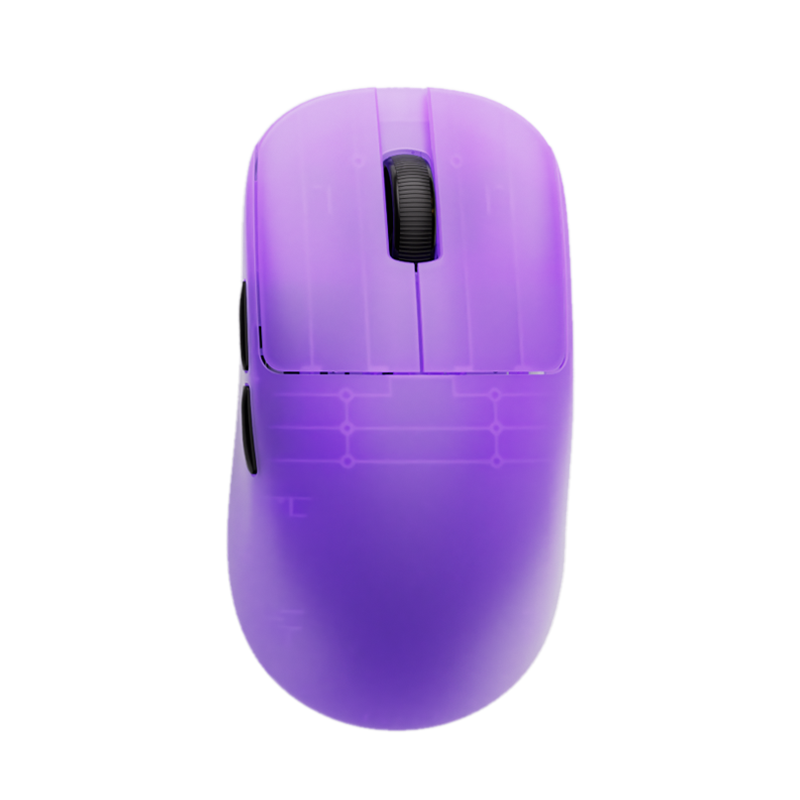
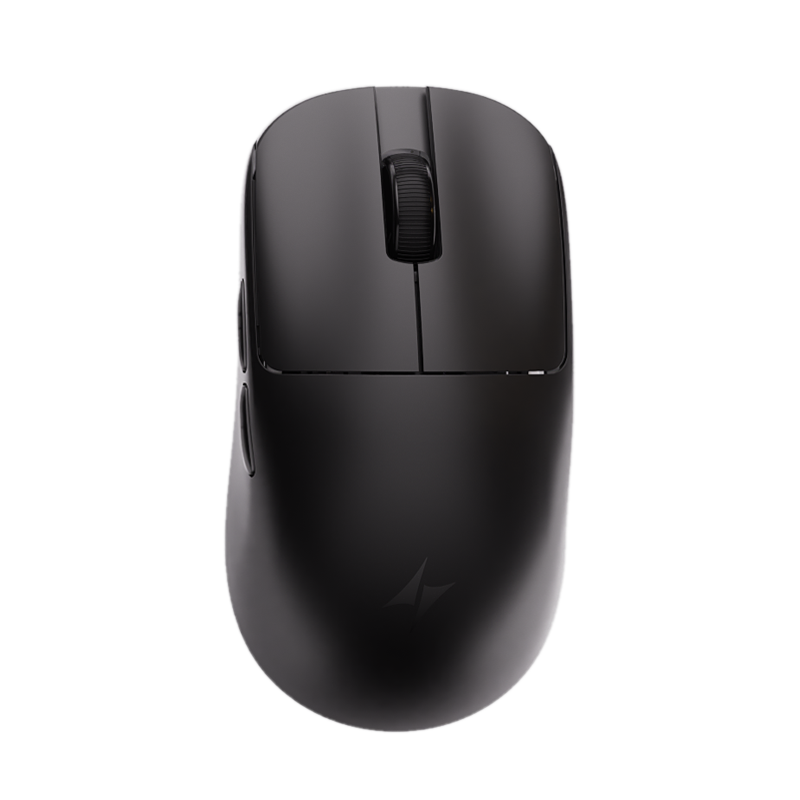
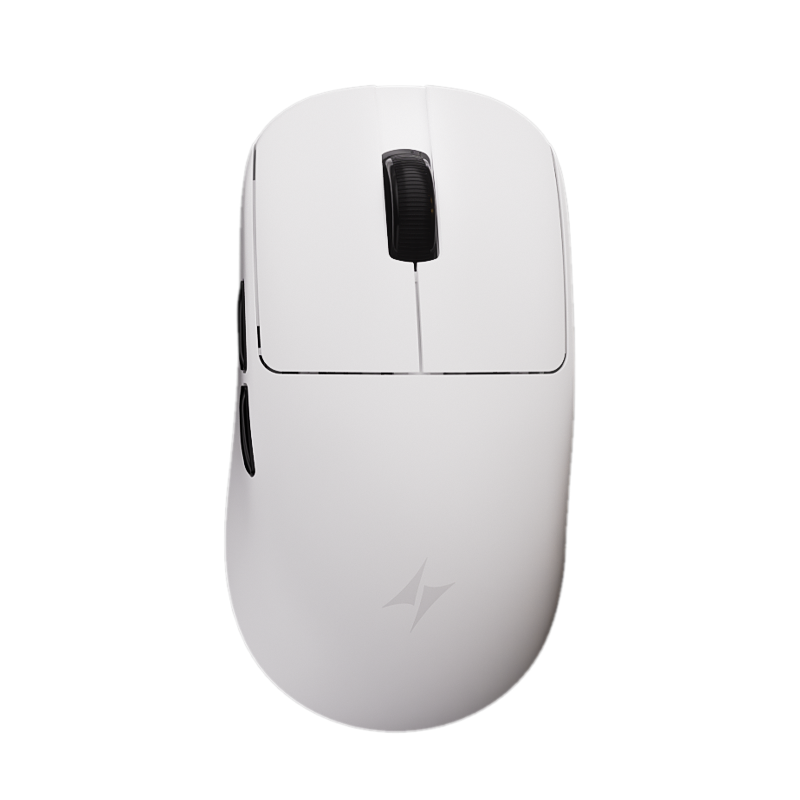
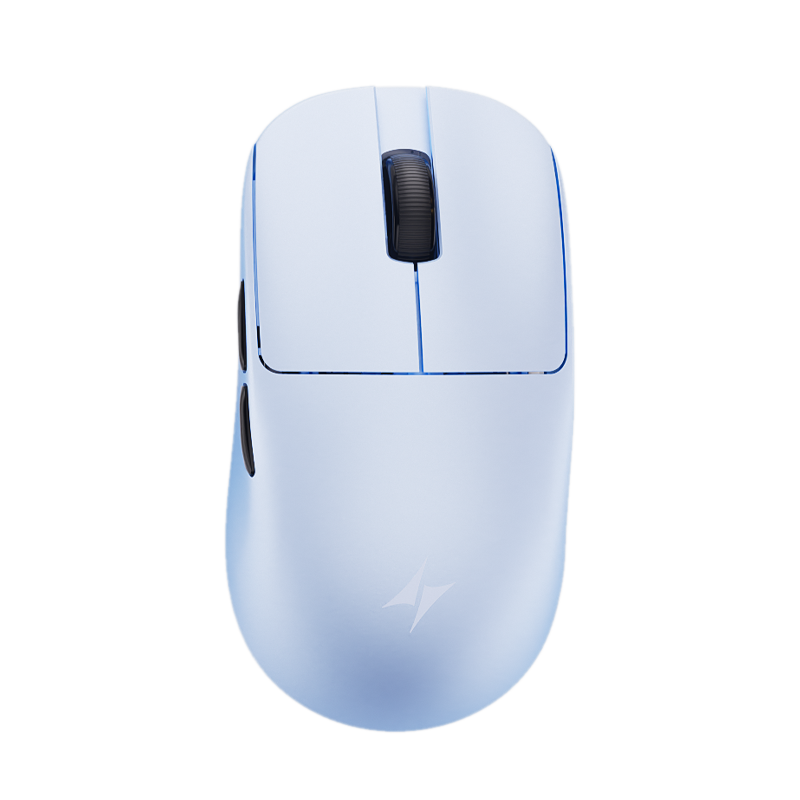
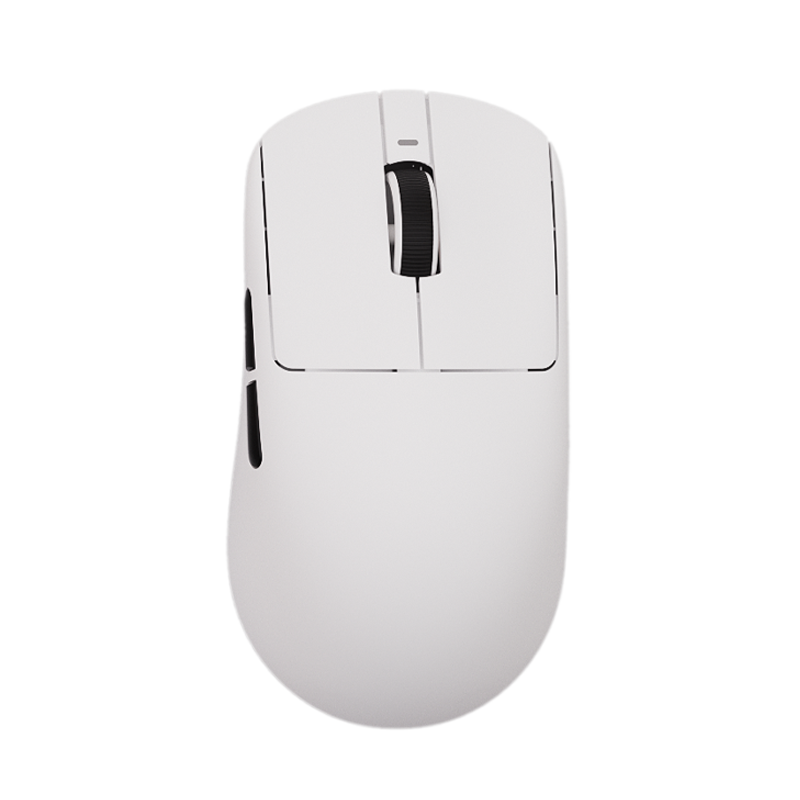
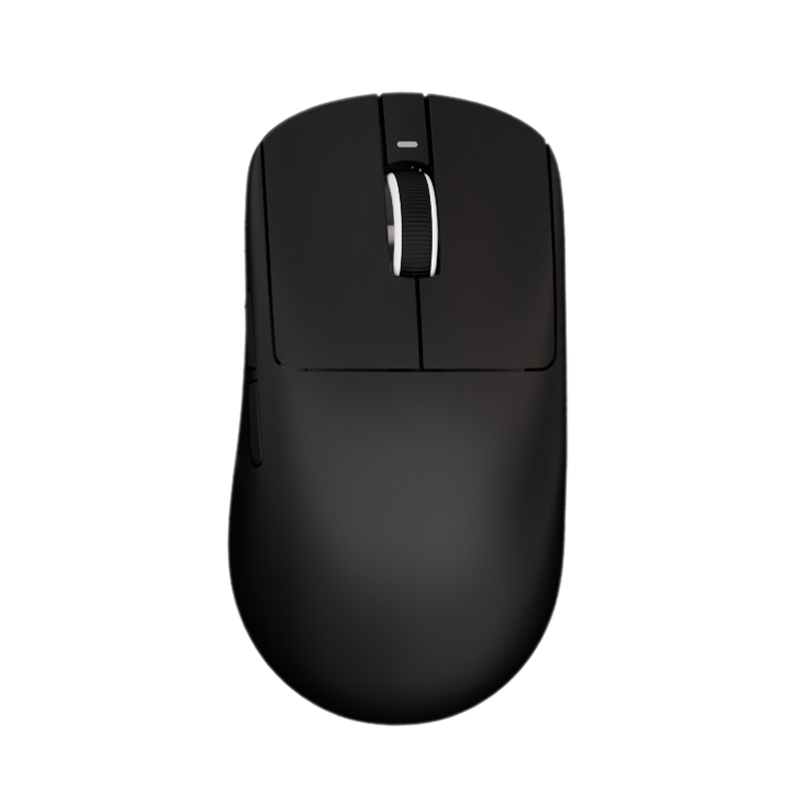
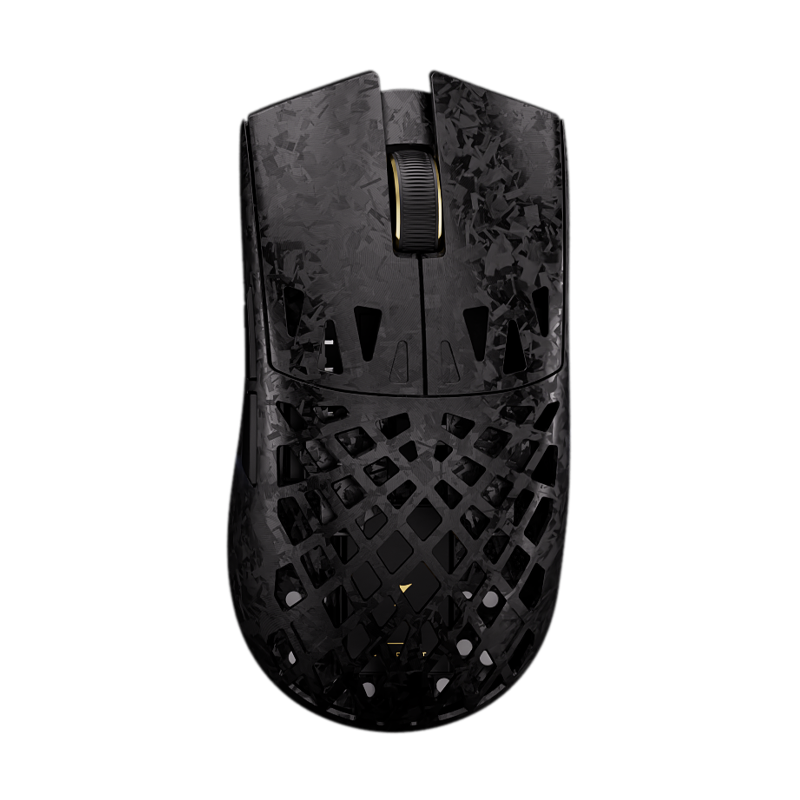
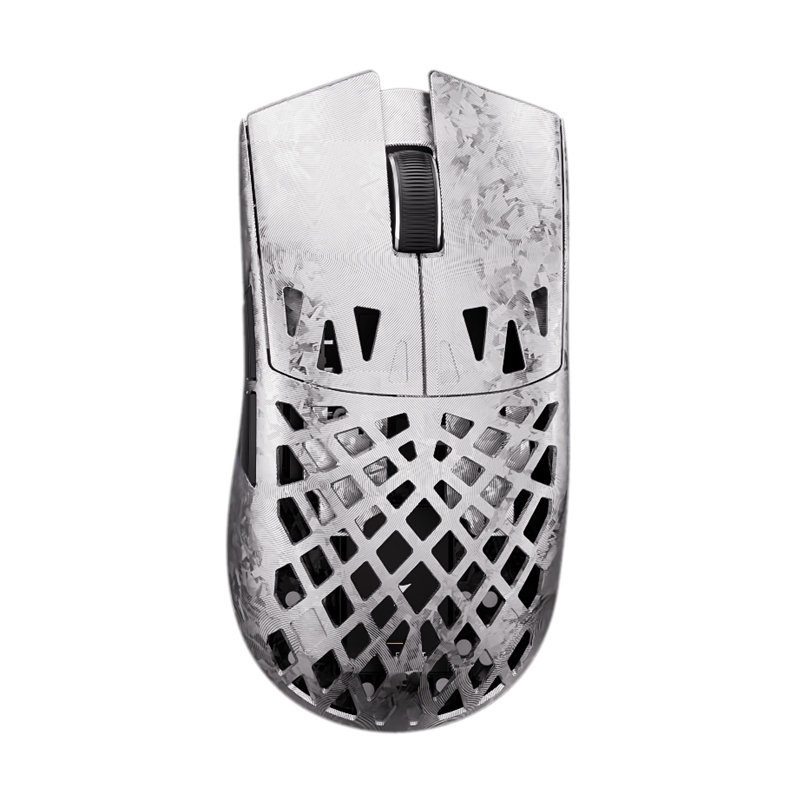
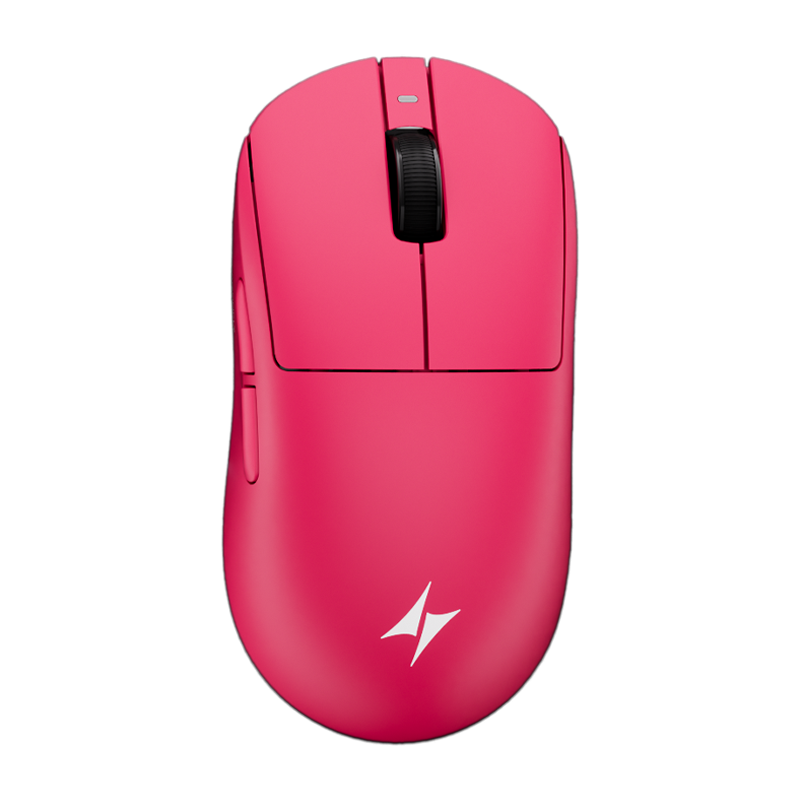
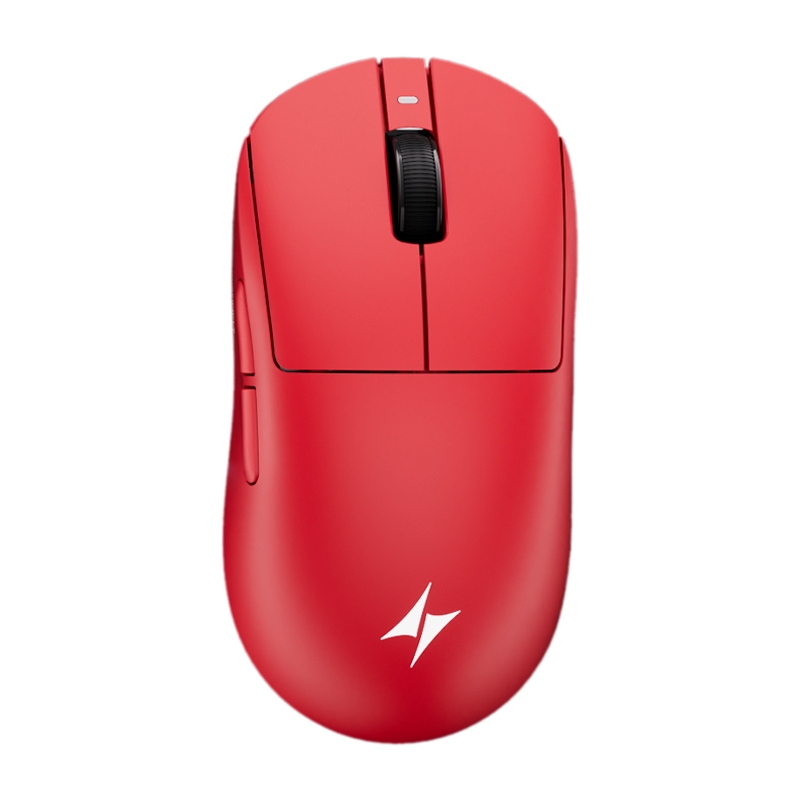
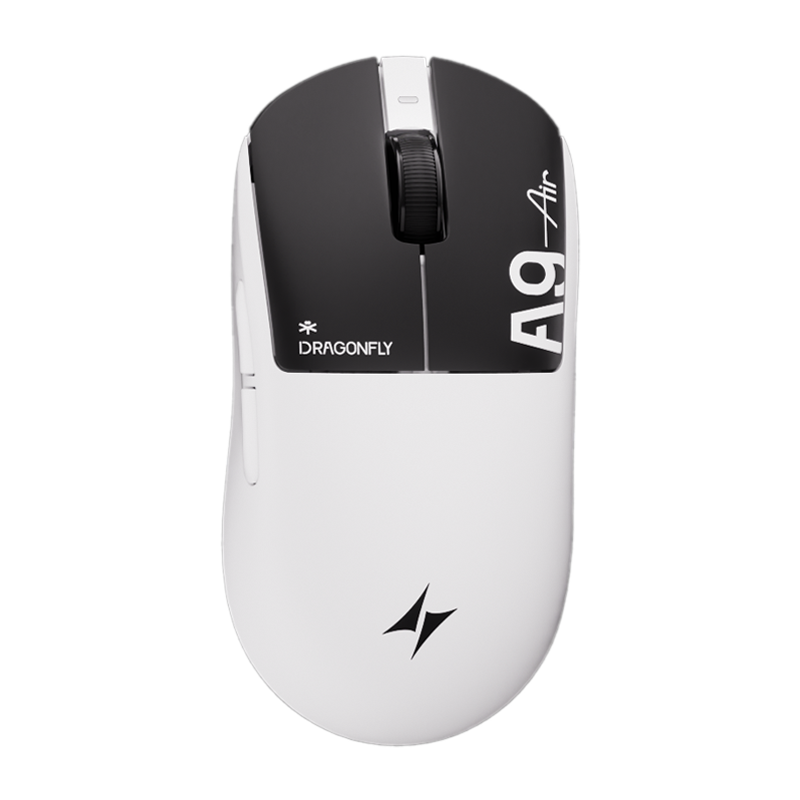
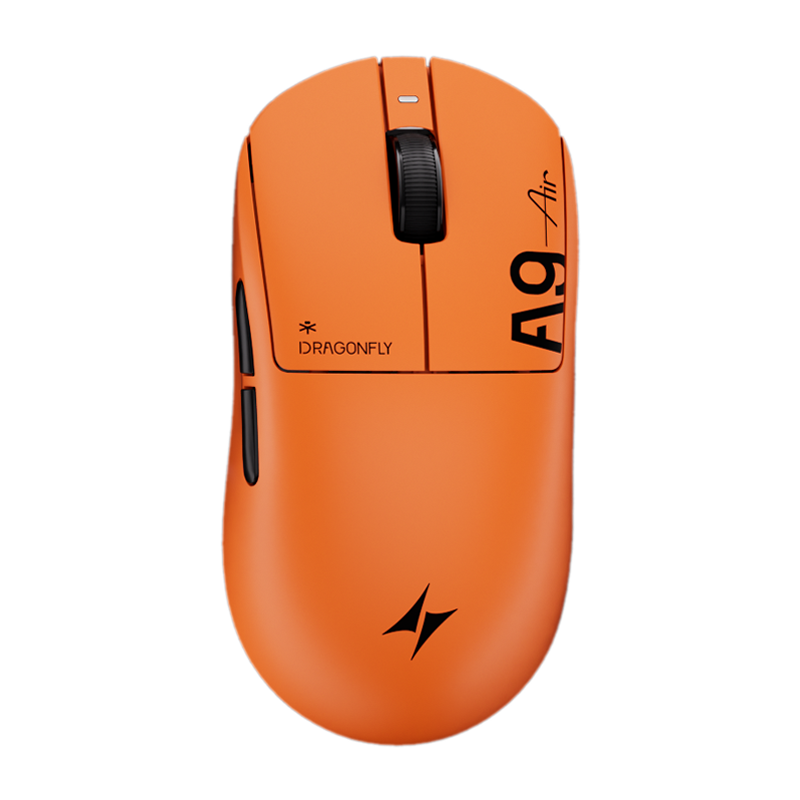
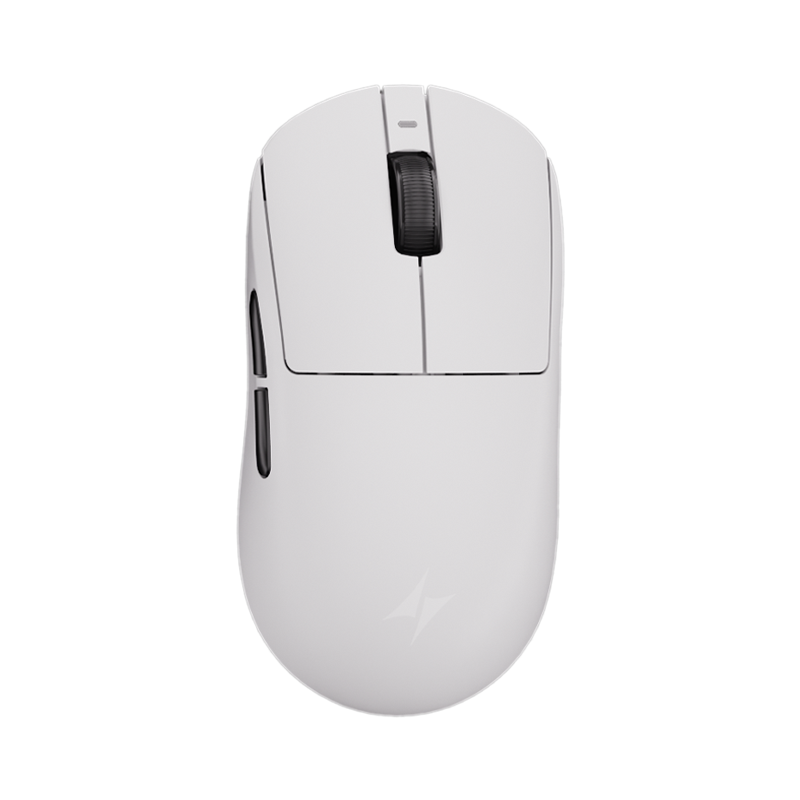
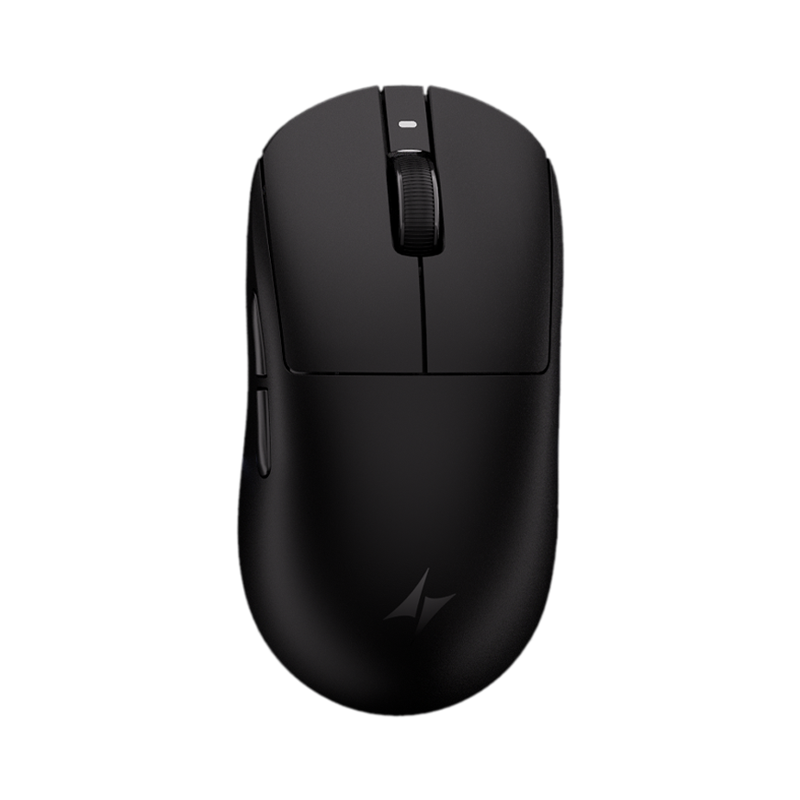
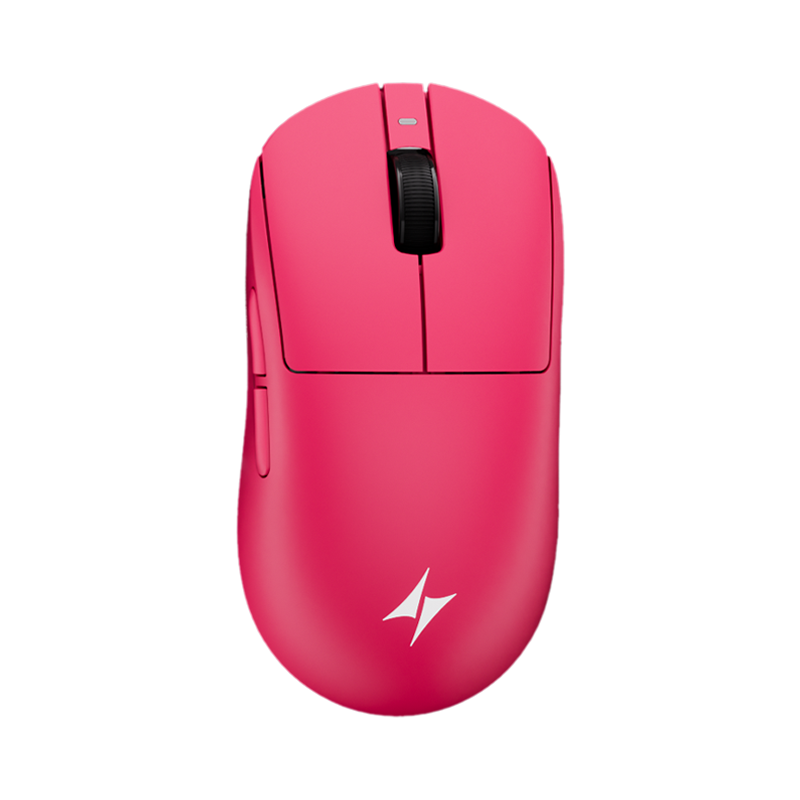
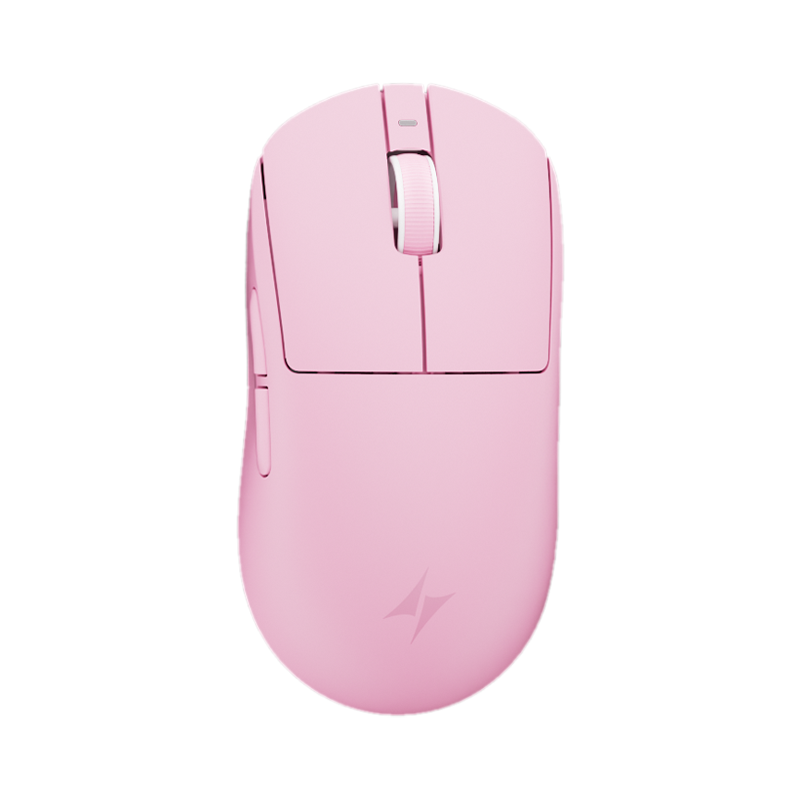
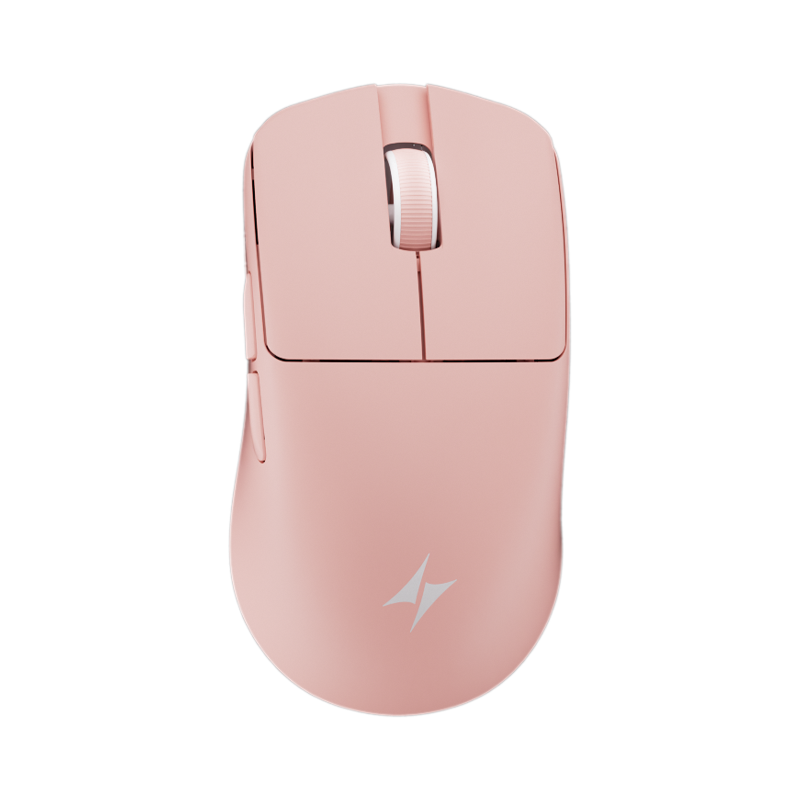
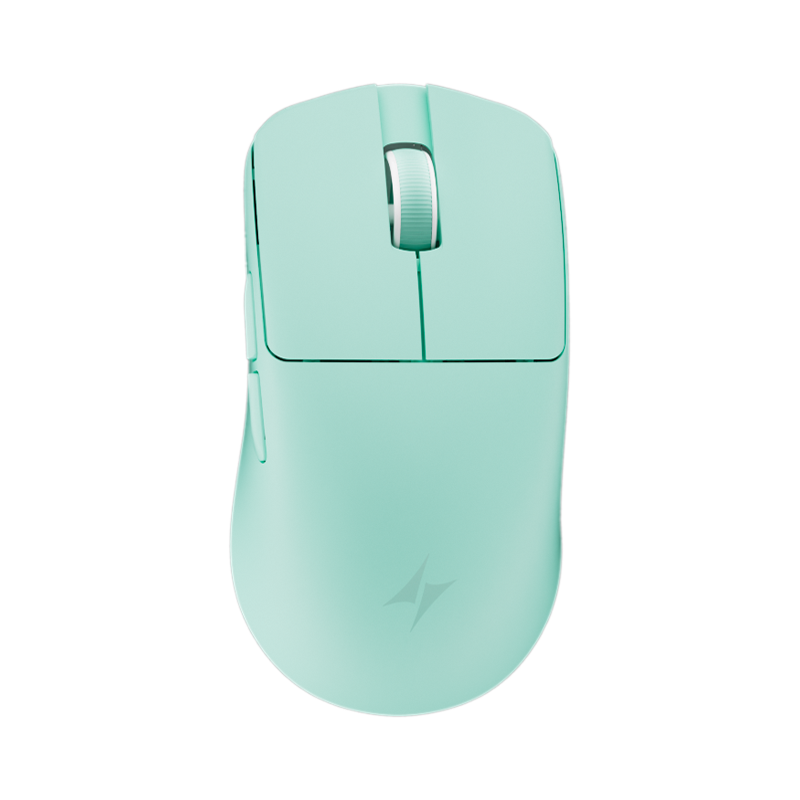
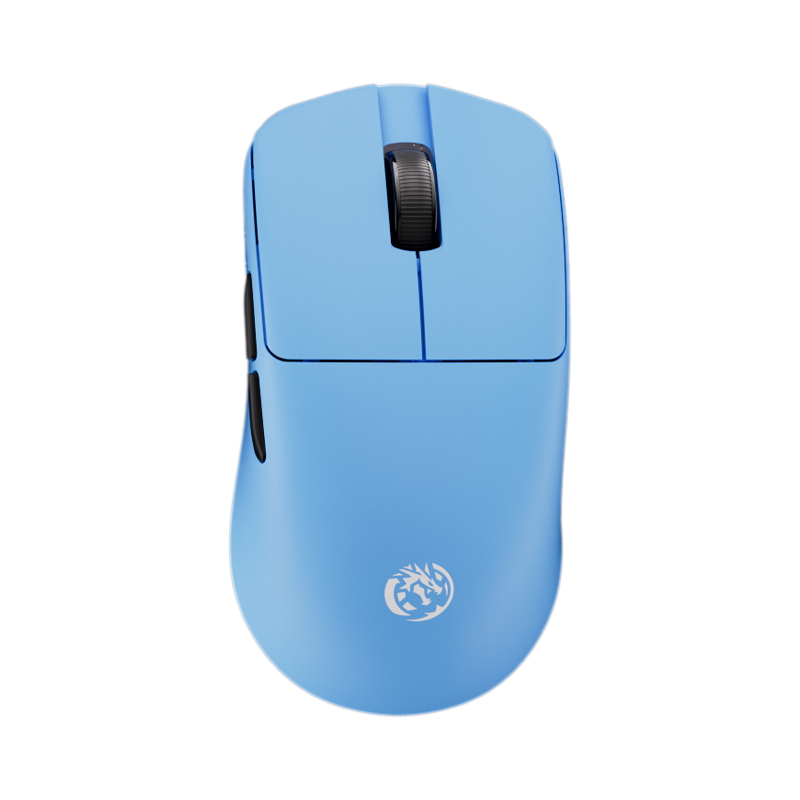
Pick your keyboard and mouse
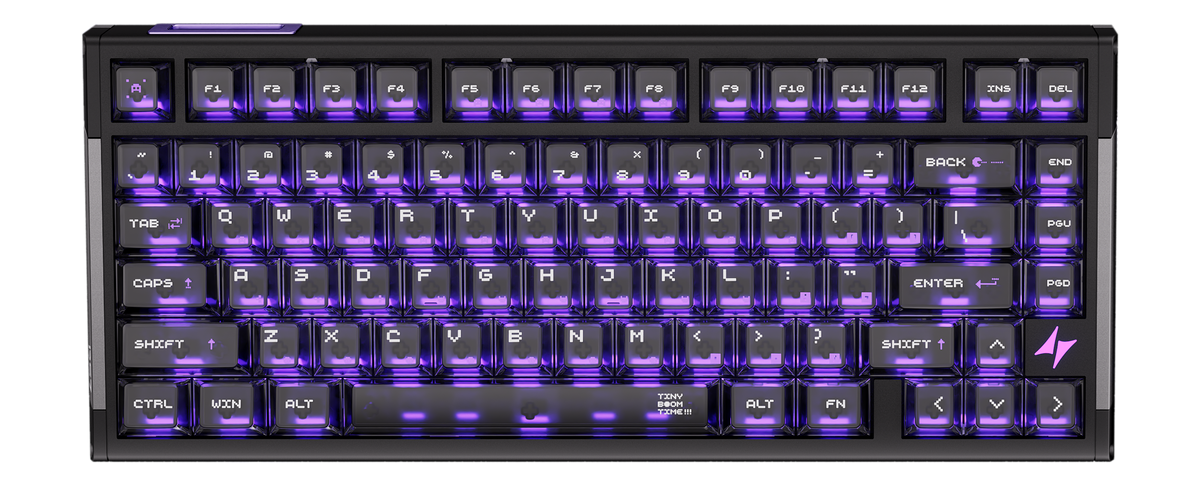
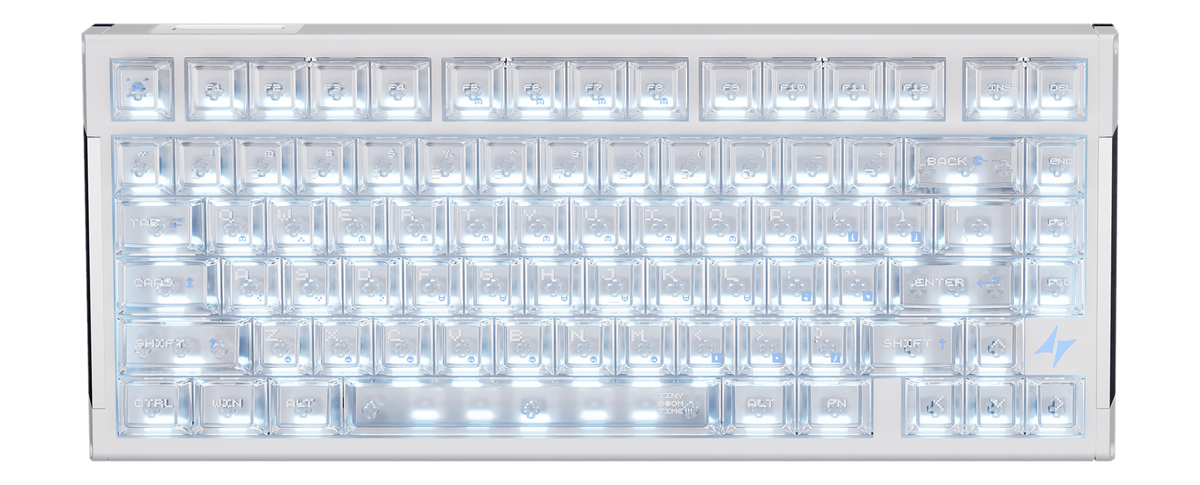
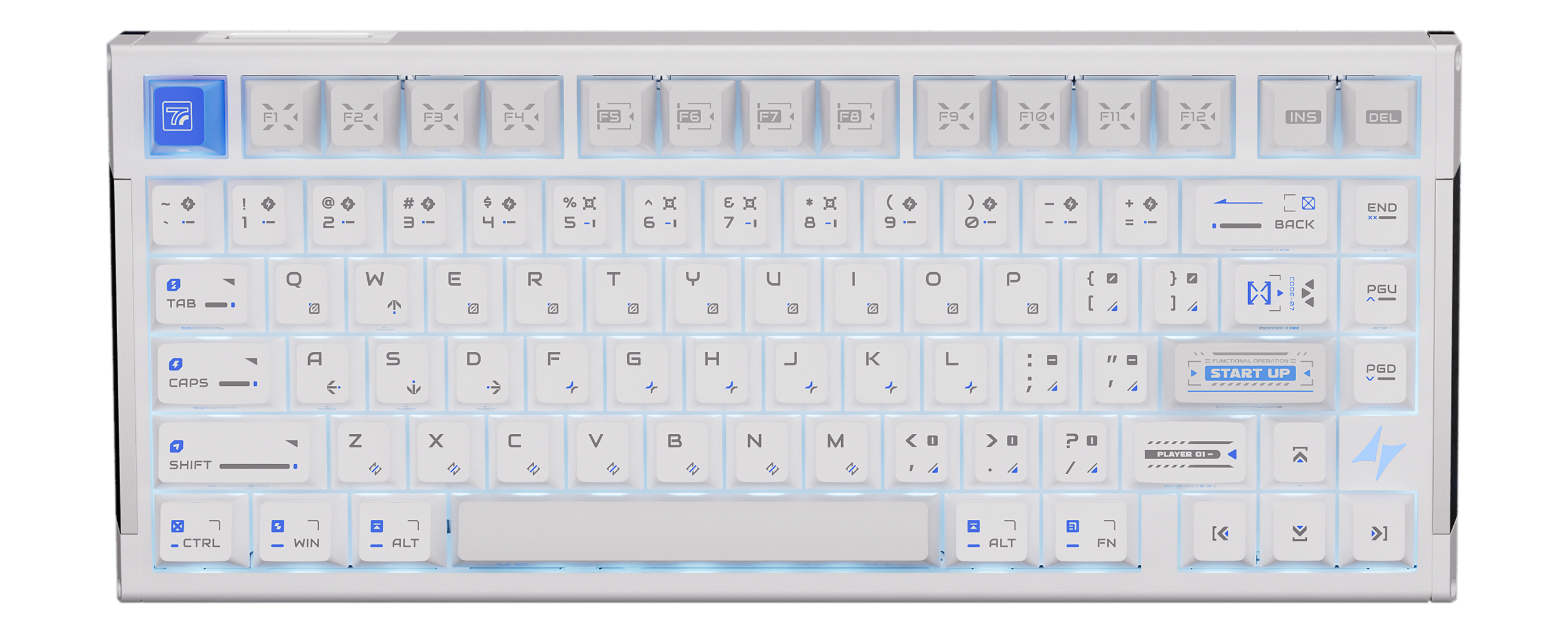
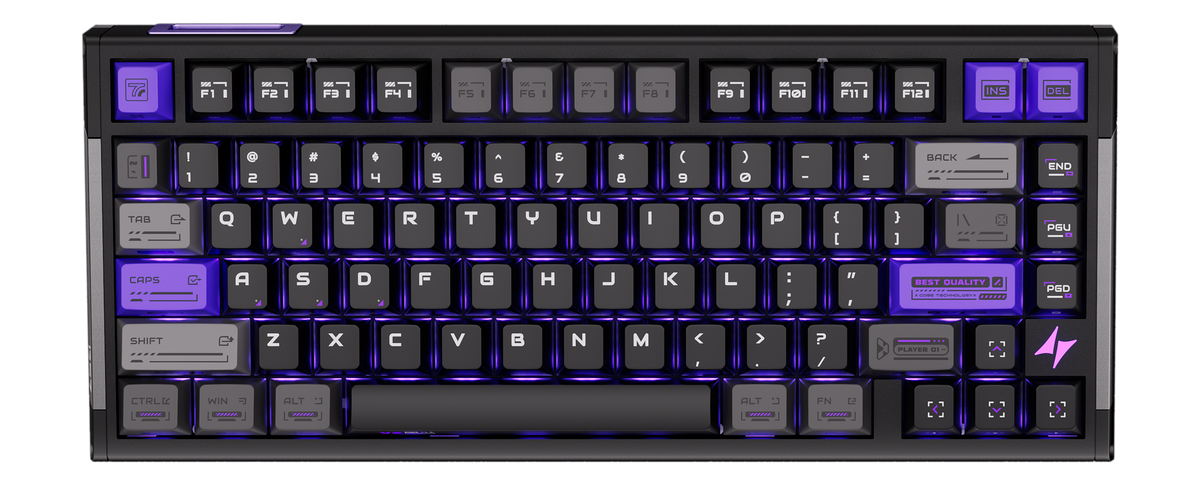
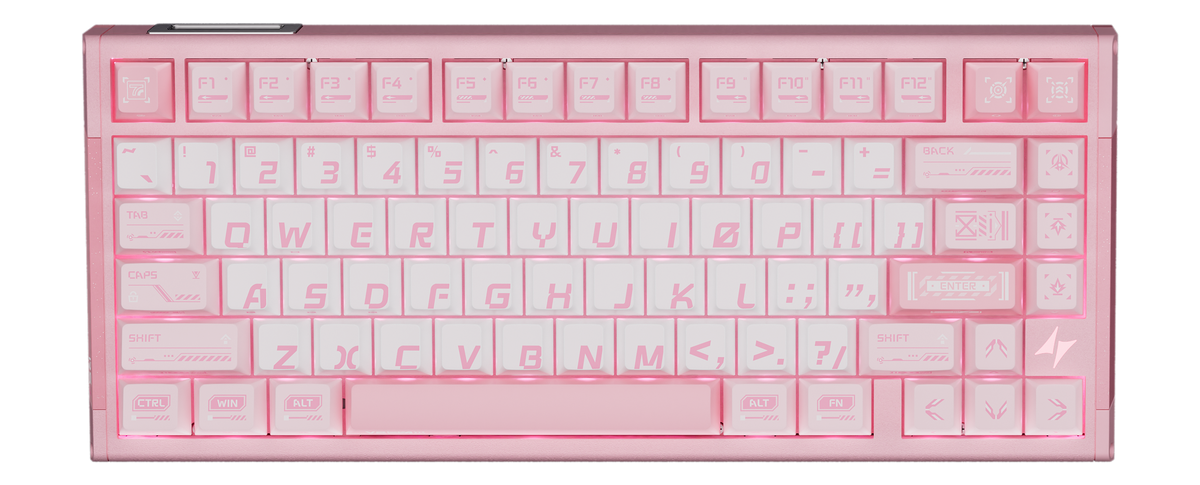
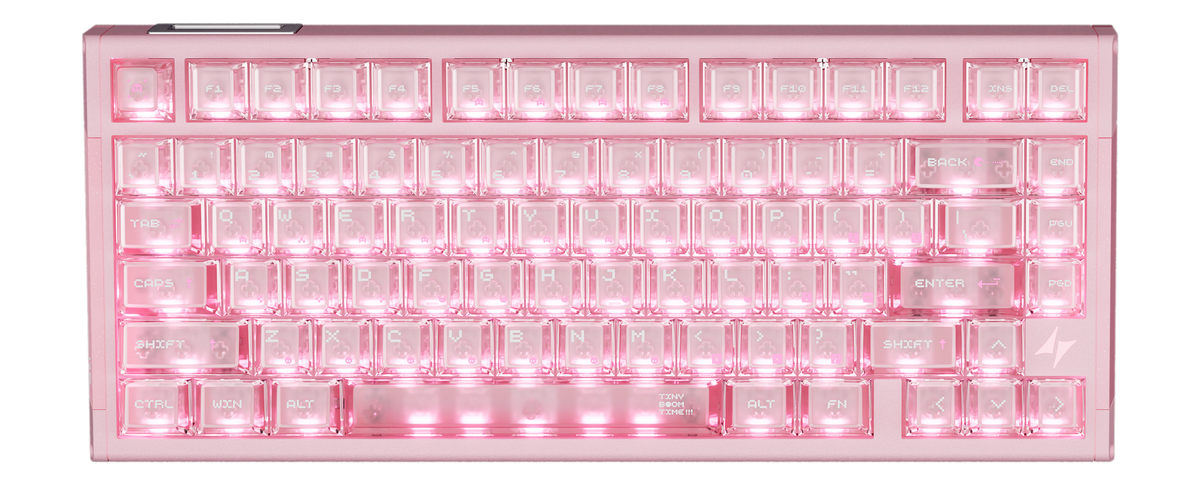
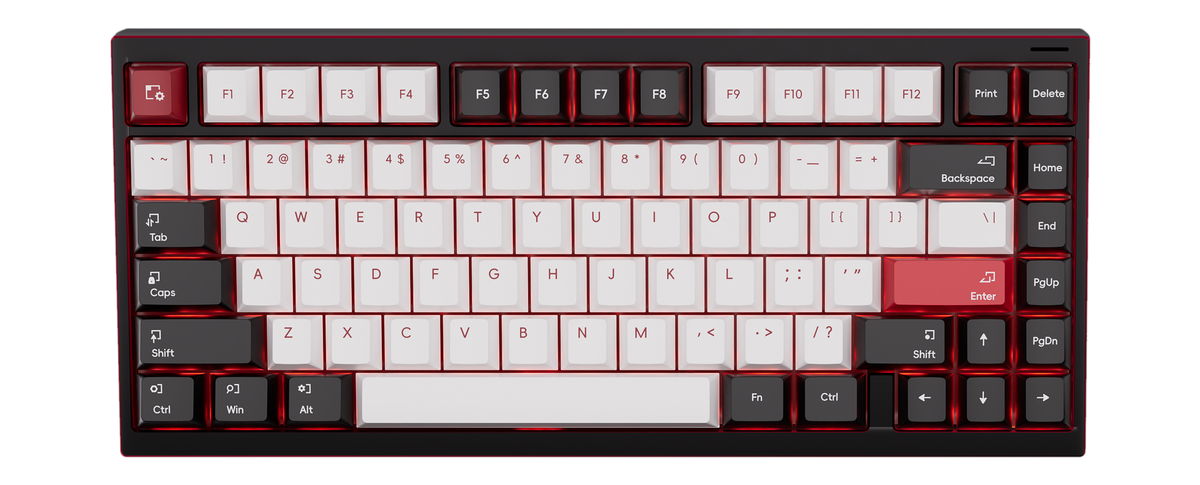
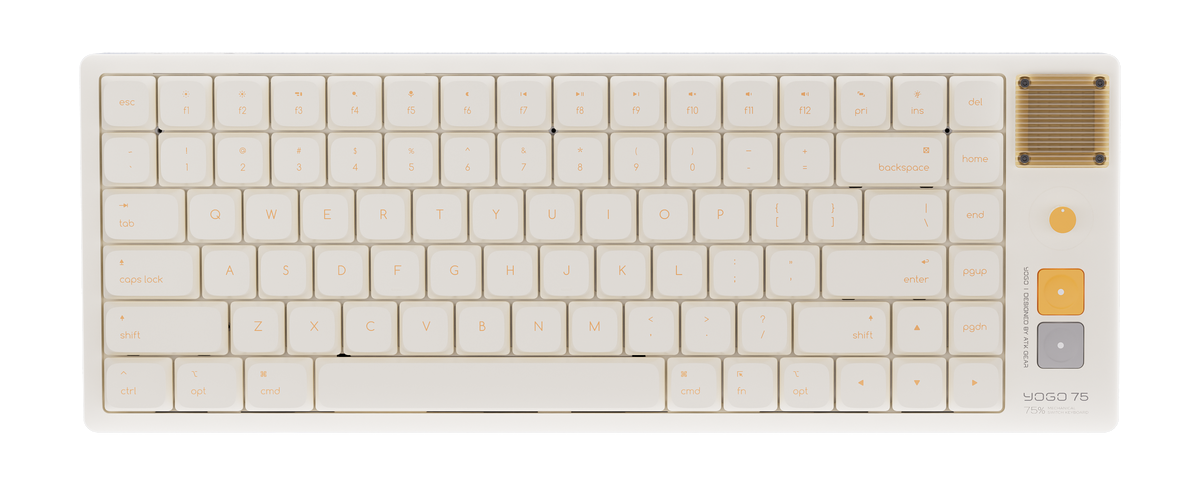
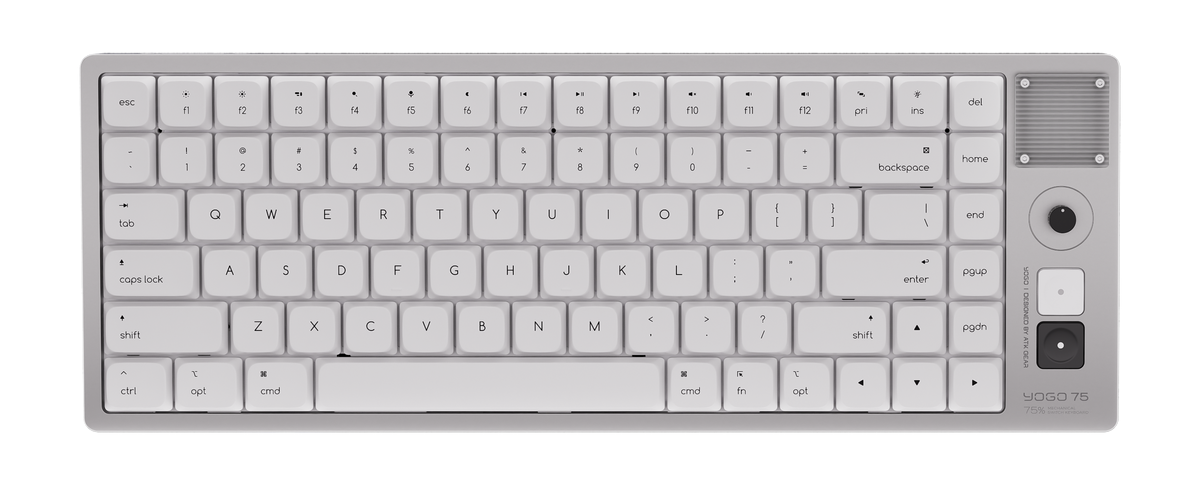
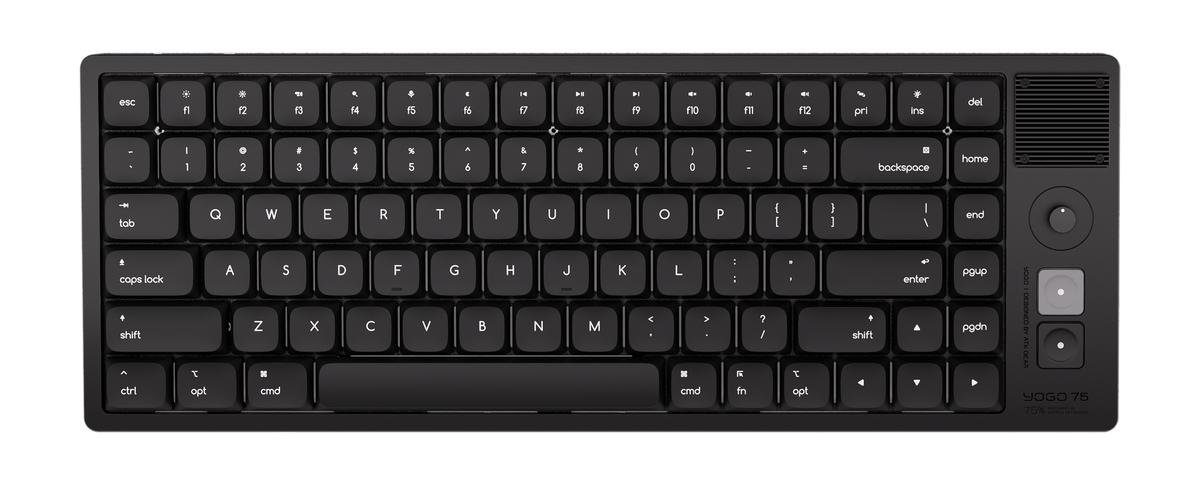
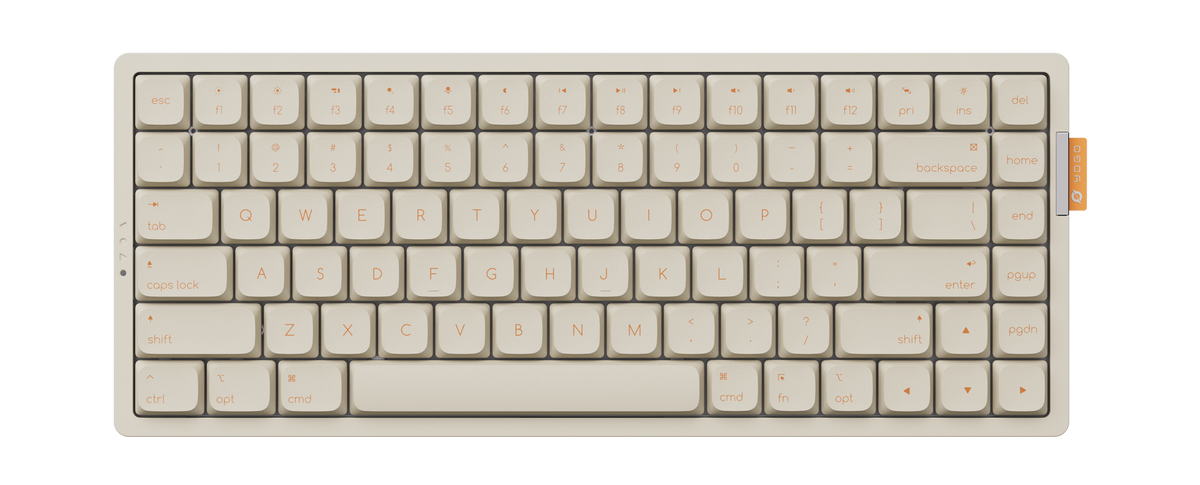
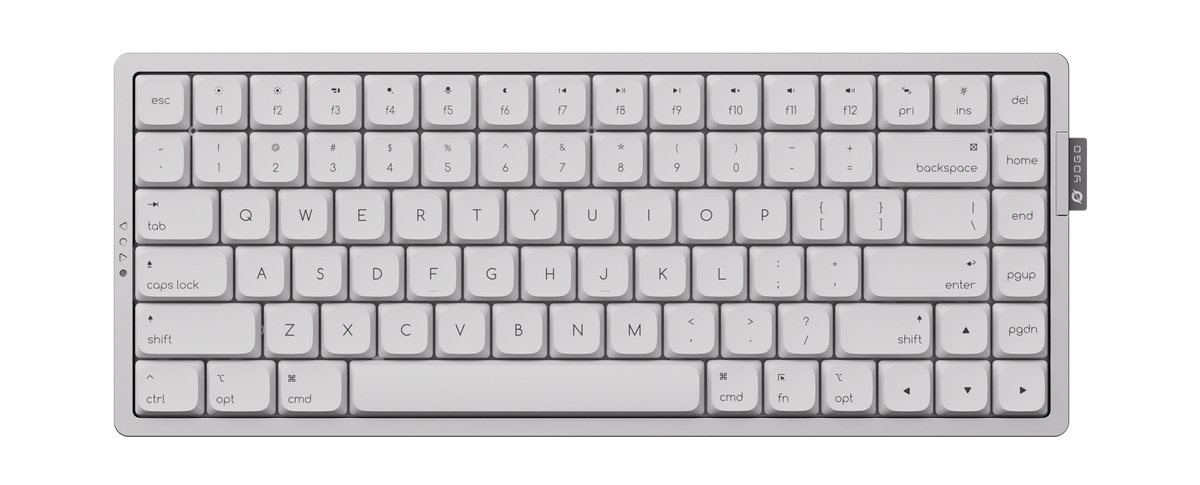
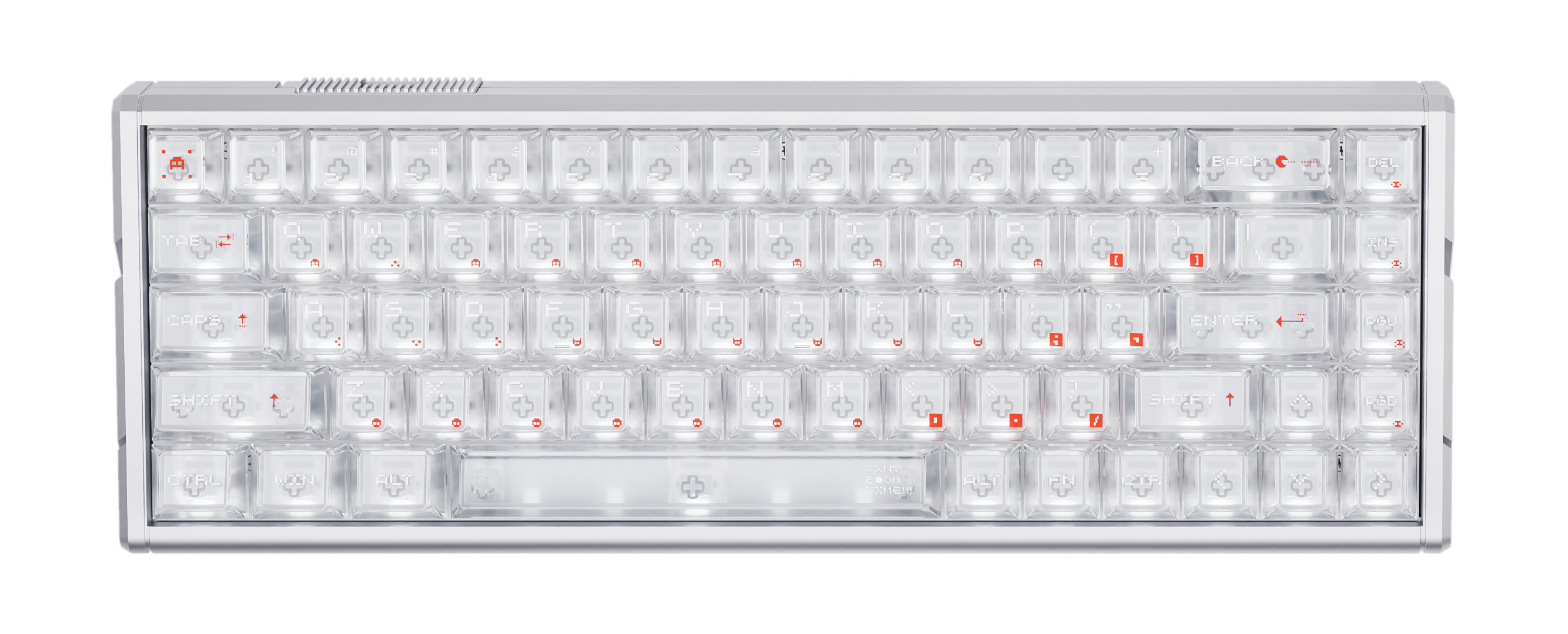
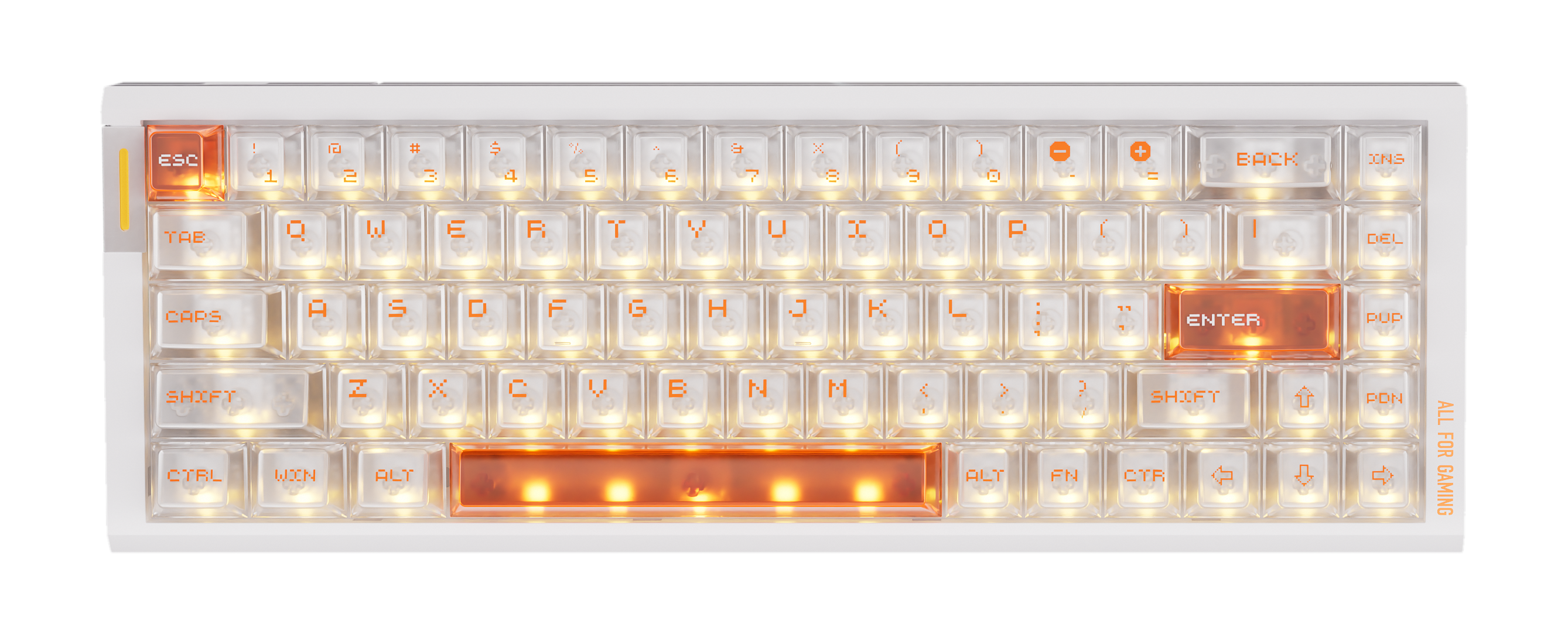
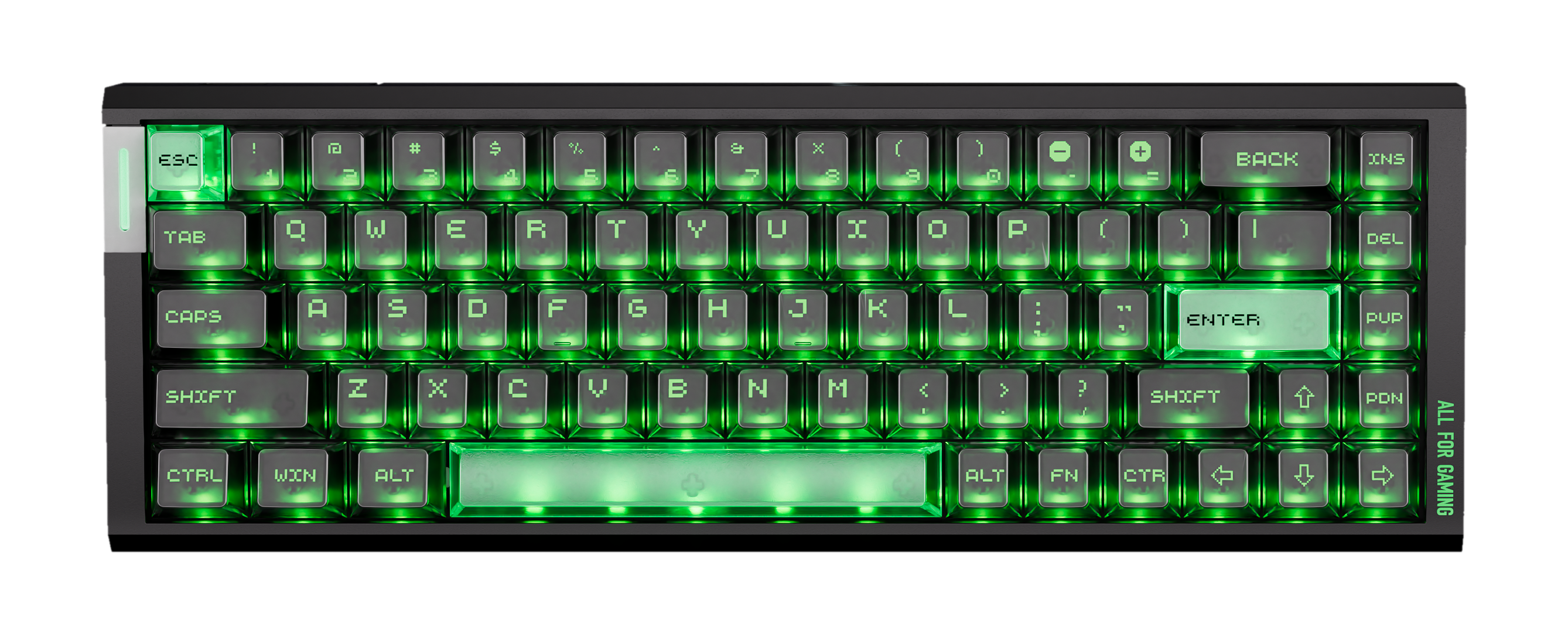
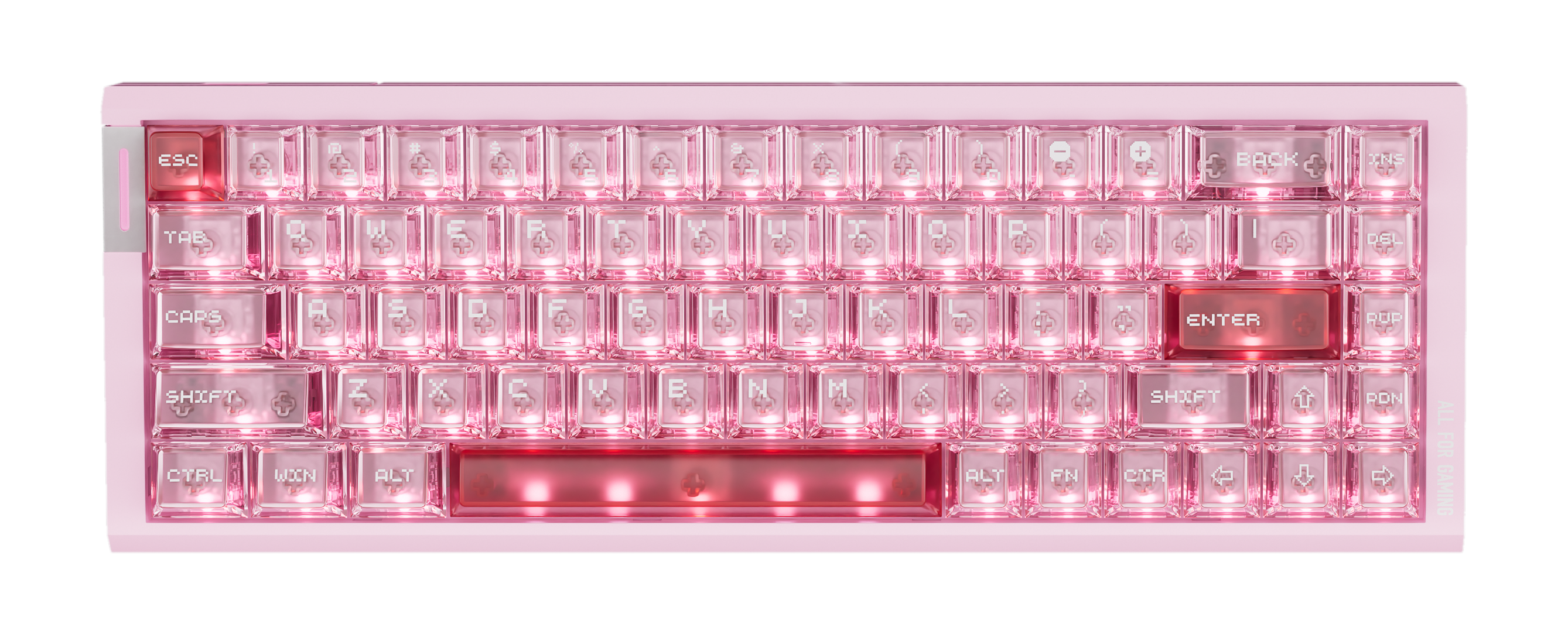
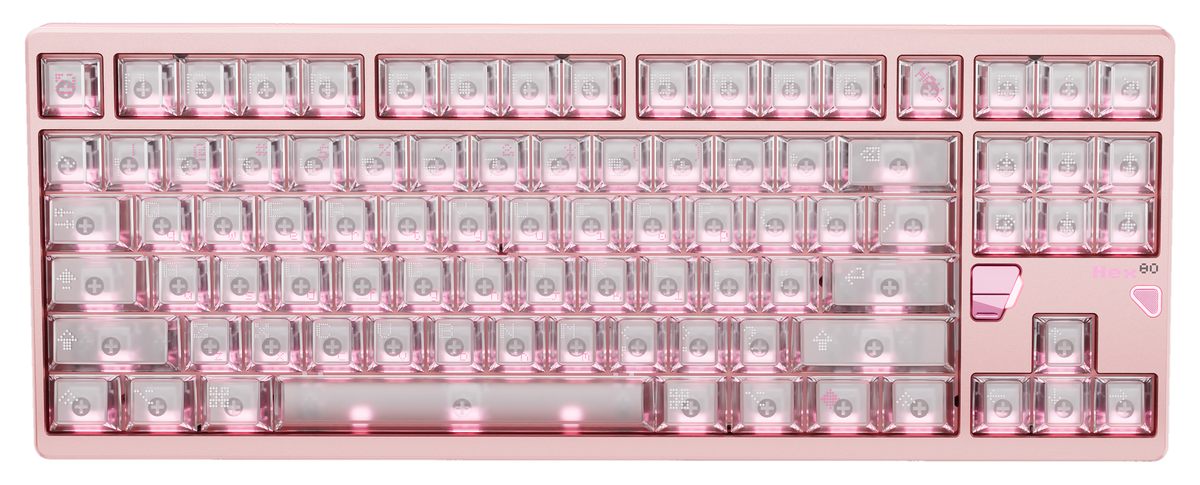
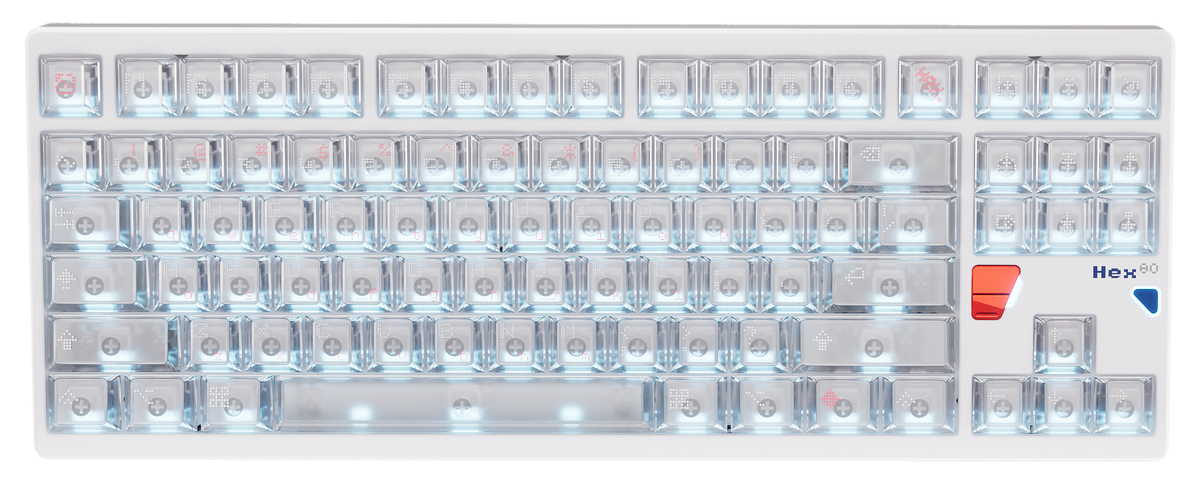
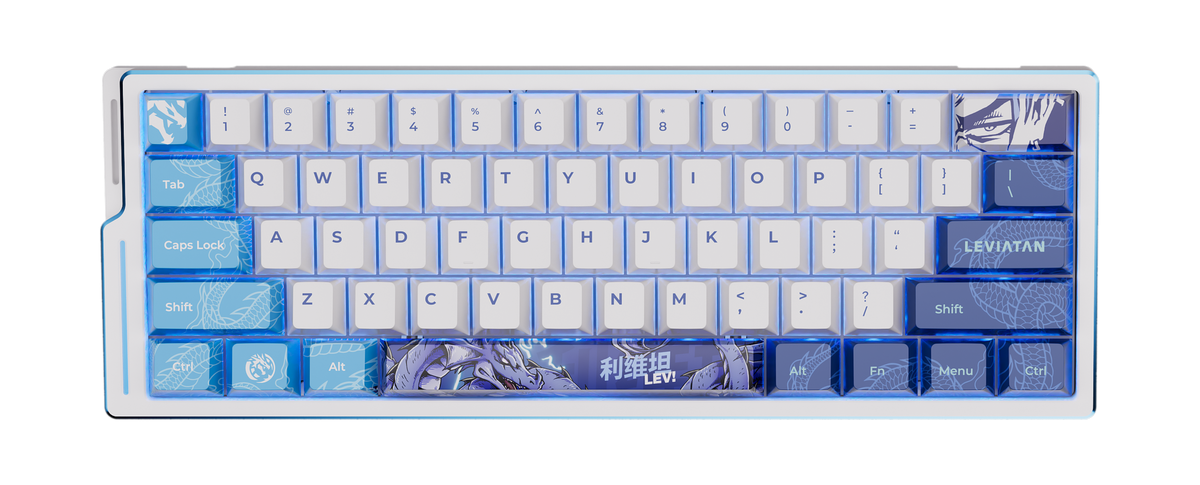
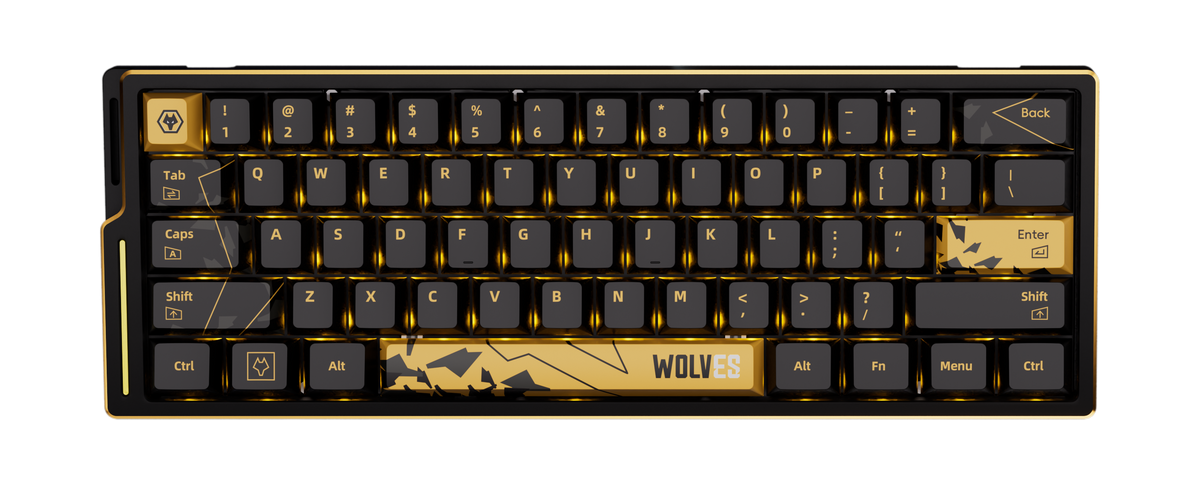
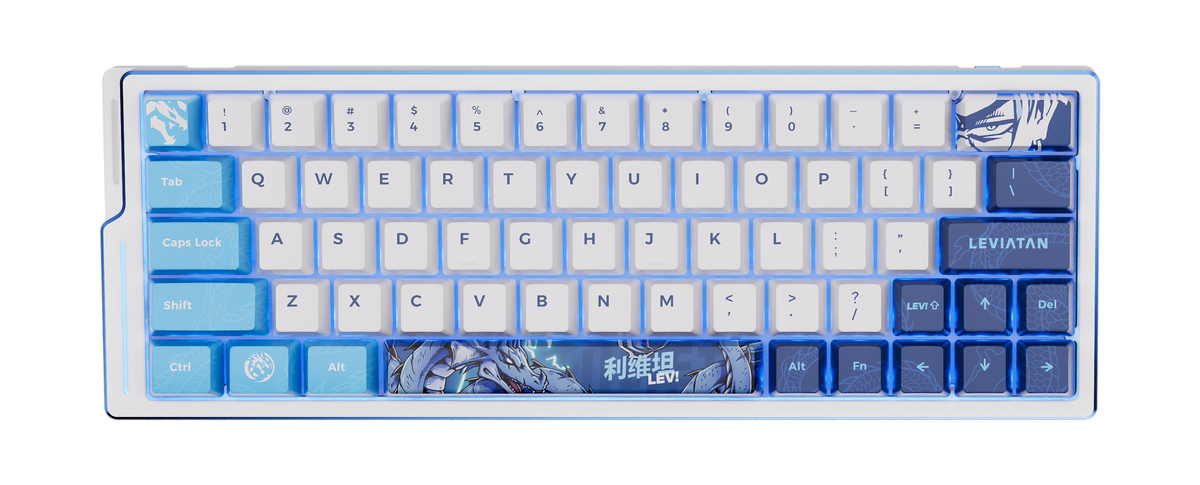
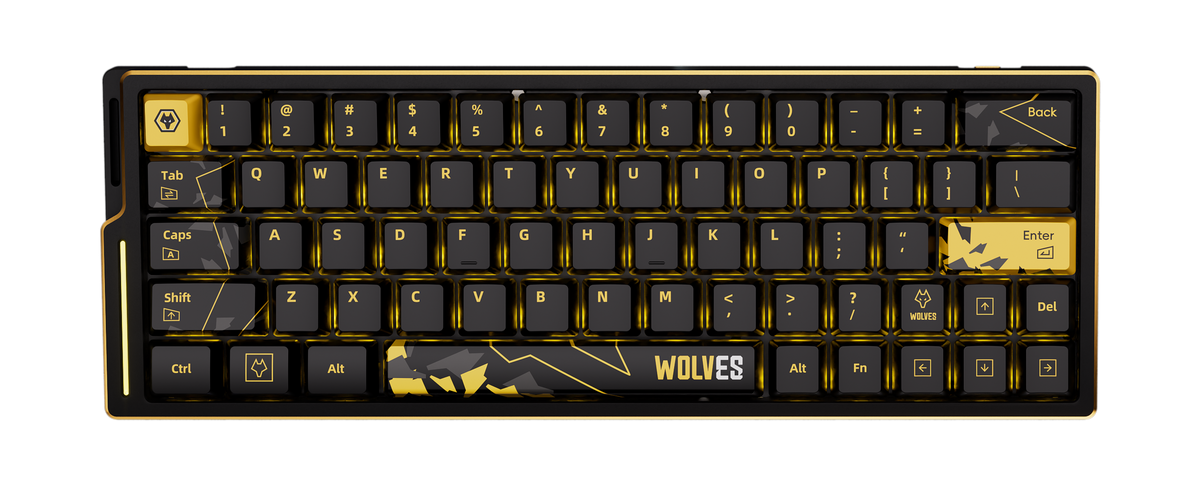
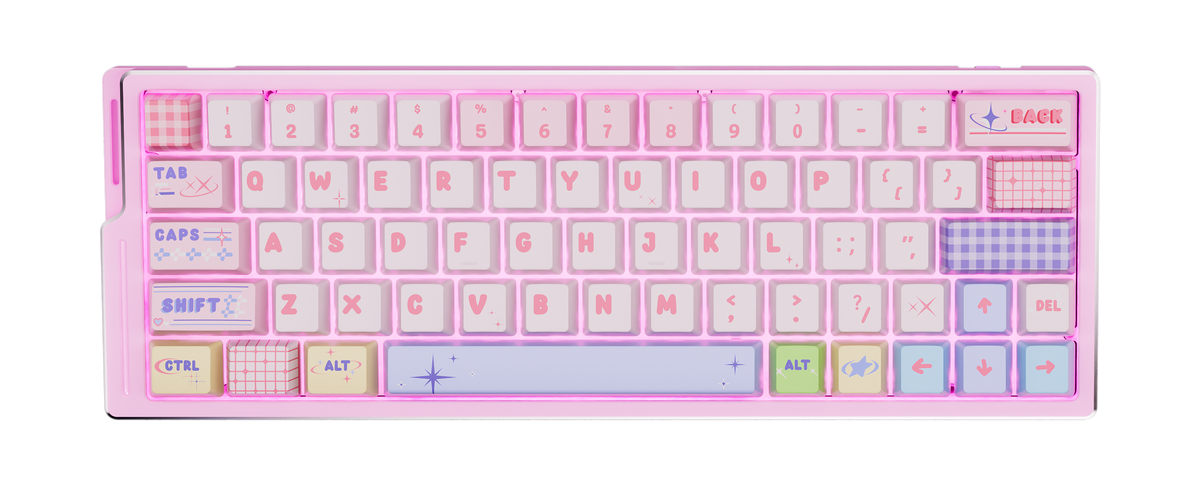
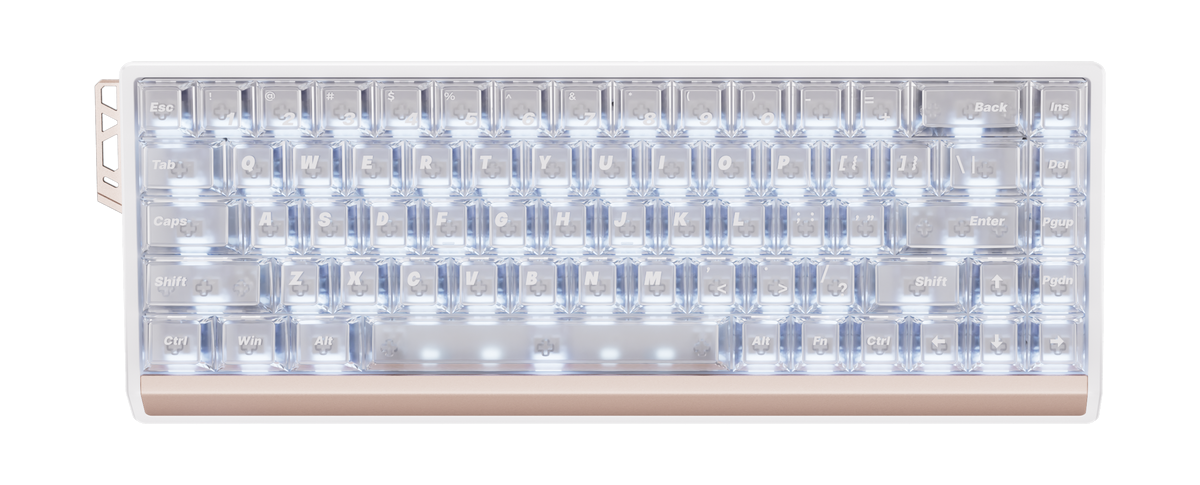
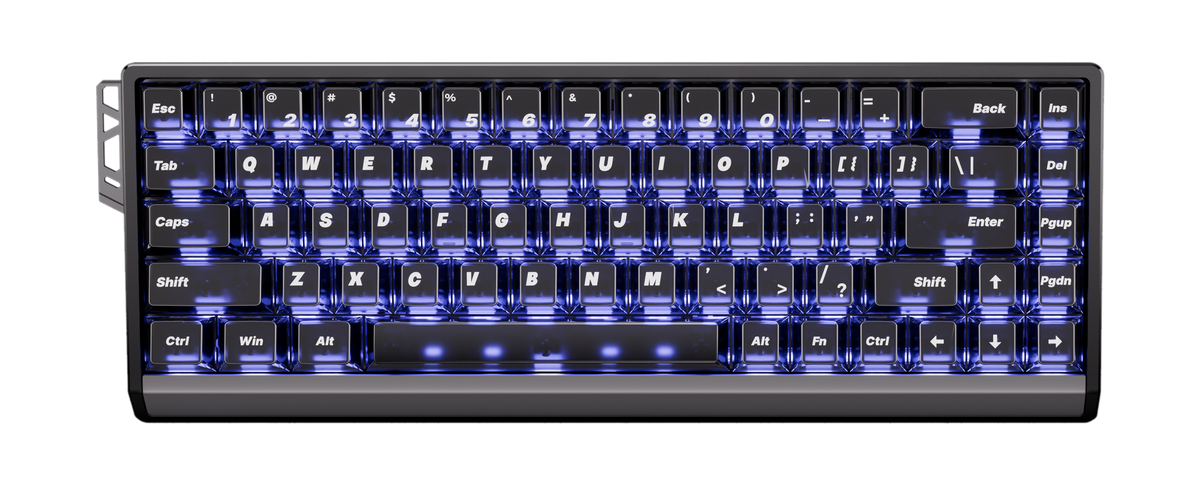
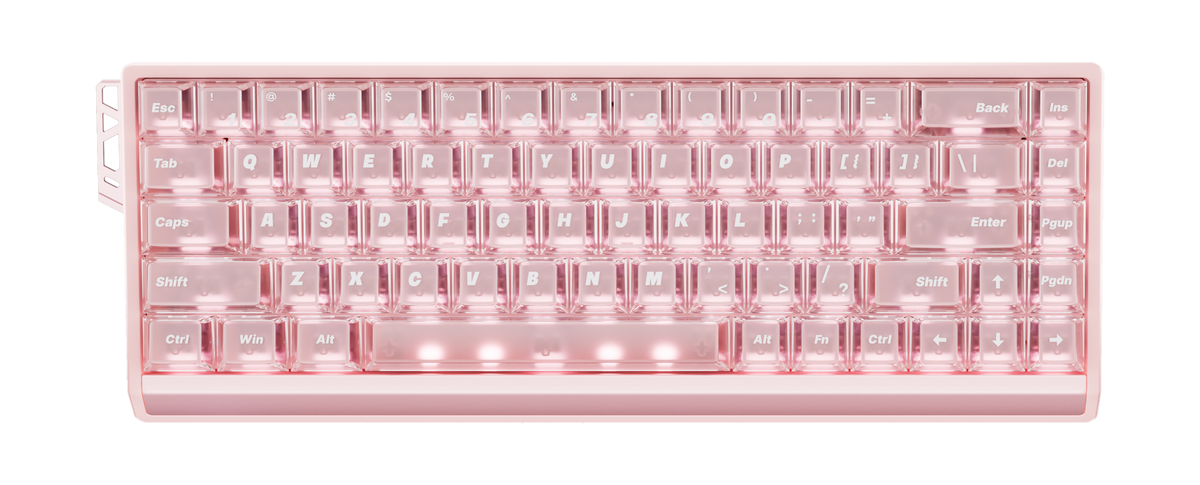
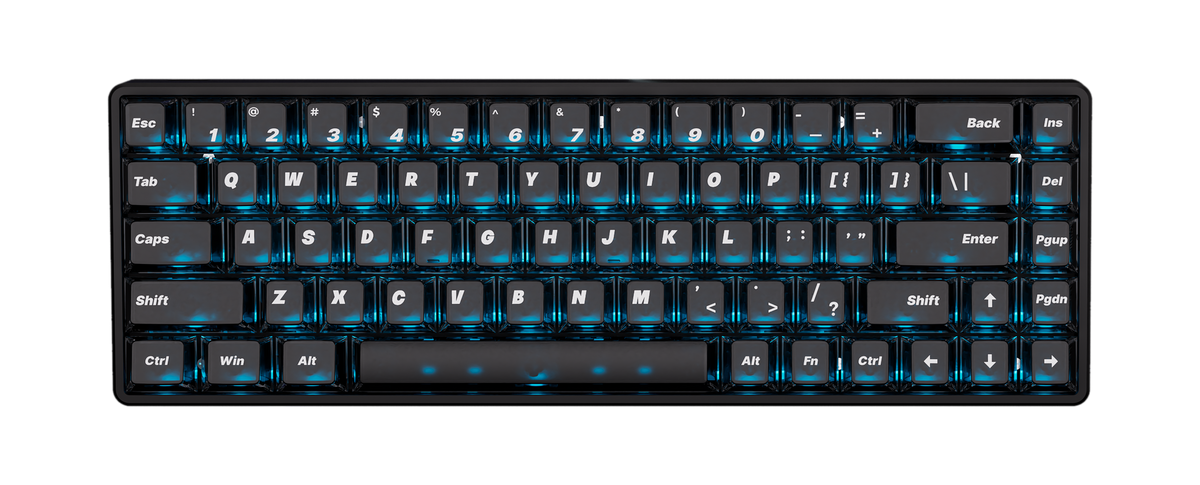
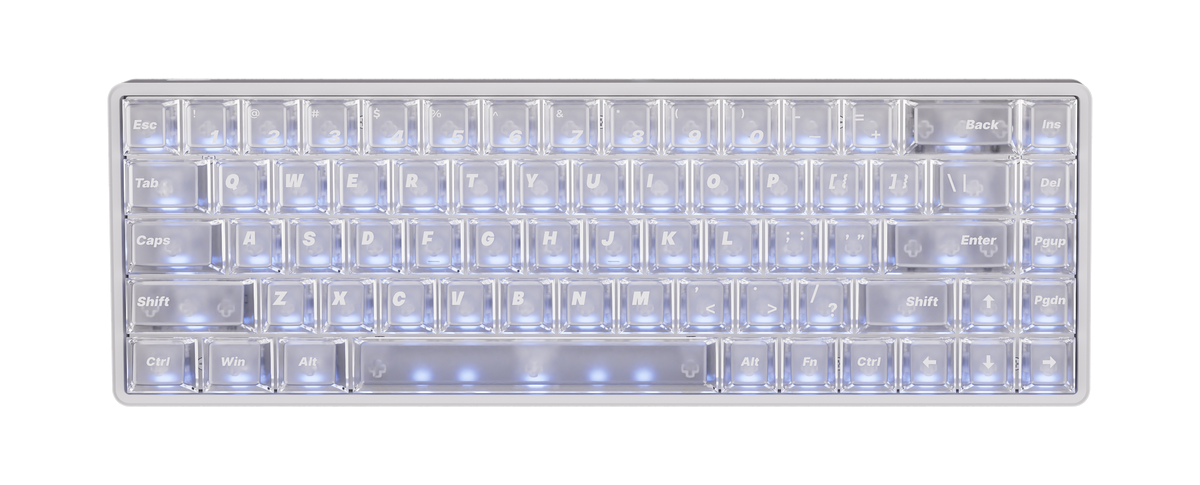
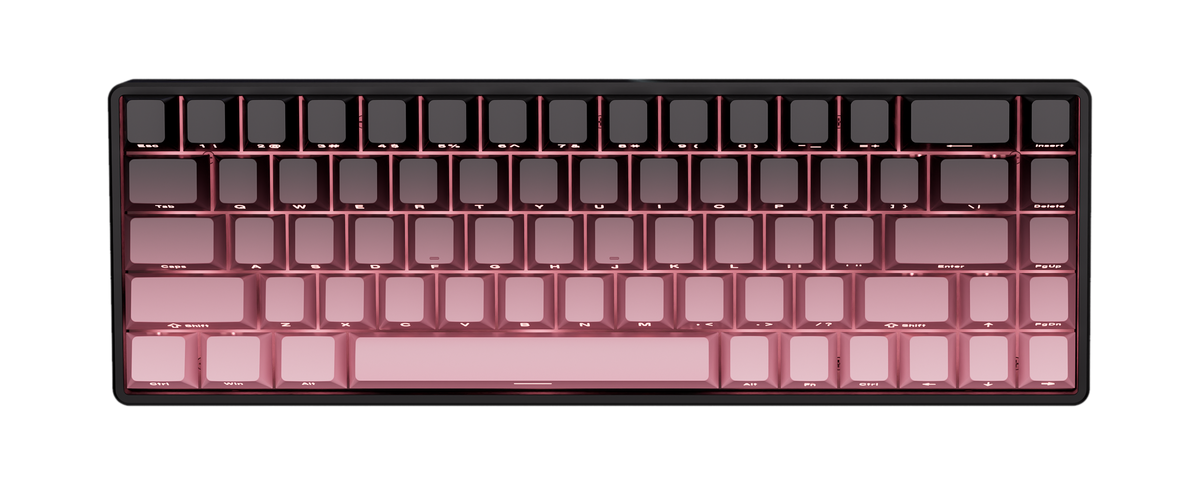
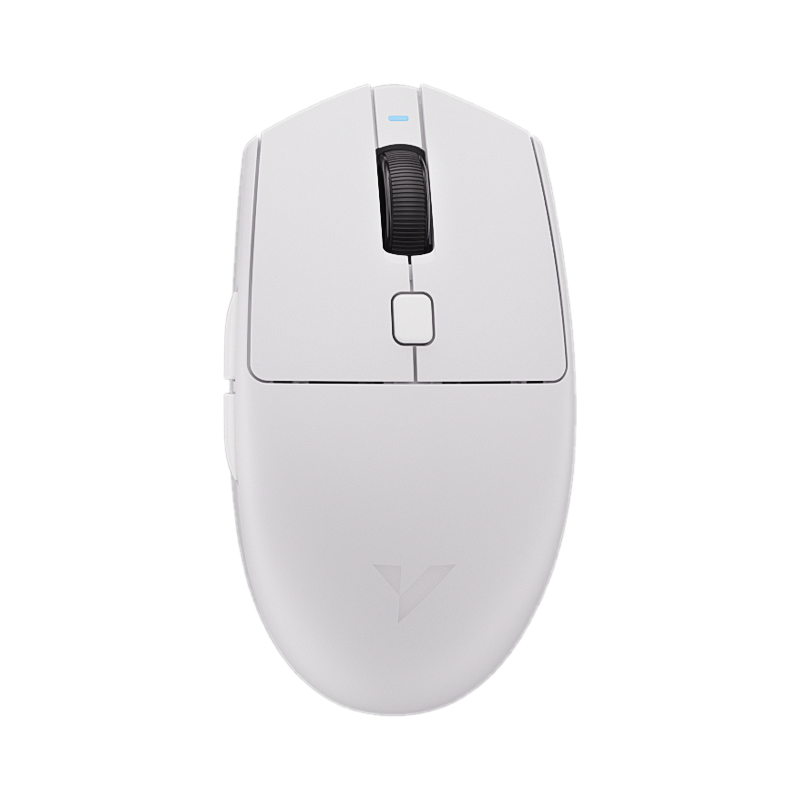
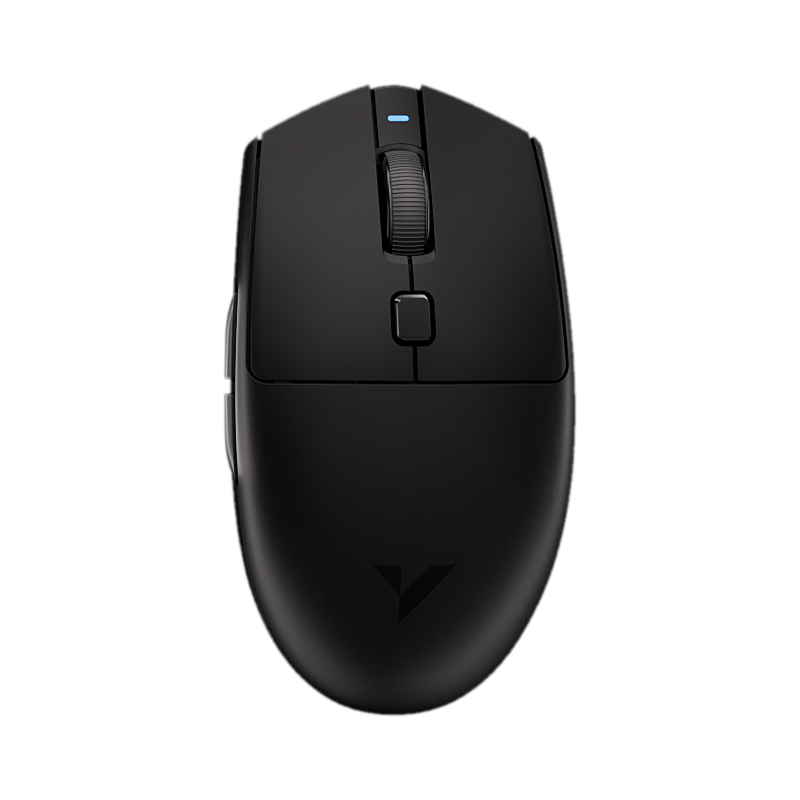
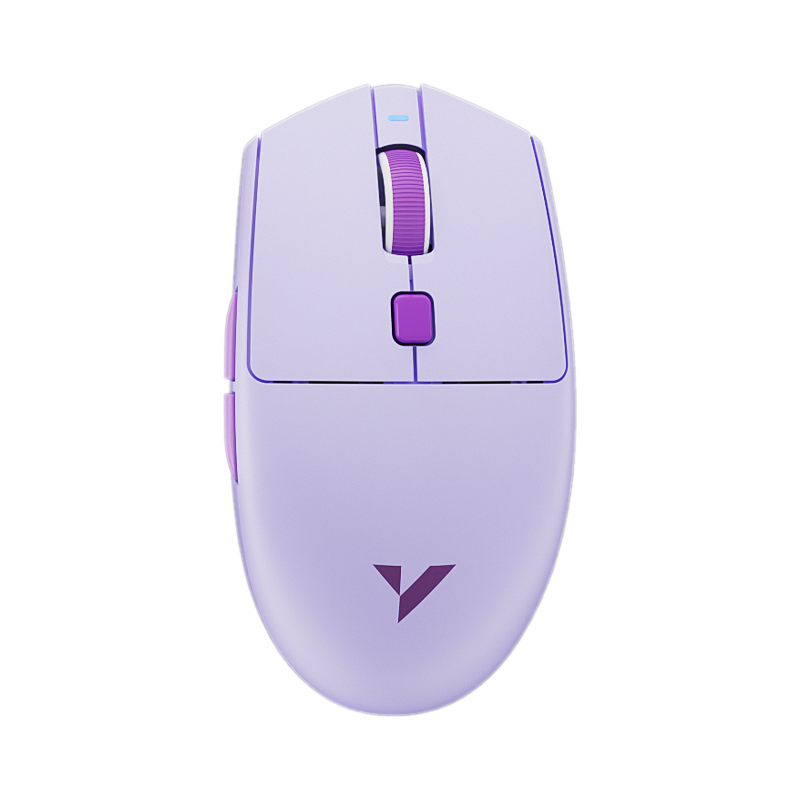
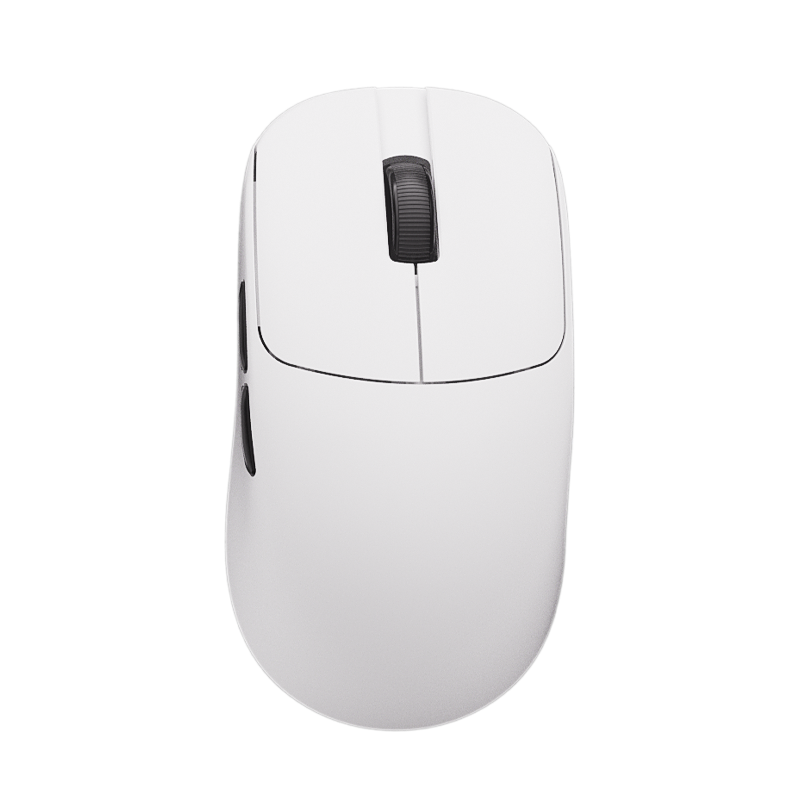
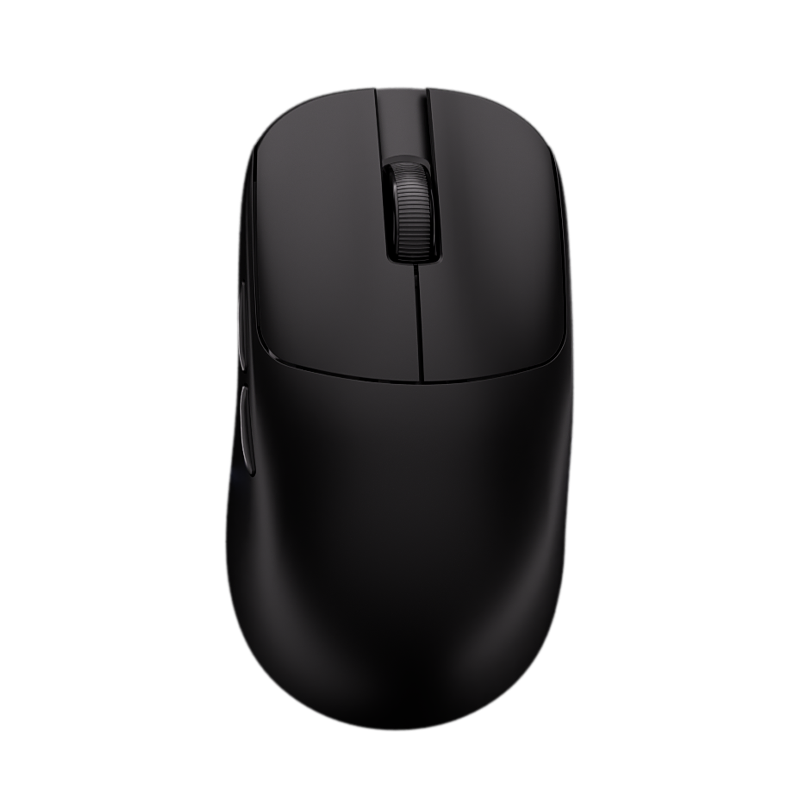
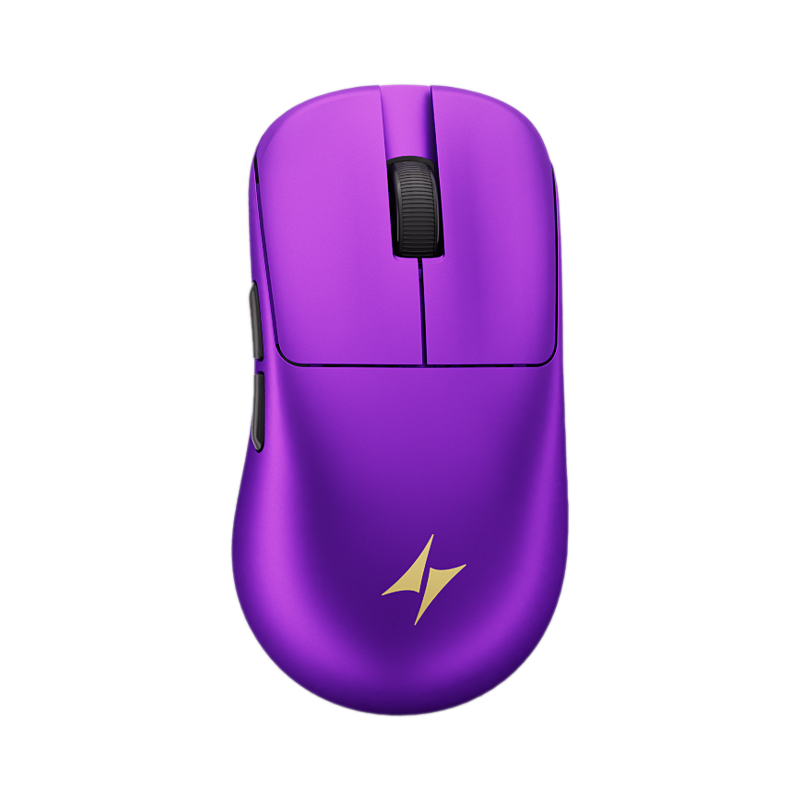
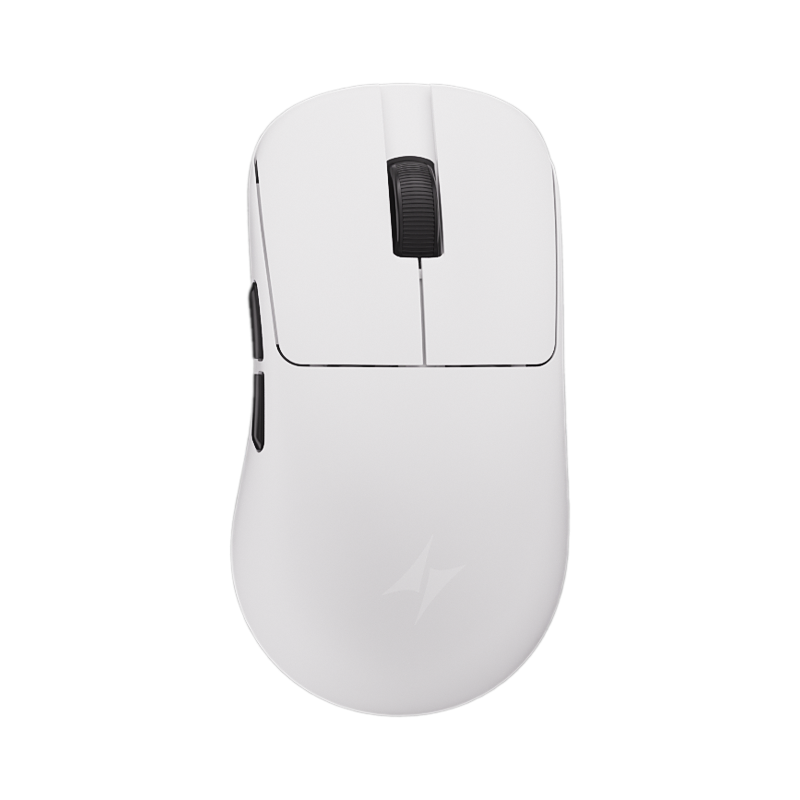
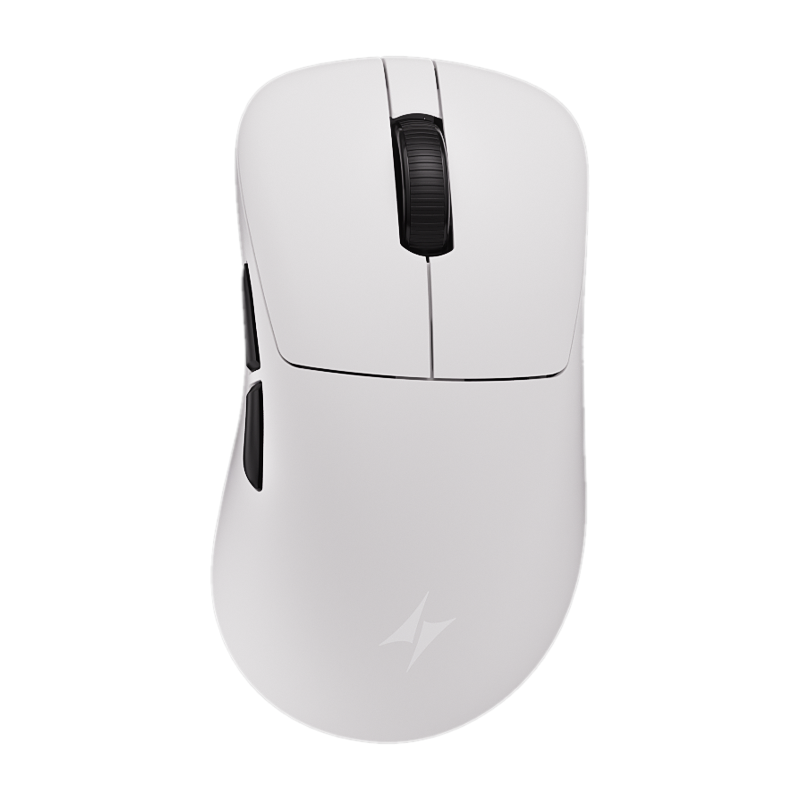
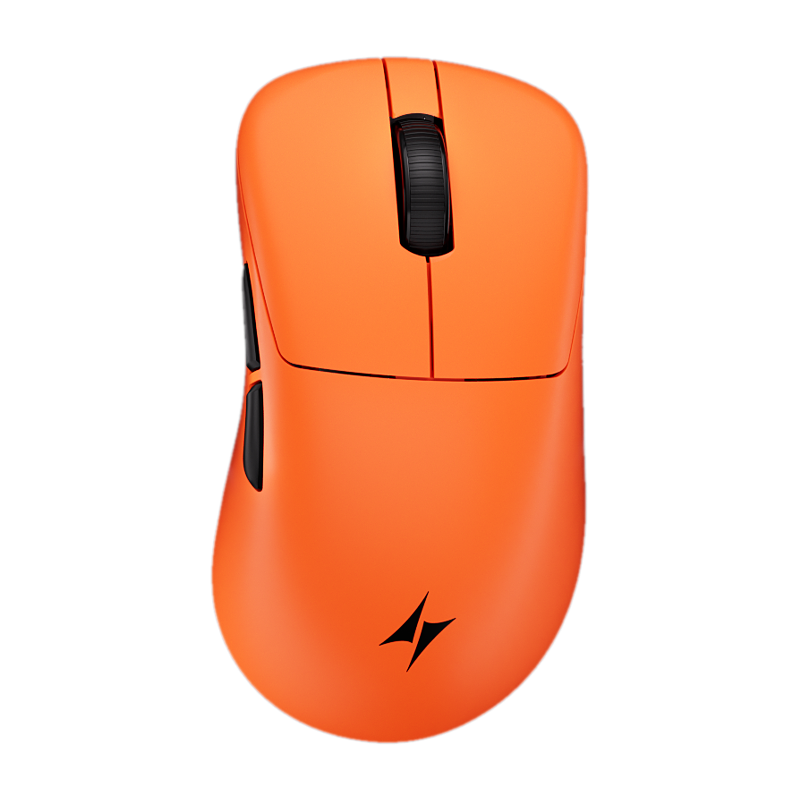
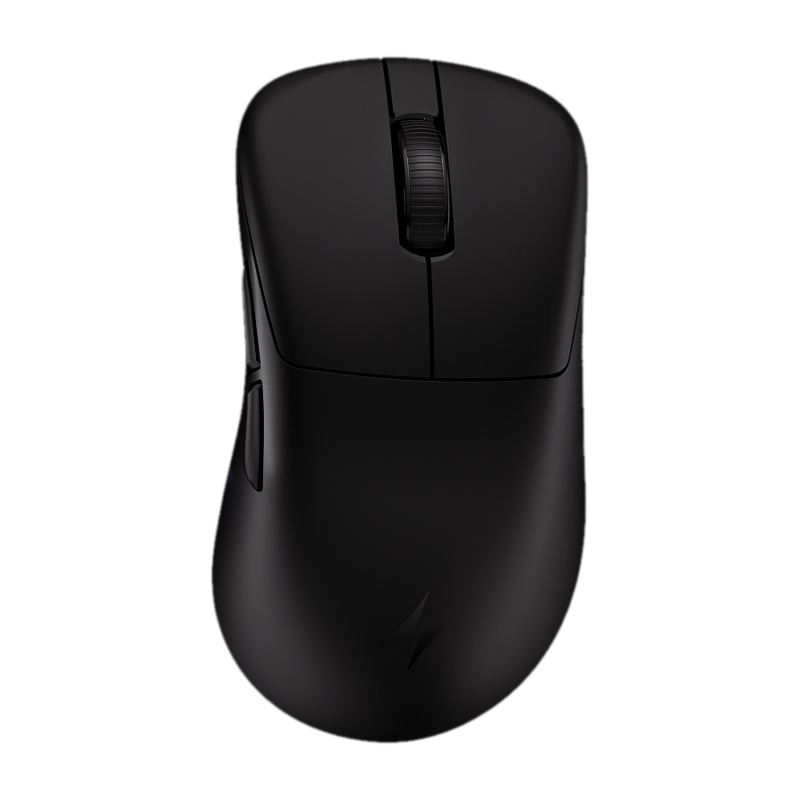
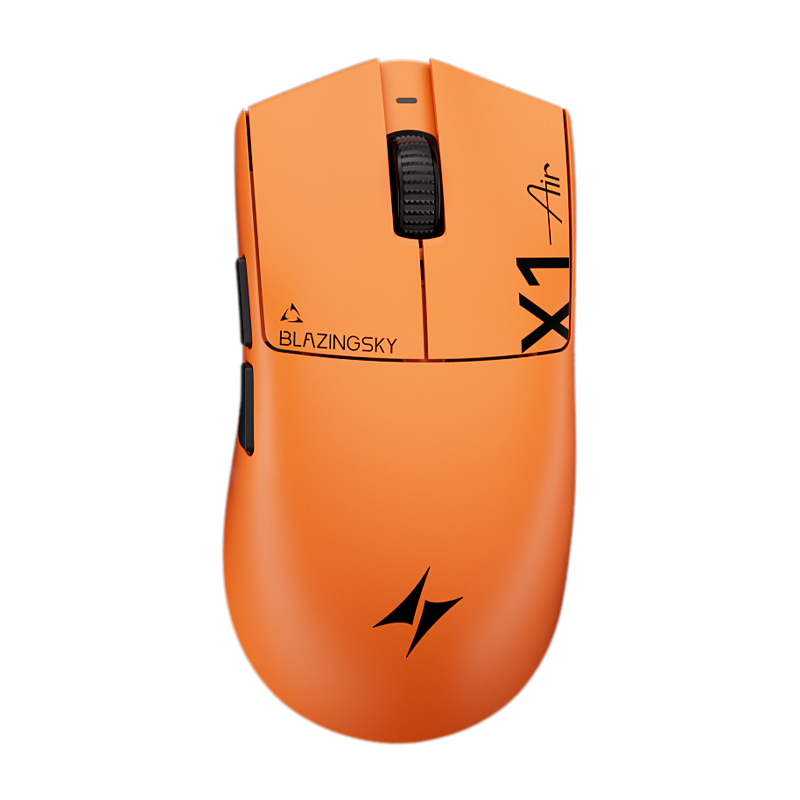
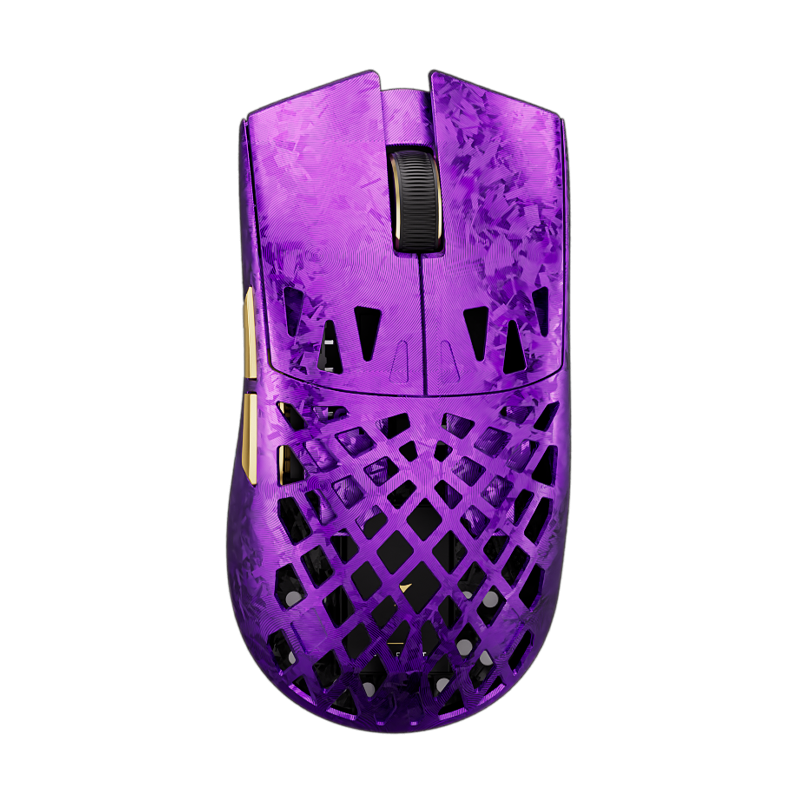
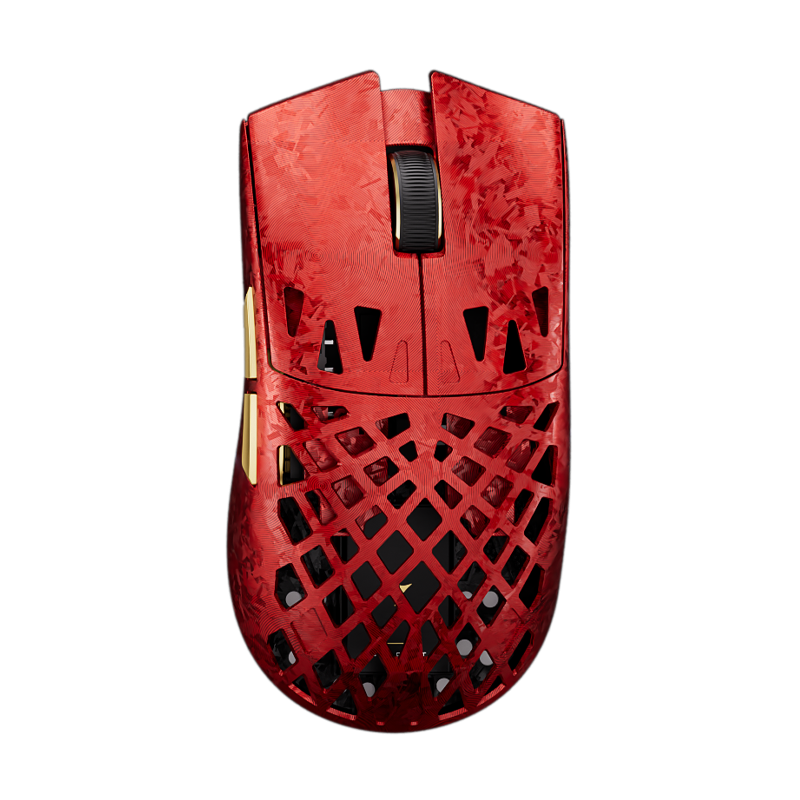
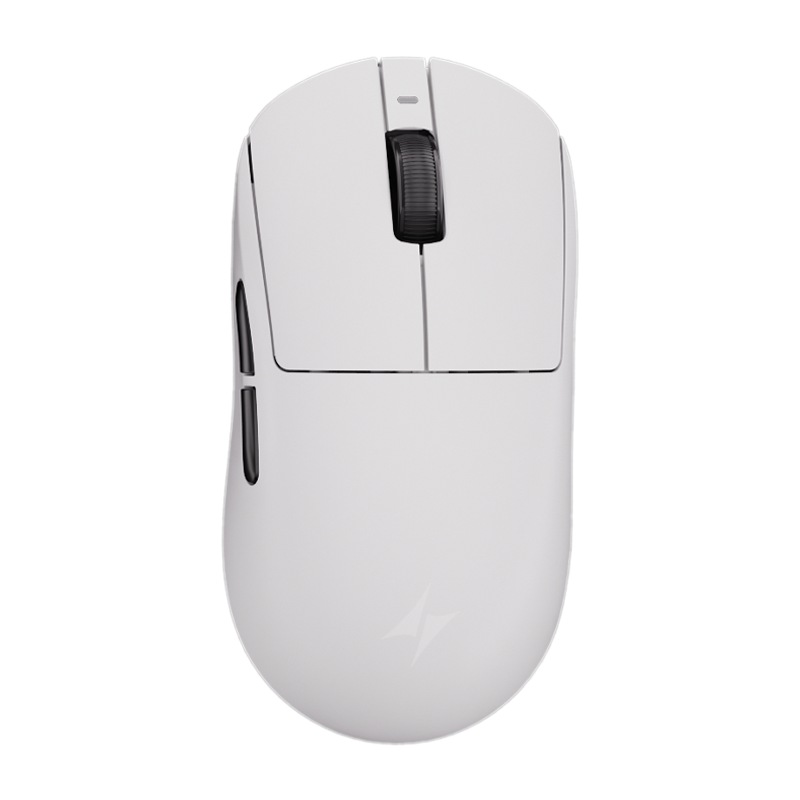
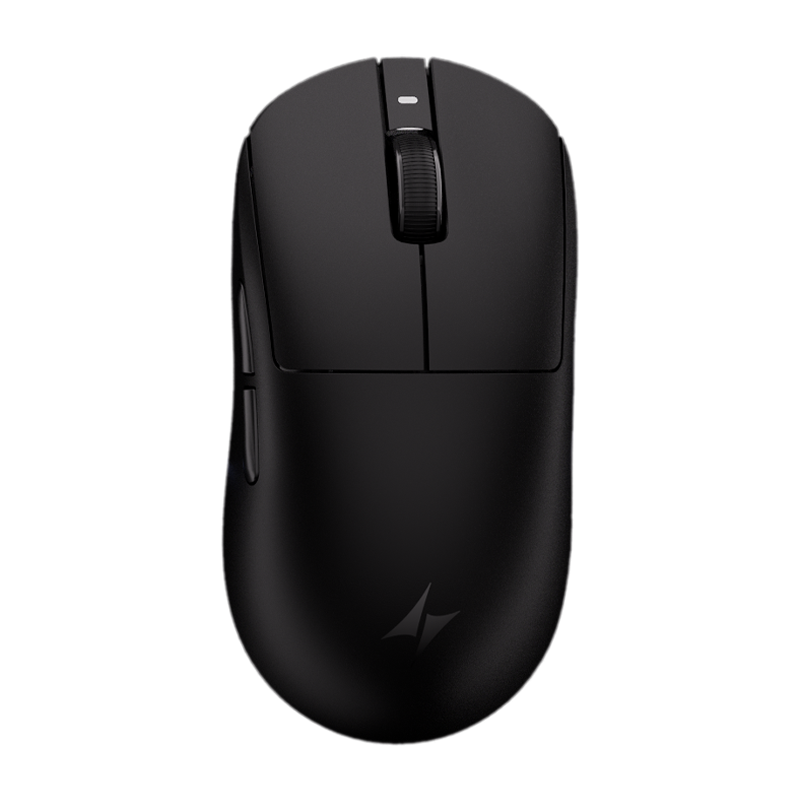
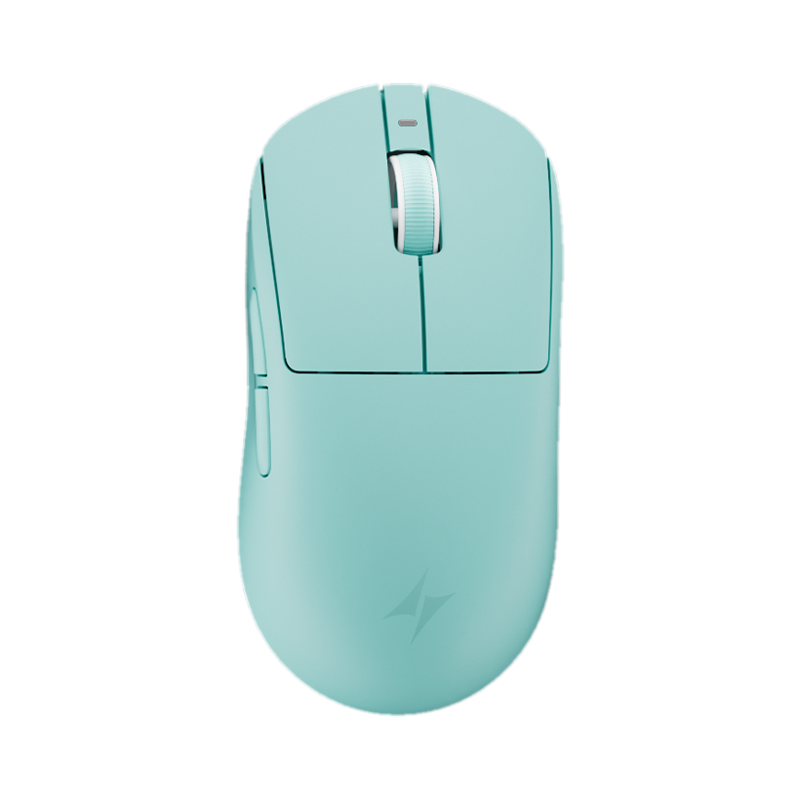
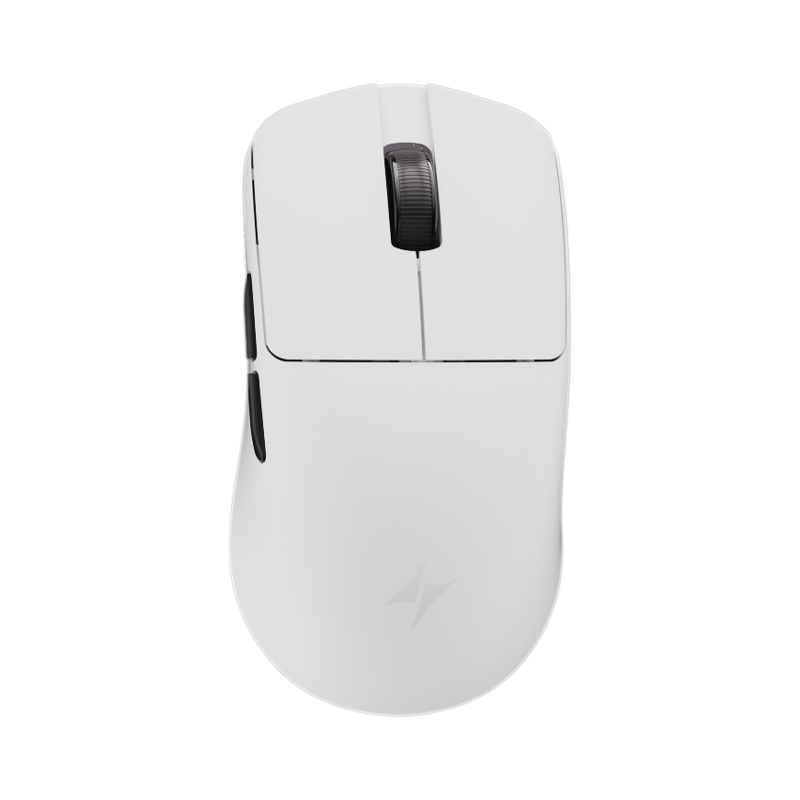
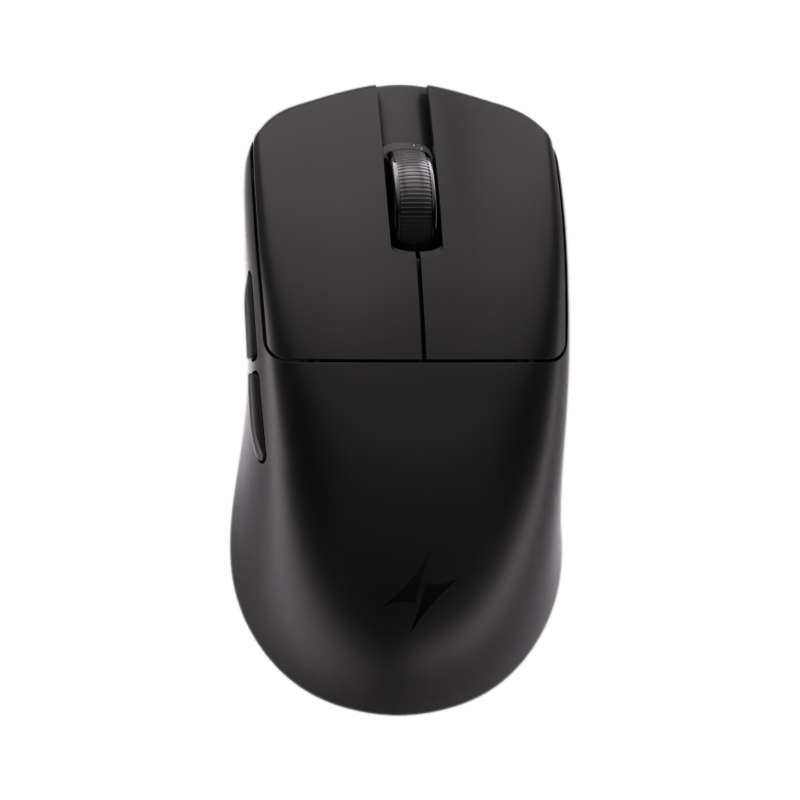
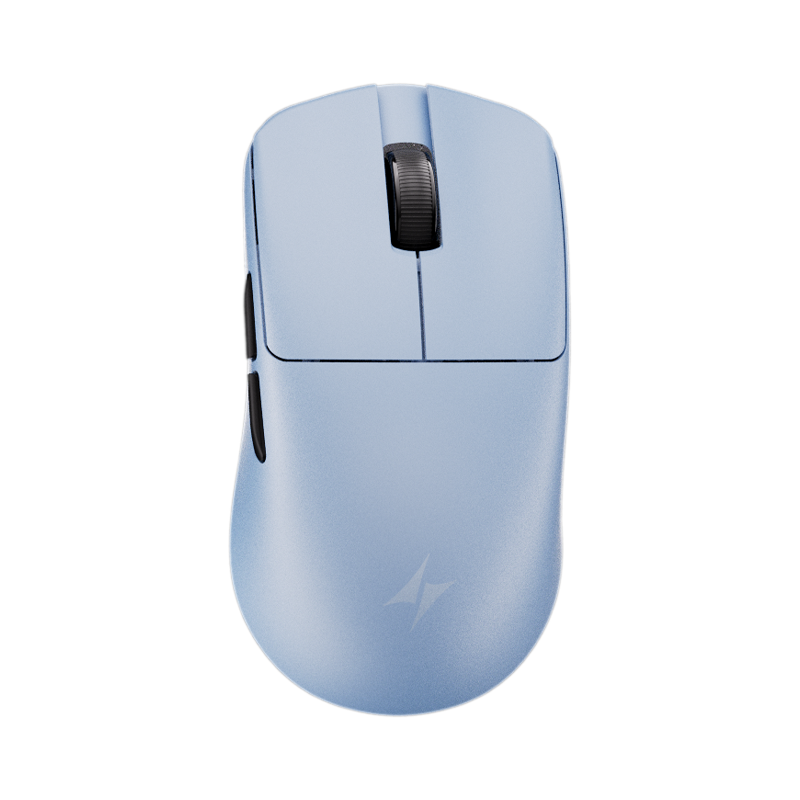
Start with an ATK keyboard and mouse pairing. Switch between options to find the shape, color, and layout that feels right for your desk.
Featured picks
Mice
Featured picks
Keyboards
Featured picks
Mouse Pads

Cart
Your cart is empty
Discover ATK mouse and keyboard combinations designed to match your playstyle, desk aesthetic, and competitive needs.
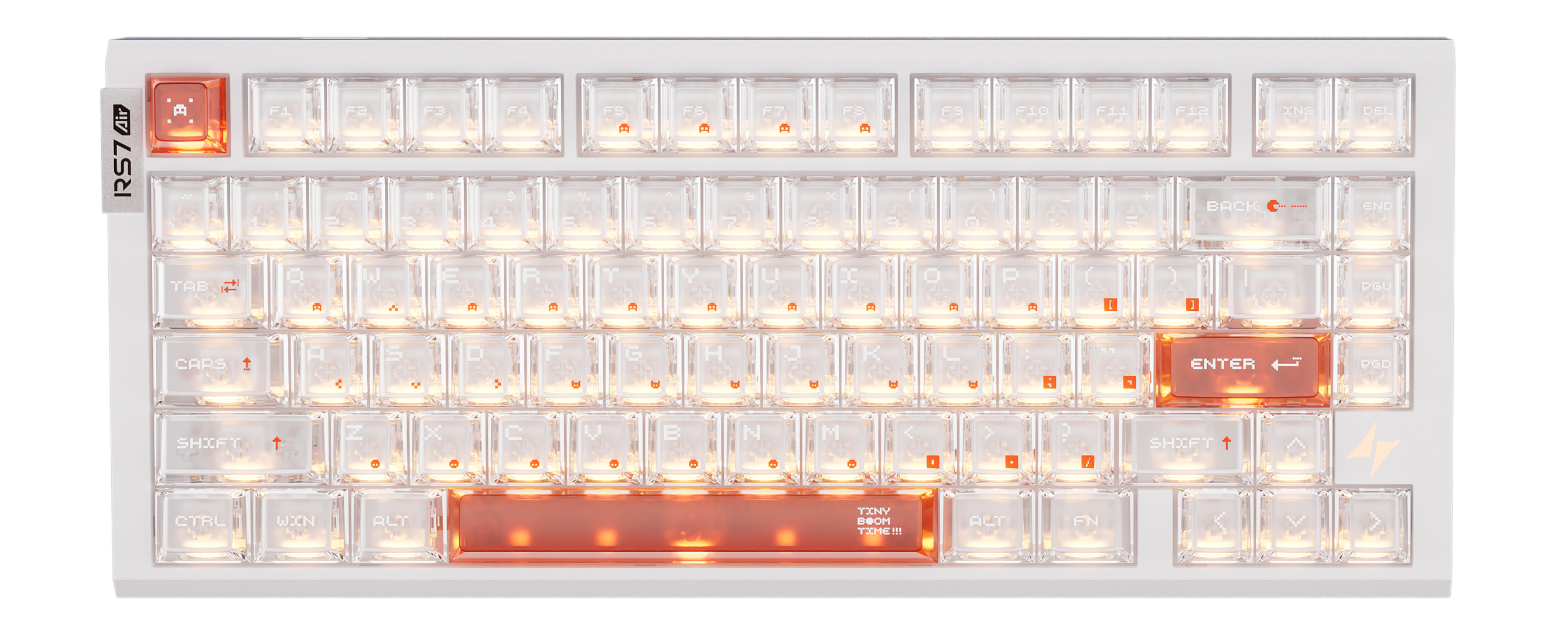
Pick a keyboard and mouse below to preview your setup.
How it works
Mix keyboards, mice, desk scenes, lighting, angles, and shadows to preview a setup that matches your playstyle and space before you shop or share it.
Start with an ATK keyboard and mouse pairing. Switch between options to find the shape, color, and layout that feels right for your desk.
Change the background, desk surface, lighting, product angle, and shadow style to match your room, gaming vibe, or setup theme.
Capture your setup or share a setup link with friends. Shared links reopen with the same selected gear and visual settings.
Tap the product dots near the keyboard or mouse to view the selected gear and continue to the product page when you are ready.
Answers for building, sharing, and shopping your custom ATK desk setup.
You can mix ATK keyboards and mice, change the desk background, adjust lighting, tune shadows, and preview how a complete gaming setup could look before you decide what to explore next.
Yes. Tap the small product dot near the keyboard or mouse to see the selected item, then open the product page for details, pricing, color options, and availability.
Yes. Use the share option to create a setup link, or download a clean screenshot to show friends, post in your community, or save your favorite combination for later.
Yes. The builder works on mobile with touch-friendly controls. For more precise lighting, angle, and background adjustments, a larger desktop or tablet screen may feel easier.
No. Lighting, surface tone, shadows, and product angle are preview effects for inspiration only. The actual product color, specifications, and included accessories are shown on each product page.
No. A custom background is only used in your current browser for preview and screenshots. If you want someone else to see that exact custom image, use the screenshot option.