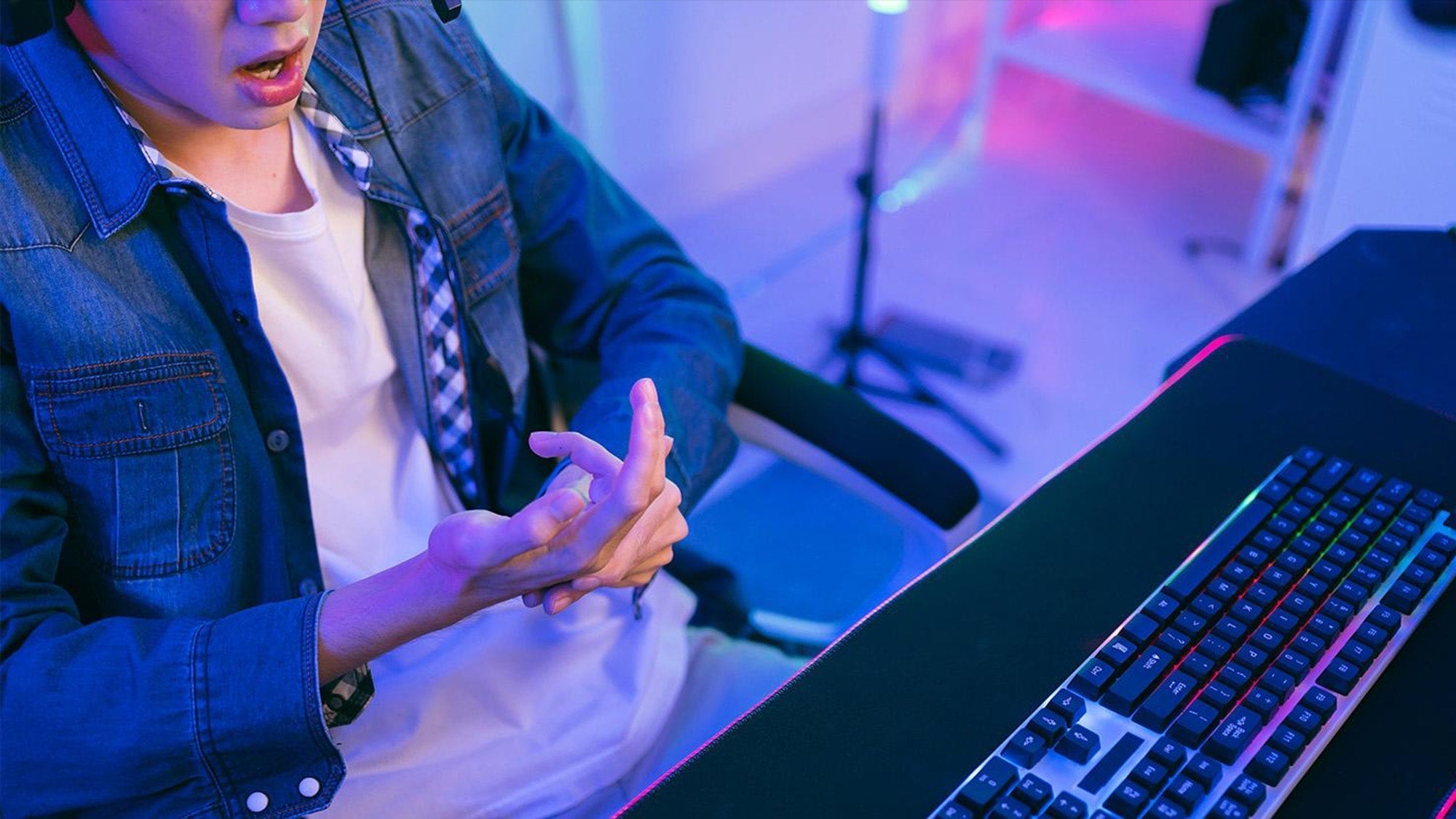
Wrist pain gaming is usually a strain-and-posture problem, not one mysterious injury. If you came here asking, “why does my wrist hurt after gaming,” or searching for help with wrist pain after FPS games or gaming wrist strain, the most useful first step is to look for the mix of repetition, awkward wrist position, and grip tension that often builds during long sessions. If the pain is recurring, worsening, or paired with numbness or weakness, stop treating it like ordinary soreness and pay closer attention.

Why Wrist Pain Shows Up After Gaming
In real play, wrist pain gaming often comes from cumulative load. The wrist is doing small jobs over and over, like clicking, flicking, aiming, and fine-tuning movement, and that can add up over a long session. OSHA describes computer-workstation risk as a combination of repetition, awkward posture, and force, which is a good way to think about gaming too.
The load can feel bigger than it looks. A physical-therapy ergonomics guide notes that high-intensity play can involve very high action frequency, so a session that feels mentally normal may still be physically repetitive enough to irritate the wrist over time. That does not prove injury, but it helps explain why pain may show up after a long block of matches rather than right away.
Repetition and Session Length
Repeated clicks, flicks, micro-adjustments, and constant hand repositioning can create a steady strain pattern. The longer the session runs without a break, the fewer chances irritated tissue has to settle down. For FPS players, this often shows up after a stretch of high-action matches rather than after a single dramatic movement.
Grip Tension and Movement Style
A tight grip can make the forearm and wrist work harder than they need to. If you tend to clamp down on the mouse or over-control every motion, the wrist may take on more stress than the game actually requires. Fast aiming can also pull you toward abrupt wrist movement when a larger arm movement would share the load better.
Desk and Wrist Position
Even when the mouse feels fine, a bent wrist, a desk that sits too high, or a chair that sits too low can keep the hand out of a more neutral position. That matters because neutral wrist alignment is the ergonomic target for pointer use, according to OSHA's mouse guidance. If the wrist is constantly angled up, down, or against a hard desk edge, the setup can turn a normal session into a strain session.

How Gaming Setup Can Make It Worse
For most gamers, the wrist is not reacting to one single object. It is reacting to the whole chain: mouse, keyboard, desk height, chair height, forearm support, and controller posture. If one link is off, the wrist often compensates. If several are off at once, the stress multiplies.
| Setup factor | What it tends to do | What to check first |
|---|---|---|
| Mouse held too high or too far | Can pull the wrist away from neutral and add tension | See whether the forearm can stay relaxed instead of lifting the hand toward the mouse |
| Keyboard too high or too far | Can force the wrist into extension or reach | Check whether the elbows stay closer to the body and the hands reach comfortably |
| Desk-chair mismatch | Can change wrist angle before you even start moving | Look at whether your shoulders are raised or your forearms feel unsupported |
| Hard desk edge | Can add pressure on the wrist or forearm | Notice whether contact points feel sharp, compressed, or irritated after a session |
| Controller posture | Can keep the wrist and fingers under constant low-level tension | See whether you are gripping harder during long sessions or holding the wrists in one angle too long |
The practical goal is not perfection. It is getting closer to a position where the wrist is straight from forearm to hand and the arm is not fighting the desk. A Cleveland Clinic case discussion on esports overuse injury also emphasizes posture reset between matches, which is a useful habit cue even if it does not guarantee relief. If a setup tweak makes the wrist feel easier within a few sessions, that is a useful sign. If it does not, the issue may be more about repetition or overall load than one bad angle.
Signs It Is More Than Normal Fatigue
Some soreness after a long session can fade with rest. That is not the same thing as a symptom pattern that keeps returning or starts affecting everyday use. Pay closer attention if the discomfort lingers, gets worse, or changes how you grip your mouse, controller, or everyday objects.
Symptoms that deserve more caution include:
- Pain that persists after you stop playing
- Worsening discomfort from similar sessions
- Stiffness, swelling, or reduced grip comfort
- Numbness or tingling
- Weakness or loss of function
- Pain that starts affecting normal tasks, not just gaming
AAOS notes that numbness, tingling, and pain in the thumb and first three fingers can point to median nerve compression in carpal tunnel syndrome. That does not mean every sore wrist is carpal tunnel, but it does mean nerve-type symptoms should raise the level of concern.
What to Try Before Your Next Session
Before your next match, keep the changes small and low-risk. The idea is to reduce strain without guessing at a diagnosis. One change at a time makes it easier to tell what actually helped.
- Take a short break before you start, then notice whether the wrist feels calmer at baseline.
- Loosen your grip pressure and see whether the hand can stay more relaxed during aim and movement.
- Check whether the wrist can stay closer to neutral instead of bent up or down.
- Adjust mouse reach, keyboard reach, or controller position one at a time.
- Reset posture between matches instead of staying locked in the same position for hours.
- If a change increases pain instead of reducing it, stop that experiment and back off.
The Hand Society also frames mouse comfort as a sensitivity and posture question, which is why cursor control should support a neutral wrist rather than force the hand into repeated tension. In practice, the safest rule is simple: if a setup change makes you feel more strained, it is not the right change for now.
When to Get Wrist Pain Checked
If wrist pain keeps coming back, gets worse, or starts interfering with work, sleep, or daily tasks, it is time to get professional help. The same is true if you notice weakness, swelling, numbness, or symptoms that wake you at night. University of Maryland Medical System specifically flags persistent pain, weakness, swelling, and night-waking symptoms as reasons not to keep pushing through.
A good rule is to stop self-troubleshooting when the pain is no longer a short-lived post-session ache. If it keeps returning after similar sessions, or if nerve-type symptoms show up, a medical or physical therapy evaluation can help you sort out whether this is a load issue, a posture issue, or something that needs a different kind of care.

Final Takeaway
Why does my wrist hurt after gaming? Most often because the wrist is taking on too much repetition, tension, or awkward positioning across a session, not because of one single mistake. Start by checking wrist angle, grip pressure, and how long you stay in one posture. If pain persists, worsens, or brings numbness, weakness, or swelling, get it evaluated instead of trying to push through the next round.
FAQs
Why Does My Wrist Hurt After Gaming Even If I Use a Good Mouse?
A better mouse can help, but it cannot cancel out repetition, desk height, grip tension, or session length. If the wrist still hurts, the setup chain may still be forcing awkward posture or extra effort. The mouse may be part of the answer, but it is rarely the whole answer.
How Long Should I Rest My Wrist After Gaming Pain Starts?
Rest should be enough to calm the symptoms before you return to play. If the pain keeps coming back, gets worse, or affects daily use, do not treat that as normal soreness. That pattern is a sign to adjust the setup and consider professional evaluation instead of just waiting it out.
Can Controller Gaming Cause Wrist Strain Too?
Yes. Controller play can still keep the wrist under sustained tension through repeated button input, grip pressure, and fixed hand posture. It may look different from mouse strain, but the same general problem can show up when the wrist stays in one angle too long or the hands stay clenched for extended sessions.
What Is the Difference Between Normal Soreness and a Red Flag?
Short-lived soreness that fades with rest is less concerning than pain that lingers, recurs, or affects function. Numbness, tingling, weakness, swelling, or symptoms that wake you at night are especially important warning signs. Those are the kinds of clues that mean it is time to stop guessing.
What Is the Safest First Change to Try Before My Next Match?
Start with the lowest-risk changes: loosen your grip, check whether the wrist can stay closer to neutral, and take breaks between matches. Change only one thing at a time so you can tell what helped. If the change makes the pain worse, back off and do not force it.