Carpal tunnel gaming is a real concern for people who play often, but gaming is better thought of as a possible contributor to wrist strain and symptom flare-ups, not a proven sole cause. Carpal tunnel syndrome itself is a condition where the median nerve is compressed at the wrist. If your discomfort feels like ordinary soreness, that is one thing. If you notice tingling, numbness, or weakness that keeps coming back, the next step is to pay closer attention.
What Carpal Tunnel Syndrome Is
Carpal tunnel syndrome is a nerve problem at the wrist, not just a tired-hand feeling after a long session. In plain language, the median nerve gets pressed or squeezed as it passes through the carpal tunnel, which can lead to symptoms in the hand and fingers. That is different from the more general ache, tightness, or fatigue many gamers feel after gripping a controller or mouse for too long.
The useful distinction is this: soreness usually fades with rest, while nerve symptoms are more likely to show up as tingling, numbness, or hand weakness. That does not confirm carpal tunnel syndrome by itself, but it does make the pattern more worth tracking. For readers comparing gaming and wrist injuries, this is the place to separate temporary irritation from a condition that may need medical attention.

How Gaming Can Add Wrist Strain
Gaming can add wrist strain when it combines repeated inputs with fixed hand position and long sessions. The AAOS notes that high hand and wrist repetition rates and prolonged wrist flexion are associated with greater CTS risk. In gamer terms, that means fast clicking, repeated button presses, tense gripping, and bent-wrist setups can all make discomfort more likely.
Repeated Motions and Static Grip
A lot of gameplay asks the hands to stay in one shape while repeating the same action. On PC, that can mean constant mouse use and clicking. On console, it can mean a steady controller grip with repeated thumb and trigger motion. On mobile, it often means a bent wrist and thumb-heavy input. None of those patterns proves carpal tunnel syndrome, but they can increase strain when they go on long enough.
Setup Factors That Can Increase Strain
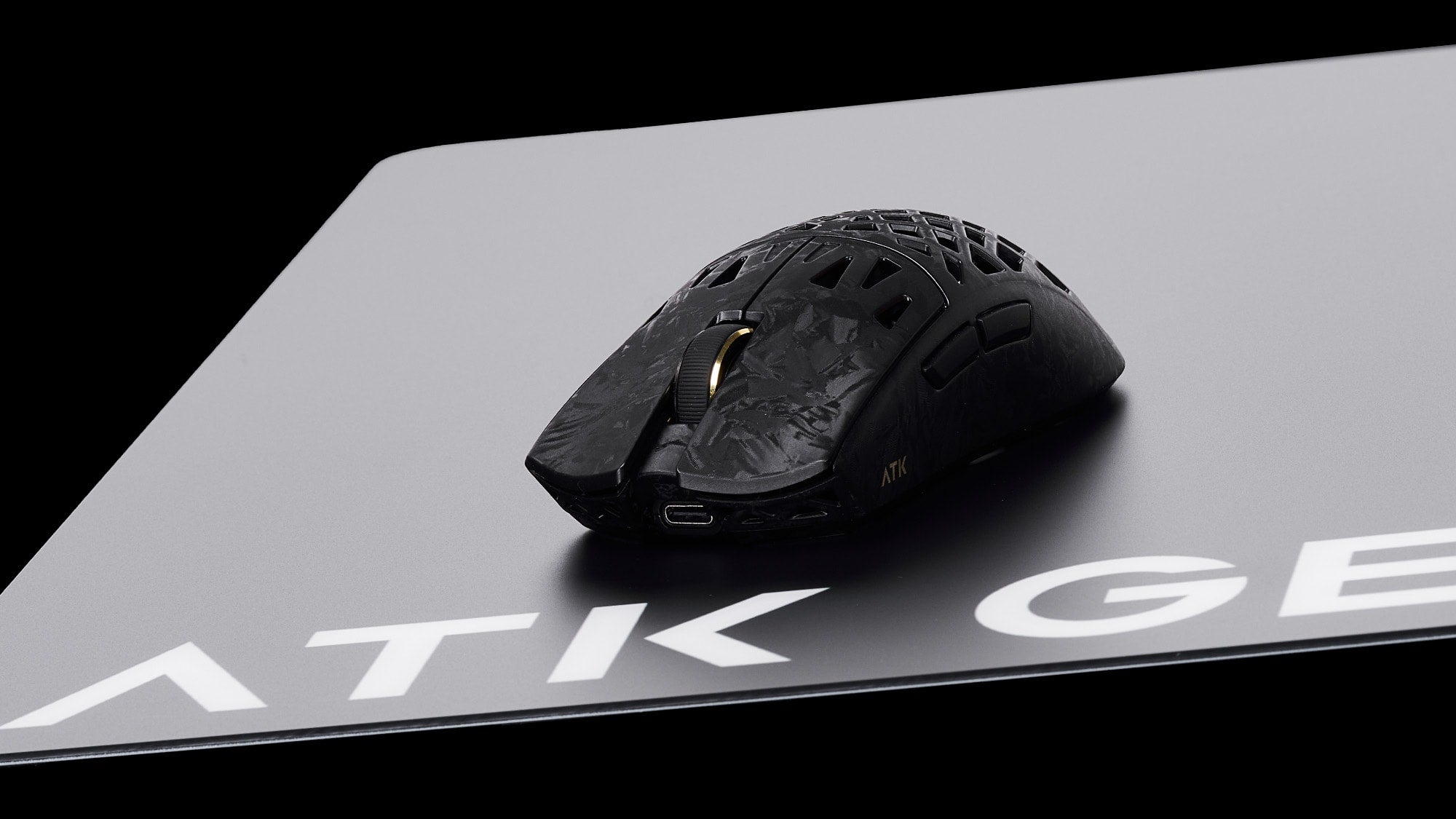
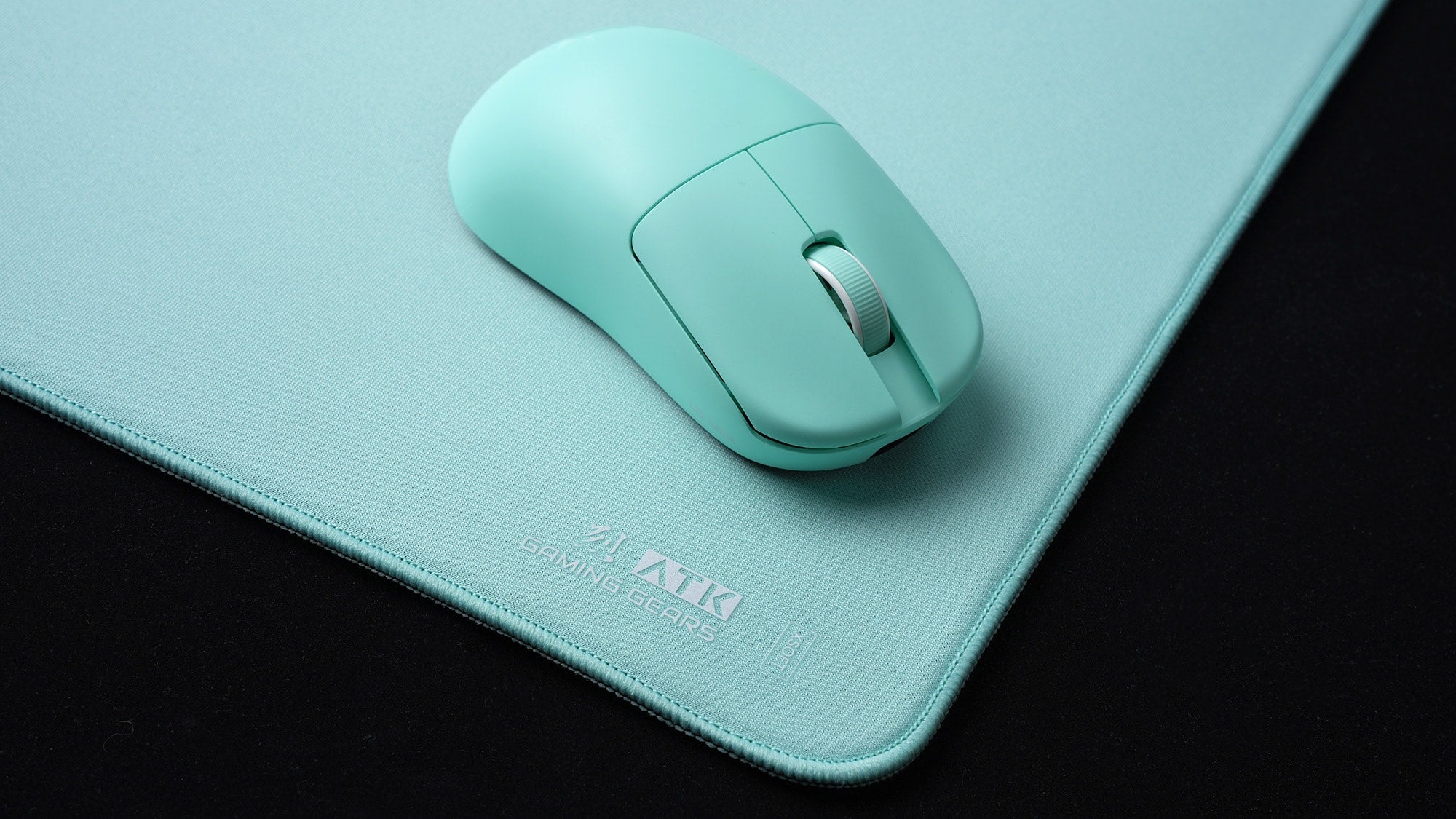
Small setup mismatches can matter more than people expect. If the mouse sits too high, the desk encourages a bent wrist, or the controller grip forces the hand into an awkward angle, discomfort can build faster. That is why mouse shape and hand fit often matter as much as the game itself. A setup that feels fine for 20 minutes can feel very different after an hour or two.
Why Session Length Matters
Longer uninterrupted play removes the easy chances to reset your grip, relax the hands, or change position. Even a decent setup can start to feel rough if you never break the pattern. The practical takeaway is not that gaming time automatically causes carpal tunnel syndrome. It is that long, repetitive sessions make strain easier to notice and harder to ignore.
Signs It Is More Than Normal Soreness
Common carpal tunnel symptoms include numbness, tingling, pins-and-needles, and weakness that can cause you to drop objects, according to Mayo Clinic's symptom overview. Those symptoms often affect the thumb, index, middle, and ring fingers, and they are not the same thing as a simple post-play ache.
What matters most is the pattern. If your grip feels weaker, your finger control feels less precise, or the sensation keeps coming back after the match is over, that is more concerning than ordinary tiredness. For gamers, that can show up as missed clicks, slippage on a controller, or trouble holding objects normally.
| Safer Habit | What It Changes |
|---|---|
| Neutral wrist position | Lowers awkward bending that can add strain |
| Regular breaks | Interrupts long, repetitive loading |
| Relaxed grip | Reduces constant hand tension |
| Better hand fit | Can make long sessions feel less irritating |
| Symptom tracking | Helps you notice recurring numbness or weakness |

Lower-Risk Gaming Habits
The safest starting point is to reduce strain, not to chase a quick fix. AAOS guidance supports regular breaks and a neutral wrist position as conservative habits that can help lower pressure on the median nerve. Tendon-gliding can be mentioned as an AAOS-listed exercise option, but it should be treated as a cautious habit, not a cure or prevention promise.
- Take short breaks during long play sessions so your hands are not locked in one position the whole time.
- Keep your wrists as straight and neutral as your setup allows.
- Loosen your grip when the game does not require full tension.
- Adjust mouse, keyboard, controller, or phone position so you do not have to reach or bend unnaturally.
- Change posture when you notice your shoulders rising or your wrists curling inward.
- If you want an exercise-based habit, use tendon-gliding only as a gentle, low-risk option.
- Watch which games or control styles trigger discomfort most often.
- Treat recurring tingling or numbness as a signal to stop guessing and start tracking.
The main point is simple: carpal tunnel gaming risk goes up when the wrist stays bent, tense, and repetitive for too long. If a habit makes the hand feel calmer and more open, it is usually the better direction for now.
| Pattern | Reader Action |
|---|---|
| Neutral wrist + regular breaks | Keep using as a low-risk habit |
| Relaxed grip + better hand fit | Good first adjustment |
| Prolonged wrist flexion | Reduce if possible |
| Repeated wrist strain | Change the setup or pacing |
| Persistent numbness or tingling | Track closely and consider evaluation |
| Weakness or dropping objects | Move toward medical evaluation |
| Symptoms affecting sleep or normal activities | Do not wait it out |
When to Talk to a Clinician
The safest rule is function-based: if symptoms keep coming back, start lasting beyond play, or begin interfering with normal activities or sleep, it is time to get checked. Mayo Clinic's diagnosis and treatment guidance specifically flags persistent symptoms, permanent numbness, and weakness as reasons to seek medical evaluation. That is more useful than guessing based on a single bad session.
A simple next-step path looks like this: notice the pattern, reduce the strain, and watch whether numbness, tingling, or weakness keeps showing up. If it does, stop treating it like routine soreness. Can gaming cause carpal tunnel is the wrong question to answer with certainty from symptoms alone; the better question is whether the pattern is persistent enough to deserve a clinician’s opinion.

Quick Gaming Wrist Check
Before your next session, check three things: is your wrist bent, is your grip tense, and are you already feeling numbness, tingling, or weakness? If the first two are yes, adjust the setup and take a break. If the third is yes, track it instead of brushing it off. That is the practical way to handle gaming and wrist injuries concerns without overreacting or underreacting. If symptoms keep returning, the next move is a medical evaluation, not more guessing.
FAQs
Can Gaming Cause Carpal Tunnel Syndrome?
Gaming may contribute to wrist strain or aggravate symptoms, especially when sessions are long and repetitive. But it is not accurate to treat gaming as the only proven cause for everyone. The safer view is that gaming can be one part of the load on your wrist, not the full explanation by itself.
What Are the Early Signs of Carpal Tunnel in Gamers?
Early warning signs often include tingling, numbness, weakness, or a hand that feels less reliable during grip and fine finger control. In gamers, that may show up as dropping things, weaker clicking, or discomfort that lingers after play ends. Those patterns deserve more attention than ordinary post-session tiredness.
How Can I Reduce Wrist Pain During Long Gaming Sessions?
Start with simple changes: take breaks, loosen your grip, and keep the wrist as straight as your setup allows. If your controller, mouse, or phone forces awkward hand angles, adjust the position before the discomfort builds. The goal is to lower strain, not to promise that pain will disappear.
Does Console Gaming Cause Less Wrist Strain Than PC Gaming?
Not necessarily. The risk depends more on wrist position, repetition, and how long you play than on the platform alone. A console can still be rough if the grip is tense and the session is long, while a PC setup can feel fine if the hand fit and posture are better.
When Should Wrist Pain After Gaming Be Checked by a Doctor?
Get it checked when symptoms keep returning, begin interfering with sleep or normal activities, or include persistent numbness, tingling, or weakness. Those are the patterns that move the issue beyond normal soreness. If you are unsure, it is better to document the symptoms and ask a clinician than to wait for them to become more disruptive.