


Wenn Sie Ihre Maus oder Tastatur erhalten, empfiehlt es sich, zuerst den ATK V HUB herunterzuladen, um die Firmware des Geräts auf die neueste Version zu aktualisieren und so die beste Benutzererfahrung zu erzielen.
Anleitung zum Firmware-Update des ATK V HUB
1.Schließen Sie das Gerät an.: Verbinden Sie zunächst Ihr Gerät mit dem Computer. Öffnen Sie ATK V HUB, das Ihr Gerät automatisch erkennt.
2.Wählen Sie Ihr Gerät aus: Klicken Sie auf das Gerät, das Sie aktualisieren möchten. Wenn Sie beispielsweise die ATK68-Tastatur aktualisieren, rufen Sie die Geräteverwaltungsoberfläche auf.

3.Firmwareversion prüfen: Navigieren Sie zum Abschnitt „Andere Einstellungen“. Hier sehen Sie die aktuelle Firmware-Version und den Status Ihres Geräts. Falls die Firmware nicht aktuell ist, werden Sie zum Aktualisieren aufgefordert.

Manuelles Firmware-Update über die offizielle Website
ICHIn manchen Fällen werden Ihre Tastatur oder Maus möglicherweise nicht vom Computer oder ATK V HUB erkannt. In solchen Fällen müssen Sie die Firmware manuell von der offiziellen Website herunterladen und aktualisieren.
Wenn beispielsweise auf der ATK68-Tastaturverwaltungsseite nur ein Ladesymbol angezeigt wird oder ein Verbindungstimeout-Fehler auftritt

Befolgen Sie diese Schritte:
1. Gehen Sie zur Firmware-Downloadseite:https://desktop.vxe.com/download.

2. Wählen Sie Ihr Gerät aus und öffnen Sie die Firmware-Liste, um die neueste Firmware herunterzuladen.

Notiz:Für die Modelle ATK68 und ATK75 laden Sie bitte die korrekte Firmware-Version herunter. Wenn Ihr Gerät der Version G angehört, laden Sie bitte die neueste Firmware-Version G herunter. Für die Versionen L und LK laden Sie bitte die neueste Firmware-Version LK herunter.
(Ermitteln Ihrer Tastaturversion:Wenn Ihre Tastatur Gateron-Magnetschalter (lila) verwendet, handelt es sich um die G-Version. Bei Verwendung von roten ATK-Magnetschaltern (rot) ist es die L-Version. LK-Versionen haben grüne Schalter.)
3.Firmware installieren: Nach dem Herunterladen die Firmware-Datei entpacken. update.bat Datei einreichen und warten, bis der Prozess abgeschlossen ist complete.A Die Meldung „Update erfolgreich!“ zeigt an, dass das Firmware-Update abgeschlossen ist.

Wenn die Eingabeaufforderung angezeigt wird "Schritt 1 Fehlercode: 6 Schritt 2 Fehlercode: 3," Das Update ist fehlgeschlagen.

Sie müssen folgenden zusätzlichen Schritt befolgen:
Öffnen Sie den Ordner „Dateien“ und führen Sie die Datei aus. update.bat Dateien in MCU1 und MCU2 nacheinander
Wenn die Eingabeaufforderung "echo 0" anzeigt, war das Update erfolgreich.

Nach dem Firmware-Update die Tastaturverbindung trennen und wiederherstellen, dann ATK V HUB öffnen und das Gerät aktualisieren.
*Falls Sie die Firmware mit den oben genannten Methoden immer noch nicht aktualisieren können, wenden Sie sich bitte an den Händler, um Kundendienst zu erhalten.
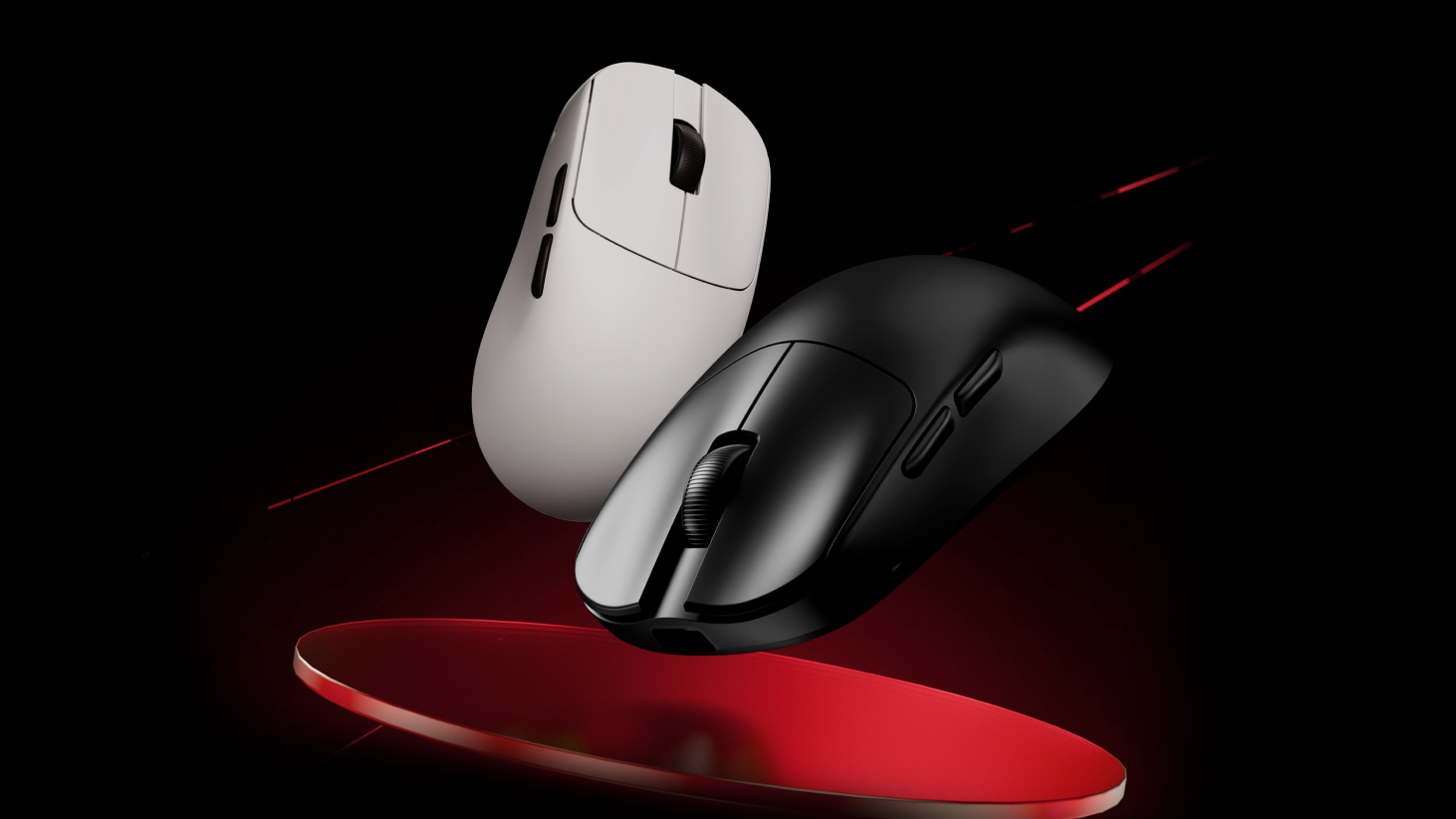
Hinweis für drahtlose Mäuse: Falls Ihre drahtlose Maus vom Computer oder ATK V HUB nicht erkannt wird, stellen Sie sicher, dass auch der 2,4-GHz-Empfänger bzw. der 4K/8K-Empfänger auf die neueste Version aktualisiert ist.
9 Kommentare
Danila
MCU1已经通过bat mcu2单独安装了一个错误,并且通常没有任何反应。 如何更新这些参数的驱动程序以使其工作?
MCU1已经通过bat mcu2单独安装了一个错误,并且通常没有任何反应。 如何更新这些参数的驱动程序以使其工作?
den muñoz
LEO
Nicolas
Hello, my Blazing Sky Z1 Ultra after an update that I don’t know what it is, my back and forward buttons simply stopped working. The mouse is about 2 months old and already has this problem… what can I do?
Hello, my Blazing Sky Z1 Ultra after an update that I don’t know what it is, my back and forward buttons simply stopped working. The mouse is about 2 months old and already has this problem… what can I do?
CALVIN
Im trying to re-install my firmware for my atk edge 60he due to it not connecting to my pc. i have unzipped the firmware file but dont know how to get the unzipped file to the update.bat file/dont know what a update.bat file is.Any help?
Im trying to re-install my firmware for my atk edge 60he due to it not connecting to my pc. i have unzipped the firmware file but dont know how to get the unzipped file to the update.bat file/dont know what a update.bat file is.Any help?
kap
i follow the informetion but it still unable to update the firmware what im gonna do (the prompt already show echo 0)
i follow the informetion but it still unable to update the firmware what im gonna do (the prompt already show echo 0)
Christopher
Is the ATK VXE V75 PRO supported by the web application? One of the reasons I got the keyboard was for the ability to adjust it through the web app and not need to download an application.
Is the ATK VXE V75 PRO supported by the web application? One of the reasons I got the keyboard was for the ability to adjust it through the web app and not need to download an application.
samet
The first error I received was an update error when opening the v hub. and I updated it, but when I try to log in, it continues to give the same error and I cannot log in from the website.
The first error I received was an update error when opening the v hub. and I updated it, but when I try to log in, it continues to give the same error and I cannot log in from the website.