


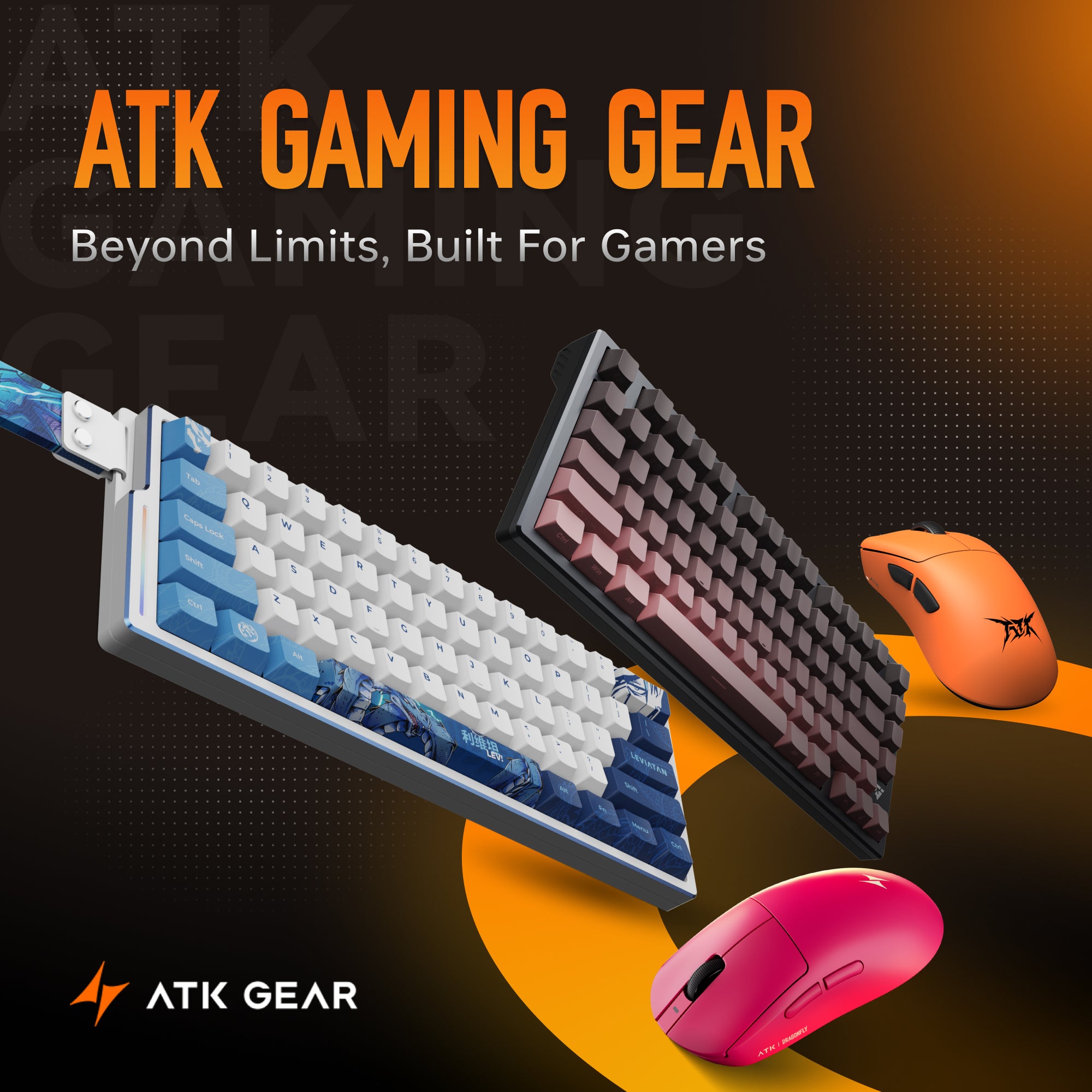

마우스를 선택할 때, 특히 게임이나 업무용으로 사용할 경우 DPI라는 용어를 자주 접하게 됩니다. 그렇다면 DPI는 실제로 무엇을 의미하며, 마우스 사용 경험에 어떤 영향을 줄까요? 이 기사에서는 DPI에 대한 핵심 정보를 살펴보고, 그것이 왜 중요한 마우스’s 성능 최적화에 중요한 역할을 하는지 알아보겠습니다.

[[KEEP_7_0]]란 is DPI?
DPI 또는 dots per inch로, 마우스가 움직임에 얼마나 민감한지를 나타내는 측정 단위입니다. 쉽게 말해, 마우스를 1인치 움직일 때 화면상의 커서가 몇 픽셀 이동하는지를 의미합니다. 예를 들어, [[KEEP_15_0]]로 설정된 마우스는 1인치당 커서가 [[KEEP_15_1]]픽셀 이동하게 되며 a mouse configured at 800 DPI will cause the cursor to move 800 pixels per inch, while one set to 1600 DPI will result in 1600 pixels of movement over the same distance.
Why DPI 이유는? [[KEEP_20_0]] 설정은 마우스의 감각과 성능에 큰 영향을 줄 수 있습니다. 더 높은 [[KEEP_20_1]]는 커서가 화면에서 더 빠르게 움직이게 하며,
The DPI setting can have a big effect on how the mouse feels and performs. A higher DPI means the cursor will move faster across the screen,반면, 더 낮은 [[KEEP_22_0]] 설정은 정밀도를 높여 사진 편집이나 전략 게임처럼 정확한 조작이 필요한 작업에서 움직임을 더 쉽게 제어할 수 있게 해줍니다. On the other hand, a lower DPI setting provides more precision, making it easier to control your movements for tasks that require accuracy, such as photo editing or strategic gaming.
Gaming and DPI
[[KEEP_25_0]]가 중요한 고려 요소입니다. DPI is a crucial factor to consider. 프로 선수들은 조절 가능한 [[KEEP_28_0]] 설정이 있는 마우스를 선호합니다 prefer mice with adjustable DPI settings, 빠른 템포의 슈팅 게임에서는 더 높은 [[KEEP_31_0]]가 빠른 반응에 도움이 될 수 있고, 전략 게임이나 FPS 게임에서의 저격에는 더 낮은 [[KEEP_31_1]]가 더 나은 정밀도를 제공합니다. [[KEEP_31_2]] 스위치가 탑재된 마우스는 게이머가 실시간으로 민감도를 매끄럽게 조절해, 게임 플레이를 방해하지 않고 다양한 인게임 상황에 대응할 수 있게 합니다., a higher DPI might help with quick reactions, while for strategy games or sniping in FPS games, a lower DPI allows for better precision. Mice equipped with a DPI switch allow gamers to seamlessly adjust sensitivity in real time, adapting to various in-game situations without interrupting gameplay.
Adjusting Mouse DPI
의 최신 마우스에는 사용자가 [[KEEP_34_0]] 설정을 변경할 수 있는 전용 드라이버가 탑재되어 있습니다. modern mice are equipped with specialized drivers that enable users to modify their DPI settings. Our mice can utilize the ATK HUB or Web Driver for DPI adjustments. If you prefer not to download any drivers, you can also quickly adjust the DPI using the button located on the bottom of the mouse. Users can select a suitable DPI value based on their needs or customize the settings according to their preferences.

DPI is 기능입니다. 게임, 디자인, 일상적인 사용 등 어떤 용도든 [[KEEP_38_0]]을 이해하고 활용하면 마우스의 장점을 최대한 끌어낼 수 있으며, 이를 feature for those looking to optimize their mouse experience, whether it’s for gaming, design, or everyday use. Understanding how to adjust and utilize DPI can help you get the best out of your mouse, making it a 생산성과 엔터테인먼트를 모두 위한 도구로 만들어 줍니다. tool for both productivity and entertainment.

