


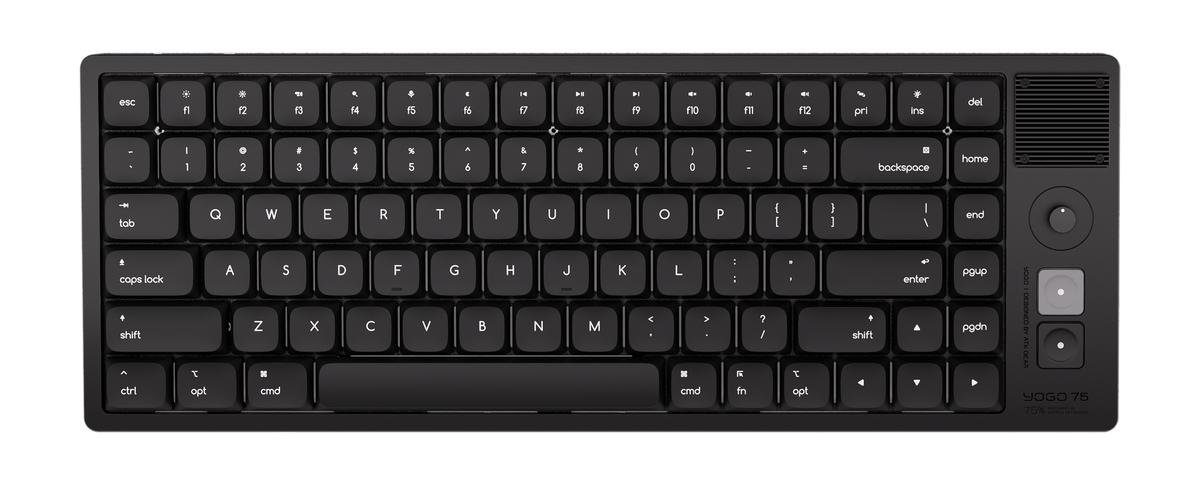
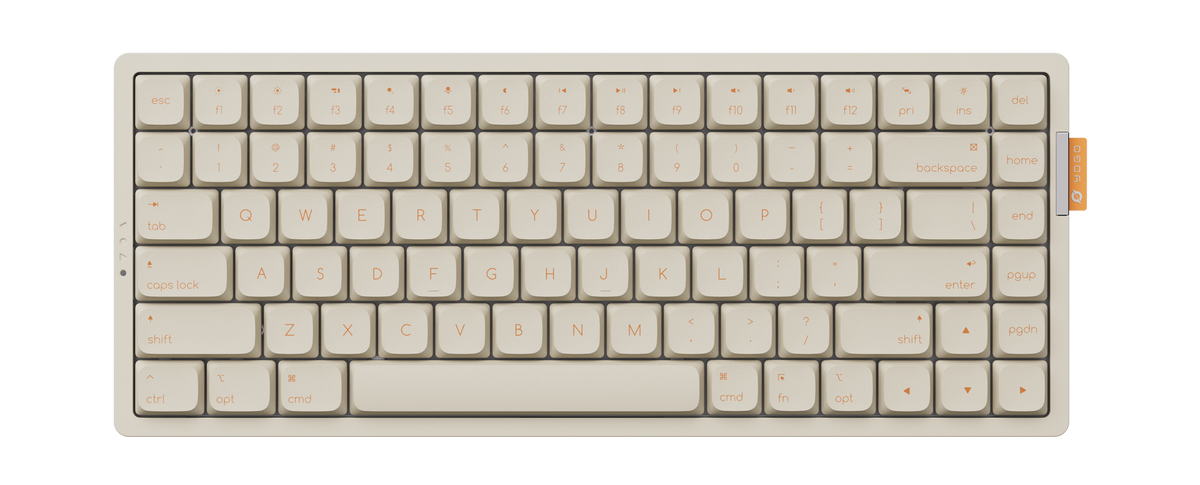
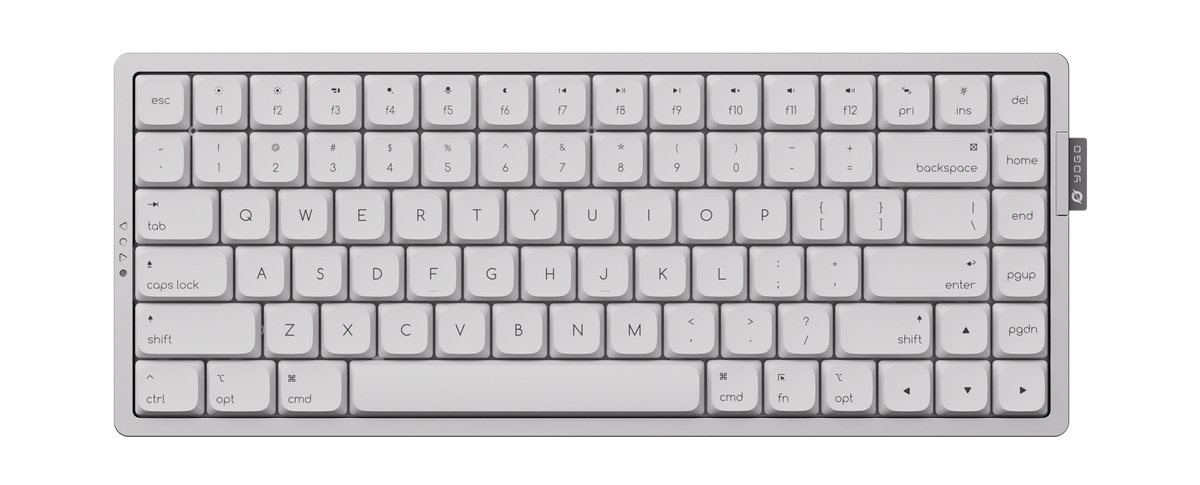
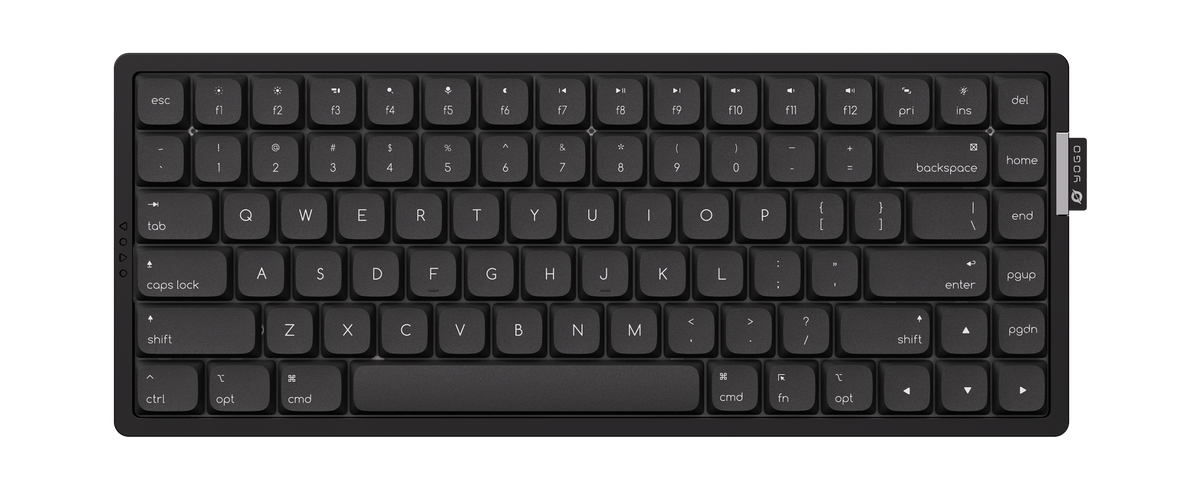
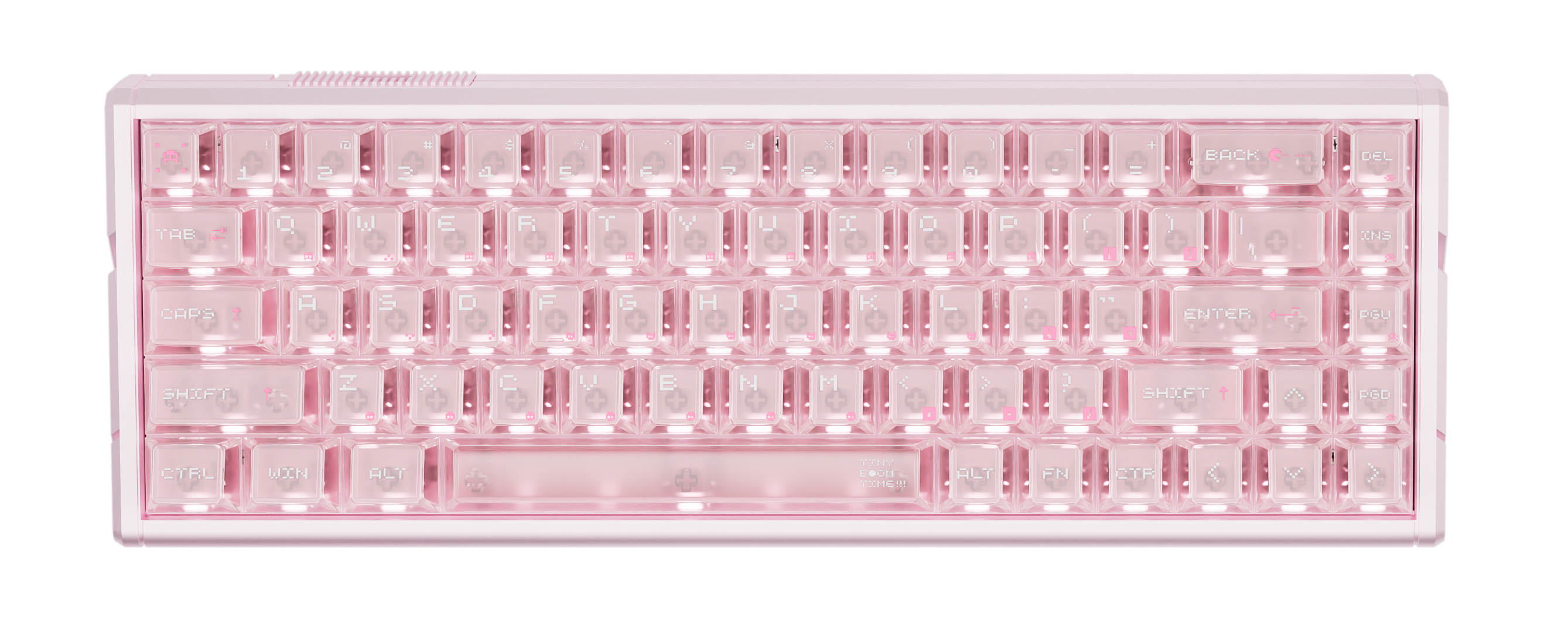
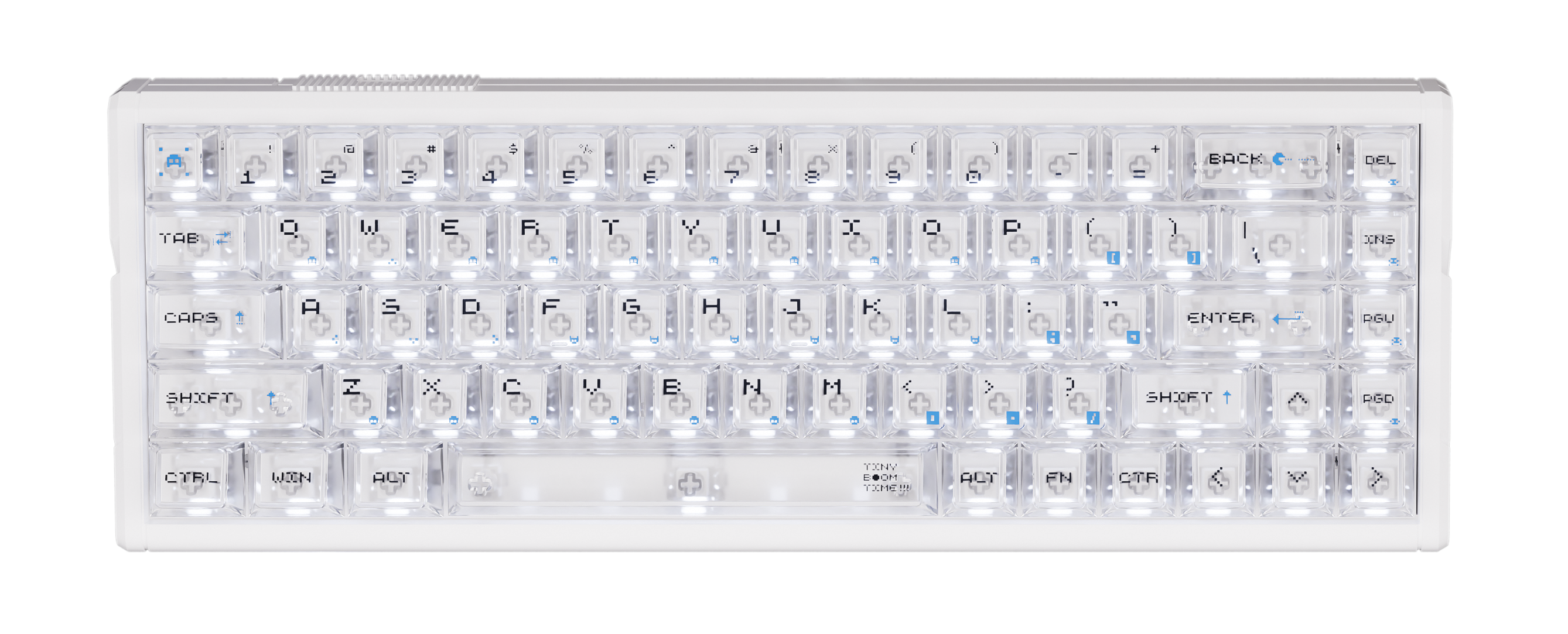
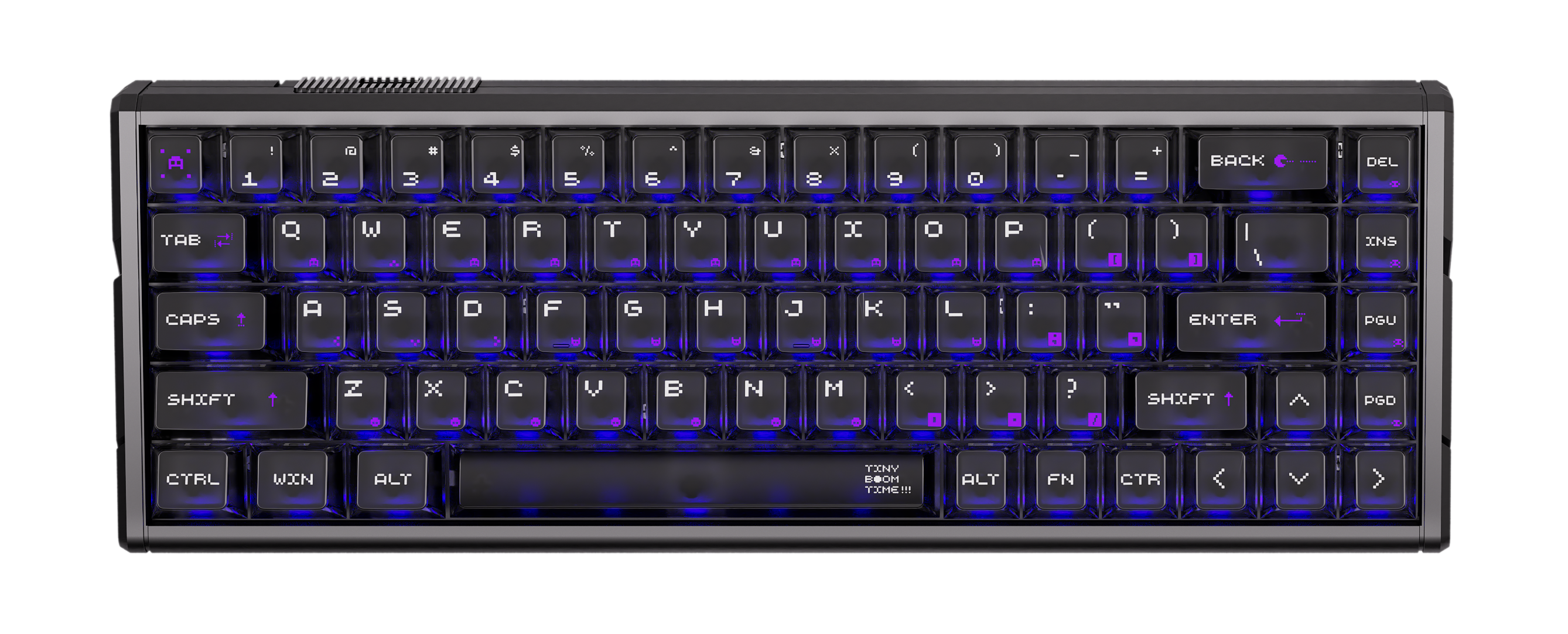
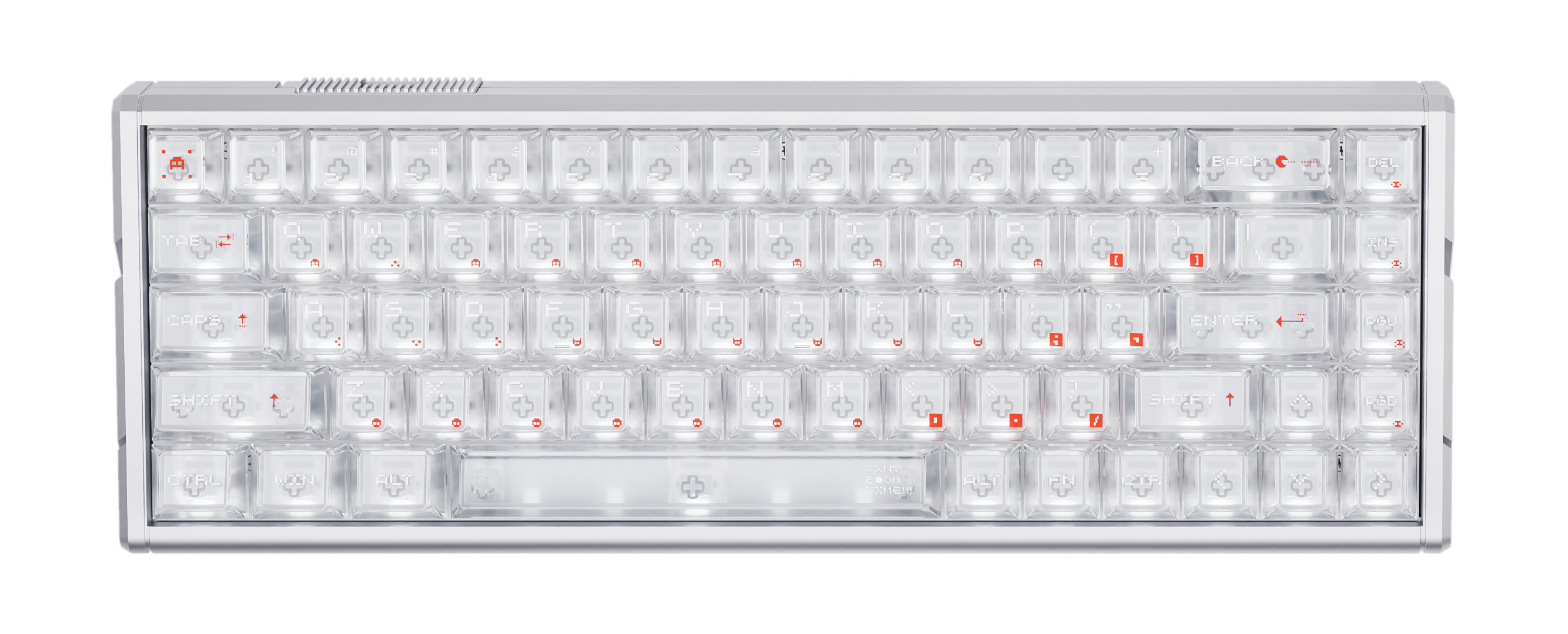
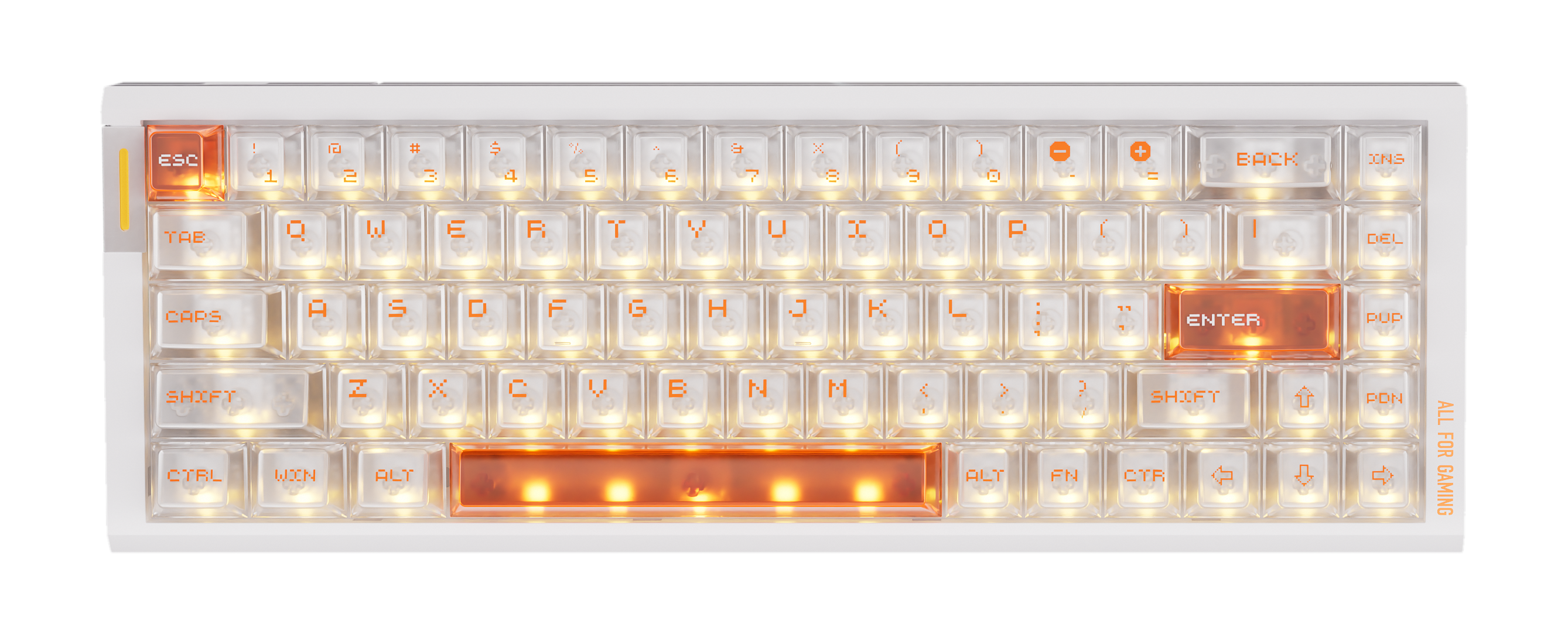
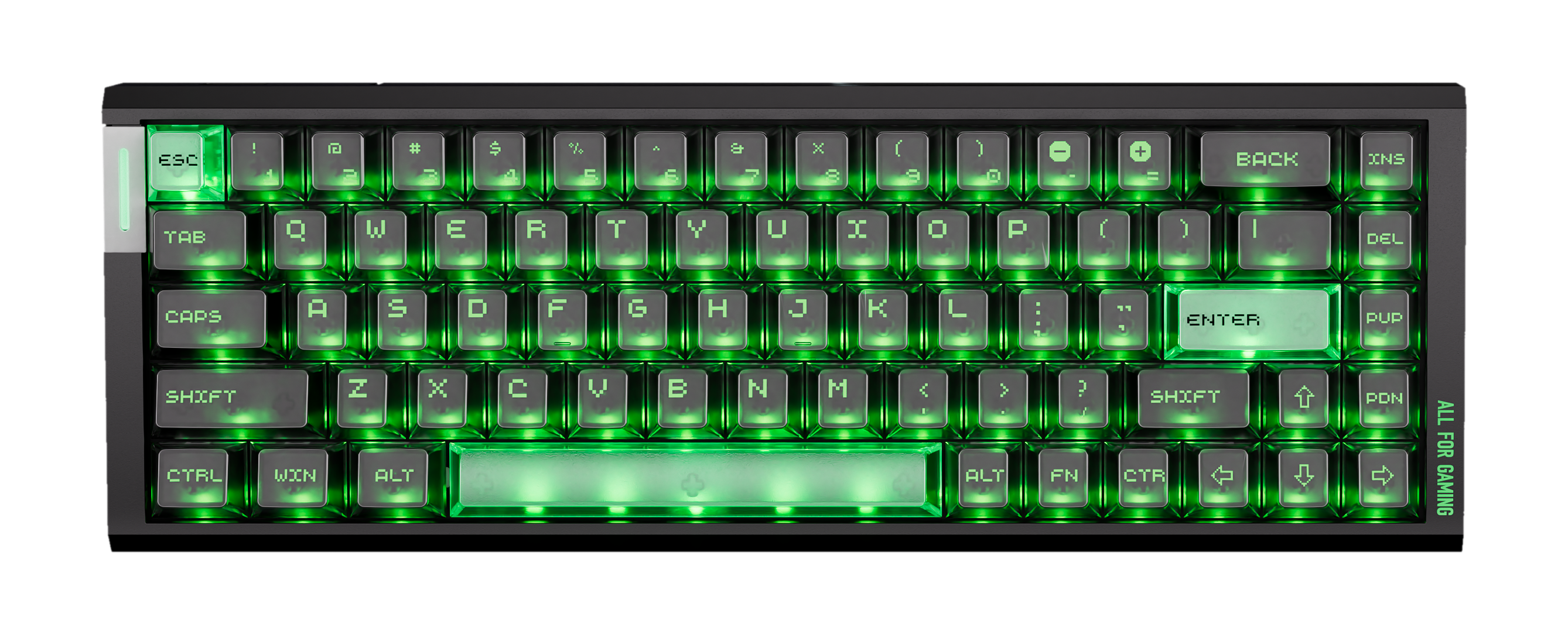
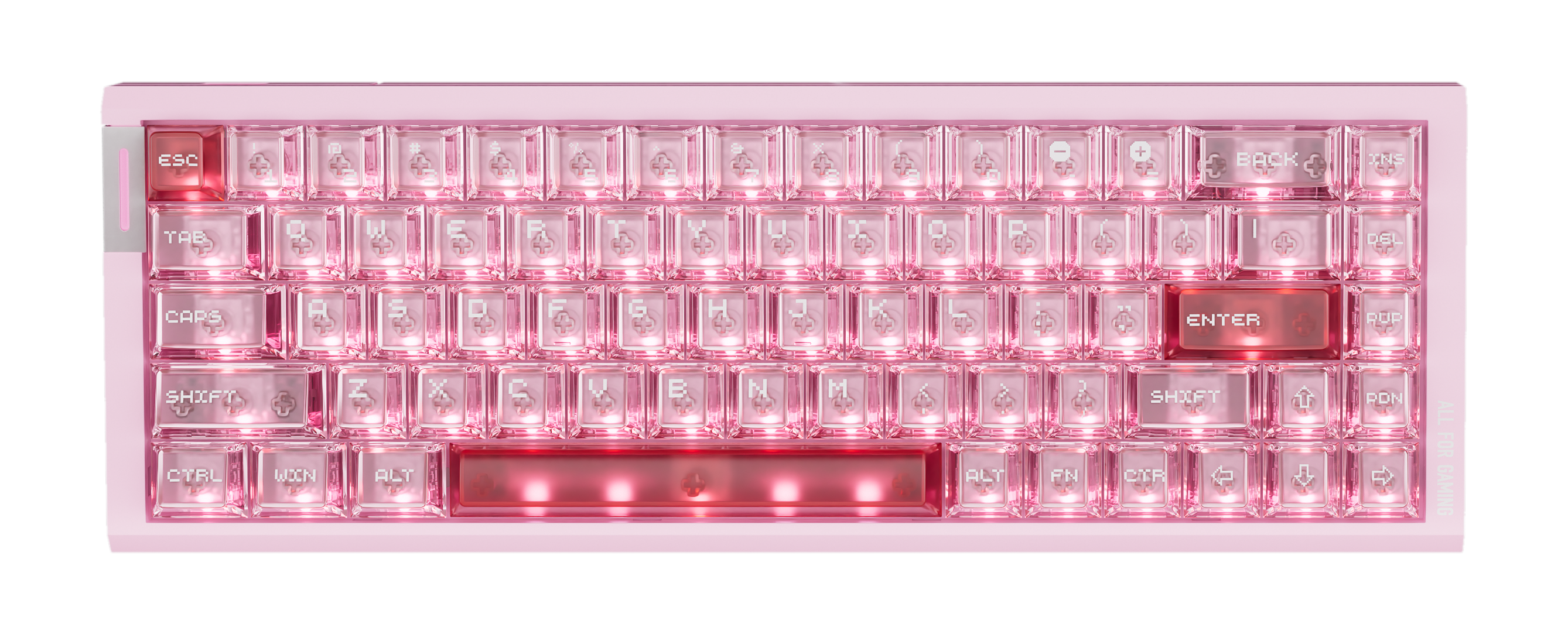
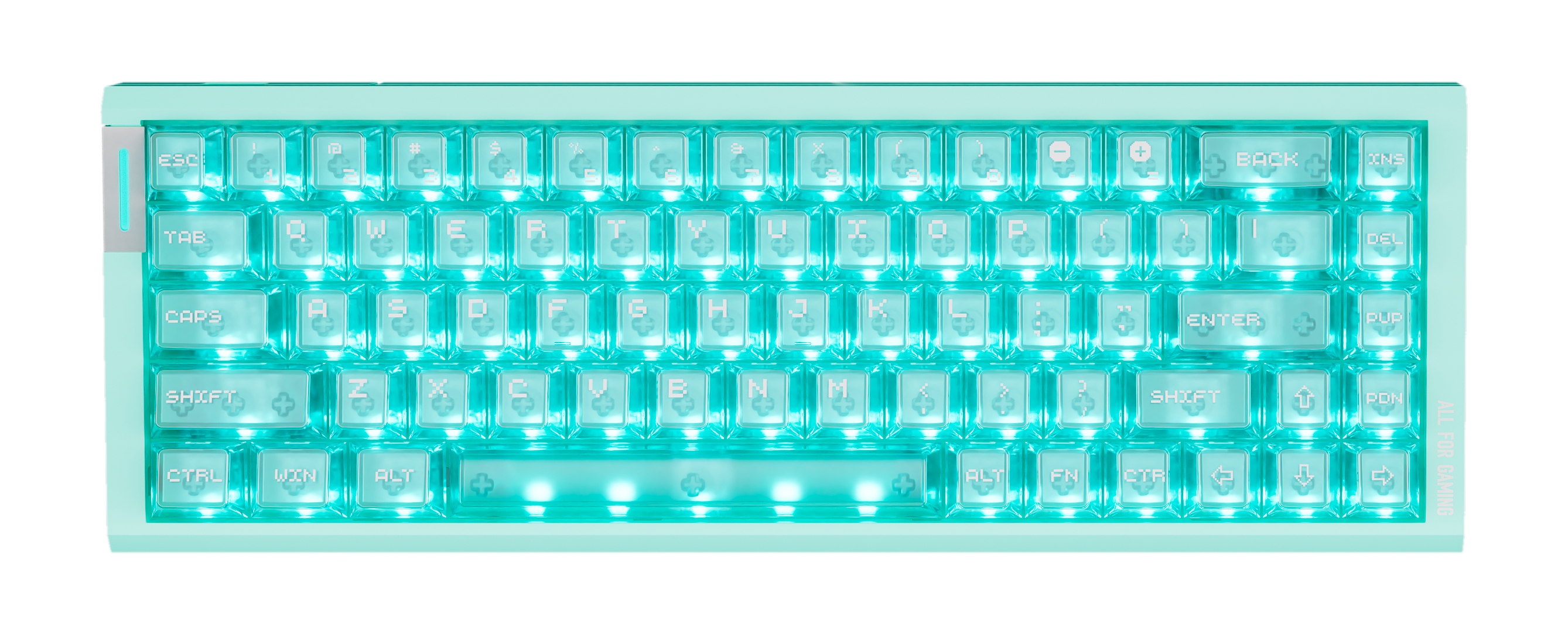
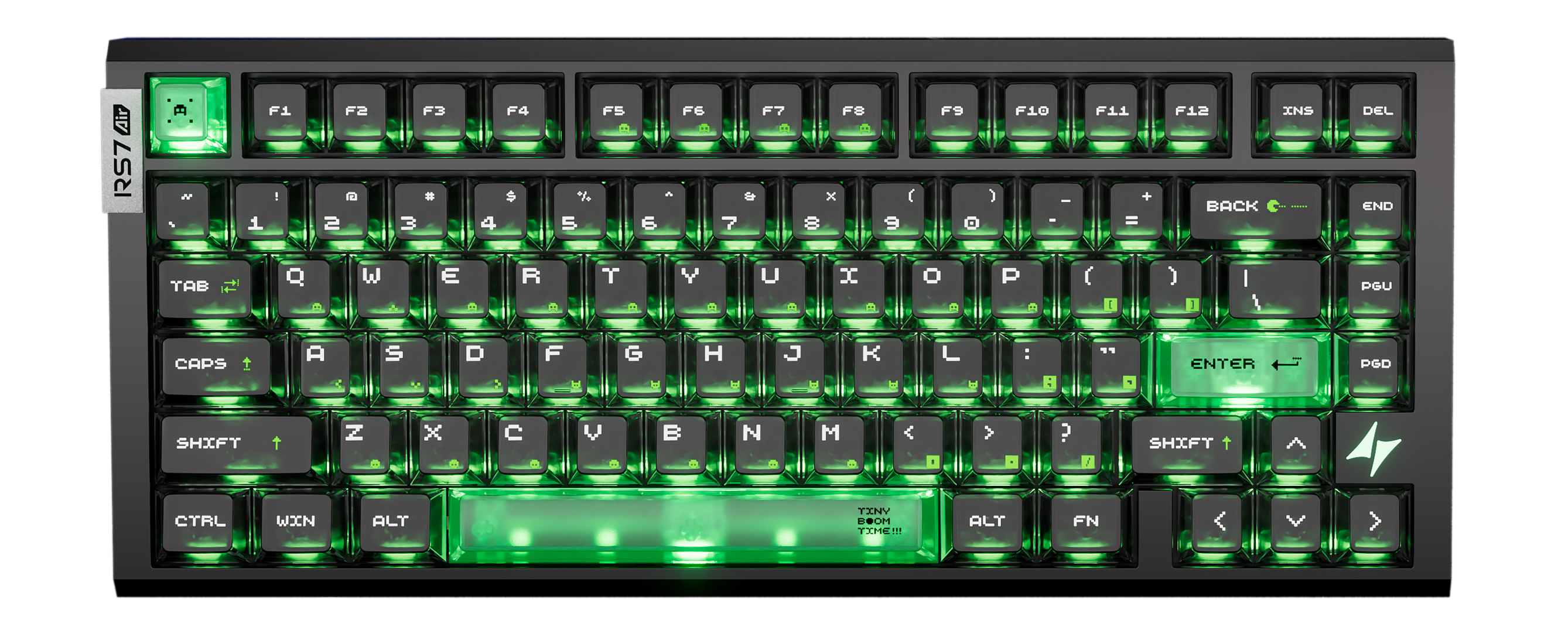
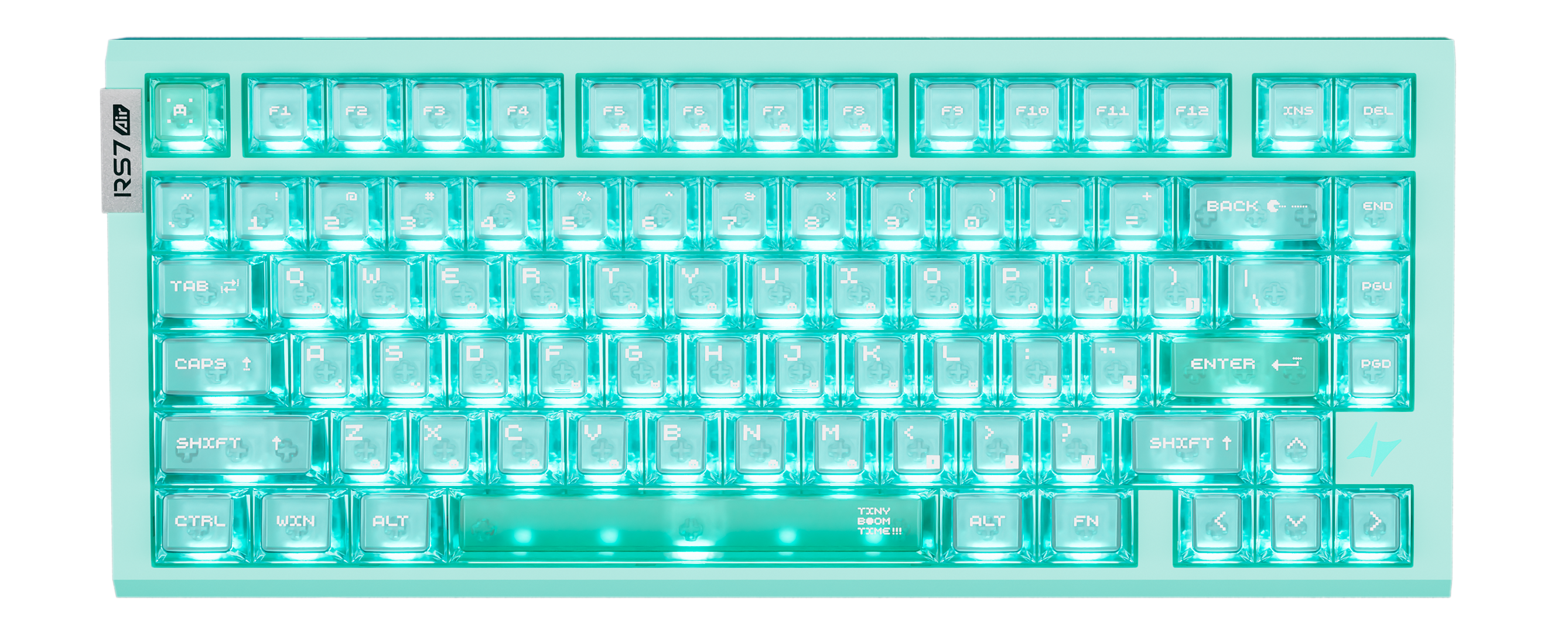
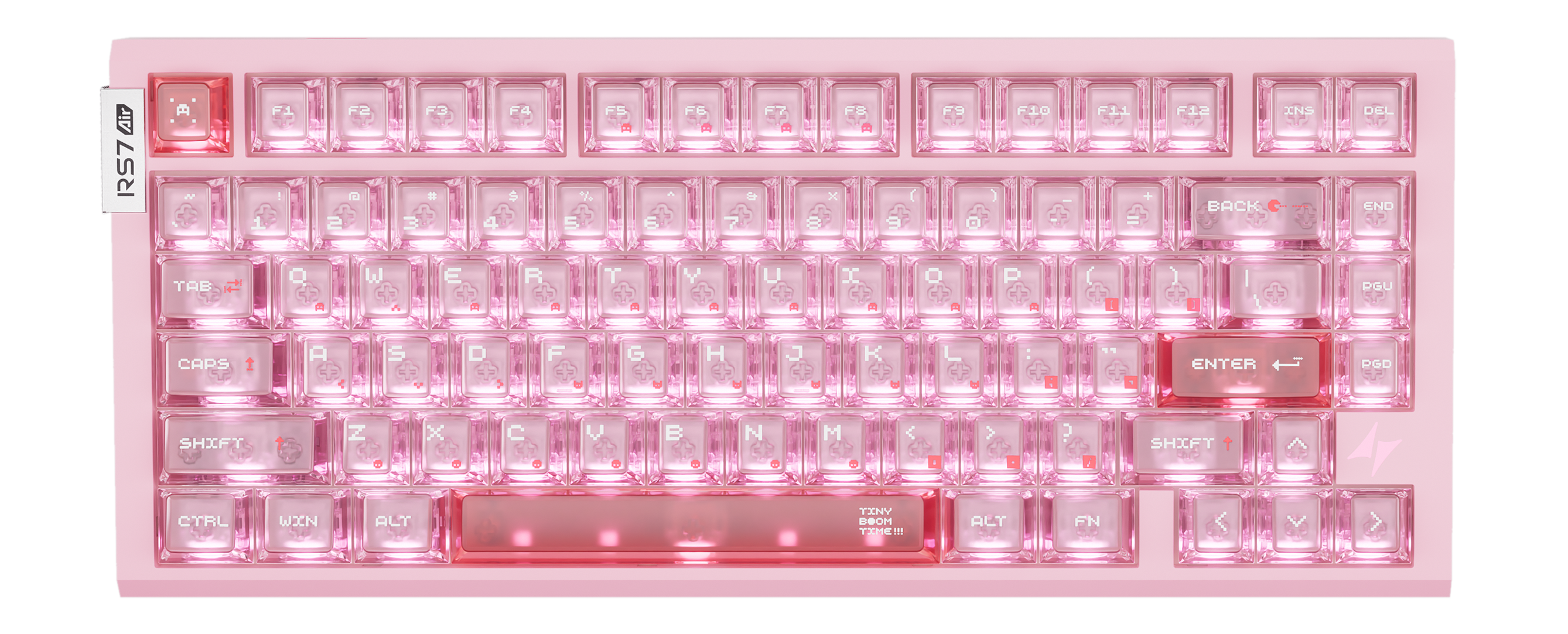
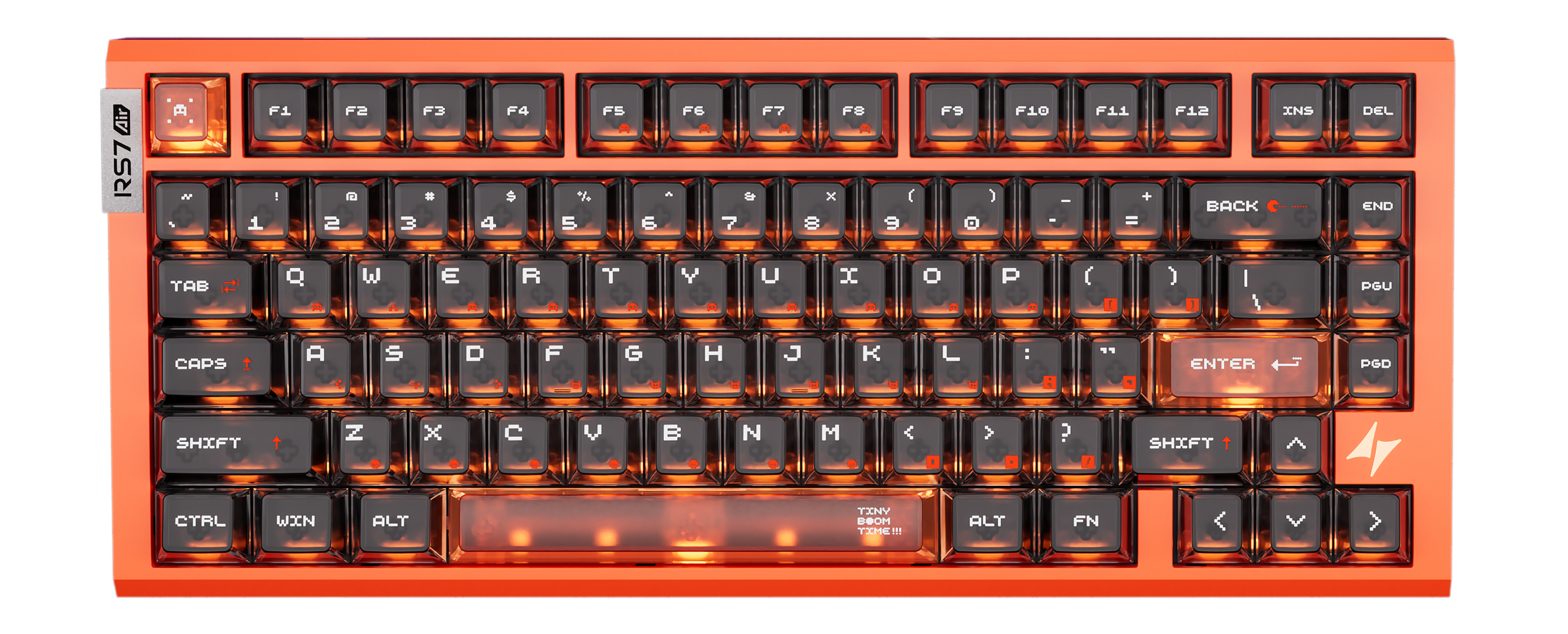
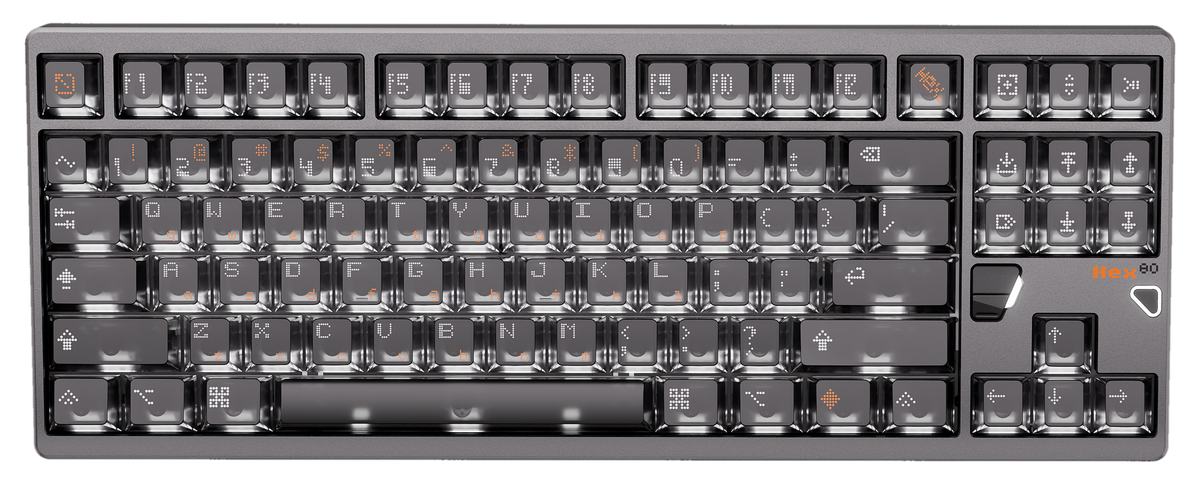
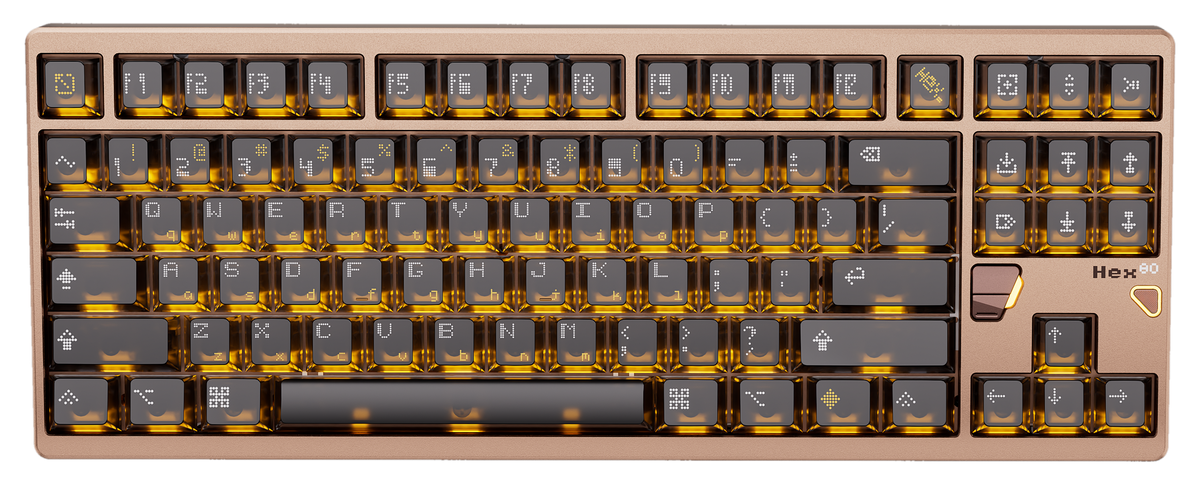
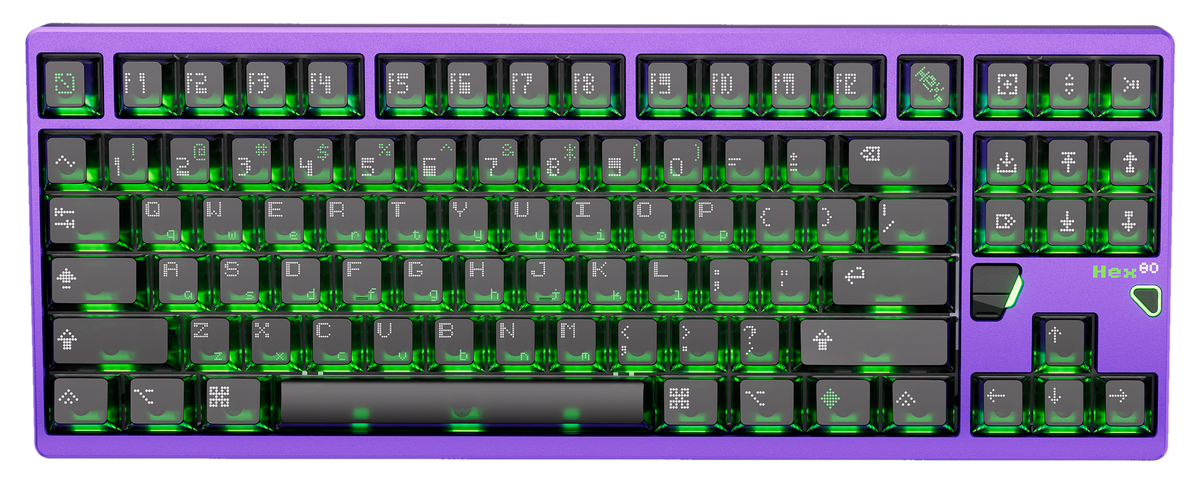
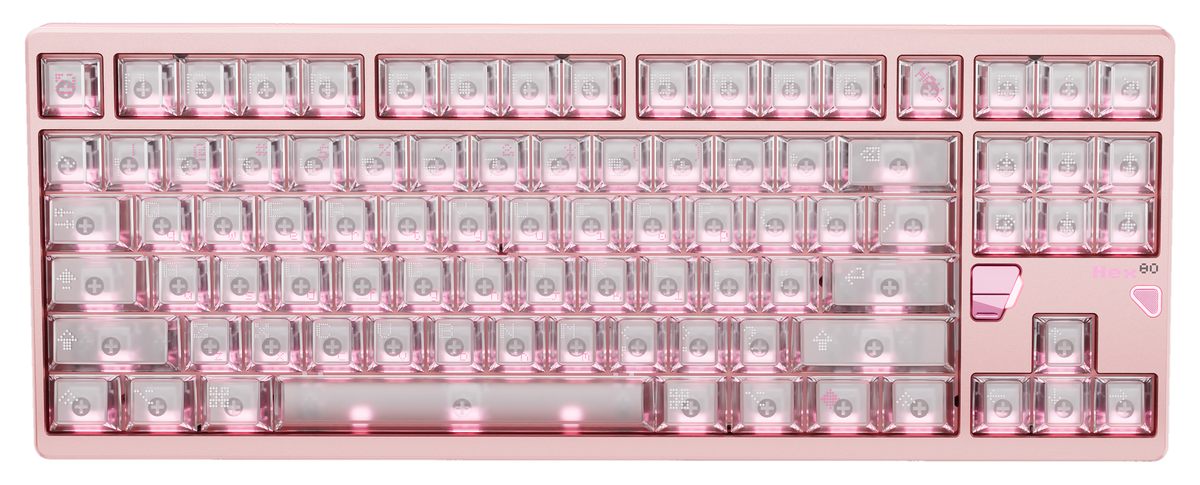
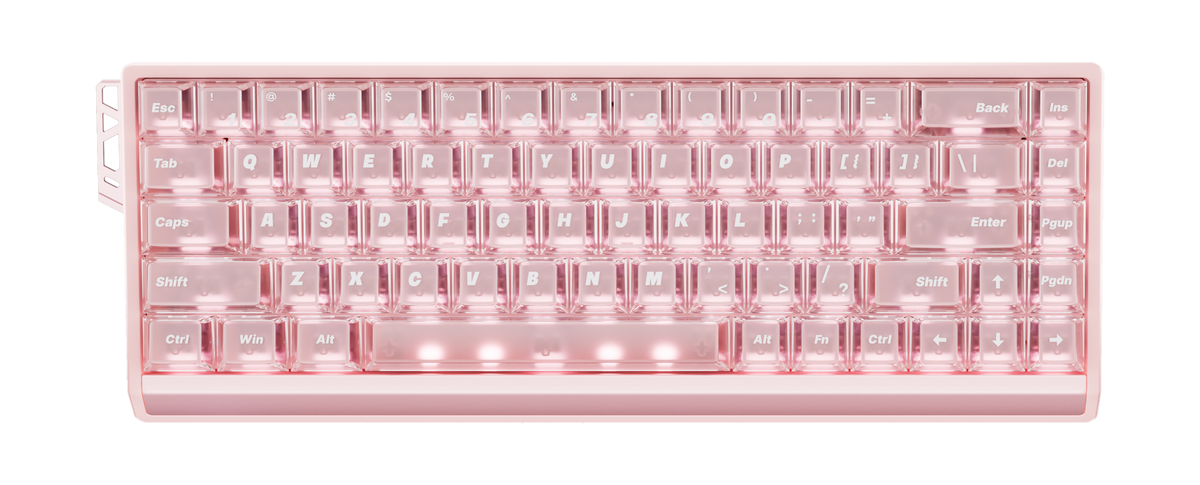
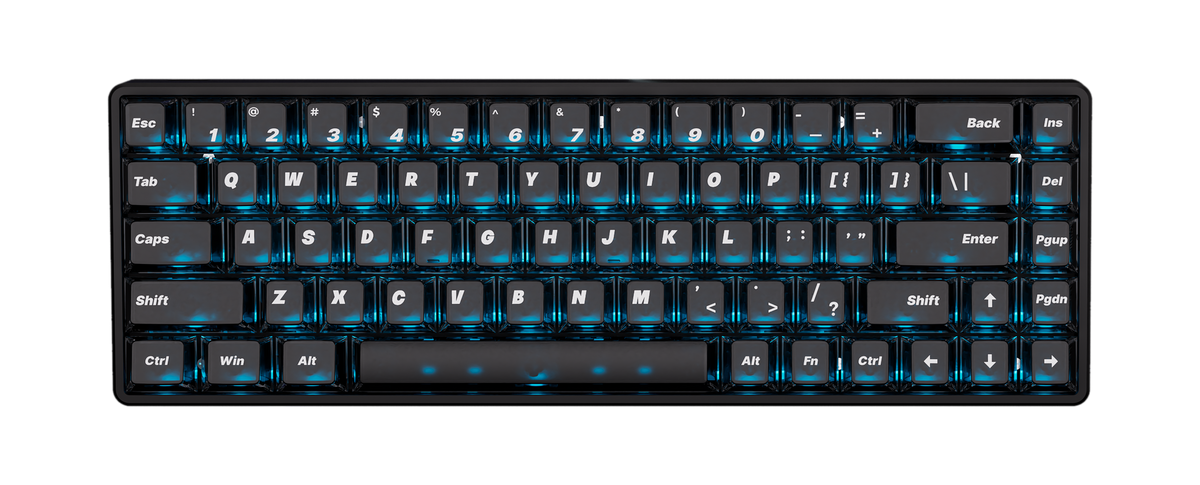
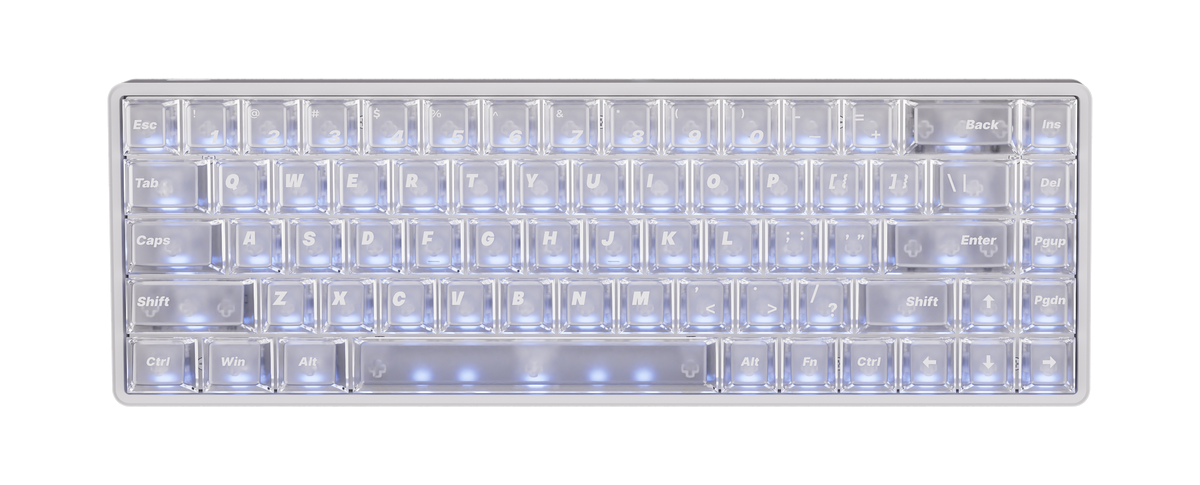
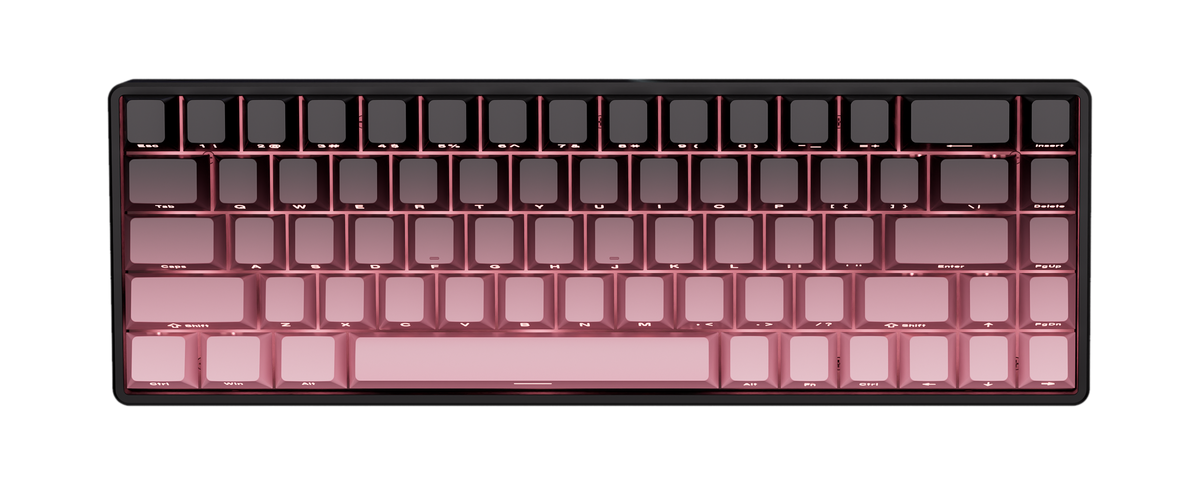
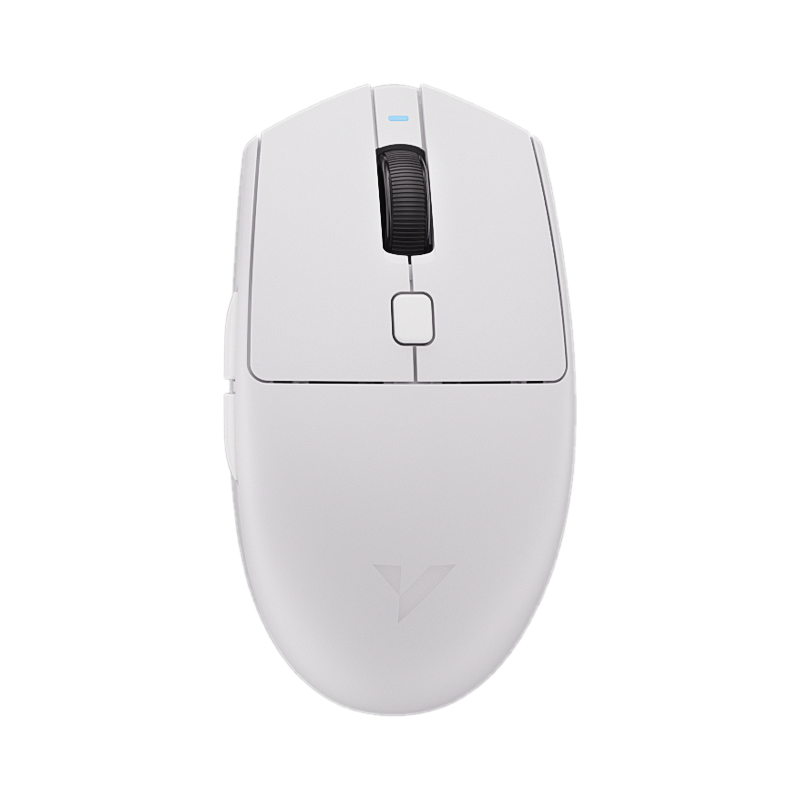
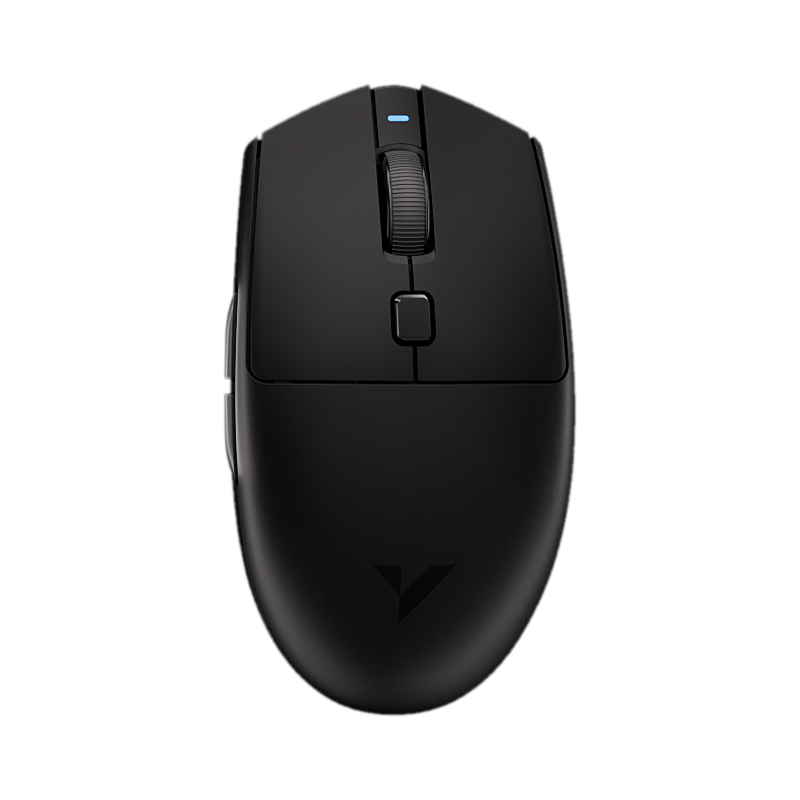
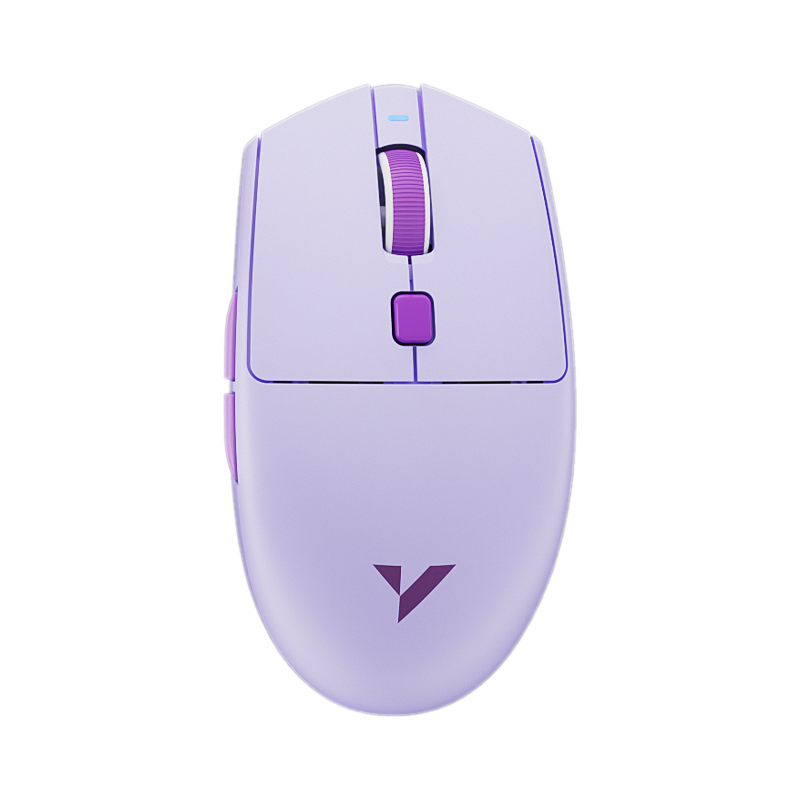
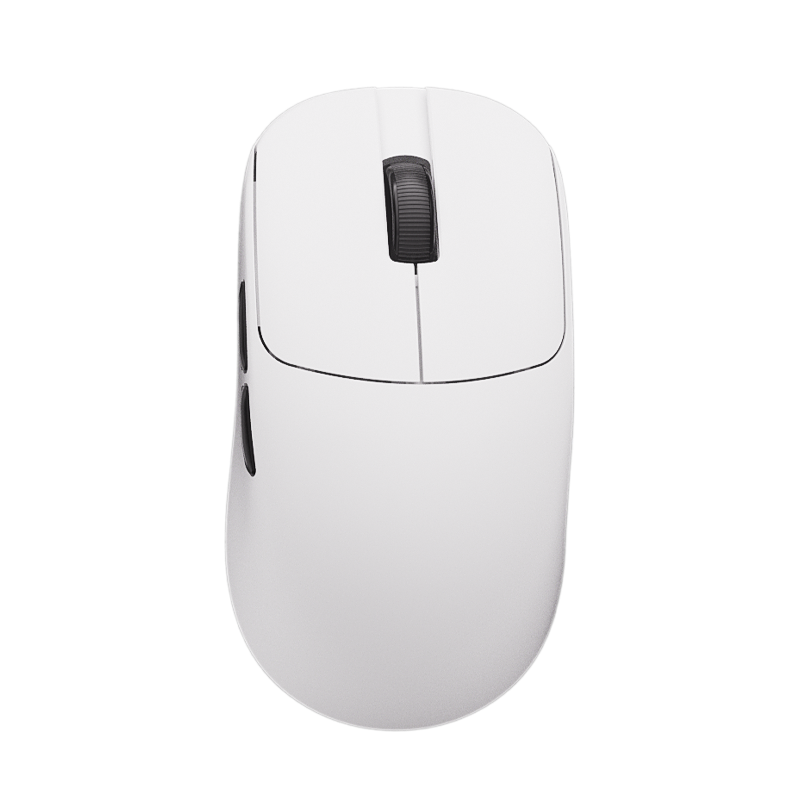
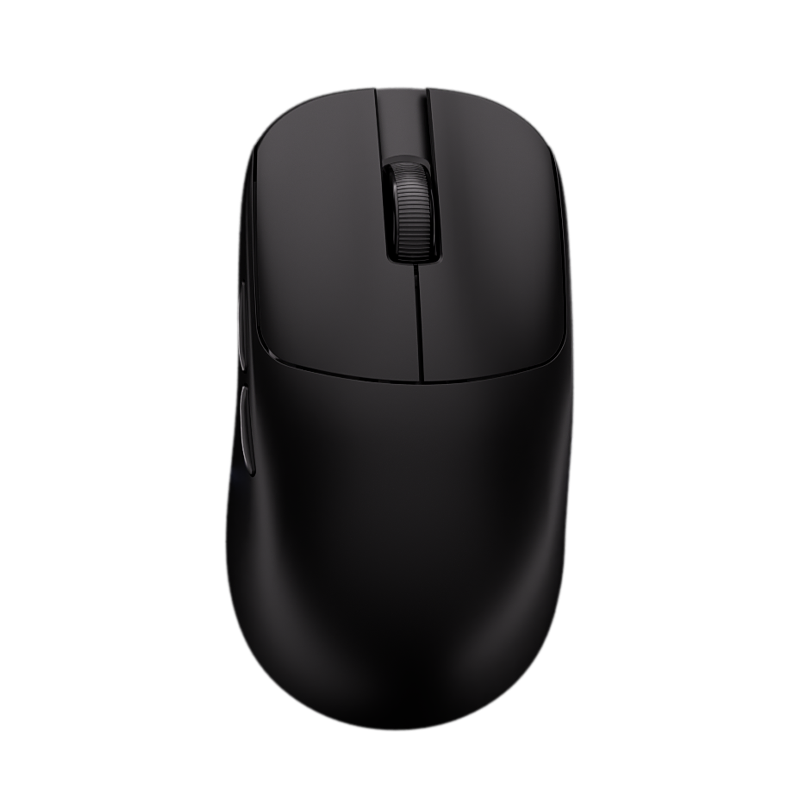
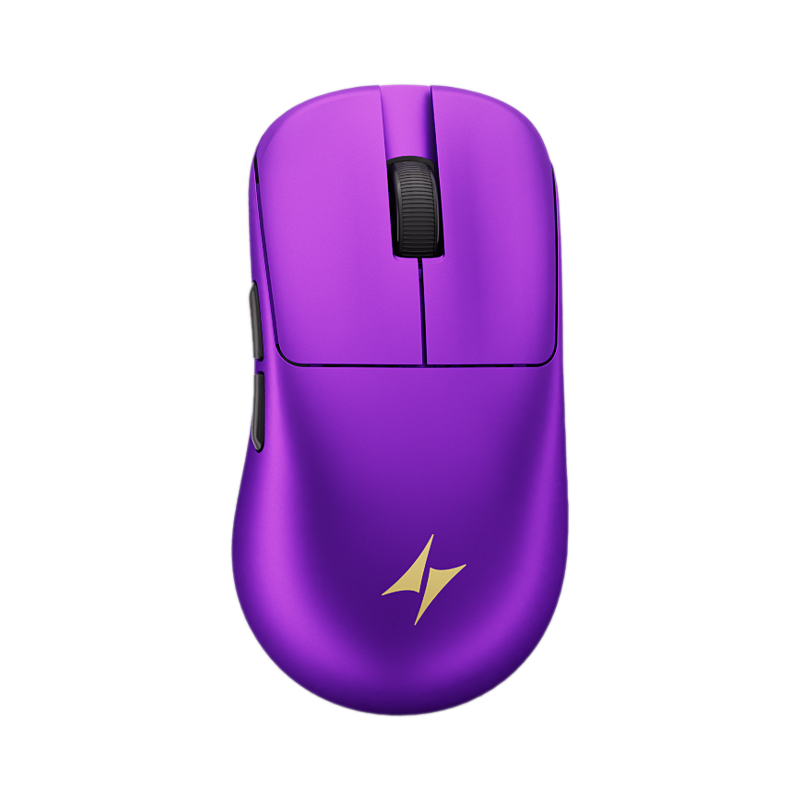
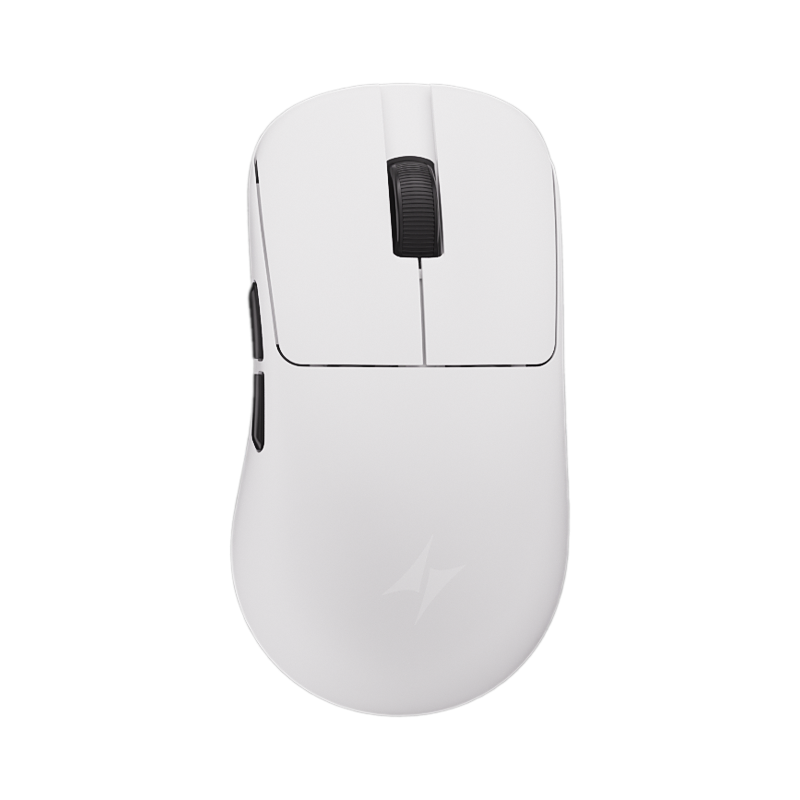
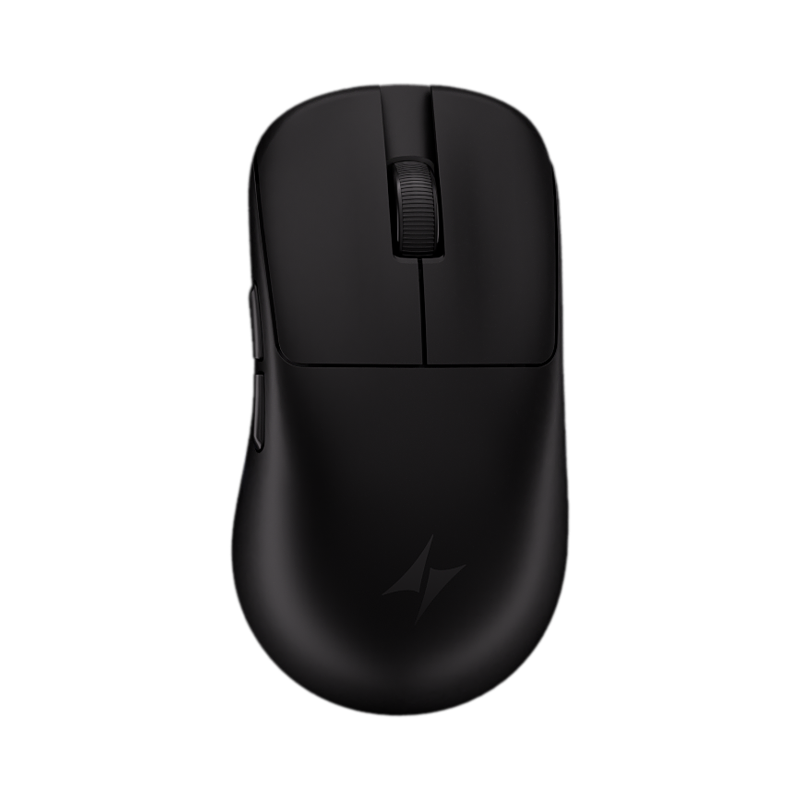
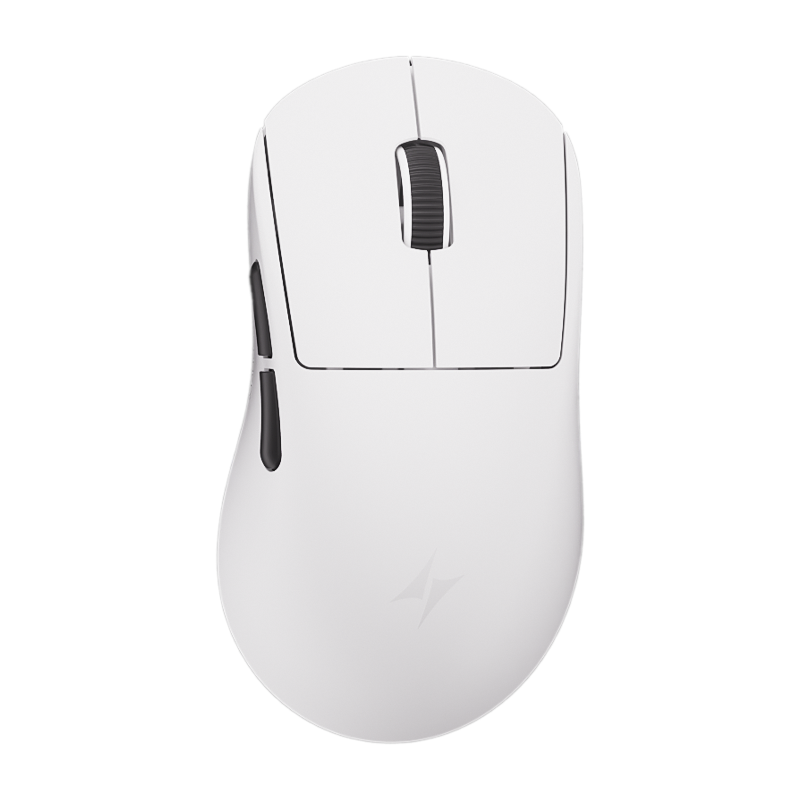
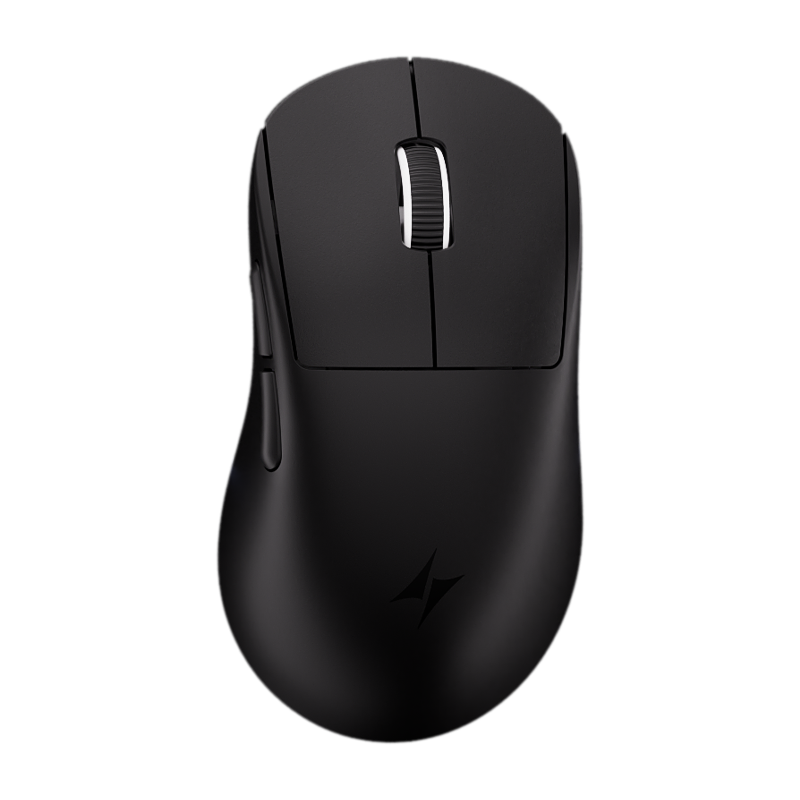
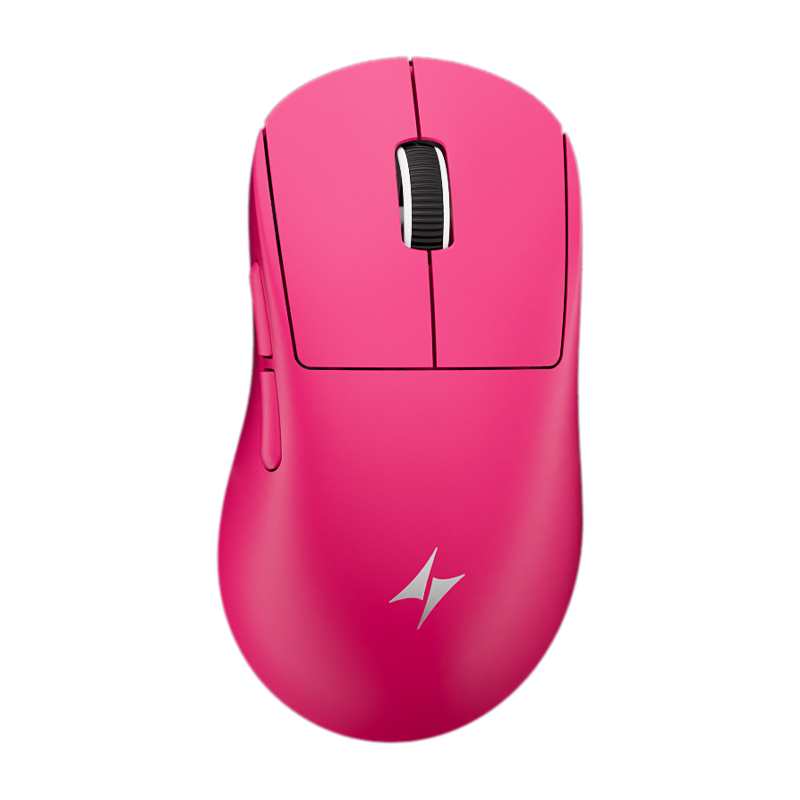
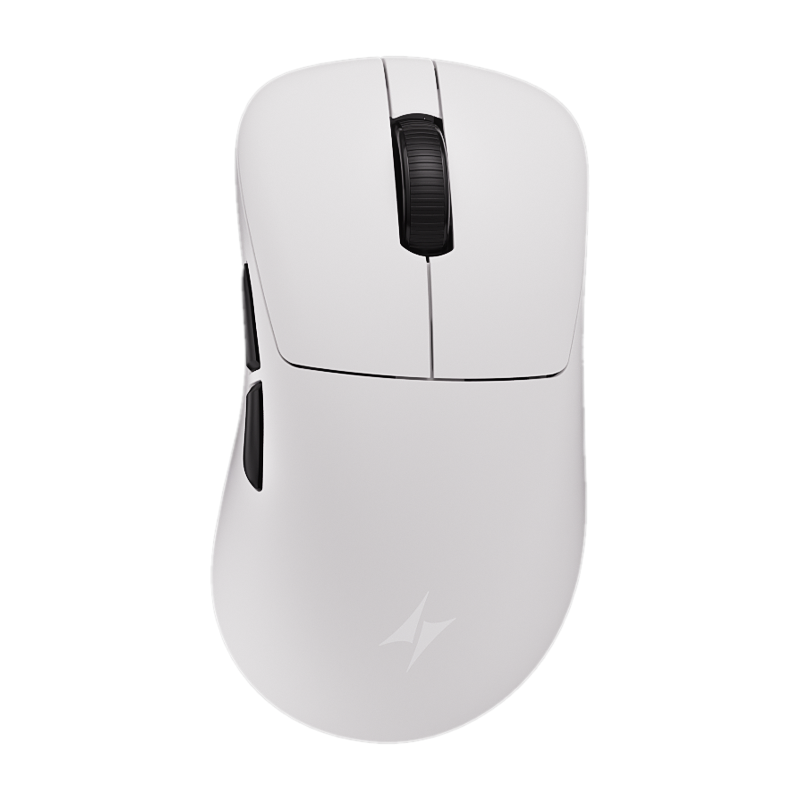
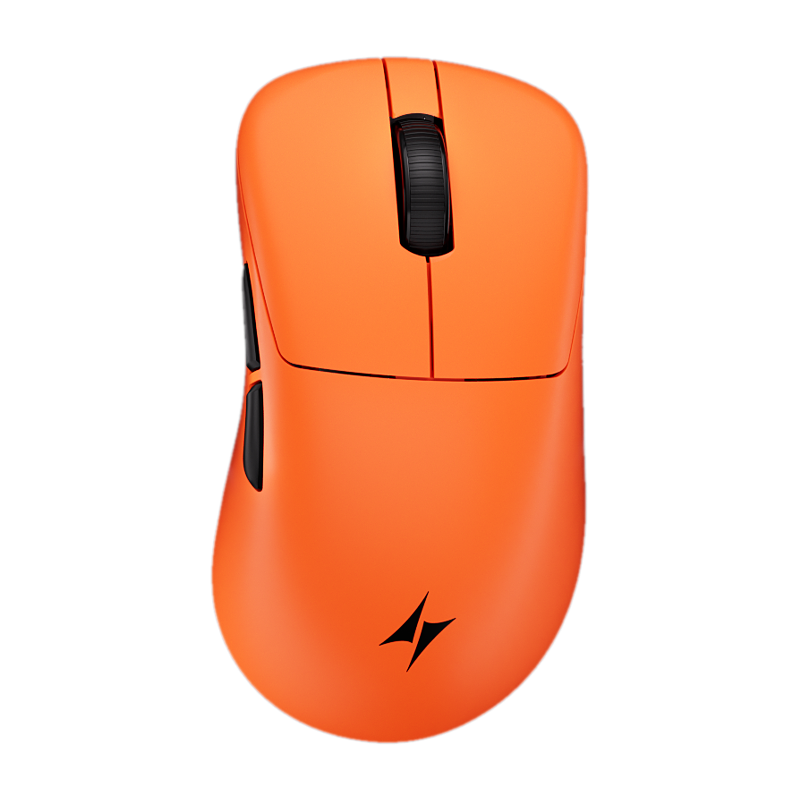
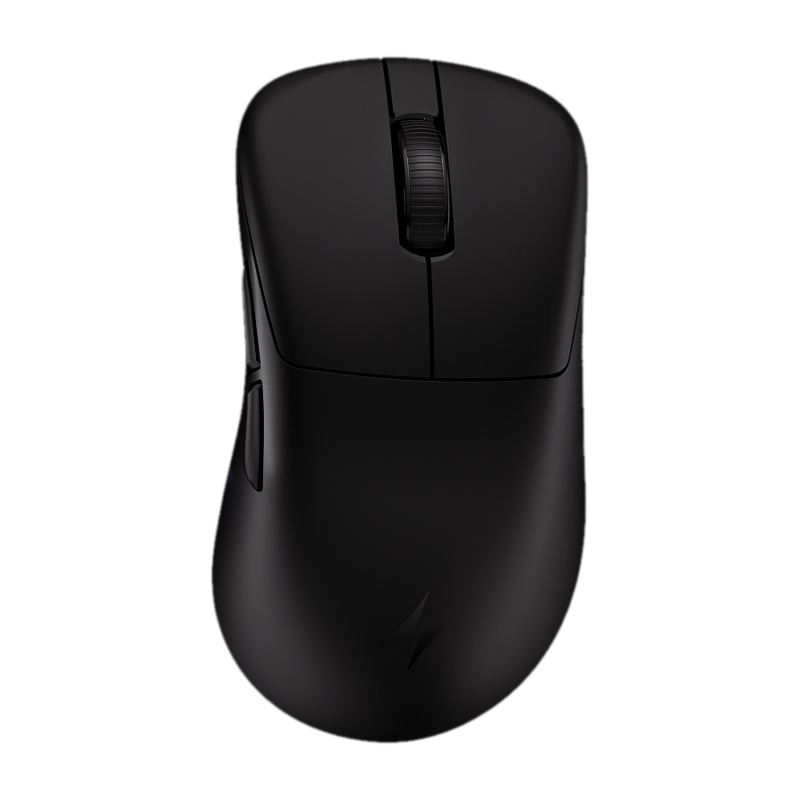
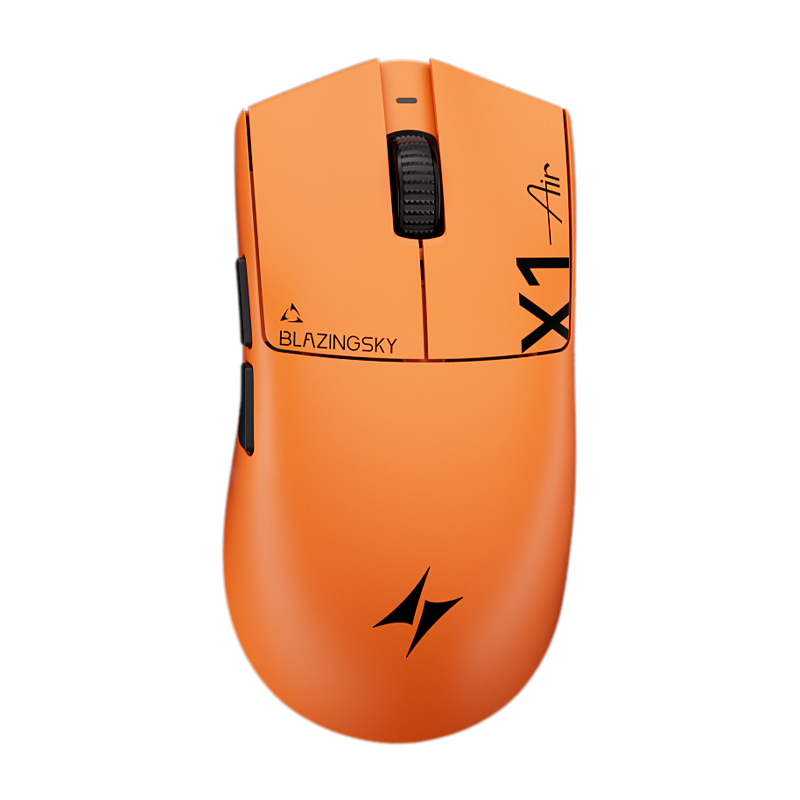
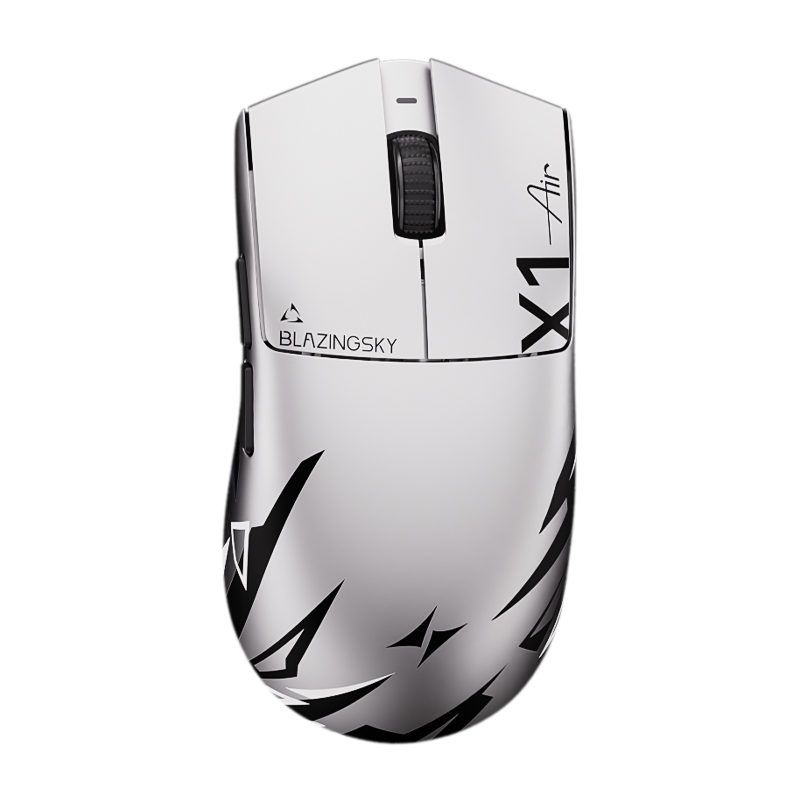
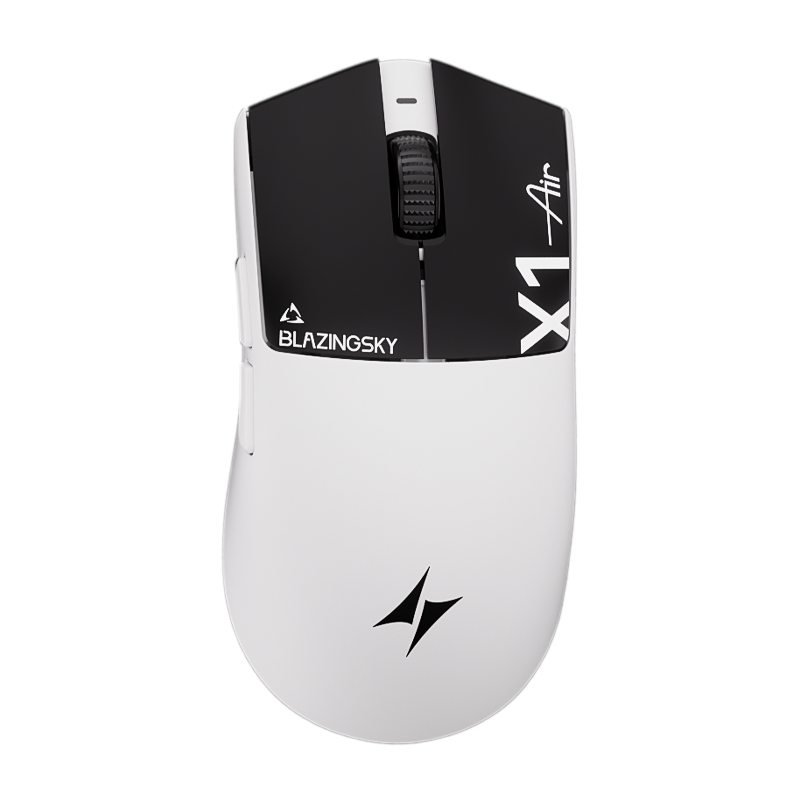
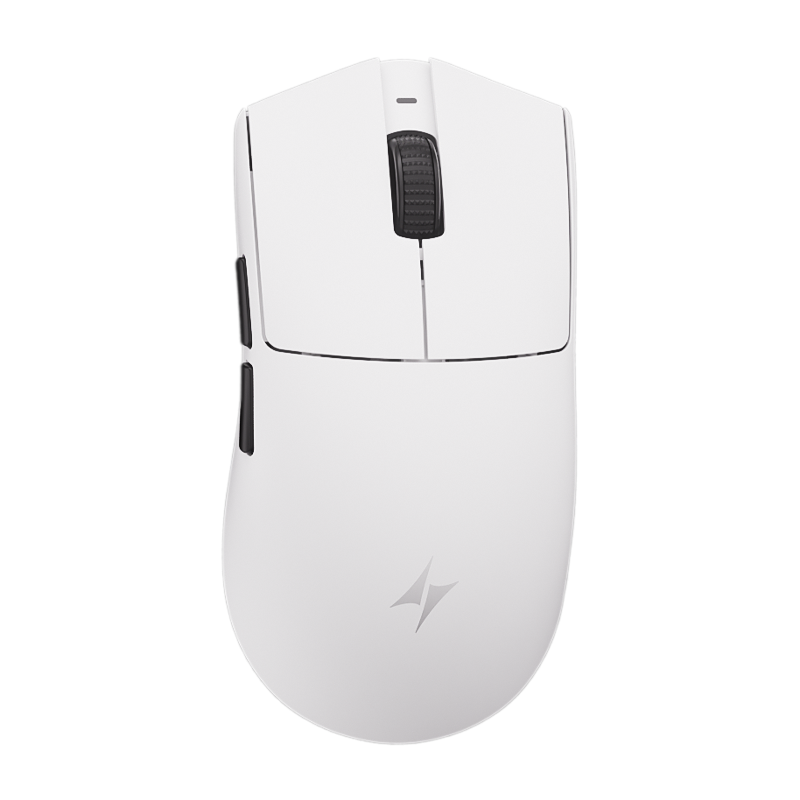
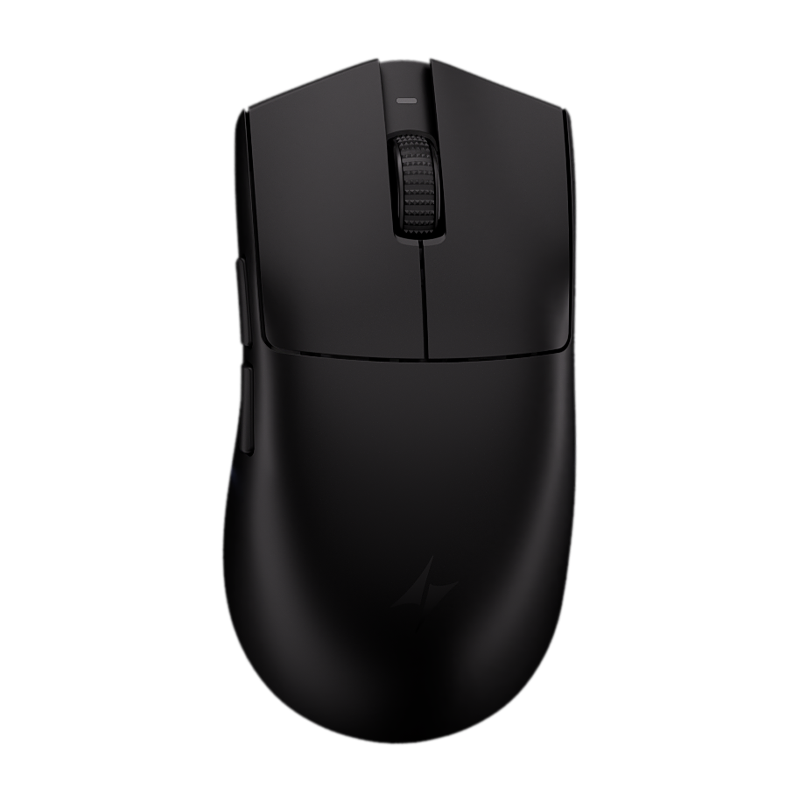
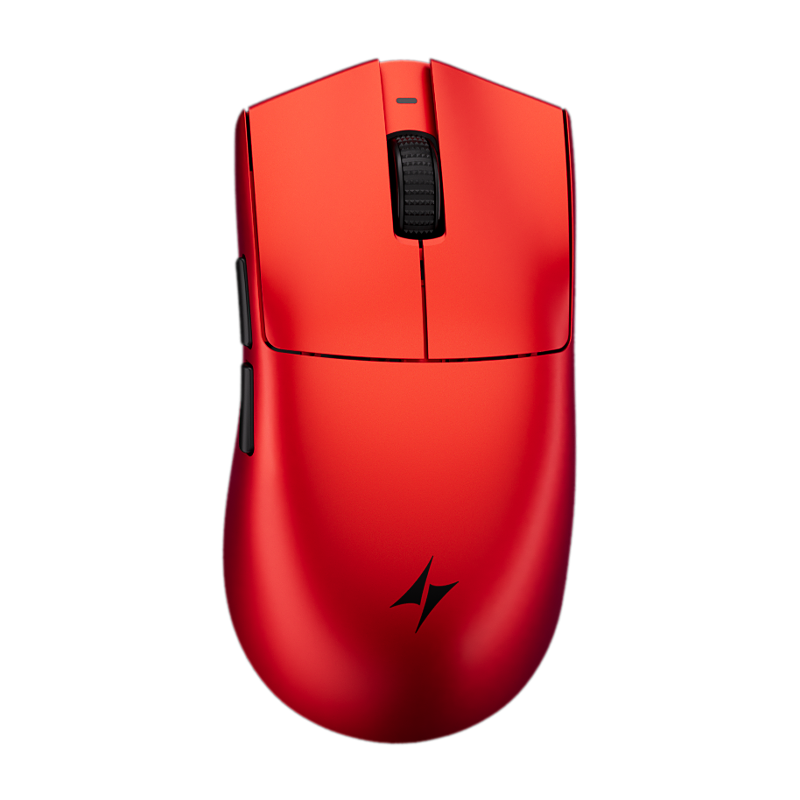
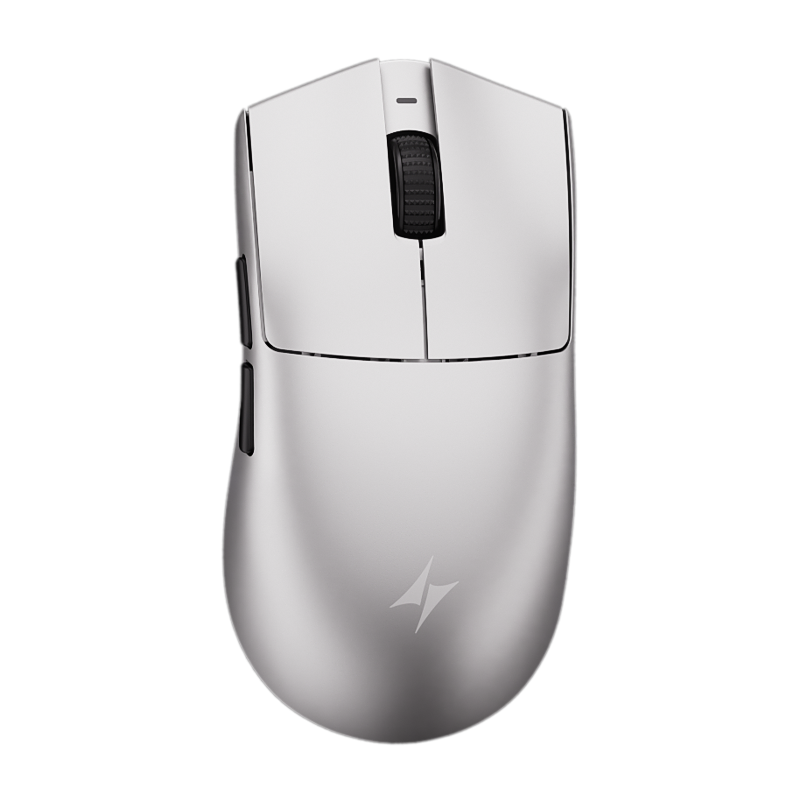
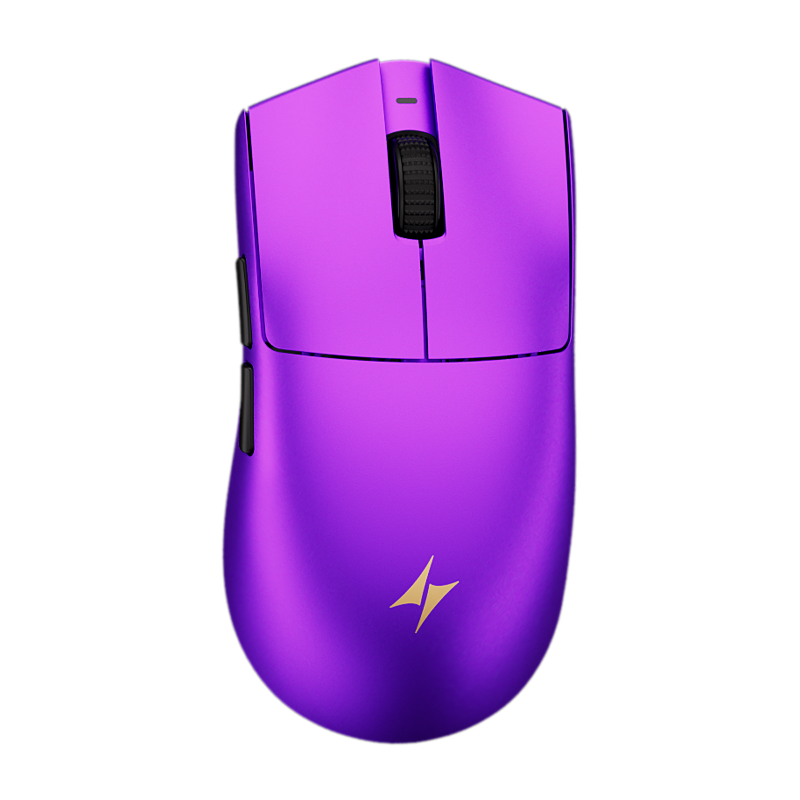
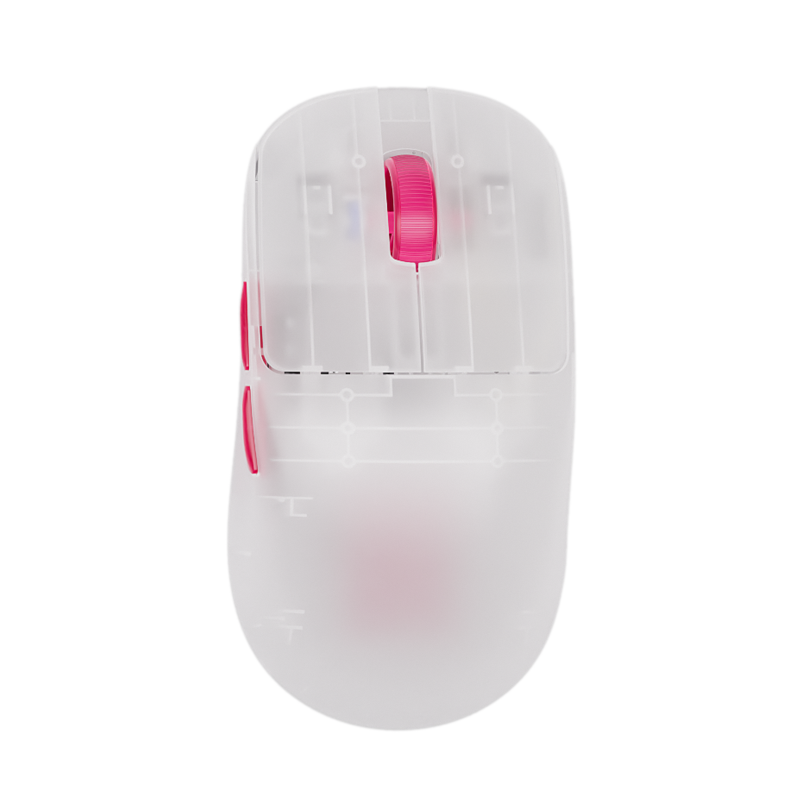
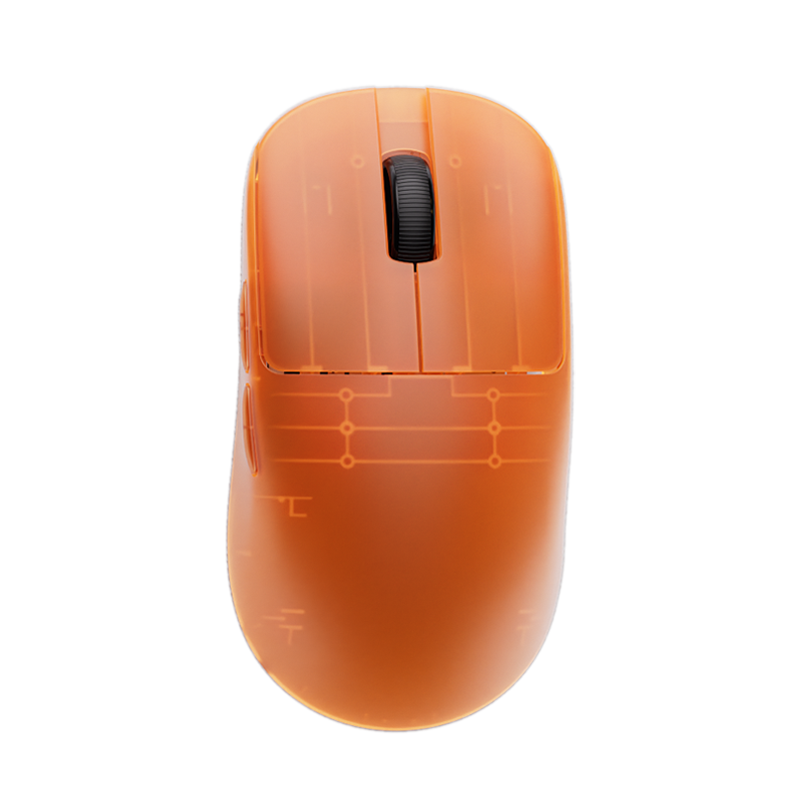
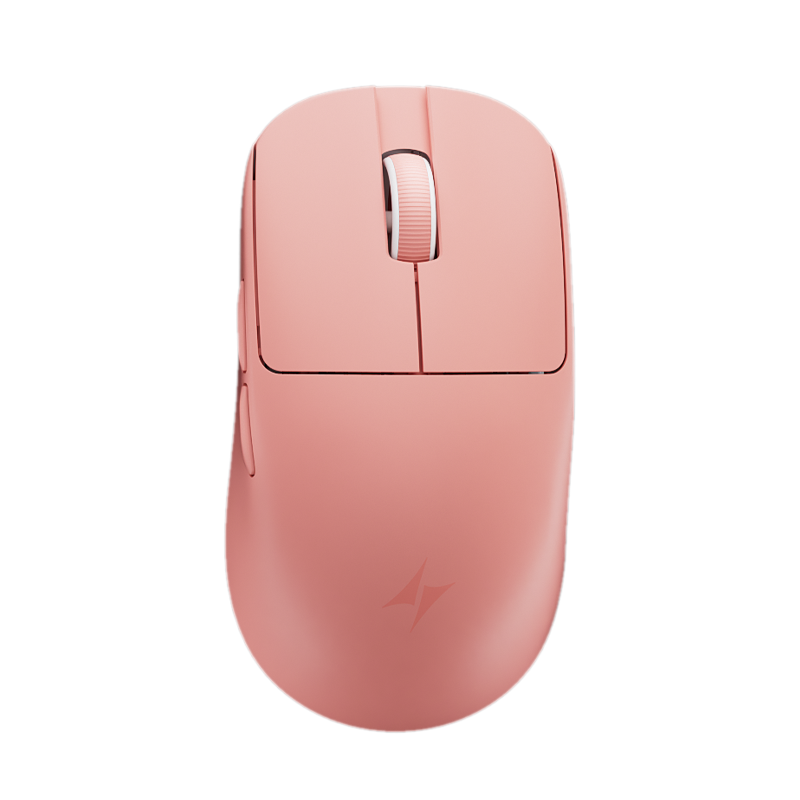
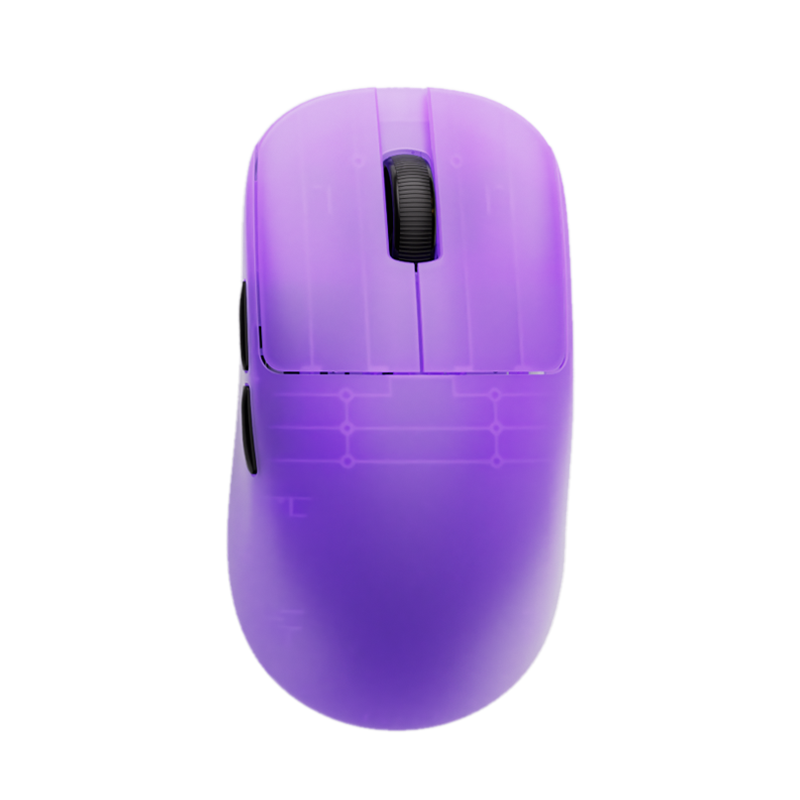
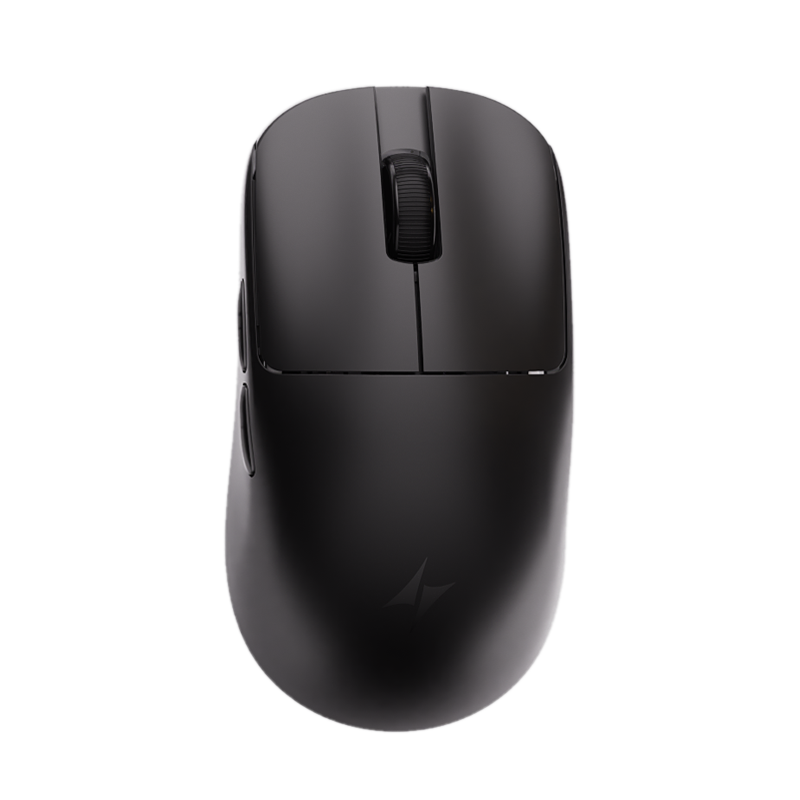
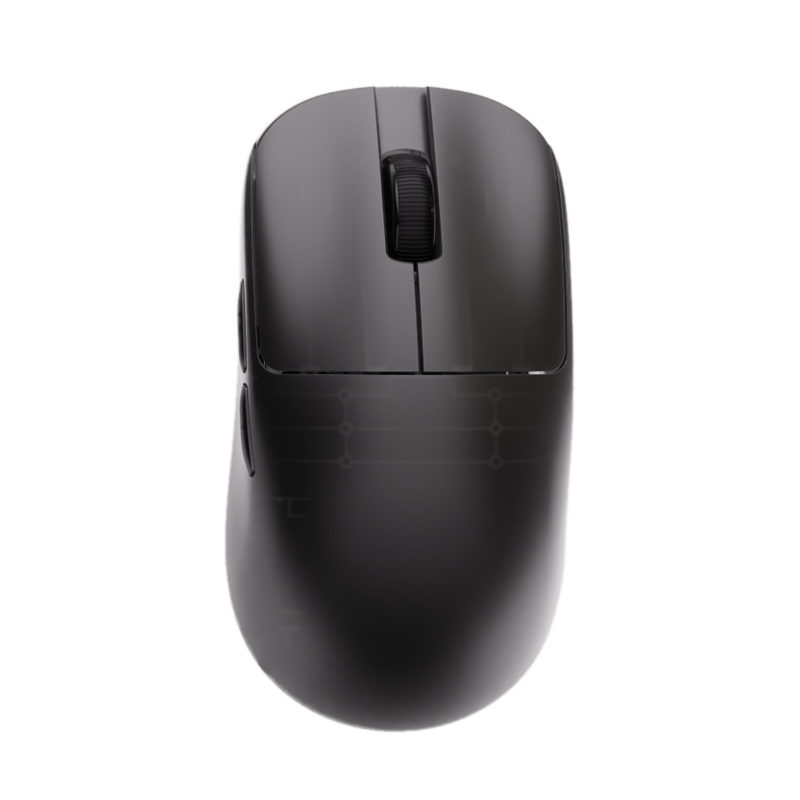
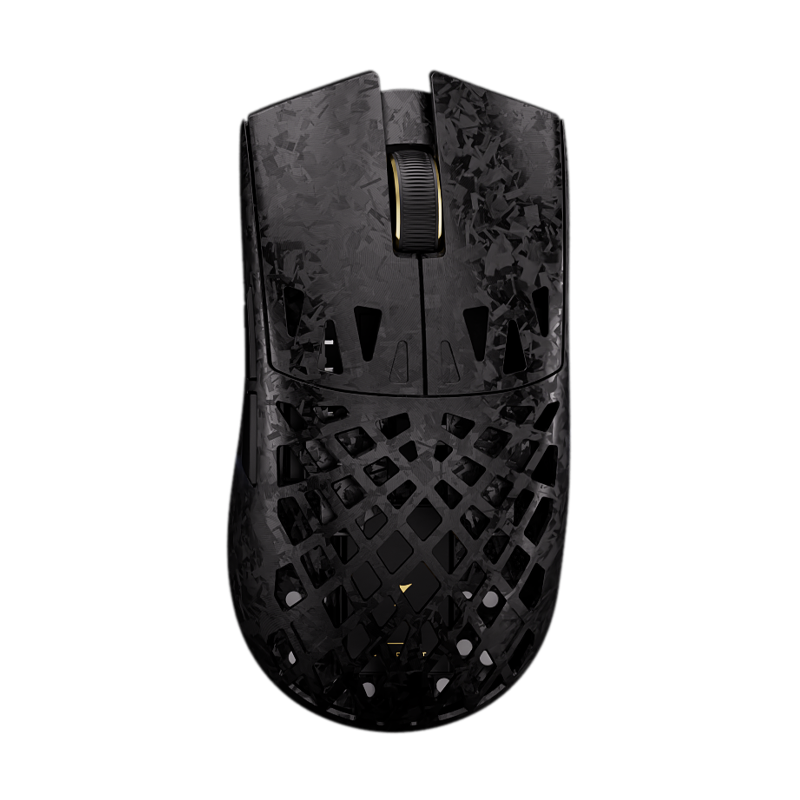
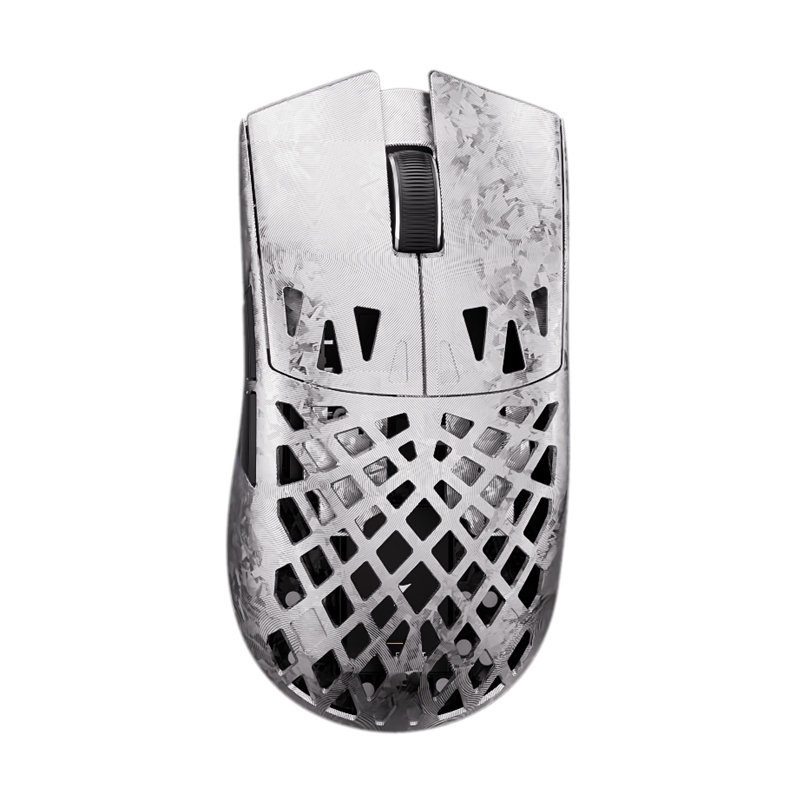
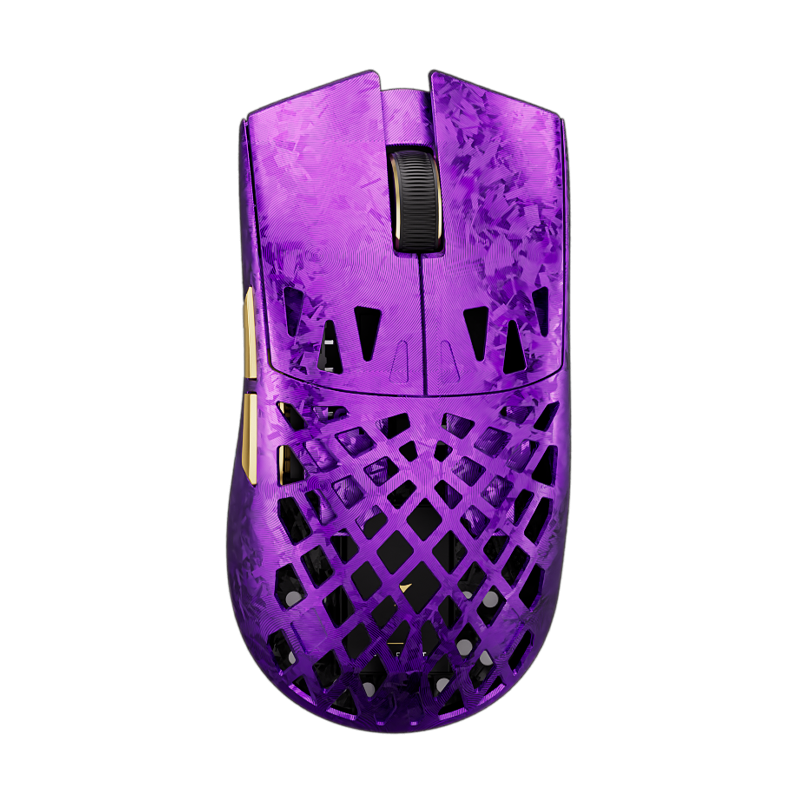
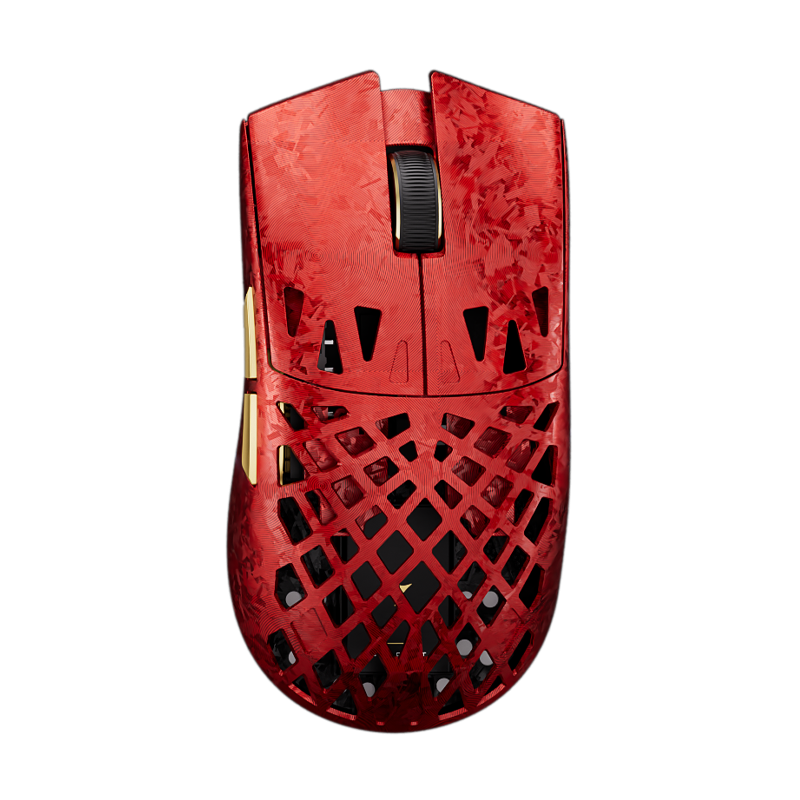
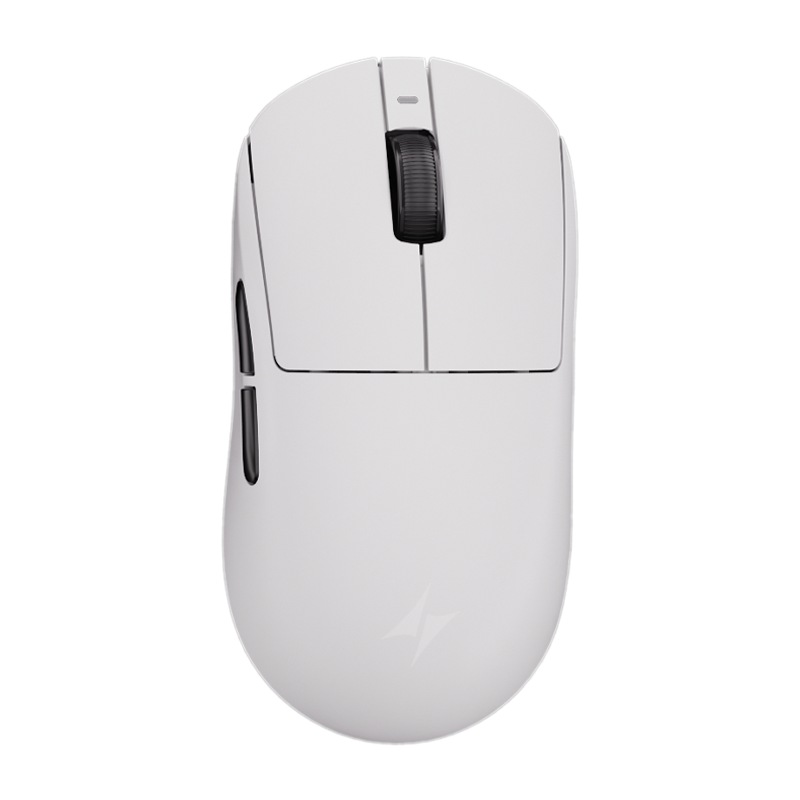
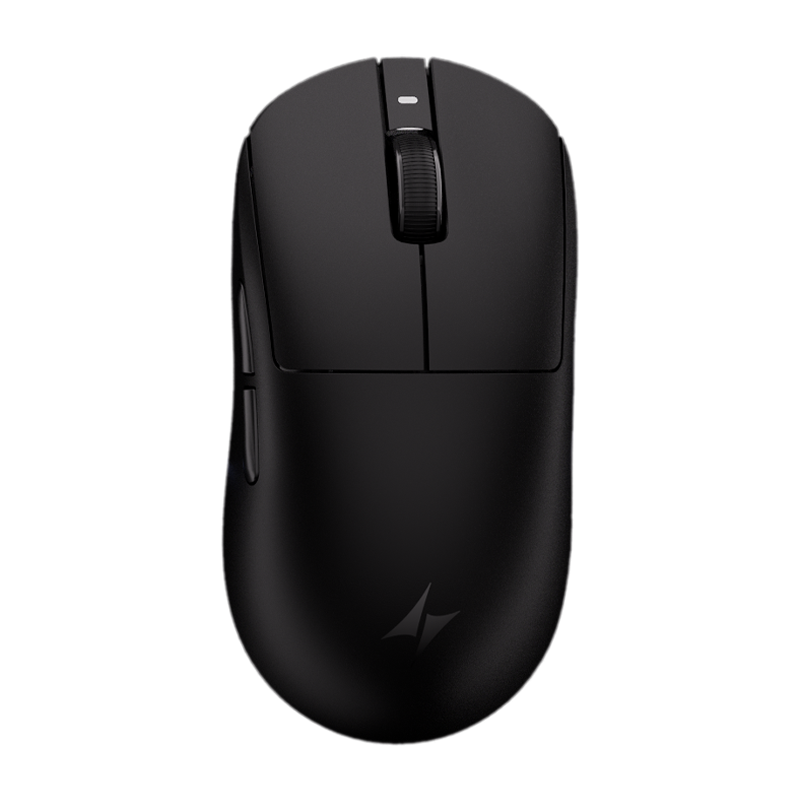
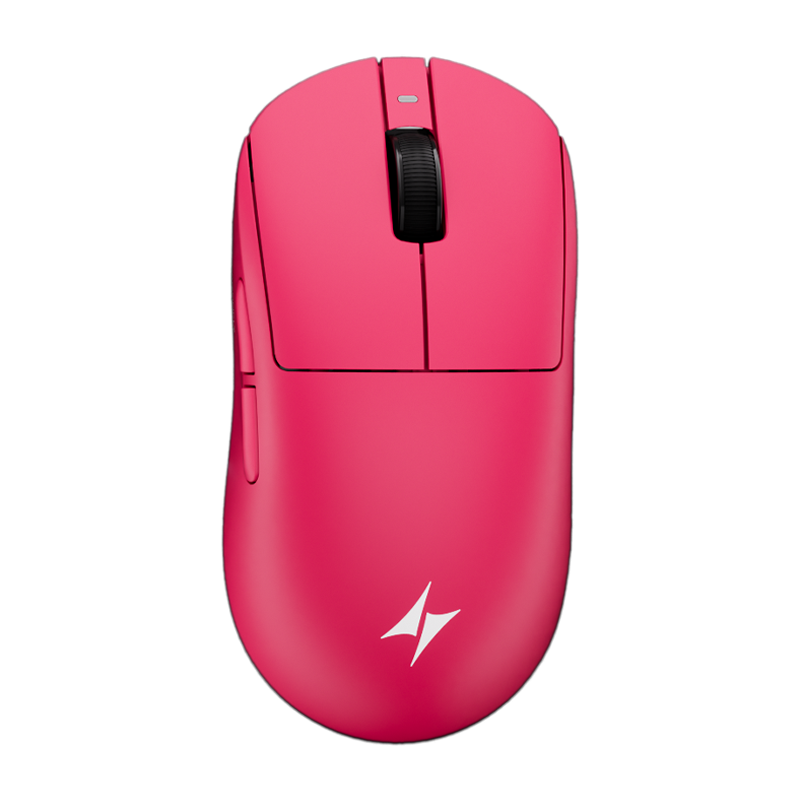
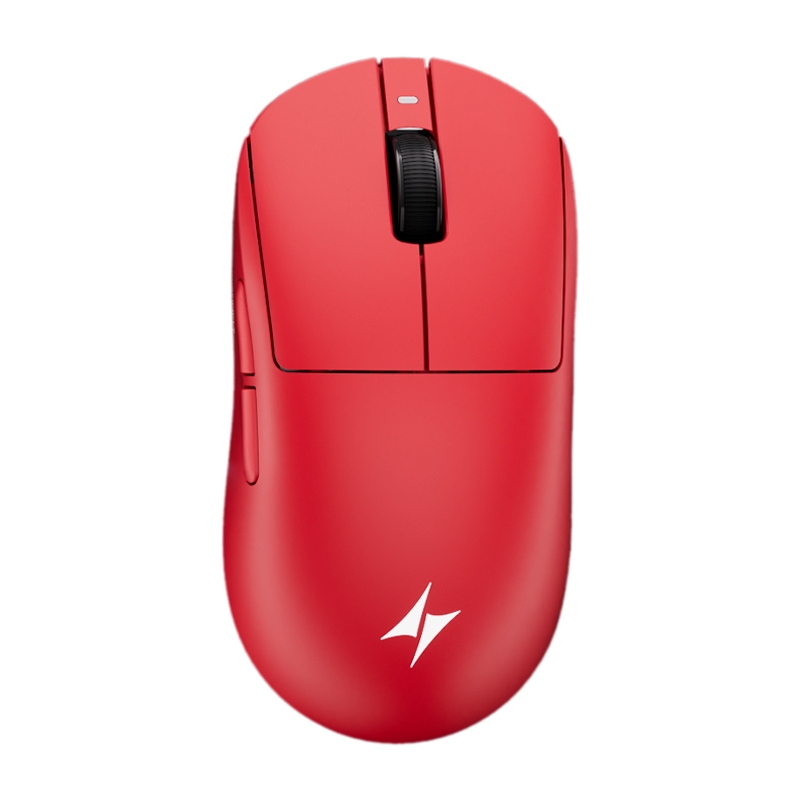
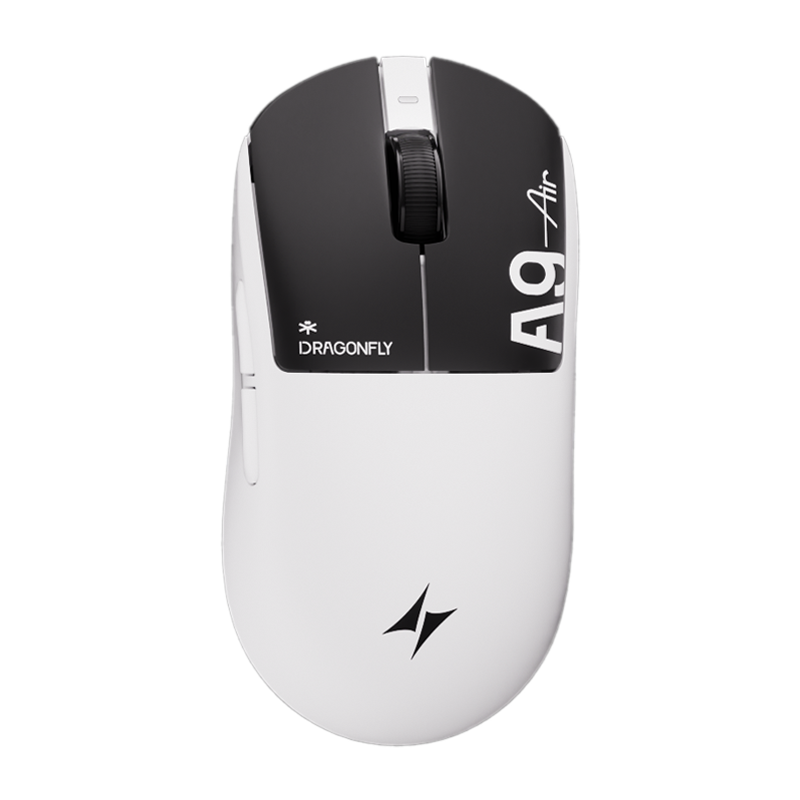
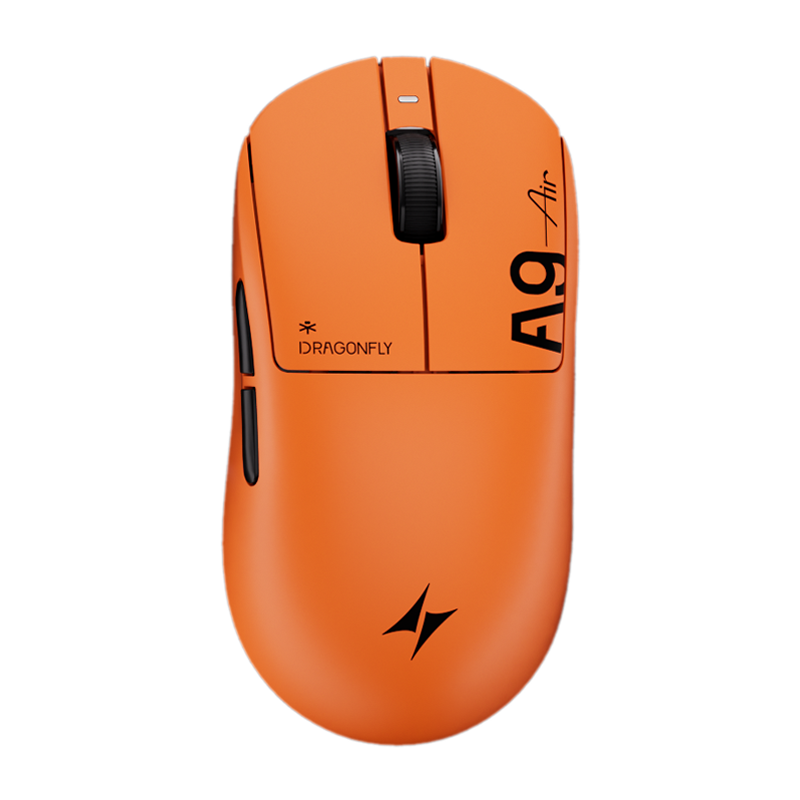
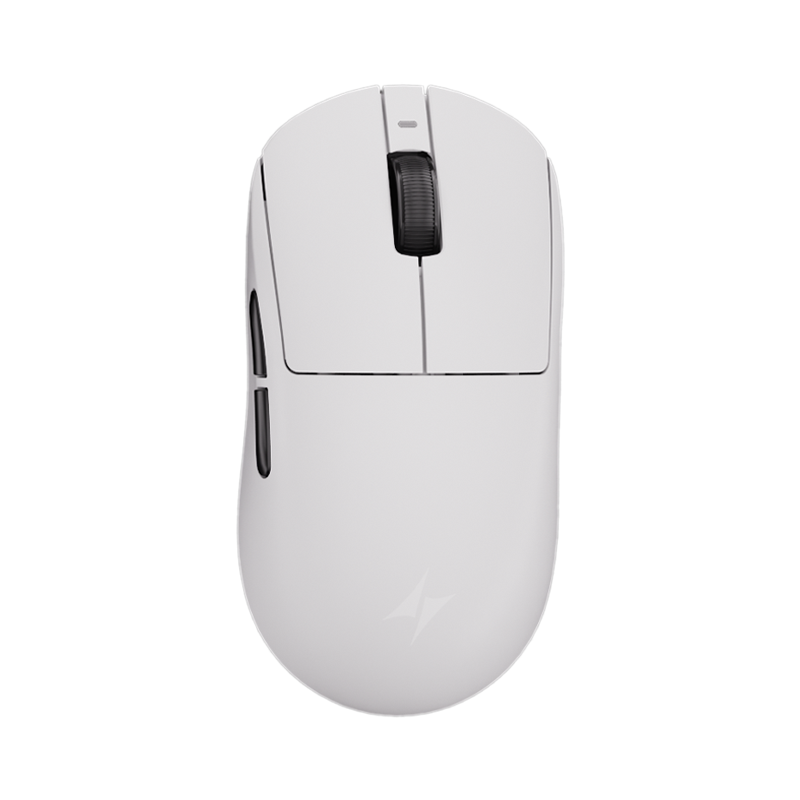
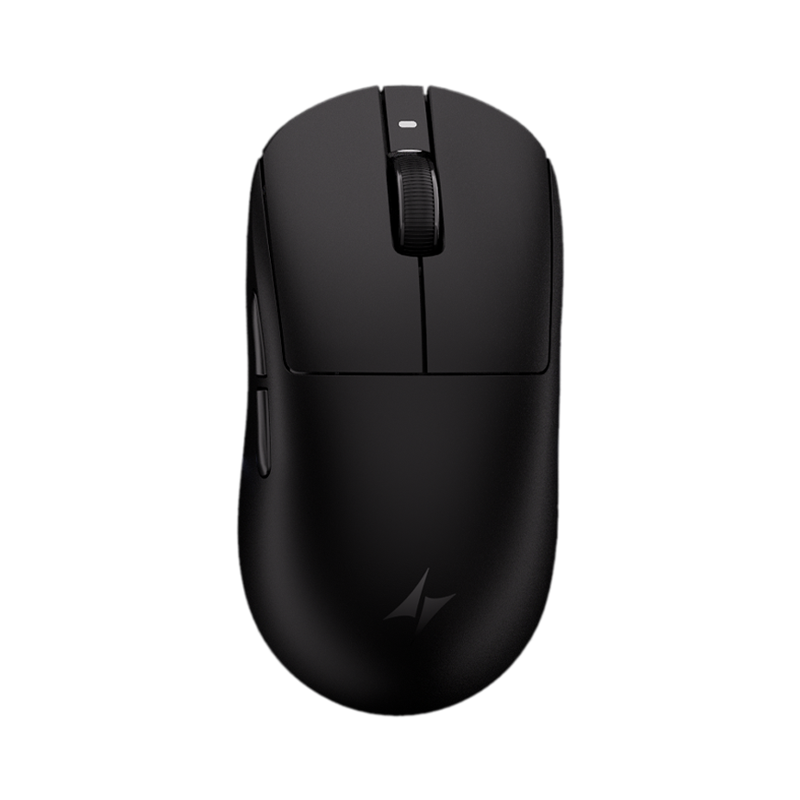
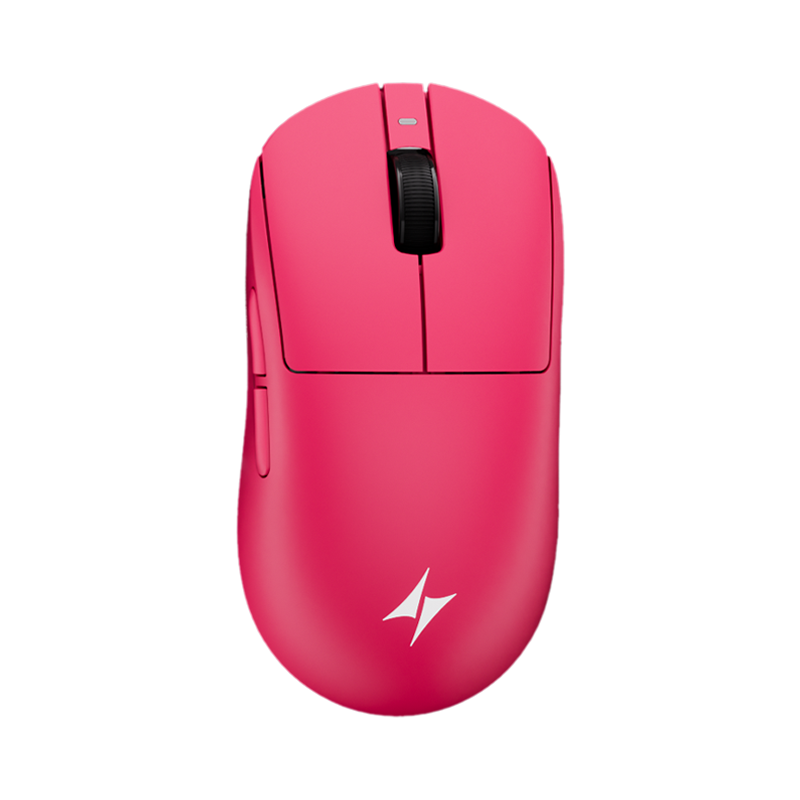
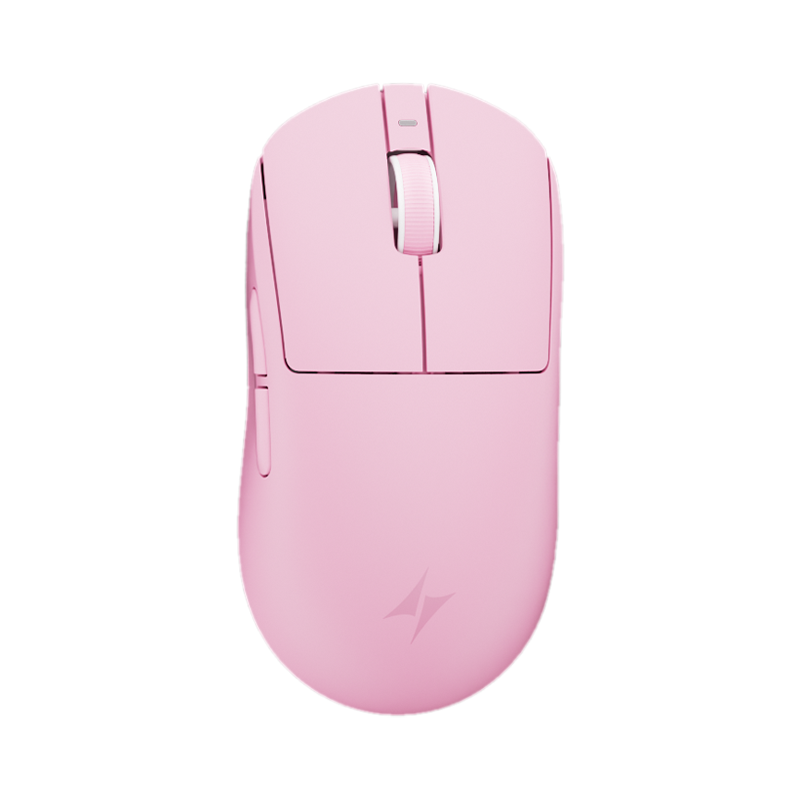
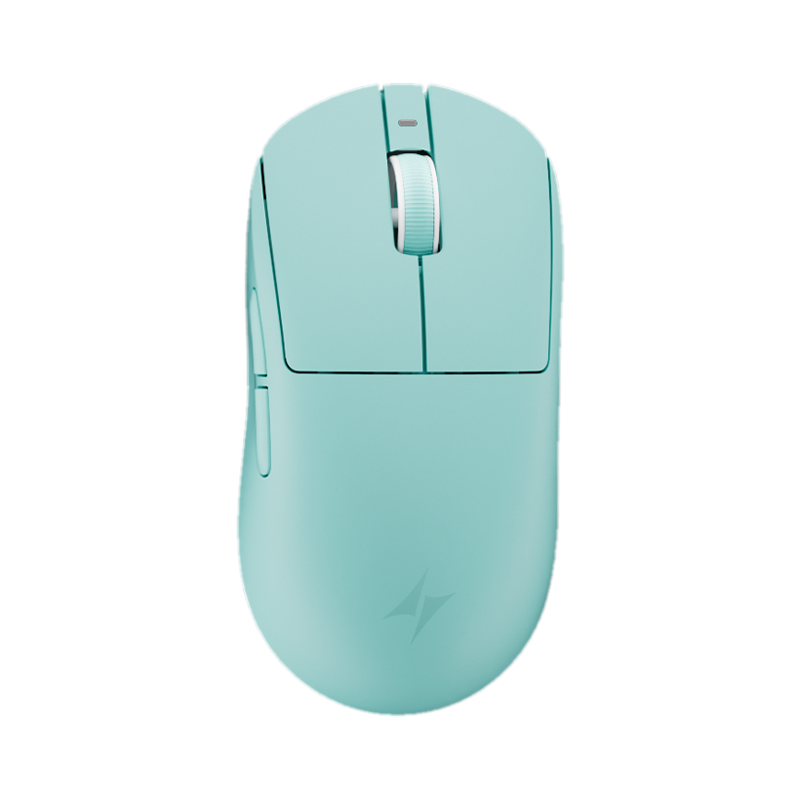
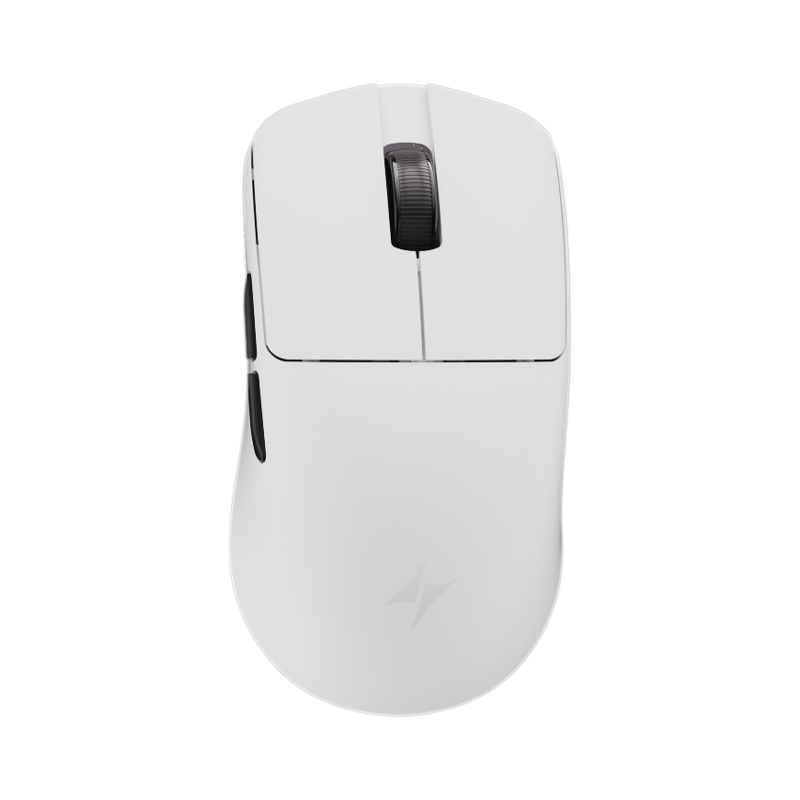
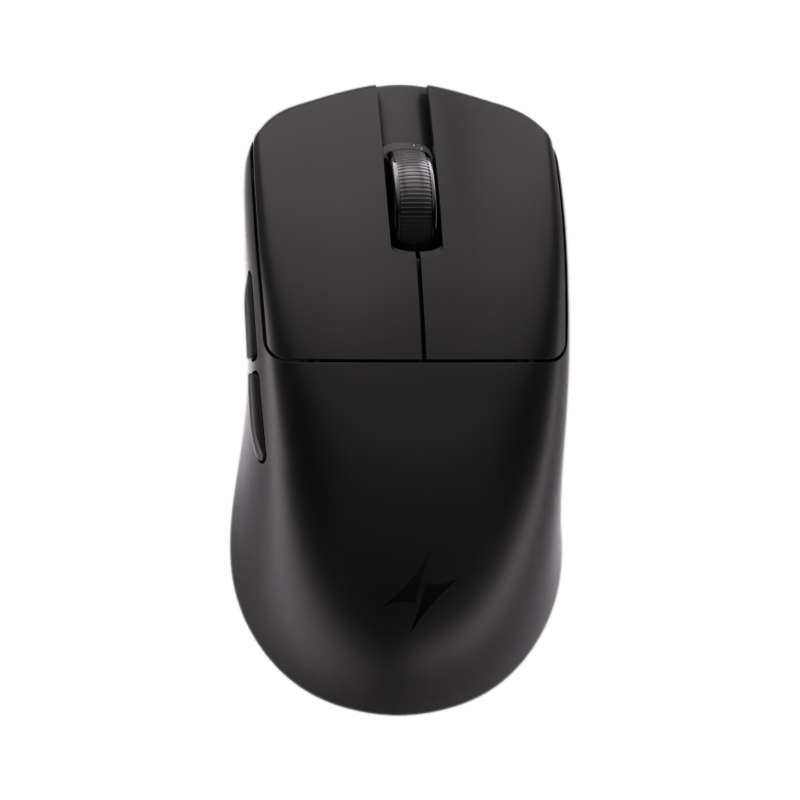
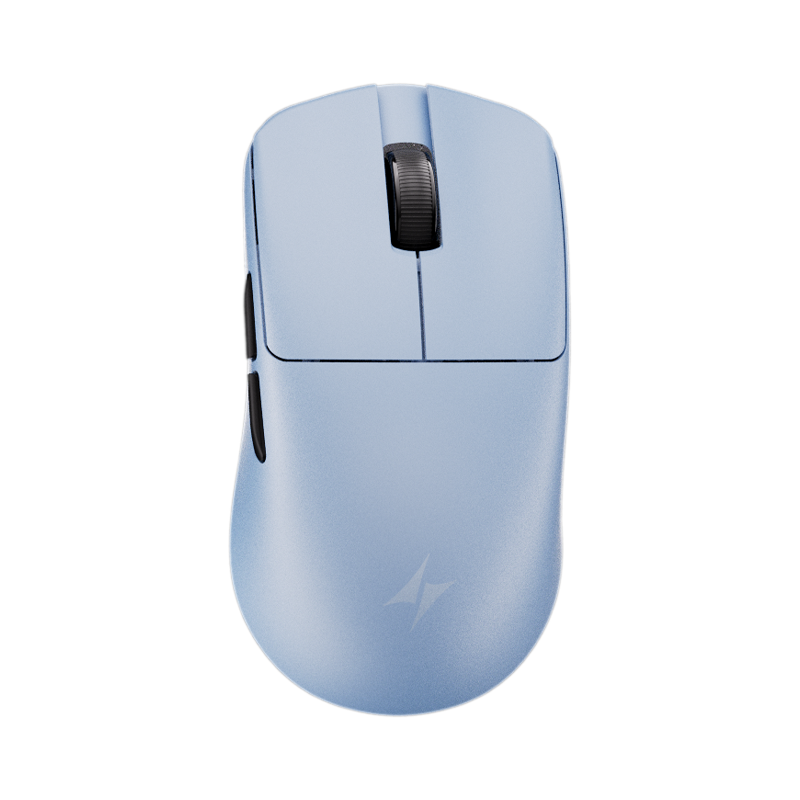
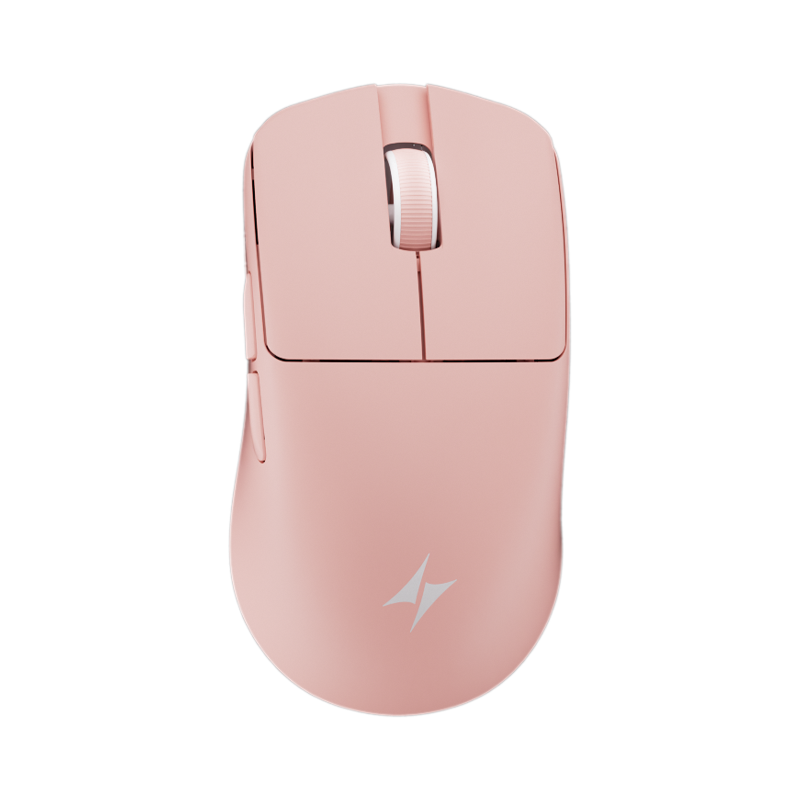
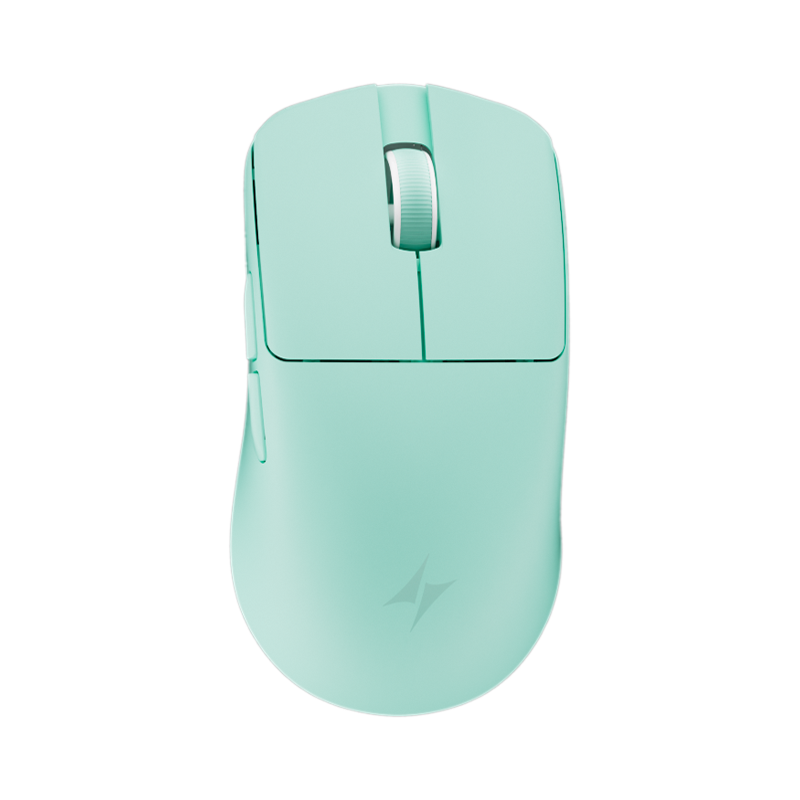
キーボードとマウスを選ぶ
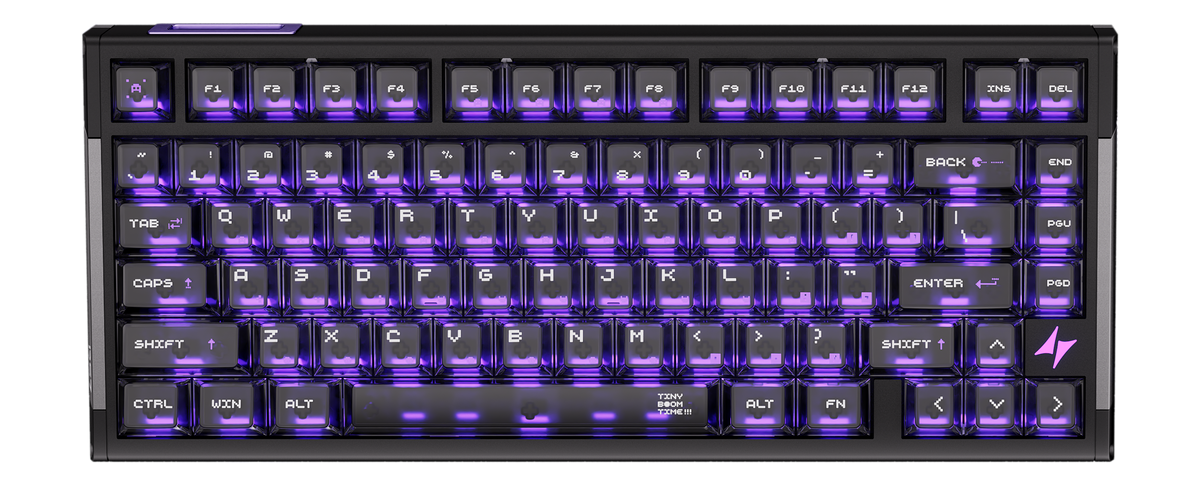
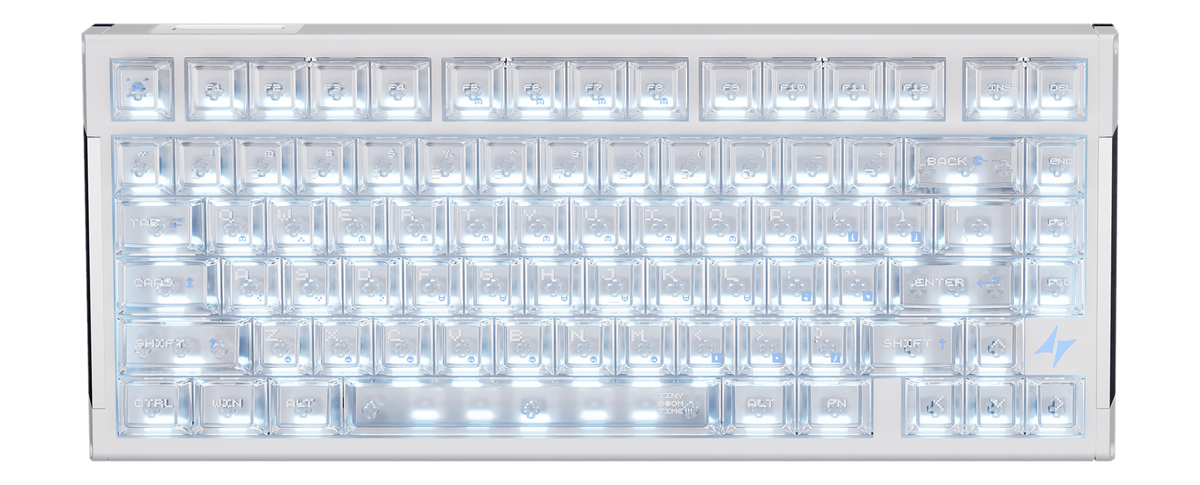
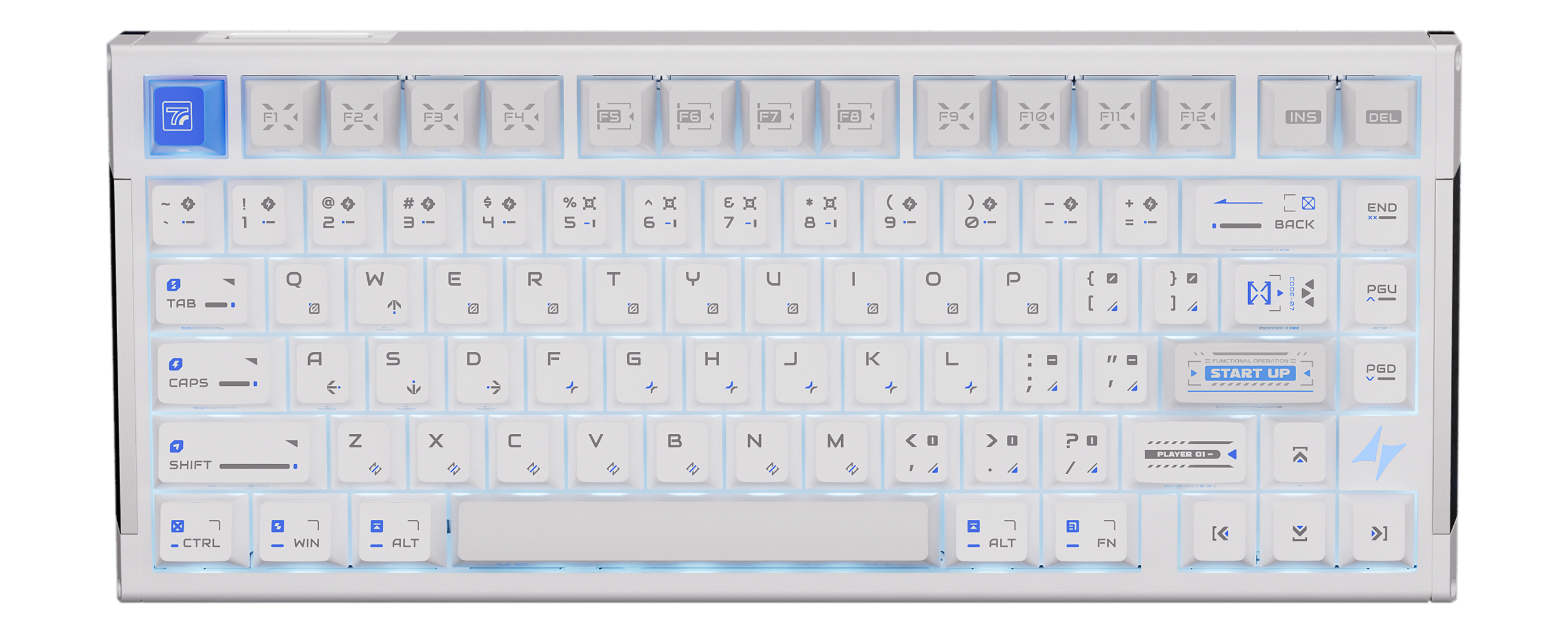
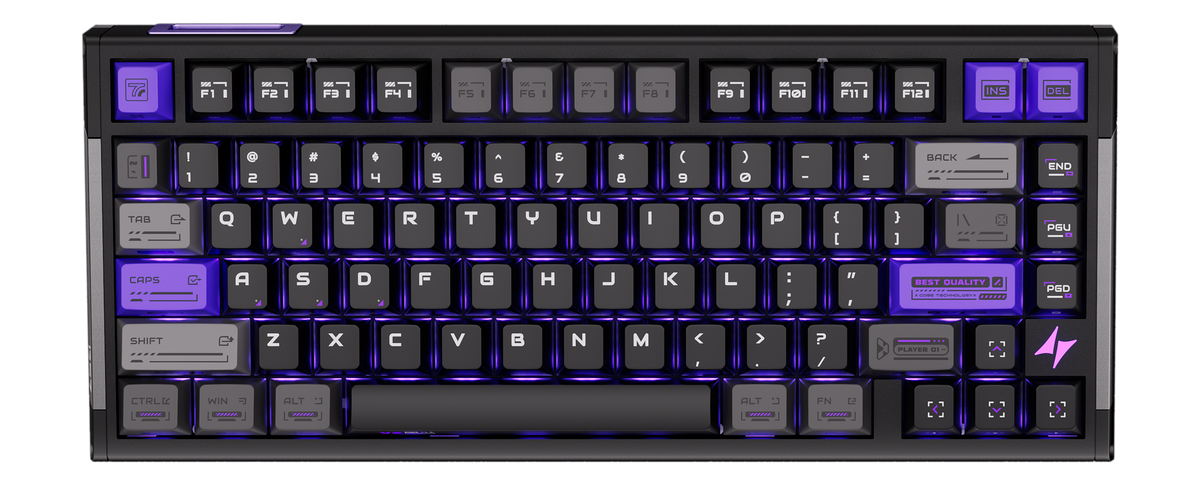
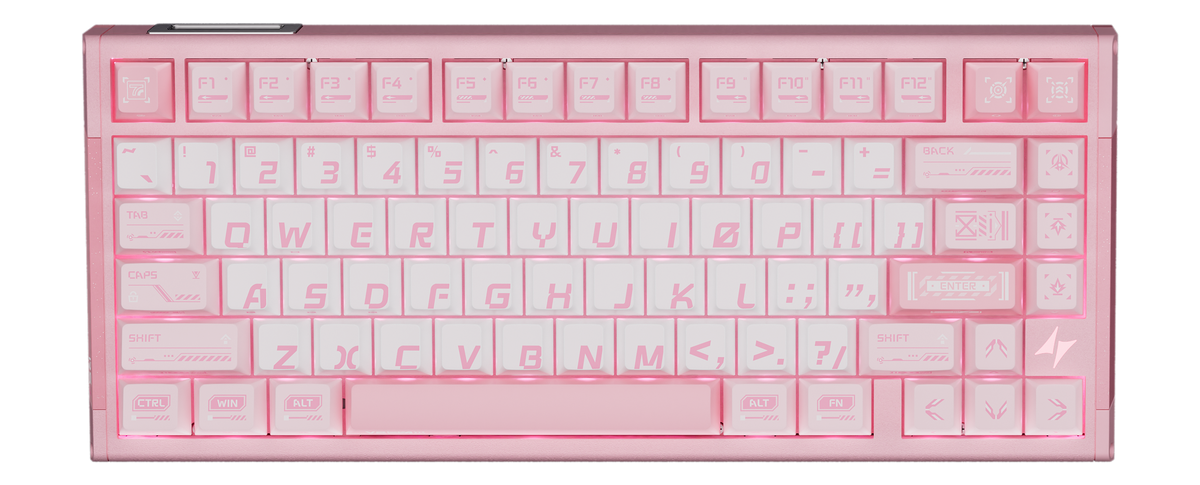
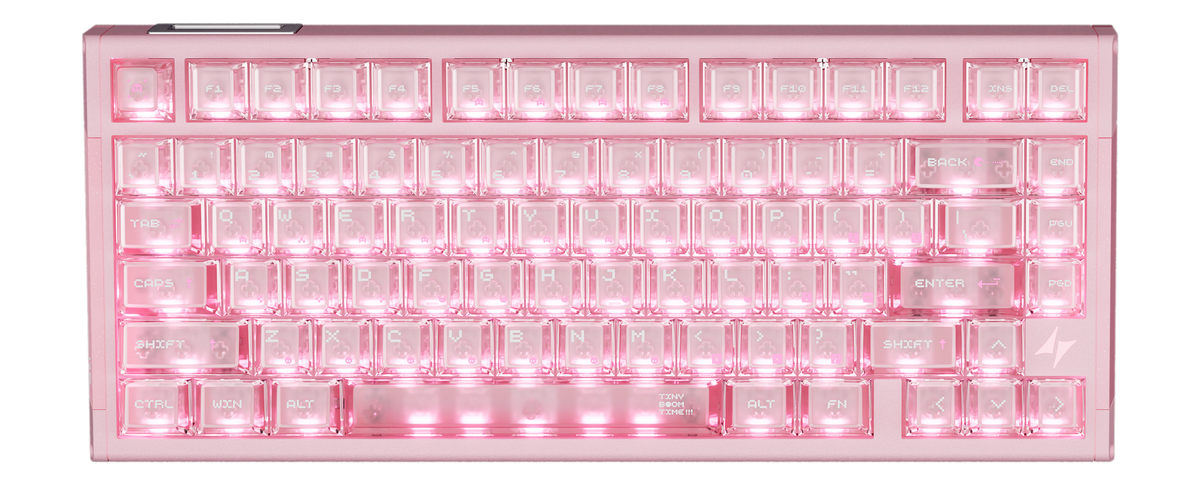
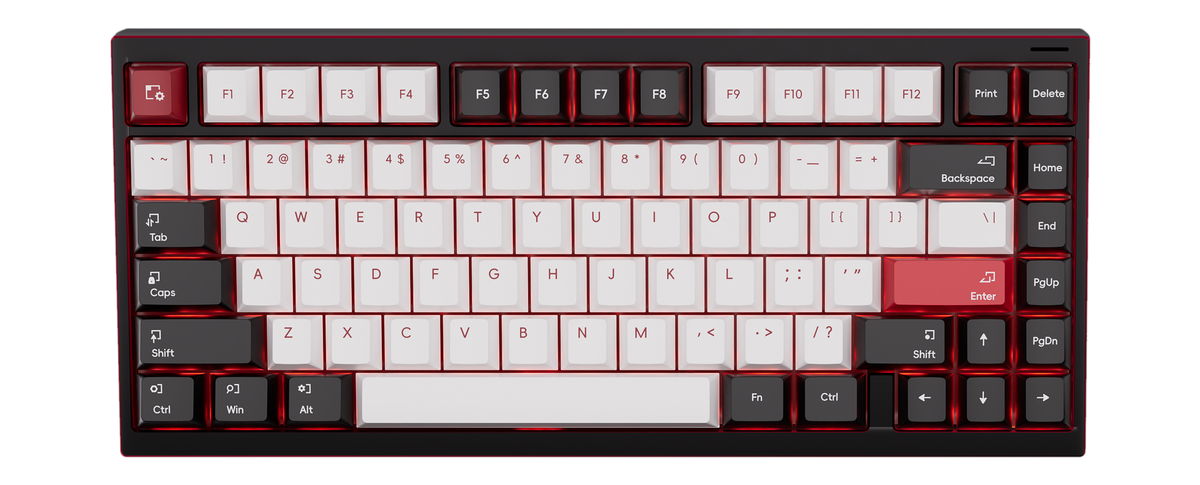
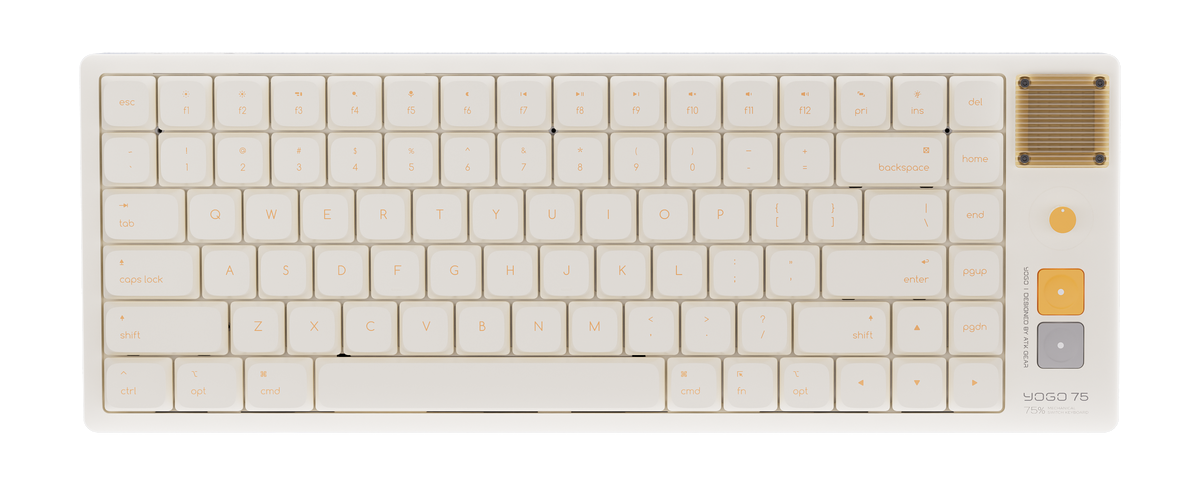
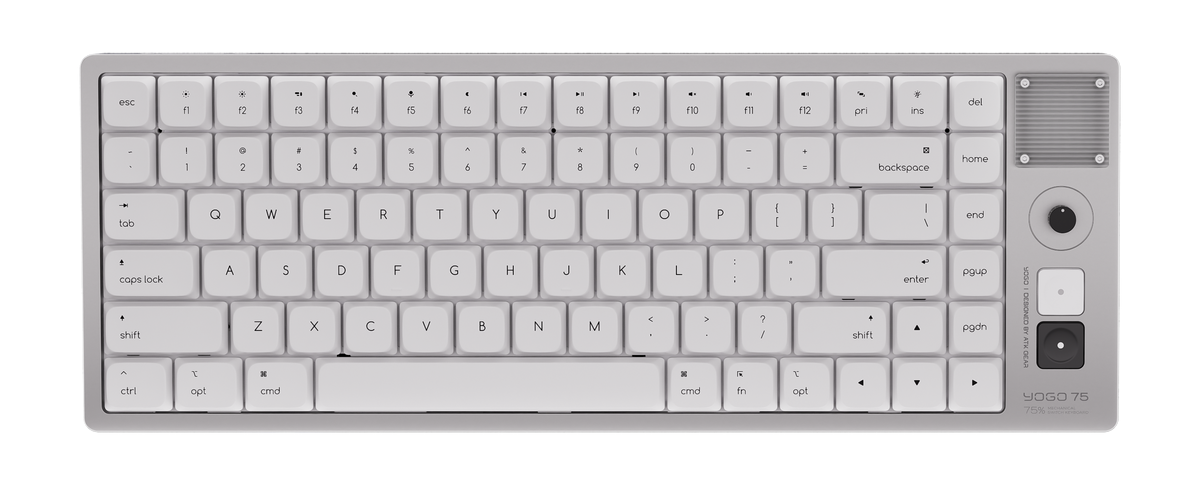
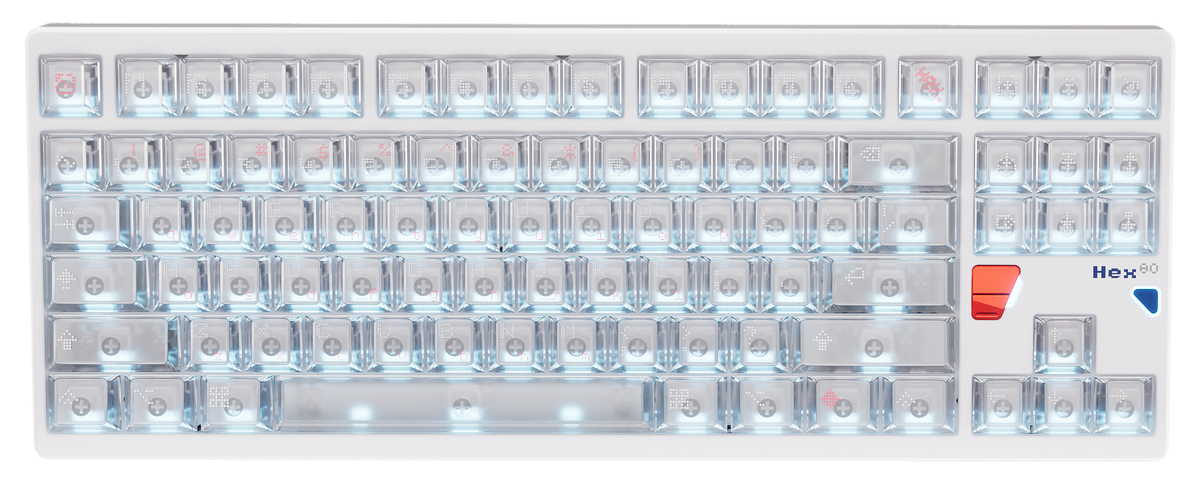
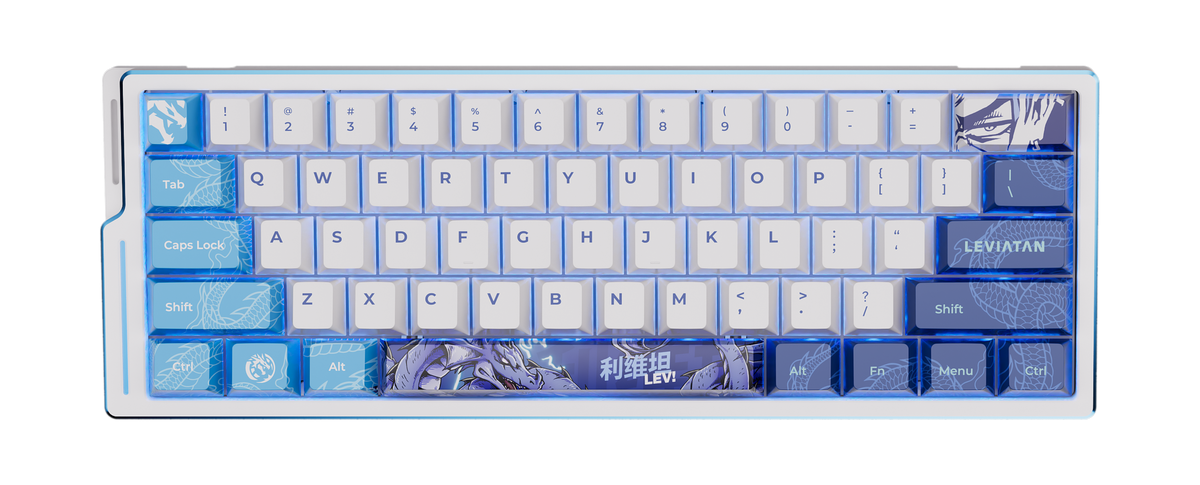
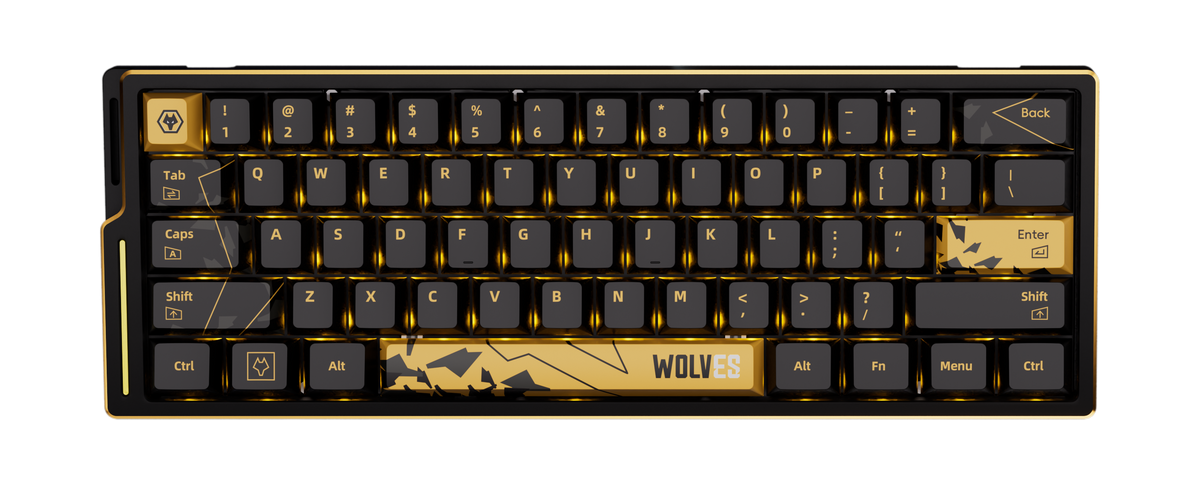
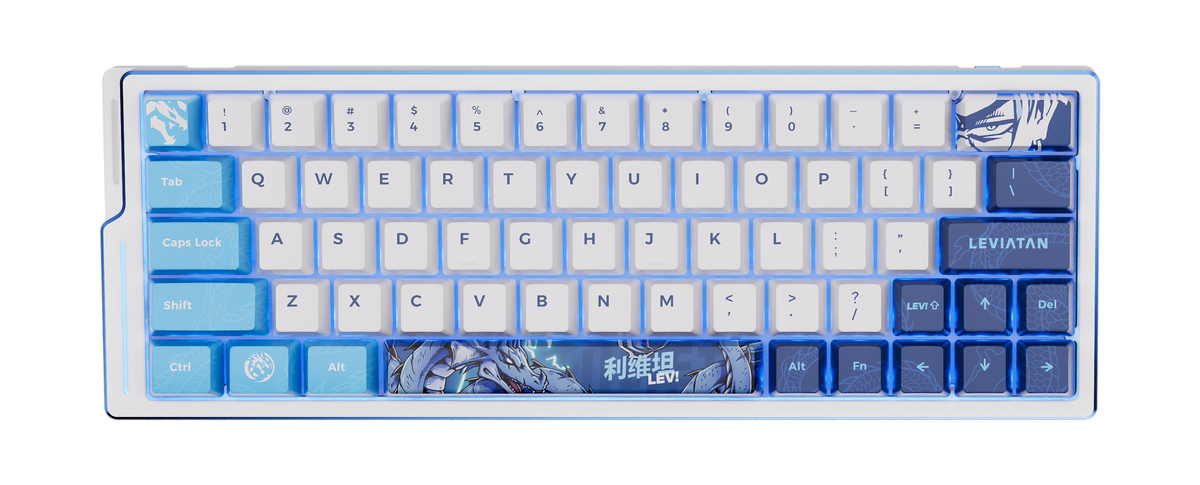
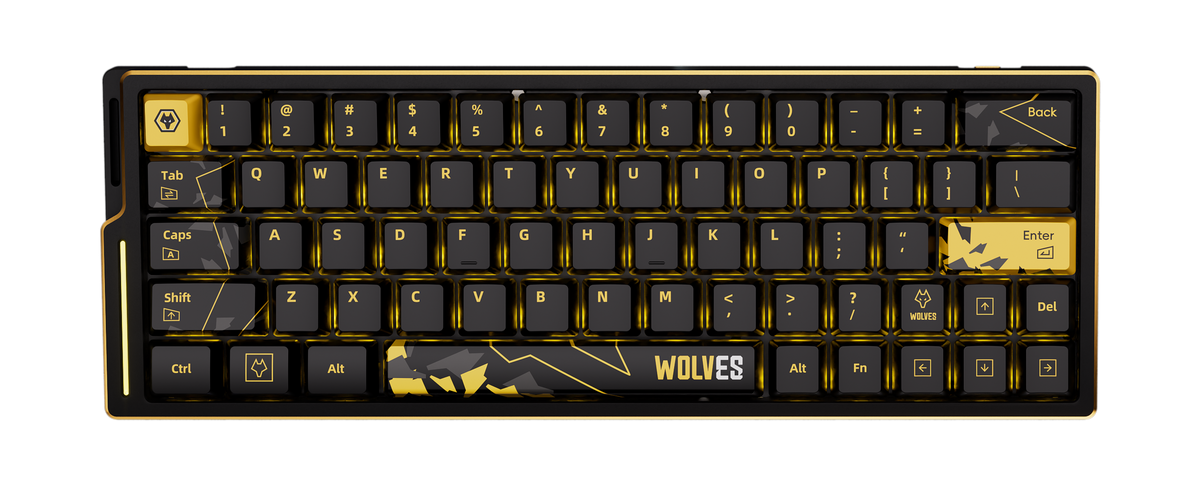
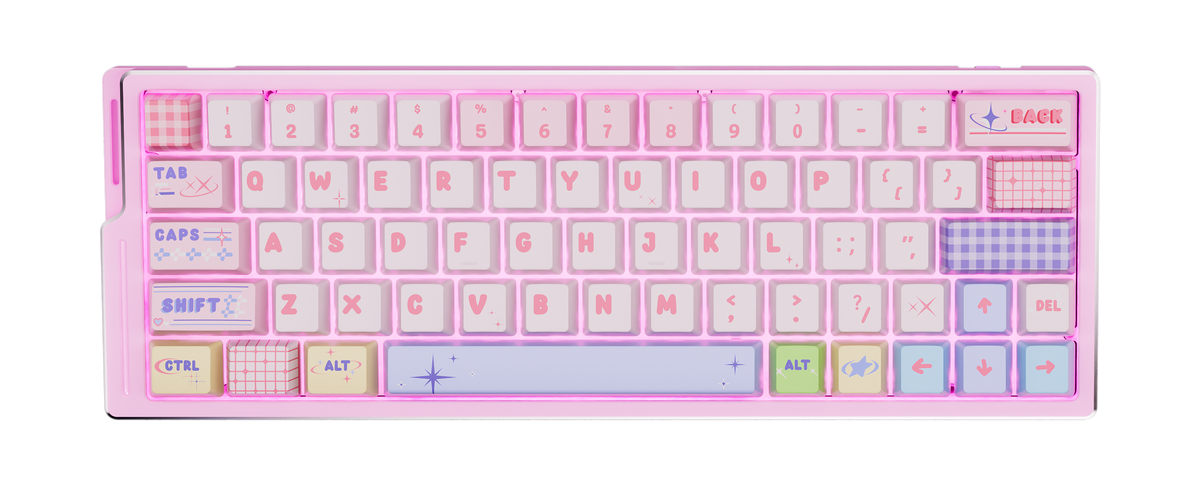
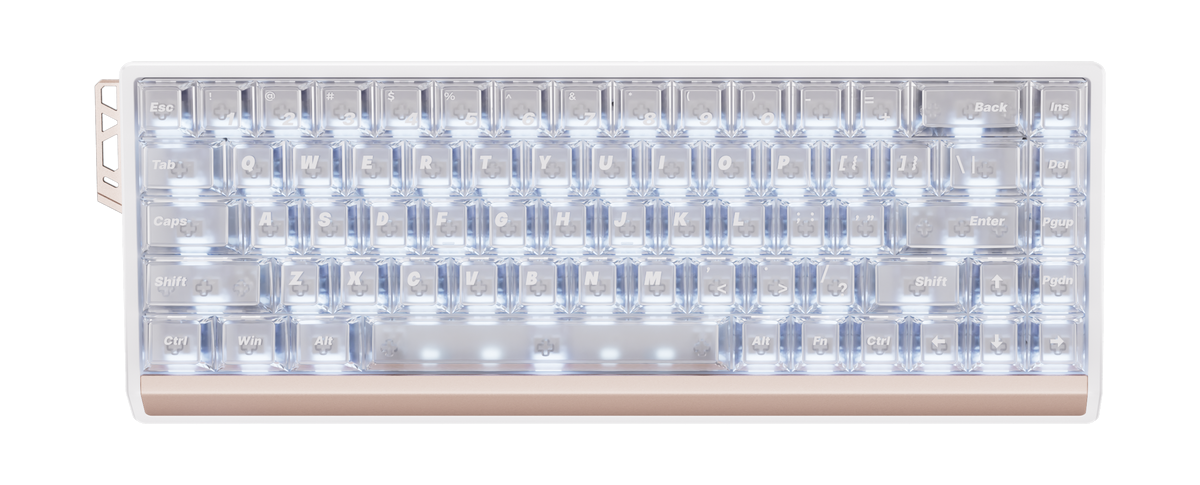
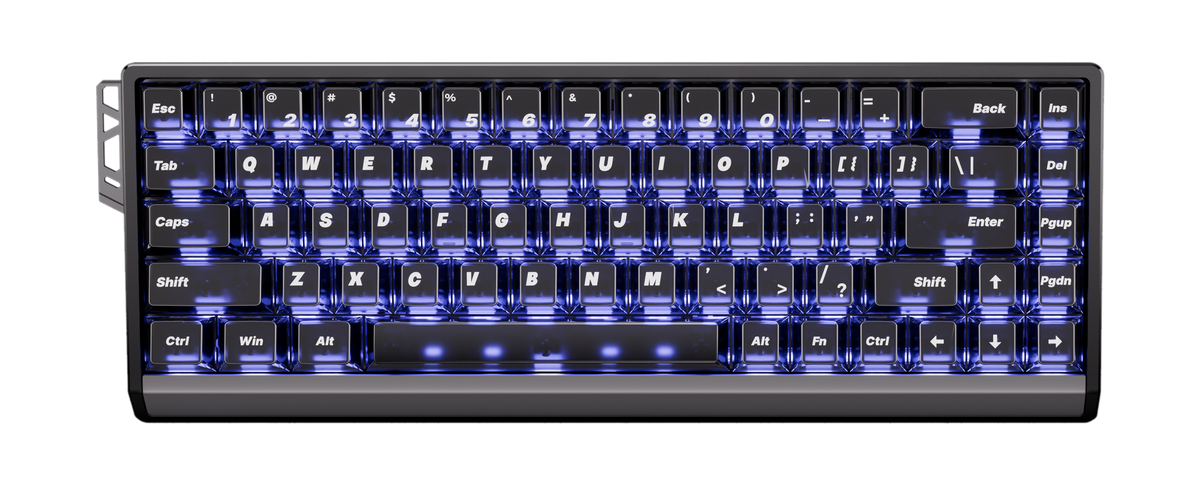
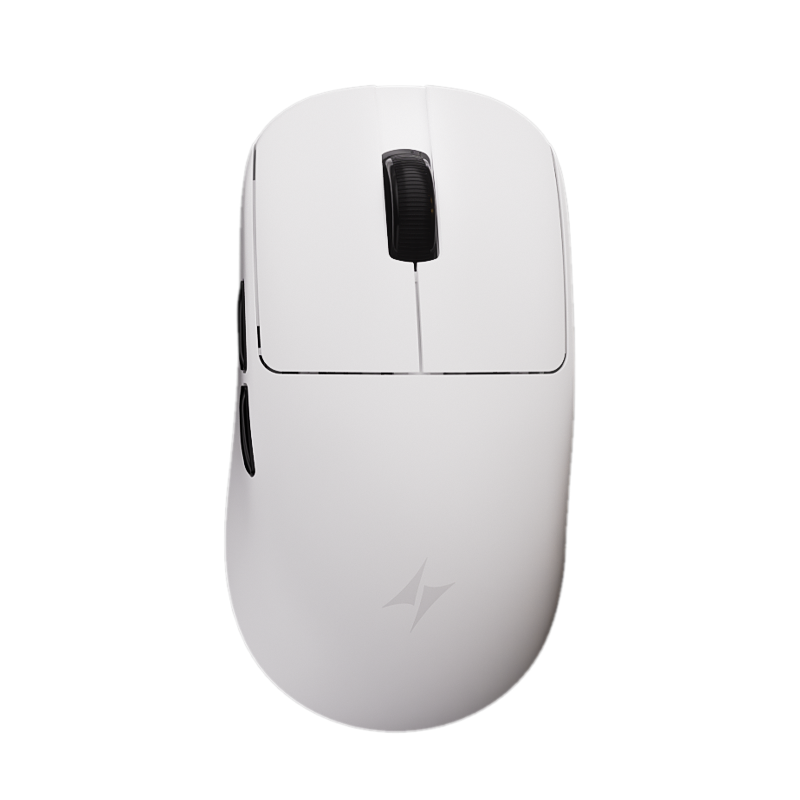
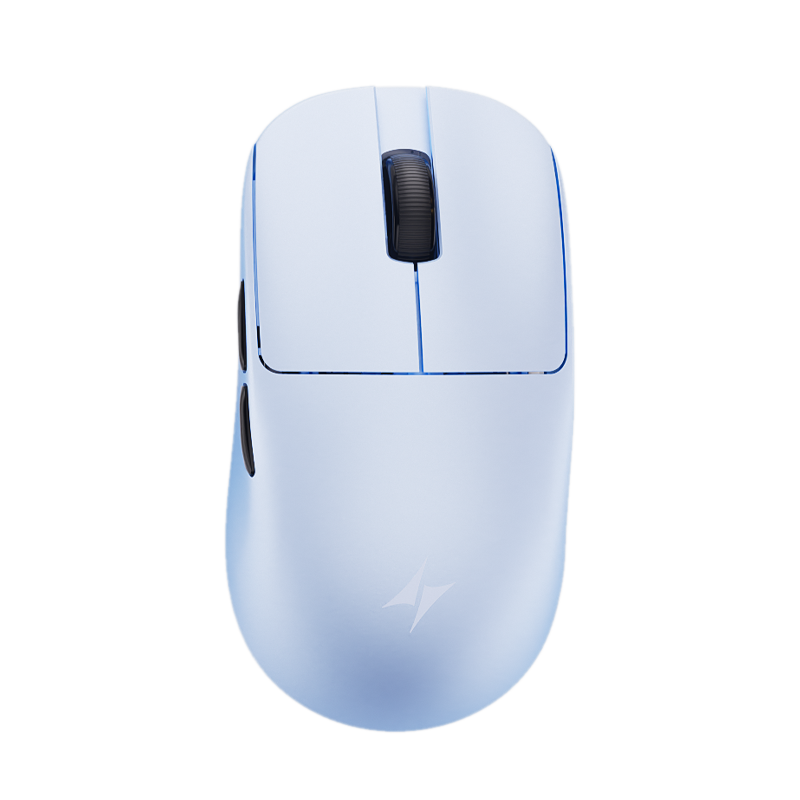
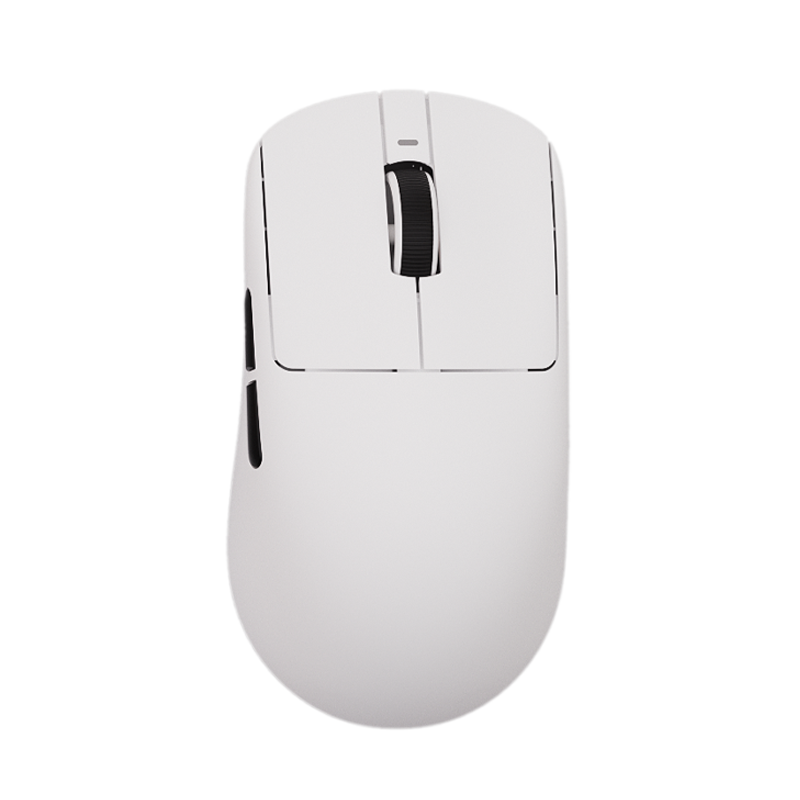
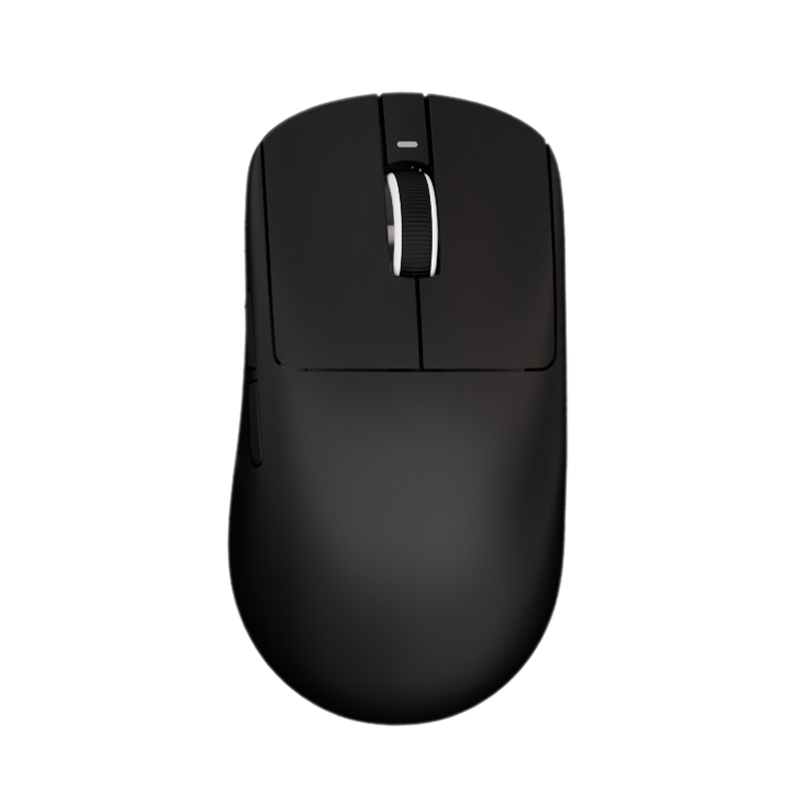
ATKキーボードとマウスの組み合わせから始めましょう。選択肢を切り替えて、デスクに合う形状、カラー、レイアウトを見つけられます。

カート
カートが空です
プレイスタイル、デスクの美観、競技シーンでのニーズに合うよう設計された ATK のマウスとキーボードの組み合わせを発見しましょう。
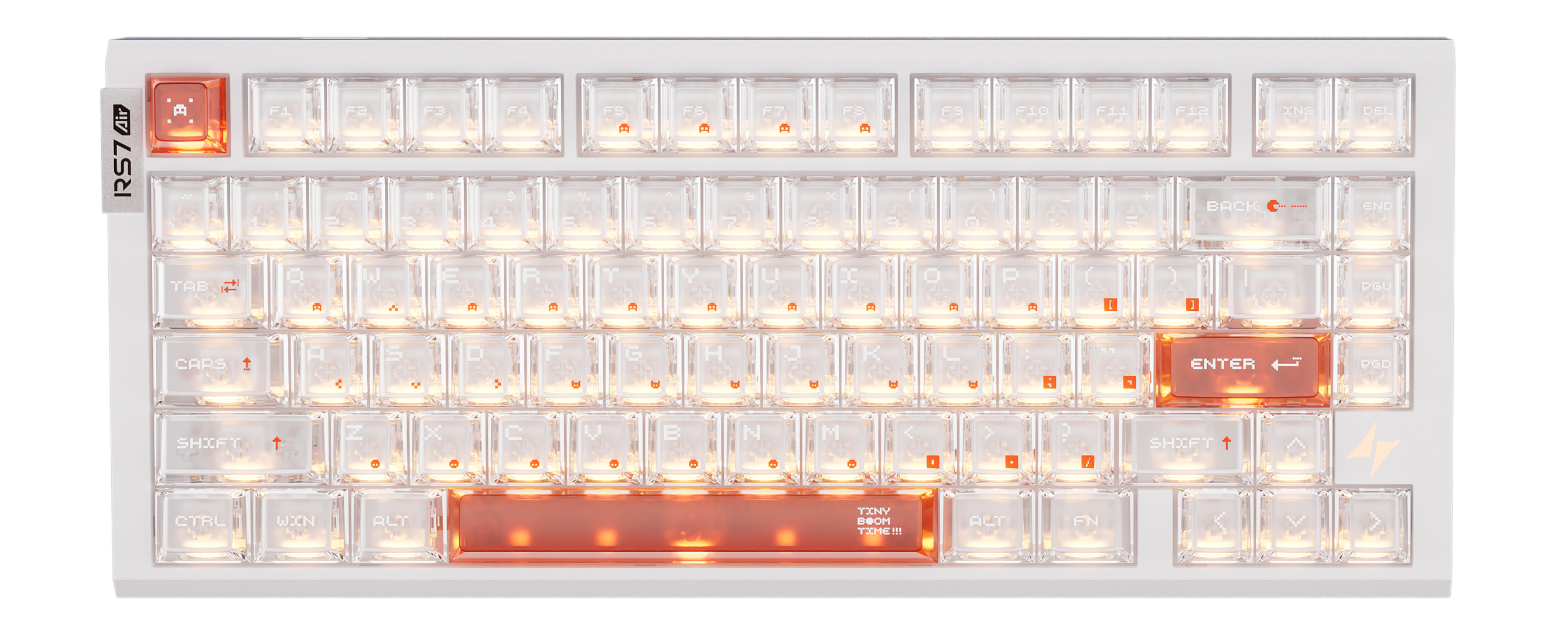
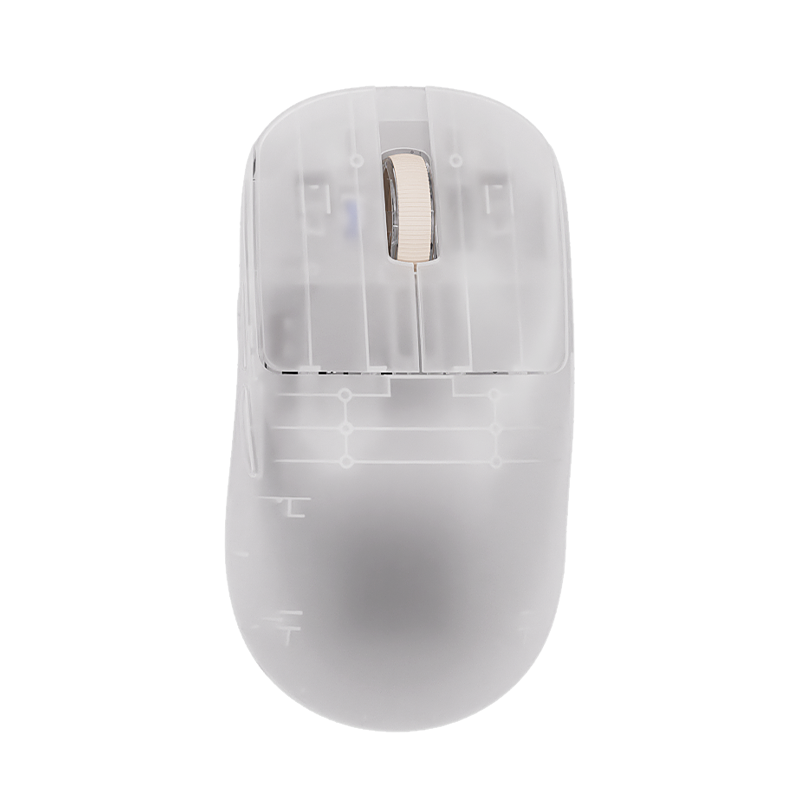
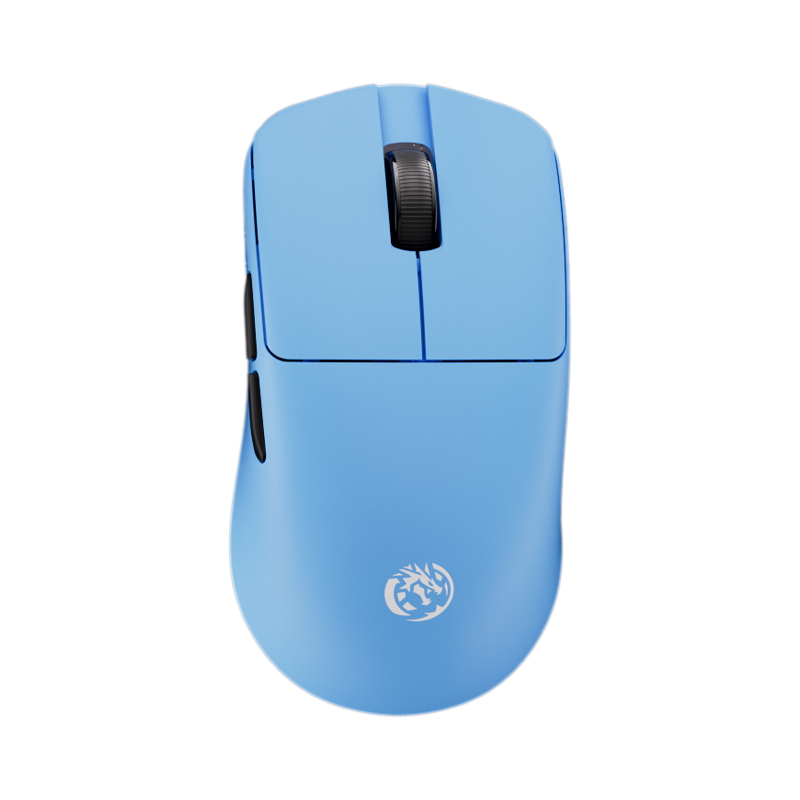
Pick a keyboard and mouse below to preview your setup.
使い方
キーボード、マウス、デスクシーン、ライティング、アングル、影を組み合わせて、購入前や共有前に、プレイスタイルとスペースに合うセットアップをプレビューできます。
ATKキーボードとマウスの組み合わせから始めましょう。選択肢を切り替えて、デスクに合う形状、カラー、レイアウトを見つけられます。
背景、デスク表面、ライティング、製品アングル、影のスタイルを変えて、部屋やゲーミングの雰囲気、セットアップテーマに合わせられます。
セットアップをキャプチャしたり、友達とセットアップリンクを共有できます。共有リンクは、同じ選択ギアと表示設定で再表示されます。
キーボードまたはマウス付近の商品ドットをタップすると、選択中のギアを確認できます。準備ができたら商品ページへ進めます。
カスタムATKデスクセットアップの組み立て・共有・購入に役立つ案内です。
ATKのキーボードとマウスを組み合わせ、デスク背景を変更し、ライティングや影を調整して、次に見る製品を決める前に完成したゲーミングセットアップの雰囲気をプレビューできます。
はい。キーボードまたはマウス付近の小さな商品ドットをタップして選択中のアイテムを確認し、商品ページで詳細、価格、カラーオプション、在庫状況を確認できます。
はい。共有オプションでセットアップリンクを作成するか、きれいなスクリーンショットをダウンロードして、友達に見せたりコミュニティに投稿したり、お気に入りの組み合わせを後で見返せます。
はい。ビルダーはタッチ操作に対応したコントロールでモバイルでも使えます。ライティング、角度、背景をより細かく調整する場合は、デスクトップやタブレットの大きな画面のほうが扱いやすい場合があります。
いいえ。ライティング、表面の色味、影、製品アングルはインスピレーション用のプレビュー効果です。実際の製品カラー、仕様、付属アクセサリーは各商品ページに表示されています。
いいえ。カスタム背景は、現在のブラウザ内でプレビューとスクリーンショットにのみ使用されます。ほかの人に同じカスタム画像を見せたい場合は、スクリーンショット機能を使ってください。