



ニュース
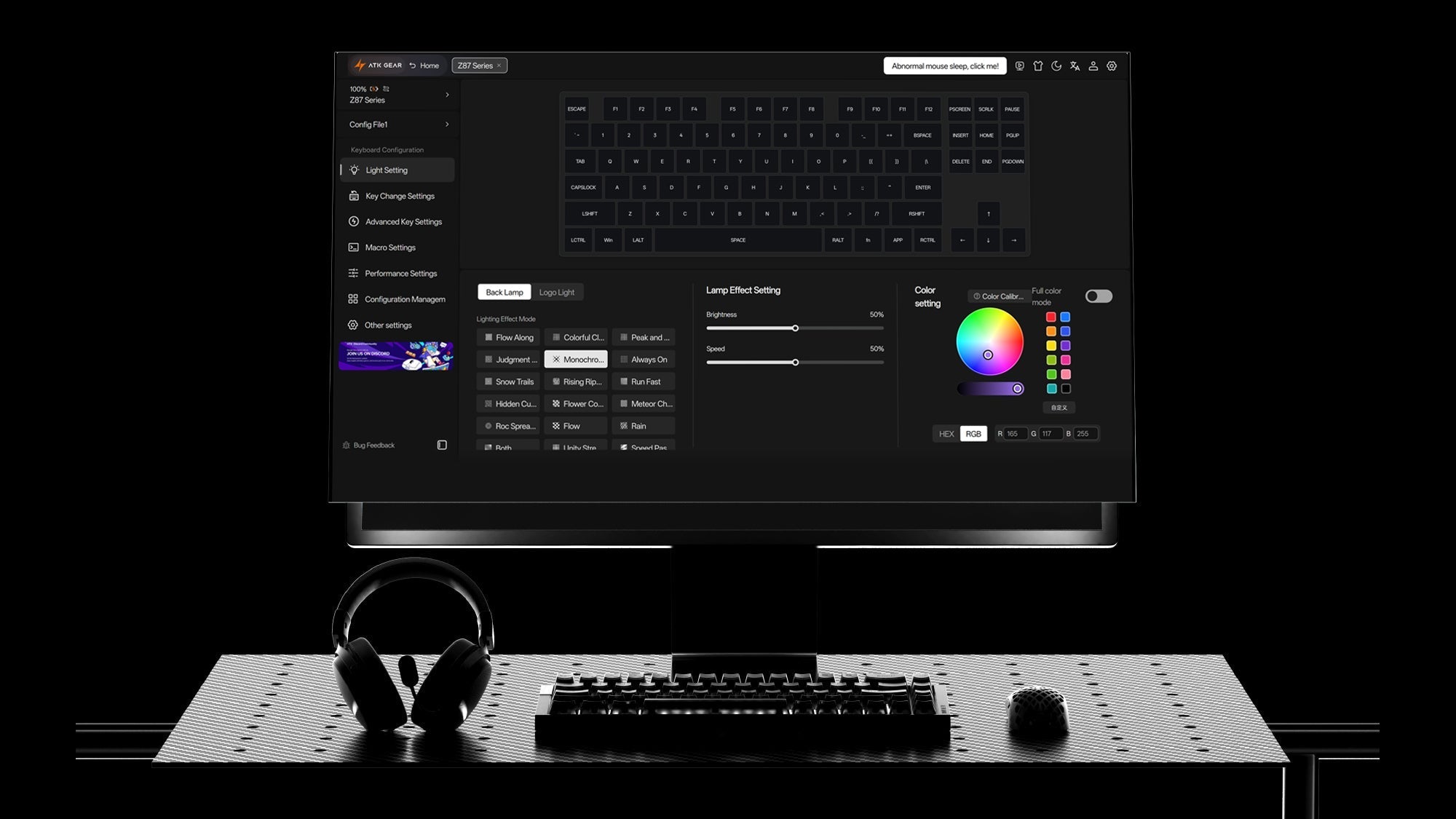
Web-based Configurators: How to Customize Your Keyboard Without Heavy Software
Browser customization gives compatible gaming keyboards portable layouts, macros and lighting settings that remain available across multiple computers.
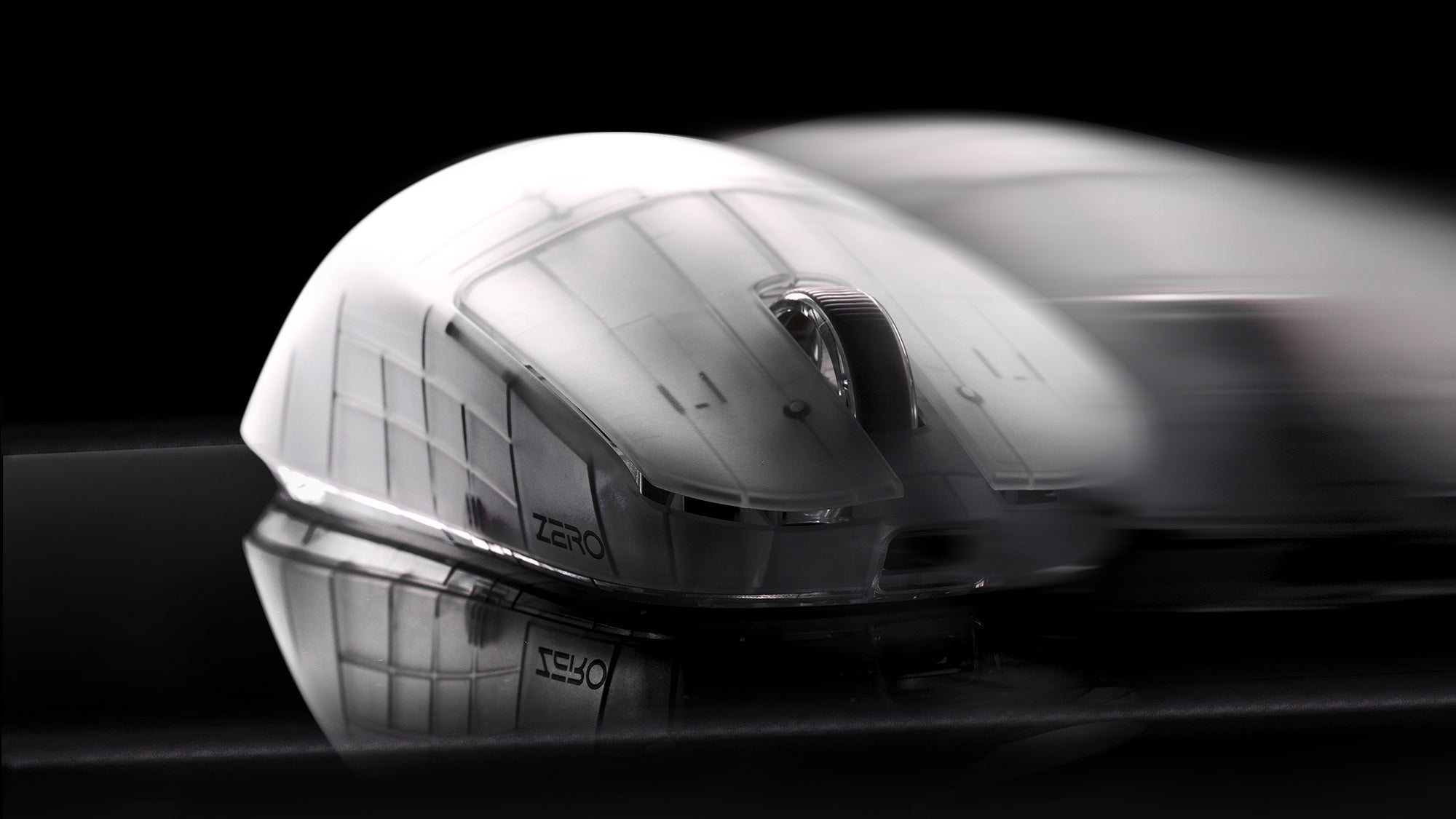
4K/8K Polling Rates on Lightweight Mice: Overkill or the Ultimate Competitive Advantage?
Higher polling sends more mouse updates to the PC and lowers report intervals. Competitive players benefit when the monitor, system, and wireless link keep up.
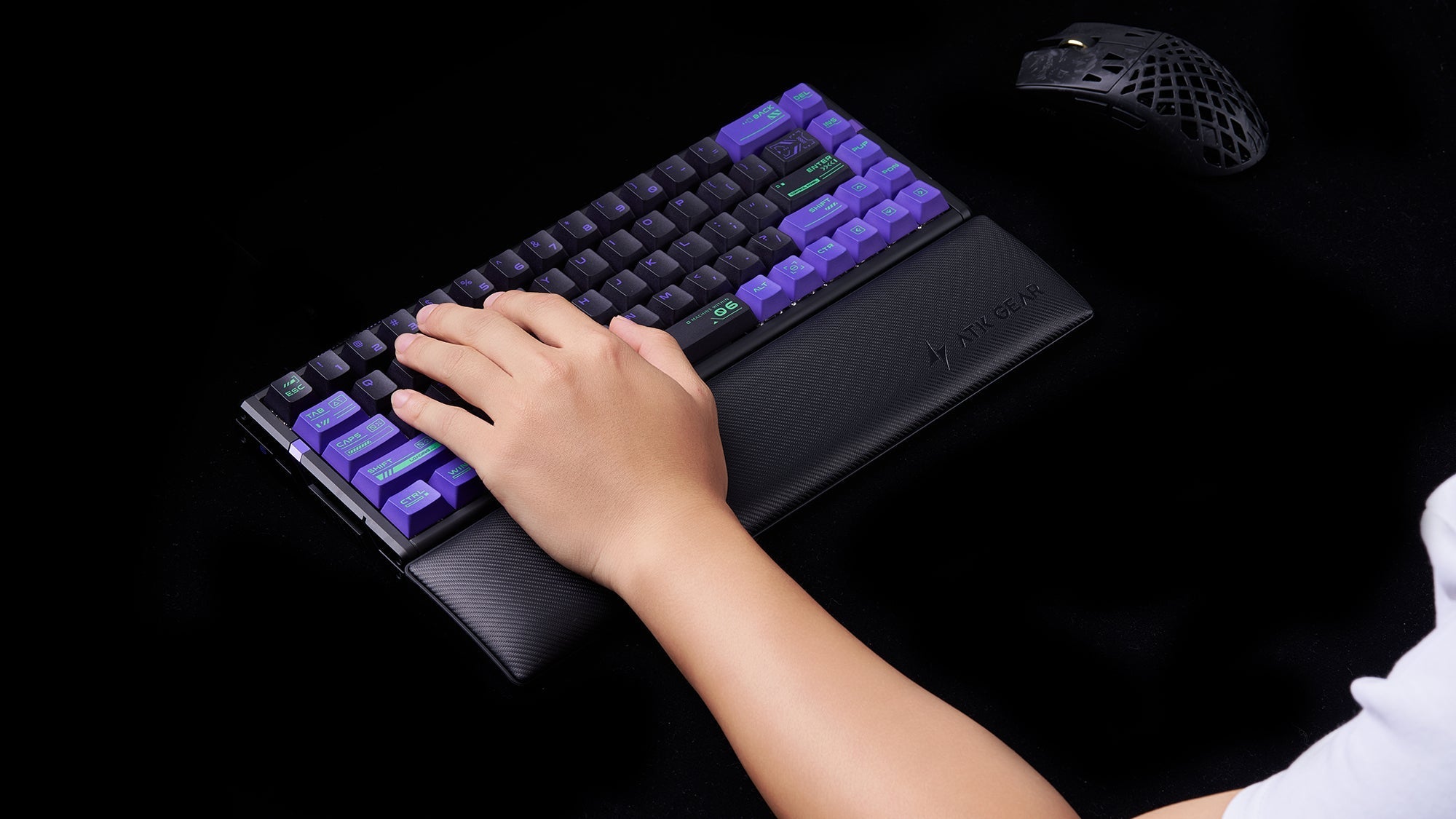
Wrist Rests: Do You Really Need One for Your Mechanical Keyboard?
Good keyboard posture keeps wrists neutral and hands mobile. Firm palm support, desk height, keyboard angle, and placement matter more than soft padding.
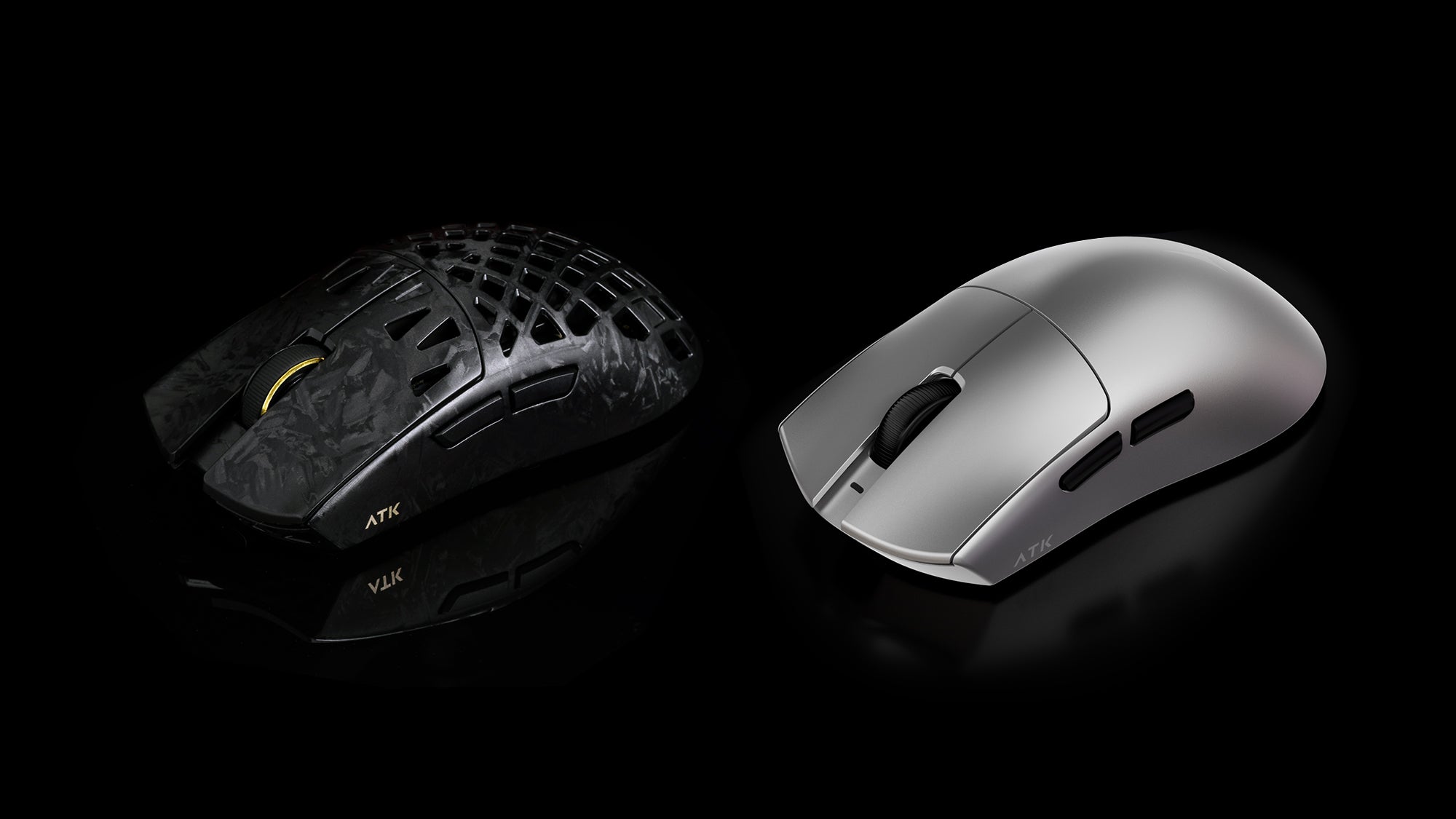
Honeycomb vs. Solid Shell Lightweight Mice: What’s the Best Choice in 2026?
In 2026, solid shell lightweight mice can match honeycomb weights without holes. Grip style, cleaning needs, shell flex, ventilation, and comfort decide choice.
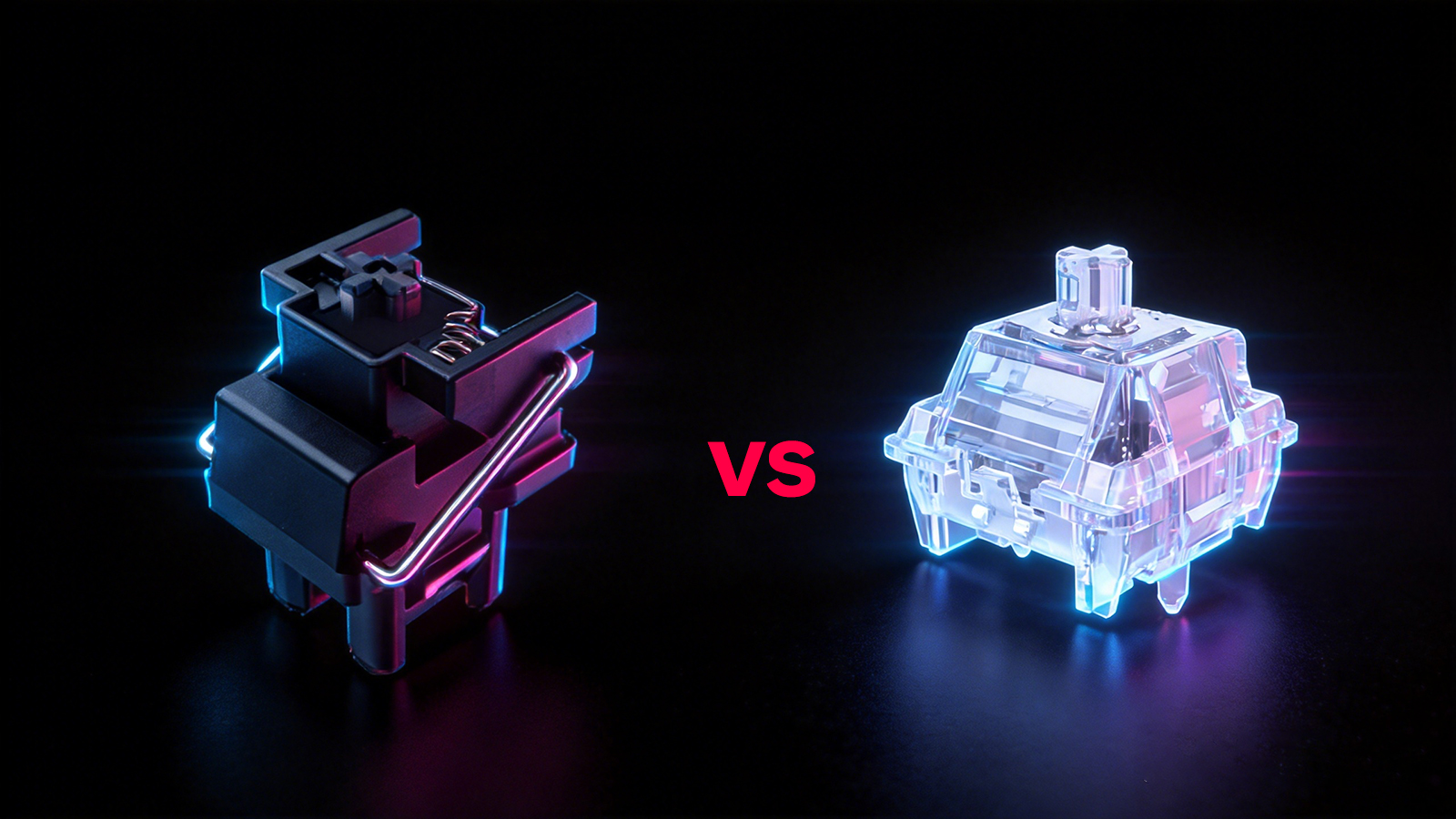
光学式 vs. メカニカルスイッチ:どちらが長持ちし、性能に優れる?
オプティカルスイッチは、優れたゲーミング速度と耐久性を備えています。一方、従来のメカニカルスイッチは、タイピングの感触、音のチューニング、カスタム改造のしやすさで強みを発揮します。
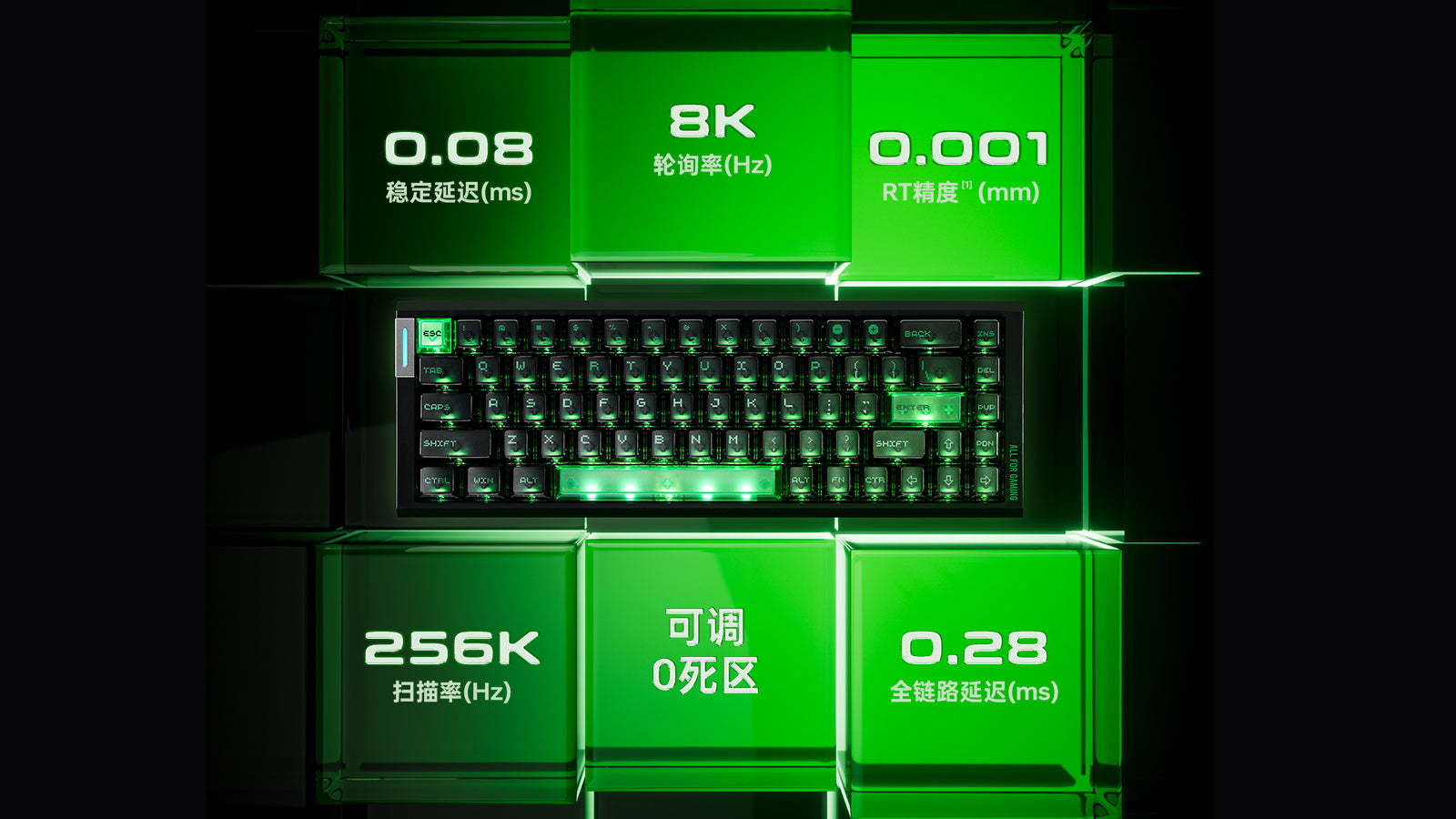
Magneticキーボードの調整方法:デッドゾーン、ゴースティング、誤入力を修正する
磁気キーボードの引っかかるキーやゴースティングは、センサーの正しいキャリブレーションで改善できます。Rapid Trigger とデッドゾーン設定を最適化して、滑らかなゲームプレイを実現しましょう。
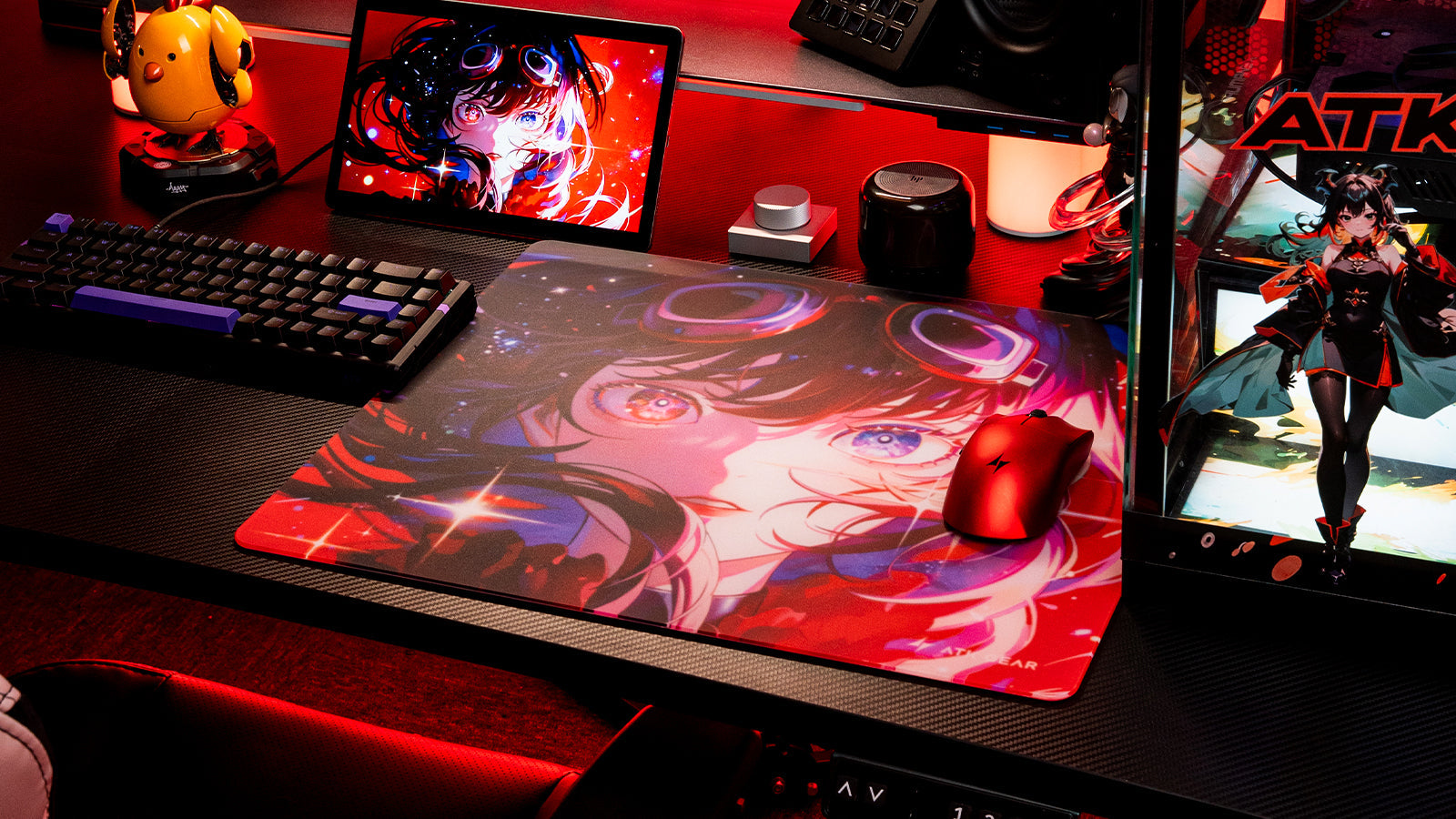
タクティカルシューター向けの最適なマウスパッド表面の選び方: スピード系とコントロール系の比較
マウスパッド選びはエイミングスタイルで決まります。コントロール系の表面は優れた止め性能を発揮し、スピード系のパッドは低摩擦で素早い滑走を実現します。
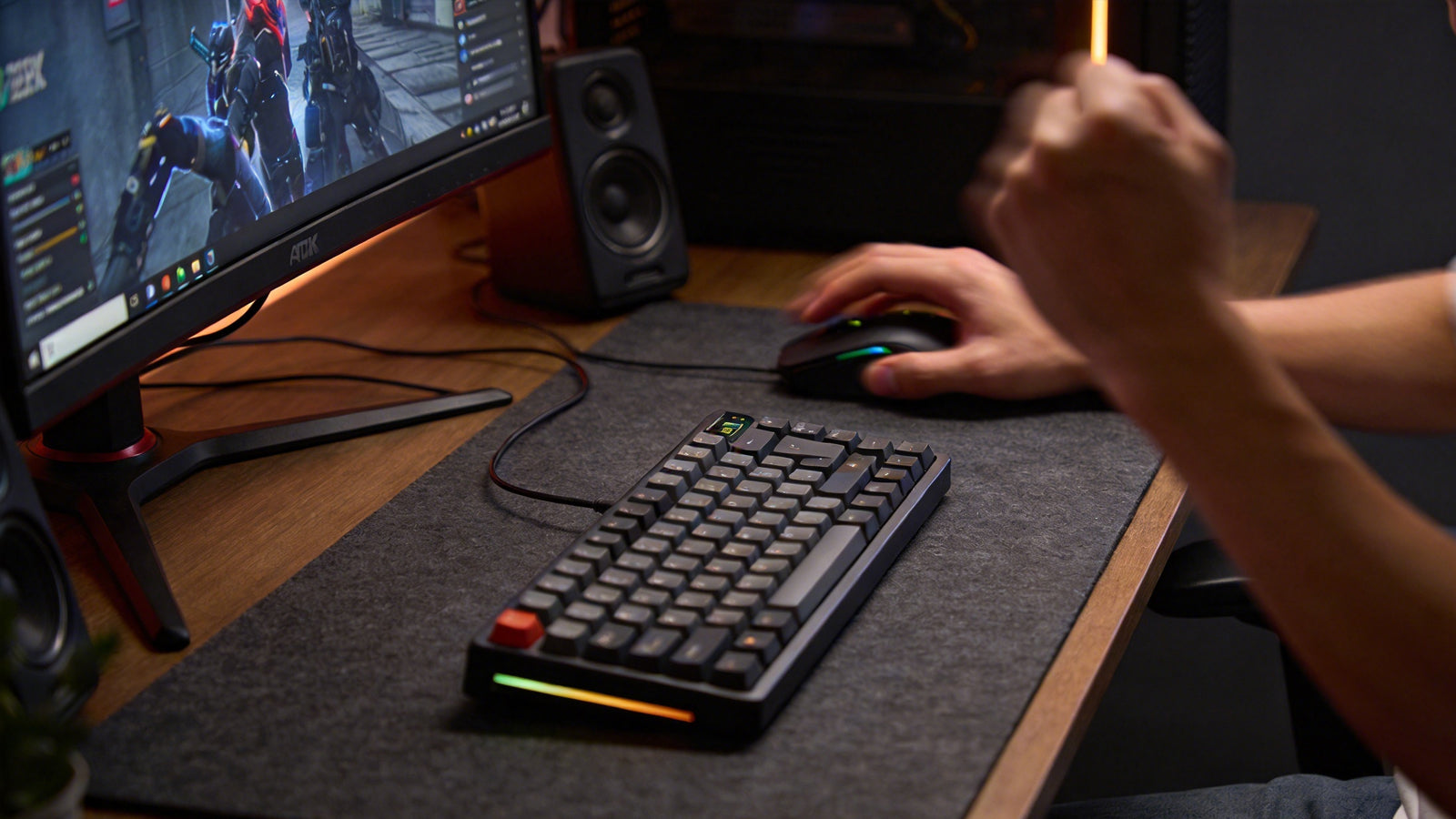
60% vs. 75% vs. TKLキーボード:最もデスクスペースを節約できるコンパクト配列はどれ?
60%、75%、TKL のどのレイアウトを選ぶかは、マウススペース、独立したファンクションキー、そして仕事でも使いやすい慣れたタイピング感のどれを重視するかで決まります。
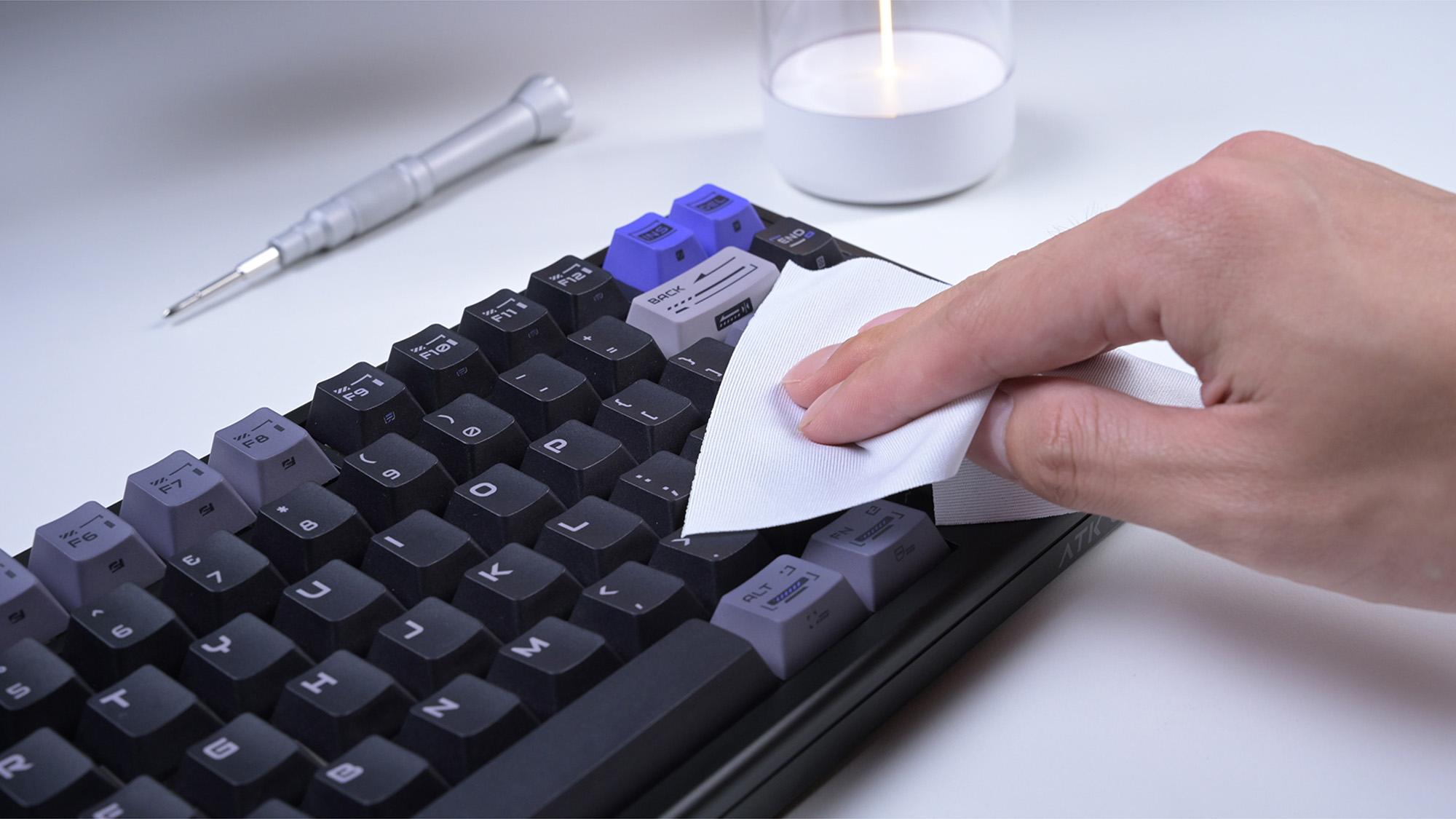
ホットスワップ対応キーボードをPCBを傷めずに掃除・メンテナンスする方法
差し替え可能なキーボードを、PCB やソケットを傷める誤ったクリーニングで台無しにしないでください。このガイドでは、安全なキーボードメンテナンスと、液体こぼれからの復旧方法をすばやく紹介します。