


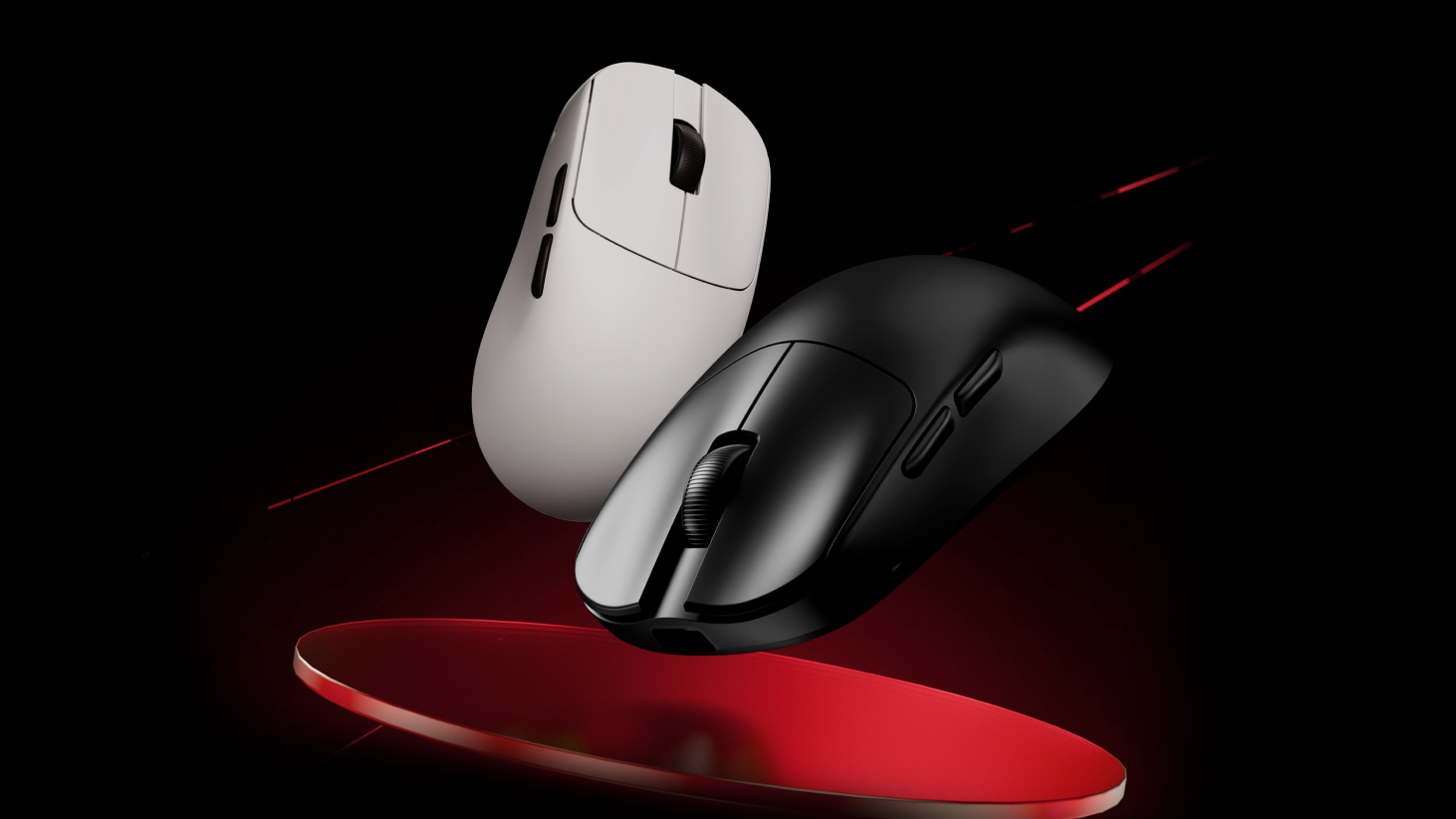
Lorsque vous recevez votre souris ou votre clavier, il est recommandé de télécharger d'abord le
1.Connectez l'appareil: Commencez par connecter votre appareil à l'ordinateur. Ouvrez
2.Sélectionnez votre appareil: Cliquez sur l'appareil que vous souhaitez mettre à jour. Par exemple, si vous mettez à jour le

3.Vérifier la version du firmware: Accédez à la section « Autre ensemble ». Vous y trouverez la version actuelle du micrologiciel et l'état de votre appareil. Si le micrologiciel n'est pas à jour, un message vous invitera à le mettre à jour.

Mise à jour manuelle du firmware via le site web officiel
jeDans certains cas, votre clavier ou votre souris peuvent ne pas être reconnus par l'ordinateur ou
Par exemple, si le

Suivez ces étapes :
1. Accédez à la page de téléchargement du firmware :https://desktop.vxe.com/download.

2. Sélectionnez votre appareil et ouvrez la liste des firmwares pour télécharger la dernière version.

Note:Pour
(Identification de votre version de clavier:Si votre clavier utilise un commutateur magnétique Gateron (violet), il s'agit de la version G. S'il utilise un
3.Installation du firmware : Après le téléchargement, décompressez le fichier du firmware. Exécutez le update.bat Déposez un fichier et attendez la fin du processus. complete.A Le message « Mise à jour réussie ! » indique que la mise à jour du firmware est terminée.

Si l'invite s'affiche "Code d'erreur étape 1 : 6 Code d'erreur étape 2 : 3," La mise à jour a échoué.

Vous devrez suivre l'étape supplémentaire suivante :
Ouvrez le dossier des fichiers et exécutez le update.bat fichiers dans MCU1 et MCU2 en séquence
Si l'invite affiche « echo 0 », la mise à jour a réussi.

Après la mise à jour du firmware, débranchez puis rebranchez le clavier, puis ouvrez-le.
*Si vous ne parvenez toujours pas à mettre à jour le micrologiciel à l'aide des méthodes ci-dessus, veuillez contacter le revendeur pour obtenir une assistance après-vente.
Remarque concernant les souris sans fil: Si votre souris sans fil n'est pas reconnue par l'ordinateur ou
9 commentaires
Danila
MCU1已经通过bat mcu2单独安装了一个错误,并且通常没有任何反应。 如何更新这些参数的驱动程序以使其工作?
MCU1已经通过bat mcu2单独安装了一个错误,并且通常没有任何反应。 如何更新这些参数的驱动程序以使其工作?
den muñoz
LEO
Nicolas
Hello, my Blazing Sky Z1 Ultra after an update that I don’t know what it is, my back and forward buttons simply stopped working. The mouse is about 2 months old and already has this problem… what can I do?
Hello, my Blazing Sky Z1 Ultra after an update that I don’t know what it is, my back and forward buttons simply stopped working. The mouse is about 2 months old and already has this problem… what can I do?
CALVIN
Im trying to re-install my firmware for my atk edge 60he due to it not connecting to my pc. i have unzipped the firmware file but dont know how to get the unzipped file to the update.bat file/dont know what a update.bat file is.Any help?
Im trying to re-install my firmware for my atk edge 60he due to it not connecting to my pc. i have unzipped the firmware file but dont know how to get the unzipped file to the update.bat file/dont know what a update.bat file is.Any help?
kap
i follow the informetion but it still unable to update the firmware what im gonna do (the prompt already show echo 0)
i follow the informetion but it still unable to update the firmware what im gonna do (the prompt already show echo 0)
Christopher
Is the ATK VXE V75 PRO supported by the web application? One of the reasons I got the keyboard was for the ability to adjust it through the web app and not need to download an application.
Is the ATK VXE V75 PRO supported by the web application? One of the reasons I got the keyboard was for the ability to adjust it through the web app and not need to download an application.
samet
The first error I received was an update error when opening the v hub. and I updated it, but when I try to log in, it continues to give the same error and I cannot log in from the website.
The first error I received was an update error when opening the v hub. and I updated it, but when I try to log in, it continues to give the same error and I cannot log in from the website.