




Cuando recibas tu mouse o teclado, se recomienda primero descargar ATK V HUB para actualizar el firmware del dispositivo a la versión más reciente y obtener la mejor experiencia.
Instrucciones de actualización de firmware de ATK V HUB
1.Conectar el dispositivo: Primero conecta tu dispositivo al ordenador. Abre ATK V HUB, que detectará tu dispositivo automáticamente.
2.Selecciona tu dispositivo: Haz clic en el dispositivo que quieres actualizar. Por ejemplo, si estás actualizando el teclado ATK68, entra en la interfaz de gestión del dispositivo.

3.Comprobar la versión del firmware: Ve a la sección "Other Set.". Aquí puedes ver la versión actual del firmware y el estado de tu dispositivo. Si el firmware no está actualizado, aparecerá un aviso para actualizarlo.

Actualización manual del firmware desde el sitio web oficial
IEn algunos casos, es posible que el ordenador o ATK V HUB no reconozcan tu teclado o mouse. En estas situaciones, tendrás que descargar y actualizar manualmente el firmware desde el sitio web oficial.
Por ejemplo, si la página de gestión del teclado ATK68 solo muestra un icono de carga o un error de tiempo de espera de conexión

Sigue estos pasos:
1. Ve a la página de descarga del firmware:https://desktop.vxe.com/download.

2. Selecciona tu dispositivo y abre la lista de firmware para descargar el firmware más reciente.

Nota:Para los modelos ATK68 y ATK75, asegúrate de descargar la versión correcta. Si tu dispositivo es una versión G, descarga el firmware más reciente de la versión G. Para las versiones L o LK, descarga el firmware más reciente de la versión LK.
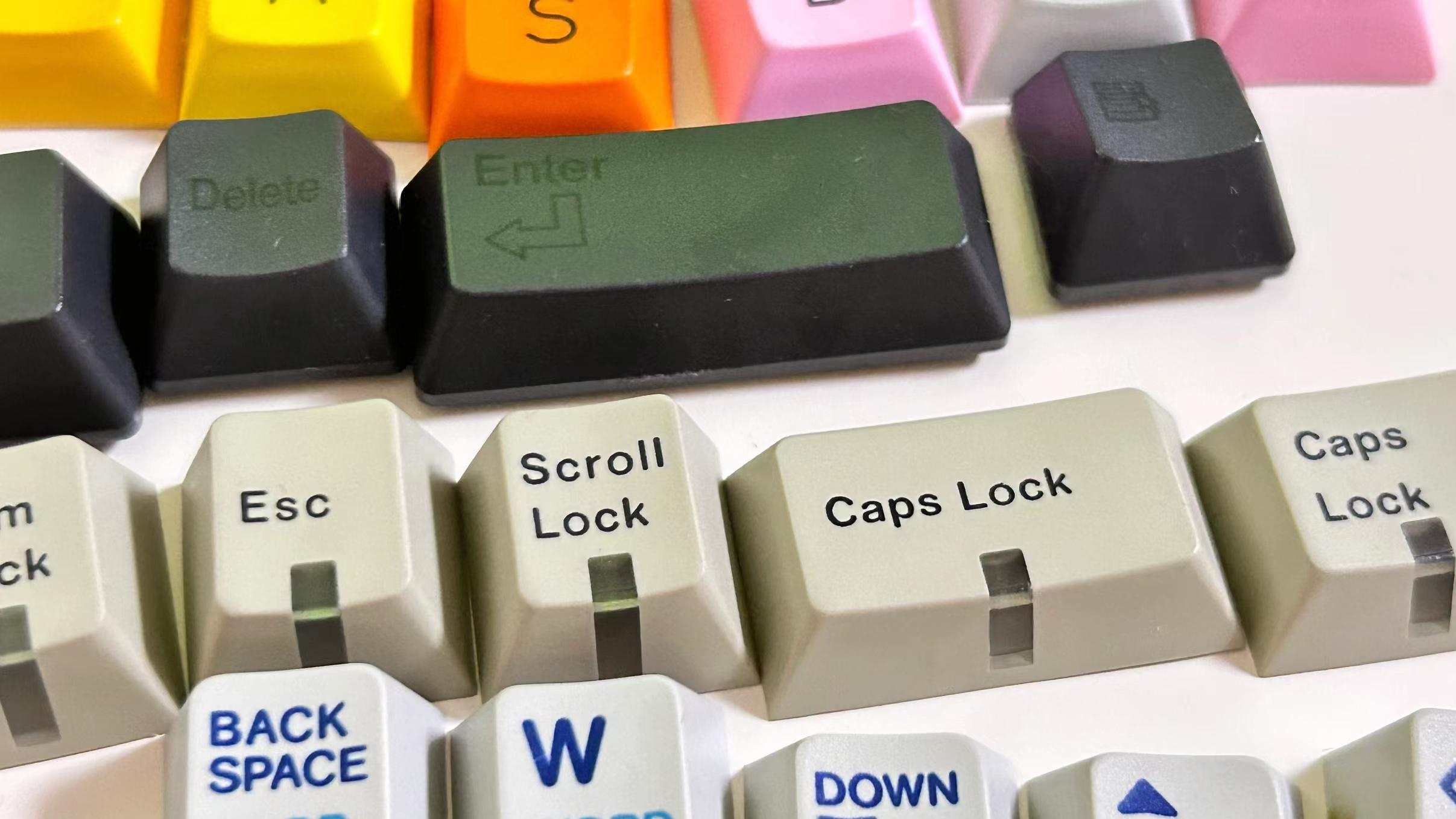
(Cómo identificar la versión de tu teclado:Si tu teclado usa un interruptor magnético Gateron (morado), es la versión G. Si usa un interruptor magnético ATK rojo (rojo), es la versión L. Las versiones LK tienen interruptores verdes.)
3.Instalar el firmware: después de descargarlo, descomprime el archivo del firmware. Ejecuta el archivo update.bat y espera a que el proceso se complete. Un aviso que diga "Update success!" indica que la actualización del firmware se ha completado.

Si el aviso muestra "step 1 error code: 6 step 2 error code: 3," la actualización ha fallado.

Deberás seguir el paso adicional:
Abre la carpeta de archivos y ejecuta los archivos update.bat en MCU1 y MCU2 en secuencia
Si el aviso muestra "echo 0,", la actualización se ha realizado correctamente.

Después de la actualización del firmware, desconecta y vuelve a conectar el teclado, luego abre ATK V HUB y actualiza el dispositivo.
*Si aún no puedes actualizar el firmware con los métodos anteriores, ponte en contacto con el distribuidor para obtener soporte posventa.
Nota para ratones inalámbricos: Si tu ratón inalámbrico no puede ser reconocido por el ordenador o ATK V HUB, asegúrate de que el receptor 2.4G o el receptor 4K/8K también estén actualizados a la versión más reciente.
9 comments
Danila
MCU1已经通过bat mcu2单独安装了一个错误,并且通常没有任何反应。 如何更新这些参数的驱动程序以使其工作?
MCU1已经通过bat mcu2单独安装了一个错误,并且通常没有任何反应。 如何更新这些参数的驱动程序以使其工作?
den muñoz
LEO
Nicolas
Hello, my Blazing Sky Z1 Ultra after an update that I don’t know what it is, my back and forward buttons simply stopped working. The mouse is about 2 months old and already has this problem… what can I do?
Hello, my Blazing Sky Z1 Ultra after an update that I don’t know what it is, my back and forward buttons simply stopped working. The mouse is about 2 months old and already has this problem… what can I do?
CALVIN
Im trying to re-install my firmware for my atk edge 60he due to it not connecting to my pc. i have unzipped the firmware file but dont know how to get the unzipped file to the update.bat file/dont know what a update.bat file is.Any help?
Im trying to re-install my firmware for my atk edge 60he due to it not connecting to my pc. i have unzipped the firmware file but dont know how to get the unzipped file to the update.bat file/dont know what a update.bat file is.Any help?
kap
i follow the informetion but it still unable to update the firmware what im gonna do (the prompt already show echo 0)
i follow the informetion but it still unable to update the firmware what im gonna do (the prompt already show echo 0)
Christopher
Is the ATK VXE V75 PRO supported by the web application? One of the reasons I got the keyboard was for the ability to adjust it through the web app and not need to download an application.
Is the ATK VXE V75 PRO supported by the web application? One of the reasons I got the keyboard was for the ability to adjust it through the web app and not need to download an application.
samet
The first error I received was an update error when opening the v hub. and I updated it, but when I try to log in, it continues to give the same error and I cannot log in from the website.
The first error I received was an update error when opening the v hub. and I updated it, but when I try to log in, it continues to give the same error and I cannot log in from the website.