



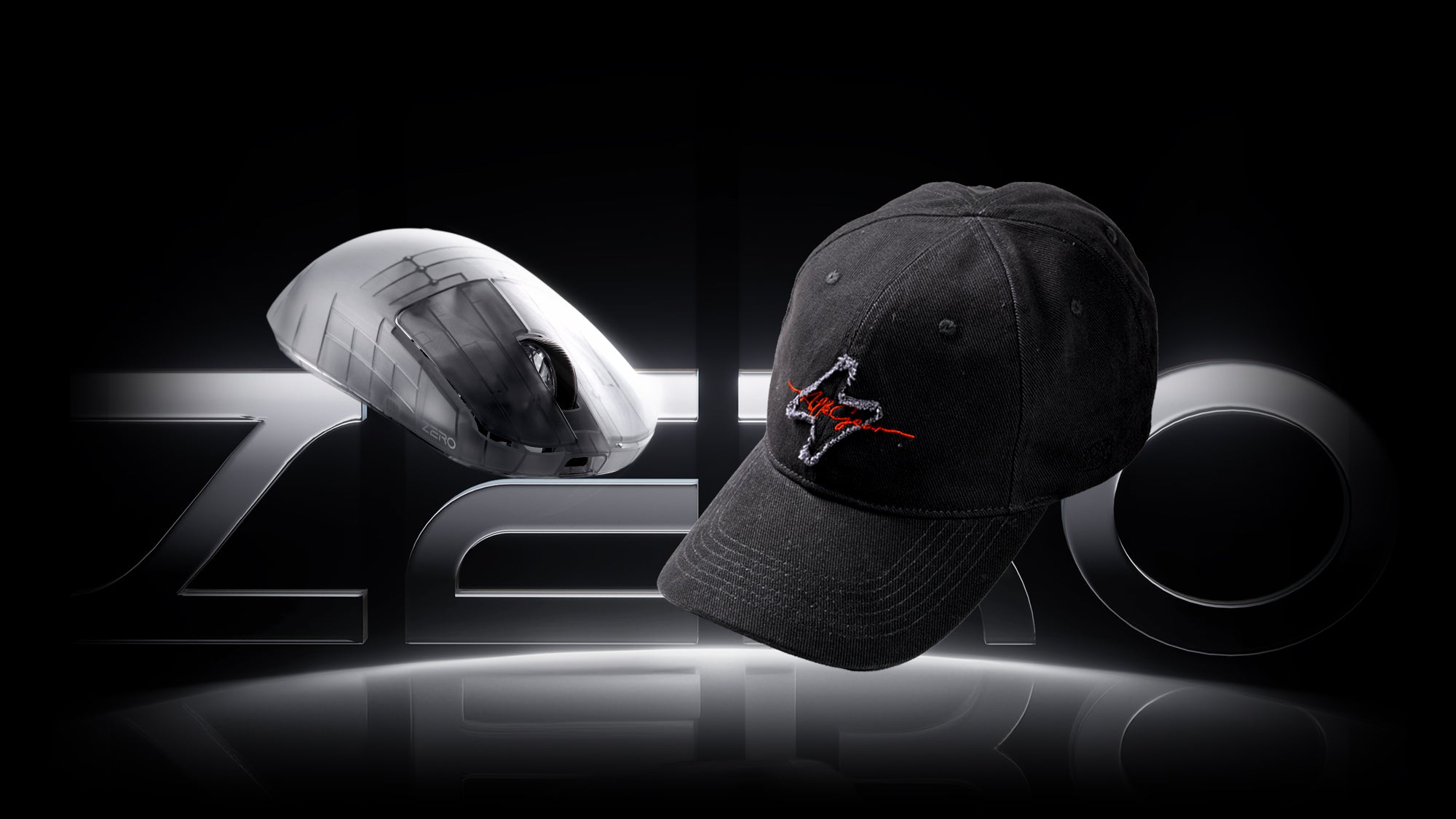
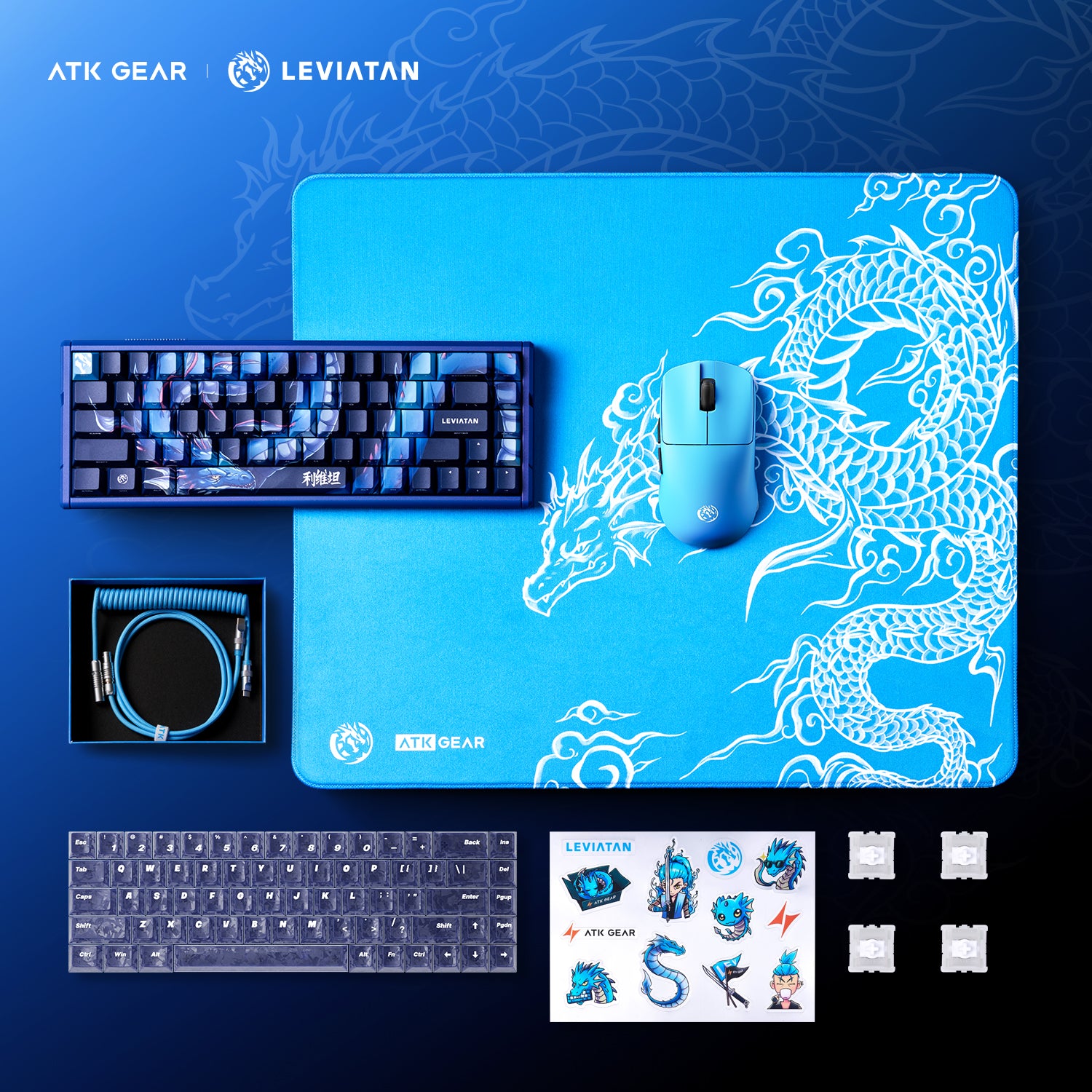
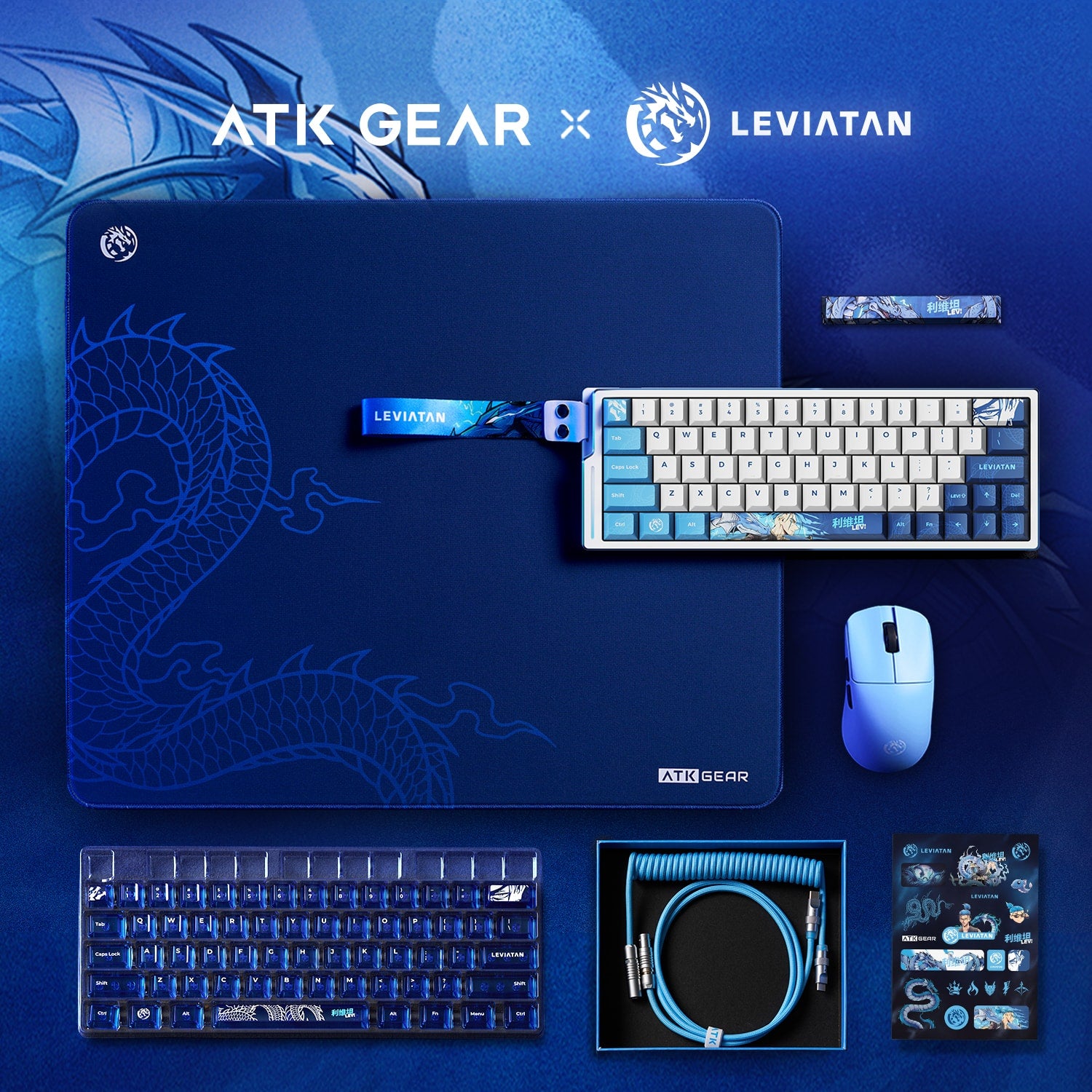
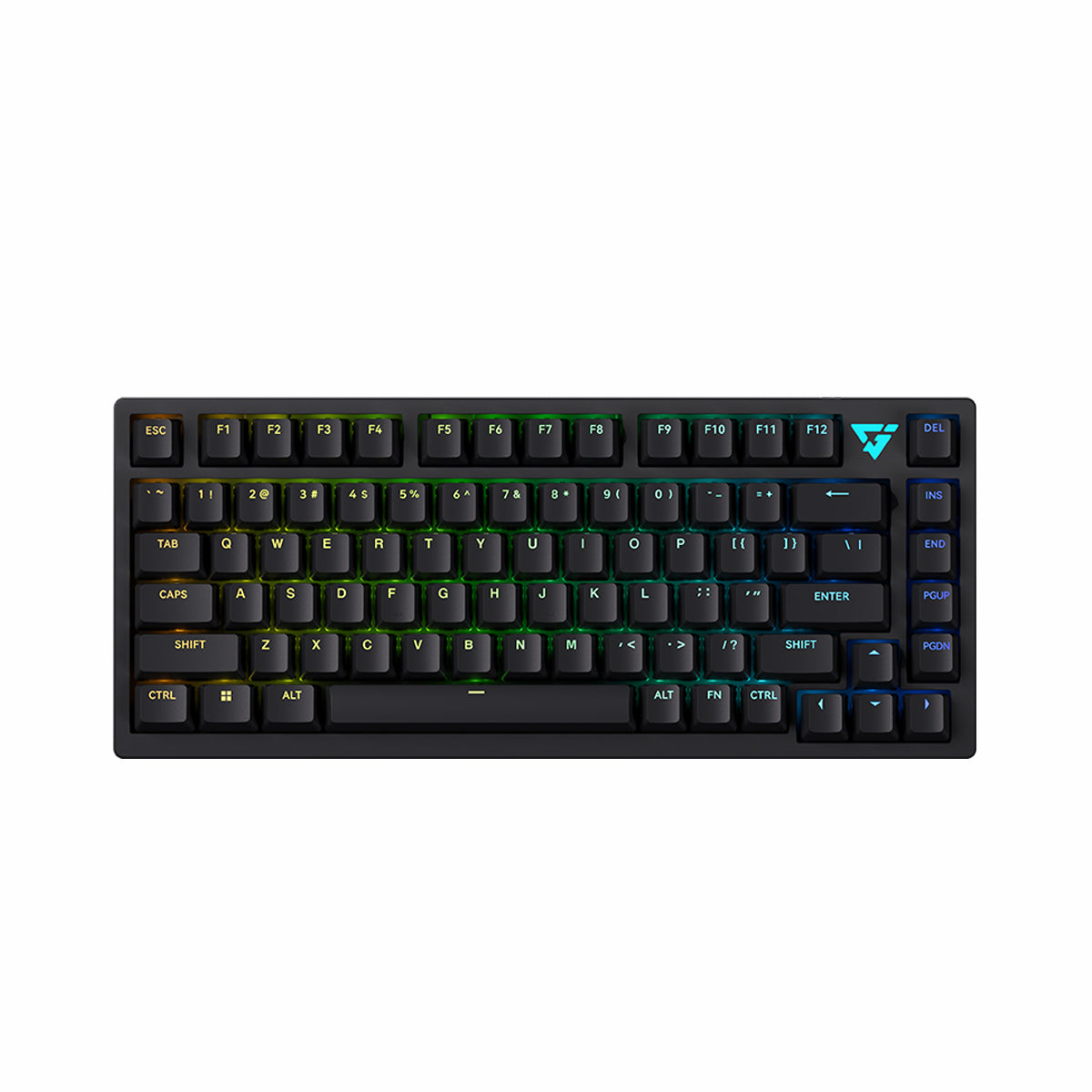
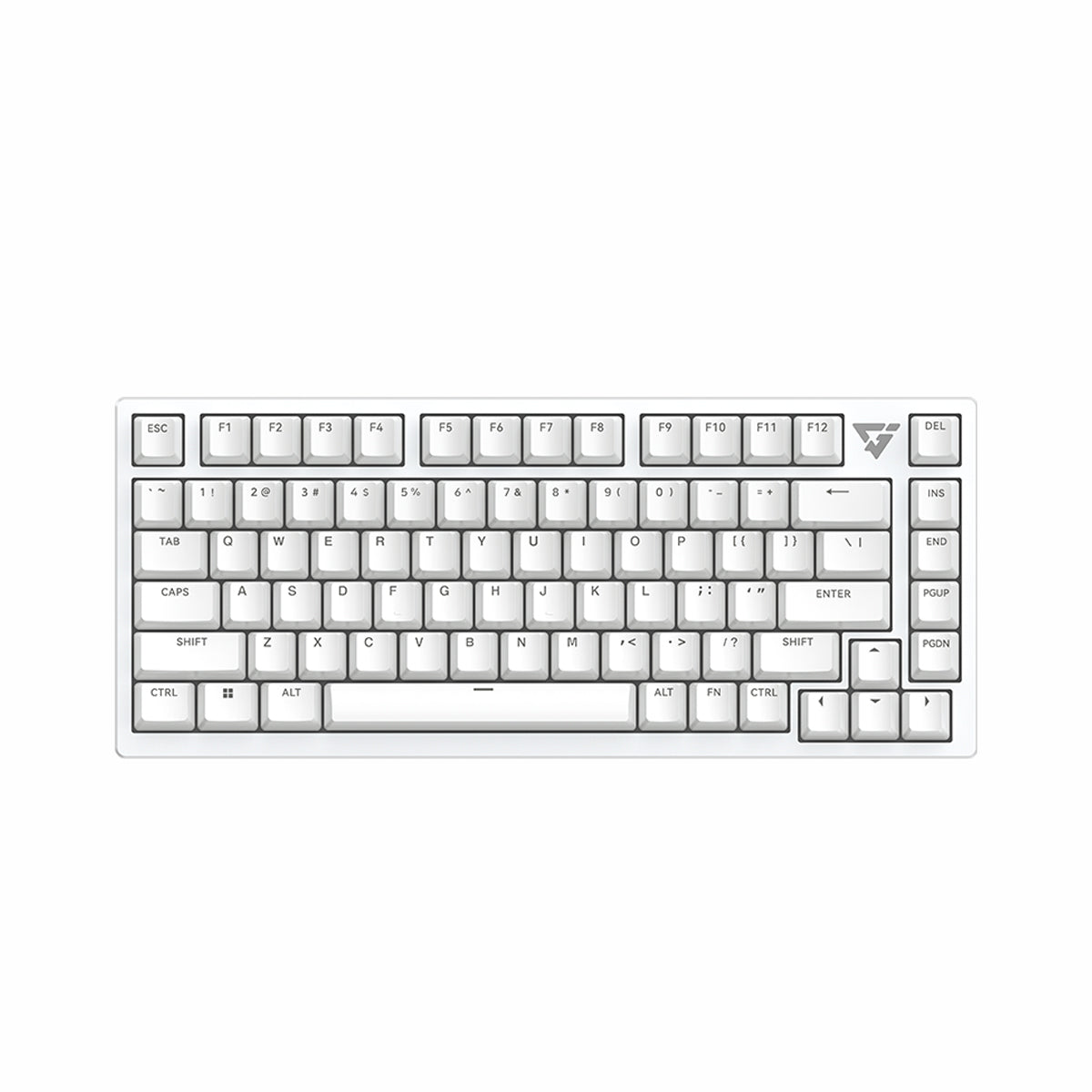
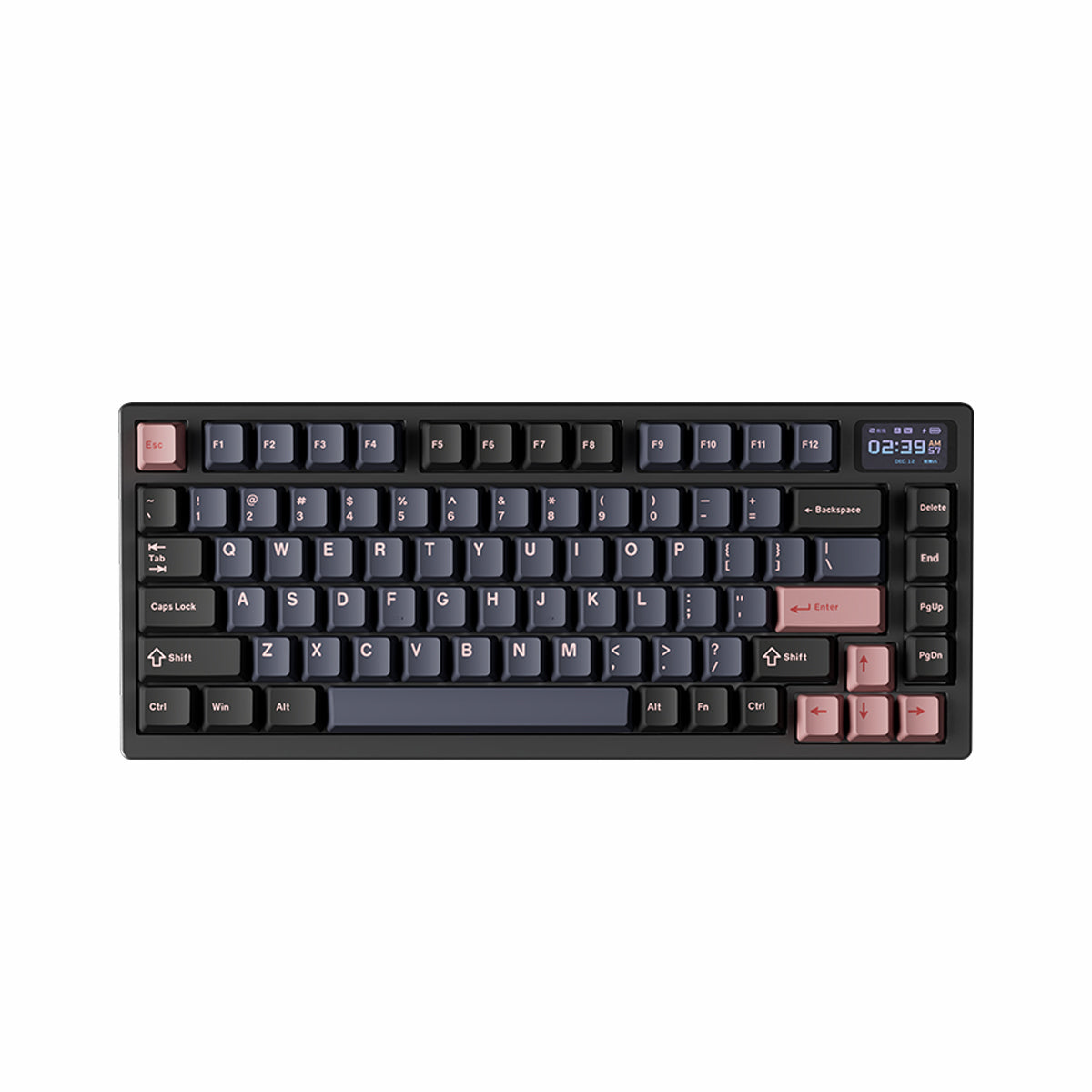
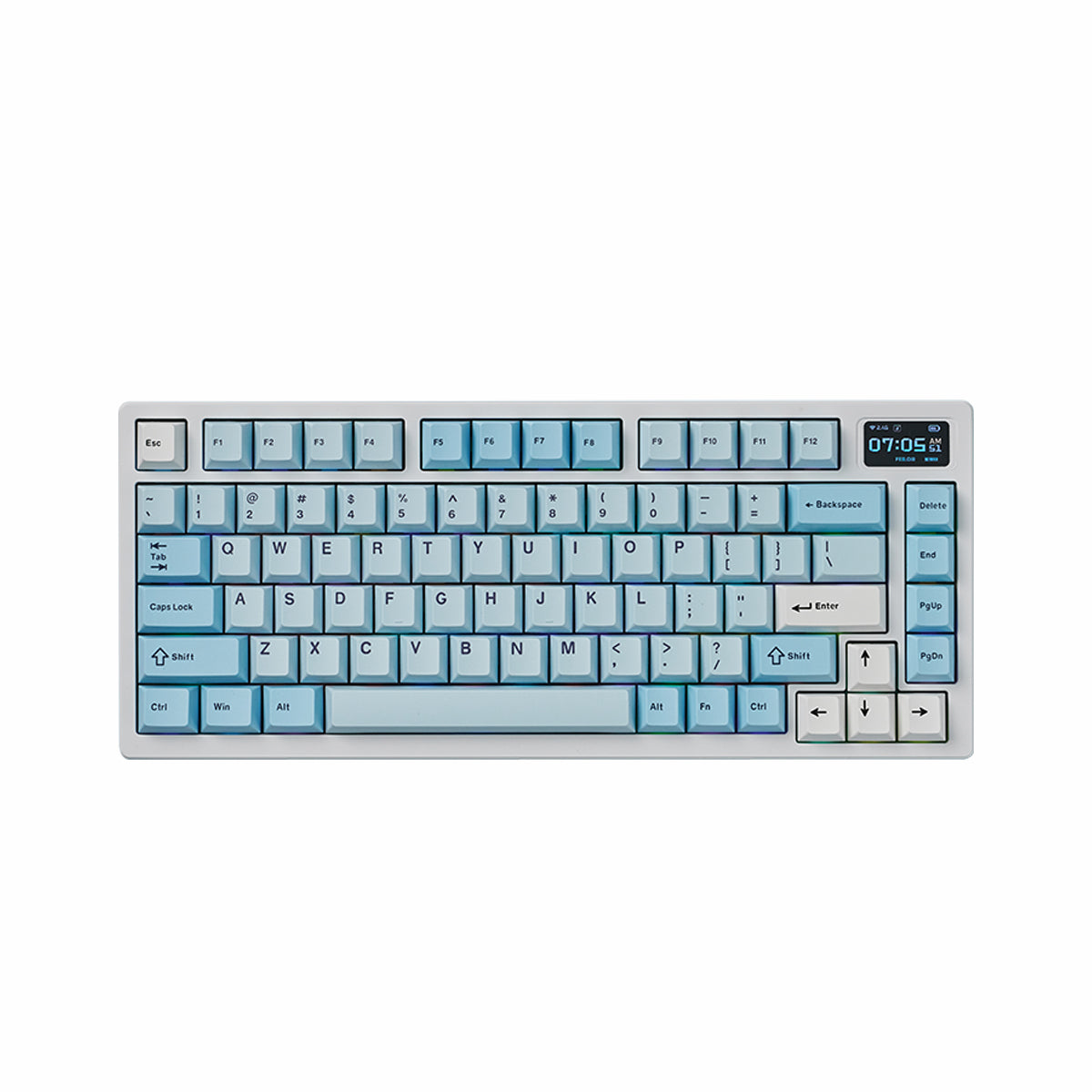
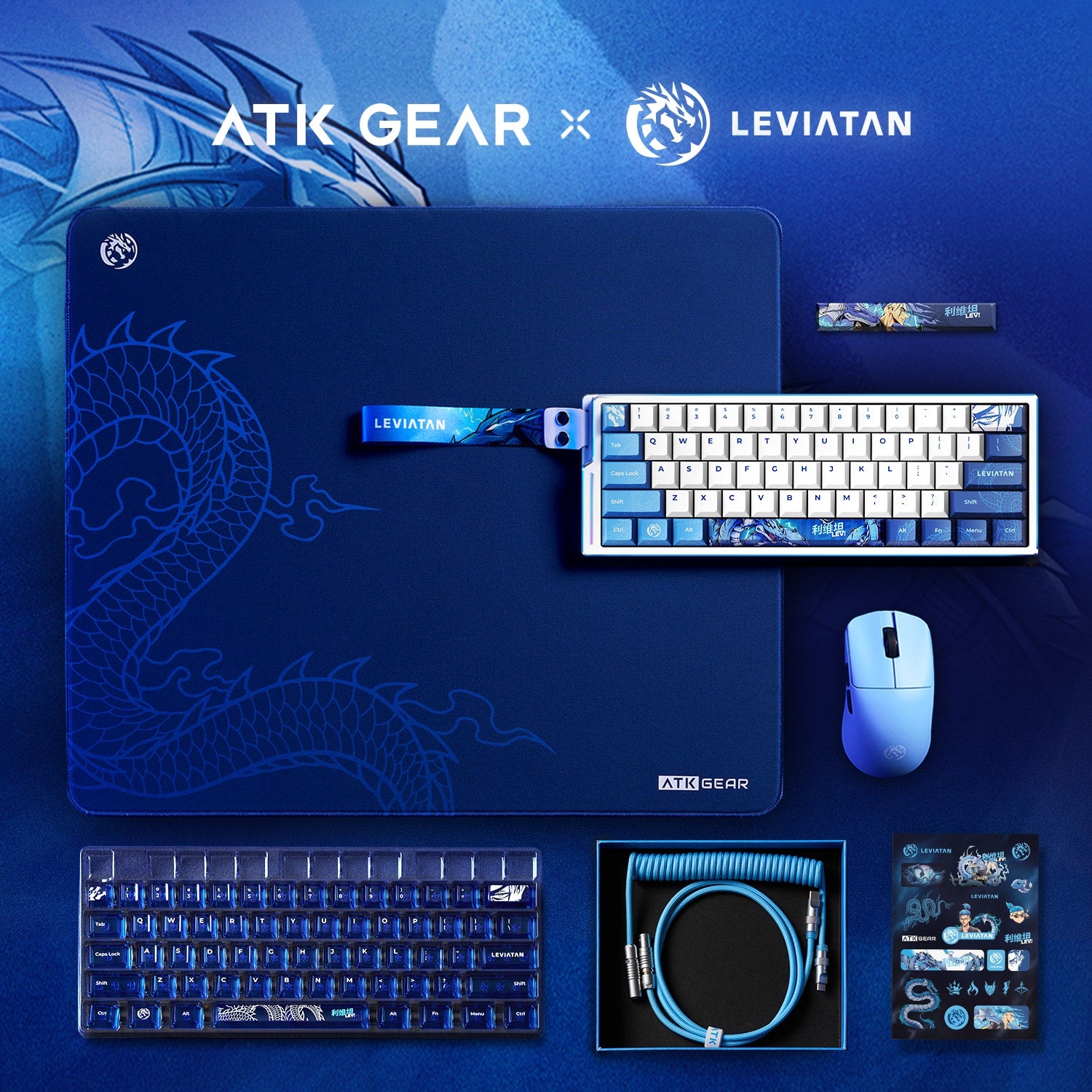
Gaming accessories shape how a setup feels from the first click to the final round. The ATK gaming accessories range brings together wireless gaming mice, magnetic and mechanical keyboards, gaming mouse pads, wireless headsets, controllers, and focused upgrades for grip, glide, comfort, and desk organization. Shoppers can compare equipment around real priorities such as hand fit, keyboard layout, movement space, connection mode, platform support, and software compatibility. This approach makes it easier to build a coordinated gaming setup without treating one headline specification as the answer to every performance or comfort need.
Match the Core Devices to Your Setup
A mouse, keyboard, and mouse pad form the main control layer for most PC gaming setups. Choose a mouse shape and weight suited to your hand and grip style, then select a keyboard layout that retains the keys you need without taking unnecessary movement space. The mouse pad should provide enough room for your preferred sensitivity and aiming style.
Choose the Right Connection Mode
Wired gaming accessories keep power and data straightforward, while dedicated 2.4GHz wireless can reduce cable clutter and support responsive play on compatible devices. Bluetooth is useful for convenient device switching and general computer use. Before ordering multi-mode gaming peripherals, check ports, receivers, platform support, and charging requirements for the exact model.
Compare Performance Specifications That Matter
DPI, polling rate, scan rate, latency, battery capacity, and actuation settings can help distinguish similar gaming accessories. Higher figures do not automatically provide a better experience on every system. Prioritize settings you will realistically use, confirm ATK HUB support where configuration software matters, and review model-specific dimensions and included accessories.
Refine Control, Comfort, and Organization
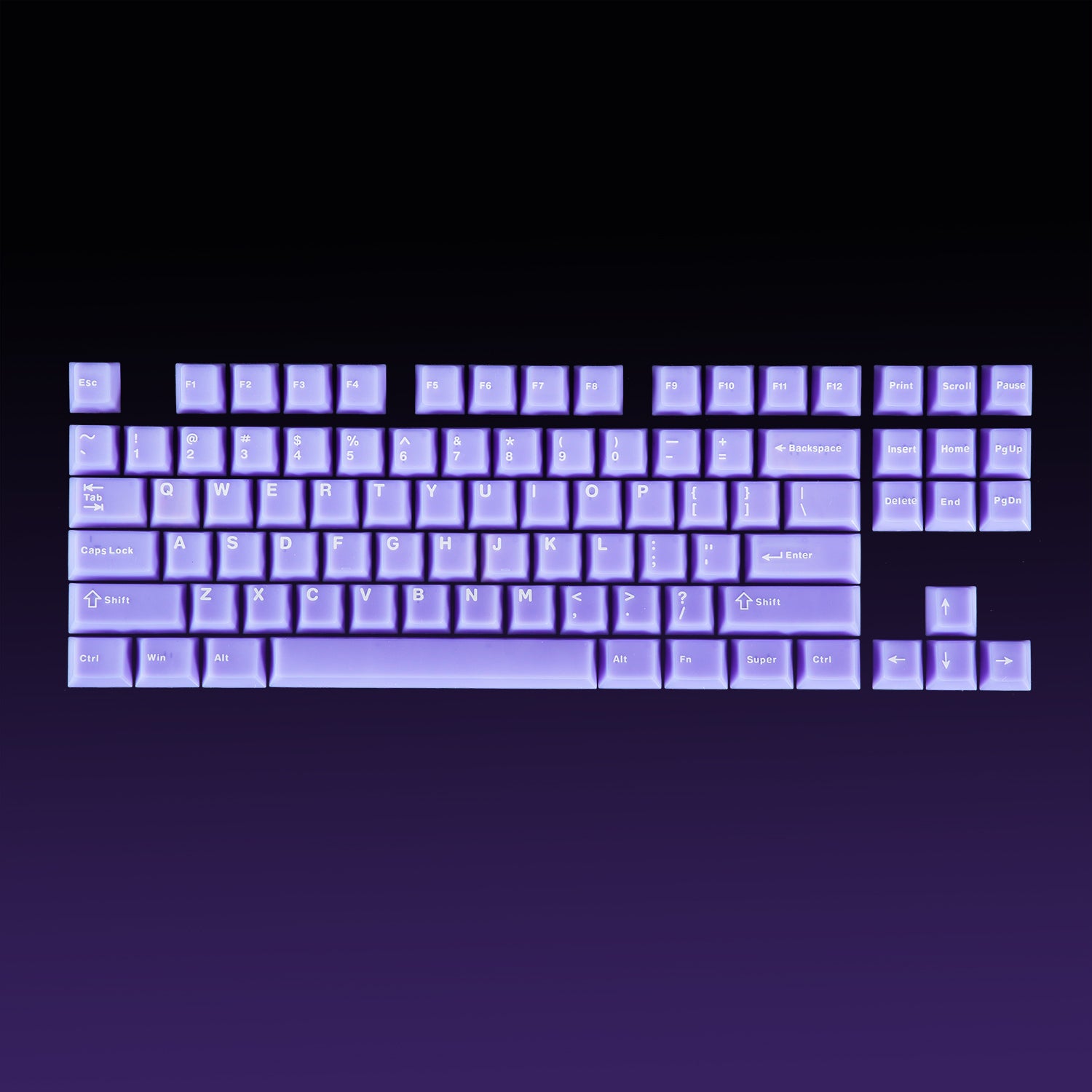
Smaller accessories should address a specific need. Mouse skates can change glide, grip tape can improve contact, and an arm sleeve can reduce friction against the desk surface. Keycaps, cables, stands, bags, and wrist rests may improve comfort, organization, or appearance. Confirm model, layout, dimensions, and attachment method before choosing an accessory.
Featured ATK gaming accessories
- VXE Dragonfly R1 Series Wireless Mouse offers a symmetrical shape, multiple editions, and a lightweight direction for gaming and daily computer use. Selected configurations support wired, 2.4GHz, and Bluetooth connectivity, making the series worth considering when one mouse needs to move between competitive play and a broader desk routine.
- ATK EDGE 60 HE Esports Magnetic Keyboard combines a compact 60% ANSI layout with magnetic switches, a wired connection, an aluminum case, and ATK HUB support. Its reduced footprint leaves more lateral room for mouse movement, while adjustable magnetic-switch behavior gives players more control over how key presses respond.
- ATK X83 XSoft eSport Gaming Mouse Pad uses a 490 x 420 x 4 mm format, XSoft firmness, a special-weave surface, recessed edges, and a Poron polyurethane base. Those details make it a practical pairing for players who want a generous movement area and a softer base while keeping the pad stable on the desk.
- ATK Neptune N9 eSports Gaming Wireless Headset features 53 mm drivers, 3D spatial sound, quad-mode connectivity, and a detachable boom microphone. The published 270 g design and multiple connection choices support shoppers who want gaming audio and voice communication without committing to a single device or connection method.
- ATK AXE Series Tri-Mode Wireless Game Controller pairs Hall Effect joysticks with adjustable three-stage triggers, micro-switch ABXY buttons, haptic feedback, and tri-mode connectivity. It provides a controller-focused option for genres or platforms where analog movement and trigger control feel more natural than mouse-and-keyboard input.
- ATK Edge Ultra Grip Pro Mouse Tape adds a 0.3 mm polyurethane grip layer designed to absorb sweat and dry quickly without substantially changing the mouse shape. Stretchable construction and removable 3M adhesive help it fit different mouse shapes, though buyers should still confirm the intended placement and coverage before application.