



News

Technical Guide
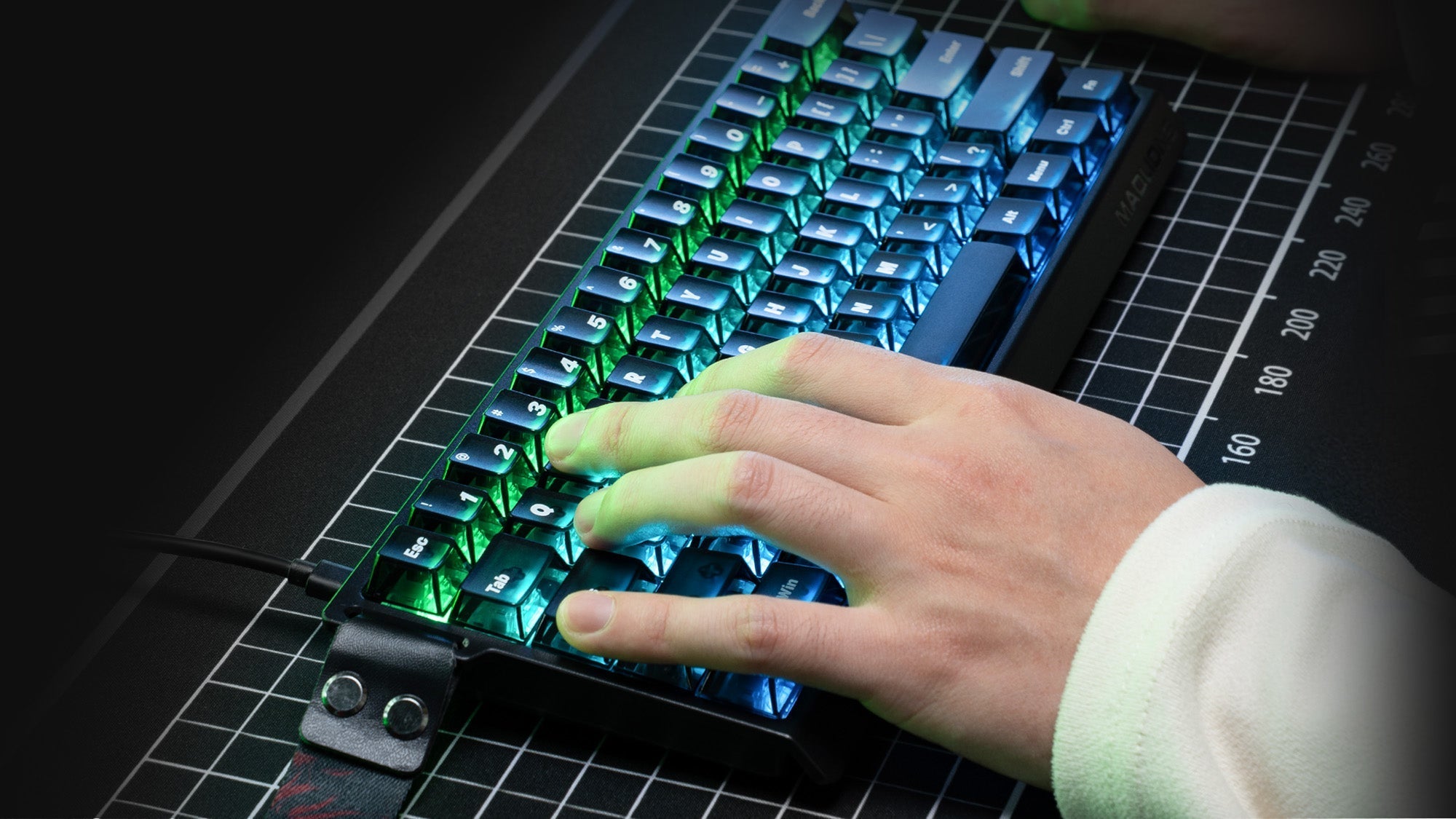
Rappy Snappy vs. Standard Rapid Trigger: What's the Difference?
Competitive gamers face a crucial choice between Rappy Snappy and Standard Rapid Trigger. Learn how these hall effect keyboard features can enhance your gaming performance.
Technical Guide
Why Keycap Material Matters: The Long-Term Difference Between PBT and ABS
Keycap material directly impacts your typing comfort and keyboard performance. Opting for durable PBT over ABS prevents fading and ensures a smooth gaming experience.
Technical Guide
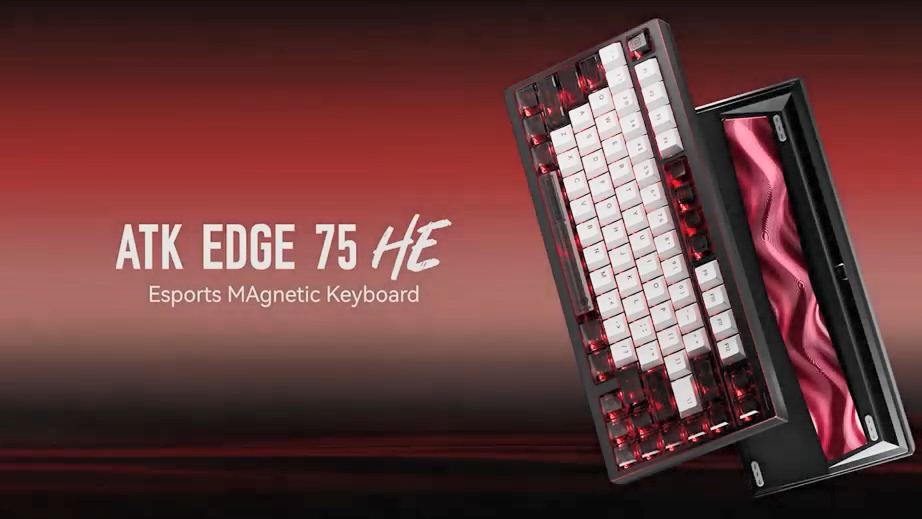
Unleash Your Ultimate Keyboard: A Deep Dive into Modifying the ATK EDGE 75
Customize your ATK EDGE 75 with this guide. Learn to swap foam, replace plates, and tune gaskets to achieve the perfect thocky sound and bespoke typing feel.
Technical Guide
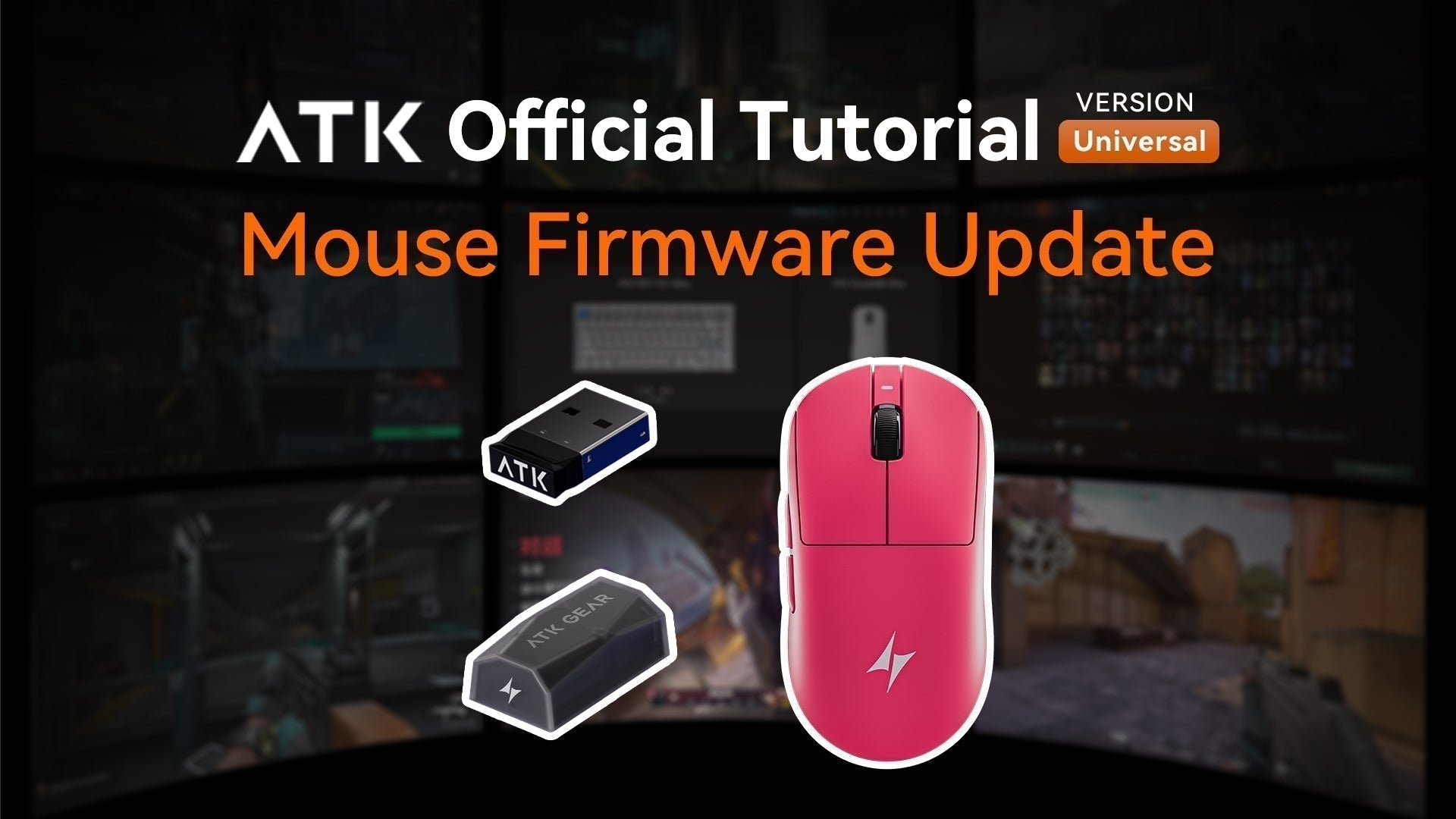
How to Update Your ATK Gaming Mouse
Keep your ATK gaming mouse performing at its best with the latest firmware updates.
Introduction
Firmware updates are crucial for maintaining the optimal performance of your ATK gaming mouse...

Technical Guide
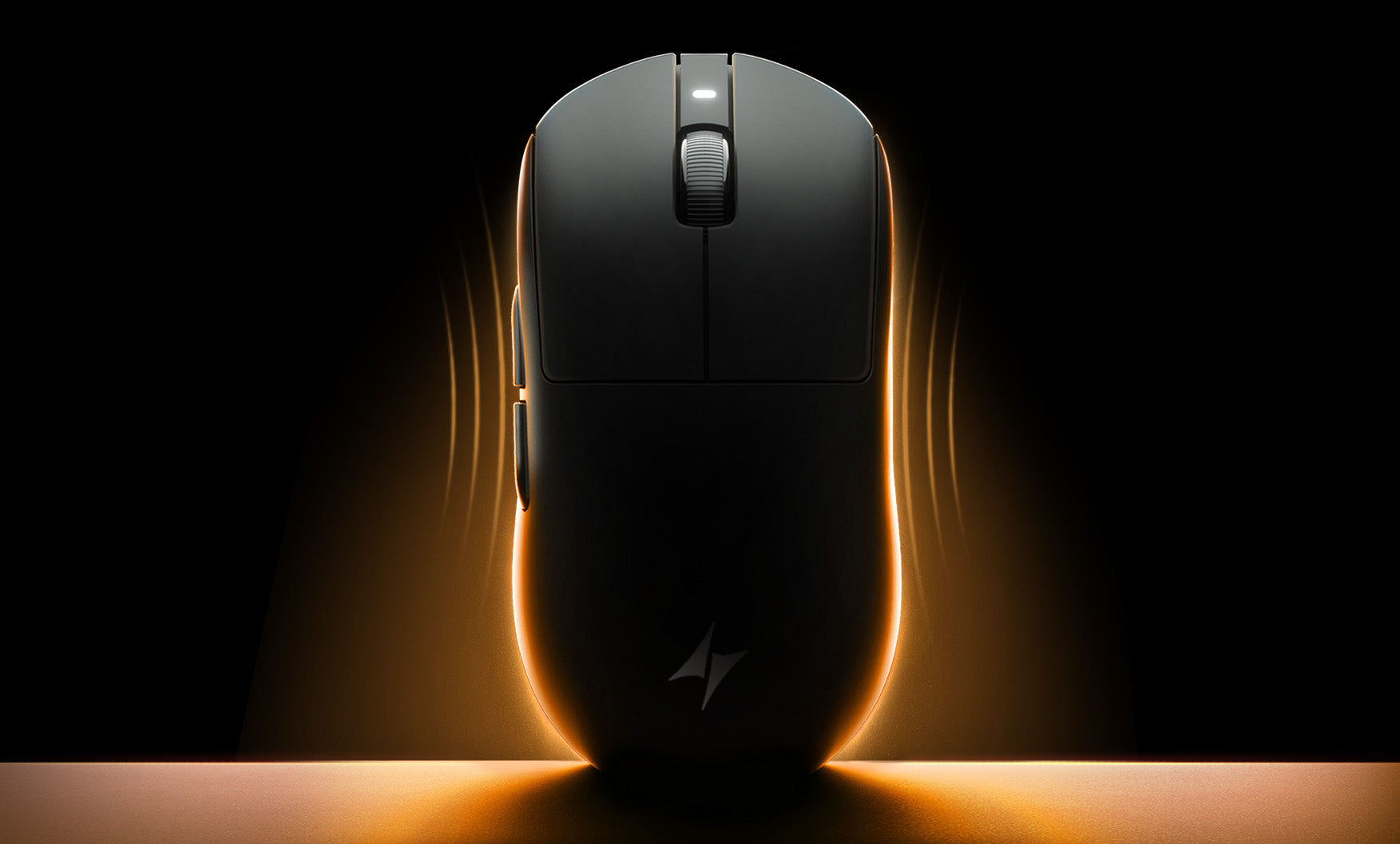
How Gaming Mouse Sensors Truly Impact Your Aim
Unlock flawless aim. A gaming mouse's sensor, not its DPI, is key for precision. Specs like IPS & acceleration prevent spin-out, ensuring true 1:1 tracking.
Review
Ergonomic vs. Ambidextrous Mouse: Which One Should You Get?
This guide explains how to choose the right gaming mouse by deciding between a comfortable, sculpted ergonomic shape for palm grips or a flexible, symmetrical ambidextrous design for faster claw an...
Technical Guide
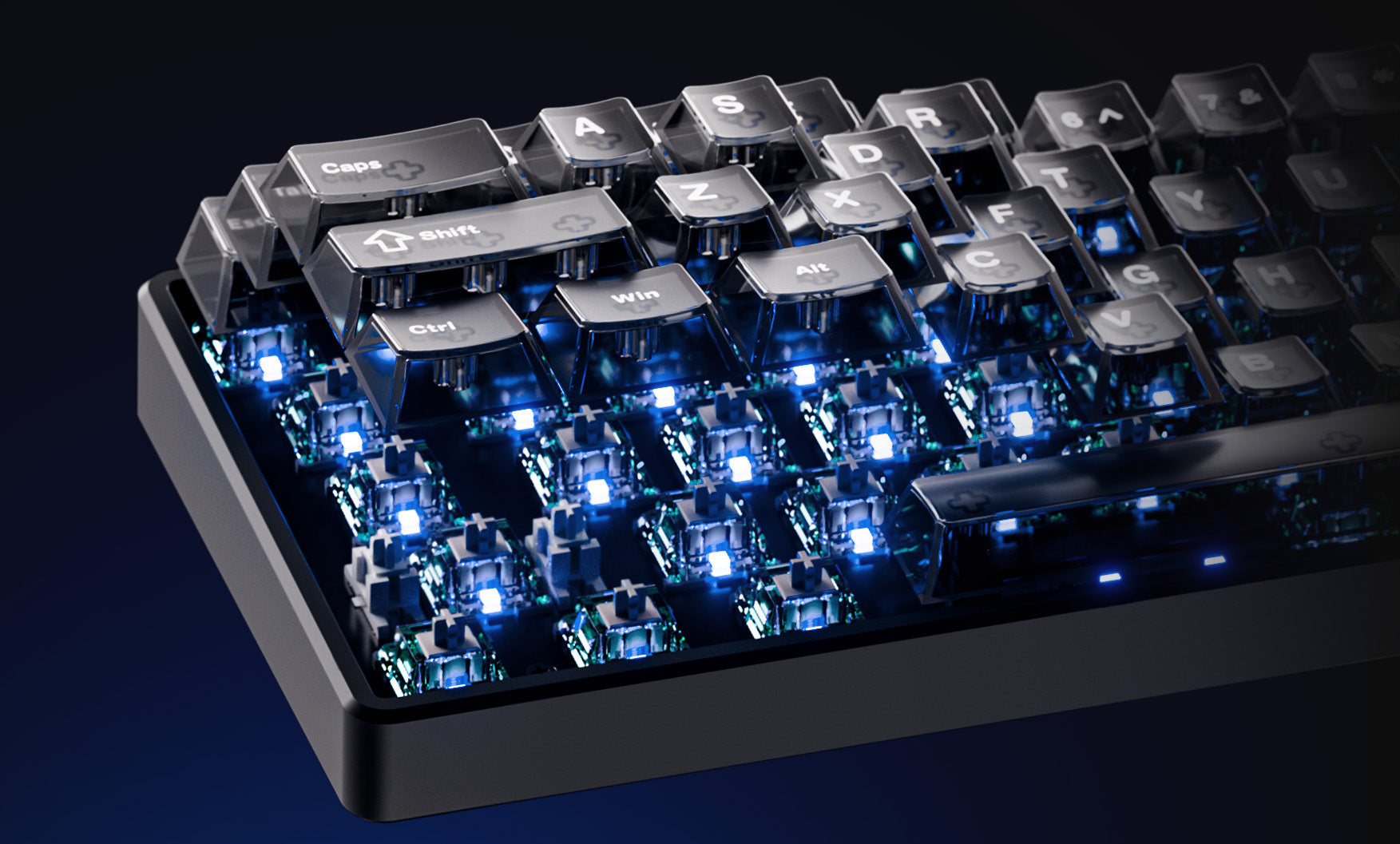
A Practical Guide to Your Mechanical Keyboard's Keycaps
This guide explains that your choice of keycaps—balancing materials like smooth but less durable ABS against textured and long-lasting PBT—is critical for defining a keyboard's feel, sound, and lon...
Technical Guide
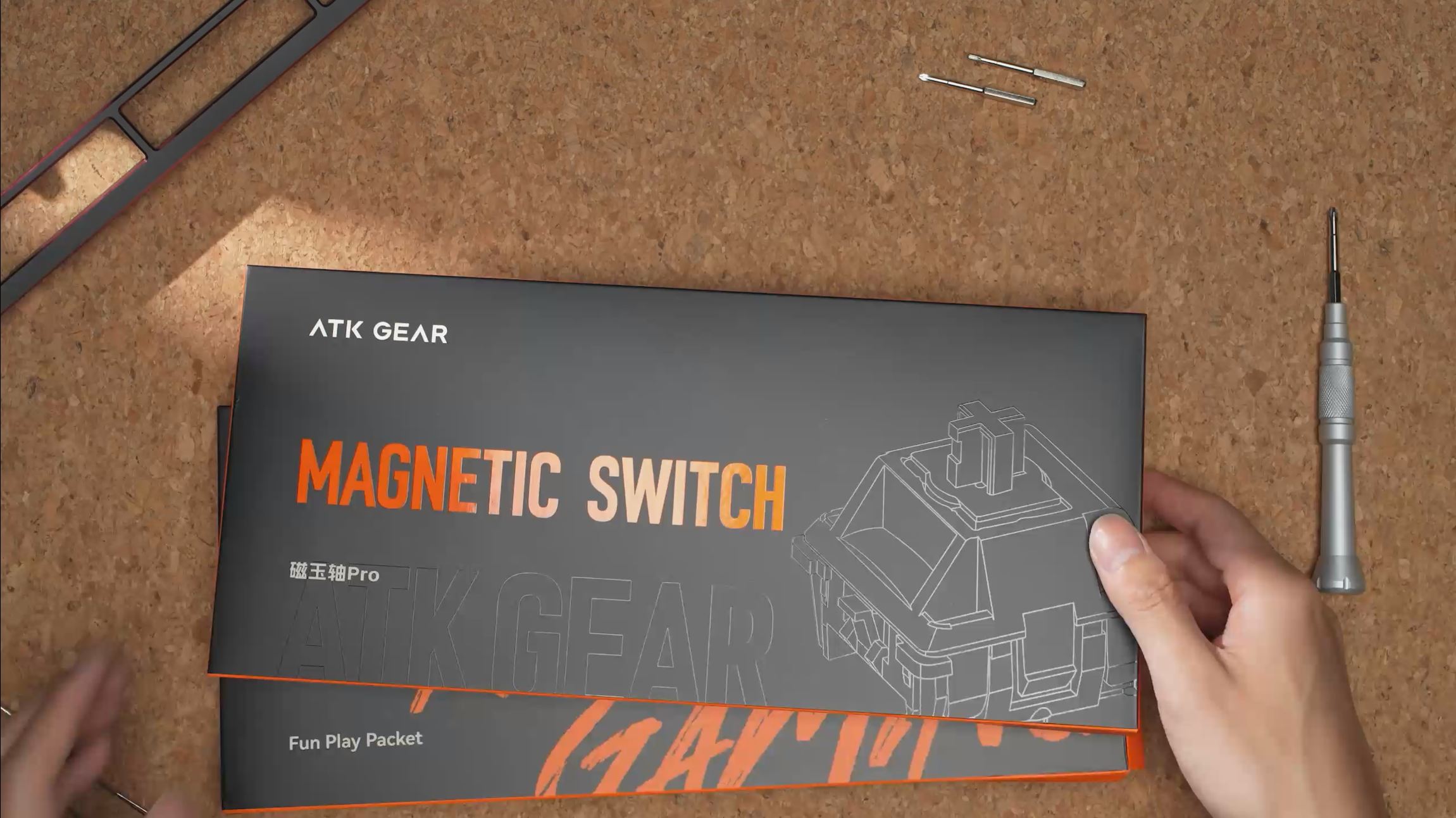
Unlock a New Typing Feel: A Step-by-Step Guide to Modifying Your ATK RS7 V2 Keyboard
This guide shows how to convert an ATK RS7 V2 keyboard to a rigid top mount using a simple hardware swap and software recalibration, creating a firmer and more direct typing experience.
Technical Guide
A Beginner's Guide to Using Mouse Macros
A mouse macro is a recorded sequence of actions assigned to a single button, used to automate repetitive tasks for greater efficiency in work and gaming.