



News

Technical Guide
Why Keycap Material Matters: The Long-Term Difference Between PBT and ABS
Keycap material directly impacts your typing comfort and keyboard performance. Opting for durable PBT over ABS prevents fading and ensures a smooth gaming experience.

In the Spotlight: Why AG4Tech Calls the ATK VXE R1 Pro Max a Top-Tier Choice for Competitive Gaming
Explore AG4Tech's review of the ATK VXE R1 Pro Max. This 54g wireless gaming mouse delivers esports-grade performance with a PAW3395 sensor, 4KHz polling, and a massive 150-hour battery life.
Event/Promotion
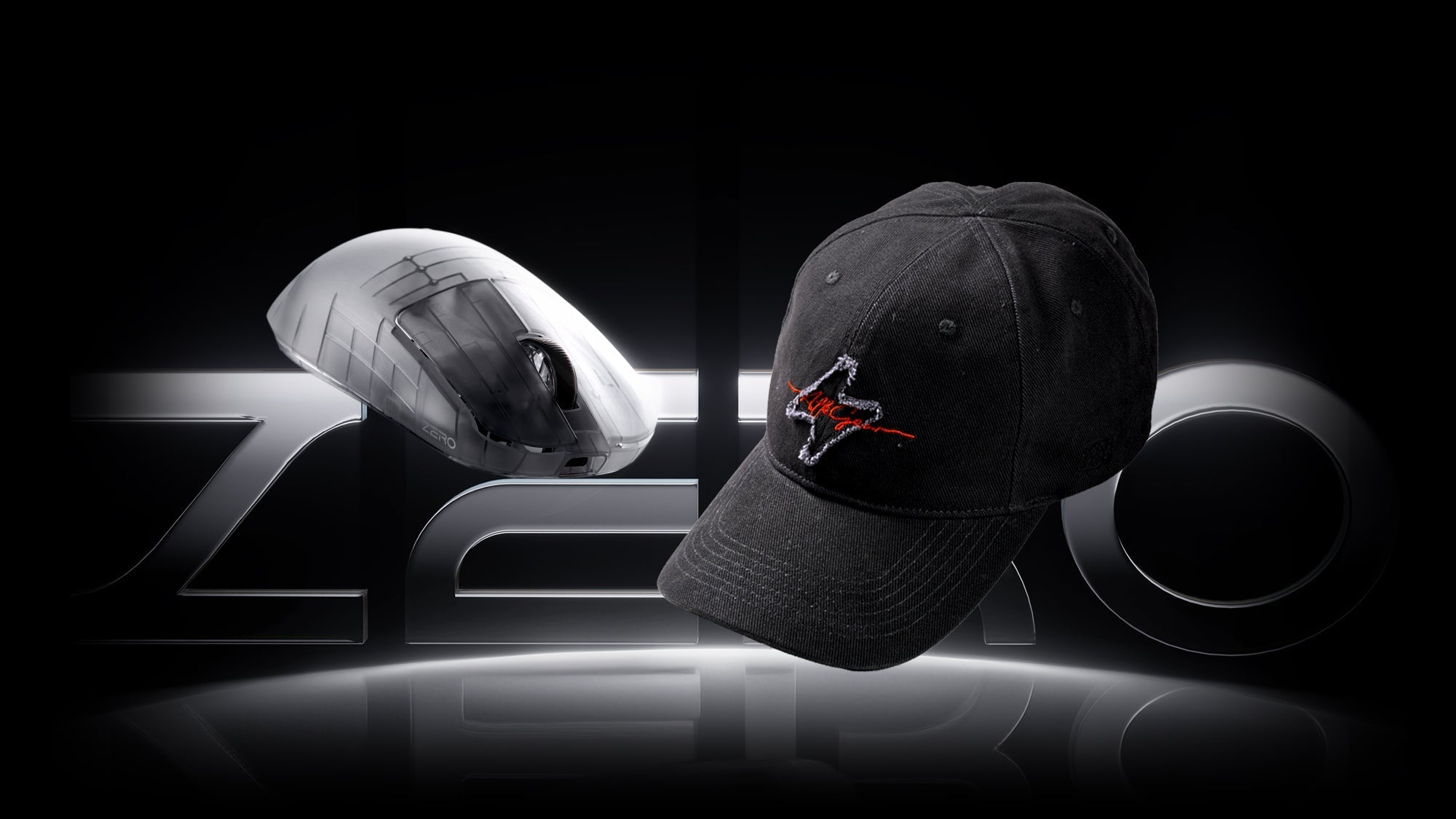
Free ATK Custom Baseball Cap for ZERO Mouse Users
Thank you for being among the first to purchase the new ATK Mouse!
As a token of our appreciation, customers who purchased the ATK ZERO through official channels before May 31, 2026 are eligib...
Event/Promotion
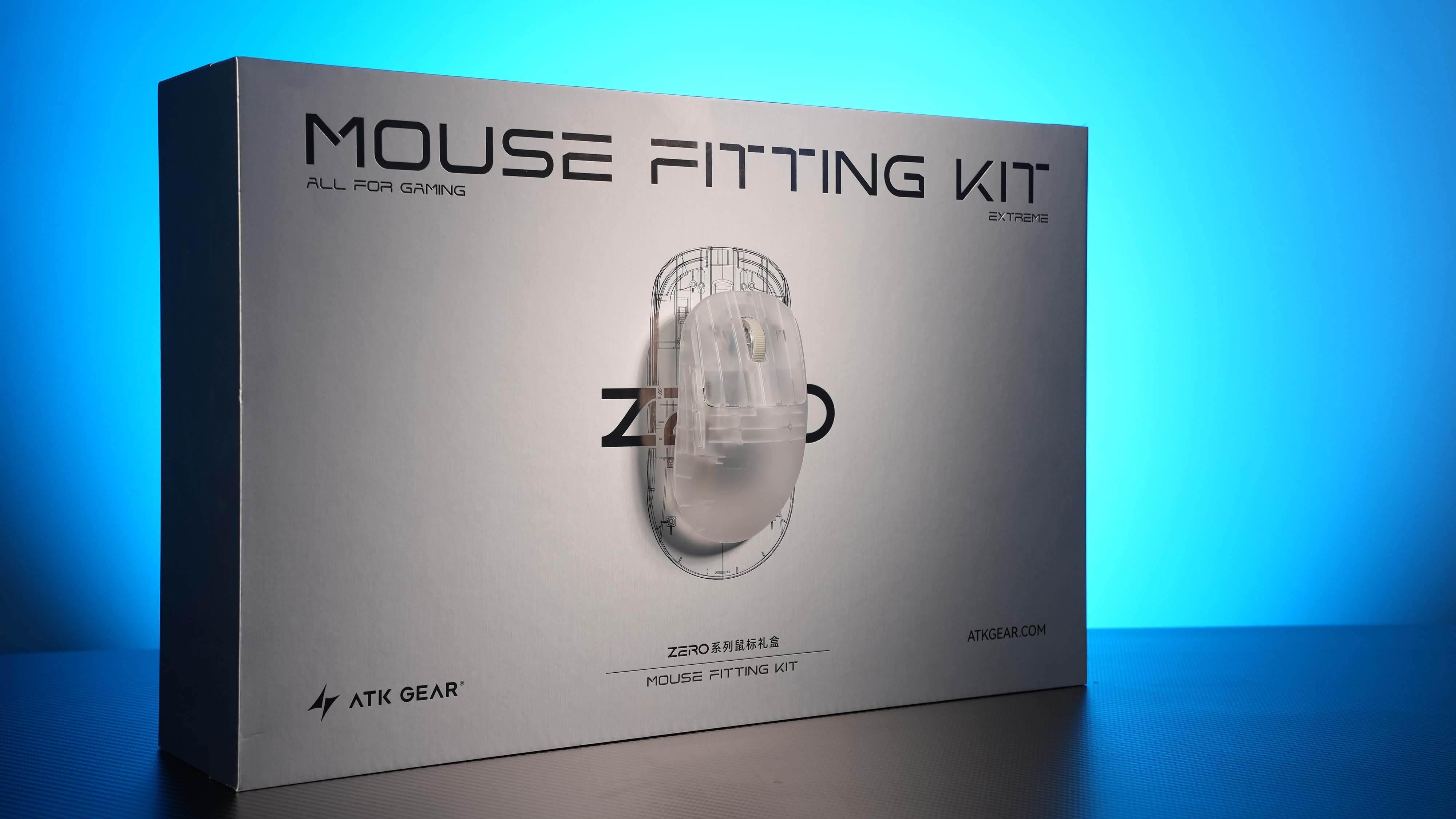
ATK ZERO Launch Preview & Extreme Edition Shipping Reward
Thank you for your patience and excitement for ATK Blazing Sky ZERO.
ATK ZERO will officially launch on March 11 at 8:00 PM PDT.
To celebrate the launch, we are offering a special starting price ...
Event/Promotion
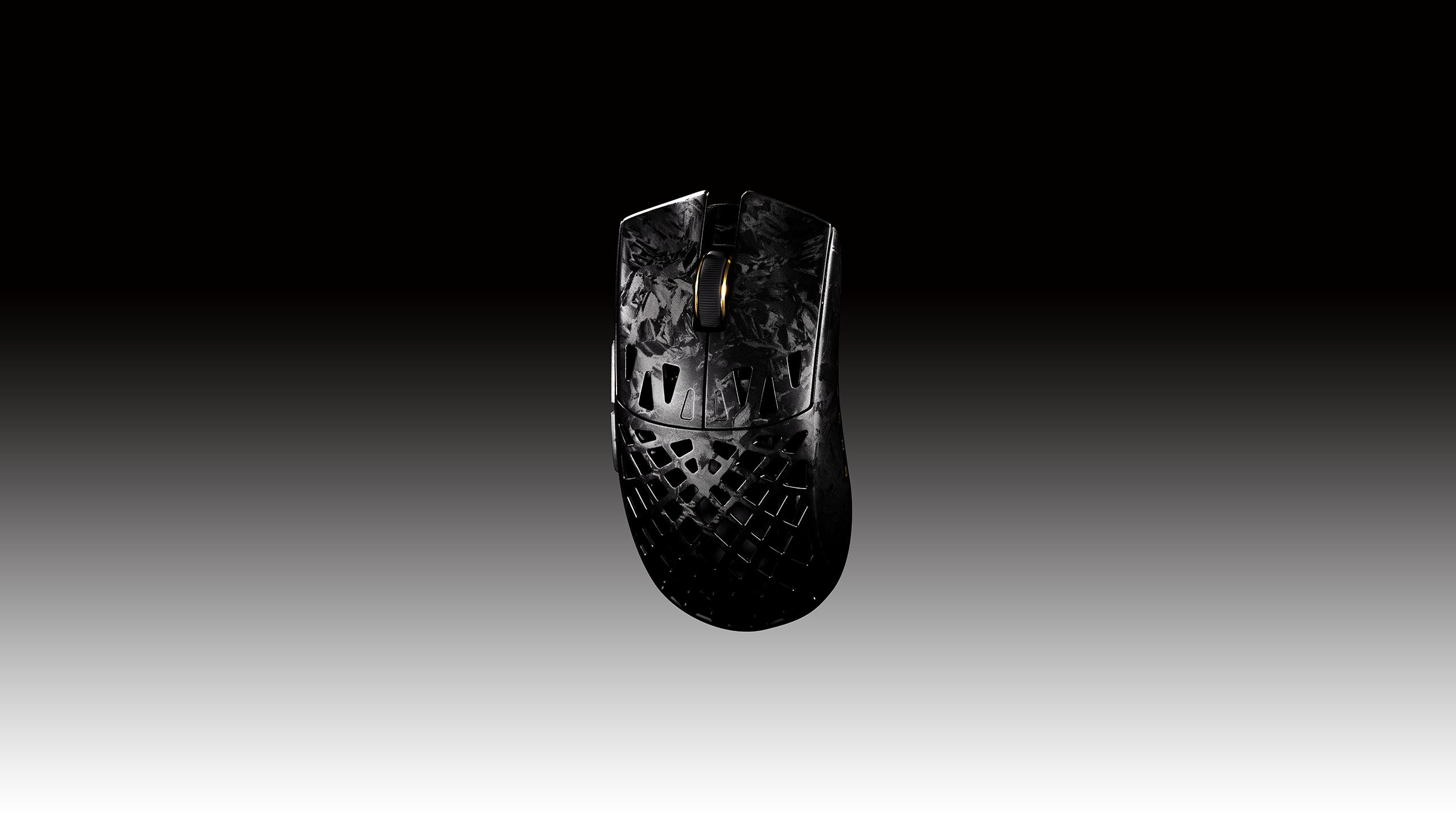
ATK GHOST Extreme Delayed Shipping Compensation Program
Thank you for your continued support and enthusiasm for the ATK Blazing Sky GHOST Mouse.
During the initial launch period, demand for the ATK GHOST Extreme model significantly exceeded our ex...
Event/Promotion
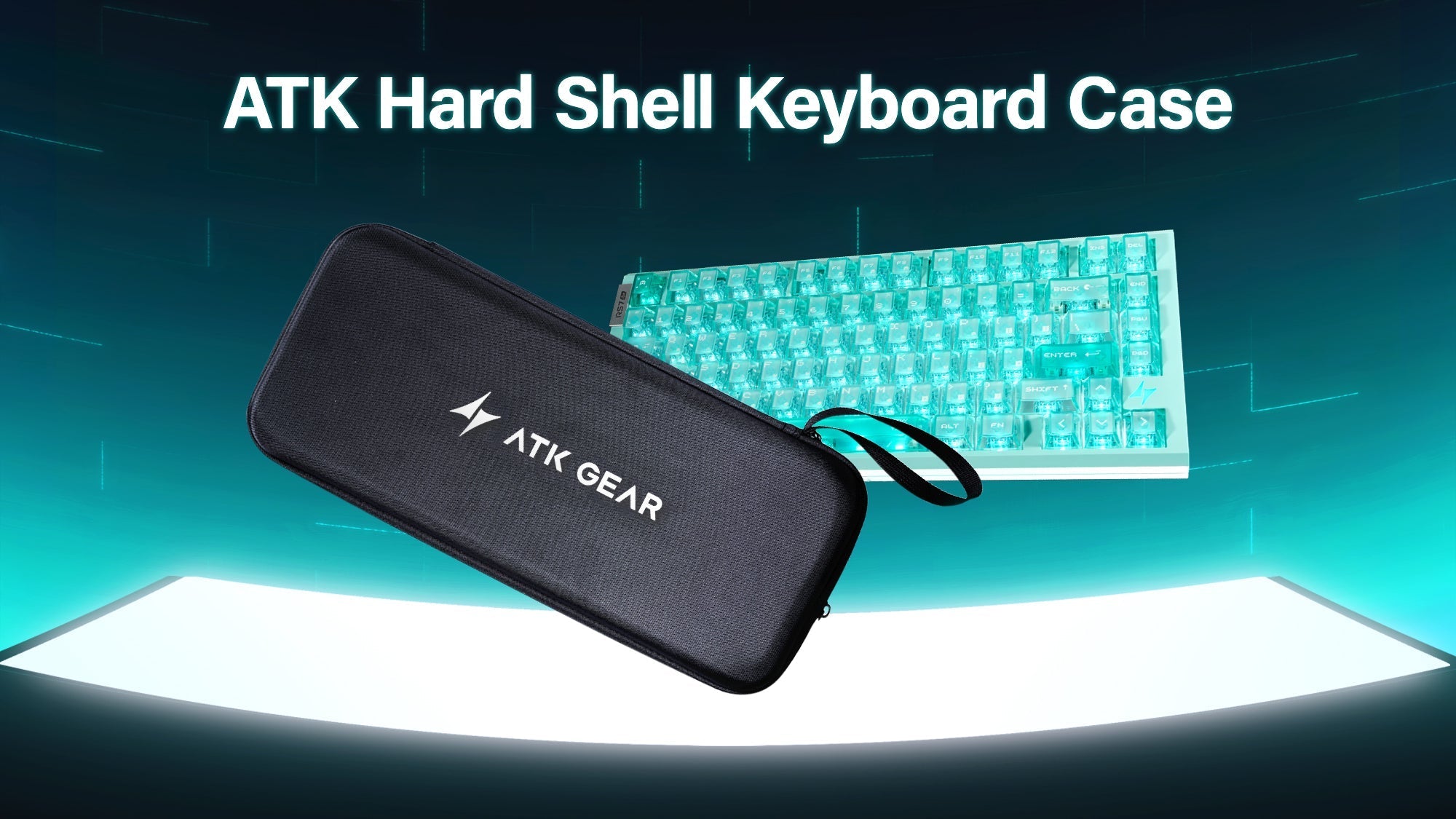
Free Keyboard Case for RS7 Air Users
Thank you for being among the first to purchase the new ATK RS7 Air!
As a token of our appreciation, customers who purchased the ATK RS7 Air through official channels before February 28, 2026 ...
Event/Promotion
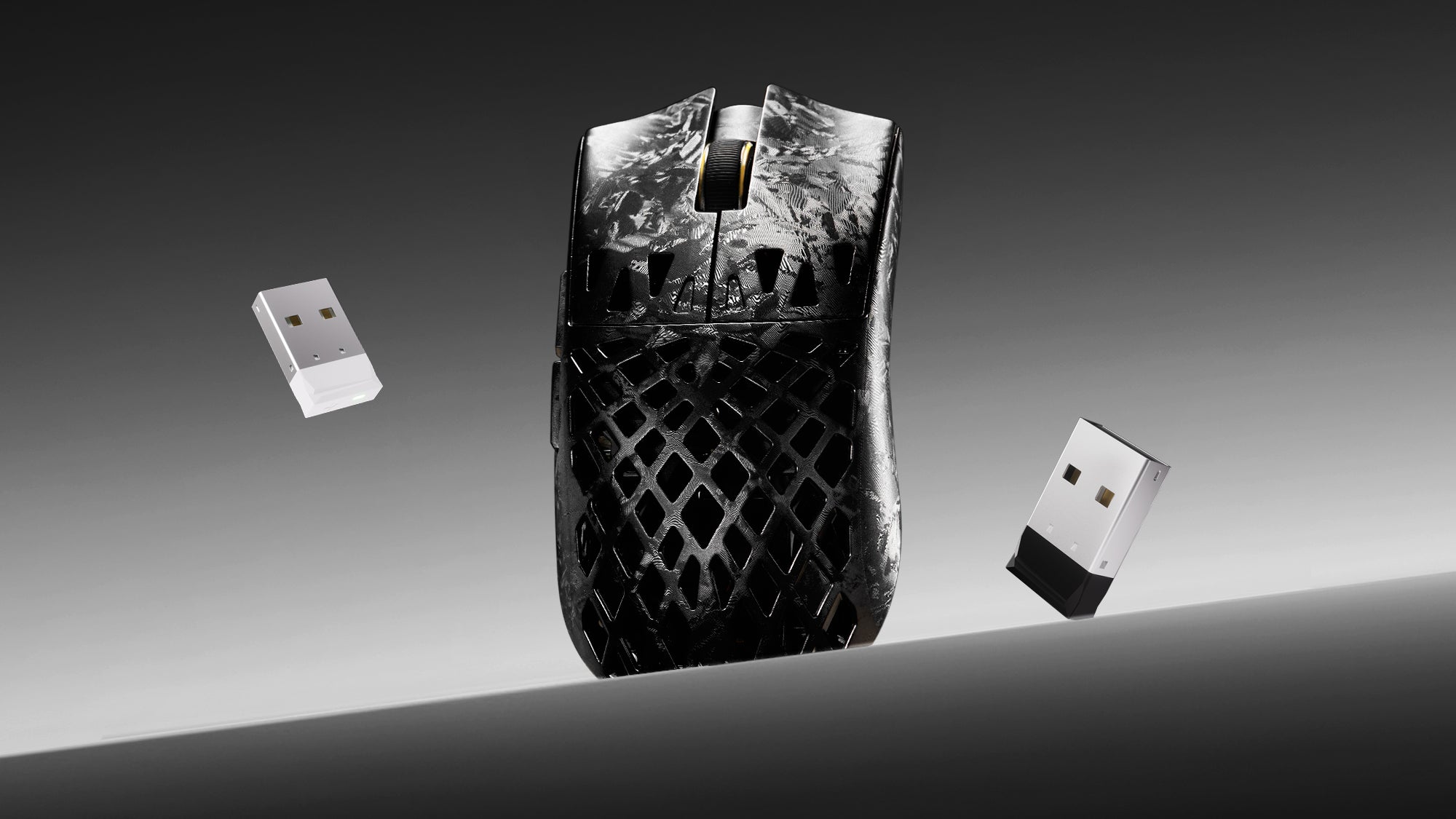
Free ATK 8K Nano Dongle for ATK Ghost
We sincerely appreciate your continued support and enthusiasm for ATK! As a token of our gratitude, customers who purchase the ATK Blazing Sky GHOST through official channels before February 28,...
Event/Promotion
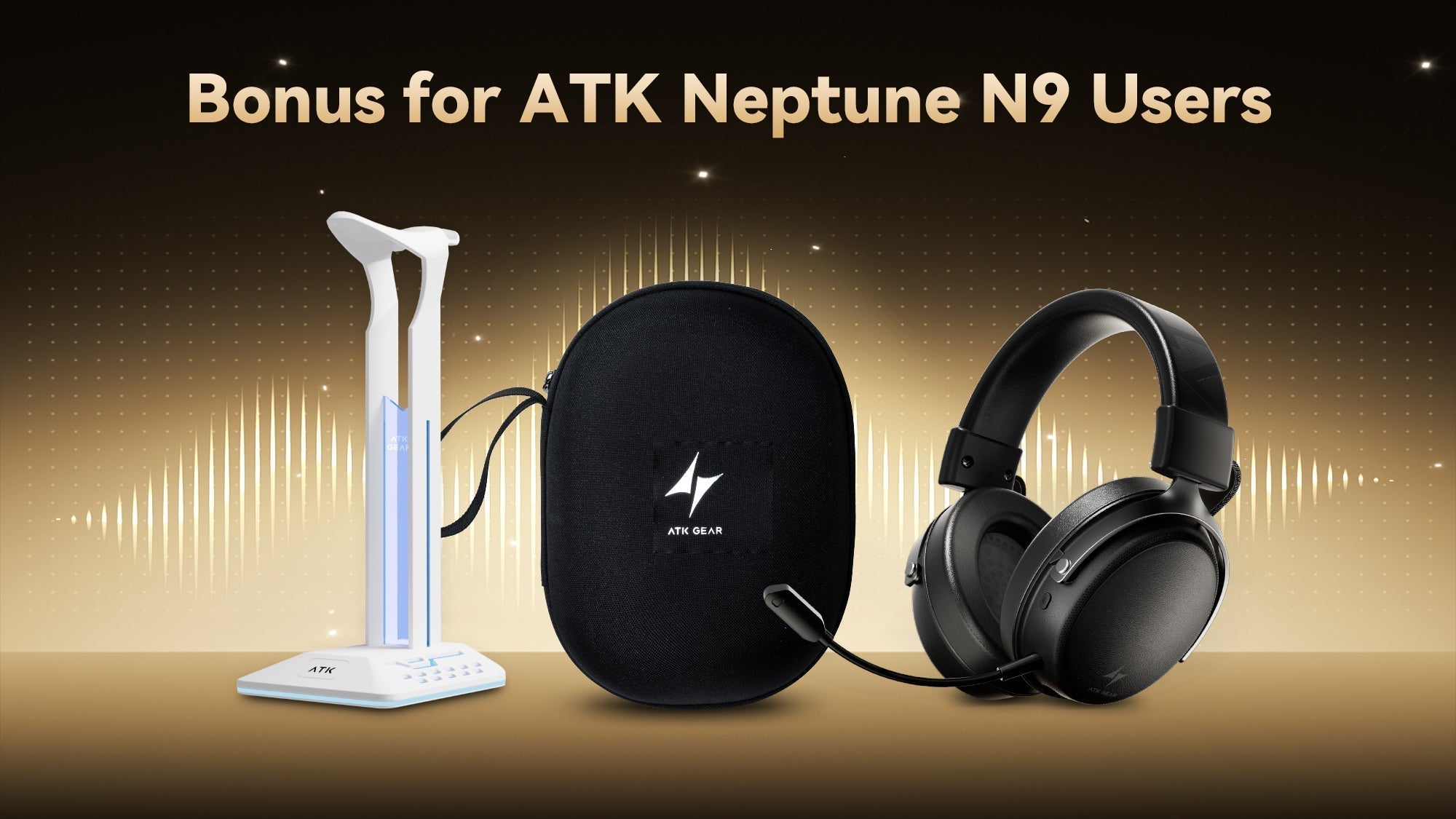
🎁 Exclusive Free Gift For ATK Neptune N9 Headset!
As a token of our appreciation, customers who purchased the ATK Neptune N9 eSports Gaming Wireless Headset through official channels before March 18, 2026 are eligible to receive one free ATK ...
Event/Promotion
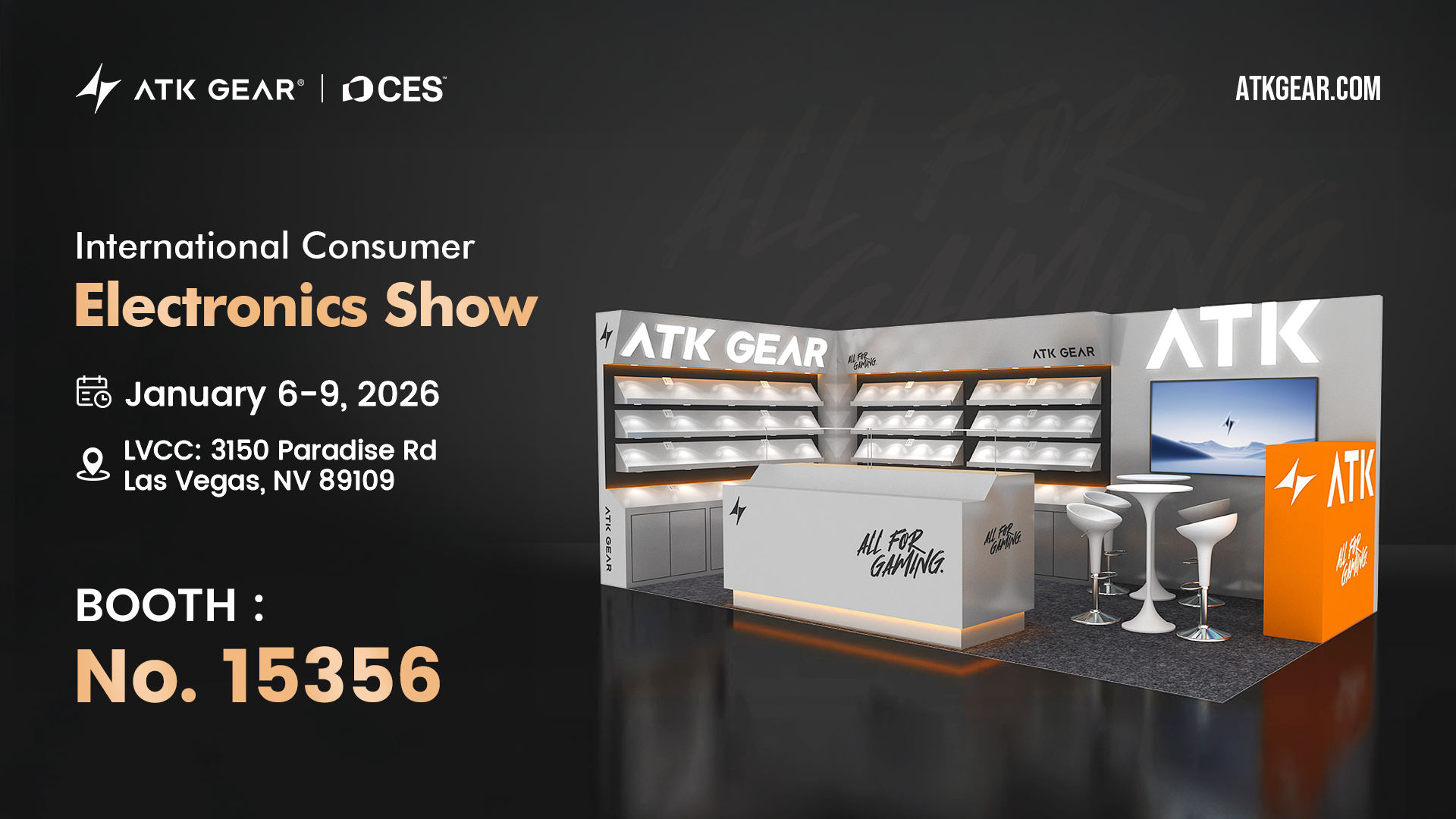
LV Bound! Meet ATK GEAR at CES 2026
The pursuit of excellence never rests. As a mainstay in the high-performance gaming peripherals, ATK GEAR is proud to announce our upcoming showcase at the International Consumer Electronics Show ...