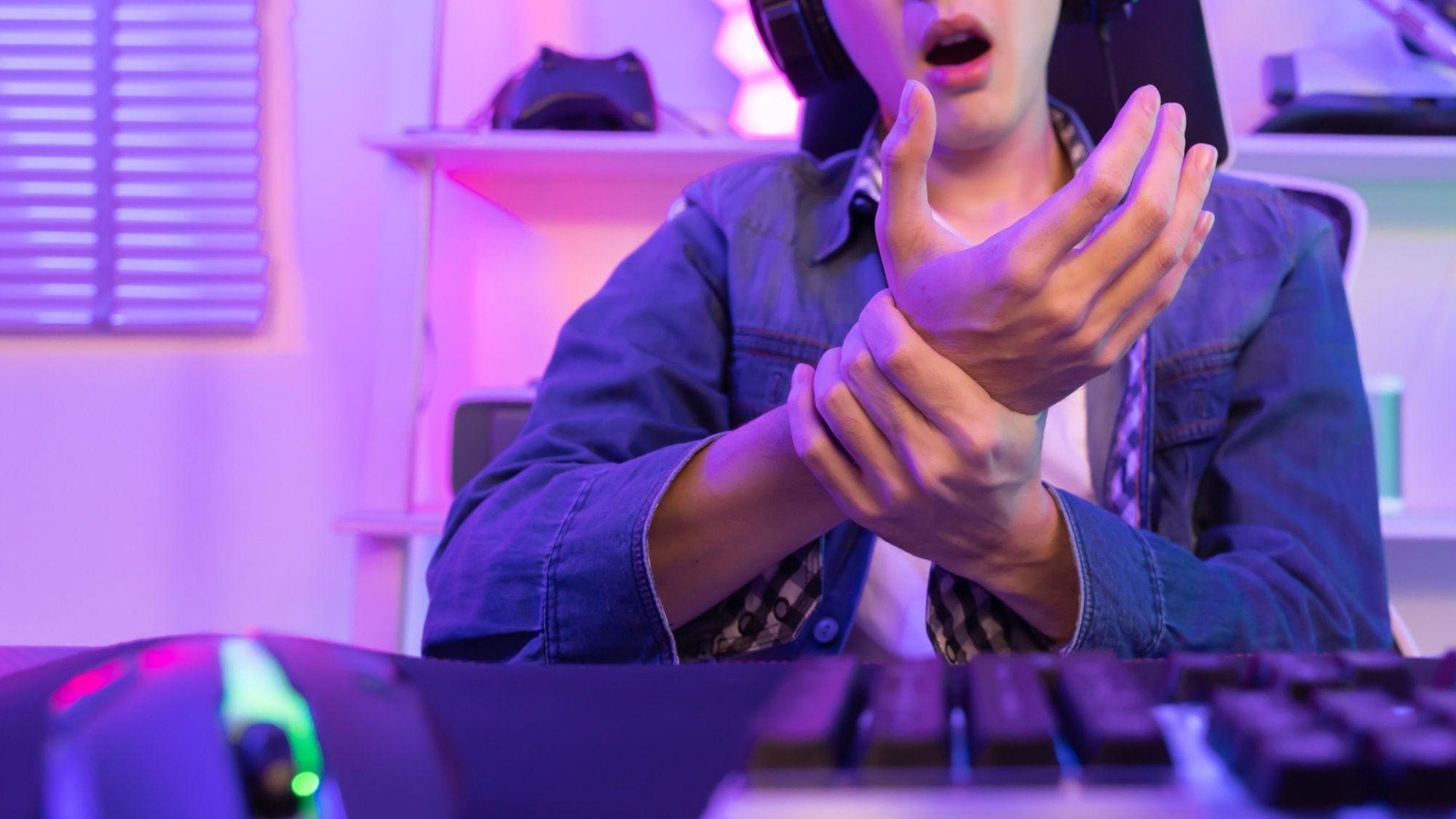
If you want to prevent wrist pain gaming, start by reducing load: keep the wrist neutral, avoid long static sessions, and stop before discomfort turns into lingering pain. The goal is not a perfect posture or a cure-all routine. It is a setup and habit pattern that makes long play sessions easier on your hand and forearm.
Why Gaming Strains the Wrist
Gaming strains the wrist when a few small stresses stack up at once: holding one position for too long, clicking or gripping over and over, and letting the wrist bend toward an awkward angle. That combination is common whether you play mouse and keyboard, controller, or both. ATI Physical Therapy's ergonomic guidance makes the basic point clearly: a straight, neutral wrist and lighter grip tension are better than forcing the hand into a bent or clenched position.
For most players, the key shift is simple. How to avoid wrist pain while gaming starts with lowering the amount of time your wrist spends under tension, not by trying to power through soreness. A long raid, ranked grind, or weekend session can be fine if your setup supports the hand and you interrupt the load often enough. If the pain keeps building during play, that is a sign to change the pattern, not just the grip.
A useful rule of thumb is to watch for the habits that make you forget about your hand: leaning forward, reaching for controls, clicking harder when the match gets intense, or keeping the wrist cocked back to "hover" over the desk. Those are the moments that usually set up discomfort later.
How to Stop Your Mouse From Hurting Your Wrist is a natural follow-up if your pain is mostly mouse-related and you want a deeper setup check.

Set Up Your Desk for a Neutral Wrist
The best wrist position for gaming is usually a neutral one, meaning the hand stays relaxed instead of bent up, down, or to the side. The Cleveland Clinic gamer health guide emphasizes that idea for esports-style setups: place the keyboard directly in front of you and avoid angles that force extra strain.
Match chair, desk, and surface height first. If the chair is too low, you may raise the shoulders and bend the wrist upward. If the desk is too high, you may shrug, reach, or rest the forearm in a way that makes the hand work harder. The goal is a relaxed line from shoulder to forearm to hand, not a rigid "perfect posture." If your usual gaming position feels better after a small height change, that is a better sign than chasing textbook form.
Keep mouse and keyboard close enough that you do not need to reach forward to use them. Reaching seems minor for a few minutes, but over a long session it adds tension in the forearm and wrist. For PC players, that usually means pulling the mouse and keyboard in just enough to avoid stretching the arms while still keeping room to move comfortably. Small changes often matter more than bigger gear swaps.
Support the forearm without pushing the wrist up. A light wrist rest or arm support can reduce hovering fatigue, but it should not force the hand into a backward bend. If support makes your wrist feel more pinned or higher than before, it is the wrong fit for that setup. When in doubt, comfort during your actual gaming posture matters more than a setup that only looks ergonomic.
If you are comparing input layouts, keyboard setup and mouse options are useful browsing paths, but the first check is still whether the device placement lets your wrist stay relaxed.

Build Breaks Into Every Session
Regular breaks are one of the most reliable ways to prevent wrist pain gaming because they interrupt static loading and repeated motion. Mayo Clinic's gamer health guidance says breaks help stretch tight muscles and reduce overuse risk during long sessions, which is exactly why "just one more match" can be a bad pattern when your hand is already tense.
- Notice tension early. If you catch yourself gripping harder, curling the wrist, or rubbing the hand between rounds, treat that as a cue to pause.
- Use a natural break. Loading screens, queue times, post-match lobbies, and downtime between rounds are the easiest places to step away without breaking your flow.
- Relax the hands completely. Open and close the fingers, let the shoulders drop, and stop holding the controller, mouse, or keyboard with extra force.
- Reset before you resume. Sit back, re-center the controls, and start the next stretch of play with a lighter grip and a more neutral wrist.
The point is not to follow a rigid timer. It is to build a repeatable pause-and-reset habit that fits the way you actually play. Competitive players often need this most because tension builds before they notice pain, and once the wrist starts feeling irritated, every extra minute tends to make the session harder to recover from.
Use Gaming Wrist Exercises Safely
Gaming wrist exercises should stay gentle. Think of them as short mobility pauses, not a workout and not therapy. Low-intensity movement can help loosen stiffness after holding the same position for a while, but the goal is comfort and variety, not pushing range of motion through discomfort.
Gentle Wrist Range-Of-Motion Movements
A few slow wrist circles or easy bend-and-return motions can help the hand feel less locked up after long play. Keep the movement small, smooth, and pain-free. You are trying to restore motion, not force a deep stretch. If your wrist wants to resist, shrink the movement rather than pressing farther.
Forearm and Hand Relaxation Drills
Finger spreads, hand opening, and a light prayer-stretch style pause can help release gripping tension between matches. OrthoCarolina's wrist injury guidance describes simple desk-based drills like finger spreads and wrist circles, which fit the kind of short reset a gamer can actually use. Keep them brief enough to do during a loading screen or a natural pause.
The boundary matters more than the exact move. Stop any motion that creates sharp pain, numbness, tingling, or a clear increase in symptoms. That does not mean all movement is bad. It means the movement should stay gentle enough that the hand feels better after it, not worse.
Wrist mobility basics can also be a useful background read if you want a broader keyboard-posture perspective without turning the issue into a full rehab routine.

Choose Inputs That Fit Your Hand
Different input choices affect wrist comfort in different ways. The main question is not which device is "best" in the abstract. It is which setup makes reaching, gripping, and wrist bending easier to avoid during your usual sessions.
| Setup Factor | How It Can Affect Wrist Comfort | Who It May Suit Best | What to Check Before Changing |
|---|---|---|---|
| Mouse shape | A shape that fits your hand can reduce squeezing and awkward wrist angle | PC players who feel tension during long aim or click-heavy sessions | Does it let your hand rest naturally, or do you have to fight the shape? |
| Keyboard placement | A centered keyboard can reduce reach and keep the wrist more neutral | Players who use mouse and keyboard for long sessions | Is the board directly in front of you, or pushed far enough away that you reach? |
| Controller grip | Lighter grip and better forearm support can reduce hand tension | Console players or hybrid players who hold a controller for long stretches | Do your hands relax between actions, or do you keep clamping the controller? |
| Arm and forearm support | Better support may reduce hovering fatigue, but only if it does not force the wrist up | Anyone whose wrists tire from unsupported reach or desk edge pressure | Does the support feel light and even, or does it create a new bend? |
If you are comparing mouse shapes, ergonomic vs. ambidextrous mouse options is a sensible next read. The practical question is whether the shape helps you hold a neutral hand position with less squeeze and less reach.
For many players, the right input setup is the one that disappears into the background. If you notice the device itself after a short session because your wrist is working too hard, that is usually a fit problem, not a skill problem.
Watch for Persistent Warning Signs
Not every twinge is serious, but some symptoms should make you stop playing and pay attention. Wrist pain that lingers, worsens, or starts affecting how you move your hand is no longer just routine soreness. Mayo Clinic's wrist pain guidance notes that persistent numbness, weakness, or ongoing symptoms deserve medical evaluation.
- Pain that keeps building instead of settling down after a break
- Numbness or tingling in the hand or wrist
- Weakness, dropping things, or trouble using the hand normally
- Swelling or pain that changes how you grip, click, or hold a controller
- Discomfort that returns quickly every time you resume play
The conservative rule is straightforward: if the problem is persistent or getting worse, stop gaming and get checked. That is especially true if the wrist pain starts interfering with normal hand use. It is better to pause early than to turn a manageable irritation into a longer setback.
Final Takeaway
To prevent wrist pain gaming, focus on the basics that lower load: keep the wrist neutral, bring controls close, build in real breaks, and use only gentle mobility when the hand feels stiff. The warning sign is not a single sore moment. It is pain that lingers, worsens, or starts changing how you use your hand. If that is happening, stop playing and get checked before it becomes harder to settle.
FAQs
Can Gaming Wrist Pain Go Away If I Keep Playing Through It?
Usually not in a helpful way. If the hand is already irritated, continuing to play can keep the same load pattern going and make the problem harder to calm down. A better approach is to reduce strain, take a break, and watch whether the symptoms settle or keep returning.
What Wrist Position Is Best for Gaming?
A neutral, relaxed wrist is the usual goal. That means the hand is not bent sharply up, down, or sideways. The exact feel depends on your desk, chair, and input devices, so comfort and control matter more than forcing one fixed angle.
Do Gaming Wrist Exercises Actually Help?
Gentle mobility moves can help the hand feel less stiff and less tense between sessions, especially if you hold one posture for a long time. They are best used as a prevention habit, not as a cure for persistent pain. If the movement hurts, back off.
How Often Should I Take Breaks During Long Gaming Sessions?
Take breaks regularly and around natural pauses rather than waiting until the wrist feels sore. The best timing is the one you can actually repeat during your normal play pattern. If you tend to forget, tie your pause to a queue break, loading screen, or match end.
When Should Wrist Pain From Gaming Be Checked by a Doctor?
Get medical advice if the pain is persistent, keeps coming back, or shows up with numbness, weakness, swelling, or loss of normal hand use. Those symptoms are not something to just push through, especially if they change how you hold or move your hand.
Sources
- ATI Physical Therapy: Wrist Pain at Work: Ergonomic Fixes That Actually Help
- Cleveland Clinic: Gamer's Health Guide
- Mayo Clinic: Simple tips to help gamers stay healthy
- Mayo Clinic: Wrist pain - Diagnosis and treatment
- OrthoCarolina: Preventing Wrist Injuries in Desk Workers