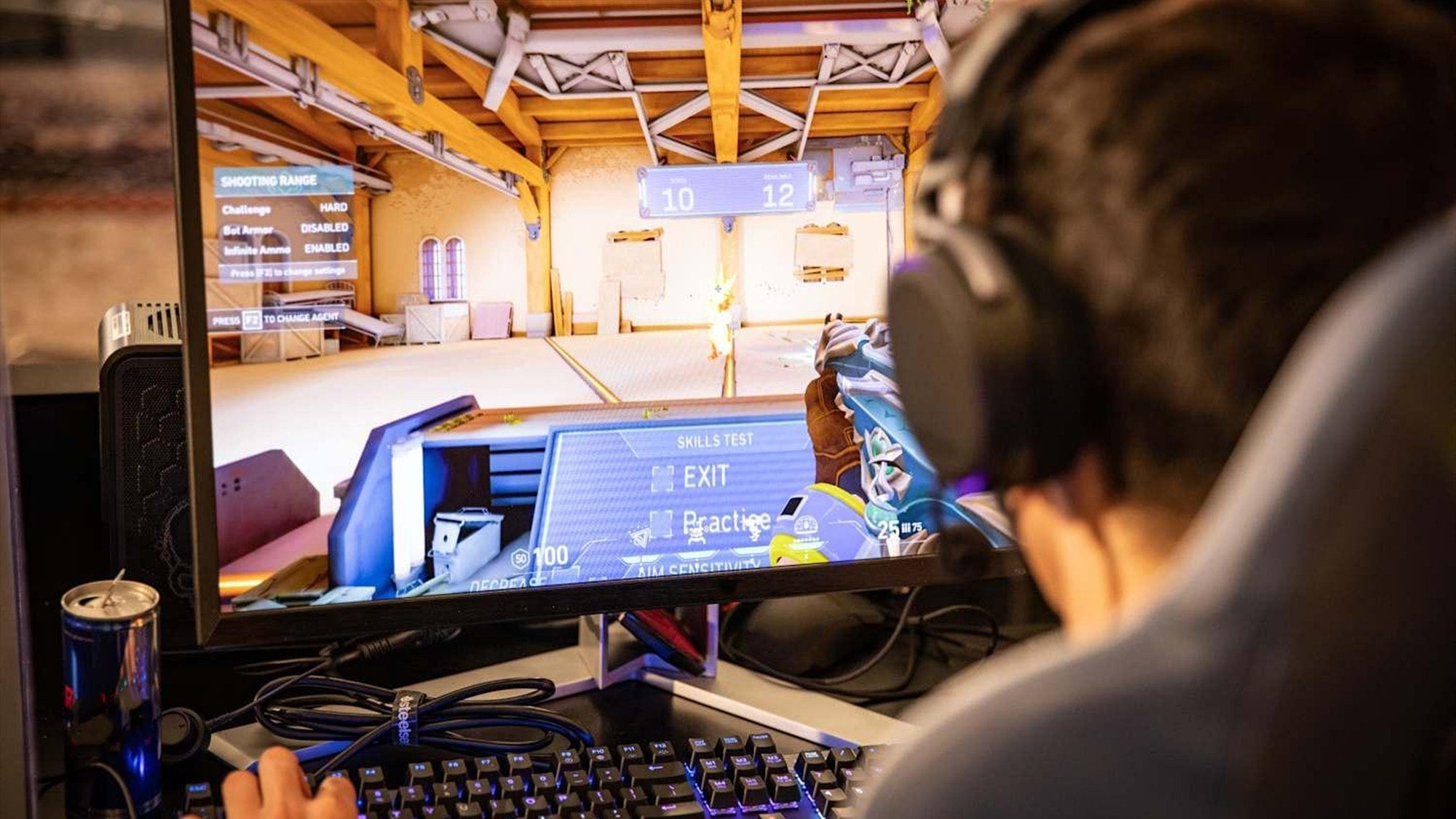
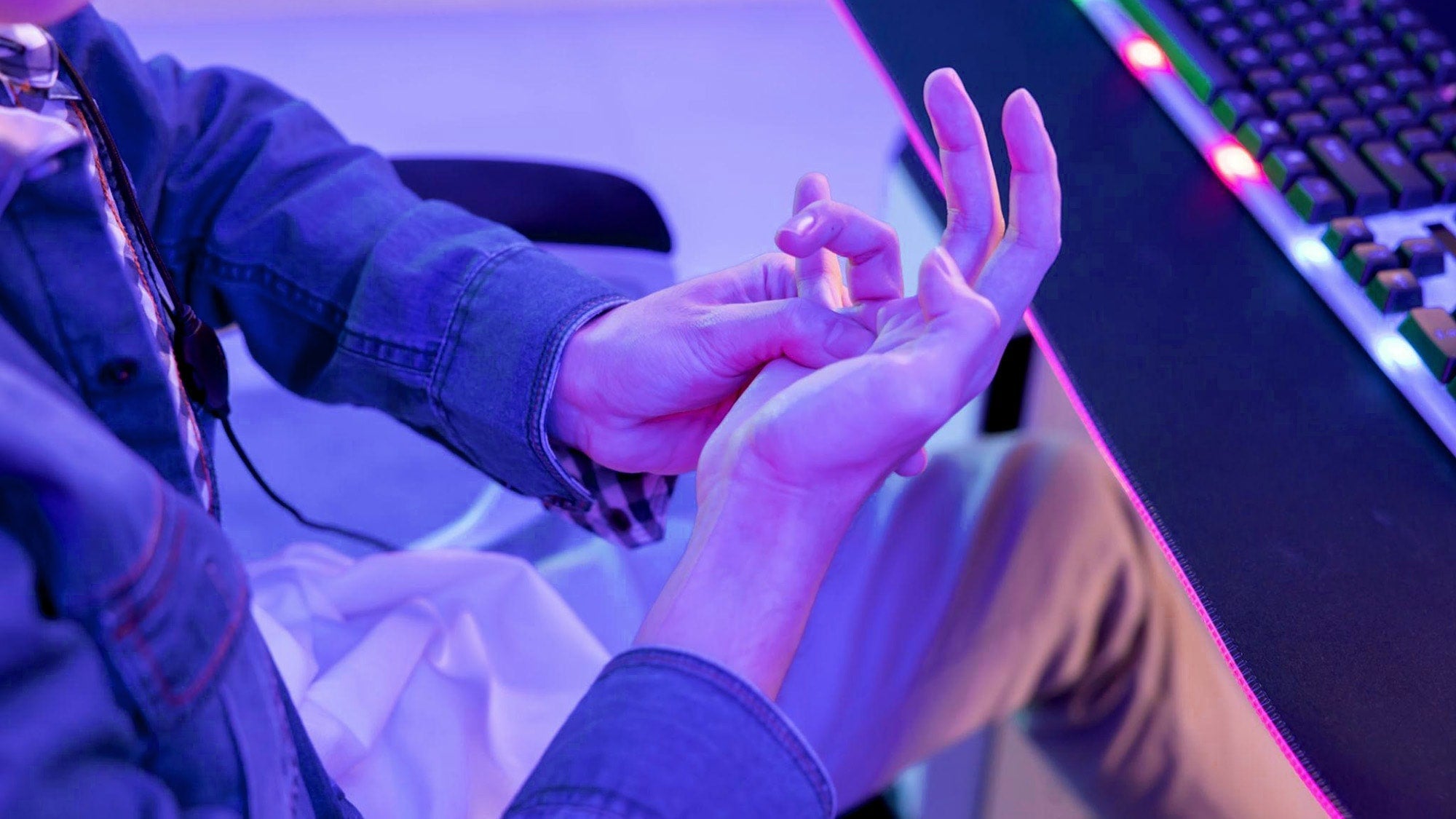
Long gaming sessions usually start feeling worse because your body stays still while your attention stays locked in. In gaming ergonomics, that mix often shows up as neck tightness, shoulder lift, lower-back stiffness, wrist bend, or forearm fatigue. The fix is usually not one magic chair or mouse. It is a more ergonomic gaming setup for long sessions plus a few habits that keep your posture from drifting.
Why Long Sessions Start Feeling Worse
The first hour can feel fine, then small posture leaks start adding up. You lean forward to focus, your shoulders creep up, your wrists hover, or your lower back stops getting support. That is why healthy gaming posture is less about looking perfect and more about noticing when your setup stops matching how you actually sit.
This is especially common in desk setups, but couch gaming can do the same thing in a different way. A low screen, a soft seat, or a controller held a little too far from the body can turn into discomfort even when nothing feels obviously wrong at the start. The goal here is comfort and ergonomics, not diagnosis or treatment.
In other words, if a session starts feeling stiff or distracting, treat that as a setup signal, not something to power through. Small changes in chair position, screen height, or input reach often matter more than people expect.

Build a Desk Setup That Supports You
A good gaming ergonomics setup works as a system. The chair, desk, monitor, keyboard, mouse, and controller placement all affect whether your body stays relaxed or starts compensating. If one piece is off, the others usually have to make up for it.
A simple seated baseline is the 90-90-90 posture rule: aim for about a 90-degree angle at the ankles, knees, and hips. That does not mean you need to sit rigidly. It means your chair and foot position should support you well enough that you are not sliding, slouching, or perching on the edge for long stretches.
For the screen, Mayo Clinic's workstation guidance says to keep the monitor about an arm's length away, with the top of the screen at or slightly below eye level. That target helps reduce the forward neck bend that makes long sessions feel heavier. If your room is tight, use the same idea as a check: you should not need to lean in to see well, and you should not need to tip your chin down all the time.
What changes the recommendation is the room itself. In a dorm, shared bedroom, or small home office, you may not be able to get every measurement perfect. In that case, prioritize screen height first, then distance, then chair support. If you can only improve one thing, move the monitor to a position that keeps your neck neutral.
The other big piece is reach. Keyboard, mouse, and controller should stay close enough that your shoulders do not stay lifted or your torso does not twist toward the input device. For many players, that means the controls belong inside a comfortable reach zone rather than pushed off to the side for more desk space.

Long-Session Gaming Ergonomics: Setup and Break Checks
A quick check for the main setup and break habits that support long gaming sessions.
View chart data
| Scenario | Seat | Screen | Wrist | Shoulders | Breaks |
|---|---|---|---|---|---|
| Desk setup check | 1.0 | 1.0 | 1.0 | 1.0 | 1.0 |

Keep Hands, Wrists, and Shoulders Relaxed
For input comfort, the biggest win is usually reducing tension, not chasing a perfect-looking pose. Keep your grip lighter than you think you need, and watch for the moments when your wrist starts bending sharply upward or outward. Neutral wrist alignment is the safer default for long mouse and keyboard use, even though some setups still need small compromises.
1HP's esports ergonomics guidance backs up the basic idea: keep the wrist neutral and avoid sharp bends that load the hand and forearm. That matters most when the mouse or keyboard is too high, too far away, or angled in a way that makes you hold tension just to stay in place.
A wrist rest can help, but only when it matches the keyboard height and your hand position naturally. If it makes you bend up, sink down, or reach farther, it is not helping much. The same goes for shoulder position. If your shoulders are creeping upward while you play, the input device is probably too far away or too high.
The practical self-check is simple. If your grip is getting tighter, your wrists are floating, or your shoulders are raised, reset the setup before the discomfort grows. That is a comfort cue, not a medical warning.
Use Breaks Without Losing Momentum
The easiest break habit is the one that fits the game you are already playing. Corners of the session that naturally slow down, such as loading screens, queue times, or the end of a match, are the best places to stand up, shake out your hands, or reset your shoulders.
A useful cadence to try is Cornell's 20-8-2 break heuristic: 20 minutes sitting in a good posture, 8 minutes standing, and 2 minutes moving or stretching. Treat that as a practical rhythm, not a rule you have to follow exactly during every game. The point is to avoid staying locked into one position for too long.
If you cannot stand often, keep the break small but consistent. Drop your shoulders, open and close your hands, roll the neck gently, or step away between matches when possible. Even a short reset can make the next stretch of play feel less stiff.
For streamers and ranked players, the key is not to break momentum. It is to use the moments the game already gives you. That keeps the habit realistic instead of turning it into another task to manage.
Check Your Setup Before the Next Session
Before you start another long session, run a quick check. Are your hips and knees supported, is the screen still at a comfortable height, are your keyboard and mouse within easy reach, and are your wrists staying neutral? If you notice shrugging, leaning, or reaching, adjust now instead of waiting for the discomfort to build.
A good rule is simple: if you can feel the setup fighting you in the first few minutes, it probably needs a change. If you can sit, see, and play without bracing your shoulders or bending your wrists hard, you are much closer to a healthy gaming posture that can hold up over time.
That is the core of gaming ergonomics for long sessions. Keep the setup easy to fit, use breaks that match the game flow, and re-check before the next queue or match. A few small corrections often do more for comfort than a full gear swap.
FAQs
How Should You Sit for Long Gaming Sessions?
Sit with your feet supported, hips and knees comfortably bent, and your lower back not forced into a slump. The best version is the one you can hold without shrugging your shoulders or leaning forward just to see the screen. Keep the controls close enough that you do not have to reach every few seconds.
What Is the Best Desk Height for Gaming Ergonomics?
There is not one fixed number that works for every setup. The better rule is whether your elbows can stay relaxed and your shoulders can stay down while you play. If the desk feels too high or too low, the body usually shows it through lifted shoulders, bent wrists, or forward lean.
Can a Wrist Rest Help During Long Gaming Sessions?
Sometimes, yes. A wrist rest can improve comfort when it naturally matches the height of the keyboard and the position of your hands. If it pushes your wrists into a bend or makes you reach farther, it is more likely to get in the way than help.
Why Do My Shoulders Get Tense While Gaming?
Shoulder tension often shows up when the mouse, keyboard, or controller is too far away, too high, or hard to reach. It can also happen when you grip harder than you need to while focusing. A quick reset, plus a closer input layout, often helps more than people expect.
How Often Should You Take Breaks During a Gaming Session?
Short, regular resets are the most useful starting point. The Cornell 20-8-2 rhythm is a practical example: sit in good posture, stand for a bit, then move or stretch. You do not have to follow it rigidly, but you should avoid staying locked in one position for hours.
Final Takeaway
Gaming ergonomics for long sessions is mostly about reducing the small things that make play feel harder over time. Get the screen, chair, and controls into a workable position, keep your wrists and shoulders relaxed, and use breaks that fit normal game flow. If the setup starts making you lean, shrug, or reach, adjust it before the discomfort compounds. That is the fastest path to a more comfortable, lower-friction setup.