



News
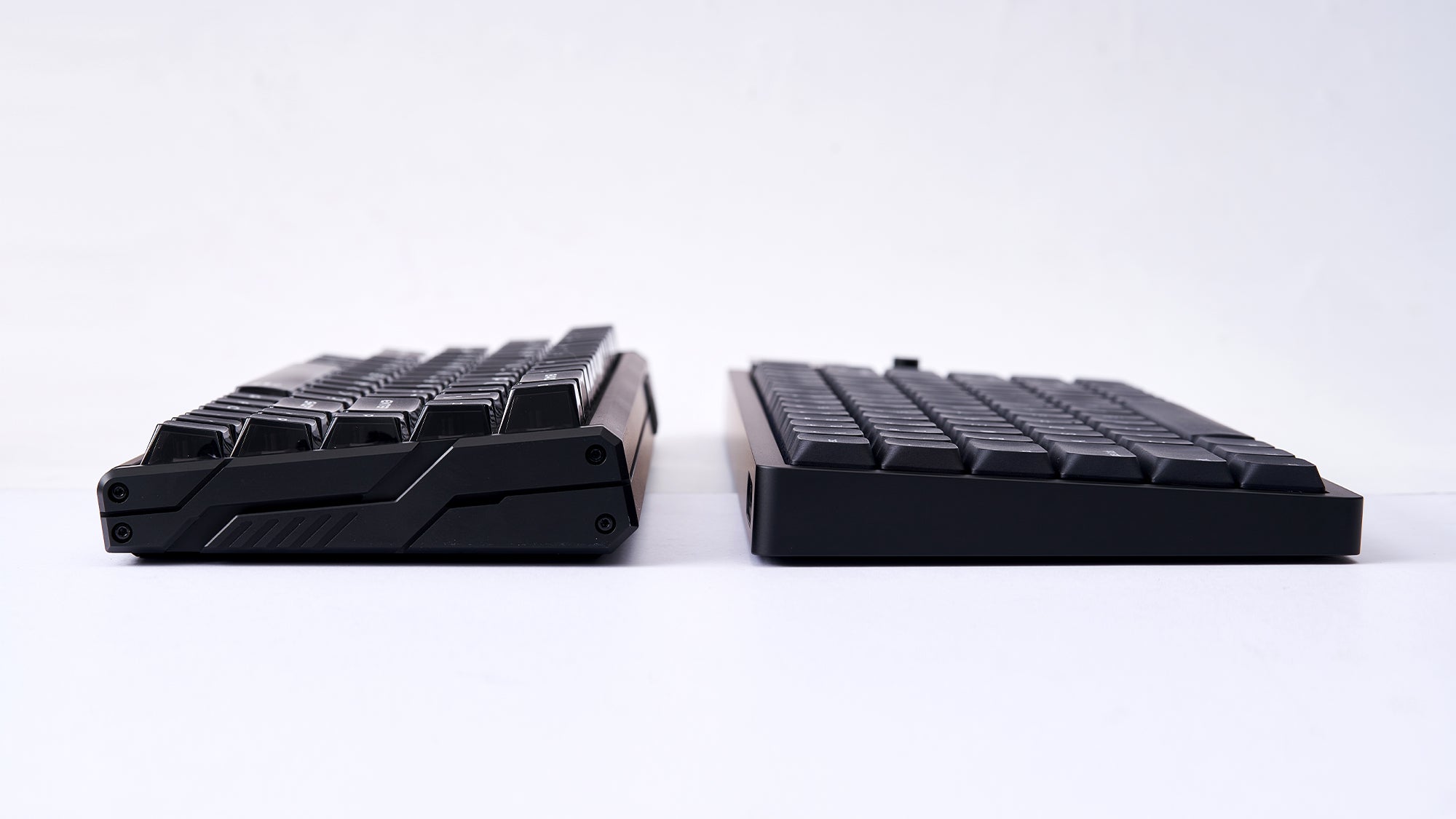
Low-Profile vs. Standard Mechanical Keyboards: Which Fits Your Setup Better?
Choose a low-profile keyboard for portability, faster actuation, and flatter wrist posture, or a standard board for tactile depth and extensive upgrades.
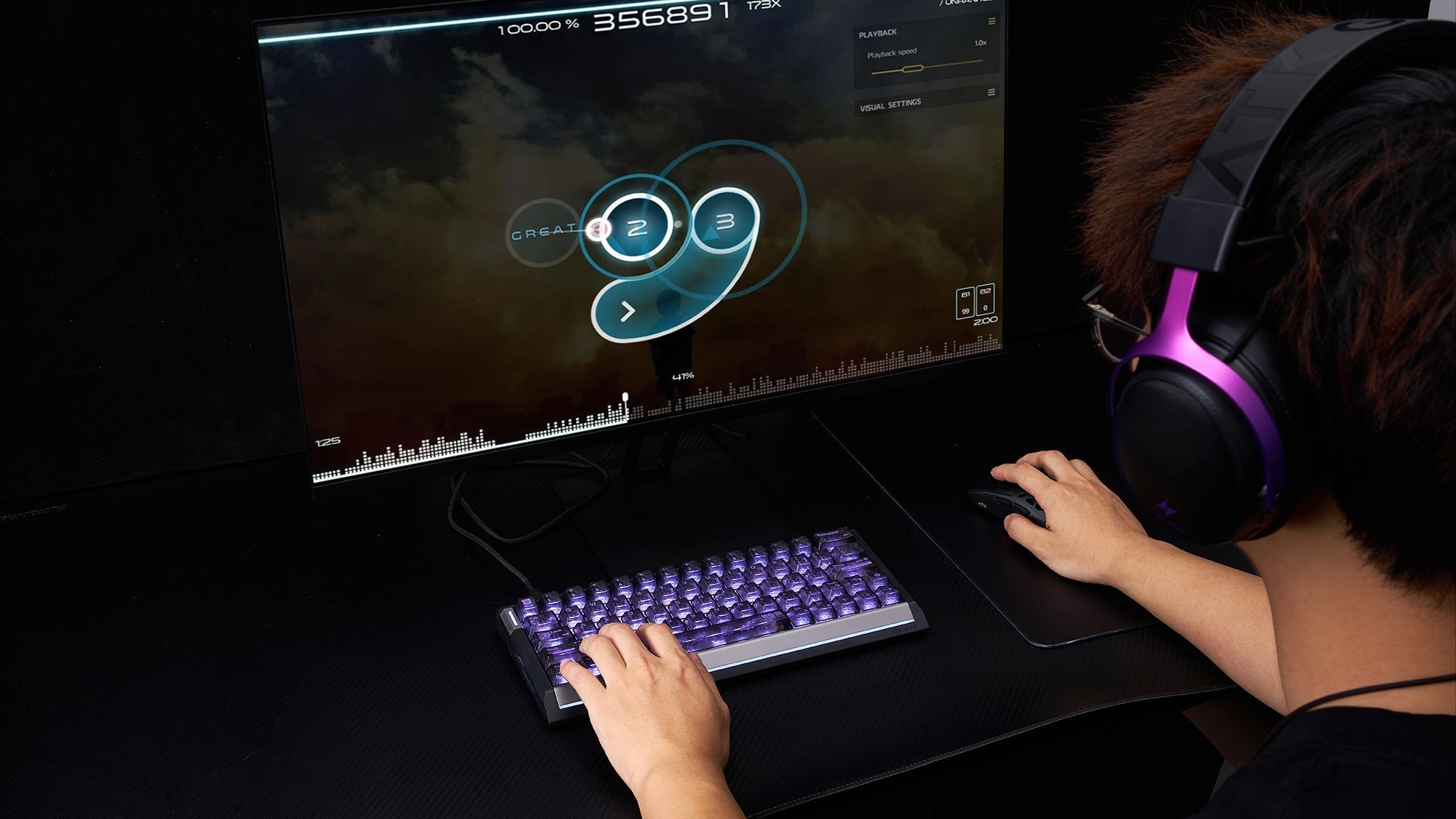
How Magnetic Switches Help Rhythm Game (osu!) Players
Rapid Trigger and adjustable actuation let rhythm players tune keys for streams or single taps while contactless sensing reduces chatter and switch wear.
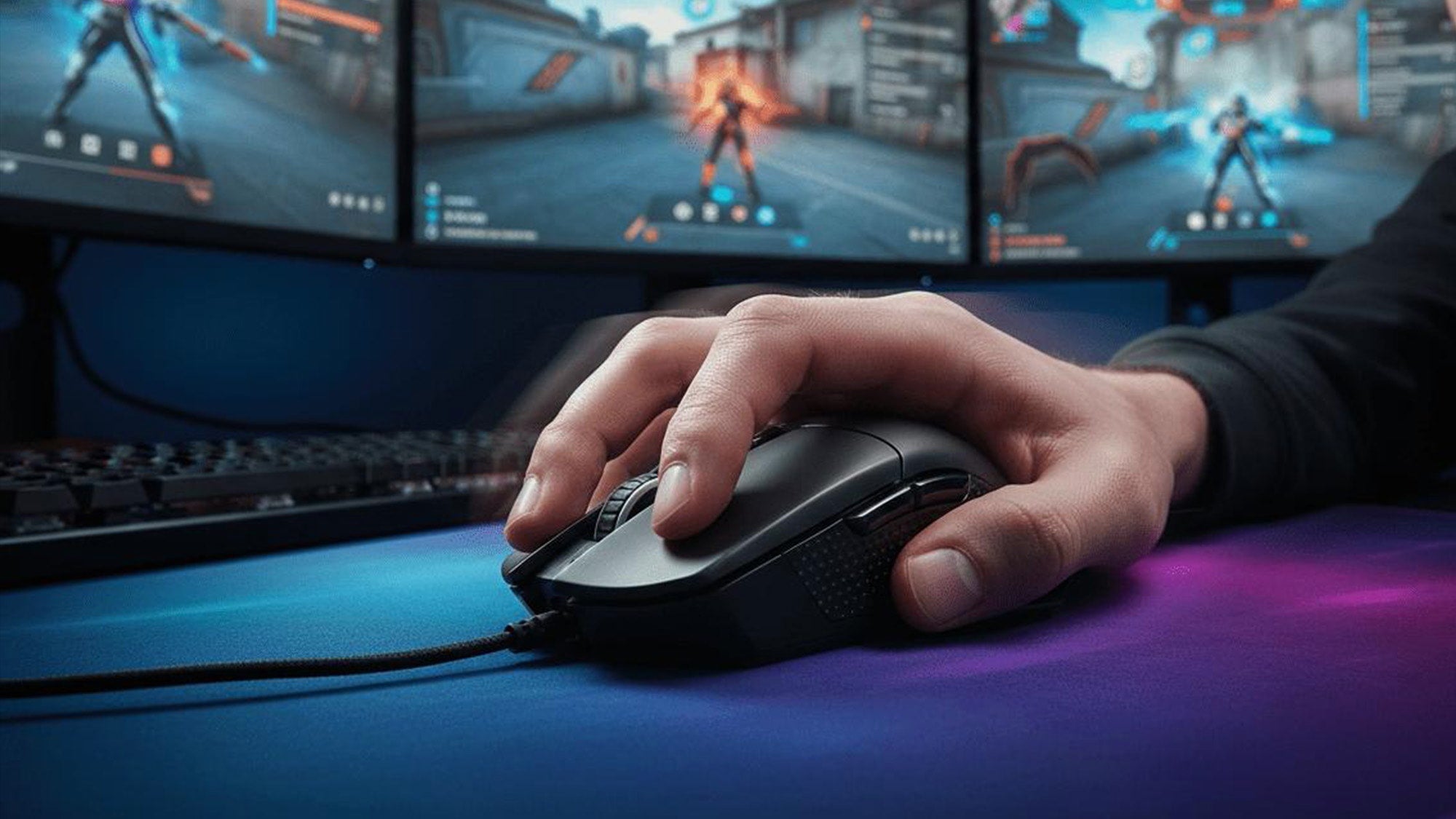
Get Perfect Flicks and Tracking: How to Choose the Best Lightweight Mouse for CS2 Based on Grip Styles
Match palm grip with ergonomic support, claw grip with a rear hump, and fingertip grip with a small ultralight shell for faster CS2 micro-adjustments.
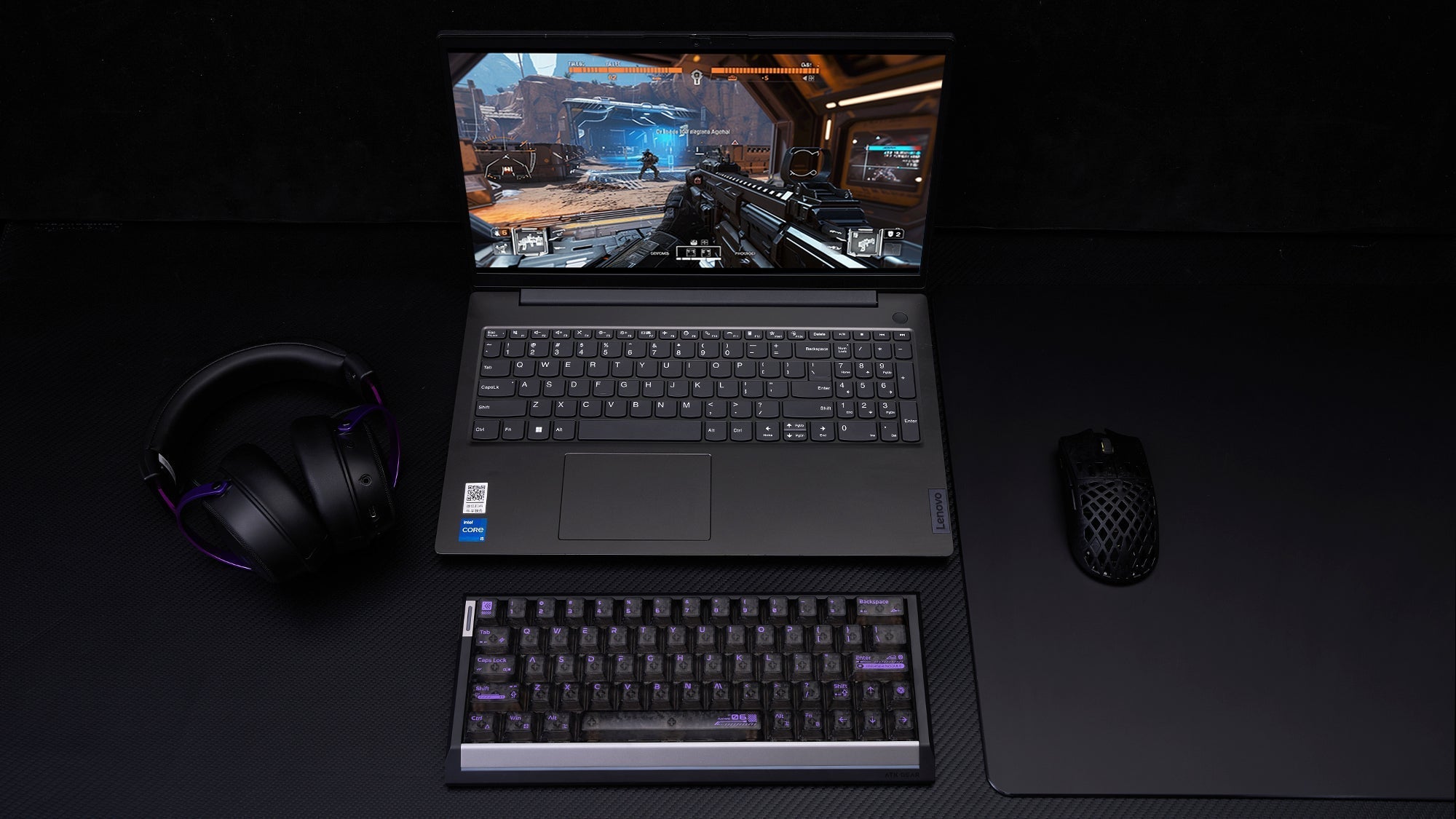
Gaming on a Laptop? Why an External Keyboard and Mouse are Mandatory
Laptop trackpads and flat keys limit precision, rollover and comfort, while compact keyboards and gaming mice provide responsive control in less desk space.
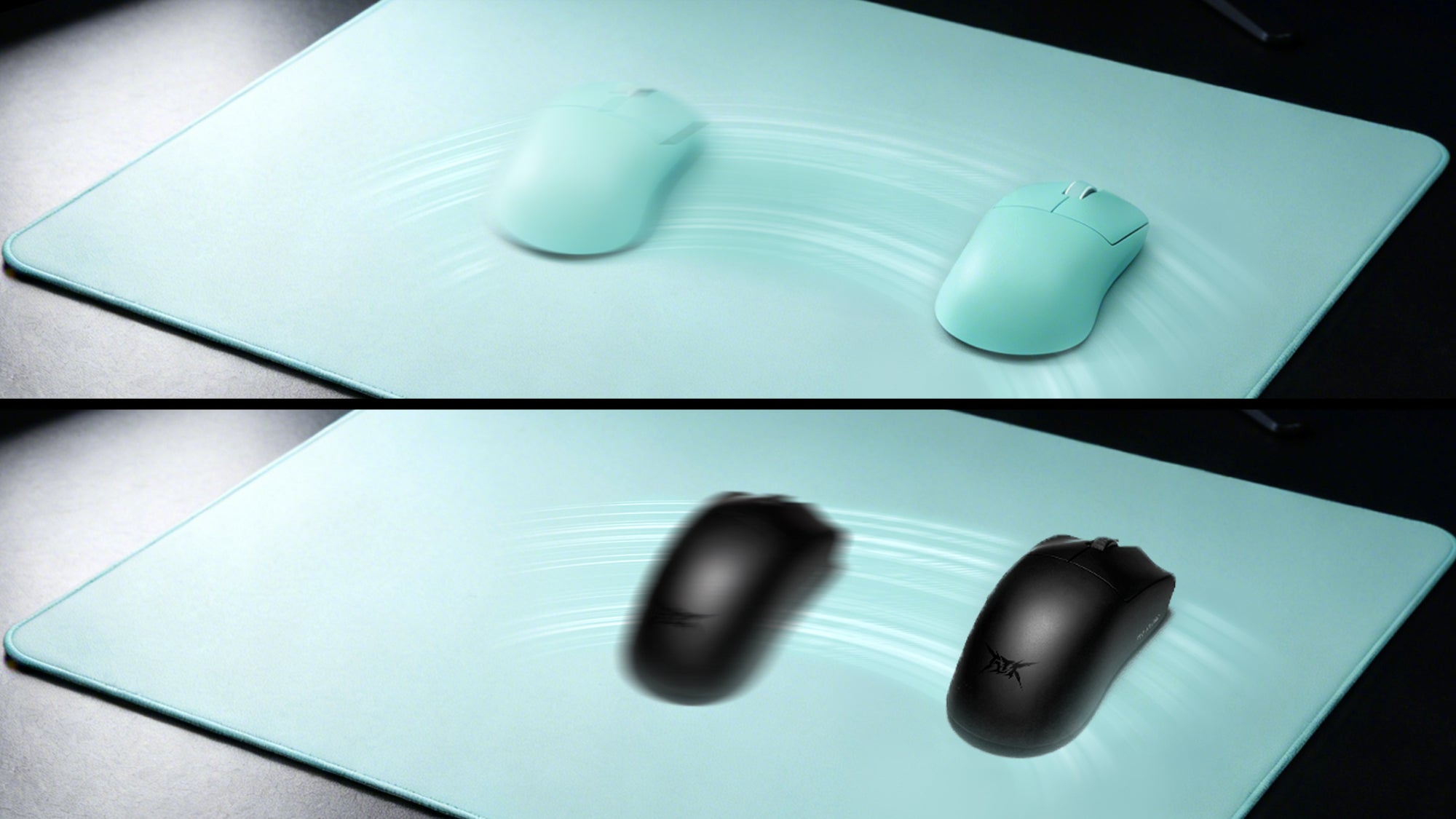
DPI Deviation: Why 800 DPI on One Mouse Feels Different on Another (And How to Sync Them)
Measure each mouse's actual DPI, then adjust in-game sensitivity with the eDPI formula to preserve physical movement and muscle memory across devices.
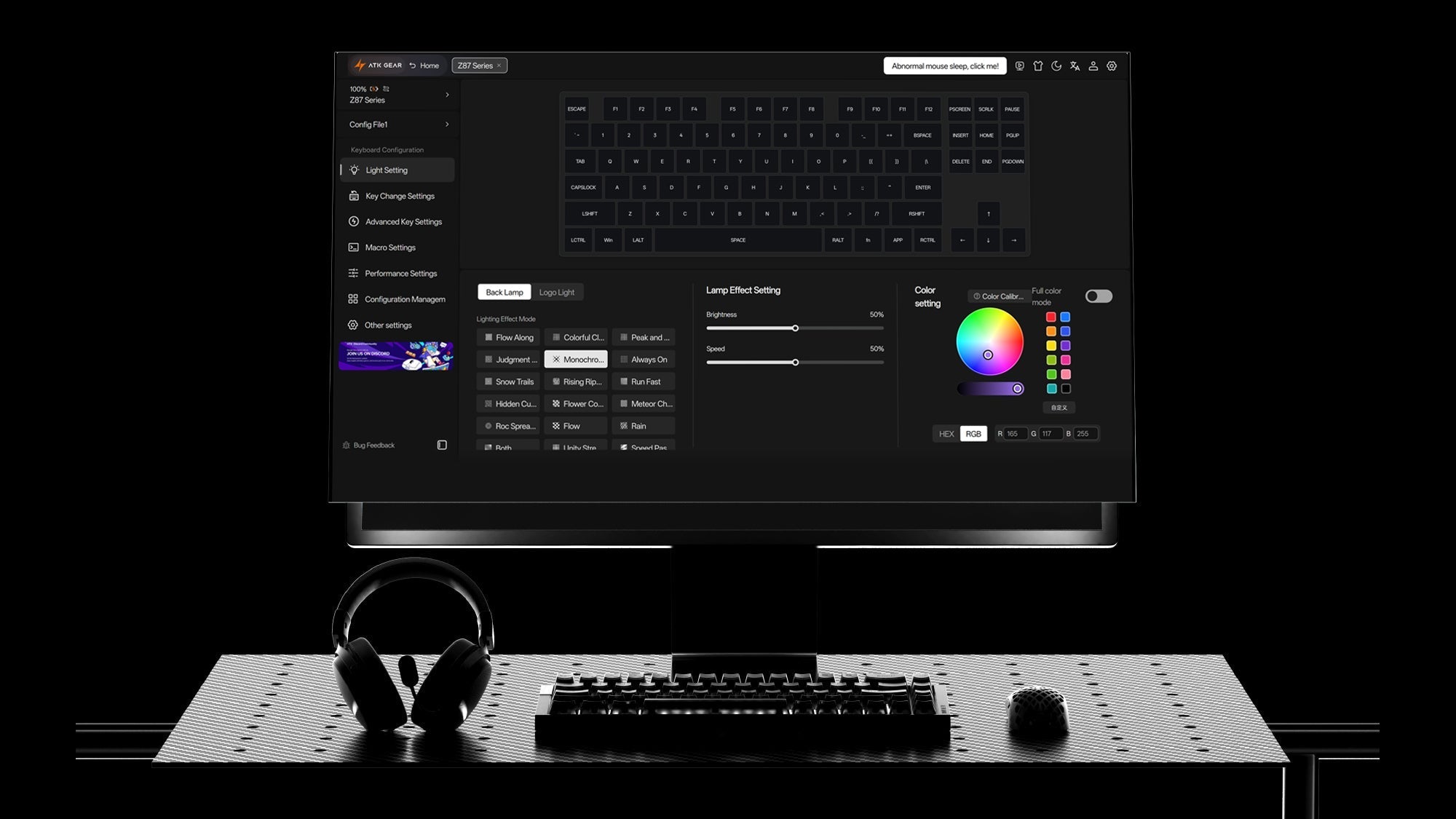
Web-based Configurators: How to Customize Your Keyboard Without Heavy Software
Browser customization gives compatible gaming keyboards portable layouts, macros and lighting settings that remain available across multiple computers.
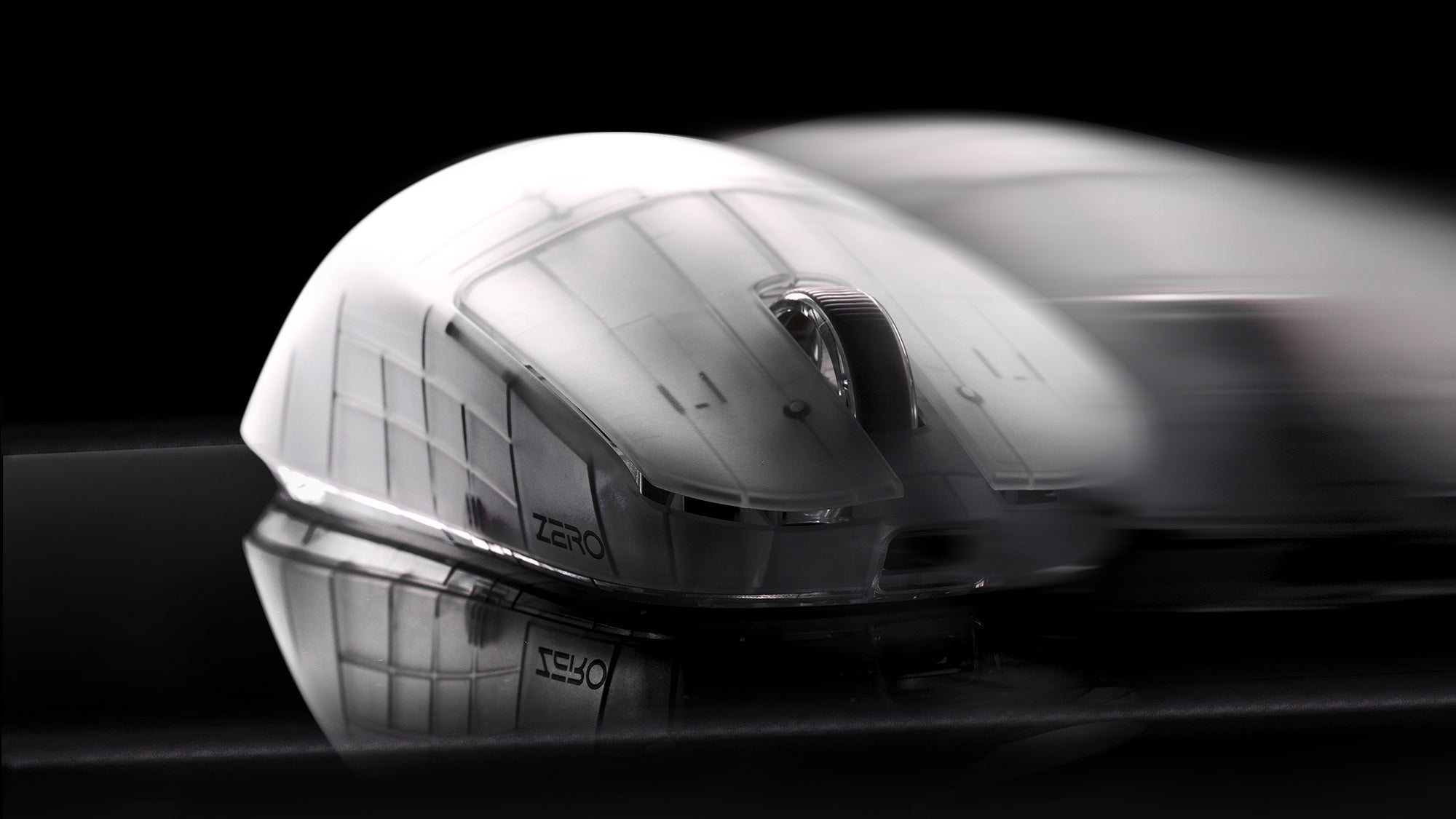
4K/8K Polling Rates on Lightweight Mice: Overkill or the Ultimate Competitive Advantage?
Higher polling sends more mouse updates to the PC and lowers report intervals. Competitive players benefit when the monitor, system, and wireless link keep up.
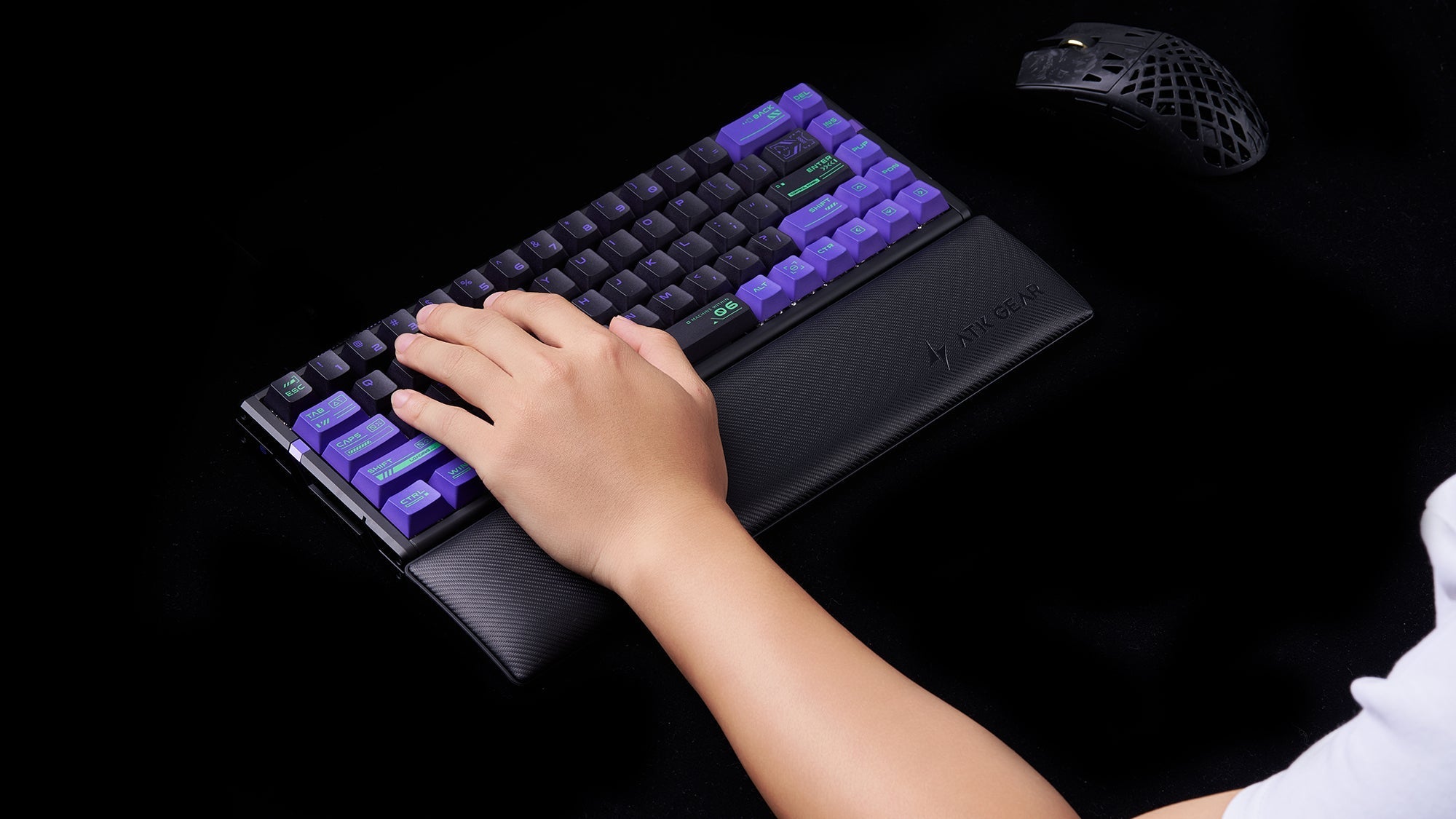
Wrist Rests: Do You Really Need One for Your Mechanical Keyboard?
Good keyboard posture keeps wrists neutral and hands mobile. Firm palm support, desk height, keyboard angle, and placement matter more than soft padding.
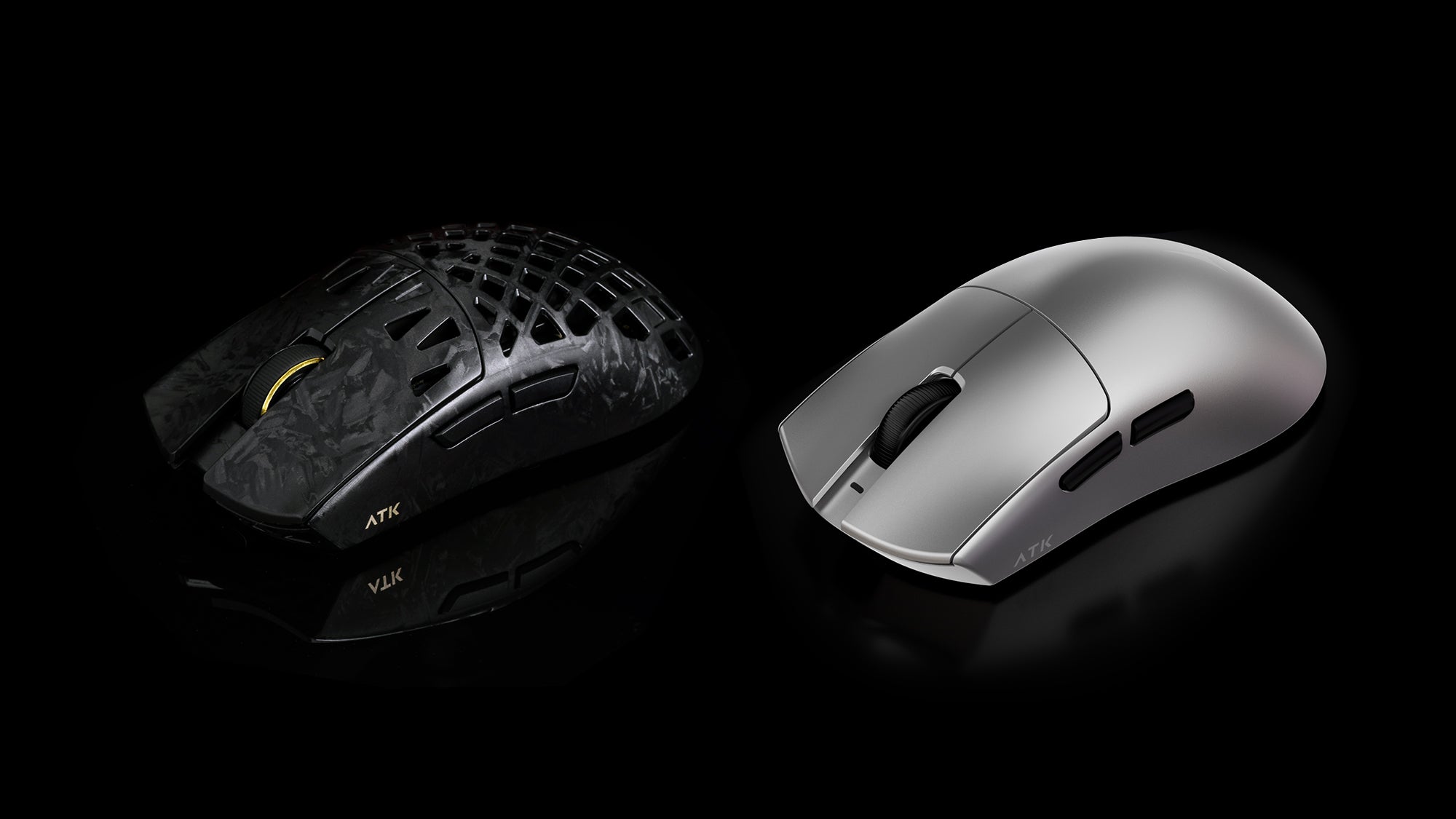
Honeycomb vs. Solid Shell Lightweight Mice: What’s the Best Choice in 2026?
In 2026, solid shell lightweight mice can match honeycomb weights without holes. Grip style, cleaning needs, shell flex, ventilation, and comfort decide choice.